
Graph Paper Gen
Generate Grid Graph Paper
iPhone, iPad, iPod touch için tasarlandı
₺149,99
- Yaş sınırı4+
- KategoriÜretkenlik
- GeliştiriciHeng Jia Liang
- Dillerİngilizce
- Boyut2,2 MB
Resmi App Store sayfasına bağlanır
Download.org, Graph Paper Gen için hiçbir dosya barındırmaz. Düğme, uygulamanın App Store üzerindeki sayfasını açar; uygulamayı orada Heng Jia Liang yayınlar. Sayfanın son kontrolü: 16.11.2026.
Ekran görüntüleri

Hakkında
Geliştirici bu metni dilinizde sunmamış.
The Graph Paper Generator is a simple tool to generate grid paper. Save generated grid paper as image or PDF files with pre-made guides ready to print.
Features:
• User-friendly interface.
• Add multiple grids/lines with custom settings.
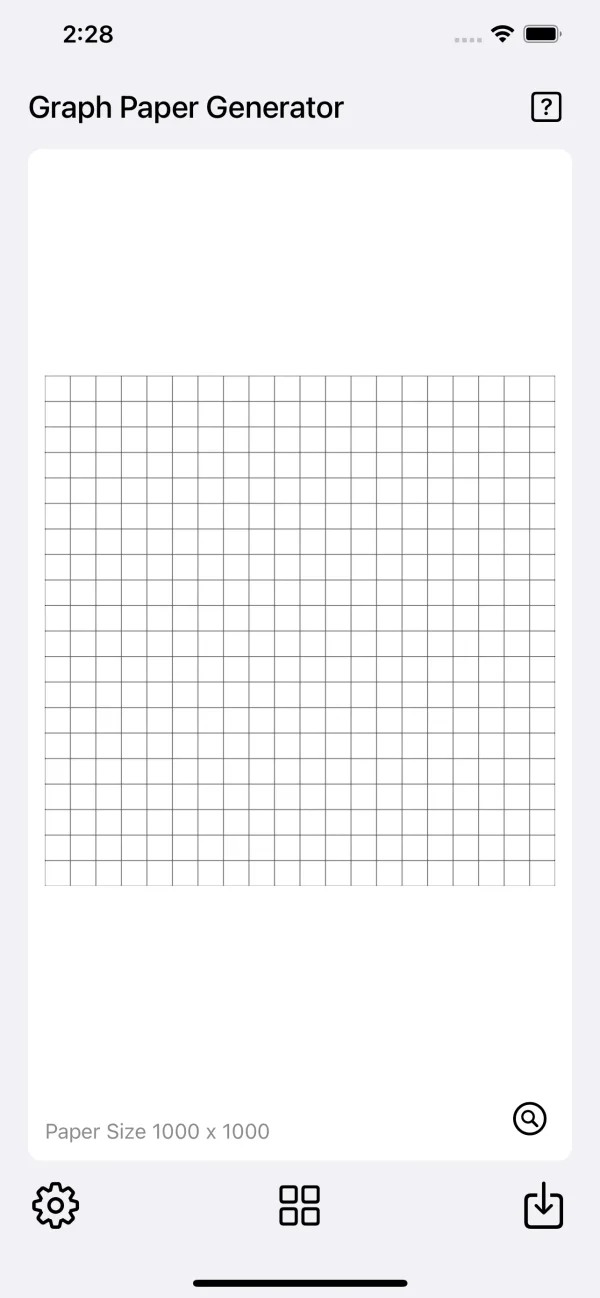
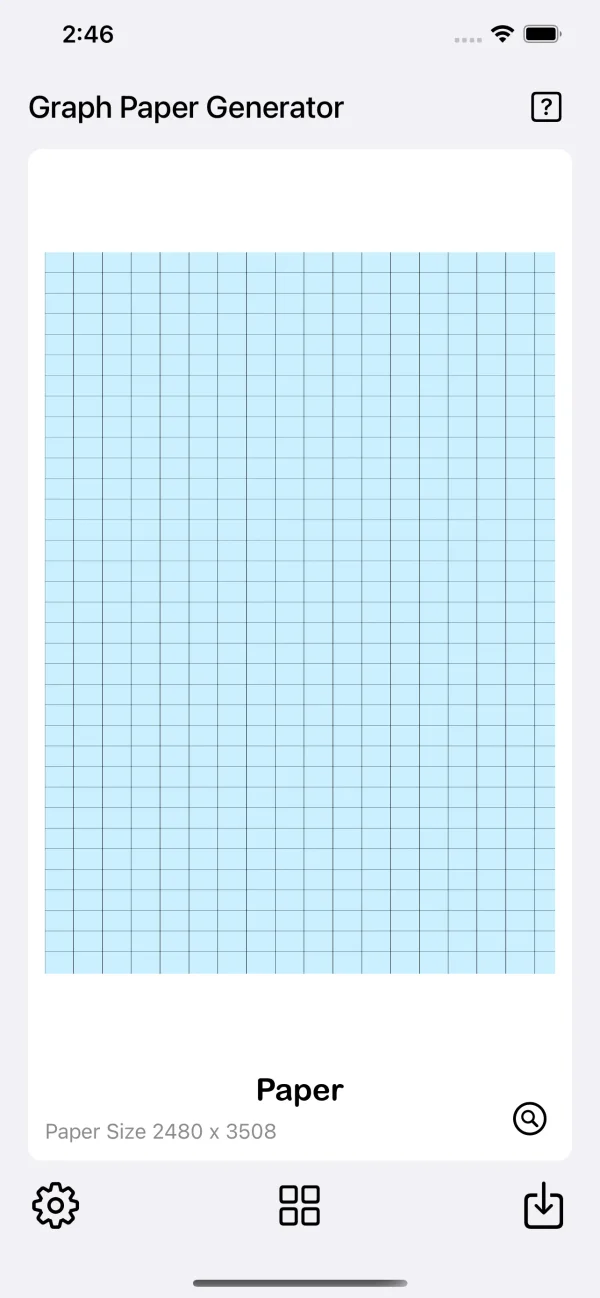
• Quick preview of graph paper.
• Instant grid paper generator.
• Option to save grid configurations as presets.
• 6 preset slots available for saving or loading.
• Option to save images to the camera roll.
• Option to save PDFs to the Files app.
• Option to print.
• 3 paper templates ready for quick setup [A4, A3, and Letter].
• Custom paper size available.
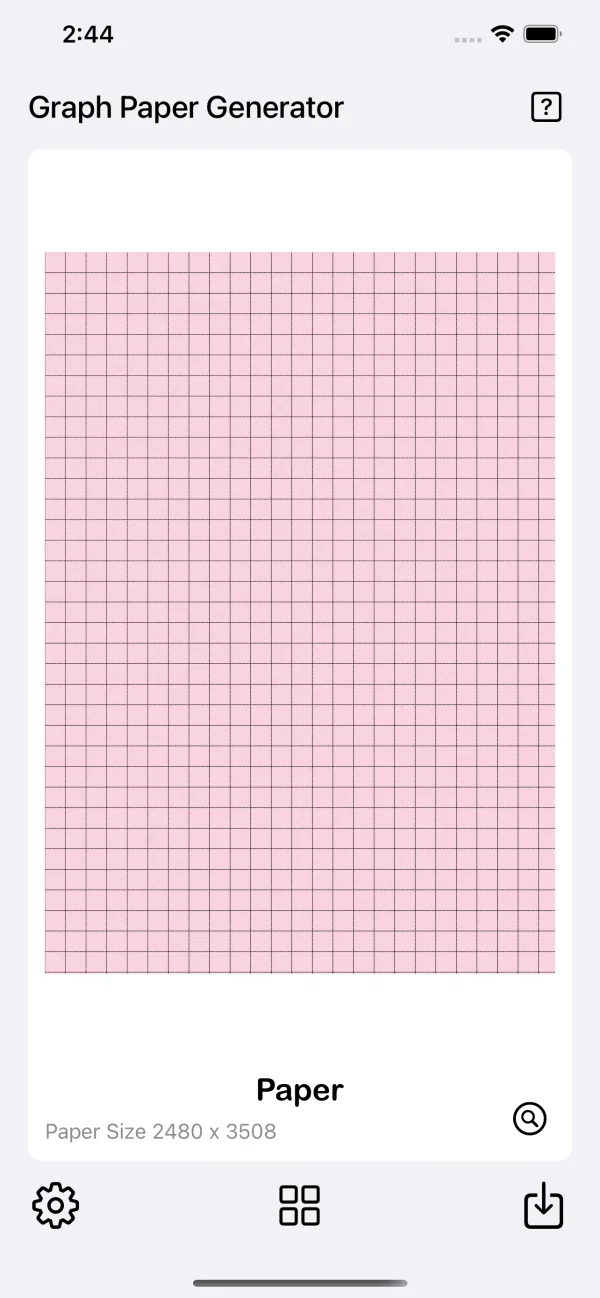
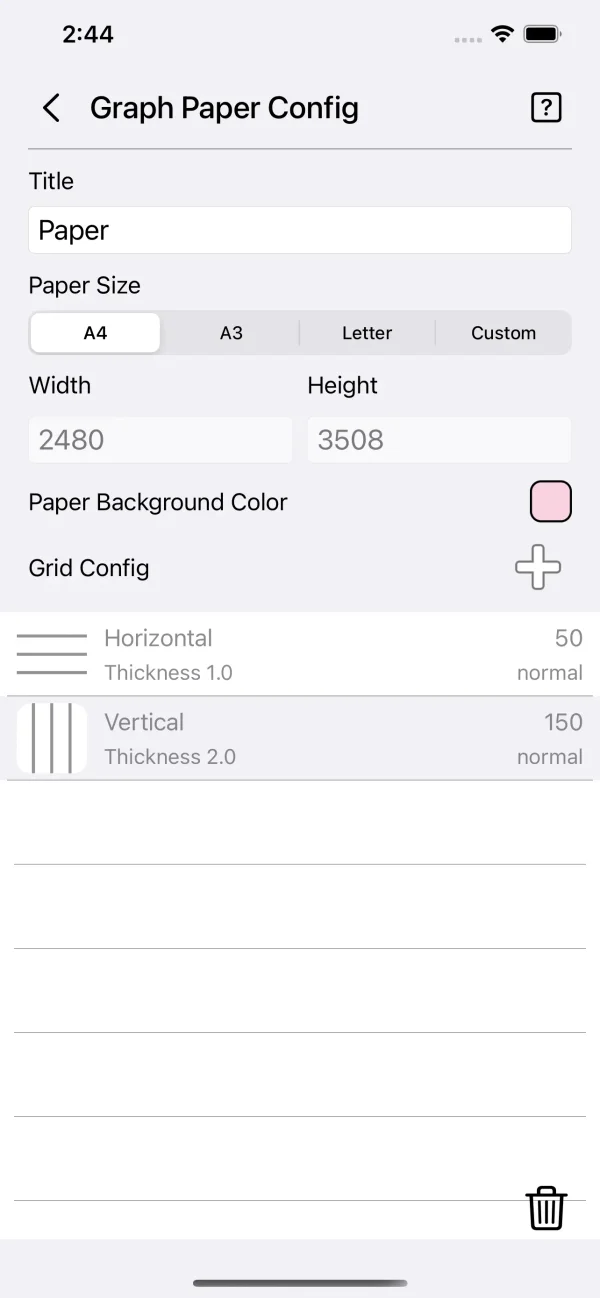
• Option to set paper color.
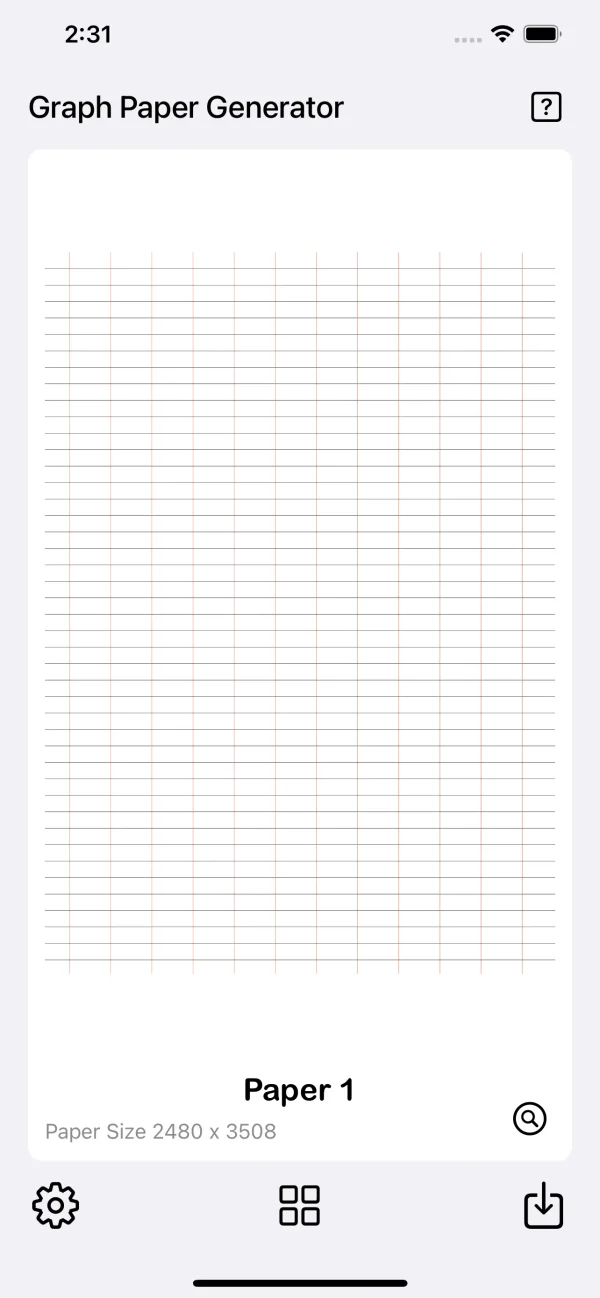
• Grid configuration for grid, horizontal line, and vertical line.
• Add up to 6 grid/line configurations.
• Option to set grid/line spacing.
• Option to set Start X or Start Y position for horizontal and vertical lines.
• Option to set line thickness (range: 0.1 – 5.0).
• Option to set grid/line color.
• Option to set grid/line style (solid or dashed).
• Simple statistics showing how many lines or grids are generated on the paper.
Quick Guide:
- Tap on the settings icon at the bottom left to start.
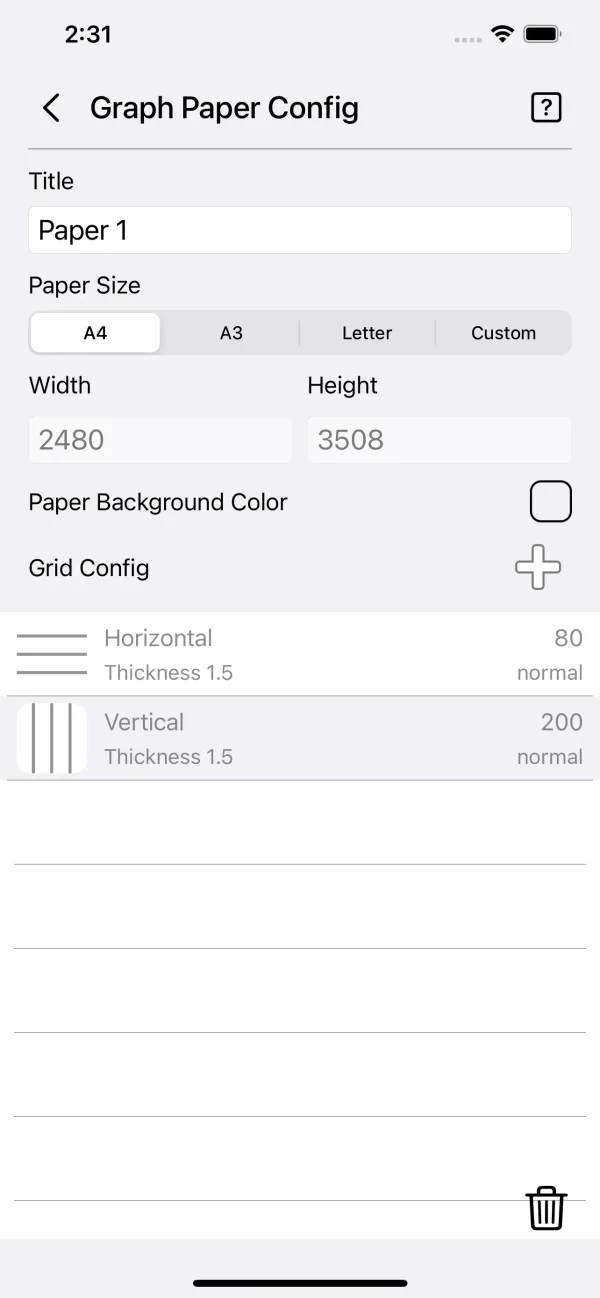
- Set the desired paper size.
- Choose a paper color or leave it as the default white.
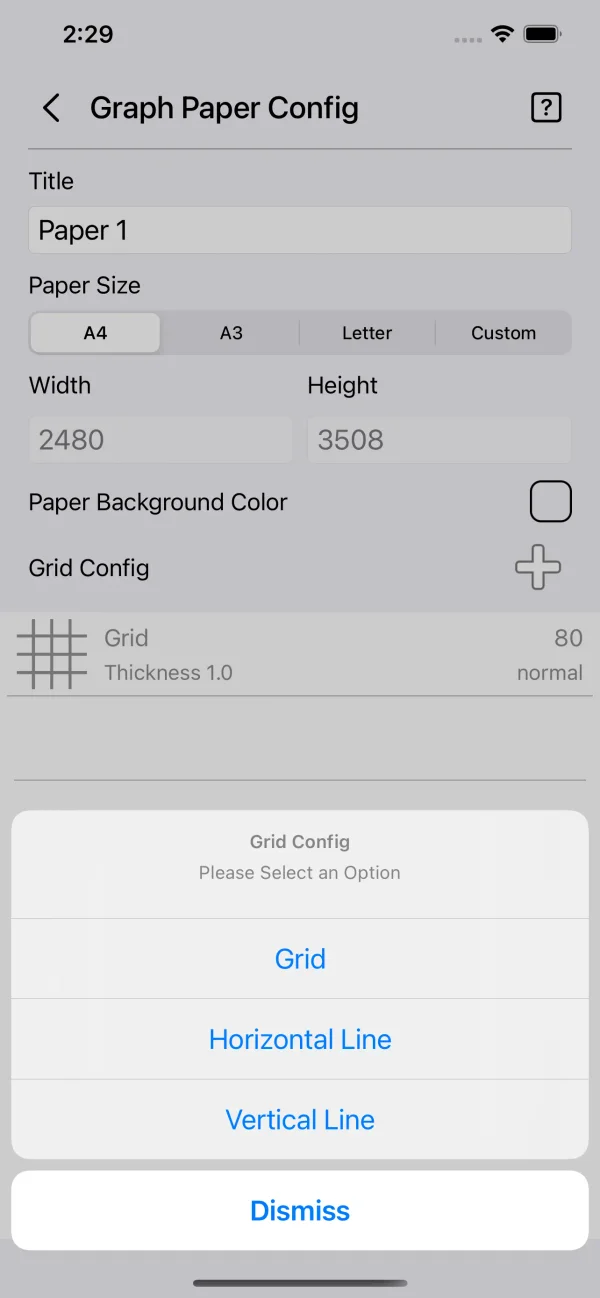
- Tap on the Plus icon beside the Grid Config.
- Choose either Grid, Horizontal Line, or Vertical Line.
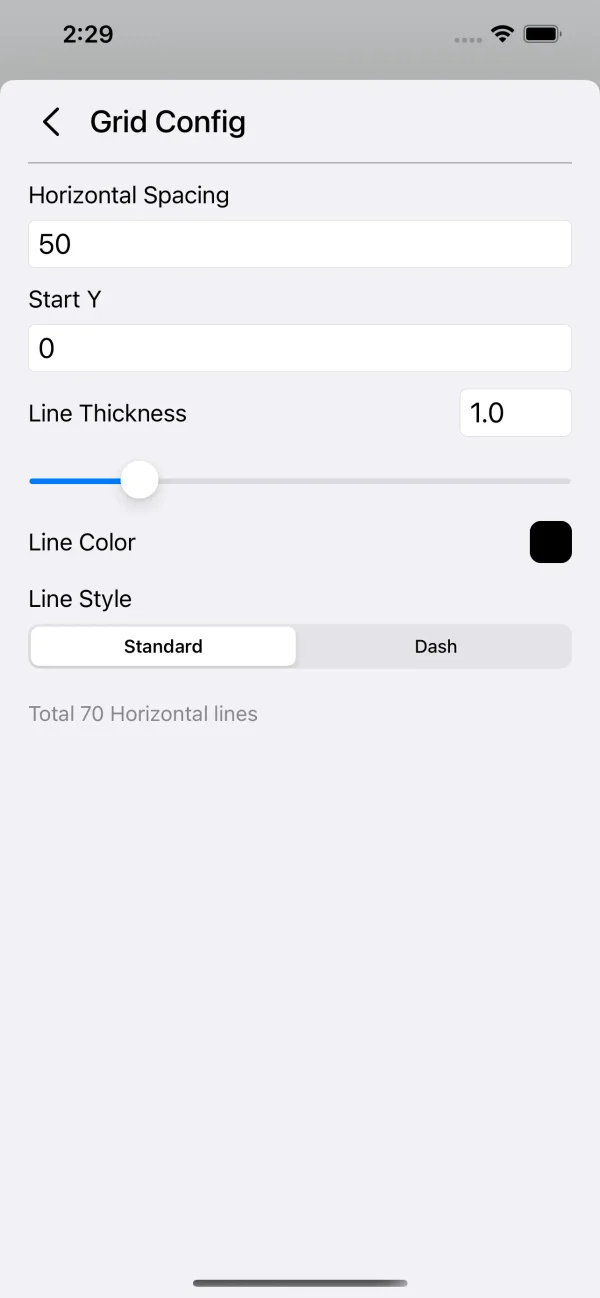
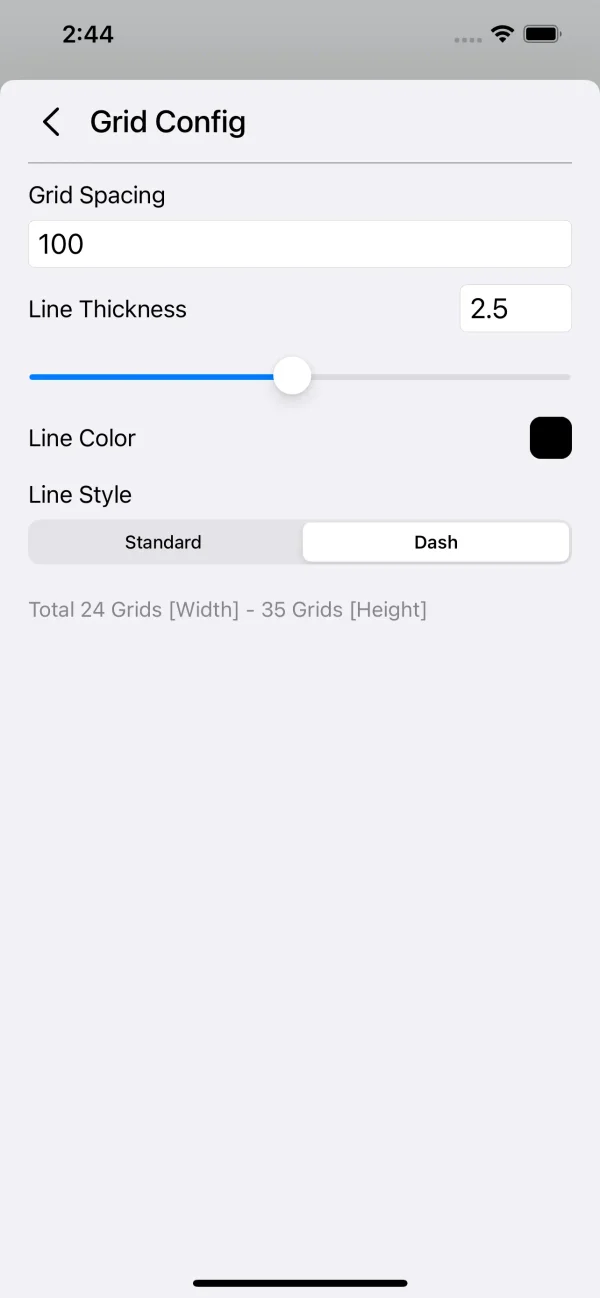
- The Grid Config page will appear.
- Set Grid/Line Spacing as desired.
[The bottom of the page shows the total number of grids/lines to be generated. Use it as a reference.]
- Set other parameters such as line thickness, line color, or line style.
- Tap back to the main page for a preview.
- Use the preview mode to check the grid paper — you can zoom and pan for detail.
- When finished, you can save it to the camera roll as an image or save it as a PDF file for printing.
Save Presets:
- Once you are done with all the settings,
- You can save them as a preset by tapping on the preset button.
- Tap on Save Preset.
- Tap on any empty slot and the preset will be saved.
- You can tap on any slot to overwrite it if you want to.
Load Presets:
- Tap on the preset button.
- Tap on Load Preset.
- Tap on any preset slot and it will load automatically.
Thanks for your support, and please visit nitrio.com for more apps for your iOS devices.
Yenilikler
Sürüm 1.1 · 23.10.2025
- Updated for the newest devices.
- Minor bugs fixed.
Uygulama gizliliği
Bu uygulamanın verileri nasıl işlediği hakkında Heng Jia Liang tarafından App Store üzerinde yapılan beyan.
-
Veri toplanmıyor
Geliştirici bu uygulamadan hiçbir veri toplamıyor.
Gizlilik uygulamaları, örneğin kullandığınız özelliklere veya yaşınıza göre değişiklik gösterebilir.
Bilgiler
- Satıcı
- Heng Jia Liang
- Kategori
- Üretkenlik
- Sürüm
- 1.1
- Güncellendi
- 23.10.2025
- Yayın tarihi
- 13.09.2021
- Boyut
- 2,2 MB
- Gereksinim
- iOS 14.1 veya sonrası
- Yaş sınırı
- 4+
- Fiyat
- ₺149,99
- Diller
- İngilizce
- Telif hakkı
- © Heng Jia Liang
Bunları da beğenebilirsiniz
-
 Checklists XLÜretkenlik
-
 The Life PlannerÜretkenlik
-
 Fast AngleÜretkenlik
-
 hypnotyping-AI* • brain tennisÜretkenlik
-
 EasyImage-Batch Image ResizerÜretkenlik
-
 VR Models ManagerÜretkenlik
-
 LitNote - Literally best noteÜretkenlik
-
 Quest Log: Real Life RPGÜretkenlik
-
 Cassie - Your AI CompanionÜretkenlik
-
 Wisen: AI Notes & KnowledgeÜretkenlik