- 対象年齢4+
- カテゴリ仕事効率化
- 開発元Heng Jia Liang
- 言語英語
- サイズ2.2 MB
App Storeの公式ページにリンクしています
Download.orgはGraph Paper Genのファイルを一切ホストしていません。ボタンを押すと、Heng Jia Liangが公開しているApp Storeのアプリページが開きます。ページの最終確認:2026/11/16。
スクリーンショット

概要
開発元はこのテキストをお使いの言語で提供していません。
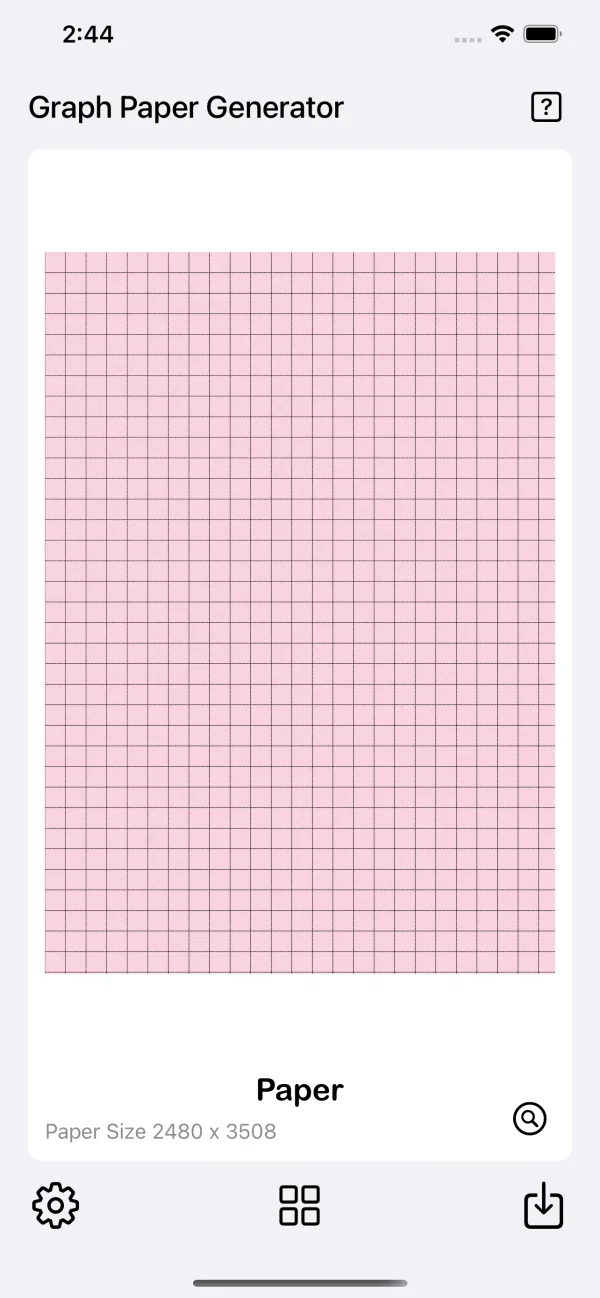
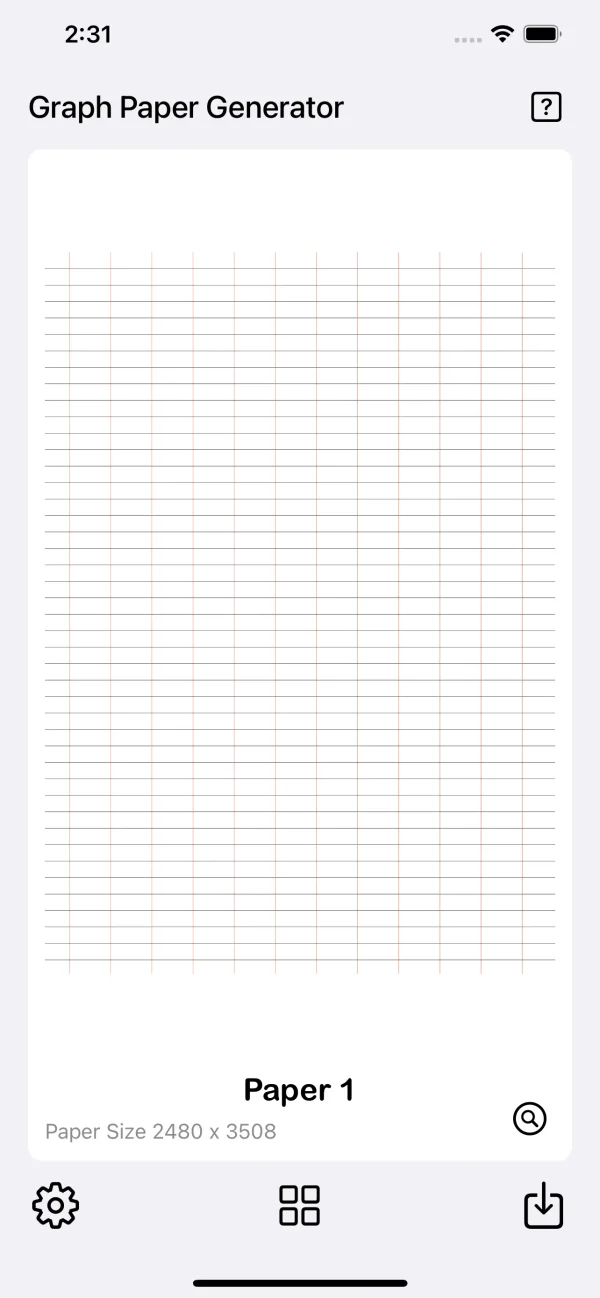
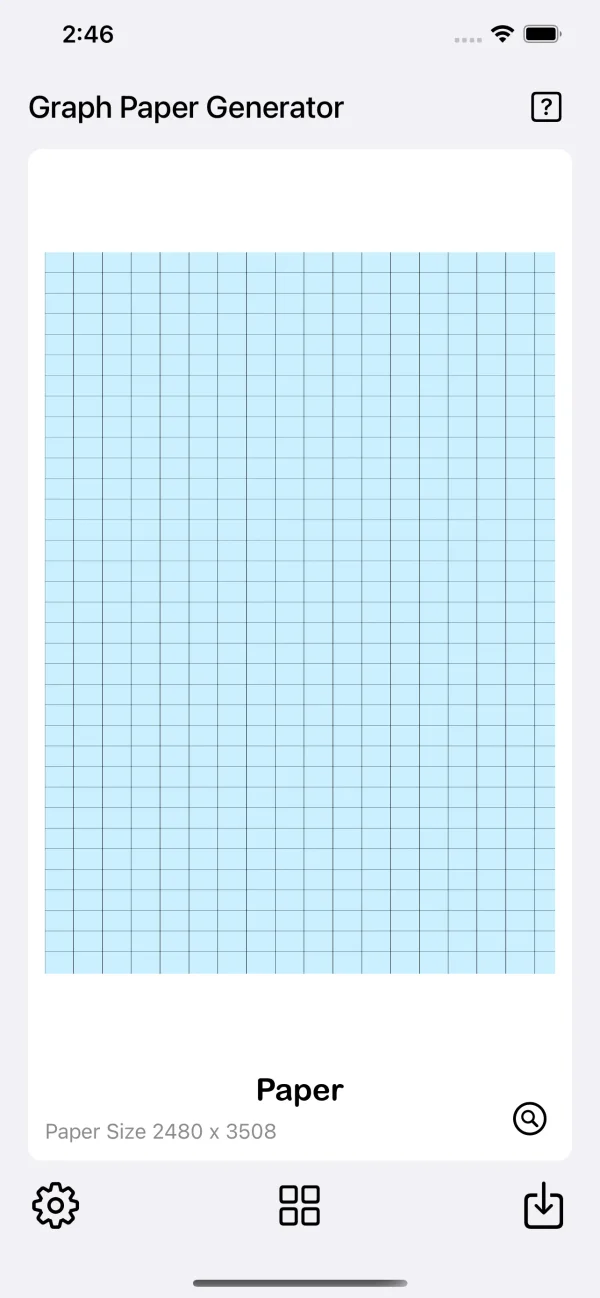
The Graph Paper Generator is a simple tool to generate grid paper. Save generated grid paper as image or PDF files with pre-made guides ready to print.
Features:
• User-friendly interface.
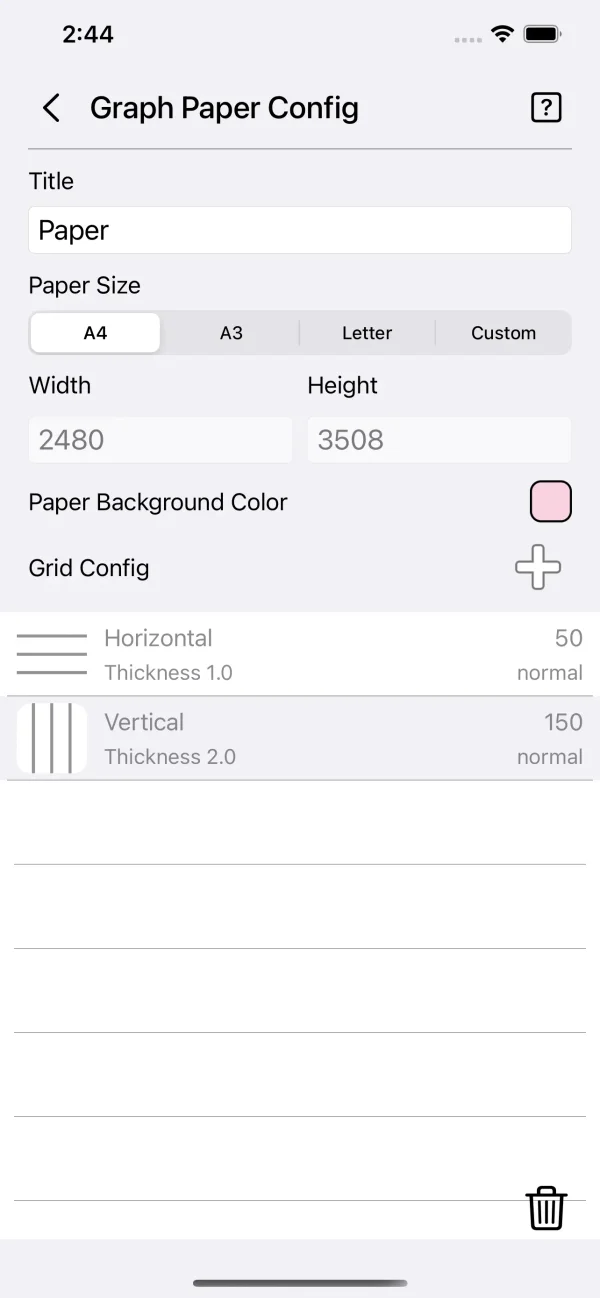
• Add multiple grids/lines with custom settings.
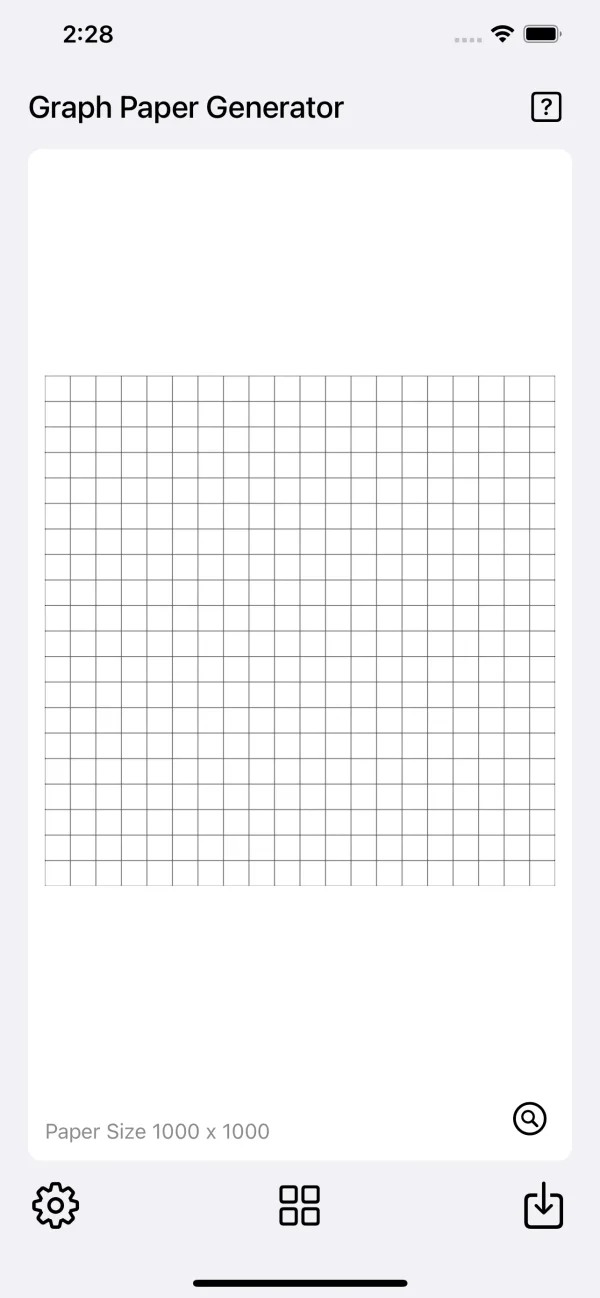
• Quick preview of graph paper.
• Instant grid paper generator.
• Option to save grid configurations as presets.
• 6 preset slots available for saving or loading.
• Option to save images to the camera roll.
• Option to save PDFs to the Files app.
• Option to print.
• 3 paper templates ready for quick setup [A4, A3, and Letter].
• Custom paper size available.
• Option to set paper color.
• Grid configuration for grid, horizontal line, and vertical line.
• Add up to 6 grid/line configurations.
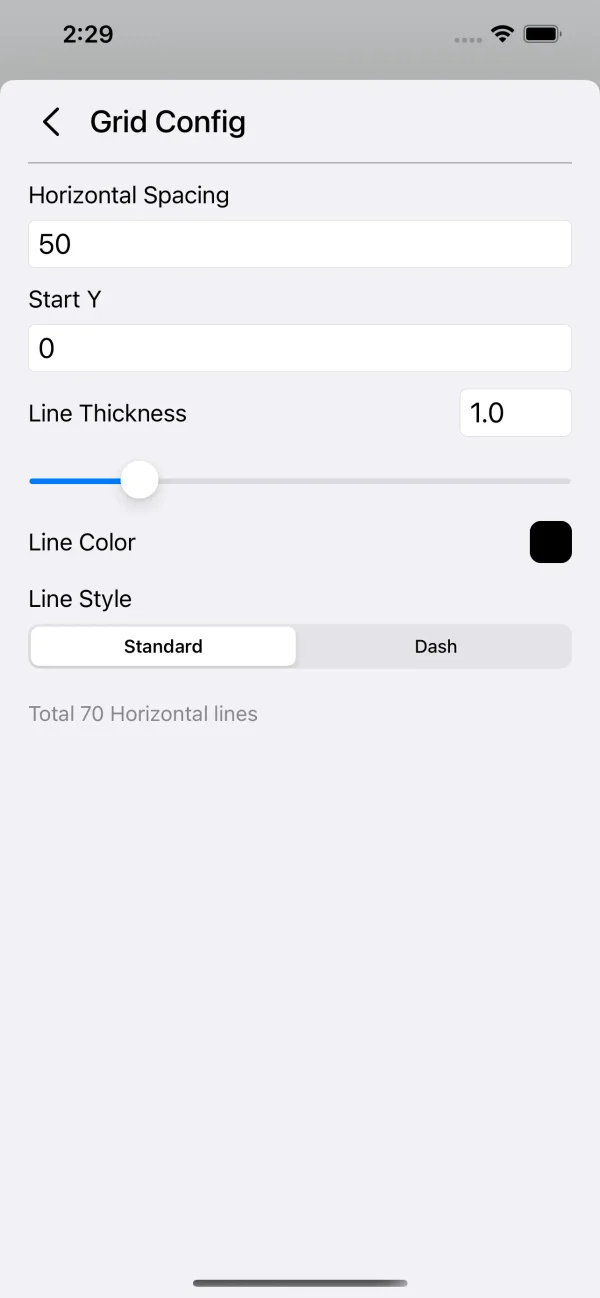
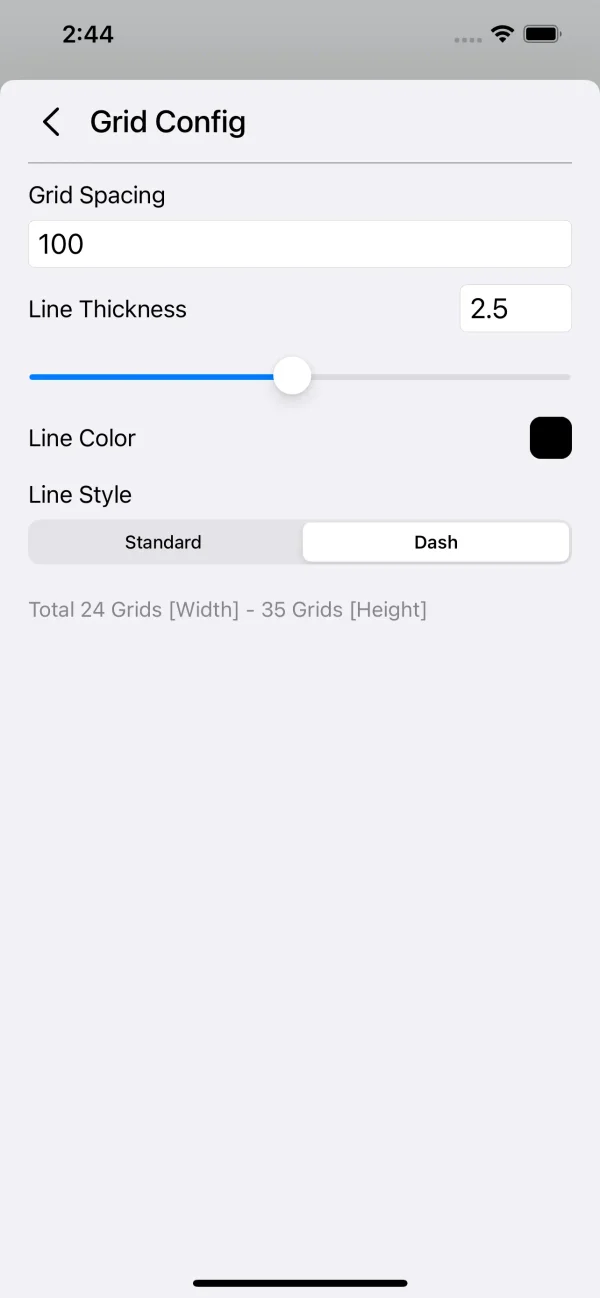
• Option to set grid/line spacing.
• Option to set Start X or Start Y position for horizontal and vertical lines.
• Option to set line thickness (range: 0.1 – 5.0).
• Option to set grid/line color.
• Option to set grid/line style (solid or dashed).
• Simple statistics showing how many lines or grids are generated on the paper.
Quick Guide:
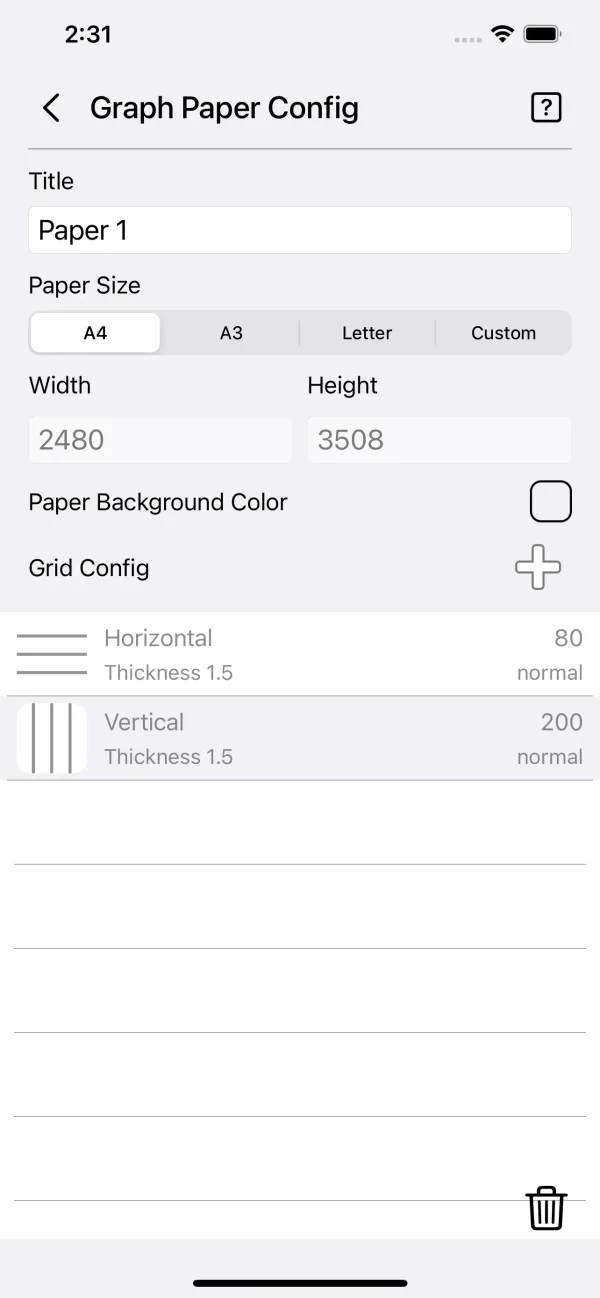
- Tap on the settings icon at the bottom left to start.
- Set the desired paper size.
- Choose a paper color or leave it as the default white.
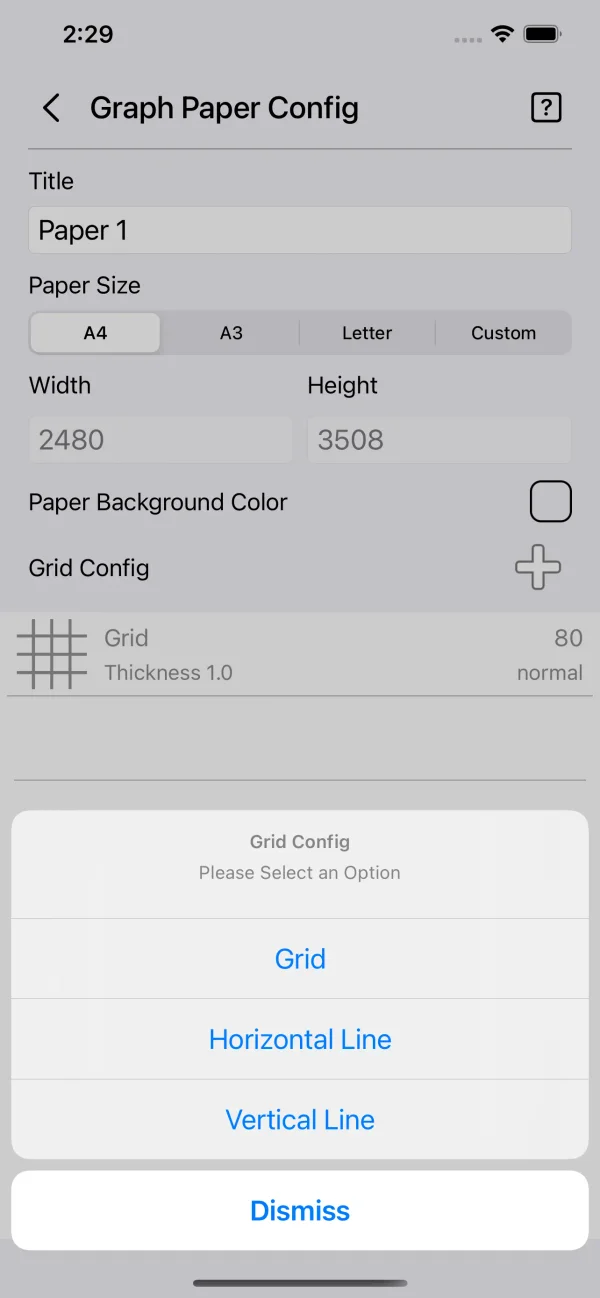
- Tap on the Plus icon beside the Grid Config.
- Choose either Grid, Horizontal Line, or Vertical Line.
- The Grid Config page will appear.
- Set Grid/Line Spacing as desired.
[The bottom of the page shows the total number of grids/lines to be generated. Use it as a reference.]
- Set other parameters such as line thickness, line color, or line style.
- Tap back to the main page for a preview.
- Use the preview mode to check the grid paper — you can zoom and pan for detail.
- When finished, you can save it to the camera roll as an image or save it as a PDF file for printing.
Save Presets:
- Once you are done with all the settings,
- You can save them as a preset by tapping on the preset button.
- Tap on Save Preset.
- Tap on any empty slot and the preset will be saved.
- You can tap on any slot to overwrite it if you want to.
Load Presets:
- Tap on the preset button.
- Tap on Load Preset.
- Tap on any preset slot and it will load automatically.
Thanks for your support, and please visit nitrio.com for more apps for your iOS devices.
新機能
バージョン 1.1 · 2025/10/23
- Updated for the newest devices.
- Minor bugs fixed.
アプリのプライバシー
このアプリのデータの取り扱いについて、Heng Jia LiangがApp Storeで申告している内容です。
-
データの収集なし
開発元はこのアプリからデータを収集しません。
プライバシーの取り扱いは、ご利用の機能やお客様の年齢などに応じて異なる場合があります。
情報
- 販売元
- Heng Jia Liang
- カテゴリ
- 仕事効率化
- バージョン
- 1.1
- 更新日
- 2025/10/23
- リリース
- 2021/9/13
- サイズ
- 2.2 MB
- 必要条件
- iOS 14.1以降
- 対象年齢
- 4+
- 価格
- ¥500
- 言語
- 英語
- 著作権
- © Heng Jia Liang