
Graph Paper Gen
Generate Grid Graph Paper
Được thiết kế cho iPhone, iPad, iPod touch
99.000đ
- Độ tuổi4+
- Danh mụcHiệu Suất
- Nhà phát triểnHeng Jia Liang
- Ngôn ngữTiếng Anh
- Kích thước2,2 MB
Liên kết đến trang App Store chính thức
Download.org không lưu trữ tệp nào của Graph Paper Gen. Nút này mở trang ứng dụng trên App Store, nơi Heng Jia Liang phát hành ứng dụng. Trang được kiểm tra lần cuối: 16/11/2026.
Ảnh chụp màn hình

Giới thiệu
Nhà phát triển chưa cung cấp nội dung này bằng ngôn ngữ của bạn.
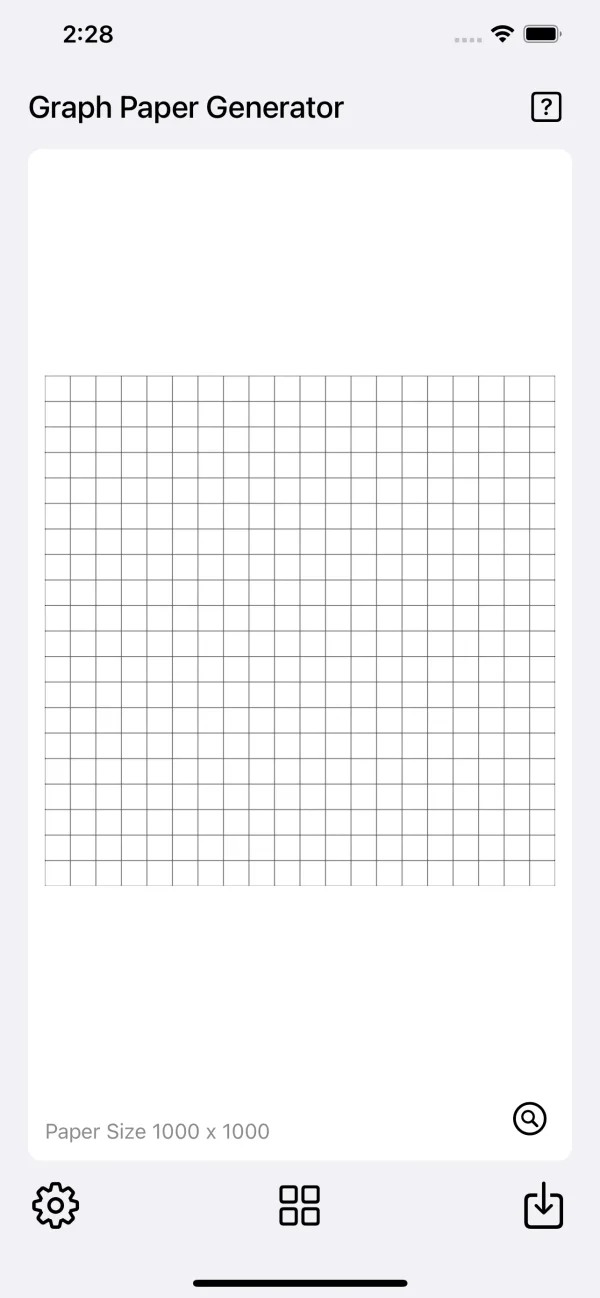
The Graph Paper Generator is a simple tool to generate grid paper. Save generated grid paper as image or PDF files with pre-made guides ready to print.
Features:
• User-friendly interface.
• Add multiple grids/lines with custom settings.
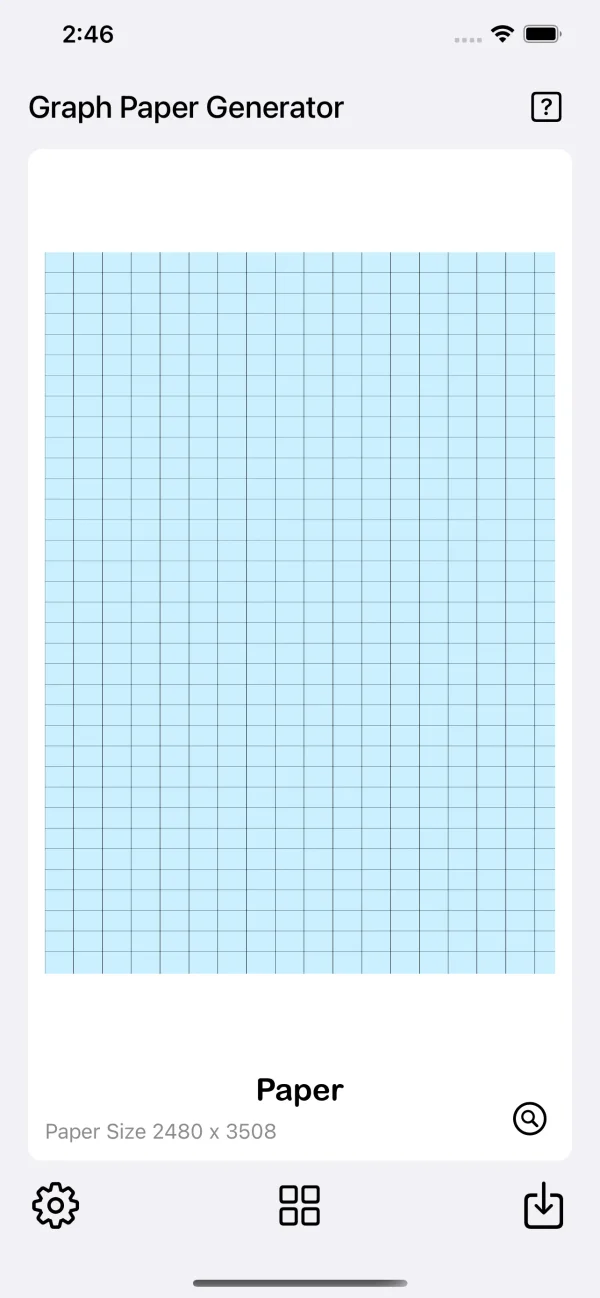
• Quick preview of graph paper.
• Instant grid paper generator.
• Option to save grid configurations as presets.
• 6 preset slots available for saving or loading.
• Option to save images to the camera roll.
• Option to save PDFs to the Files app.
• Option to print.
• 3 paper templates ready for quick setup [A4, A3, and Letter].
• Custom paper size available.
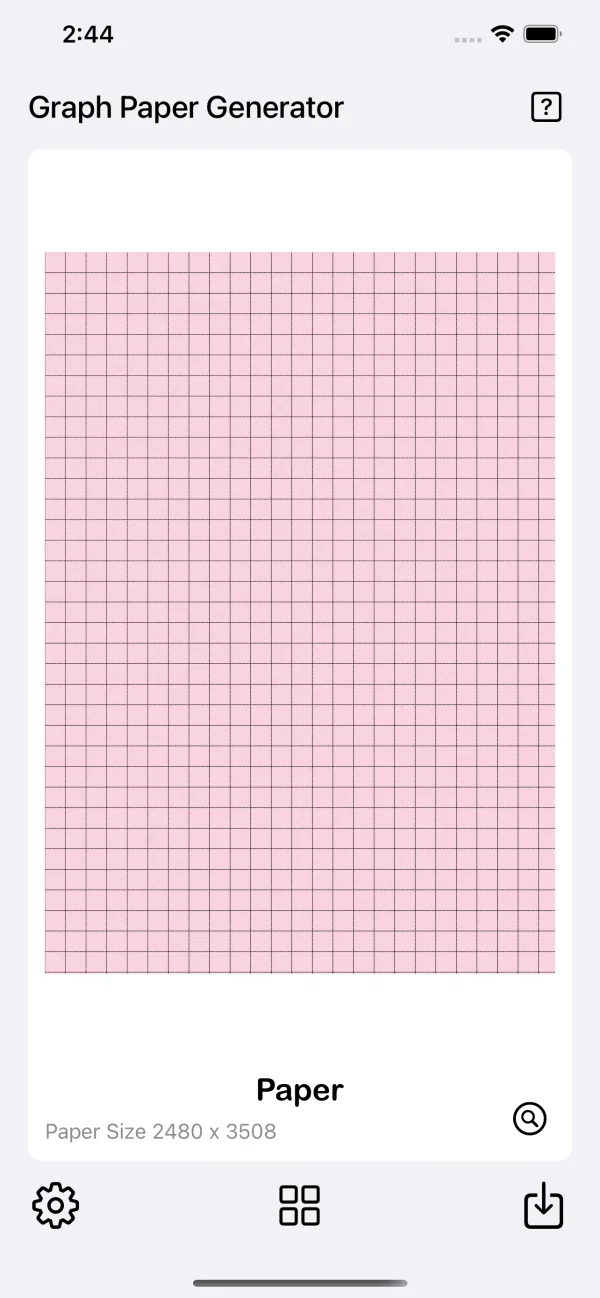
• Option to set paper color.
• Grid configuration for grid, horizontal line, and vertical line.
• Add up to 6 grid/line configurations.
• Option to set grid/line spacing.
• Option to set Start X or Start Y position for horizontal and vertical lines.
• Option to set line thickness (range: 0.1 – 5.0).
• Option to set grid/line color.
• Option to set grid/line style (solid or dashed).
• Simple statistics showing how many lines or grids are generated on the paper.
Quick Guide:
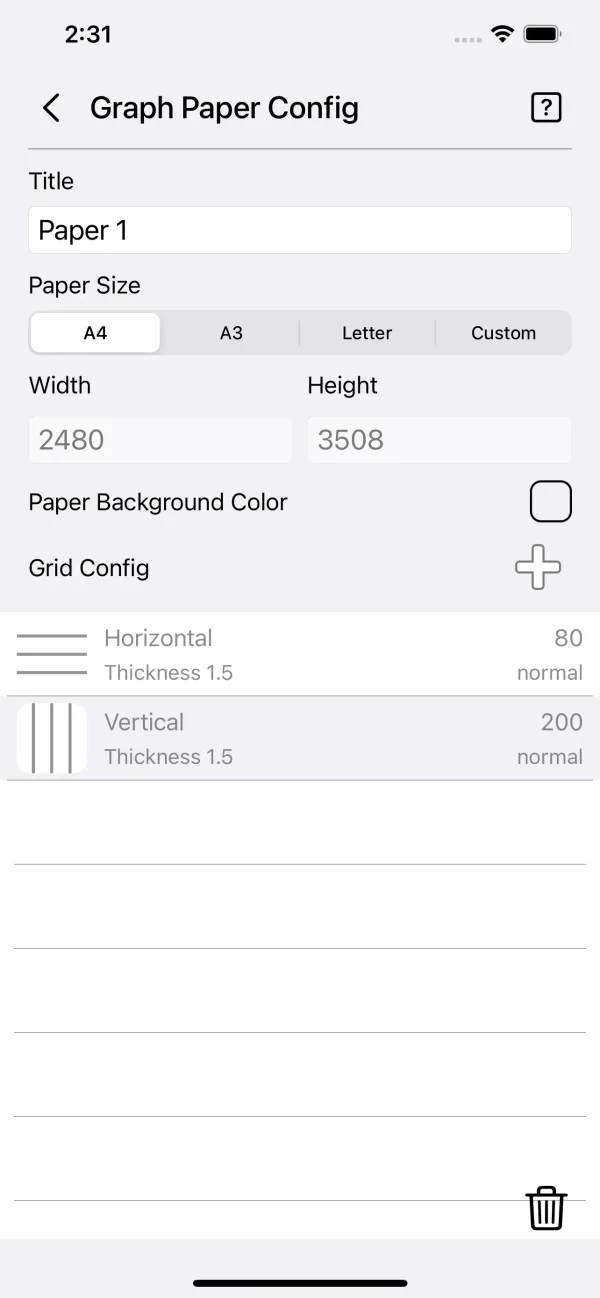
- Tap on the settings icon at the bottom left to start.
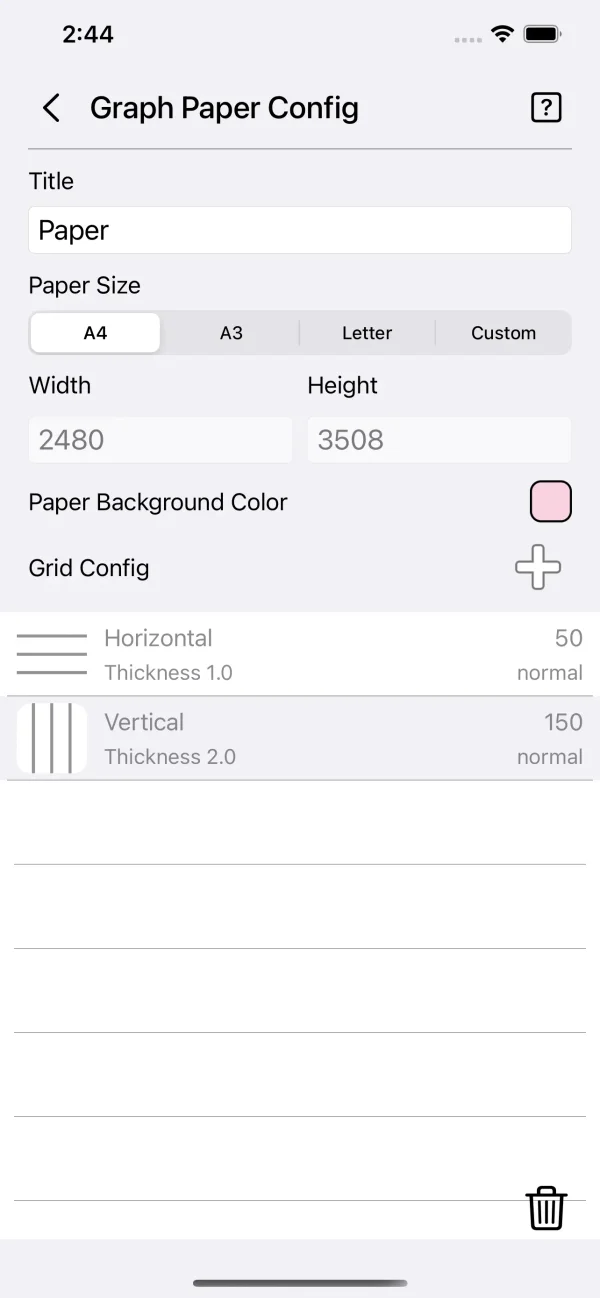
- Set the desired paper size.
- Choose a paper color or leave it as the default white.
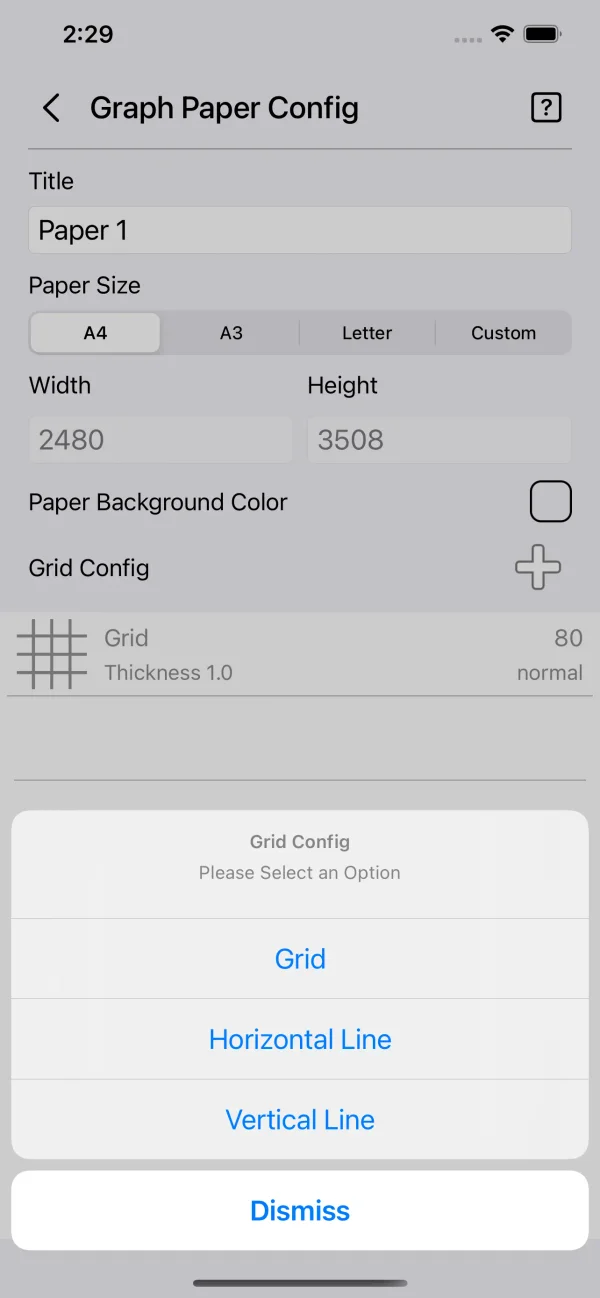
- Tap on the Plus icon beside the Grid Config.
- Choose either Grid, Horizontal Line, or Vertical Line.
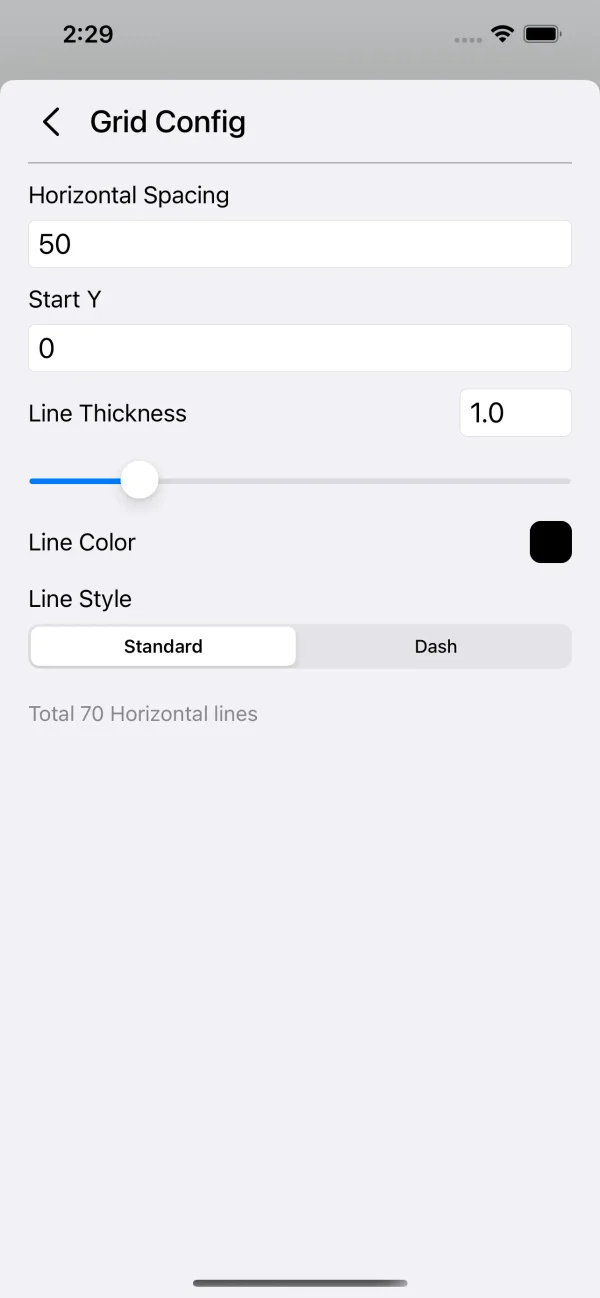
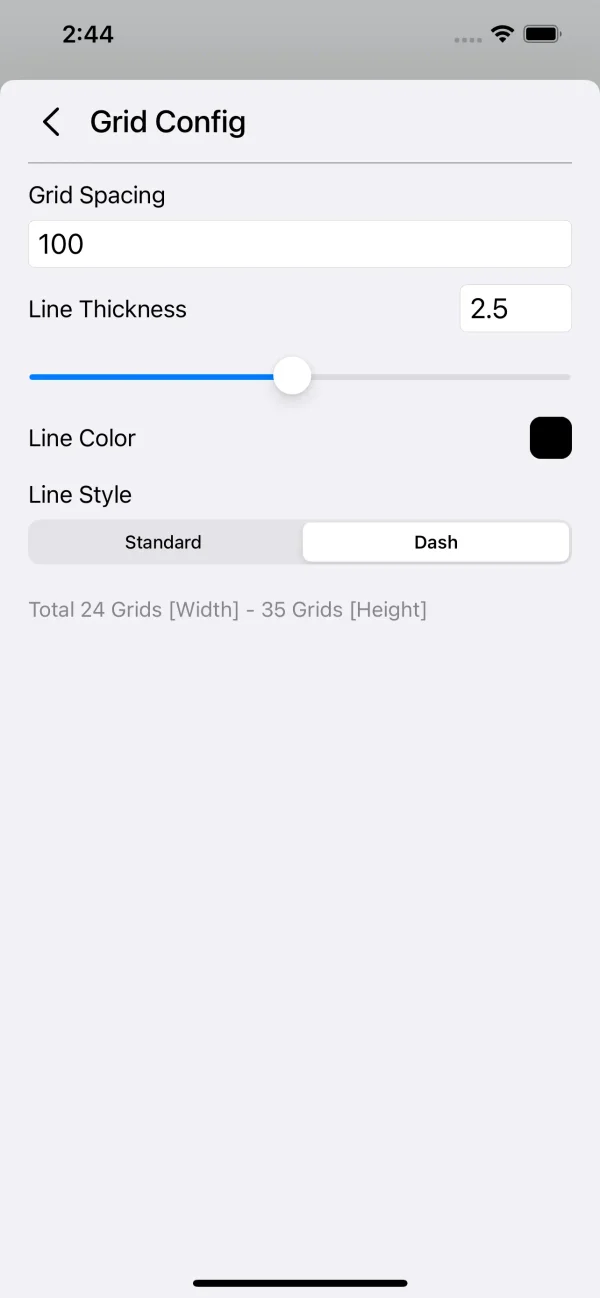
- The Grid Config page will appear.
- Set Grid/Line Spacing as desired.
[The bottom of the page shows the total number of grids/lines to be generated. Use it as a reference.]
- Set other parameters such as line thickness, line color, or line style.
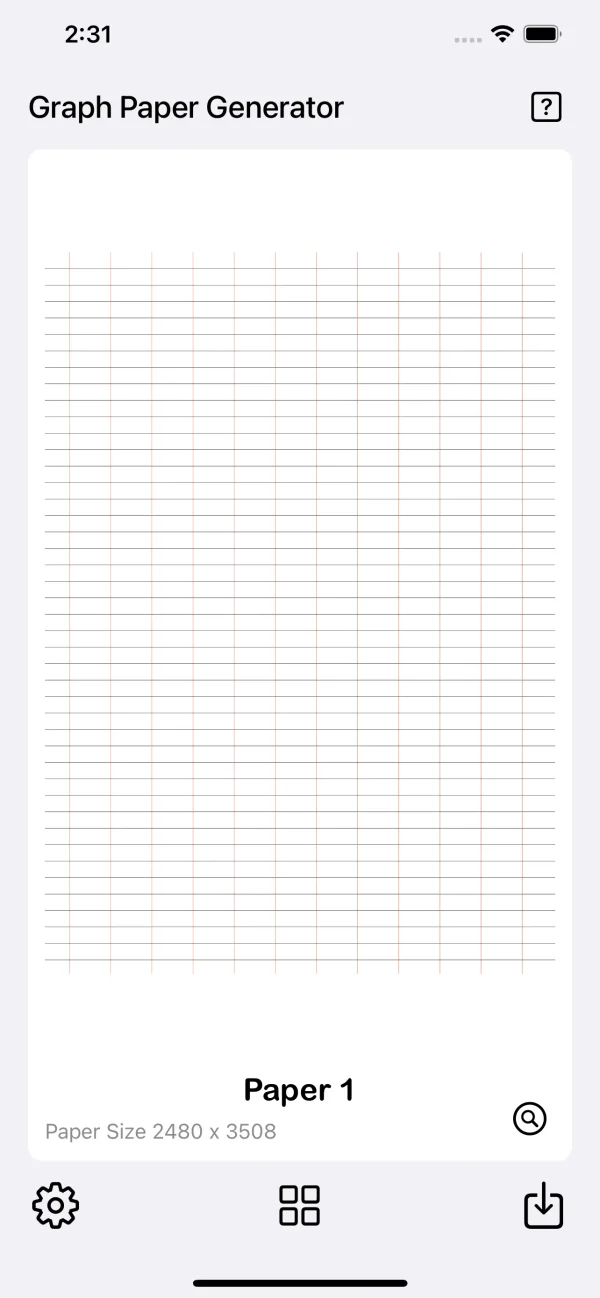
- Tap back to the main page for a preview.
- Use the preview mode to check the grid paper — you can zoom and pan for detail.
- When finished, you can save it to the camera roll as an image or save it as a PDF file for printing.
Save Presets:
- Once you are done with all the settings,
- You can save them as a preset by tapping on the preset button.
- Tap on Save Preset.
- Tap on any empty slot and the preset will be saved.
- You can tap on any slot to overwrite it if you want to.
Load Presets:
- Tap on the preset button.
- Tap on Load Preset.
- Tap on any preset slot and it will load automatically.
Thanks for your support, and please visit nitrio.com for more apps for your iOS devices.
Có gì mới
Phiên bản 1.1 · 23/10/2025
- Updated for the newest devices.
- Minor bugs fixed.
Quyền riêng tư của ứng dụng
Những gì Heng Jia Liang khai báo trên App Store về cách ứng dụng này xử lý dữ liệu.
-
Dữ liệu không được thu thập
Nhà phát triển không thu thập bất kỳ dữ liệu nào từ ứng dụng này.
Phương thức đảm bảo quyền riêng tư có thể khác nhau, chẳng hạn như tuỳ theo các tính năng bạn sử dụng hoặc độ tuổi của bạn.
Thông tin
- Người bán
- Heng Jia Liang
- Danh mục
- Hiệu Suất
- Phiên bản
- 1.1
- Cập nhật
- 23/10/2025
- Phát hành
- 13/09/2021
- Kích thước
- 2,2 MB
- Yêu cầu
- iOS 14.1 trở lên
- Độ tuổi
- 4+
- Giá
- 99.000đ
- Ngôn ngữ
- Tiếng Anh
- Bản quyền
- © Heng Jia Liang
Có thể bạn cũng thích
-
 Checklists XLHiệu Suất
-
 The Life PlannerHiệu Suất
-
 Fast AngleHiệu Suất
-
 hypnotyping-AI* • brain tennisHiệu Suất
-
 EasyImage-Batch Image ResizerHiệu Suất
-
 VR Models ManagerHiệu Suất
-
 LitNote - Literally best noteHiệu Suất
-
 Quest Log: Real Life RPGHiệu Suất
-
 Cassie - Your AI CompanionHiệu Suất
-
 Wisen: AI Notes & KnowledgeHiệu Suất