Graph Paper Gen
Generate Grid Graph Paper
Designed for iPhone, iPad, iPod touch
$2.99
- Age rating4+
- CategoryProductivity
- DeveloperHeng Jia Liang
- LanguagesEnglish
- Size2.2 MB
Links to the official App Store page
Download.org hosts no file of Graph Paper Gen. The button opens its official App Store page, published by Heng Jia Liang. Listing last checked on Nov 16, 2026.
Screenshots



About
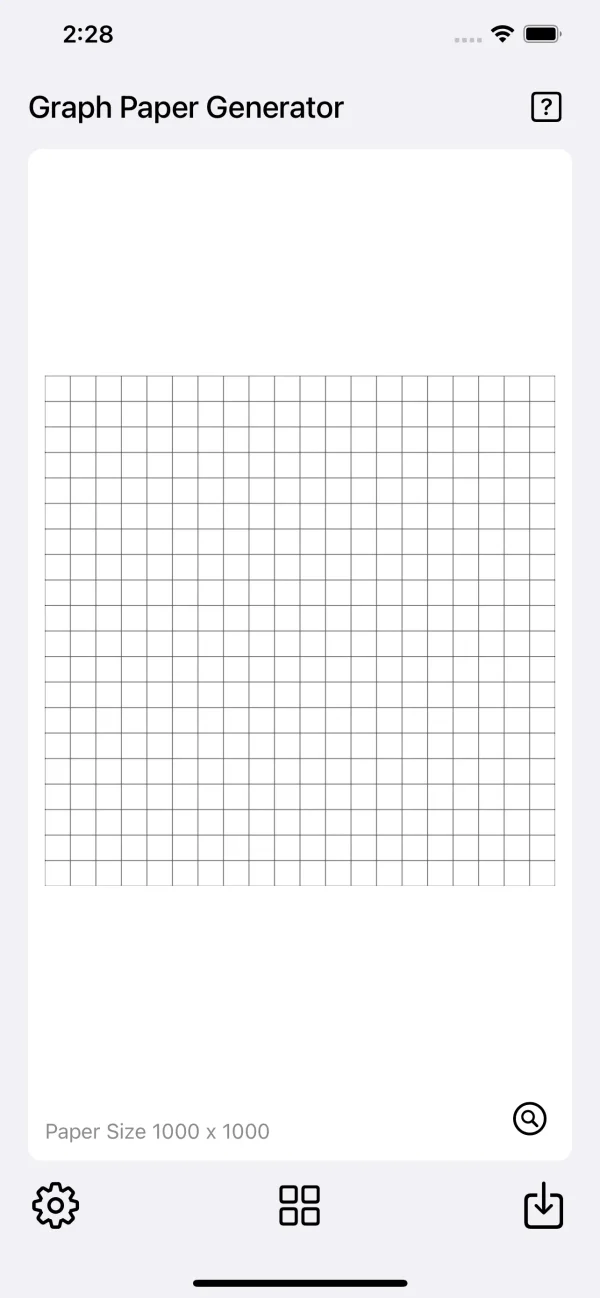
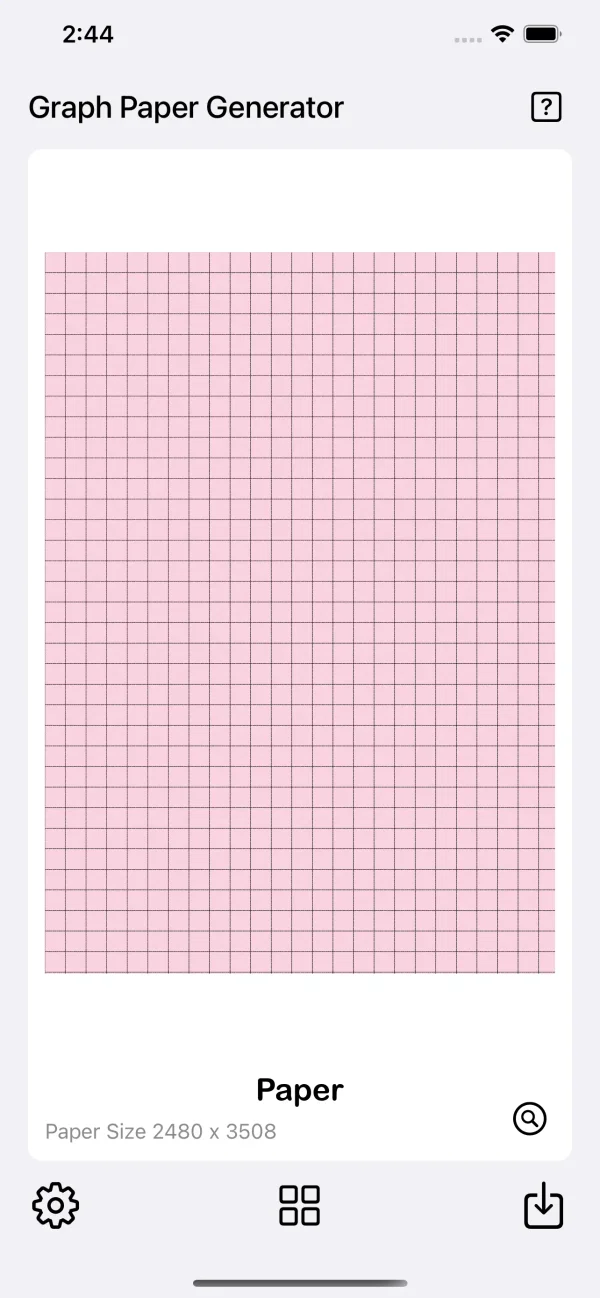
The Graph Paper Generator is a simple tool to generate grid paper. Save generated grid paper as image or PDF files with pre-made guides ready to print.
Features:
• User-friendly interface.
• Add multiple grids/lines with custom settings.
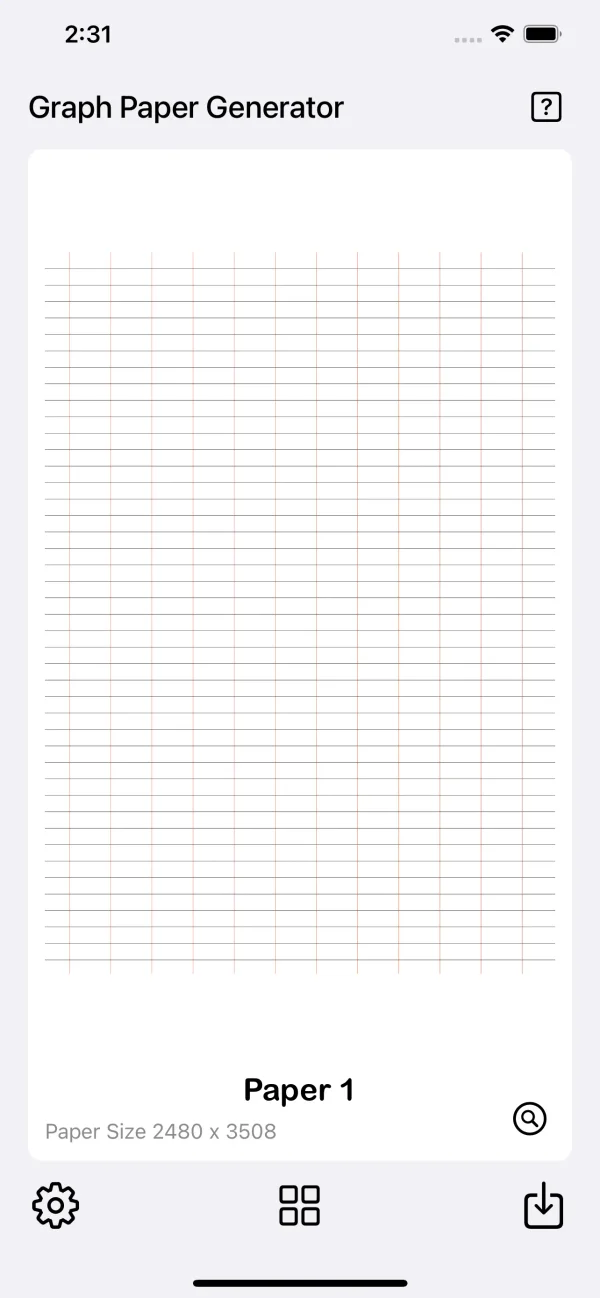
• Quick preview of graph paper.
• Instant grid paper generator.
• Option to save grid configurations as presets.
• 6 preset slots available for saving or loading.
• Option to save images to the camera roll.
• Option to save PDFs to the Files app.
• Option to print.
• 3 paper templates ready for quick setup [A4, A3, and Letter].
• Custom paper size available.
• Option to set paper color.
• Grid configuration for grid, horizontal line, and vertical line.
• Add up to 6 grid/line configurations.
• Option to set grid/line spacing.
• Option to set Start X or Start Y position for horizontal and vertical lines.
• Option to set line thickness (range: 0.1 – 5.0).
• Option to set grid/line color.
• Option to set grid/line style (solid or dashed).
• Simple statistics showing how many lines or grids are generated on the paper.
Quick Guide:
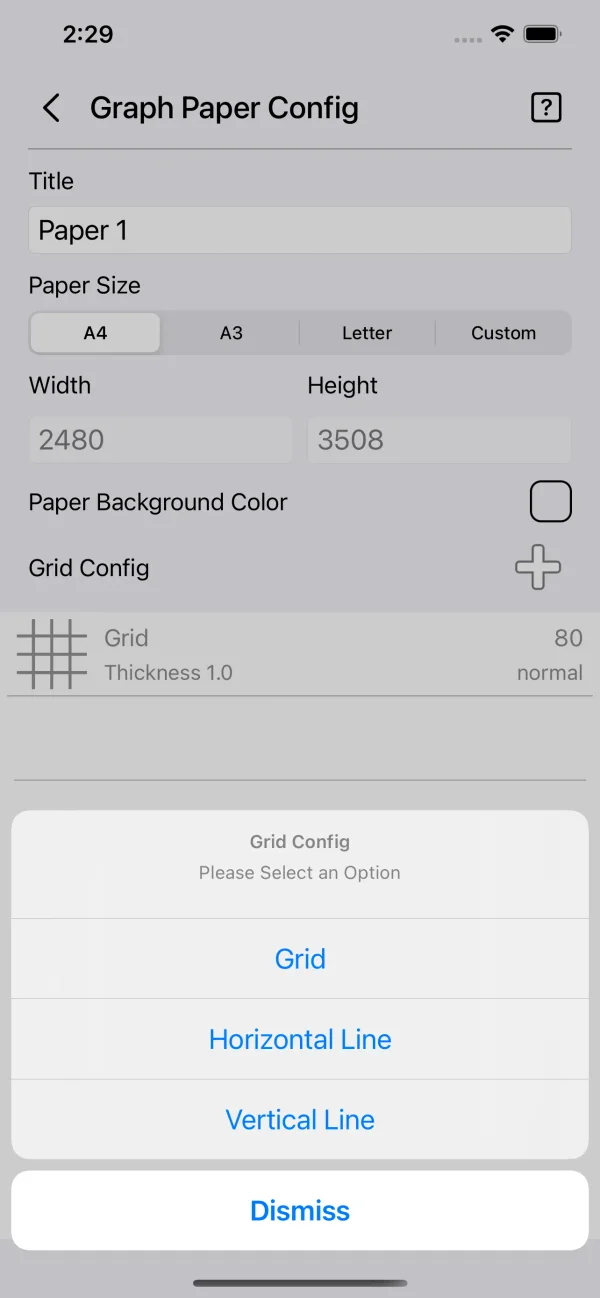
- Tap on the settings icon at the bottom left to start.
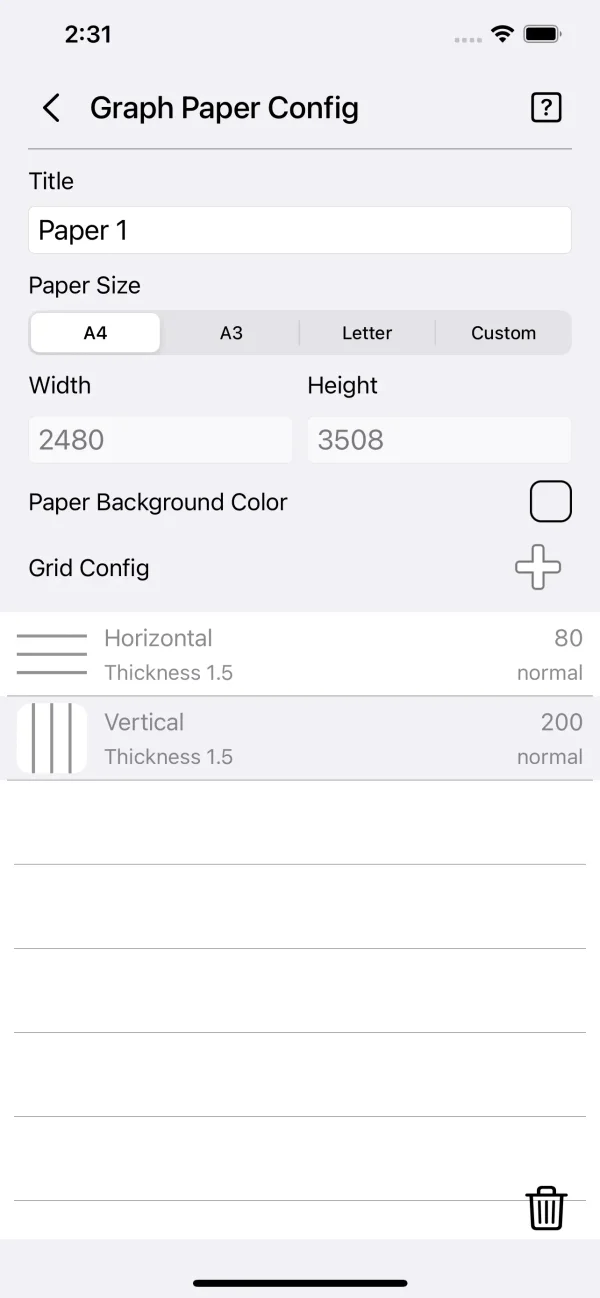
- Set the desired paper size.
- Choose a paper color or leave it as the default white.
- Tap on the Plus icon beside the Grid Config.
- Choose either Grid, Horizontal Line, or Vertical Line.
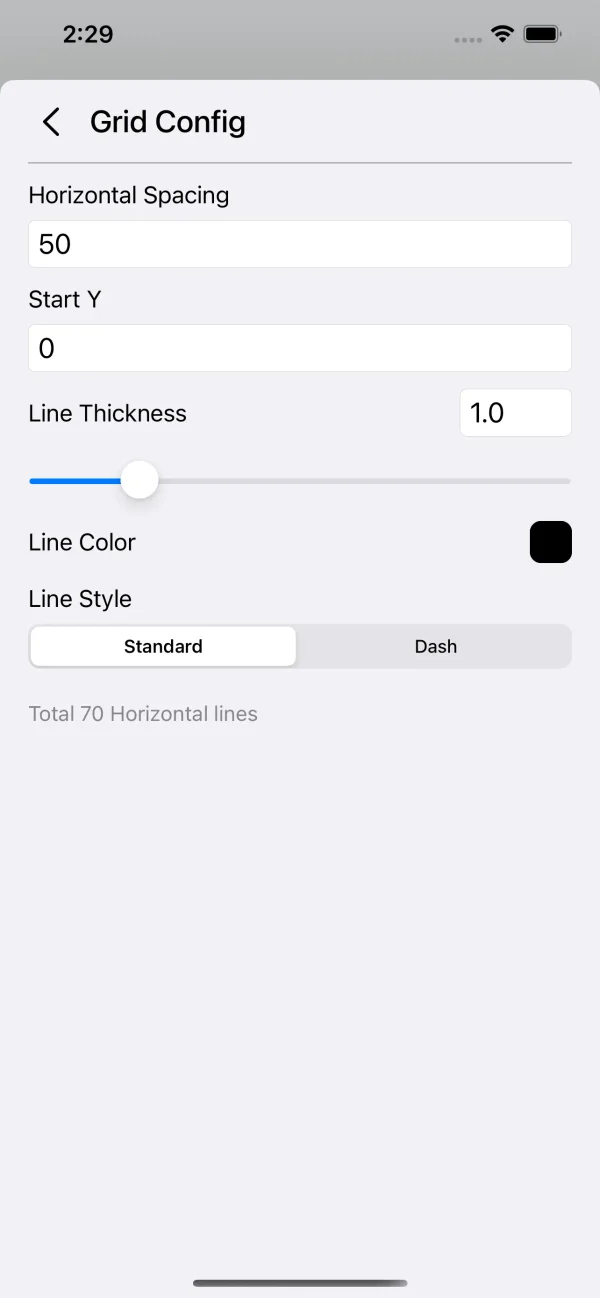
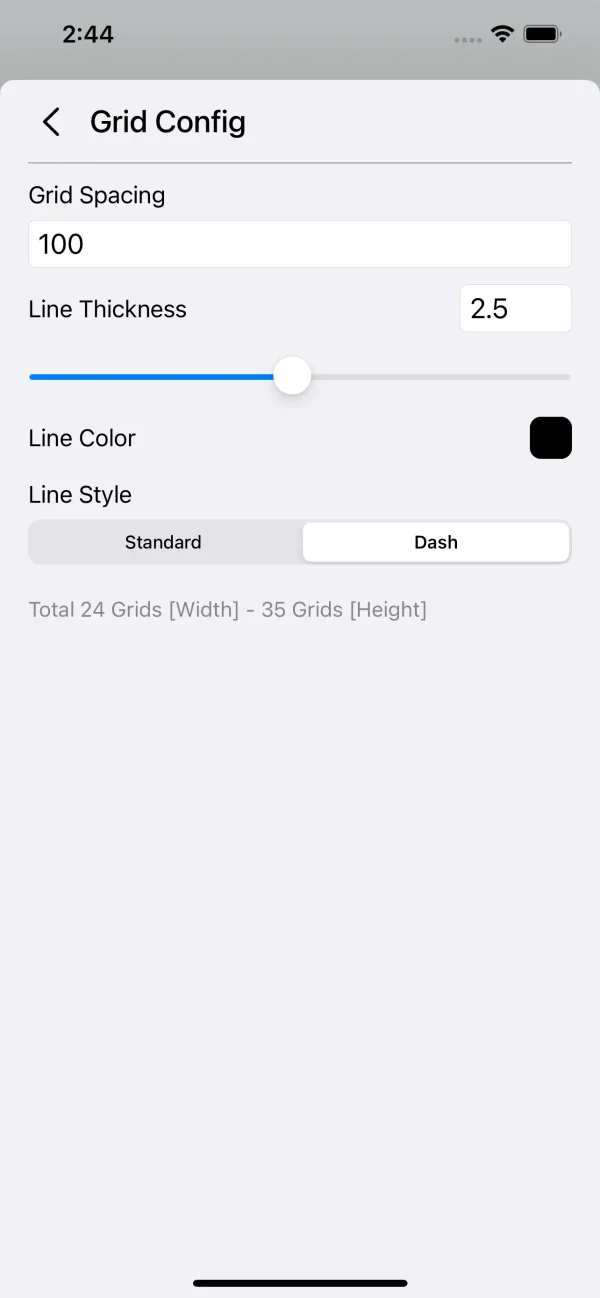
- The Grid Config page will appear.
- Set Grid/Line Spacing as desired.
[The bottom of the page shows the total number of grids/lines to be generated. Use it as a reference.]
- Set other parameters such as line thickness, line color, or line style.
- Tap back to the main page for a preview.
- Use the preview mode to check the grid paper — you can zoom and pan for detail.
- When finished, you can save it to the camera roll as an image or save it as a PDF file for printing.
Save Presets:
- Once you are done with all the settings,
- You can save them as a preset by tapping on the preset button.
- Tap on Save Preset.
- Tap on any empty slot and the preset will be saved.
- You can tap on any slot to overwrite it if you want to.
Load Presets:
- Tap on the preset button.
- Tap on Load Preset.
- Tap on any preset slot and it will load automatically.
Thanks for your support, and please visit nitrio.com for more apps for your iOS devices.
What’s new
Version 1.1 · Oct 23, 2025
- Updated for the newest devices.
- Minor bugs fixed.
App privacy
What Heng Jia Liang declares on the App Store about how this app handles data.
-
Data not collected
The developer does not collect any data from this app.
Privacy practices may vary, for example with the features you use or your age.
Information
- Seller
- Heng Jia Liang
- Category
- Productivity
- Version
- 1.1
- Updated
- Oct 23, 2025
- Released
- Sep 13, 2021
- Size
- 2.2 MB
- Requires
- iOS 14.1 or later
- Age rating
- 4+
- Price
- $2.99
- Languages
- English
- Copyright
- © Heng Jia Liang
You might also like
-
 Checklists XLProductivity
-
 The Life PlannerPlan Your Life For Success
-
 Fast AngleProtractor in your pocket!
-
 hypnotyping-AI* • brain tennis*like playing tennis with AI
-
 EasyImage-Batch Image ResizerVery convenient and fast!
-
 VR Models ManagerVirtualReality 3D model viewer
-
 LitNote - Literally best noteNotes Without the Nonsense
-
 Quest Log: Real Life RPGHabit & goal tracker, gamified
-
 Cassie - Your AI CompanionSecure AI that knows you
-
 Wisen: AI Notes & KnowledgeNotes that think back at you