Hue Plan: Time Blocking
Daily planner in color
Entwickelt für iPhone, iPad
Kostenlos · In-App-Käufe
- Altersfreigabe4+
- KategorieProduktivität
- EntwicklerMINSEO CHOI
- SprachenKoreanisch+ 2 weitere
- Größe13,8 MB
Verlinkt auf die offizielle App Store-Seite
Download.org hostet keine Datei von Hue Plan: Time Blocking. Die Schaltfläche öffnet die App-Seite bei App Store, wo MINSEO CHOI die App veröffentlicht. Eintrag zuletzt geprüft am 12.11.2026.
Screenshots
Info
Der Entwickler hat diesen Text nicht in Ihrer Sprache bereitgestellt.
Hue Plan is a pastel time-blocking planner that lets you plan your day in colorful time blocks.
■ Plan in color
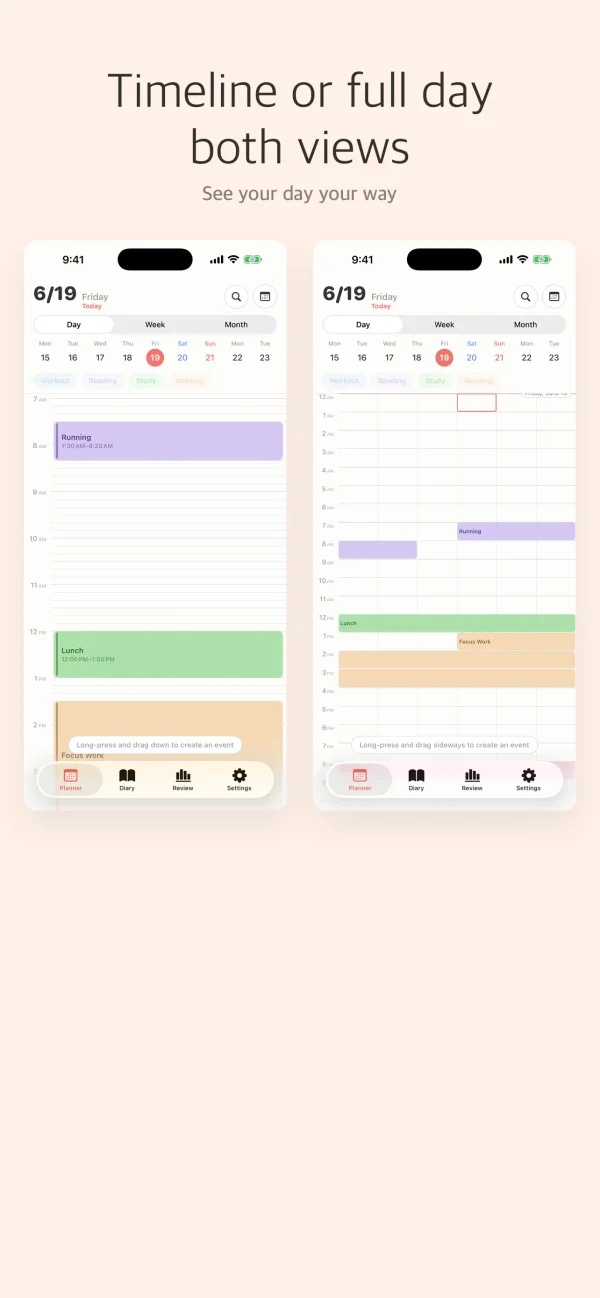
Long-press and drag to create an event. Pastel category colors make your whole day clear at a glance.
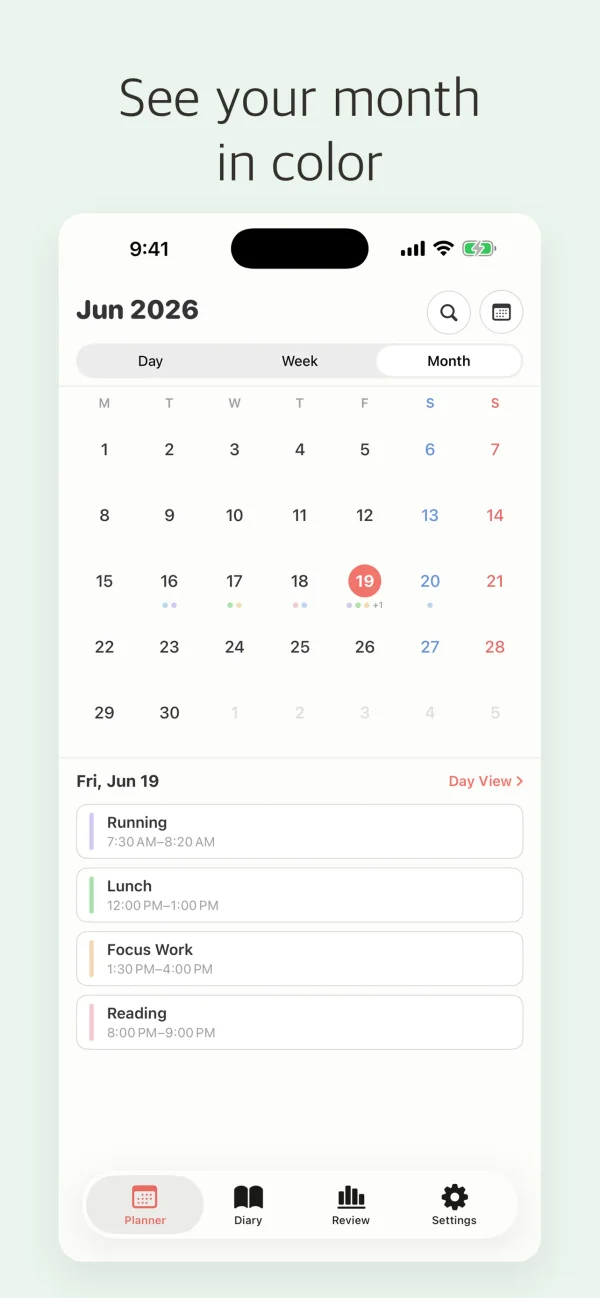
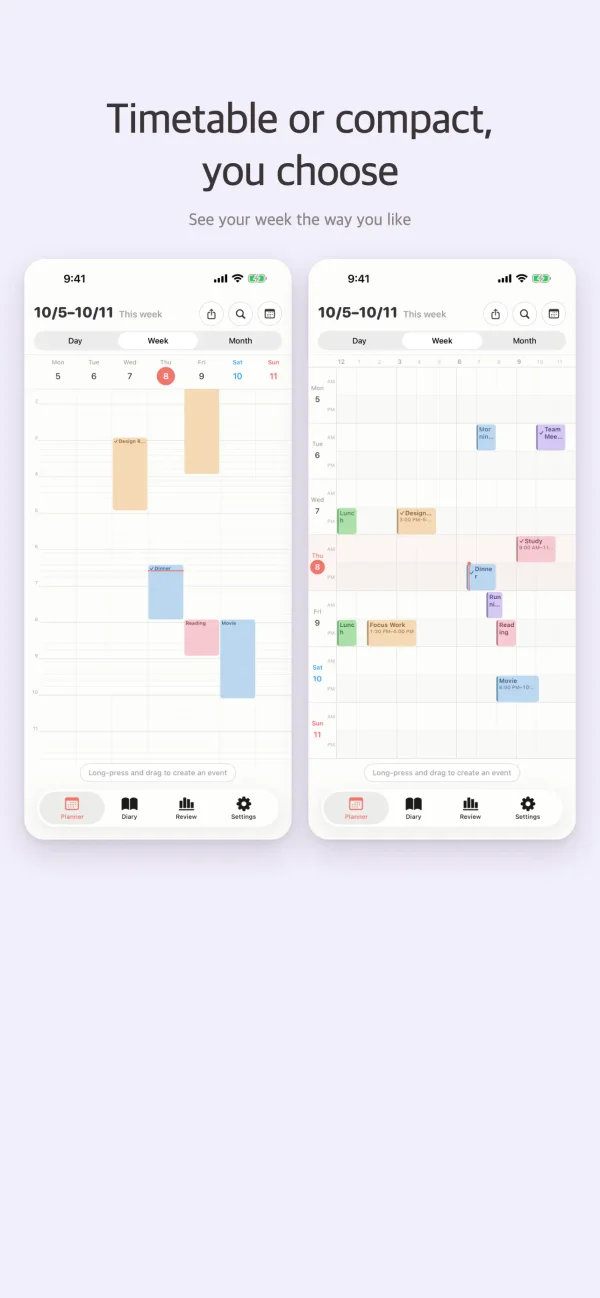
■ Day · Week · Month
A timeline day view, your whole week at a glance, and a color-dot month calendar. See it your way.
■ Check it off, like a to-do
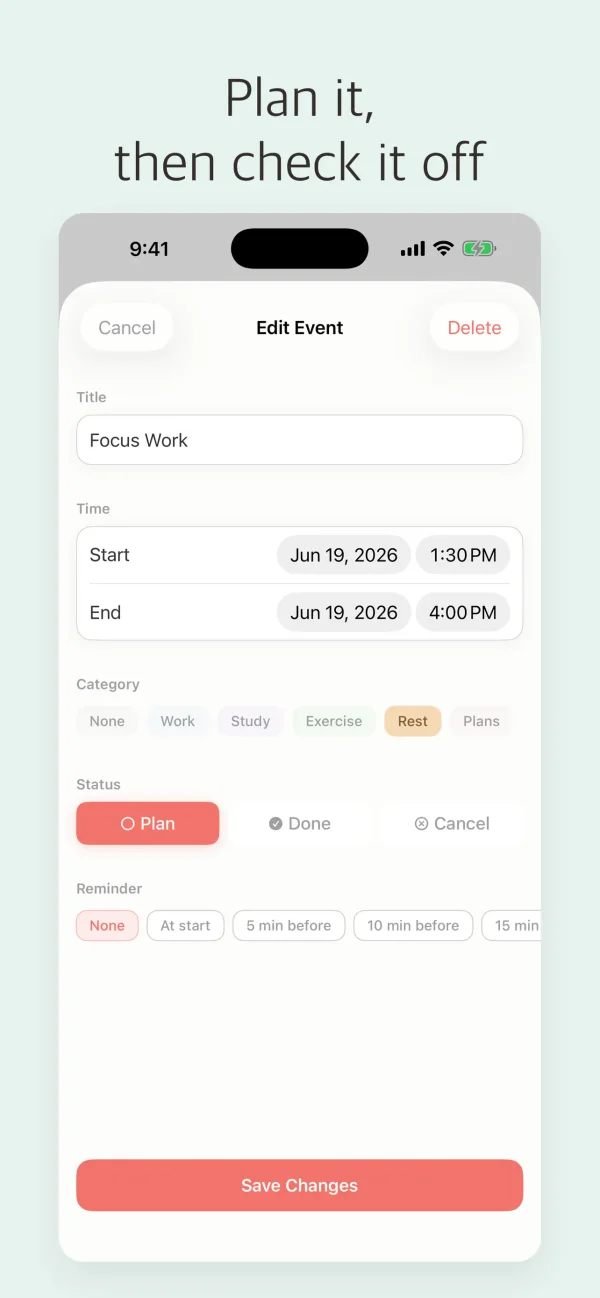
Manage events with Plan · Done · Cancel. Your calendar and to-dos, all in one place.
■ Insights
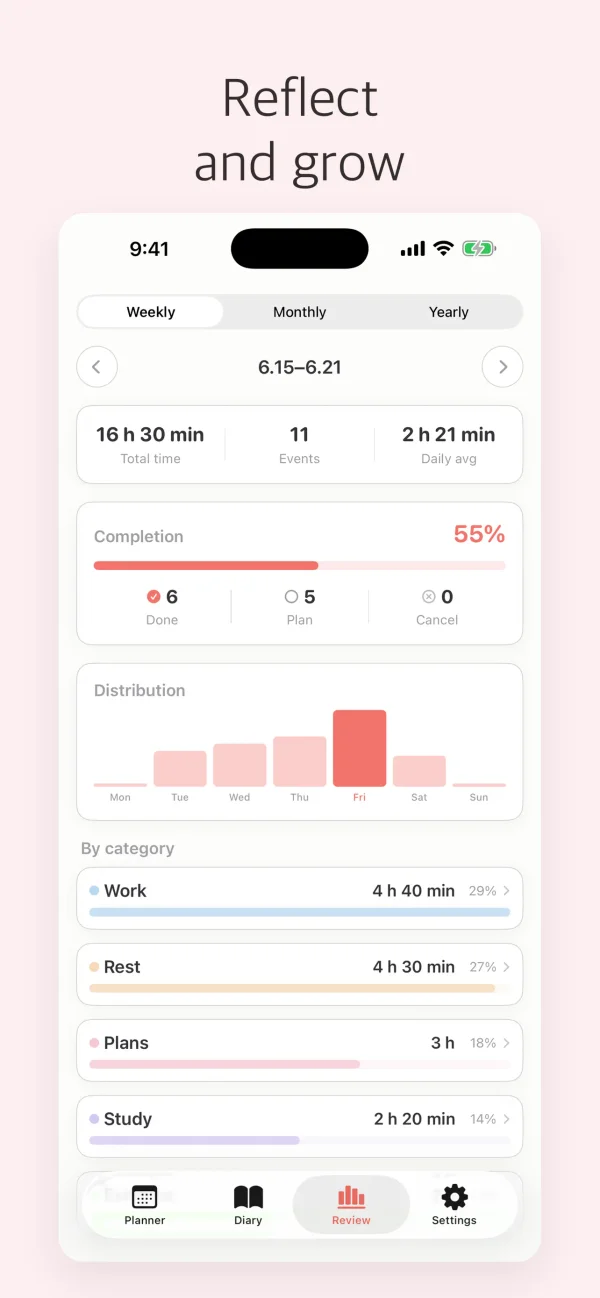
Completion rate, time distribution by category, and weekly/monthly/yearly stats to reflect on your time.
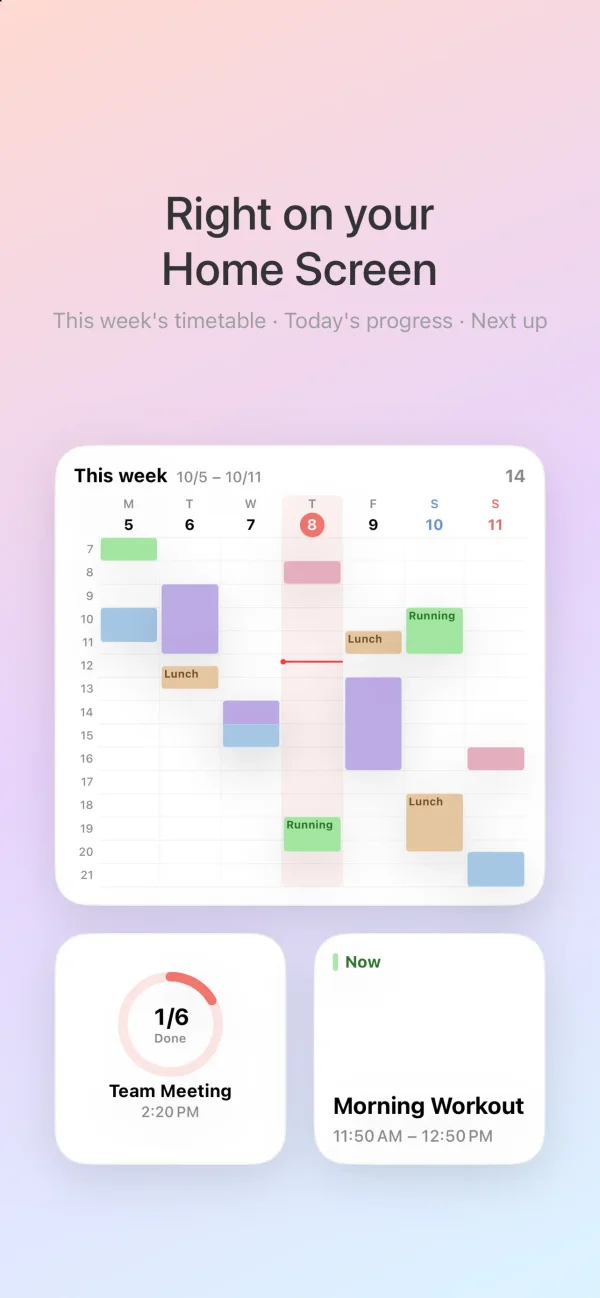
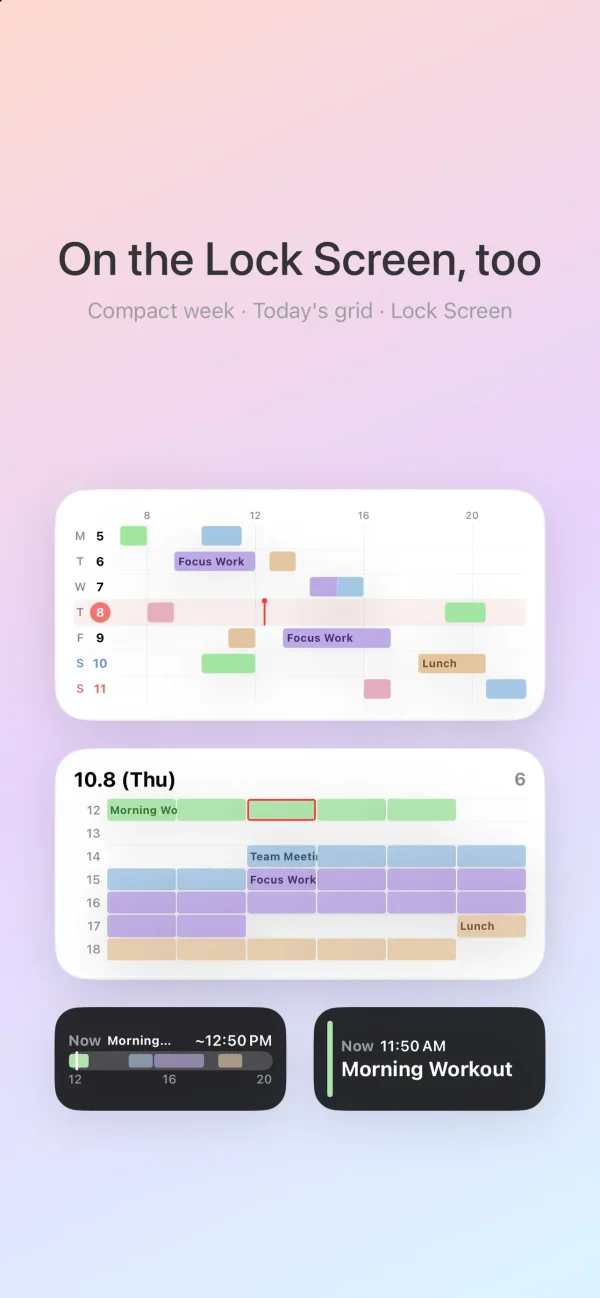
■ Widgets · Apple Watch
Check today's plan right from your Home Screen and your wrist.
■ iCloud sync
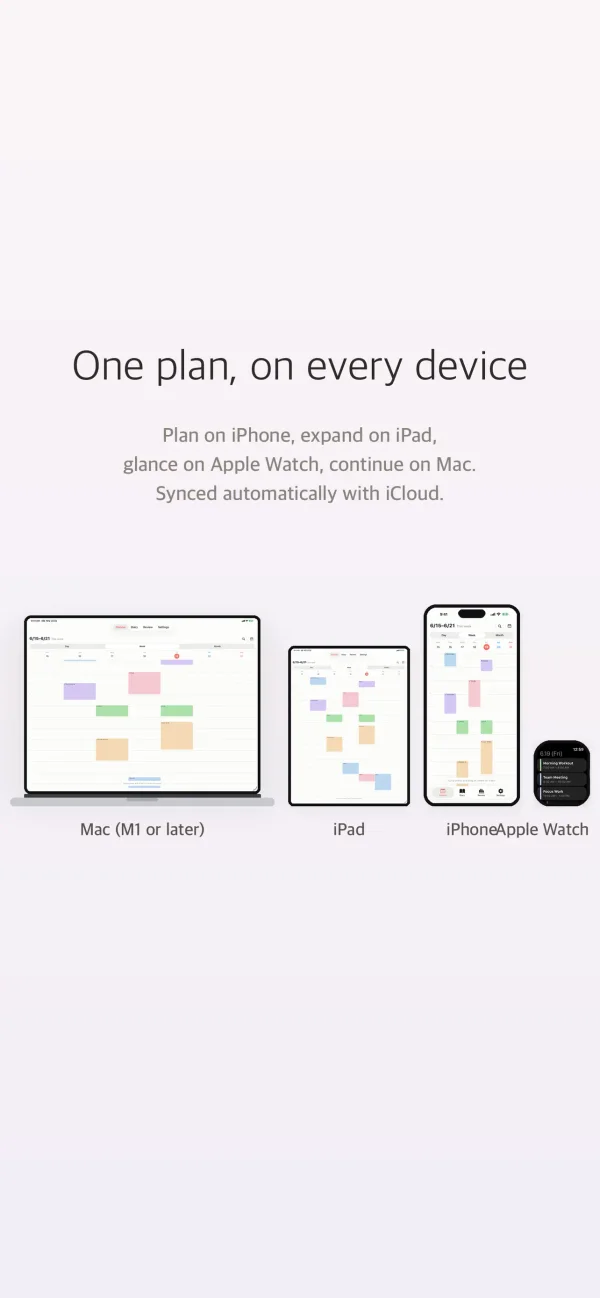
One seamless plan across iPhone, iPad, Mac, and Apple Watch.
Free includes the day view and diary. Premium unlocks week and month views, Insights, widgets, Apple Watch, iCloud sync, and auto backup — and removes ads.
Neue Funktionen
Version 1.2.5 · 04.11.2026
• Your plan in Calendar too (Premium) — turn on “Show in Calendar” when editing a block and it appears in the Calendar app. Change the time or title in Hue Plan and it updates; delete it and it’s removed. Pick the target calendar in Settings › Calendar, or make it the default for new blocks.
• Calendar events in widgets (Premium) — events from the Calendar app now appear as dashed tiles in your Home and Lock Screen widgets too: Today, Today Grid, Next Up, Today Flow, This Week (timetable, compact, AM/PM, bars) and This Month. Turn it on once in Settings › Calendar; widgets read your calendar directly and never store it.
• In the compact week view, tap the dot under a date to see that day’s all-day calendar events
• Short events in week widgets now show titles like the Calendar app, and text stays readable in tinted Home Screen mode
• Stability improvements
App-Datenschutz
Was MINSEO CHOI im App Store zum Umgang dieser App mit Daten angibt.
-
Daten, die zum Tracking Ihrer Person verwendet werden
Können verwendet werden, um Sie über Apps und Websites anderer Unternehmen hinweg zu verfolgen.
- Kennungen
- Nutzungsdaten
-
Mit Ihnen verknüpfte Daten
Können erfasst und mit Ihrer Identität verknüpft werden.
- Kennungen
- Nutzungsdaten
-
Nicht mit Ihnen verknüpfte Daten
Können erfasst werden, sind aber nicht mit Ihrer Identität verknüpft.
- Diagnose
Die Datenschutzpraktiken können variieren, zum Beispiel je nach den von Ihnen verwendeten Funktionen oder Ihrem Alter.
Informationen
- Anbieter
- MINSEO CHOI
- Kategorie
- Produktivität
- Version
- 1.2.5
- Aktualisiert
- 04.11.2026
- Veröffentlicht
- 21.06.2026
- Größe
- 13,8 MB
- Erfordert
- iOS 17.0 oder neuer
- Altersfreigabe
- 4+
- Preis
- Kostenlos
- In-App-Käufe
- Ja
- Sprachen
- Koreanisch, Englisch, Japanisch
- Copyright
- © 2026 We'reBridge