Hue Plan: Time Blocking
Daily planner in color
Được thiết kế cho iPhone, iPad
Miễn phí · Mua hàng trong ứng dụng
- Độ tuổi4+
- Danh mụcHiệu Suất
- Nhà phát triểnMINSEO CHOI
- Ngôn ngữTiếng Hàn+ 2 ngôn ngữ khác
- Kích thước13,8 MB
Liên kết đến trang App Store chính thức
Download.org không lưu trữ tệp nào của Hue Plan: Time Blocking. Nút này mở trang ứng dụng trên App Store, nơi MINSEO CHOI phát hành ứng dụng. Trang được kiểm tra lần cuối: 12/11/2026.
Ảnh chụp màn hình
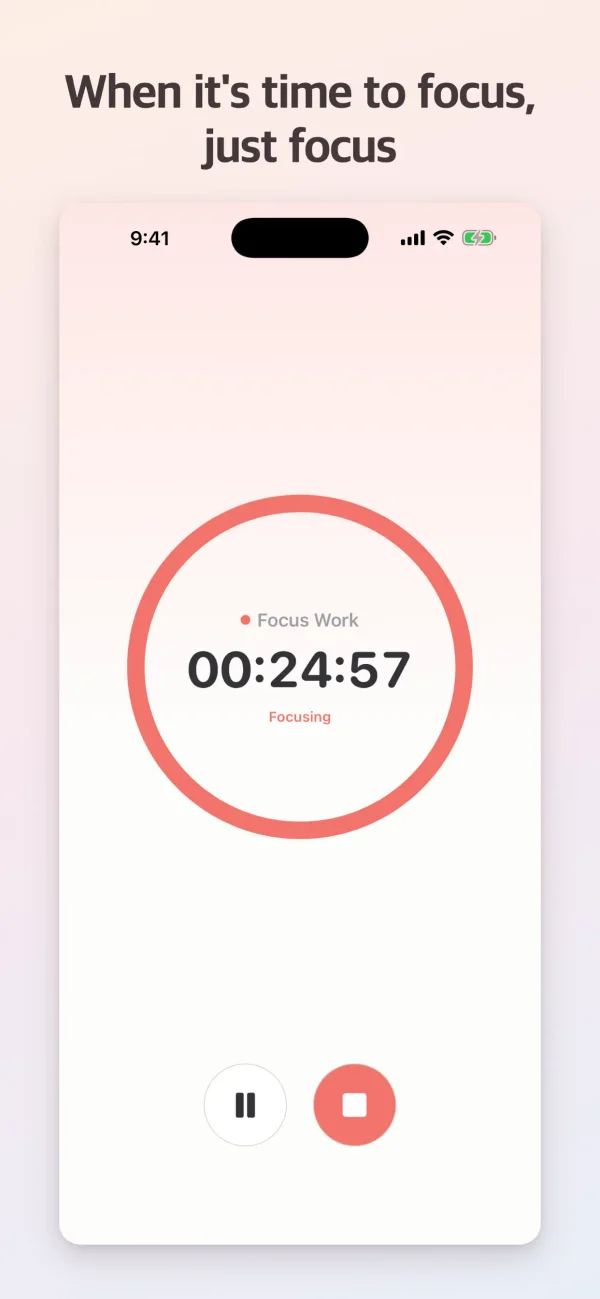
Giới thiệu
Nhà phát triển chưa cung cấp nội dung này bằng ngôn ngữ của bạn.
Hue Plan is a pastel time-blocking planner that lets you plan your day in colorful time blocks.
■ Plan in color
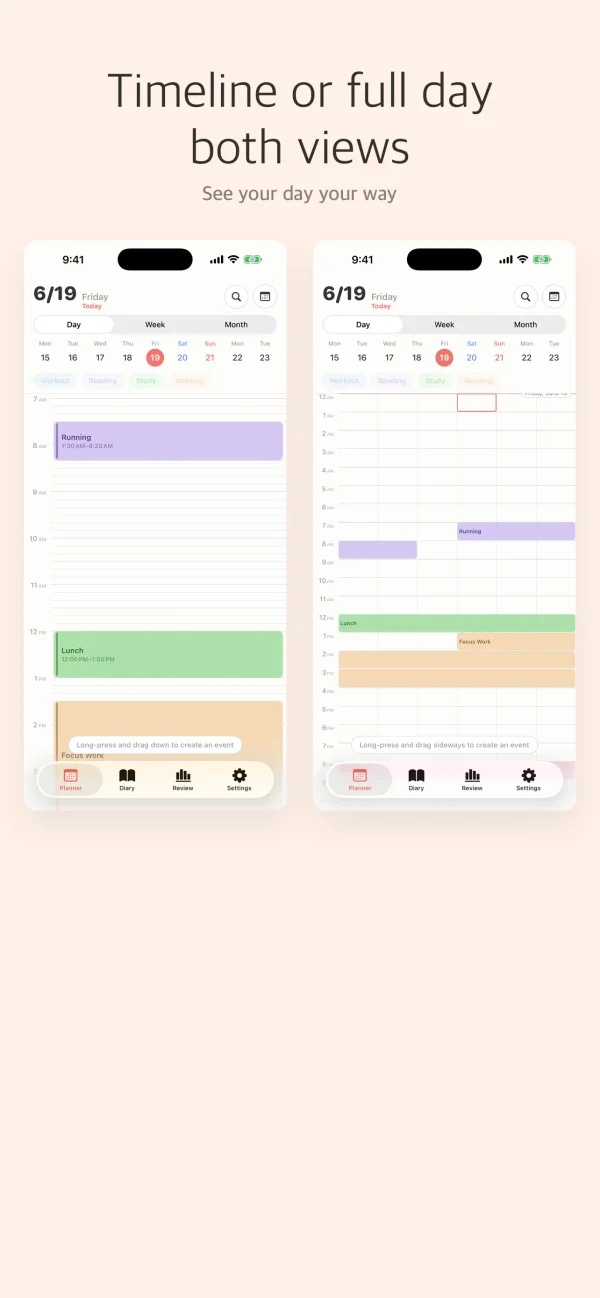
Long-press and drag to create an event. Pastel category colors make your whole day clear at a glance.
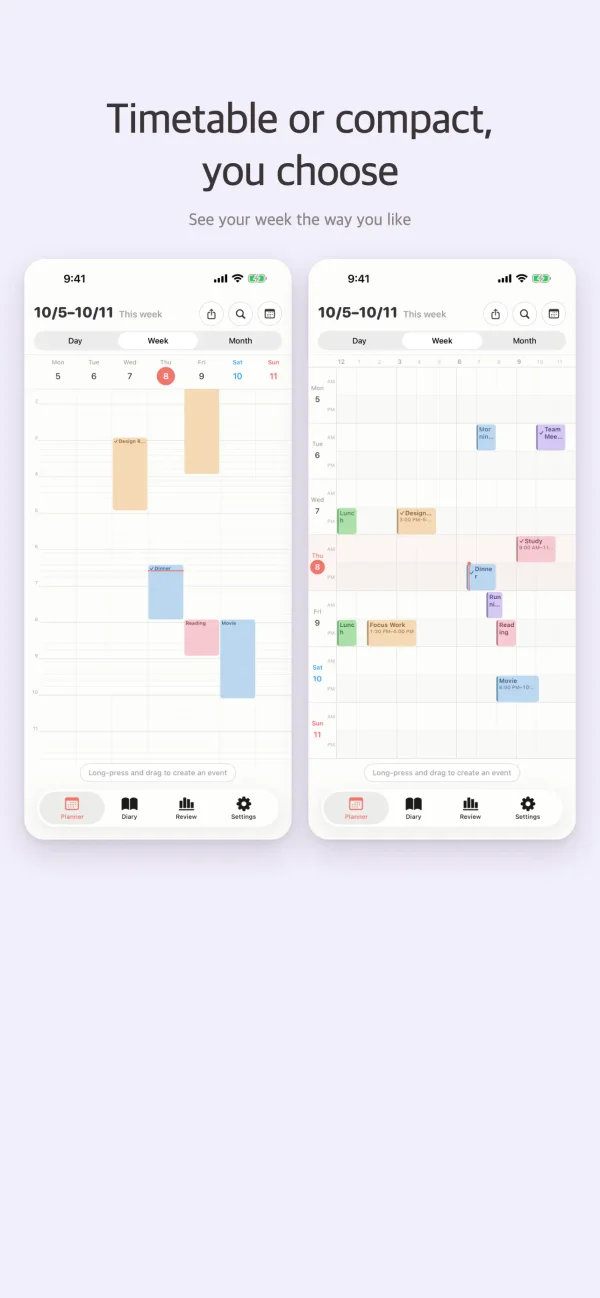
■ Day · Week · Month
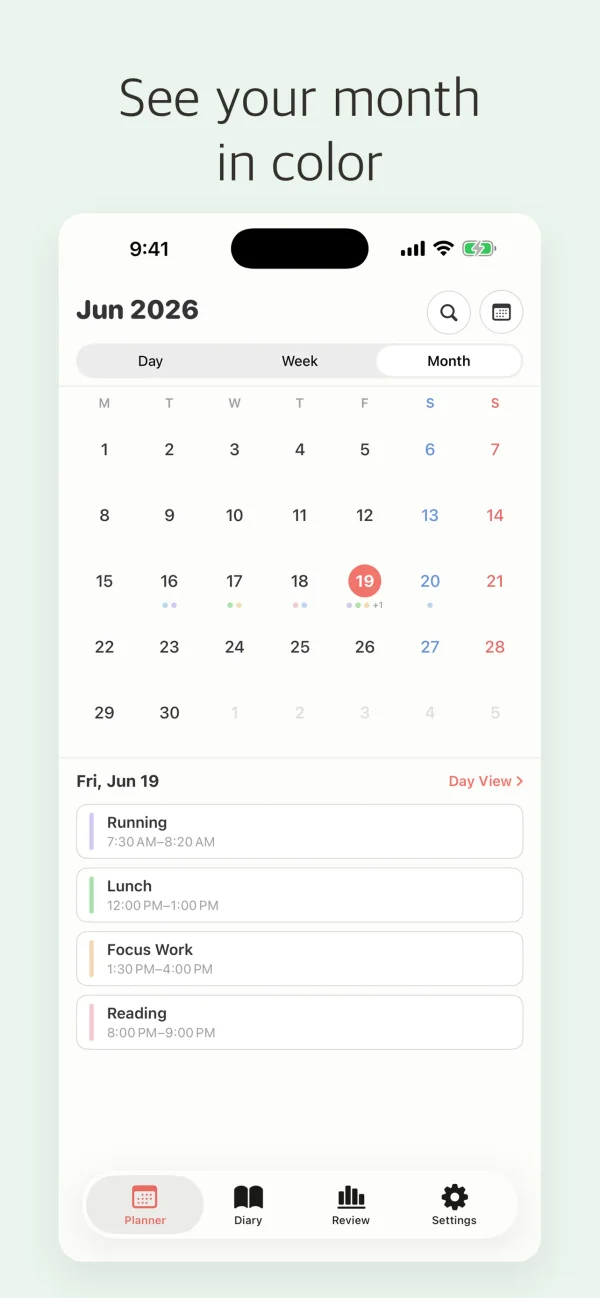
A timeline day view, your whole week at a glance, and a color-dot month calendar. See it your way.
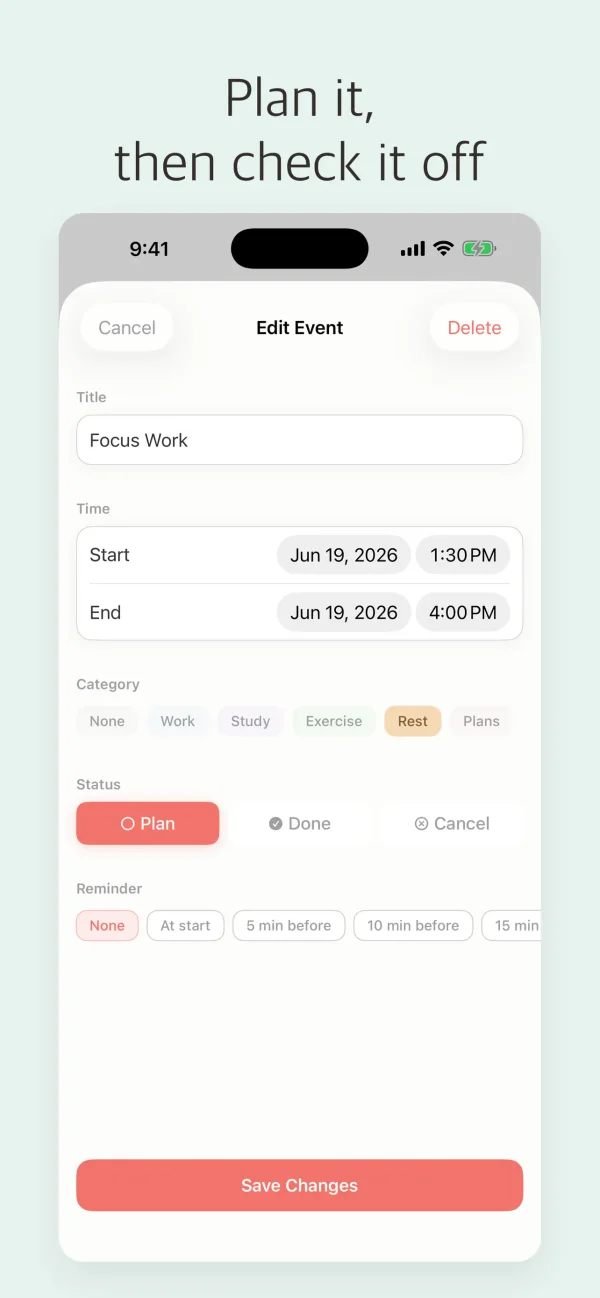
■ Check it off, like a to-do
Manage events with Plan · Done · Cancel. Your calendar and to-dos, all in one place.
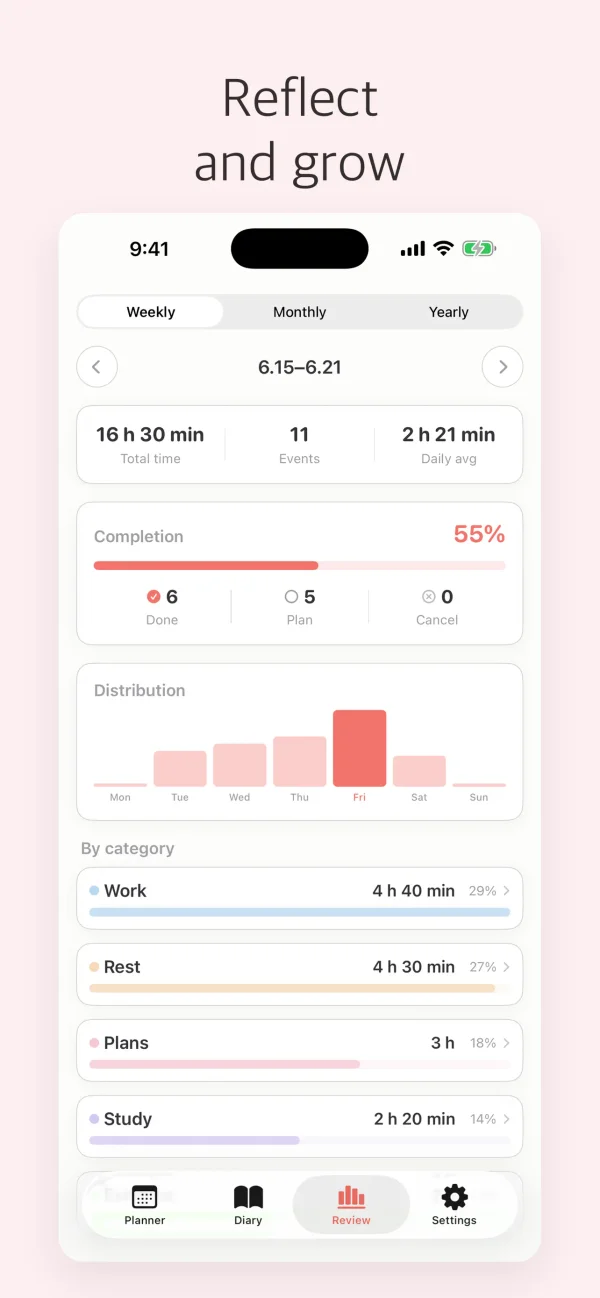
■ Insights
Completion rate, time distribution by category, and weekly/monthly/yearly stats to reflect on your time.
■ Widgets · Apple Watch
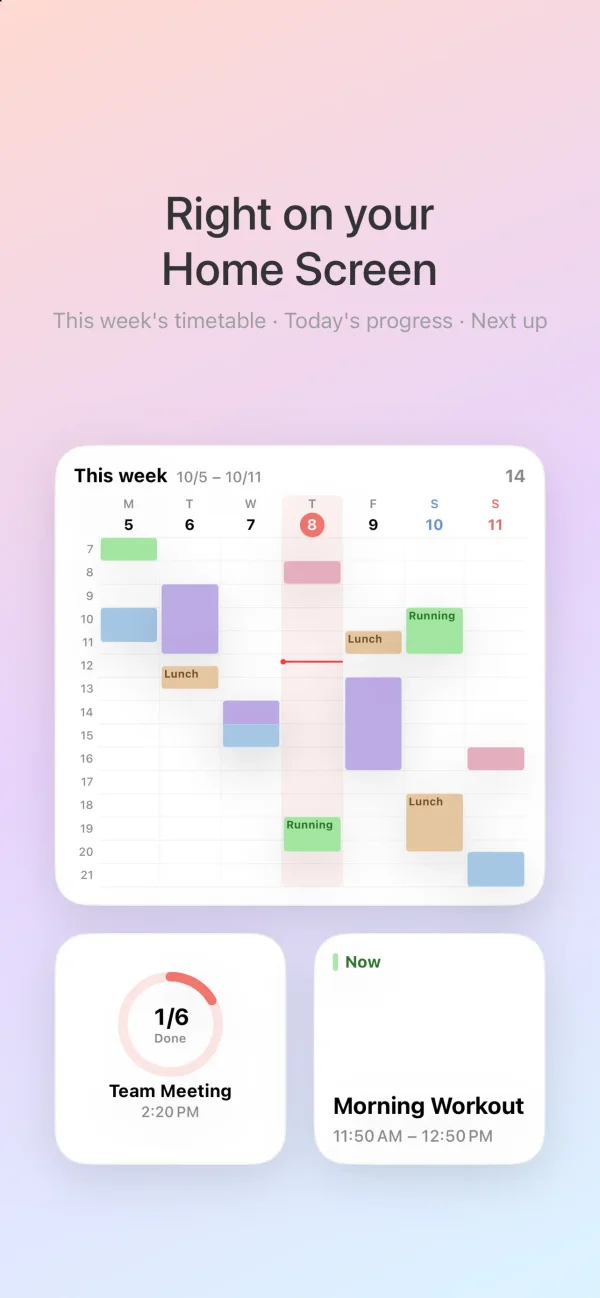
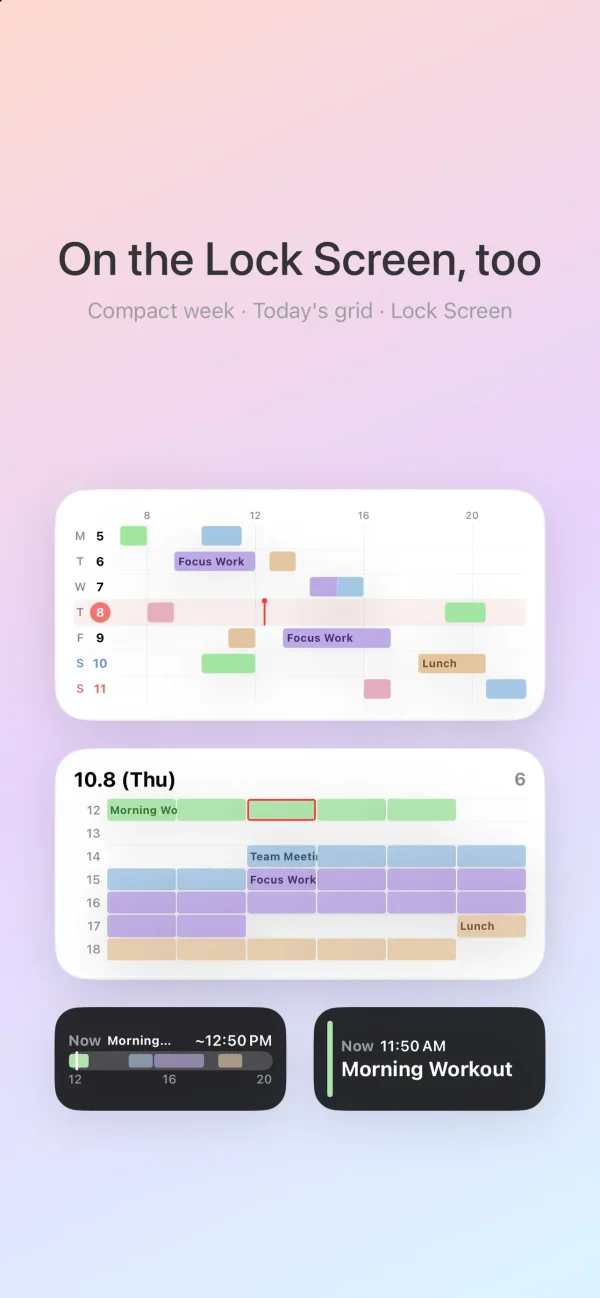
Check today's plan right from your Home Screen and your wrist.
■ iCloud sync
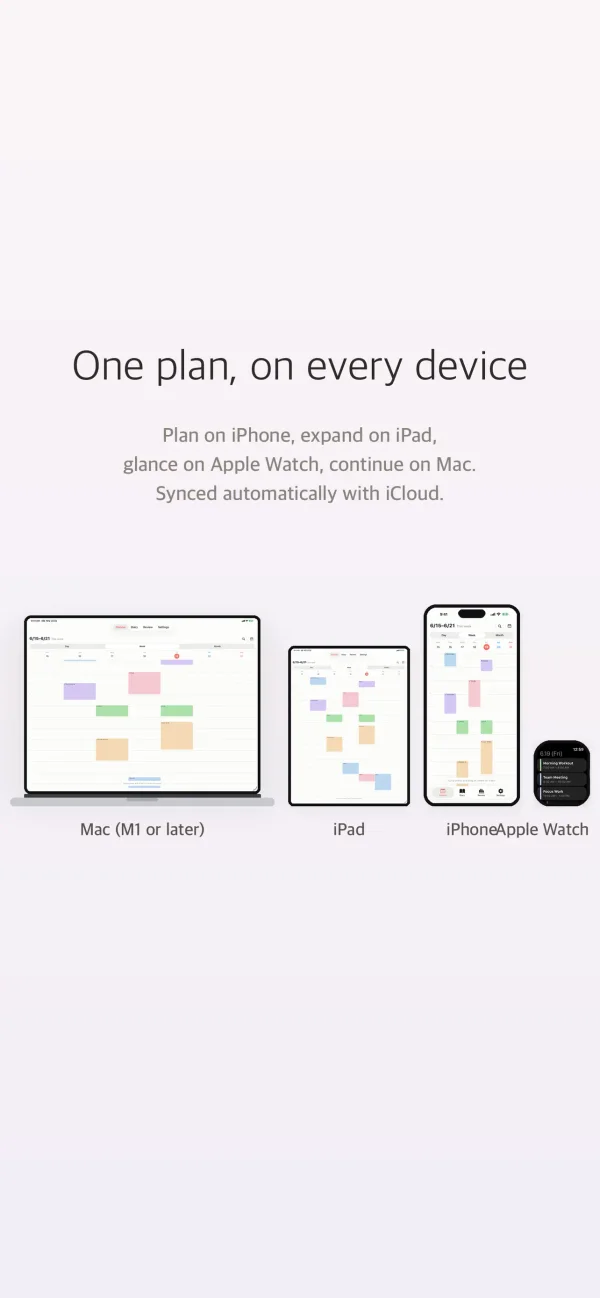
One seamless plan across iPhone, iPad, Mac, and Apple Watch.
Free includes the day view and diary. Premium unlocks week and month views, Insights, widgets, Apple Watch, iCloud sync, and auto backup — and removes ads.
Có gì mới
Phiên bản 1.2.5 · 04/11/2026
• Your plan in Calendar too (Premium) — turn on “Show in Calendar” when editing a block and it appears in the Calendar app. Change the time or title in Hue Plan and it updates; delete it and it’s removed. Pick the target calendar in Settings › Calendar, or make it the default for new blocks.
• Calendar events in widgets (Premium) — events from the Calendar app now appear as dashed tiles in your Home and Lock Screen widgets too: Today, Today Grid, Next Up, Today Flow, This Week (timetable, compact, AM/PM, bars) and This Month. Turn it on once in Settings › Calendar; widgets read your calendar directly and never store it.
• In the compact week view, tap the dot under a date to see that day’s all-day calendar events
• Short events in week widgets now show titles like the Calendar app, and text stays readable in tinted Home Screen mode
• Stability improvements
Quyền riêng tư của ứng dụng
Những gì MINSEO CHOI khai báo trên App Store về cách ứng dụng này xử lý dữ liệu.
-
Dữ liệu được sử dụng để theo dõi bạn
Có thể được sử dụng để theo dõi bạn trên các ứng dụng và trang web do công ty khác sở hữu.
- Mã định danh
- Dữ liệu sử dụng
-
Dữ liệu liên kết với bạn
Có thể được thu thập và liên kết với danh tính của bạn.
- Mã định danh
- Dữ liệu sử dụng
-
Dữ liệu không liên kết với bạn
Có thể được thu thập nhưng không liên kết với danh tính của bạn.
- Chẩn đoán
Phương thức đảm bảo quyền riêng tư có thể khác nhau, chẳng hạn như tuỳ theo các tính năng bạn sử dụng hoặc độ tuổi của bạn.
Thông tin
- Người bán
- MINSEO CHOI
- Danh mục
- Hiệu Suất
- Phiên bản
- 1.2.5
- Cập nhật
- 04/11/2026
- Phát hành
- 21/06/2026
- Kích thước
- 13,8 MB
- Yêu cầu
- iOS 17.0 trở lên
- Độ tuổi
- 4+
- Giá
- Miễn phí
- Mua hàng trong ứng dụng
- Có
- Ngôn ngữ
- Tiếng Hàn, Tiếng Anh, Tiếng Nhật
- Bản quyền
- © 2026 We'reBridge