Hue Plan: Time Blocking
Daily planner in color
Conçue pour iPhone, iPad
Gratuit · Achats intégrés
- Classification d’âge4+
- CatégorieProductivité
- DéveloppeurMINSEO CHOI
- LanguesCoréen+ 2 de plus
- Taille13,8 Mo
Renvoie vers la page App Store officielle
Download.org n’héberge aucun fichier de Hue Plan: Time Blocking. Le bouton ouvre la page de l’application sur App Store, où MINSEO CHOI la publie. Fiche vérifiée pour la dernière fois le 12/11/2026.
Captures d’écran
À propos
Le développeur n’a pas fourni ce texte dans votre langue.
Hue Plan is a pastel time-blocking planner that lets you plan your day in colorful time blocks.
■ Plan in color
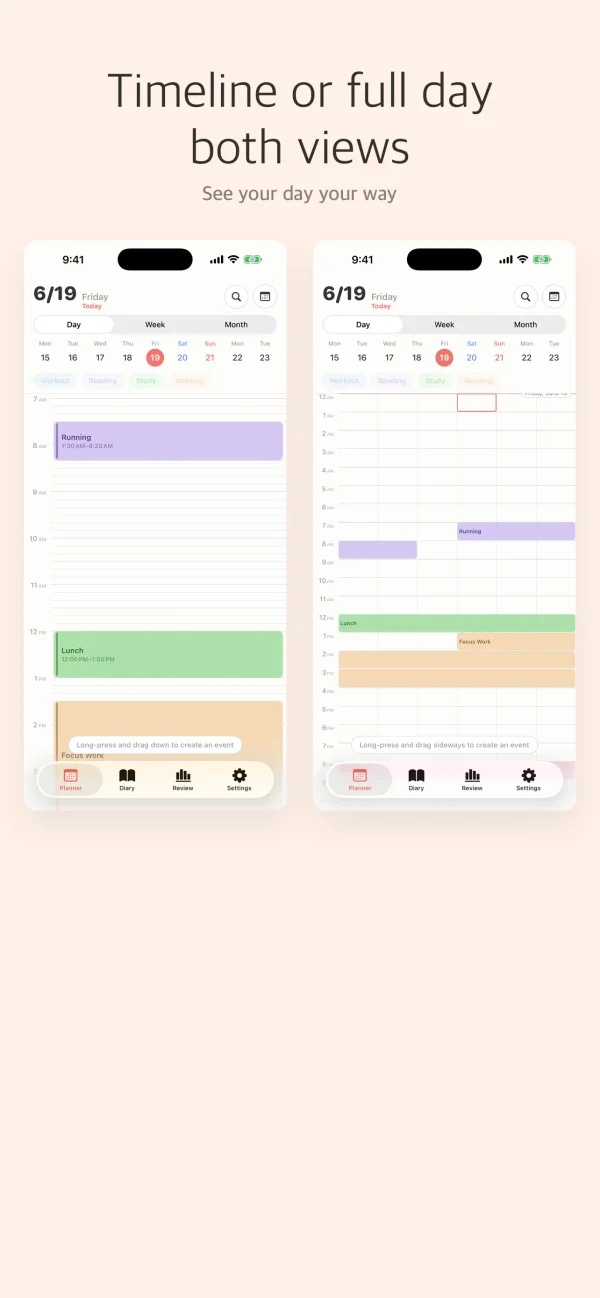
Long-press and drag to create an event. Pastel category colors make your whole day clear at a glance.
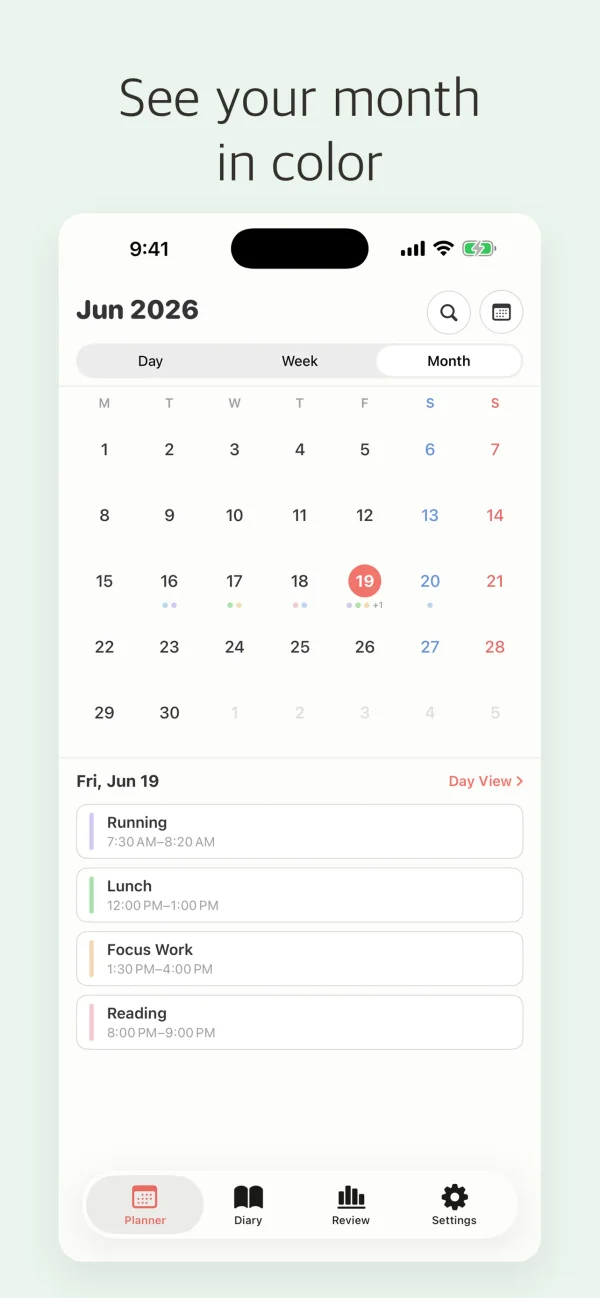
■ Day · Week · Month
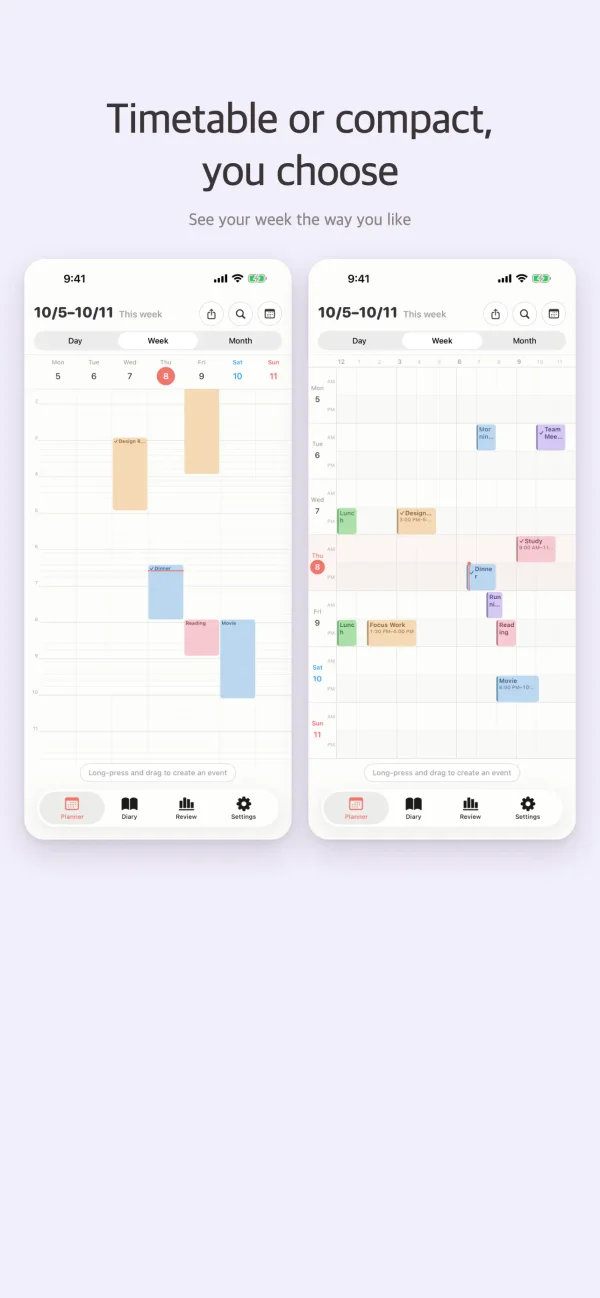
A timeline day view, your whole week at a glance, and a color-dot month calendar. See it your way.
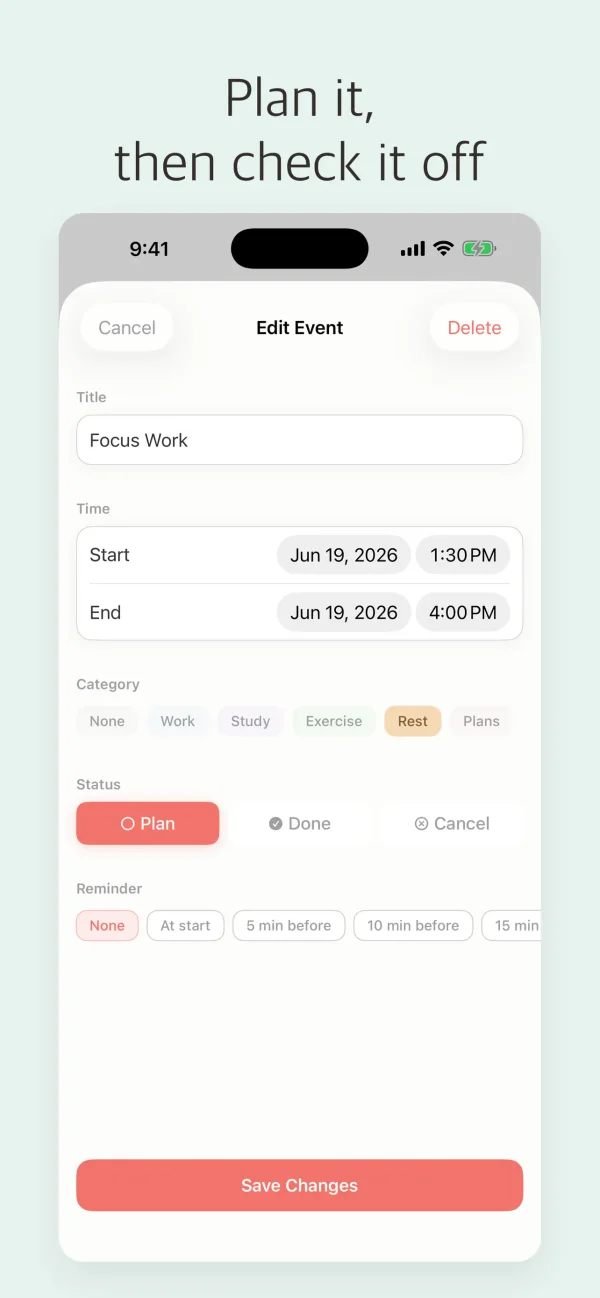
■ Check it off, like a to-do
Manage events with Plan · Done · Cancel. Your calendar and to-dos, all in one place.
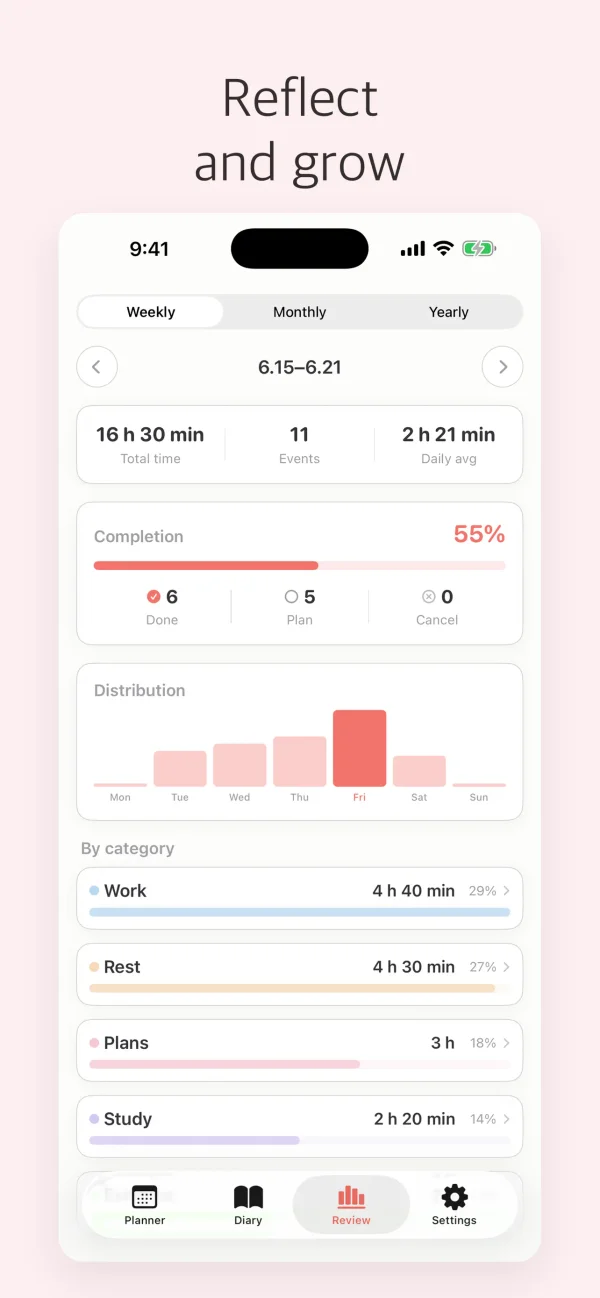
■ Insights
Completion rate, time distribution by category, and weekly/monthly/yearly stats to reflect on your time.
■ Widgets · Apple Watch
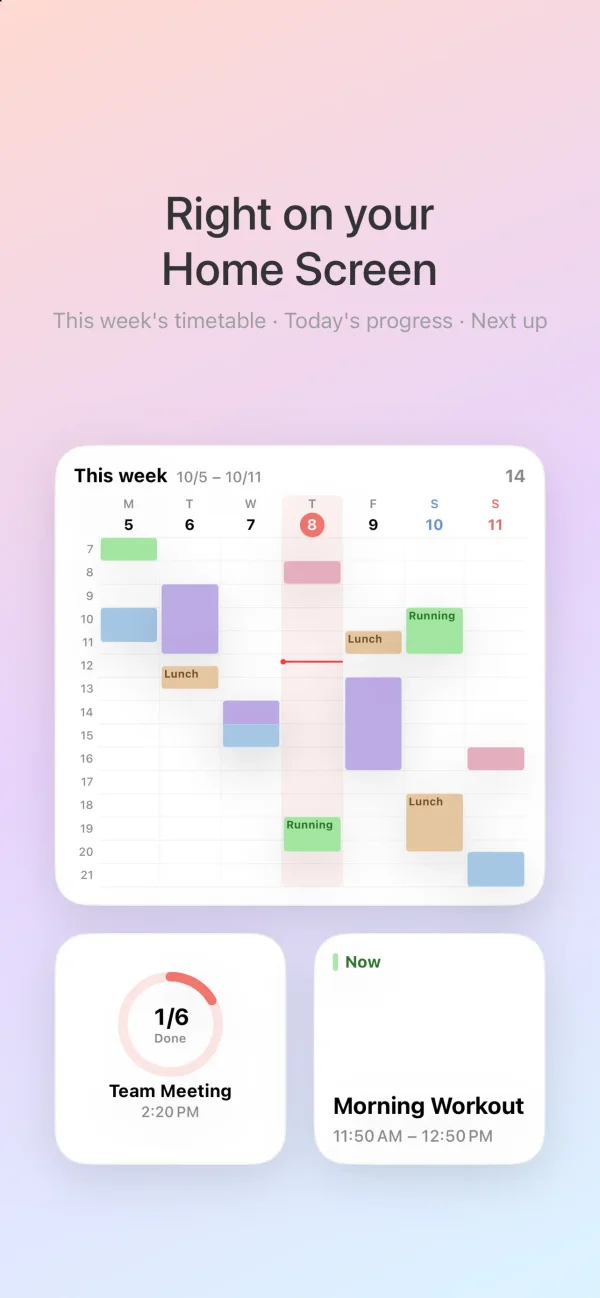
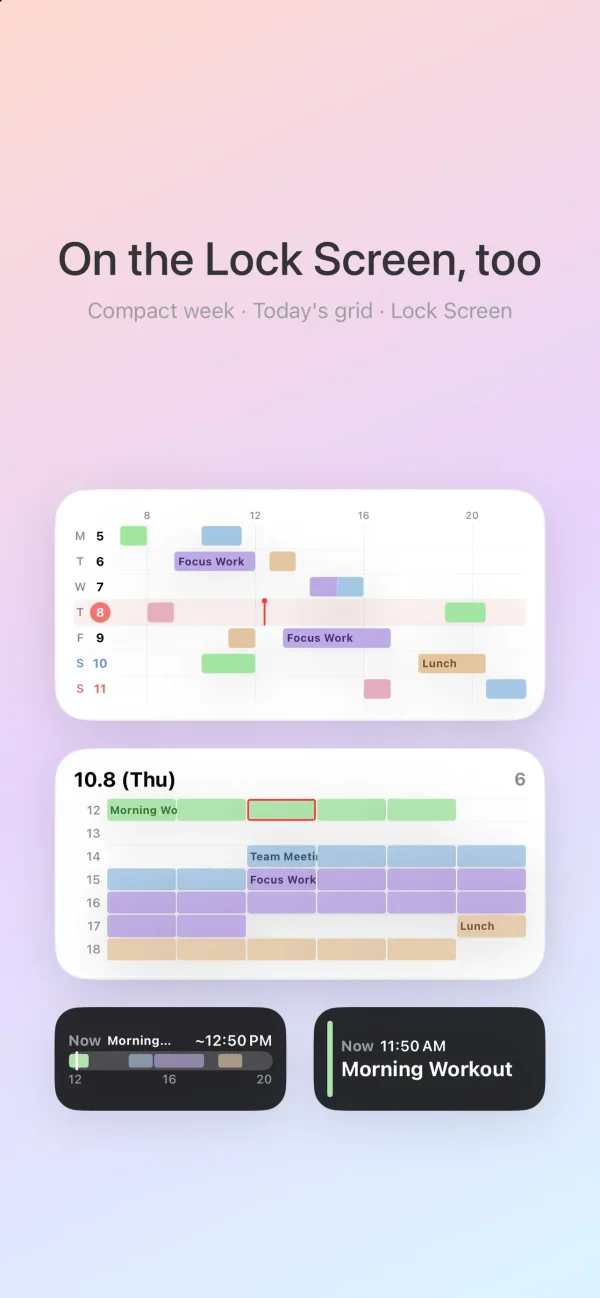
Check today's plan right from your Home Screen and your wrist.
■ iCloud sync
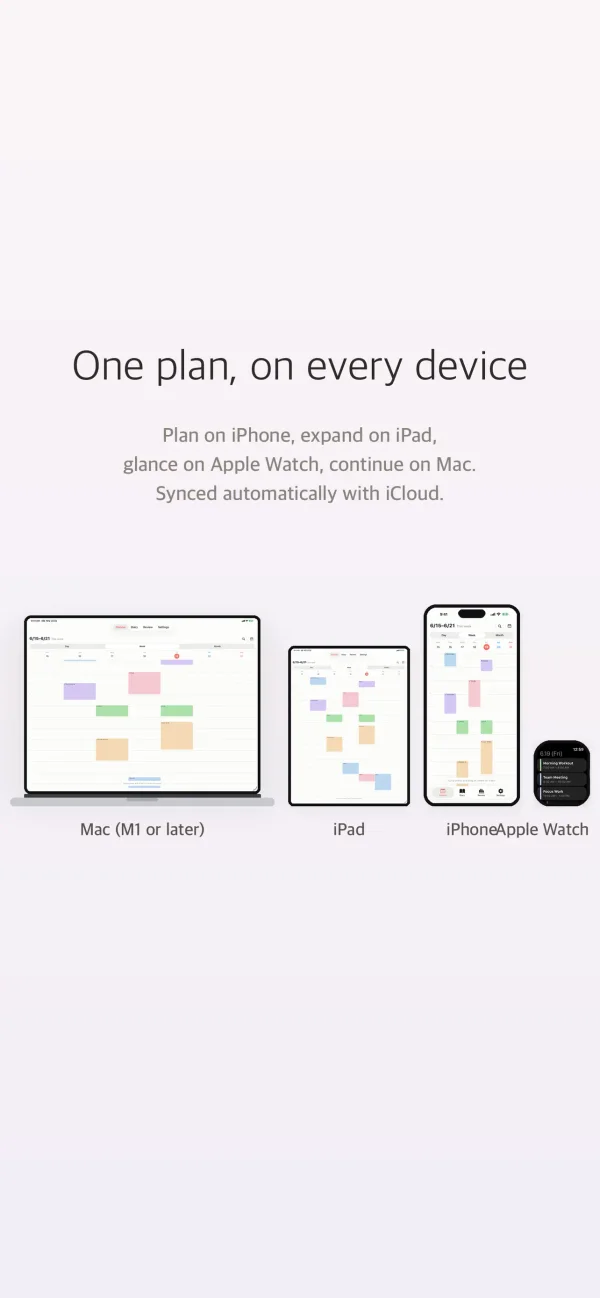
One seamless plan across iPhone, iPad, Mac, and Apple Watch.
Free includes the day view and diary. Premium unlocks week and month views, Insights, widgets, Apple Watch, iCloud sync, and auto backup — and removes ads.
Nouveautés
Version 1.2.5 · 04/11/2026
• Your plan in Calendar too (Premium) — turn on “Show in Calendar” when editing a block and it appears in the Calendar app. Change the time or title in Hue Plan and it updates; delete it and it’s removed. Pick the target calendar in Settings › Calendar, or make it the default for new blocks.
• Calendar events in widgets (Premium) — events from the Calendar app now appear as dashed tiles in your Home and Lock Screen widgets too: Today, Today Grid, Next Up, Today Flow, This Week (timetable, compact, AM/PM, bars) and This Month. Turn it on once in Settings › Calendar; widgets read your calendar directly and never store it.
• In the compact week view, tap the dot under a date to see that day’s all-day calendar events
• Short events in week widgets now show titles like the Calendar app, and text stays readable in tinted Home Screen mode
• Stability improvements
Confidentialité de l’application
Ce que MINSEO CHOI déclare sur l’App Store au sujet du traitement des données par cette application.
-
Données utilisées pour vous suivre
Peuvent être utilisées pour vous suivre sur des applications et des sites web appartenant à d’autres sociétés.
- Identifiants
- Données d’utilisation
-
Données établissant un lien avec vous
Peuvent être collectées et liées à votre identité.
- Identifiants
- Données d’utilisation
-
Données n’établissant aucun lien avec vous
Peuvent être collectées, mais ne sont pas liées à votre identité.
- Diagnostic
Les pratiques en matière de confidentialité peuvent varier, notamment en fonction des fonctionnalités que vous utilisez ou de votre âge.
Informations
- Vendeur
- MINSEO CHOI
- Catégorie
- Productivité
- Version
- 1.2.5
- Mis à jour
- 04/11/2026
- Publié
- 21/06/2026
- Taille
- 13,8 Mo
- Nécessite
- iOS 17.0 ou version ultérieure
- Classification d’âge
- 4+
- Prix
- Gratuit
- Achats intégrés
- Oui
- Langues
- Coréen, Anglais, Japonais
- Copyright
- © 2026 We'reBridge