Hue Plan: Time Blocking
Daily planner in color
Diseñada para iPhone, iPad
Gratis · Compras en la aplicación
- Clasificación por edad4+
- CategoríaProductividad
- DesarrolladorMINSEO CHOI
- IdiomasCoreano+ 2 más
- Tamaño13,8 MB
Enlaza a la página oficial de App Store
Download.org no aloja ningún archivo de Hue Plan: Time Blocking. El botón abre la página de la aplicación en App Store, donde la publica MINSEO CHOI. Ficha comprobada por última vez el 12/11/2026.
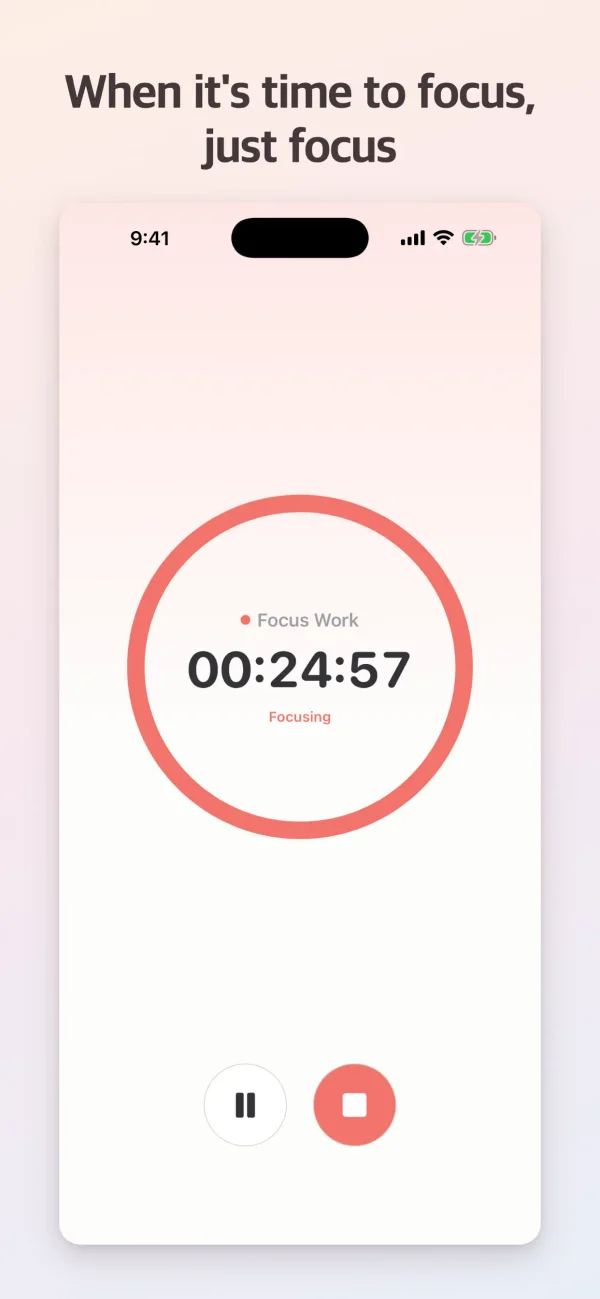
Capturas de pantalla
Acerca de
El desarrollador no ha proporcionado este texto en tu idioma.
Hue Plan is a pastel time-blocking planner that lets you plan your day in colorful time blocks.
■ Plan in color
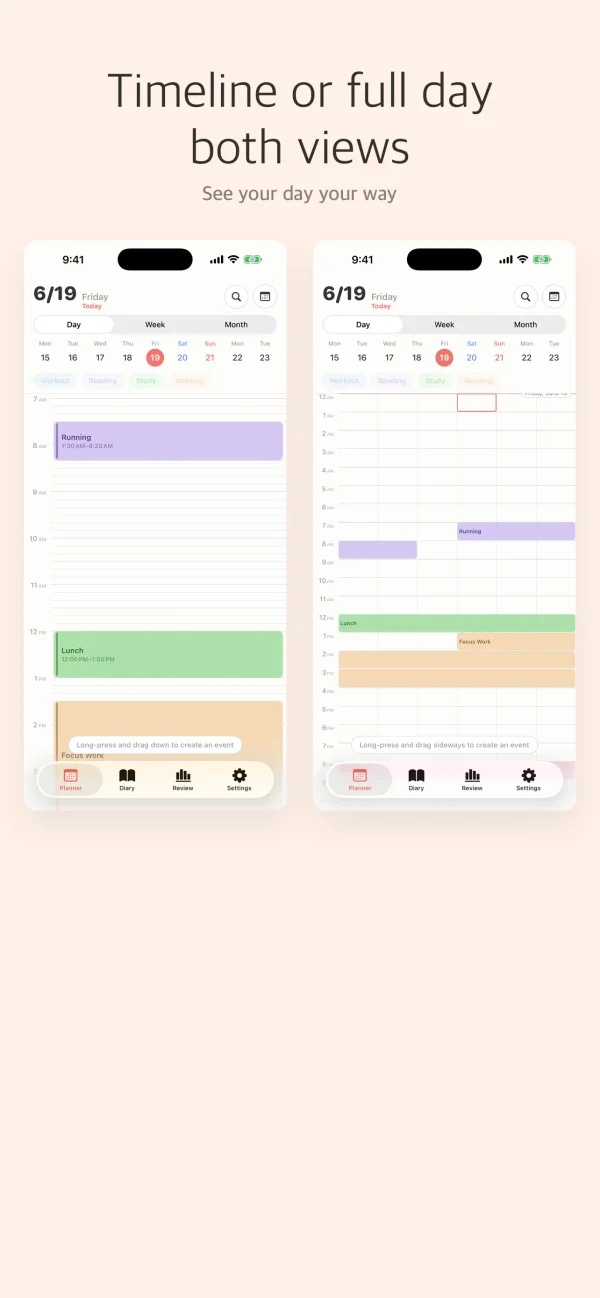
Long-press and drag to create an event. Pastel category colors make your whole day clear at a glance.
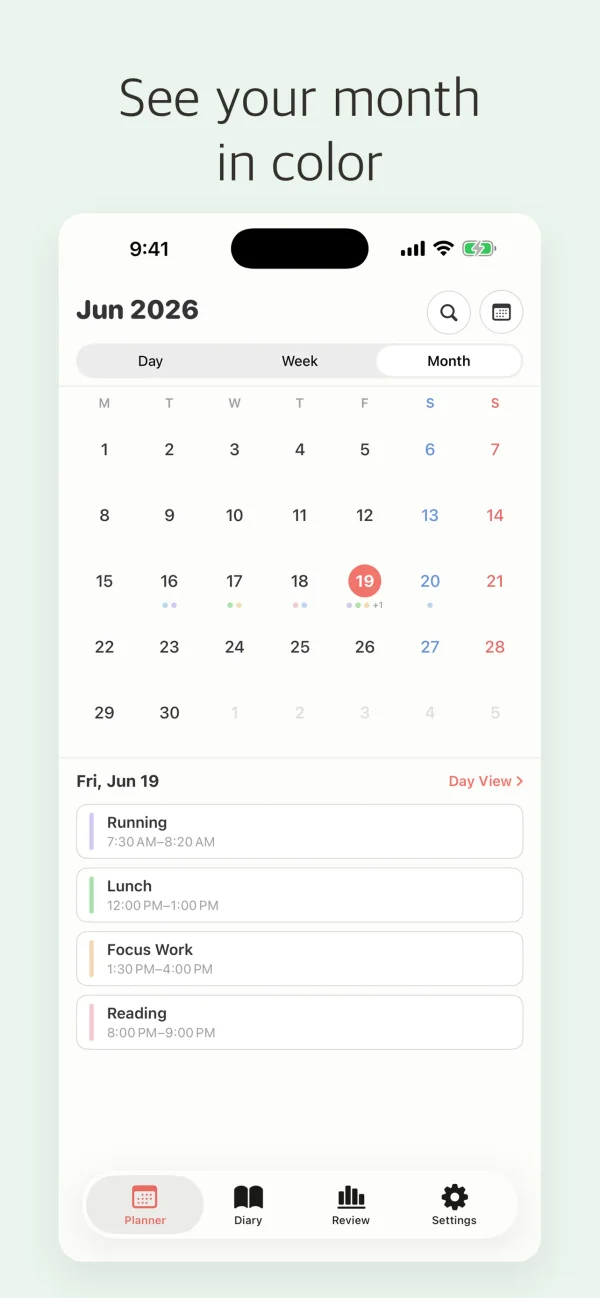
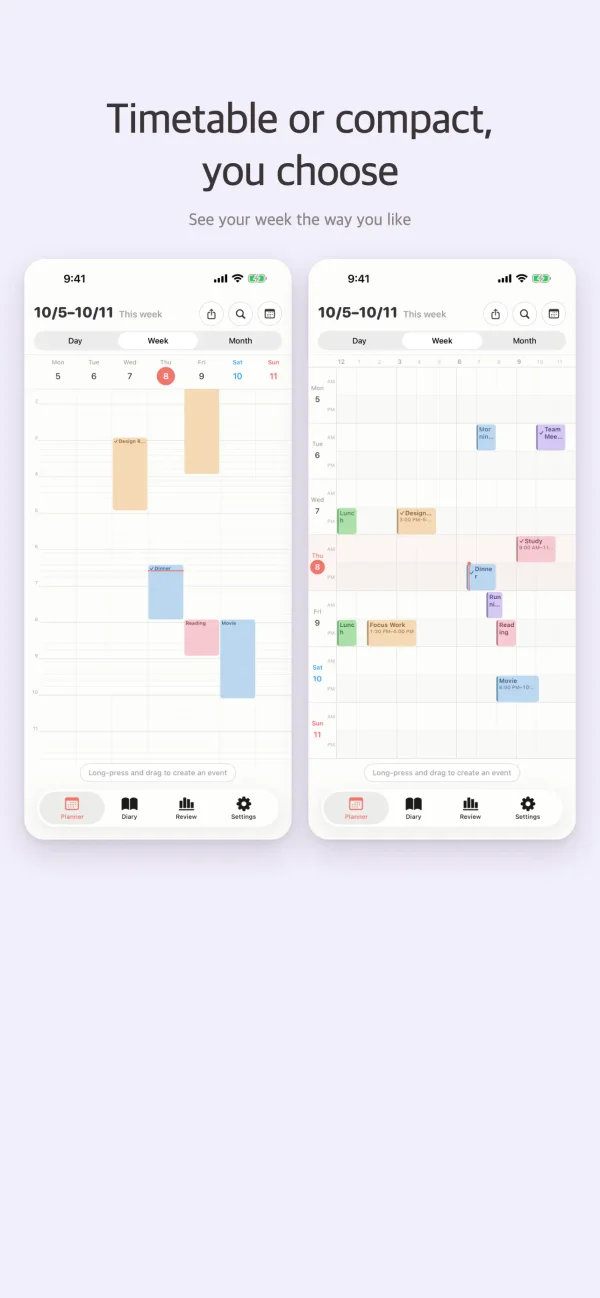
■ Day · Week · Month
A timeline day view, your whole week at a glance, and a color-dot month calendar. See it your way.
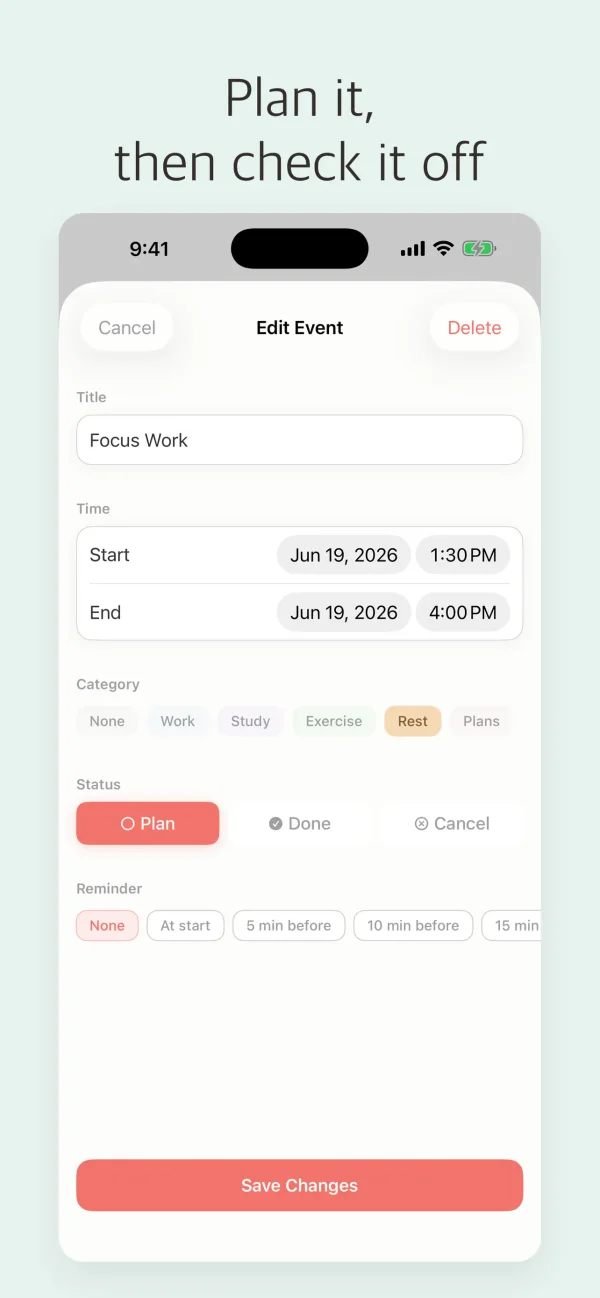
■ Check it off, like a to-do
Manage events with Plan · Done · Cancel. Your calendar and to-dos, all in one place.
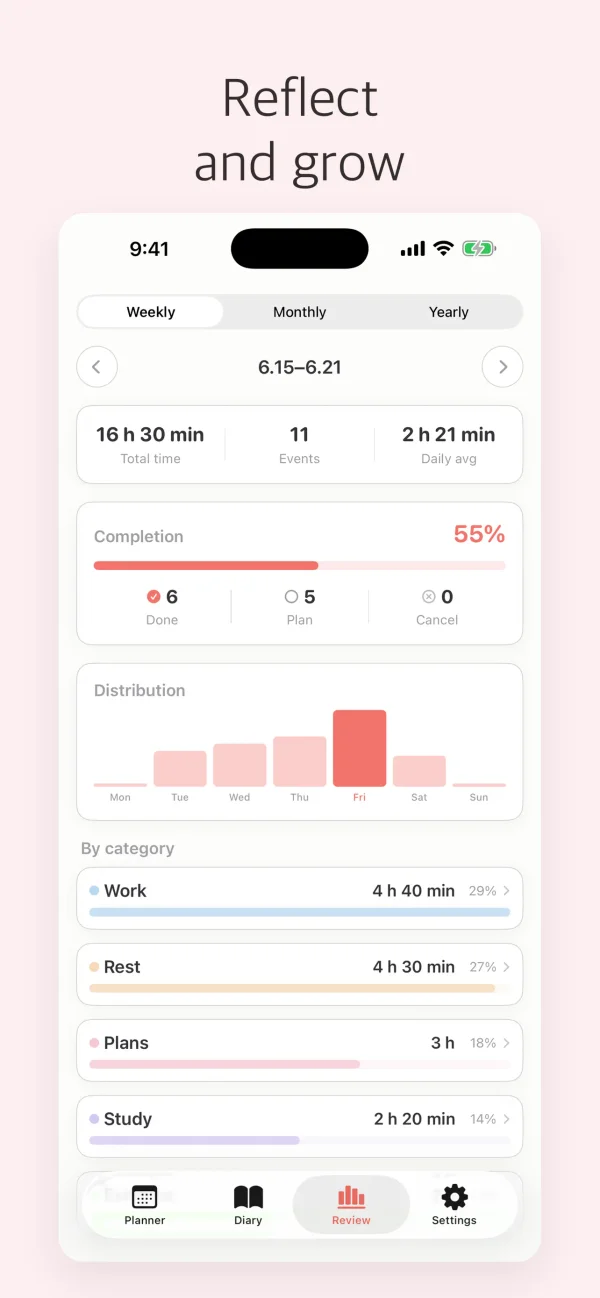
■ Insights
Completion rate, time distribution by category, and weekly/monthly/yearly stats to reflect on your time.
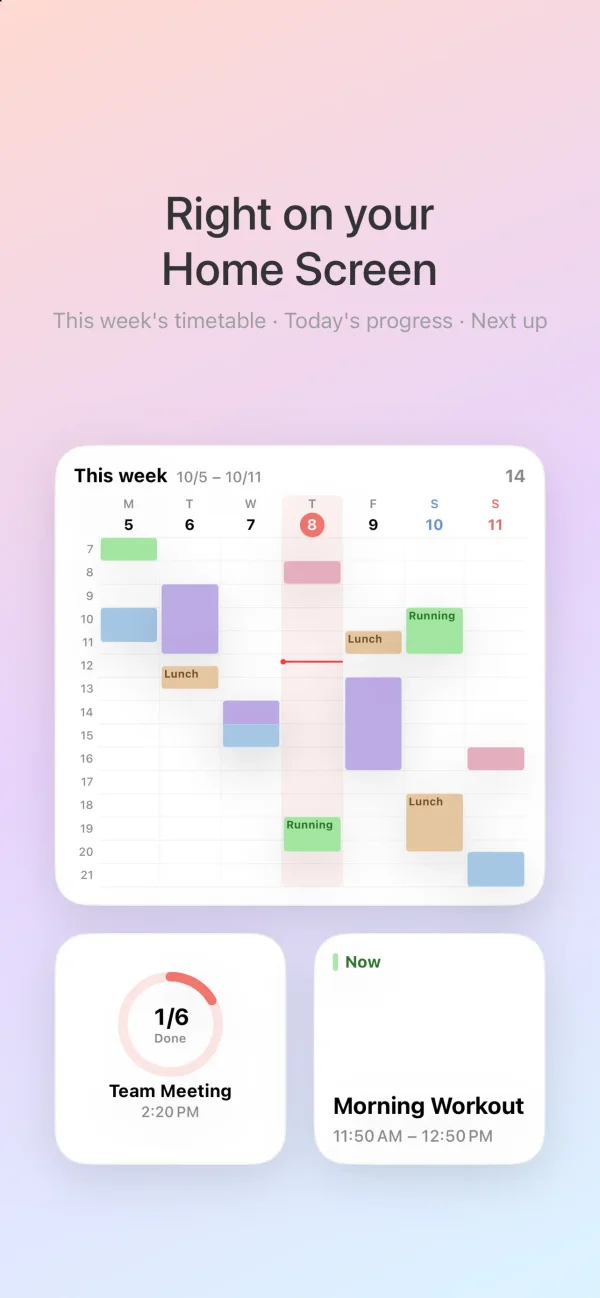
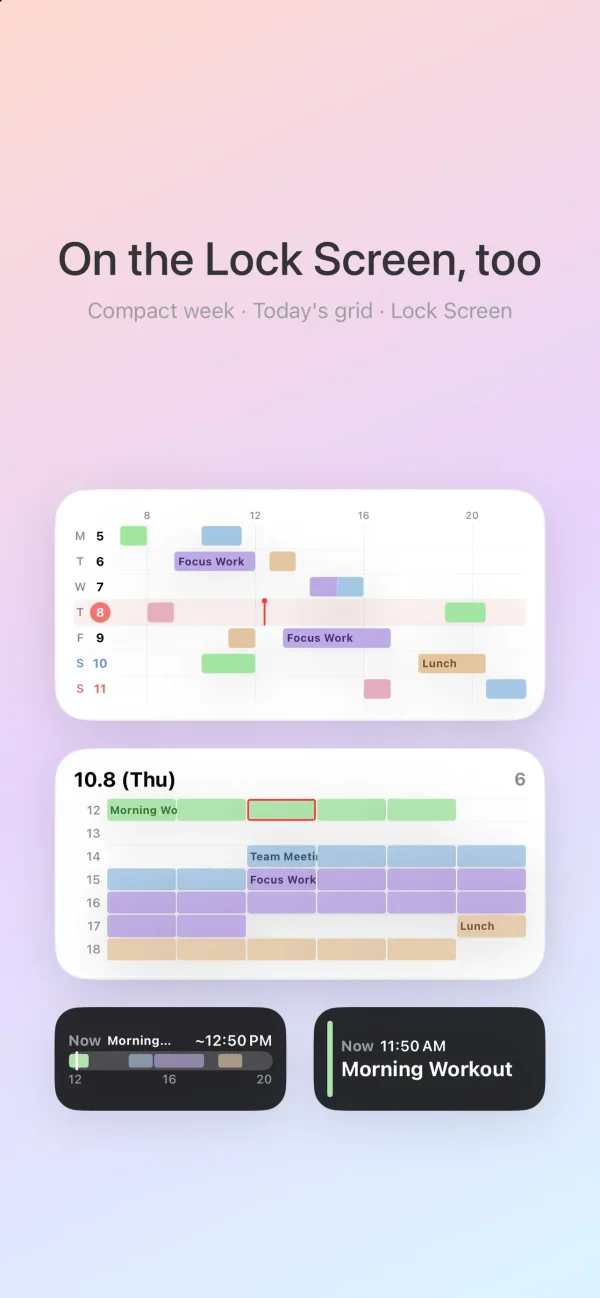
■ Widgets · Apple Watch
Check today's plan right from your Home Screen and your wrist.
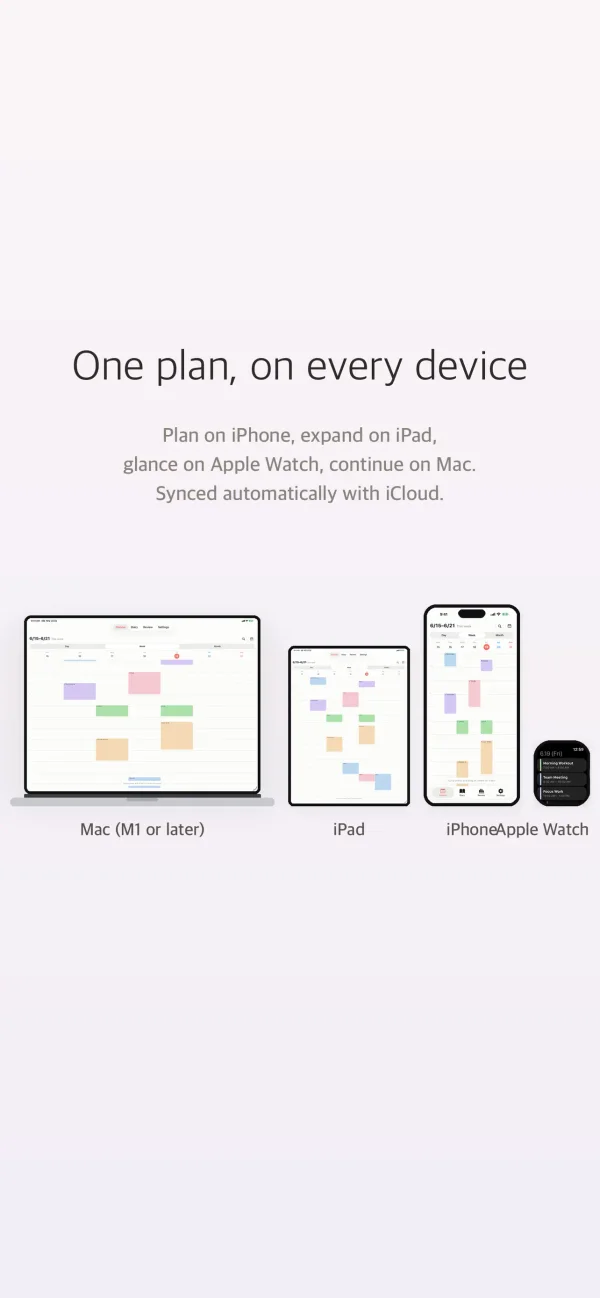
■ iCloud sync
One seamless plan across iPhone, iPad, Mac, and Apple Watch.
Free includes the day view and diary. Premium unlocks week and month views, Insights, widgets, Apple Watch, iCloud sync, and auto backup — and removes ads.
Novedades
Versión 1.2.5 · 4/11/2026
• Your plan in Calendar too (Premium) — turn on “Show in Calendar” when editing a block and it appears in the Calendar app. Change the time or title in Hue Plan and it updates; delete it and it’s removed. Pick the target calendar in Settings › Calendar, or make it the default for new blocks.
• Calendar events in widgets (Premium) — events from the Calendar app now appear as dashed tiles in your Home and Lock Screen widgets too: Today, Today Grid, Next Up, Today Flow, This Week (timetable, compact, AM/PM, bars) and This Month. Turn it on once in Settings › Calendar; widgets read your calendar directly and never store it.
• In the compact week view, tap the dot under a date to see that day’s all-day calendar events
• Short events in week widgets now show titles like the Calendar app, and text stays readable in tinted Home Screen mode
• Stability improvements
Privacidad de la aplicación
Lo que MINSEO CHOI declara en App Store sobre cómo esta aplicación gestiona los datos.
-
Datos usados para rastrearte
Pueden usarse para rastrearte en aplicaciones y sitios web propiedad de otras empresas.
- Identificadores
- Datos de uso
-
Datos vinculados a ti
Pueden recopilarse y vincularse a tu identidad.
- Identificadores
- Datos de uso
-
Datos no vinculados a ti
Pueden recopilarse, pero no se vinculan a tu identidad.
- Diagnóstico
Las prácticas de privacidad pueden variar, por ejemplo, según las funciones que uses o tu edad.
Información
- Vendedor
- MINSEO CHOI
- Categoría
- Productividad
- Versión
- 1.2.5
- Actualizado
- 4/11/2026
- Publicado
- 21/6/2026
- Tamaño
- 13,8 MB
- Requiere
- iOS 17.0 o posterior
- Clasificación por edad
- 4+
- Precio
- Gratis
- Compras en la aplicación
- Sí
- Idiomas
- Coreano, Inglés, Japonés
- Copyright
- © 2026 We'reBridge