- Altersfreigabe4+
- KategorieFoto und Video
- EntwicklerAdilkhan Zeinulla
- SprachenEnglisch+ 1 weitere
- Größe2,1 MB
LavCam ist bei App Store derzeit möglicherweise nicht verfügbar
Bei unserer letzten Prüfung war der Store-Eintrag nicht erreichbar. Der Link führt weiterhin zur offiziellen App Store-Seite.
Screenshots
Info
Der Entwickler hat diesen Text nicht in Ihrer Sprache bereitgestellt.
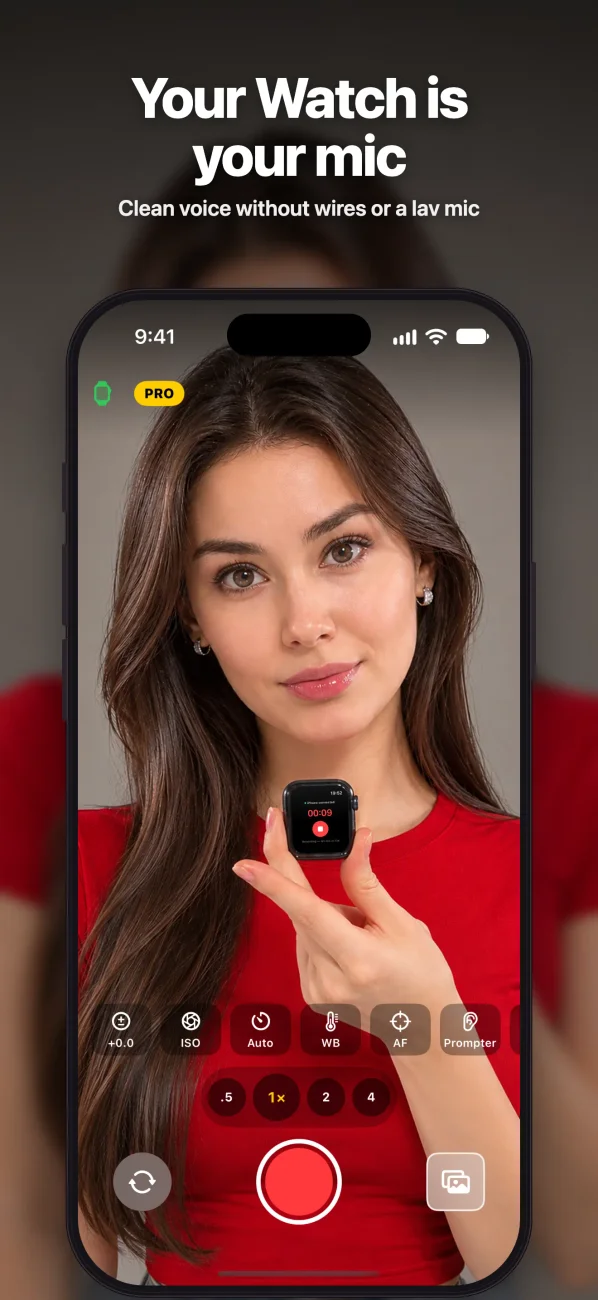
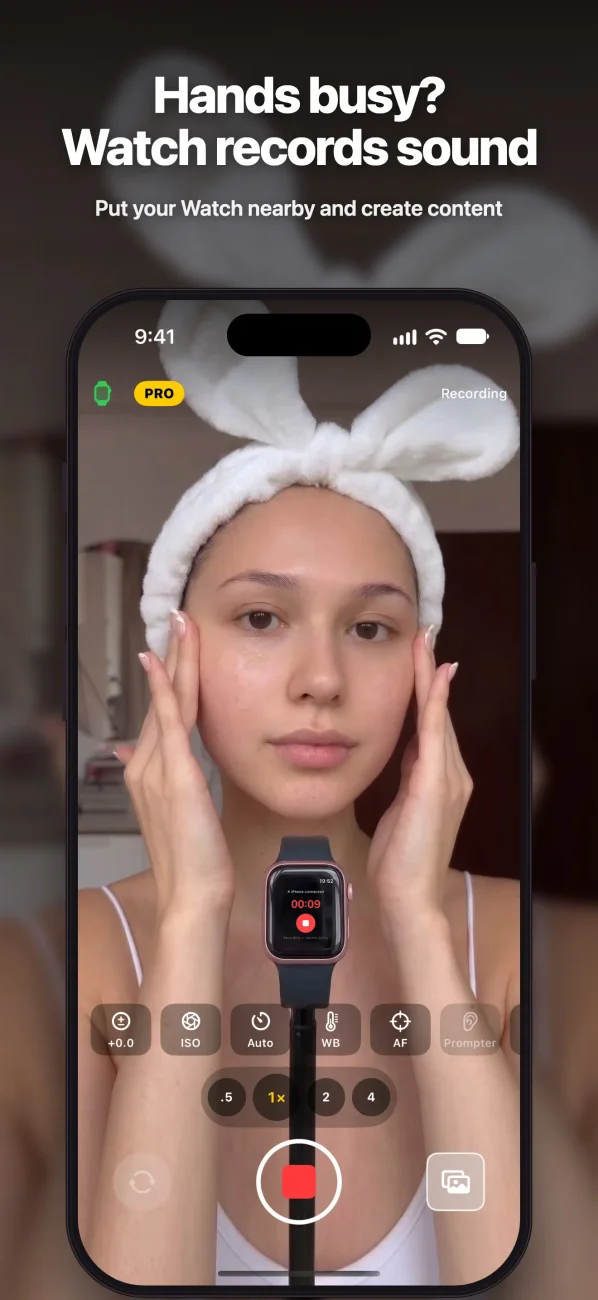
LavCam turns your Apple Watch into a lavalier microphone for filming on iPhone.
Your watch records your voice up close while your iPhone films from a distance: on a tripod, on a table or in a friend's hands. When you stop, the watch audio is automatically synced to the video and the finished clip is saved to Photos.
HOW IT WORKS
• Start recording on your Apple Watch or iPhone: the watch records audio, the iPhone records video.
• Tap Stop: the audio goes to your iPhone directly, no internet needed.
• LavCam syncs the sound and saves the clip to Photos.
HOW TO INSTALL ON YOUR WATCH
The watch app is installed through the Watch app on your iPhone: My Watch → Available Apps → LavCam → Install. If it isn't on your watch yet, LavCam shows a reminder on screen.
MADE FOR
• Creators and experts: talk to the camera with clean sound and no wires.
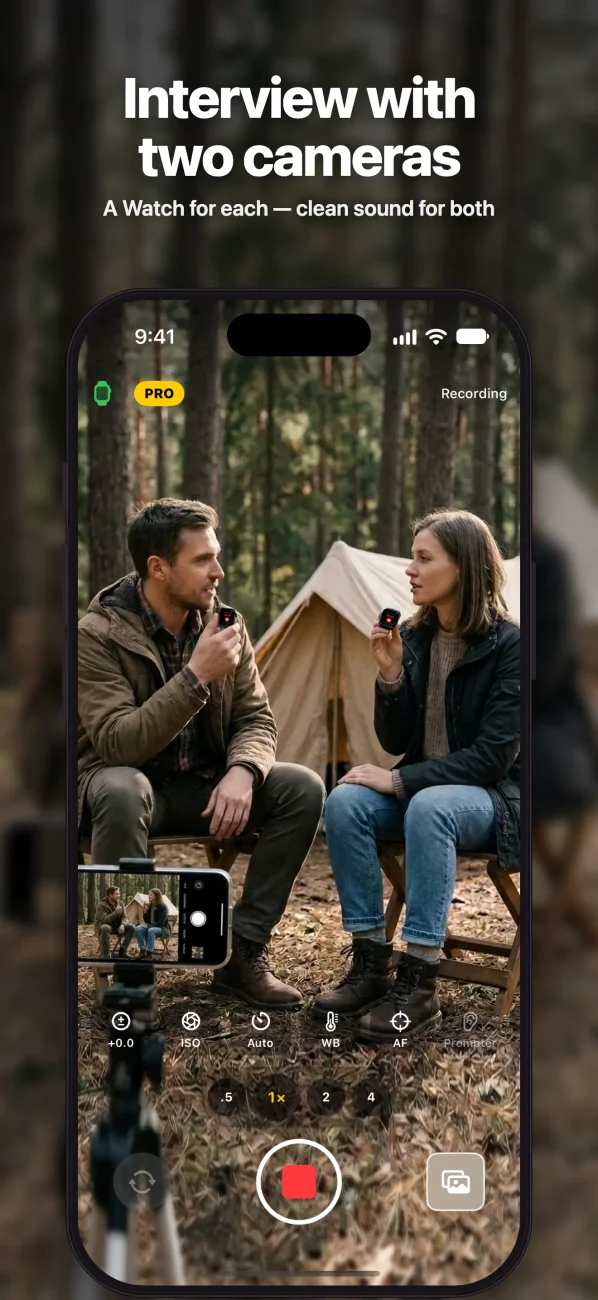
• Interviews: two iPhone and watch pairs give each person their own clean audio.
• Beauty and tutorials: put the watch on a stand nearby and keep your hands free.
FEATURES
• Start and stop with one tap on the watch or the iPhone.
• Audio keeps recording even when the watch screen turns off.
• Back and front iPhone cameras.
• Exposure (EV), grid, tap to focus and expose.
• Watch connection indicator.
• Film without a watch too, using the iPhone's built-in mic.
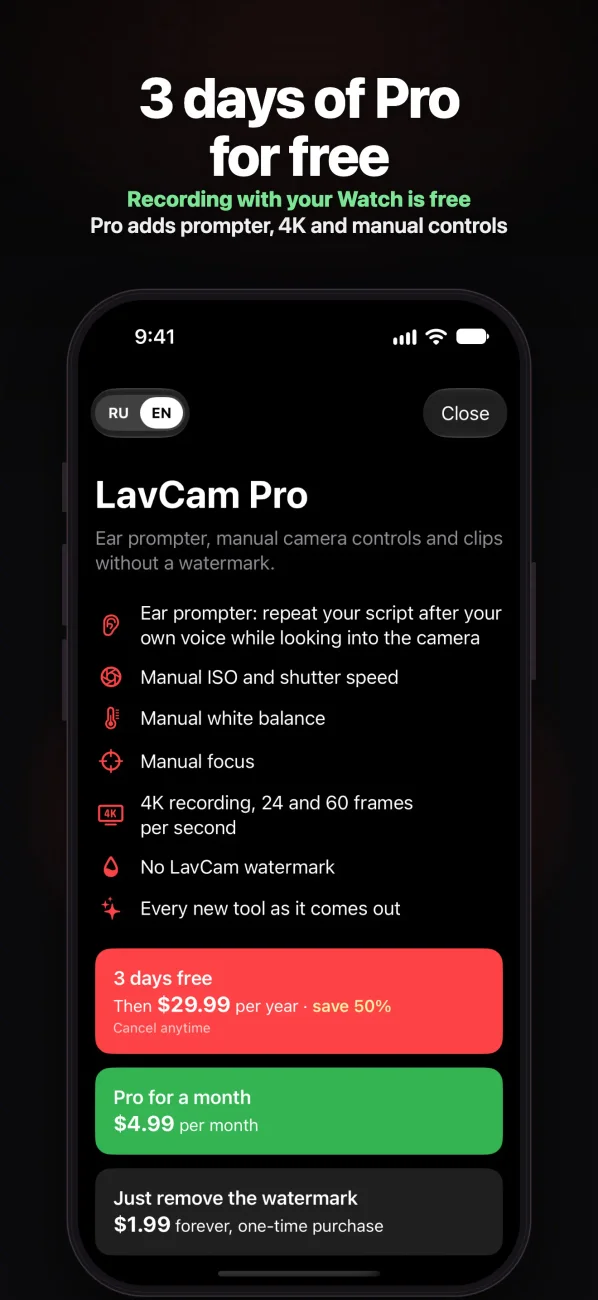
LAVCAM PRO
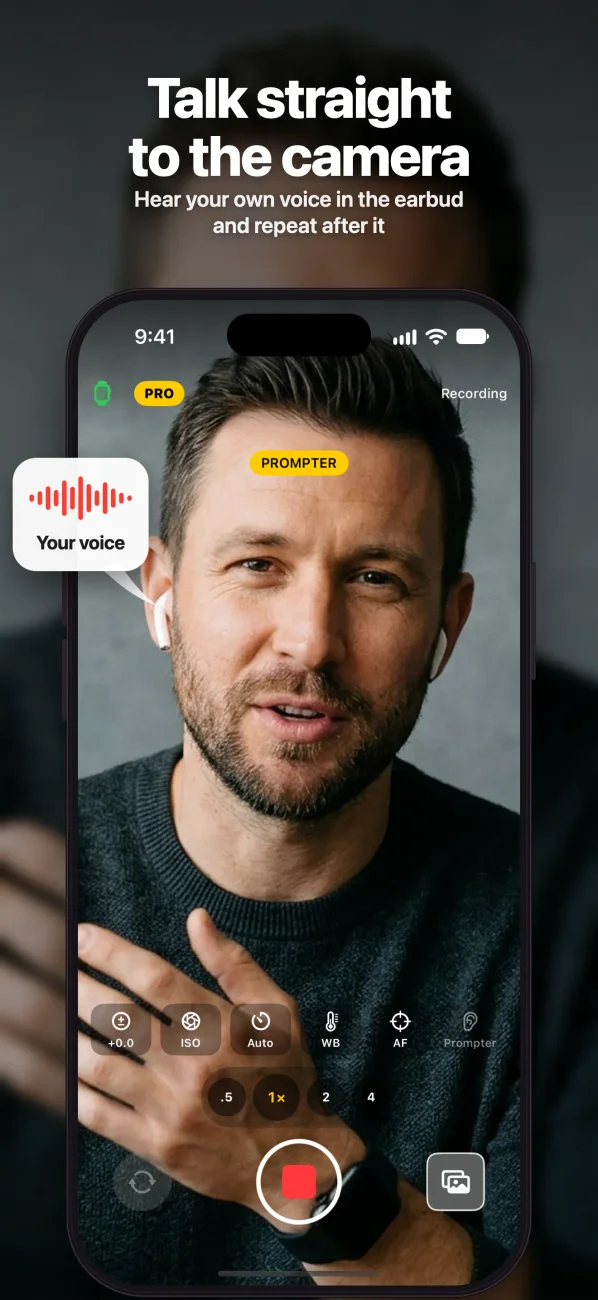
• Ear prompter: record your script in your own voice and hear it in your earbuds while filming. Repeat after it while looking straight into the camera, not at the screen.
• Manual ISO, shutter speed, white balance and focus.
• 4K recording at 24 and 60 fps.
• Clips without the LavCam watermark (the free version adds a small watermark).
Pro is available as a monthly or yearly subscription; the yearly plan starts with a 3-day free trial. The watermark can also be removed with a one-time purchase. Subscriptions renew automatically unless cancelled at least 24 hours before the end of the current period; manage them in your Apple ID settings.
Terms of Use: https://www.apple.com/legal/internet-services/itunes/dev/stdeula/
PRIVACY
LavCam collects no data. No servers, ads, analytics or sign-up. Video and audio stay on your devices.
REQUIREMENTS
iPhone with iOS 17 or later and a paired Apple Watch with watchOS 10 or later.
Audio is transferred from the watch after you stop recording, so you can't monitor it on the iPhone while filming.
Neue Funktionen
Version 1.1.1 · 09.11.2026
What's new in LavCam 1.1.1:
• If LavCam isn't on your watch yet, the app shows how to install it.
• Refreshed LavCam Pro screen with clearer prices.
• Minor improvements.
App-Datenschutz
Was Adilkhan Zeinulla im App Store zum Umgang dieser App mit Daten angibt.
-
Keine Daten erfasst
Der Entwickler erfasst keine Daten von dieser App.
Die Datenschutzpraktiken können variieren, zum Beispiel je nach den von Ihnen verwendeten Funktionen oder Ihrem Alter.
Informationen
- Anbieter
- Adilkhan Zeinulla
- Kategorie
- Foto und Video
- Version
- 1.1.1
- Aktualisiert
- 09.11.2026
- Veröffentlicht
- 01.11.2026
- Größe
- 2,1 MB
- Erfordert
- iOS 17.0 oder neuer
- Altersfreigabe
- 4+
- In-App-Käufe
- Ja
- Sprachen
- Englisch, Russisch
- Copyright
- © 2026 Adilkhan Zeinulla
Das könnte Ihnen auch gefallen
-
 TakeAlign: Ton & Video SyncSeparate Aufnahme, ein Video
-
 Cartoonize - AI Cartoon MakerFoto und Video
-
 360 EditorTempo-Rampen & Stabilisierung
-
 Foto-Collage erstellenBilder bearbeiten, verbessern
-
 Logo Maker. Business LogoFoto und Video
-
 FoodShot AI: FoodfotografieFood-Fotos für die Speisekarte
-
 Video Collage: ZusammenfügenSplitscreen, Seite an Seite
-
 VSDCFoto und Video
-
 Werble – Der Foto-AnimatorAnimierte Video-Loops und GIFs
-
 Ninetales: Vorlagen für ReelsFoto- und Video- editor