- 対象年齢4+
- カテゴリ写真/ビデオ
- 開発元Adilkhan Zeinulla
- 言語英語ほか1言語
- サイズ2.1 MB
App Storeの公式ページにリンクしています
Download.orgはLavCamのファイルを一切ホストしていません。ボタンを押すと、Adilkhan Zeinullaが公開しているApp Storeのアプリページが開きます。ページの最終確認:2026/11/13。
スクリーンショット
概要
開発元はこのテキストをお使いの言語で提供していません。
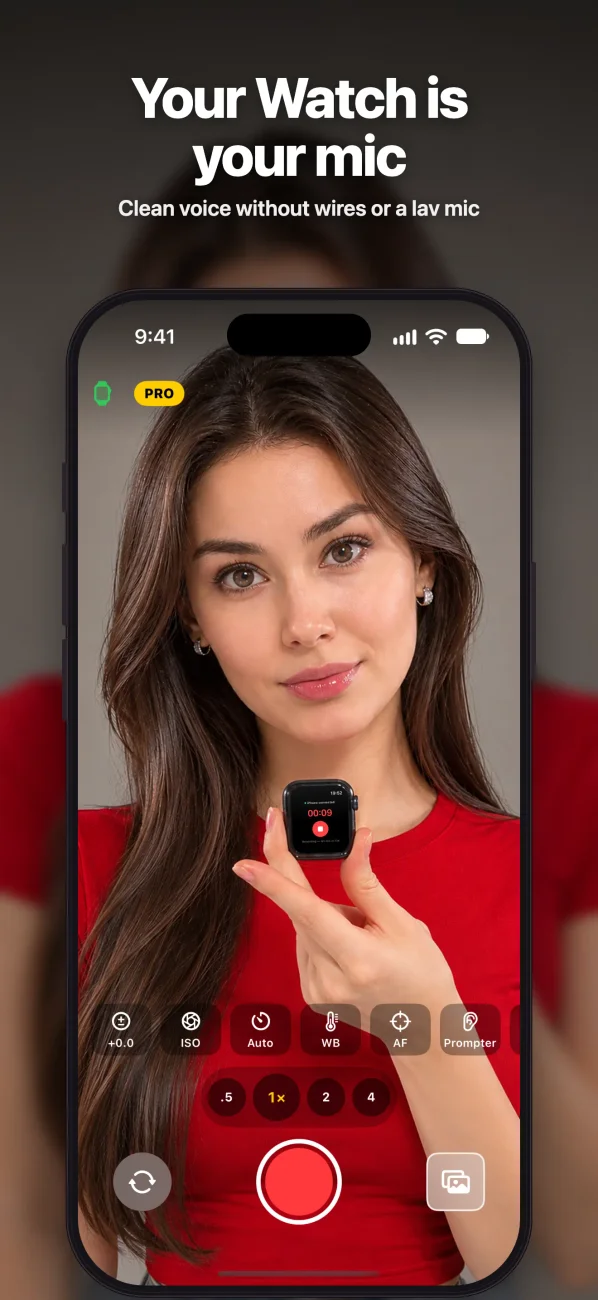
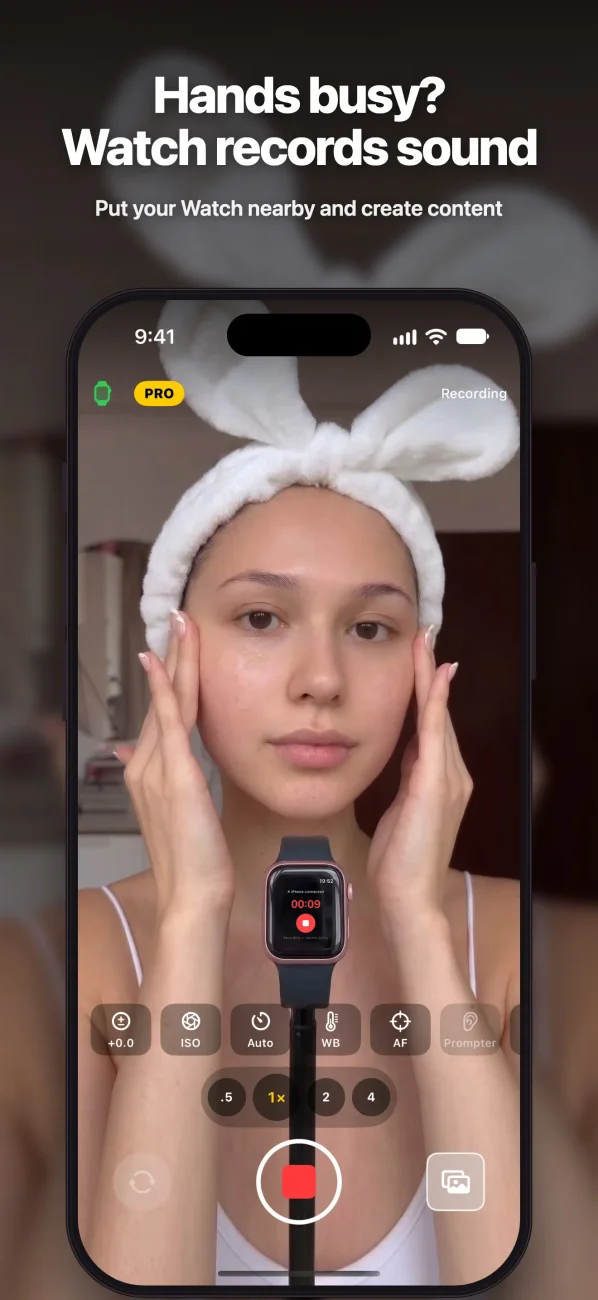
LavCam turns your Apple Watch into a lavalier microphone for filming on iPhone.
Your watch records your voice up close while your iPhone films from a distance: on a tripod, on a table or in a friend's hands. When you stop, the watch audio is automatically synced to the video and the finished clip is saved to Photos.
HOW IT WORKS
• Start recording on your Apple Watch or iPhone: the watch records audio, the iPhone records video.
• Tap Stop: the audio goes to your iPhone directly, no internet needed.
• LavCam syncs the sound and saves the clip to Photos.
HOW TO INSTALL ON YOUR WATCH
The watch app is installed through the Watch app on your iPhone: My Watch → Available Apps → LavCam → Install. If it isn't on your watch yet, LavCam shows a reminder on screen.
MADE FOR
• Creators and experts: talk to the camera with clean sound and no wires.
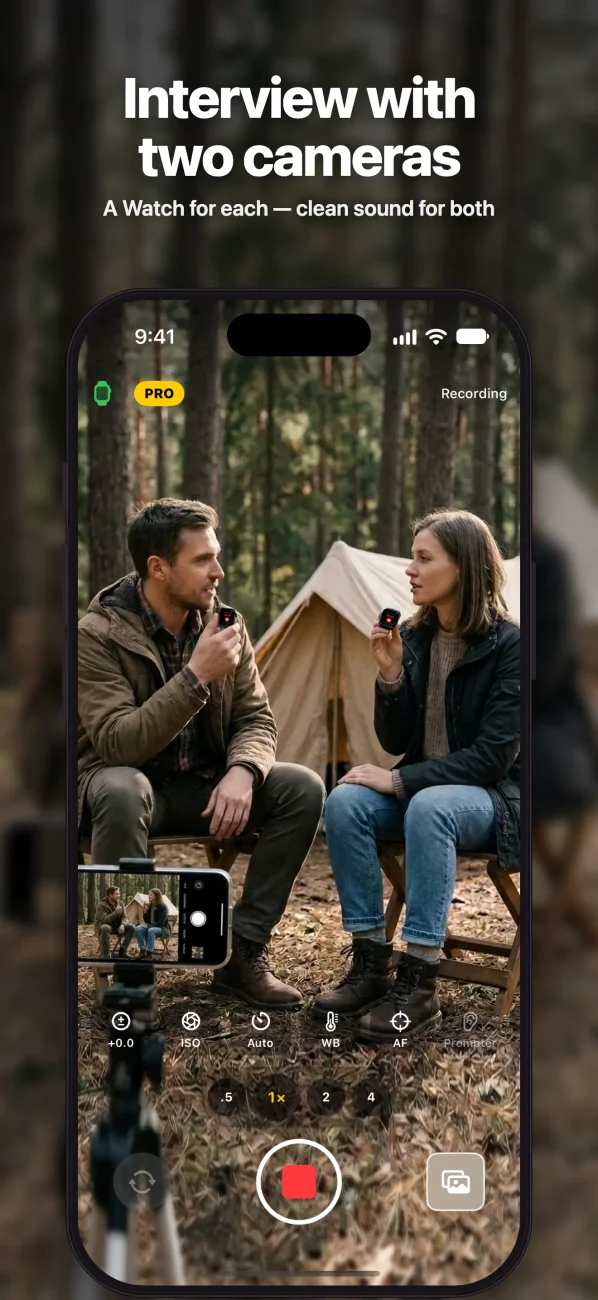
• Interviews: two iPhone and watch pairs give each person their own clean audio.
• Beauty and tutorials: put the watch on a stand nearby and keep your hands free.
FEATURES
• Start and stop with one tap on the watch or the iPhone.
• Audio keeps recording even when the watch screen turns off.
• Back and front iPhone cameras.
• Exposure (EV), grid, tap to focus and expose.
• Watch connection indicator.
• Film without a watch too, using the iPhone's built-in mic.
LAVCAM PRO
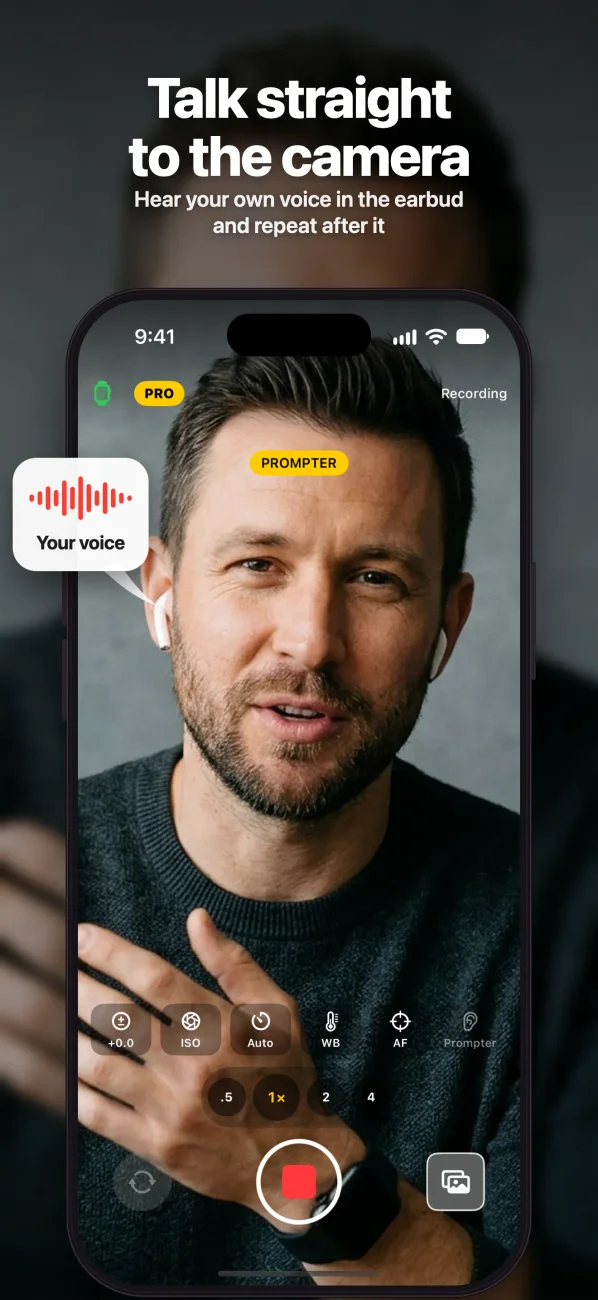
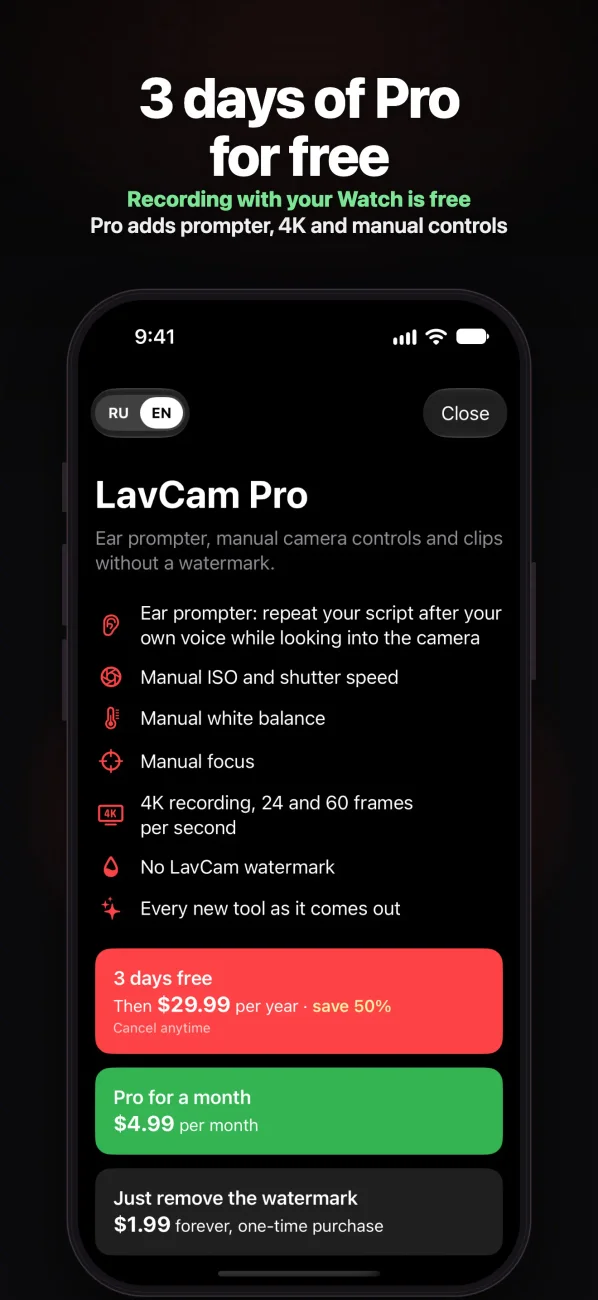
• Ear prompter: record your script in your own voice and hear it in your earbuds while filming. Repeat after it while looking straight into the camera, not at the screen.
• Manual ISO, shutter speed, white balance and focus.
• 4K recording at 24 and 60 fps.
• Clips without the LavCam watermark (the free version adds a small watermark).
Pro is available as a monthly or yearly subscription; the yearly plan starts with a 3-day free trial. The watermark can also be removed with a one-time purchase. Subscriptions renew automatically unless cancelled at least 24 hours before the end of the current period; manage them in your Apple ID settings.
Terms of Use: https://www.apple.com/legal/internet-services/itunes/dev/stdeula/
PRIVACY
LavCam collects no data. No servers, ads, analytics or sign-up. Video and audio stay on your devices.
REQUIREMENTS
iPhone with iOS 17 or later and a paired Apple Watch with watchOS 10 or later.
Audio is transferred from the watch after you stop recording, so you can't monitor it on the iPhone while filming.
新機能
バージョン 1.1.1 · 2026/11/9
What's new in LavCam 1.1.1:
• If LavCam isn't on your watch yet, the app shows how to install it.
• Refreshed LavCam Pro screen with clearer prices.
• Minor improvements.
アプリのプライバシー
このアプリのデータの取り扱いについて、Adilkhan ZeinullaがApp Storeで申告している内容です。
-
データの収集なし
開発元はこのアプリからデータを収集しません。
プライバシーの取り扱いは、ご利用の機能やお客様の年齢などに応じて異なる場合があります。
情報
- 販売元
- Adilkhan Zeinulla
- カテゴリ
- 写真/ビデオ
- バージョン
- 1.1.1
- 更新日
- 2026/11/9
- リリース
- 2026/11/1
- サイズ
- 2.1 MB
- 必要条件
- iOS 17.0以降
- 対象年齢
- 4+
- 価格
- 無料
- アプリ内課金
- あり
- 言語
- 英語, ロシア語
- 著作権
- © 2026 Adilkhan Zeinulla
こちらもおすすめ
-
 TakeAlign: 動画と音声の同期別録りの音声を動画に合わせる
-
 Cartoonize - AI Cartoon Maker写真/ビデオ
-
 360 Editorスピードランプ、トラッキング、手ブレ補正
-
 コラージュ · 写真 · 画像 · ビデオ · Blipix数秒でバズるストーリーや投稿を作成 | 写真が動画に変身
-
 Logo Maker. Business Logo写真/ビデオ
-
 FoodShot AI:料理写真エディター飲食店・カフェのメニュー写真を数秒で作成
-
 動画コラージュ:結合・グリッド画面分割・2画面・並べて比較
-
 VSDC写真/ビデオ
-
 Werble - フォトアニメーターアニメートされたビデオループ & GIF
-
 Ninetales: Reels Templates写真/ビデオ