- Classification d’âge4+
- CatégoriePhoto et vidéo
- DéveloppeurAdilkhan Zeinulla
- LanguesAnglais+ 1 de plus
- Taille2,1 Mo
LavCam n’est peut-être pas disponible sur App Store pour le moment
La fiche de la boutique était inaccessible lors de notre dernière vérification. Le lien mène toujours à la page App Store officielle.
Captures d’écran
À propos
Le développeur n’a pas fourni ce texte dans votre langue.
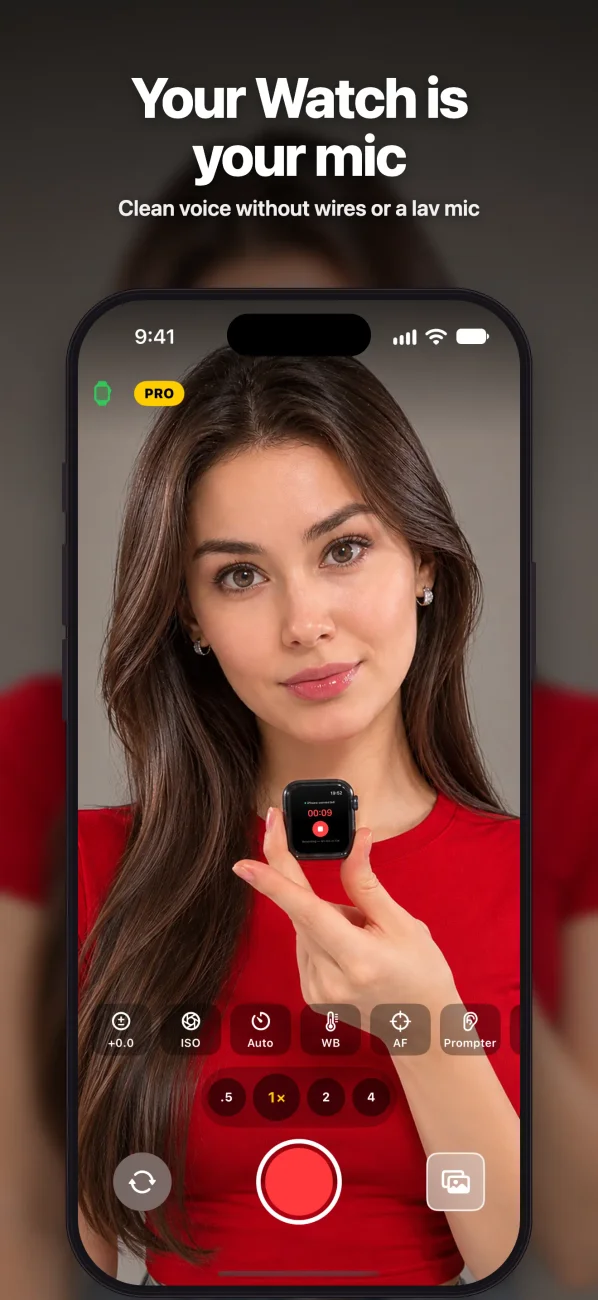
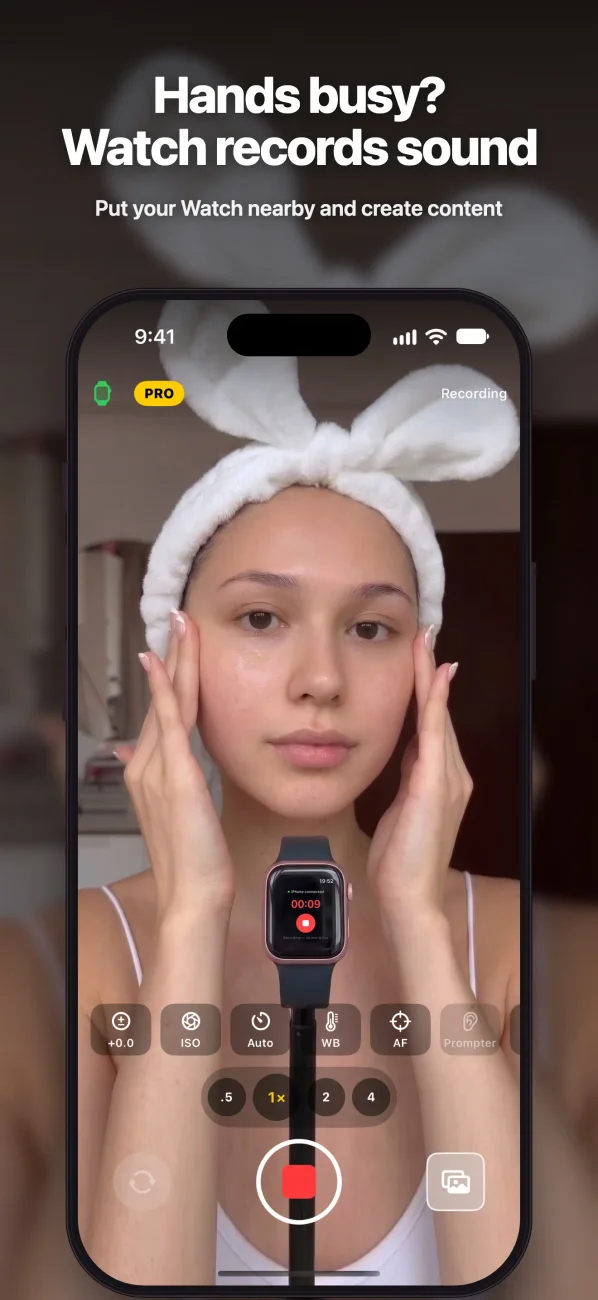
LavCam turns your Apple Watch into a lavalier microphone for filming on iPhone.
Your watch records your voice up close while your iPhone films from a distance: on a tripod, on a table or in a friend's hands. When you stop, the watch audio is automatically synced to the video and the finished clip is saved to Photos.
HOW IT WORKS
• Start recording on your Apple Watch or iPhone: the watch records audio, the iPhone records video.
• Tap Stop: the audio goes to your iPhone directly, no internet needed.
• LavCam syncs the sound and saves the clip to Photos.
HOW TO INSTALL ON YOUR WATCH
The watch app is installed through the Watch app on your iPhone: My Watch → Available Apps → LavCam → Install. If it isn't on your watch yet, LavCam shows a reminder on screen.
MADE FOR
• Creators and experts: talk to the camera with clean sound and no wires.
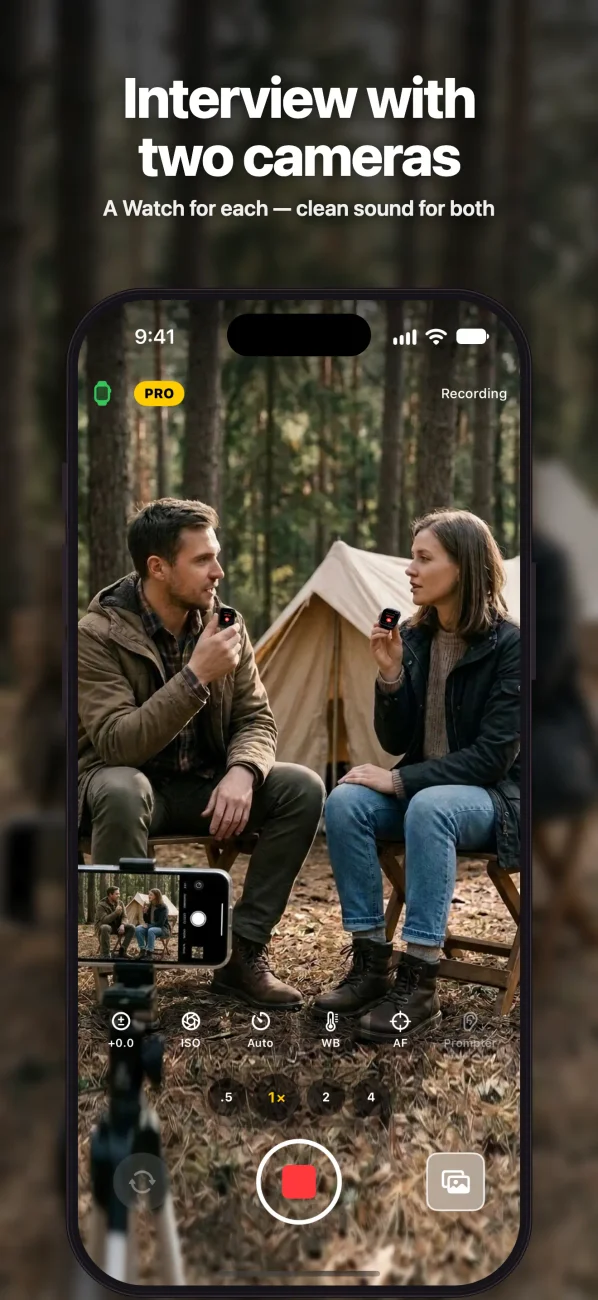
• Interviews: two iPhone and watch pairs give each person their own clean audio.
• Beauty and tutorials: put the watch on a stand nearby and keep your hands free.
FEATURES
• Start and stop with one tap on the watch or the iPhone.
• Audio keeps recording even when the watch screen turns off.
• Back and front iPhone cameras.
• Exposure (EV), grid, tap to focus and expose.
• Watch connection indicator.
• Film without a watch too, using the iPhone's built-in mic.
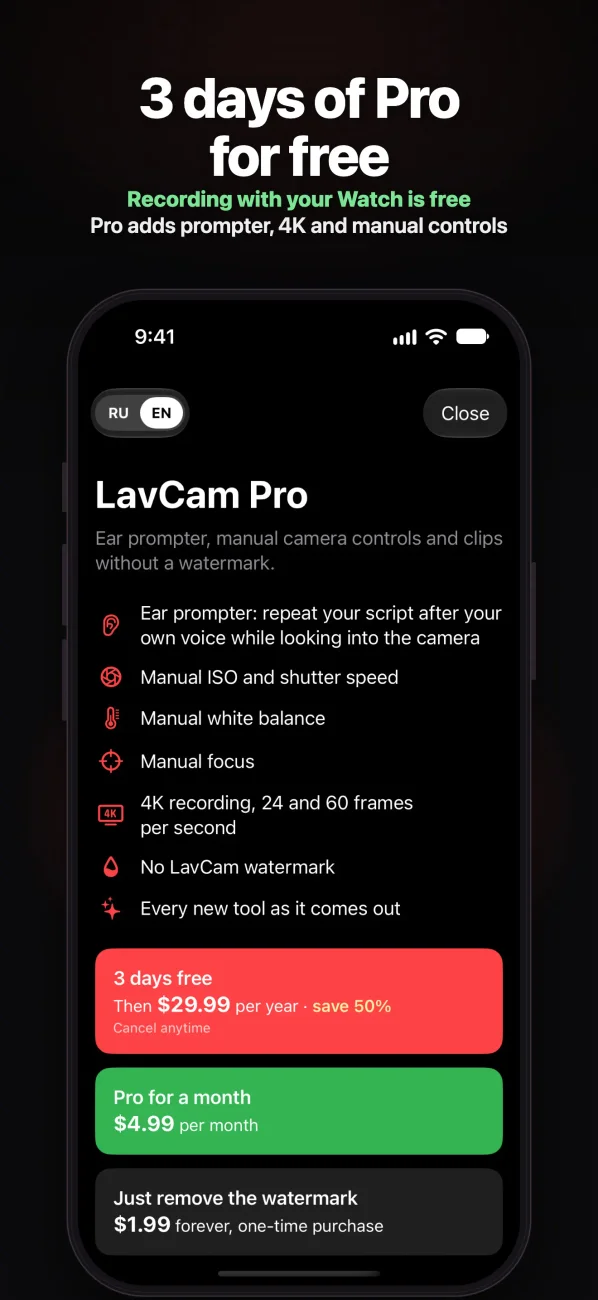
LAVCAM PRO
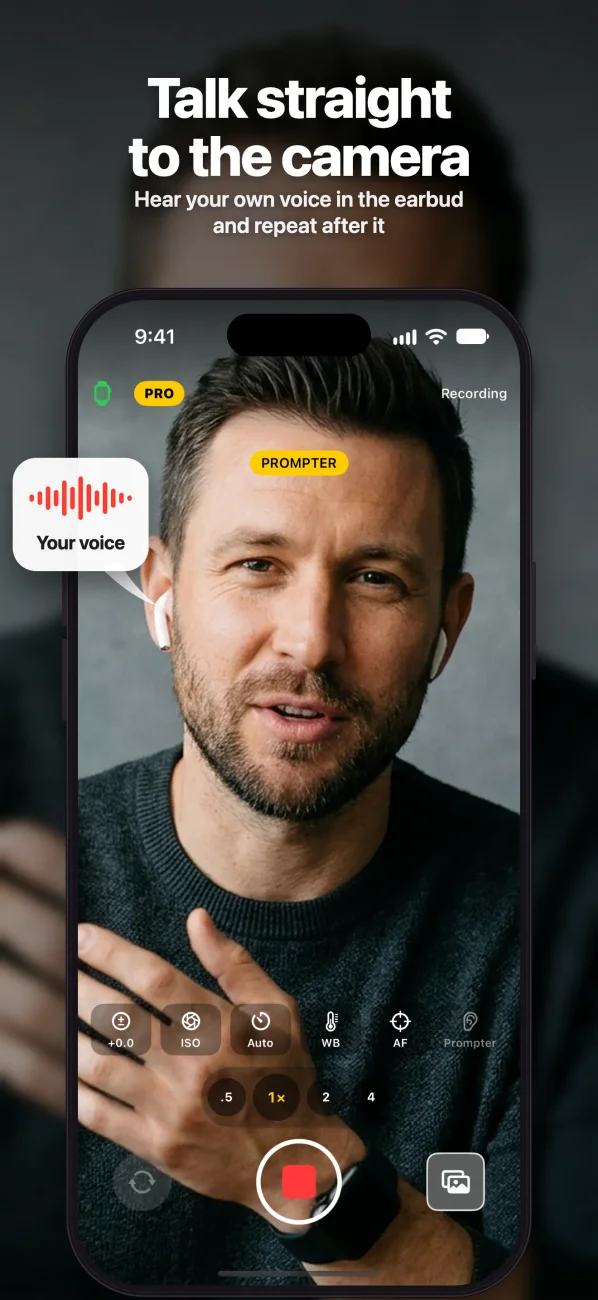
• Ear prompter: record your script in your own voice and hear it in your earbuds while filming. Repeat after it while looking straight into the camera, not at the screen.
• Manual ISO, shutter speed, white balance and focus.
• 4K recording at 24 and 60 fps.
• Clips without the LavCam watermark (the free version adds a small watermark).
Pro is available as a monthly or yearly subscription; the yearly plan starts with a 3-day free trial. The watermark can also be removed with a one-time purchase. Subscriptions renew automatically unless cancelled at least 24 hours before the end of the current period; manage them in your Apple ID settings.
Terms of Use: https://www.apple.com/legal/internet-services/itunes/dev/stdeula/
PRIVACY
LavCam collects no data. No servers, ads, analytics or sign-up. Video and audio stay on your devices.
REQUIREMENTS
iPhone with iOS 17 or later and a paired Apple Watch with watchOS 10 or later.
Audio is transferred from the watch after you stop recording, so you can't monitor it on the iPhone while filming.
Nouveautés
Version 1.1.1 · 09/11/2026
What's new in LavCam 1.1.1:
• If LavCam isn't on your watch yet, the app shows how to install it.
• Refreshed LavCam Pro screen with clearer prices.
• Minor improvements.
Confidentialité de l’application
Ce que Adilkhan Zeinulla déclare sur l’App Store au sujet du traitement des données par cette application.
-
Données non collectées
Le développeur ne collecte aucune donnée à partir de cette application.
Les pratiques en matière de confidentialité peuvent varier, notamment en fonction des fonctionnalités que vous utilisez ou de votre âge.
Informations
- Vendeur
- Adilkhan Zeinulla
- Catégorie
- Photo et vidéo
- Version
- 1.1.1
- Mis à jour
- 09/11/2026
- Publié
- 01/11/2026
- Taille
- 2,1 Mo
- Nécessite
- iOS 17.0 ou version ultérieure
- Classification d’âge
- 4+
- Achats intégrés
- Oui
- Langues
- Anglais, Russe
- Copyright
- © 2026 Adilkhan Zeinulla
Vous aimerez peut-être aussi
-
 TakeAlign: Synchro audioAlignez vos prises et la vidéo
-
 Cartoonize - AI Cartoon MakerPhoto et vidéo
-
 360 EditorRampes, suivi, stabilisation
-
 Collage et éditeur de photosMontage, retouche, recadrer
-
 Logo Creator: Créer LogoCréation de logo sans effort
-
 FoodShot AI: Photo CulinairePhotos food pour vos menus
-
 Collage Vidéo: GrilleFusionner clips, écran divisé
-
 VSDCPhoto et vidéo
-
 Werble – animez vos photosBoucles vidéo et GIF animés
-
 Ninetales: Reels TemplatesPhoto et vidéo