LED Draw
Pixel art with a neon glow
Entwickelt für iPhone, iPad, iPod touch
Kostenlos
- Altersfreigabe4+
- KategorieGrafik und Design
- EntwicklerInno Wheel LLC
- SprachenEnglisch
- Größe19,2 MB
Verlinkt auf die offizielle App Store-Seite
Download.org hostet keine Datei von LED Draw. Die Schaltfläche öffnet die App-Seite bei App Store, wo Inno Wheel LLC die App veröffentlicht. Eintrag zuletzt geprüft am 12.11.2026.
Screenshots

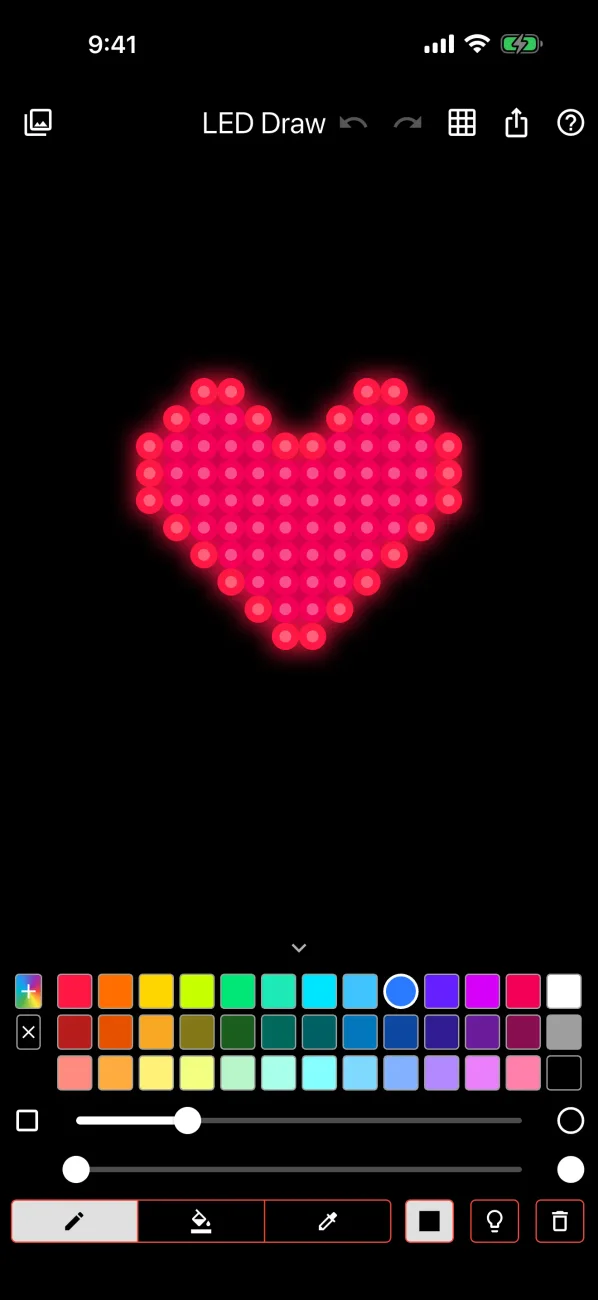
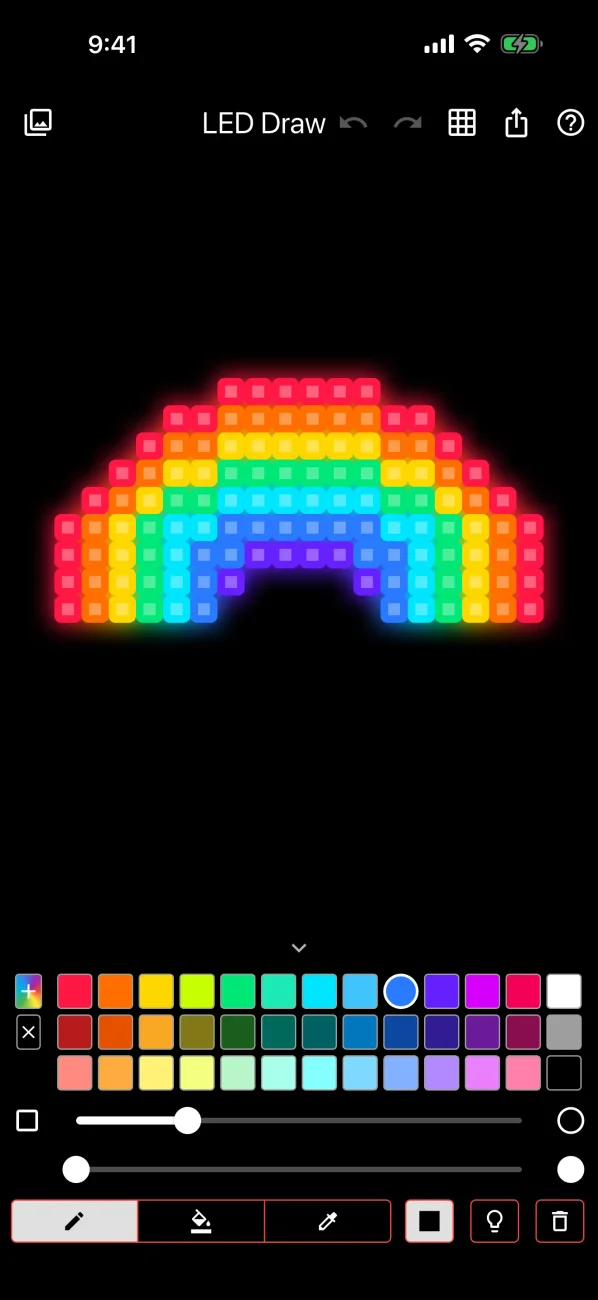
Info
Der Entwickler hat diesen Text nicht in Ihrer Sprache bereitgestellt.
LED Draw turns your screen into a board of little lights. Tap or drag to light them up, pick from a palette of glowing colours, and watch your pixel art come to life.
WHAT YOU CAN DO
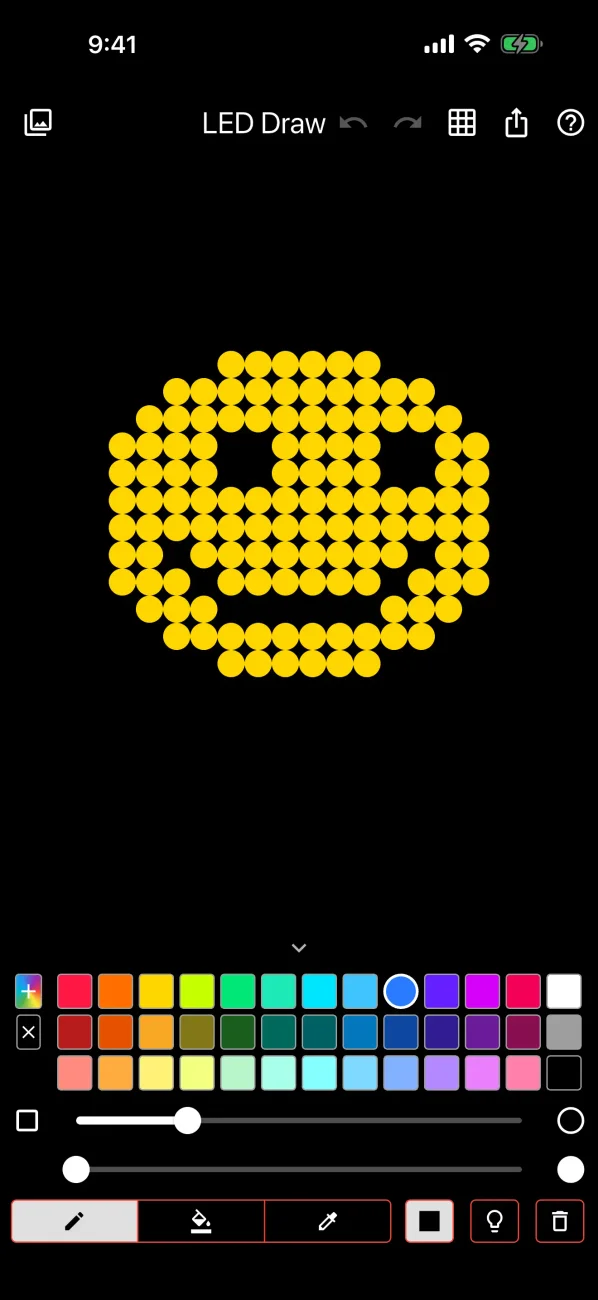
• Draw with one finger on a grid of cells: squares, rounded squares or round LEDs
• Choose small, medium or large cells, and switch between them without losing your drawing
• Pick from 36 colours arranged as a spectrum, or make your own with the colour picker
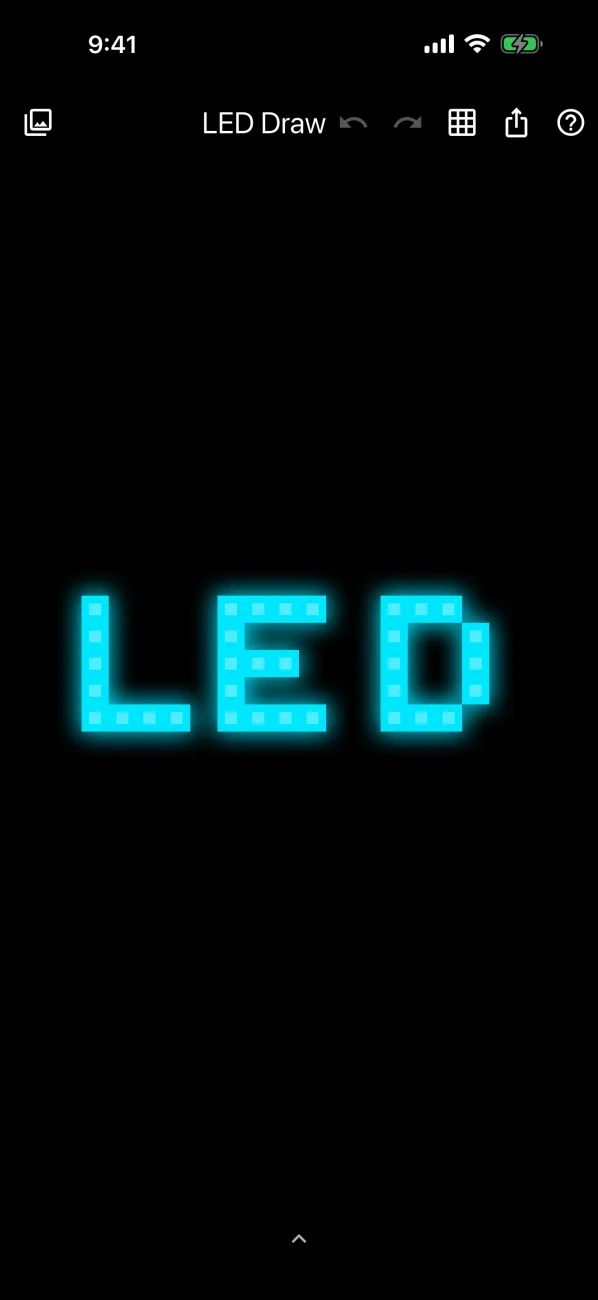
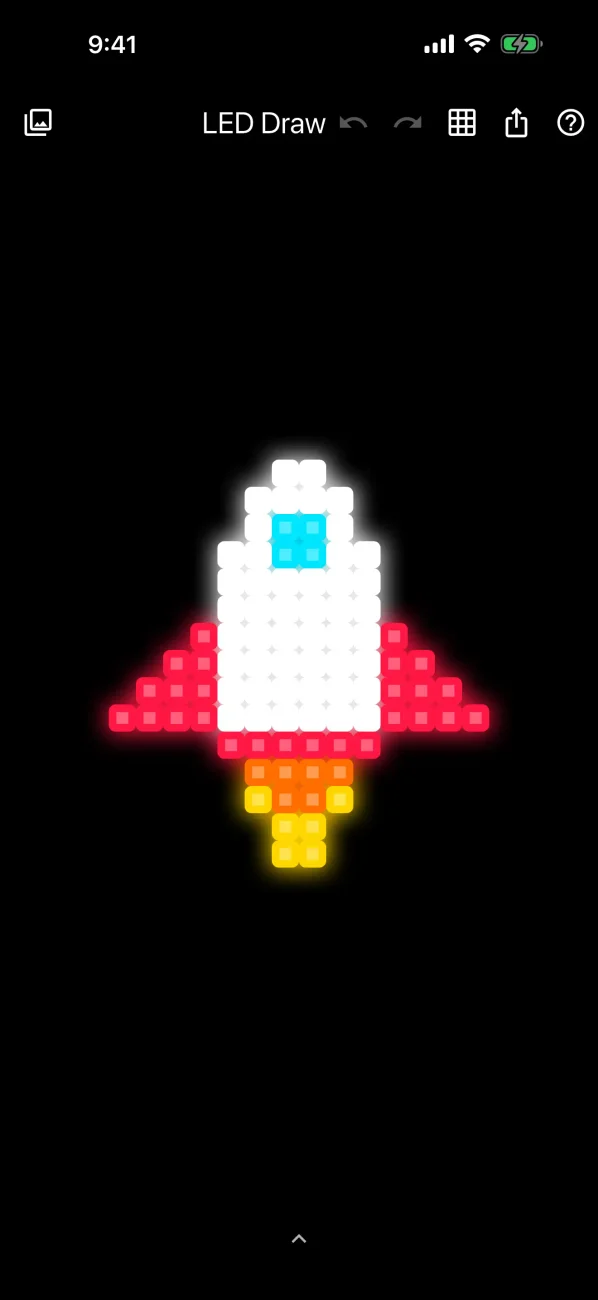
• Turn on Neon and every new cell glows like a real light
• Fill any area with one tap using the bucket, or pick up a colour from the canvas with the eyedropper
• Pinch with two fingers to zoom in for detail, then tap the badge to zoom out
• Slide the background from black to white
• Undo and redo, stroke by stroke
• Save as many drawings as you like and open them from a gallery of thumbnails
• Share your drawing as a picture to any app
Hide the tools with one tap and the whole screen becomes your canvas.
Drawings saved in earlier versions of LED Draw are brought across automatically.
No account, no ads, no tracking. Your drawings stay on your device.
Neue Funktionen
Version 3.0.0 · 21.09.2026
LED Draw 3.0 is a complete rebuild.
• Neon glow: new cells light up with a soft halo
• Bucket fill and an eyedropper join the pen
• A colour picker for any colour, kept as swatches you can reuse
• Small, medium and large cells, with your drawing rescaled when you switch
• Pinch to zoom
• A new spectrum palette of 36 colours
• A Drawings screen with thumbnails for saving, opening and deleting
• Hide the tools to draw on the whole screen
• Undo now takes back a whole stroke at a time
• Your existing saved drawings are imported automatically
App-Datenschutz
Was Inno Wheel LLC im App Store zum Umgang dieser App mit Daten angibt.
-
Keine Daten erfasst
Der Entwickler erfasst keine Daten von dieser App.
Die Datenschutzpraktiken können variieren, zum Beispiel je nach den von Ihnen verwendeten Funktionen oder Ihrem Alter.
Informationen
- Anbieter
- Inno Wheel LLC
- Kategorie
- Grafik und Design
- Version
- 3.0.0
- Aktualisiert
- 21.09.2026
- Veröffentlicht
- 04.03.2018
- Größe
- 19,2 MB
- Erfordert
- iOS 15.0 oder neuer
- Altersfreigabe
- 4+
- Preis
- Kostenlos
- Sprachen
- Englisch
- Copyright
- © Innowheel Inc
Das könnte Ihnen auch gefallen
-
 LED Board SimulatorGrafik und Design
-
 Bloom.Grafik und Design
-
 Animated Drawing by ArtModGrafik und Design
-
 Add text to Photos - Text ArtTypography - Text on Photos
-
 Colorific: Color PaletteCreate Beautiful Color Palette
-
 MoCápGrafik und Design
-
 AR Zeichnen & SkizzenBild Projektor & Zeichnung
-
 Unreal StageGrafik und Design
-
 GIFs for iMessage - GifSkipGrafik und Design
-
 HuePaintGrafik und Design