- Age rating4+
- CategoryGraphics & Design
- DeveloperInno Wheel LLC
- LanguagesEnglish
- Size19.2 MB
Links to the official App Store page
Download.org hosts no file of LED Draw. The button opens its official App Store page, published by Inno Wheel LLC. Listing last checked on Nov 12, 2026.
Screenshots

About
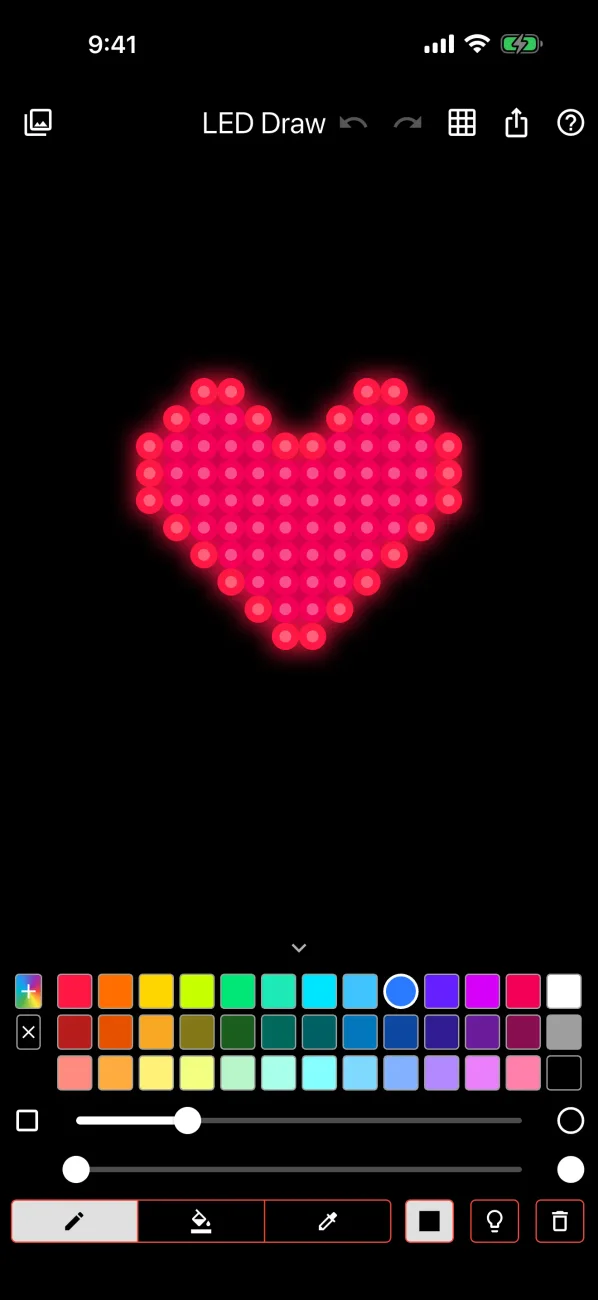
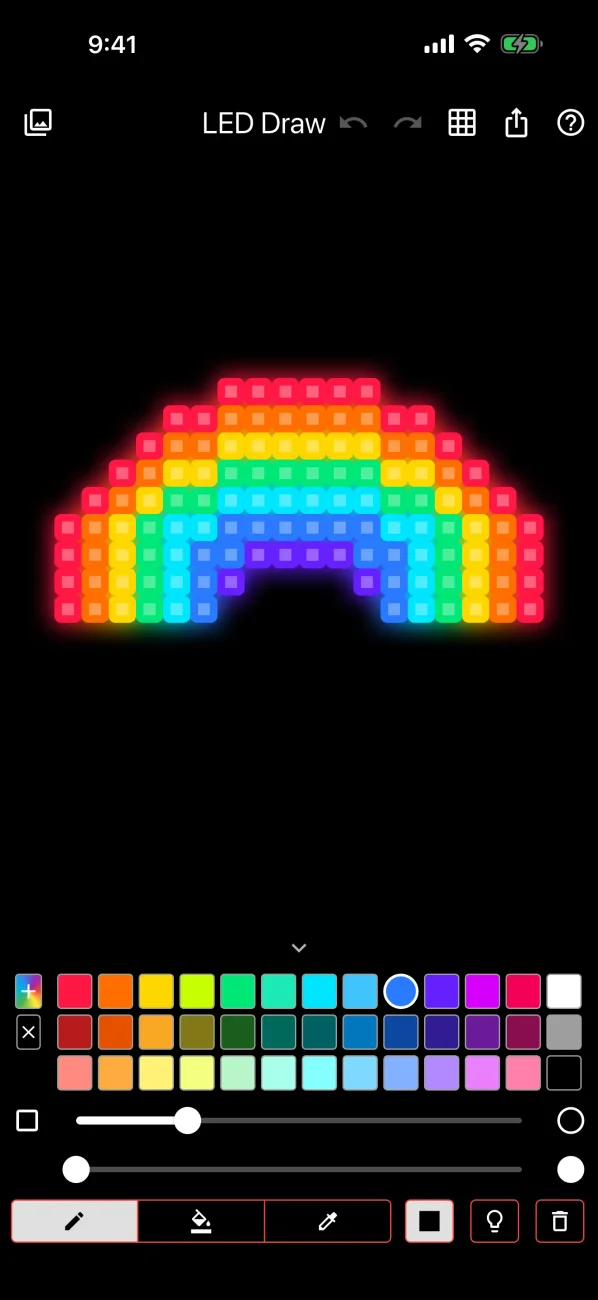
LED Draw turns your screen into a board of little lights. Tap or drag to light them up, pick from a palette of glowing colours, and watch your pixel art come to life.
WHAT YOU CAN DO
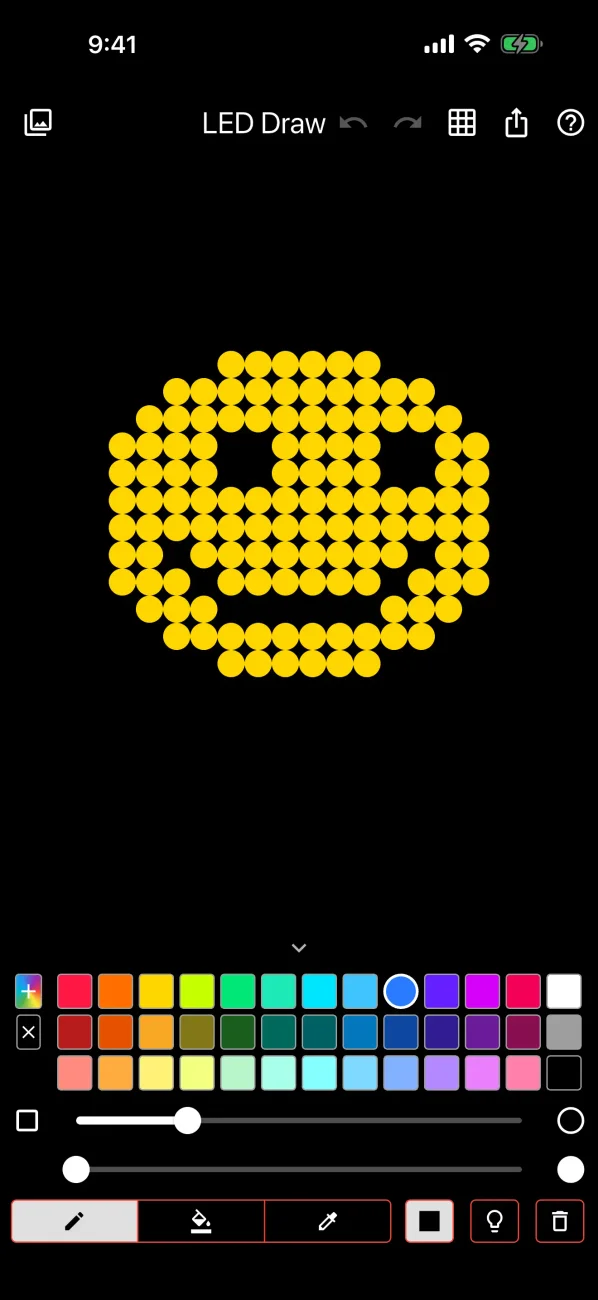
• Draw with one finger on a grid of cells: squares, rounded squares or round LEDs
• Choose small, medium or large cells, and switch between them without losing your drawing
• Pick from 36 colours arranged as a spectrum, or make your own with the colour picker
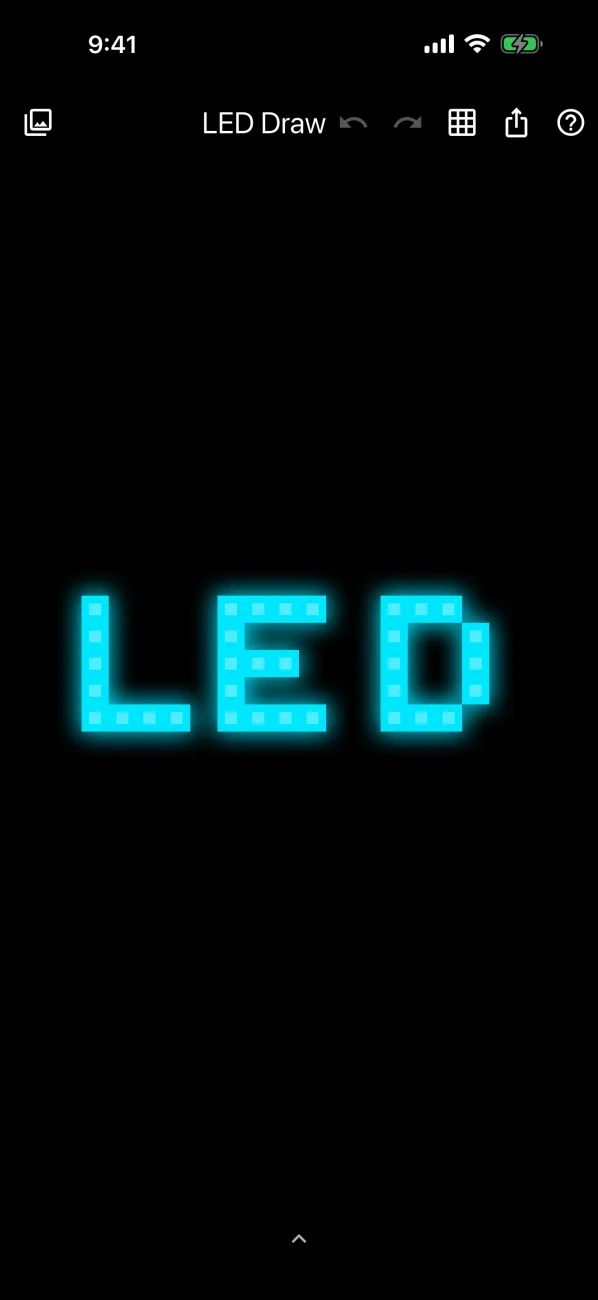
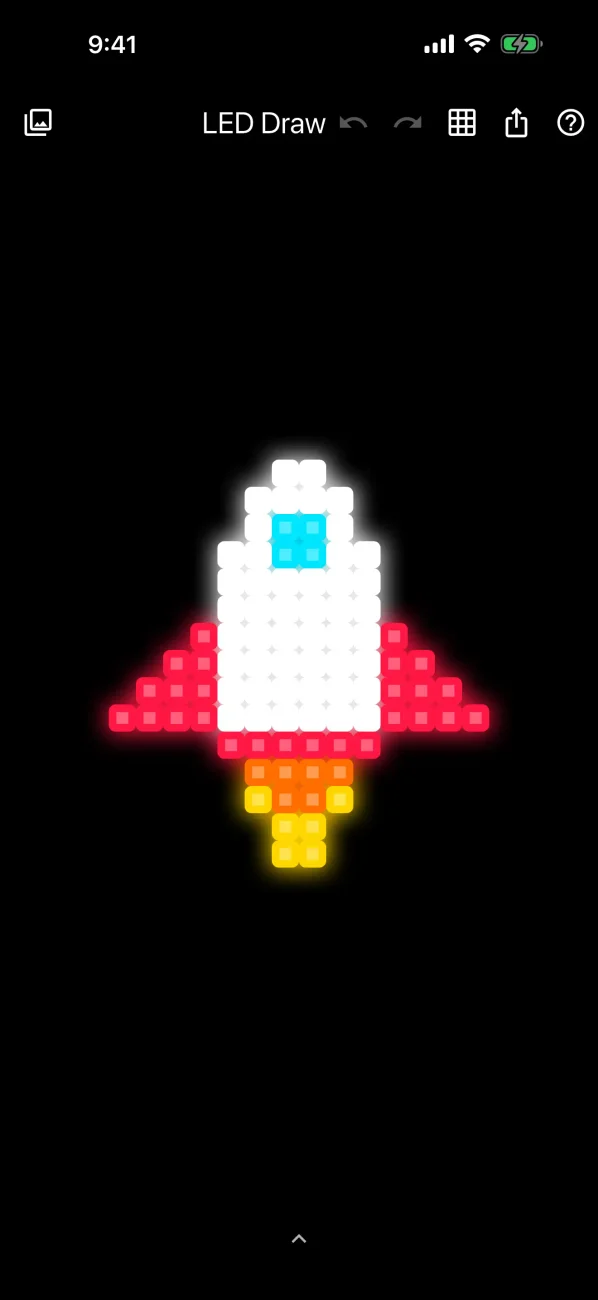
• Turn on Neon and every new cell glows like a real light
• Fill any area with one tap using the bucket, or pick up a colour from the canvas with the eyedropper
• Pinch with two fingers to zoom in for detail, then tap the badge to zoom out
• Slide the background from black to white
• Undo and redo, stroke by stroke
• Save as many drawings as you like and open them from a gallery of thumbnails
• Share your drawing as a picture to any app
Hide the tools with one tap and the whole screen becomes your canvas.
Drawings saved in earlier versions of LED Draw are brought across automatically.
No account, no ads, no tracking. Your drawings stay on your device.
What’s new
Version 3.0.0 · Sep 21, 2026
LED Draw 3.0 is a complete rebuild.
• Neon glow: new cells light up with a soft halo
• Bucket fill and an eyedropper join the pen
• A colour picker for any colour, kept as swatches you can reuse
• Small, medium and large cells, with your drawing rescaled when you switch
• Pinch to zoom
• A new spectrum palette of 36 colours
• A Drawings screen with thumbnails for saving, opening and deleting
• Hide the tools to draw on the whole screen
• Undo now takes back a whole stroke at a time
• Your existing saved drawings are imported automatically
App privacy
What Inno Wheel LLC declares on the App Store about how this app handles data.
-
Data not collected
The developer does not collect any data from this app.
Privacy practices may vary, for example with the features you use or your age.
Information
- Seller
- Inno Wheel LLC
- Category
- Graphics & Design
- Version
- 3.0.0
- Updated
- Sep 21, 2026
- Released
- Mar 4, 2018
- Size
- 19.2 MB
- Requires
- iOS 15.0 or later
- Age rating
- 4+
- Price
- Free
- Languages
- English
- Copyright
- © Innowheel Inc
You might also like
-
 LED Board SimulatorDifferent Animations
-
 Bloom.A unique color for every pixel
-
 Animated Drawing by ArtModMake Every Stroke Move
-
 Add text to Photos - Text ArtTypography - Text on Photos
-
 Colorific: Color PaletteCreate Beautiful Color Palette
-
 MoCápYour motion capture studio
-
 AR Drawing: Learn to Sketchhow to draw step by step
-
 Unreal StageGraphics & Design
-
 GIFs for iMessage - GifSkipGif Keyboard,Convert,Make Gifs
-
 HuePaintArt painter:canvas,oil,brushes