LED Draw
Pixel art with a neon glow
Dirancang untuk iPhone, iPad, iPod touch
Gratis
- Batasan usia4+
- KategoriGrafik & Desain
- PengembangInno Wheel LLC
- BahasaInggris
- Ukuran19,2 MB
Tertaut ke halaman resmi App Store
Download.org tidak menyimpan file LED Draw apa pun. Tombol ini membuka halaman aplikasi di App Store, tempat Inno Wheel LLC menerbitkannya. Halaman terakhir diperiksa pada 12/11/2026.
Tangkapan layar

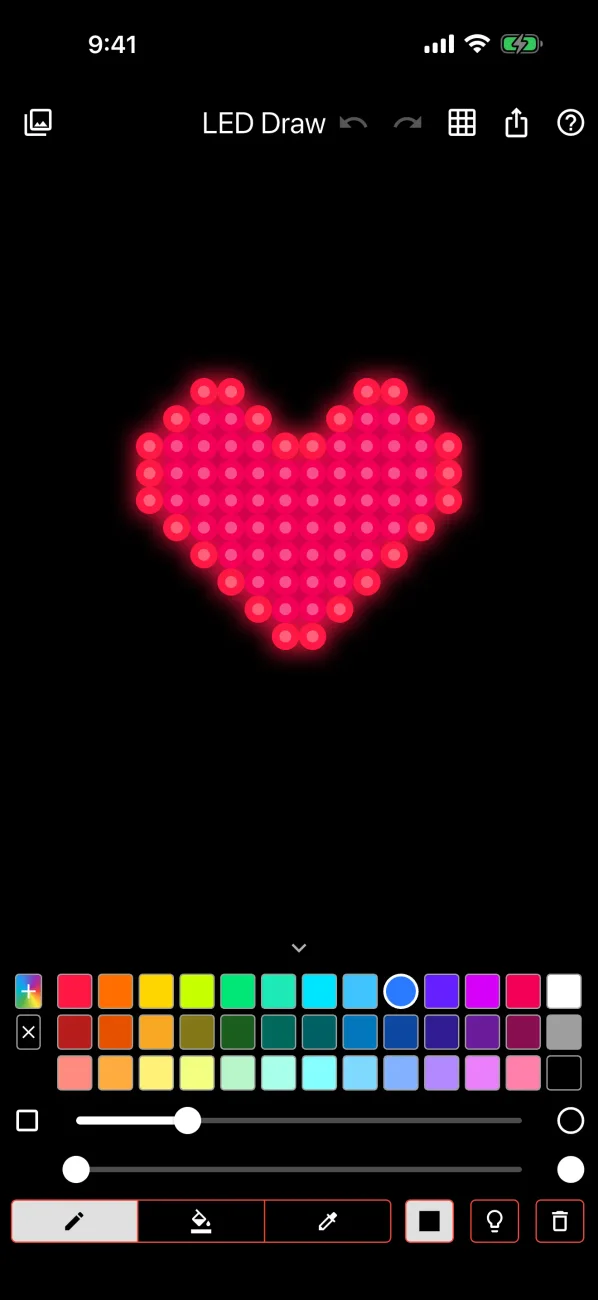
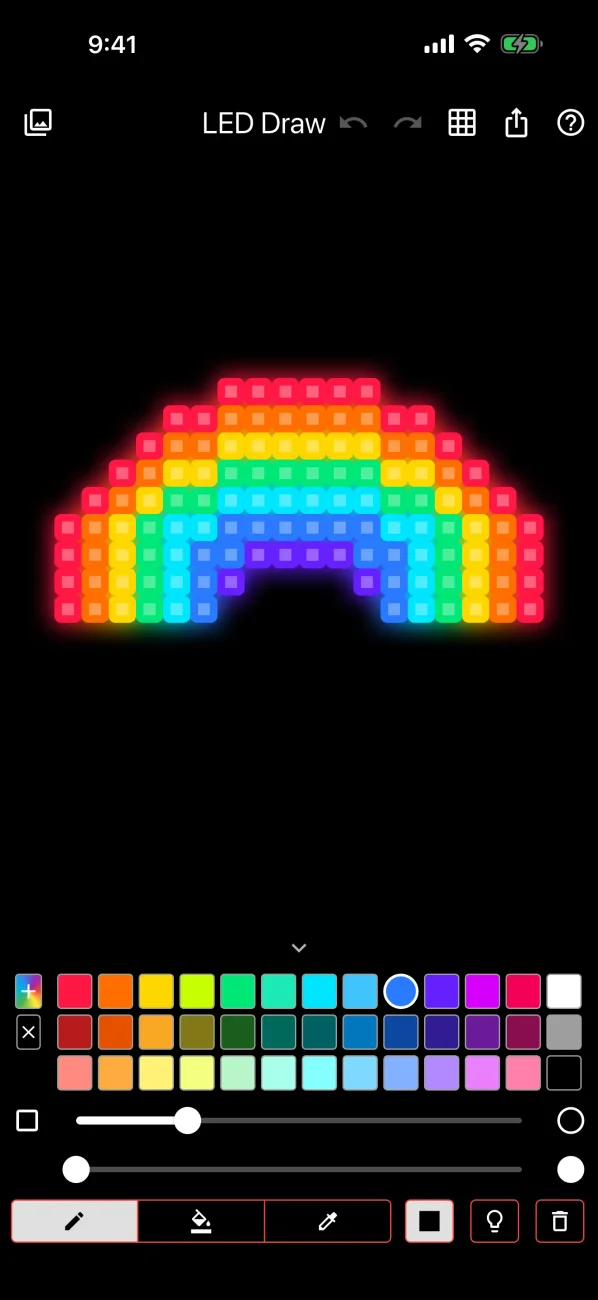
Tentang
Pengembang belum menyediakan teks ini dalam bahasa Anda.
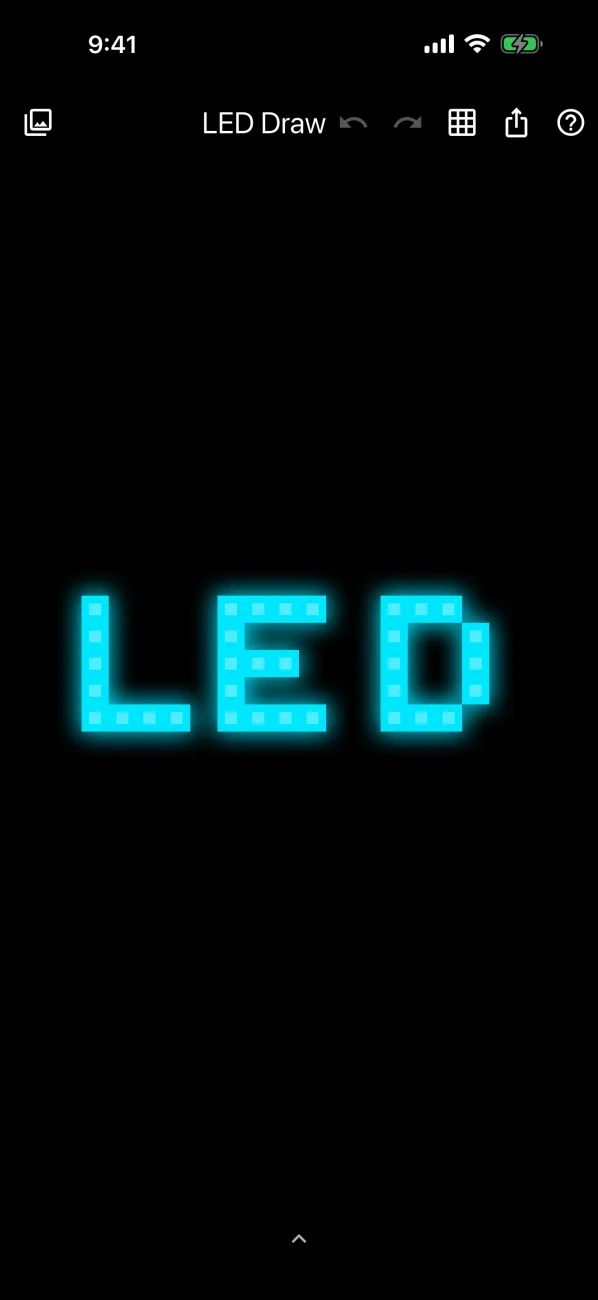
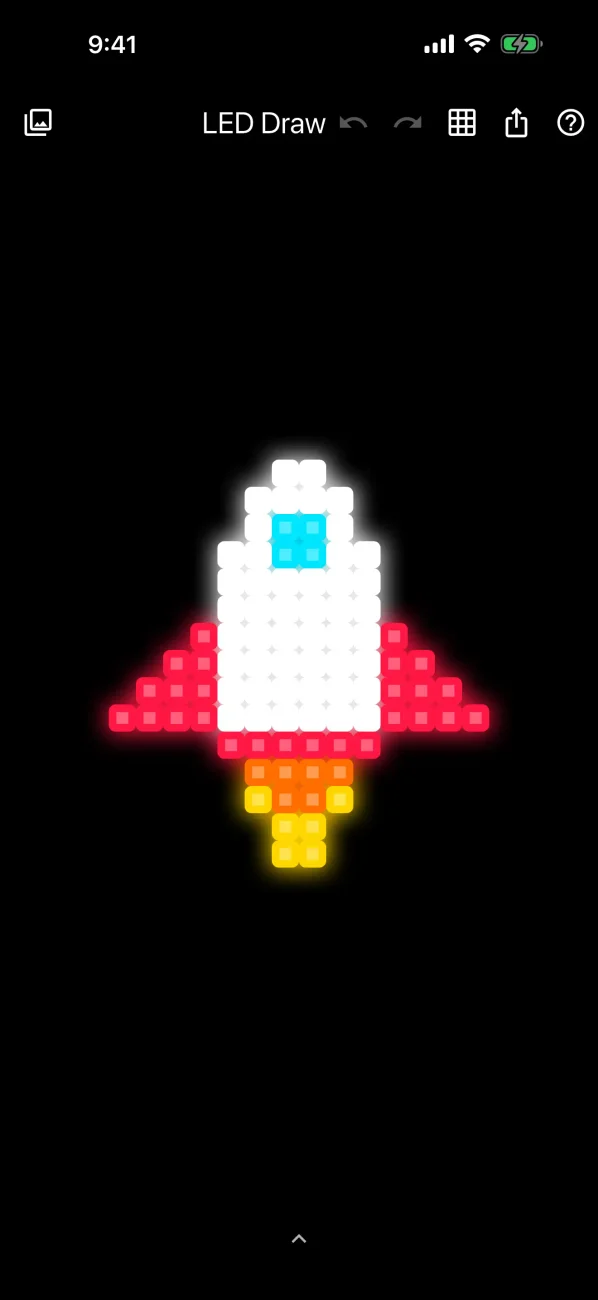
LED Draw turns your screen into a board of little lights. Tap or drag to light them up, pick from a palette of glowing colours, and watch your pixel art come to life.
WHAT YOU CAN DO
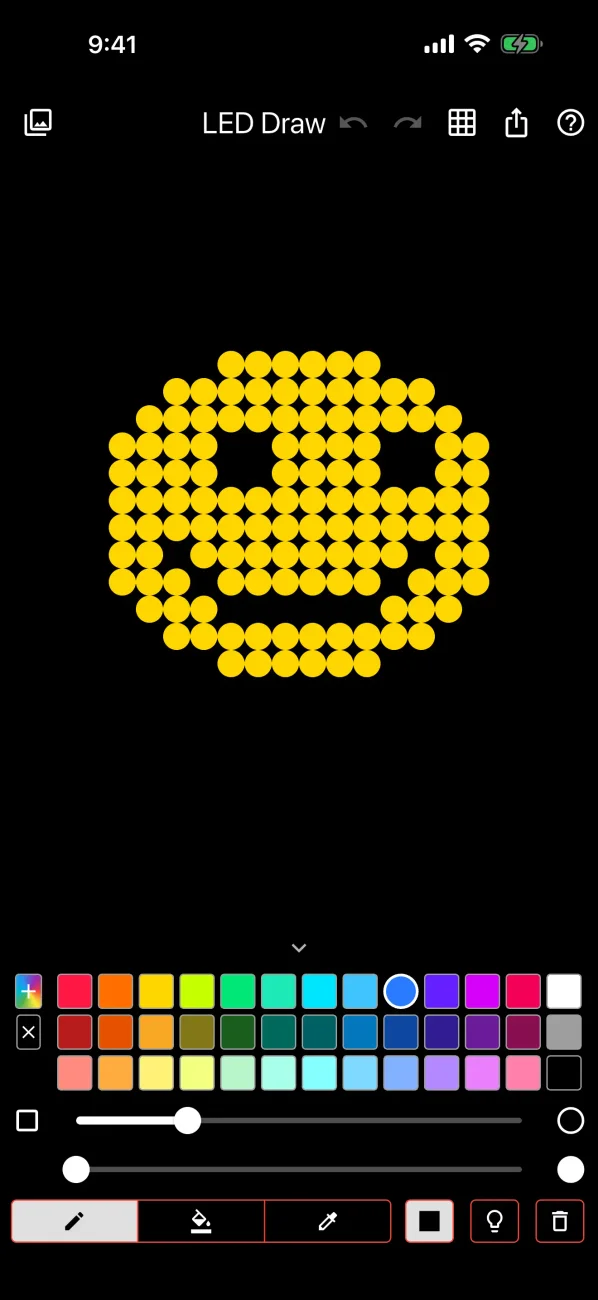
• Draw with one finger on a grid of cells: squares, rounded squares or round LEDs
• Choose small, medium or large cells, and switch between them without losing your drawing
• Pick from 36 colours arranged as a spectrum, or make your own with the colour picker
• Turn on Neon and every new cell glows like a real light
• Fill any area with one tap using the bucket, or pick up a colour from the canvas with the eyedropper
• Pinch with two fingers to zoom in for detail, then tap the badge to zoom out
• Slide the background from black to white
• Undo and redo, stroke by stroke
• Save as many drawings as you like and open them from a gallery of thumbnails
• Share your drawing as a picture to any app
Hide the tools with one tap and the whole screen becomes your canvas.
Drawings saved in earlier versions of LED Draw are brought across automatically.
No account, no ads, no tracking. Your drawings stay on your device.
Yang baru
Versi 3.0.0 · 21/9/2026
LED Draw 3.0 is a complete rebuild.
• Neon glow: new cells light up with a soft halo
• Bucket fill and an eyedropper join the pen
• A colour picker for any colour, kept as swatches you can reuse
• Small, medium and large cells, with your drawing rescaled when you switch
• Pinch to zoom
• A new spectrum palette of 36 colours
• A Drawings screen with thumbnails for saving, opening and deleting
• Hide the tools to draw on the whole screen
• Undo now takes back a whole stroke at a time
• Your existing saved drawings are imported automatically
Privasi aplikasi
Yang dinyatakan Inno Wheel LLC di App Store tentang cara aplikasi ini menangani data.
-
Data tidak dikumpulkan
Pengembang tidak mengumpulkan data apa pun dari aplikasi ini.
Praktik privasi dapat bervariasi, misalnya berdasarkan fitur yang Anda gunakan atau usia Anda.
Informasi
- Penjual
- Inno Wheel LLC
- Kategori
- Grafik & Desain
- Versi
- 3.0.0
- Diperbarui
- 21/9/2026
- Dirilis
- 4/3/2018
- Ukuran
- 19,2 MB
- Memerlukan
- iOS 15.0 atau yang lebih baru
- Batasan usia
- 4+
- Harga
- Gratis
- Bahasa
- Inggris
- Hak cipta
- © Innowheel Inc
Mungkin Anda juga suka
-
 LED Board SimulatorGrafik & Desain
-
 Bloom.Grafik & Desain
-
 Animated Drawing by ArtModGrafik & Desain
-
 Add text to Photos - Text ArtTypography - Text on Photos
-
 Colorific: Color PaletteGrafik & Desain
-
 MoCápGrafik & Desain
-
 AR Drawing - Menggambar SketsaSketch, Melukis, Gambar Anime
-
 Unreal StageGrafik & Desain
-
 GIFs for iMessage - GifSkipGrafik & Desain
-
 HuePaintGrafik & Desain