LED Draw
Pixel art with a neon glow
Được thiết kế cho iPhone, iPad, iPod touch
Miễn phí
- Độ tuổi4+
- Danh mụcĐồ Họa & Thiết Kế
- Nhà phát triểnInno Wheel LLC
- Ngôn ngữTiếng Anh
- Kích thước19,2 MB
Liên kết đến trang App Store chính thức
Download.org không lưu trữ tệp nào của LED Draw. Nút này mở trang ứng dụng trên App Store, nơi Inno Wheel LLC phát hành ứng dụng. Trang được kiểm tra lần cuối: 12/11/2026.
Ảnh chụp màn hình

Giới thiệu
Nhà phát triển chưa cung cấp nội dung này bằng ngôn ngữ của bạn.
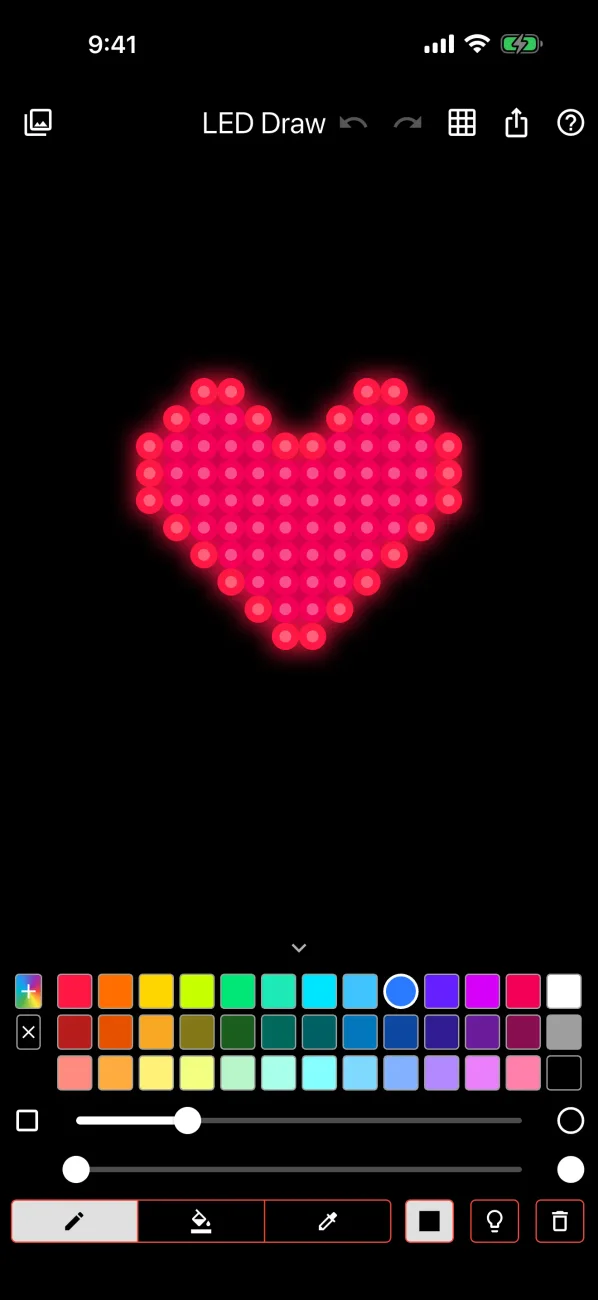
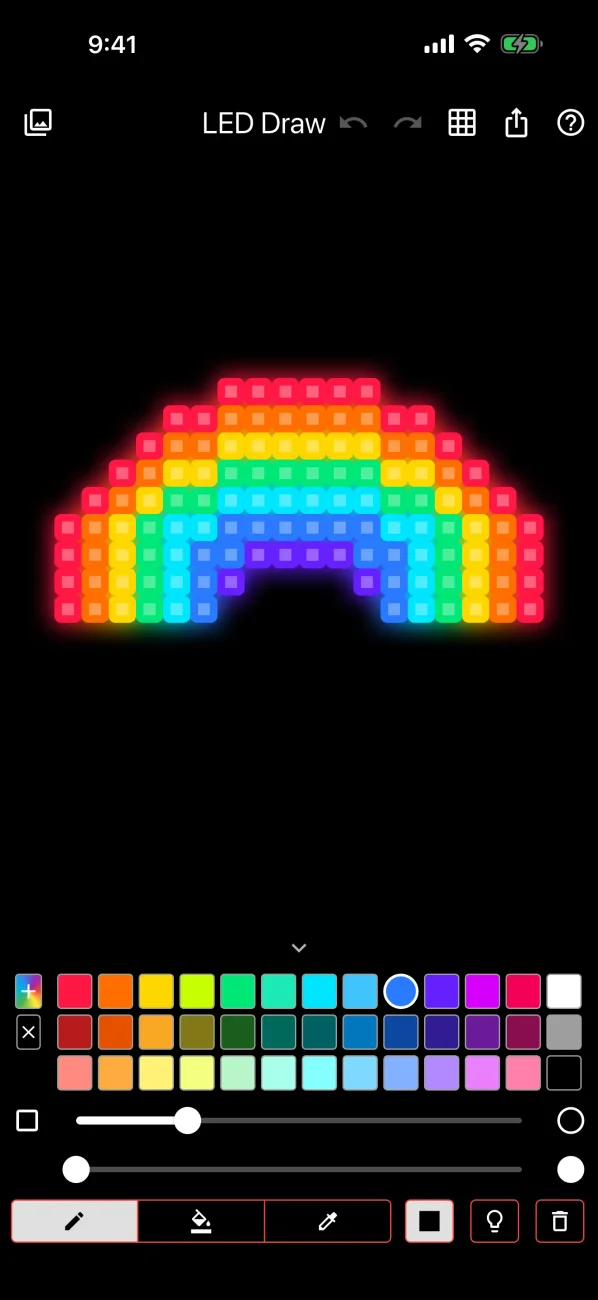
LED Draw turns your screen into a board of little lights. Tap or drag to light them up, pick from a palette of glowing colours, and watch your pixel art come to life.
WHAT YOU CAN DO
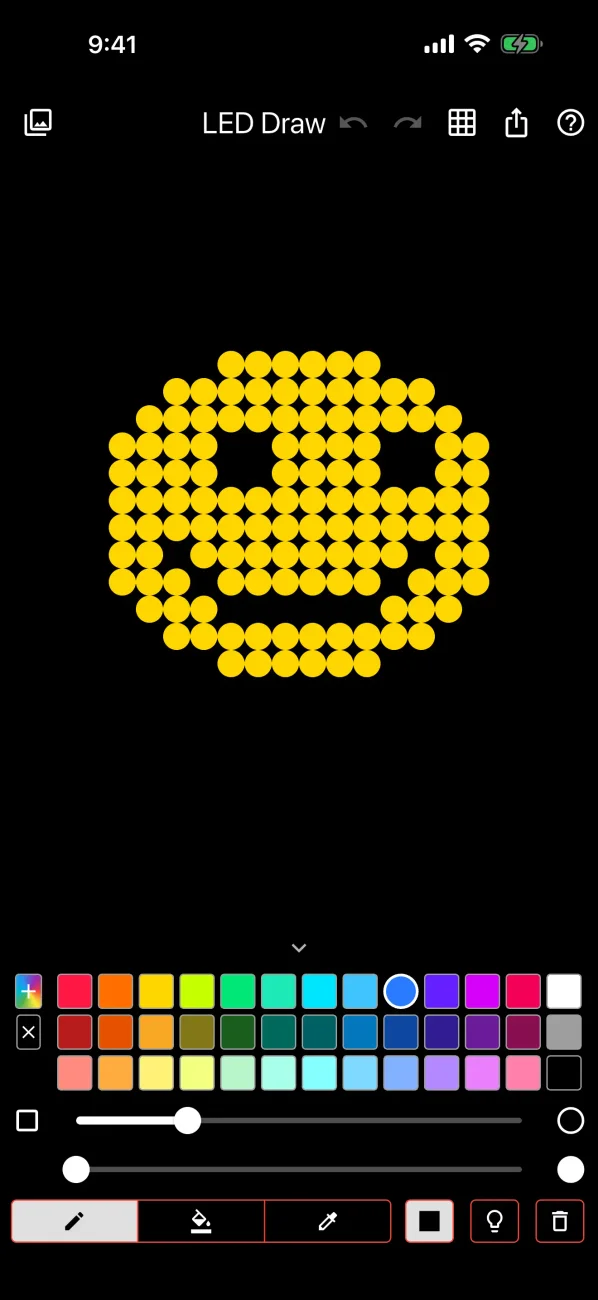
• Draw with one finger on a grid of cells: squares, rounded squares or round LEDs
• Choose small, medium or large cells, and switch between them without losing your drawing
• Pick from 36 colours arranged as a spectrum, or make your own with the colour picker
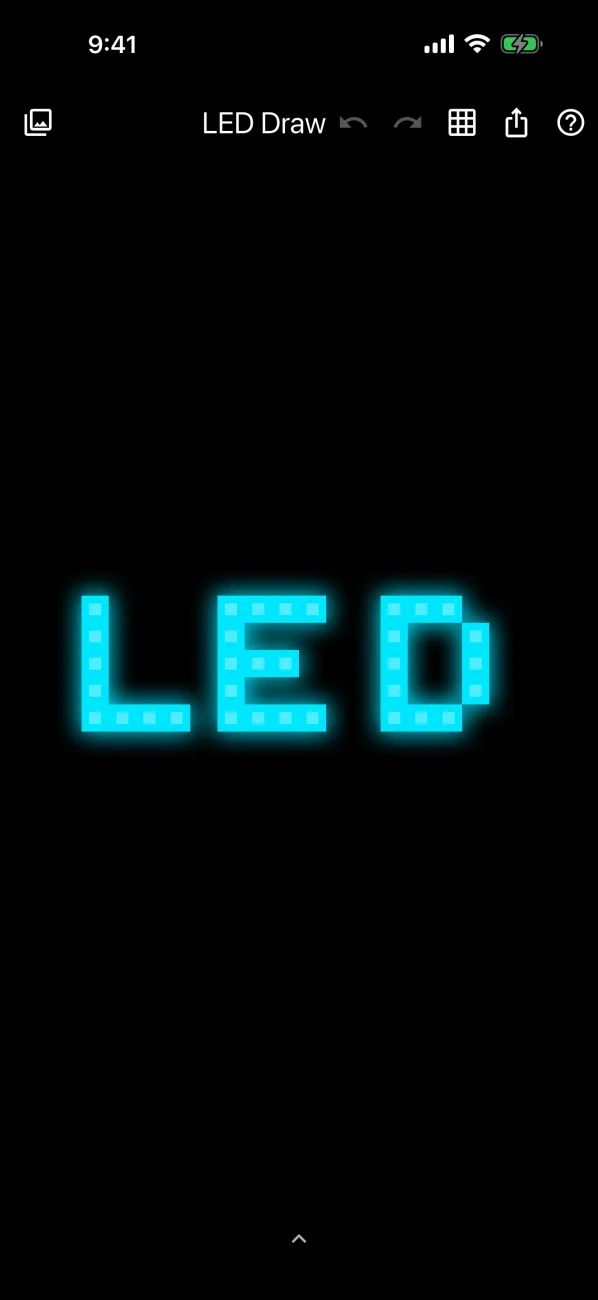
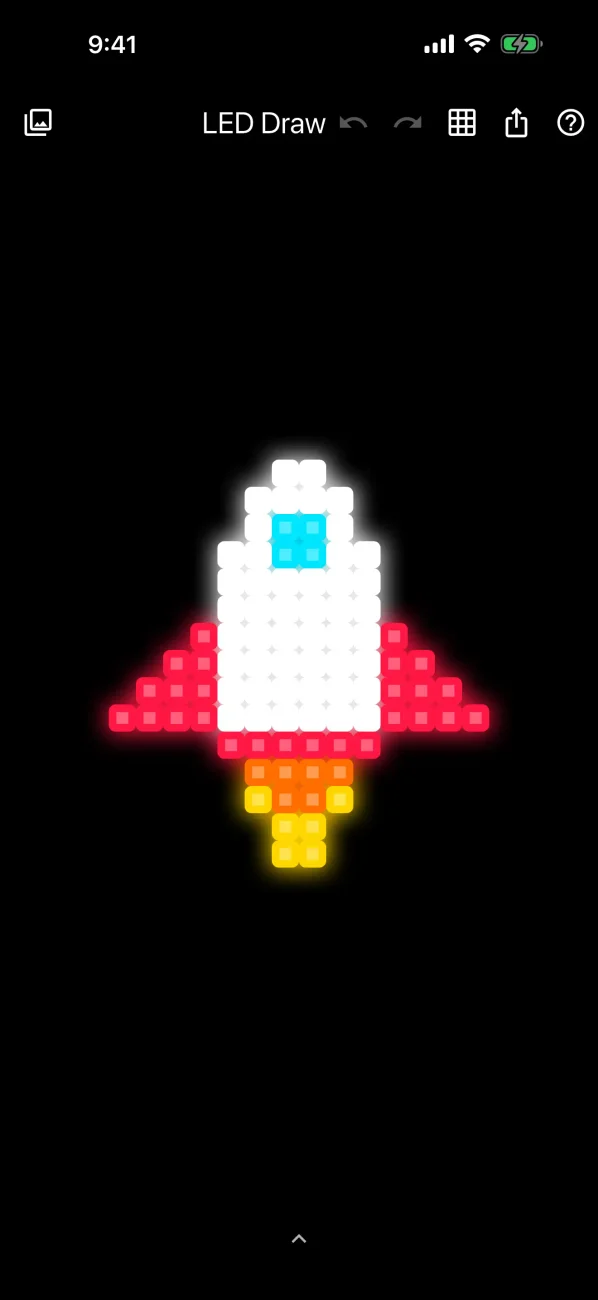
• Turn on Neon and every new cell glows like a real light
• Fill any area with one tap using the bucket, or pick up a colour from the canvas with the eyedropper
• Pinch with two fingers to zoom in for detail, then tap the badge to zoom out
• Slide the background from black to white
• Undo and redo, stroke by stroke
• Save as many drawings as you like and open them from a gallery of thumbnails
• Share your drawing as a picture to any app
Hide the tools with one tap and the whole screen becomes your canvas.
Drawings saved in earlier versions of LED Draw are brought across automatically.
No account, no ads, no tracking. Your drawings stay on your device.
Có gì mới
Phiên bản 3.0.0 · 21/09/2026
LED Draw 3.0 is a complete rebuild.
• Neon glow: new cells light up with a soft halo
• Bucket fill and an eyedropper join the pen
• A colour picker for any colour, kept as swatches you can reuse
• Small, medium and large cells, with your drawing rescaled when you switch
• Pinch to zoom
• A new spectrum palette of 36 colours
• A Drawings screen with thumbnails for saving, opening and deleting
• Hide the tools to draw on the whole screen
• Undo now takes back a whole stroke at a time
• Your existing saved drawings are imported automatically
Quyền riêng tư của ứng dụng
Những gì Inno Wheel LLC khai báo trên App Store về cách ứng dụng này xử lý dữ liệu.
-
Dữ liệu không được thu thập
Nhà phát triển không thu thập bất kỳ dữ liệu nào từ ứng dụng này.
Phương thức đảm bảo quyền riêng tư có thể khác nhau, chẳng hạn như tuỳ theo các tính năng bạn sử dụng hoặc độ tuổi của bạn.
Thông tin
- Người bán
- Inno Wheel LLC
- Danh mục
- Đồ Họa & Thiết Kế
- Phiên bản
- 3.0.0
- Cập nhật
- 21/09/2026
- Phát hành
- 04/03/2018
- Kích thước
- 19,2 MB
- Yêu cầu
- iOS 15.0 trở lên
- Độ tuổi
- 4+
- Giá
- Miễn phí
- Ngôn ngữ
- Tiếng Anh
- Bản quyền
- © Innowheel Inc
Có thể bạn cũng thích
-
 LED Board SimulatorĐồ Họa & Thiết Kế
-
 Bloom.Đồ Họa & Thiết Kế
-
 Animated Drawing by ArtModĐồ Họa & Thiết Kế
-
 Add text to Photos - Text ArtTypography - Text on Photos
-
 Colorific: Color PaletteĐồ Họa & Thiết Kế
-
 MoCápĐồ Họa & Thiết Kế
-
 AR Drawing - Ứng Dụng VẽVẽ Bất Cứ Thứ Gì Trên Giấy
-
 Unreal StageĐồ Họa & Thiết Kế
-
 GIFs for iMessage - GifSkipĐồ Họa & Thiết Kế
-
 HuePaintĐồ Họa & Thiết Kế