LED Draw
Pixel art with a neon glow
Conçue pour iPhone, iPad, iPod touch
Gratuit
- Classification d’âge4+
- CatégorieGraphisme et design
- DéveloppeurInno Wheel LLC
- LanguesAnglais
- Taille19,2 Mo
Renvoie vers la page App Store officielle
Download.org n’héberge aucun fichier de LED Draw. Le bouton ouvre la page de l’application sur App Store, où Inno Wheel LLC la publie. Fiche vérifiée pour la dernière fois le 12/11/2026.
Captures d’écran
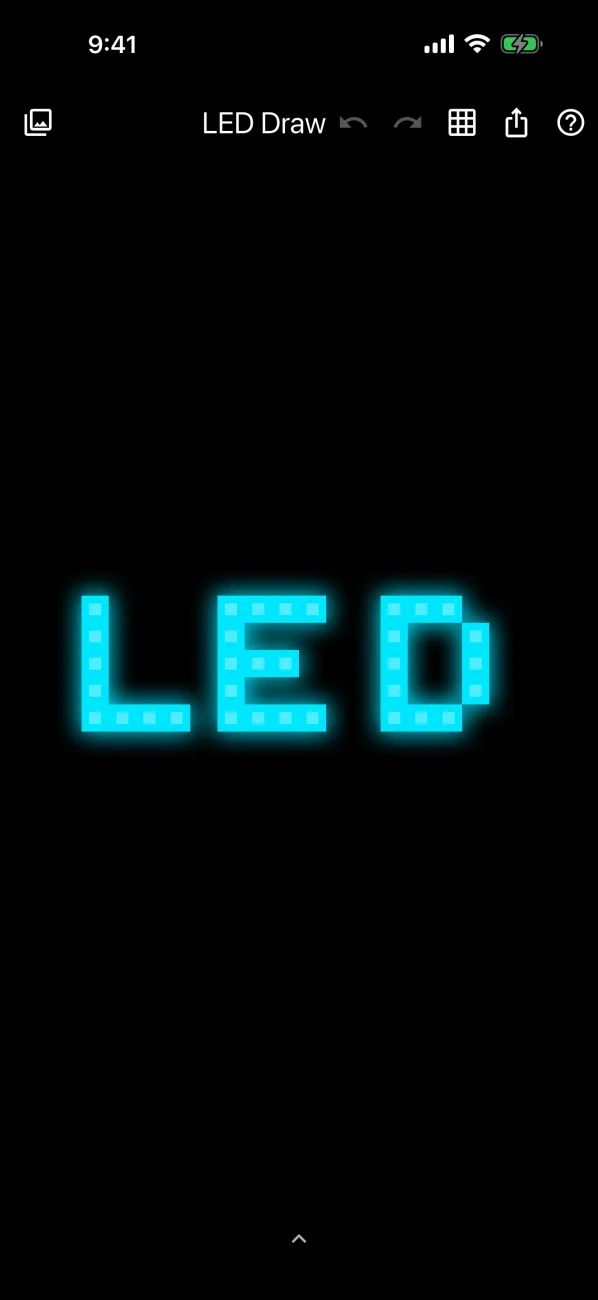

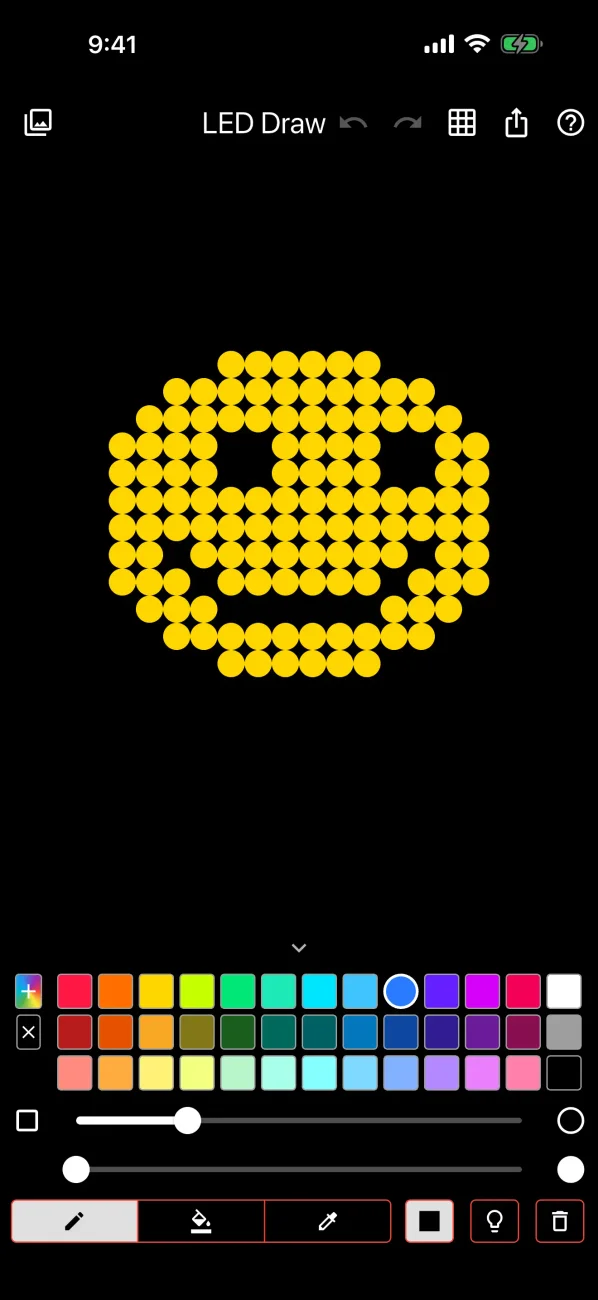
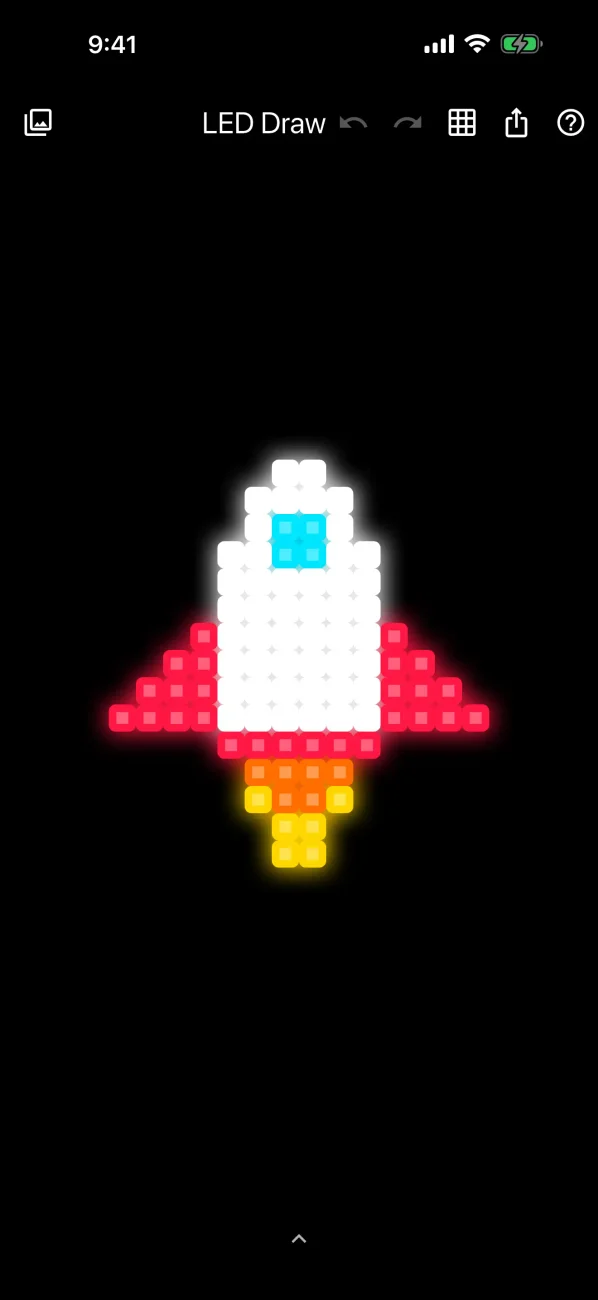
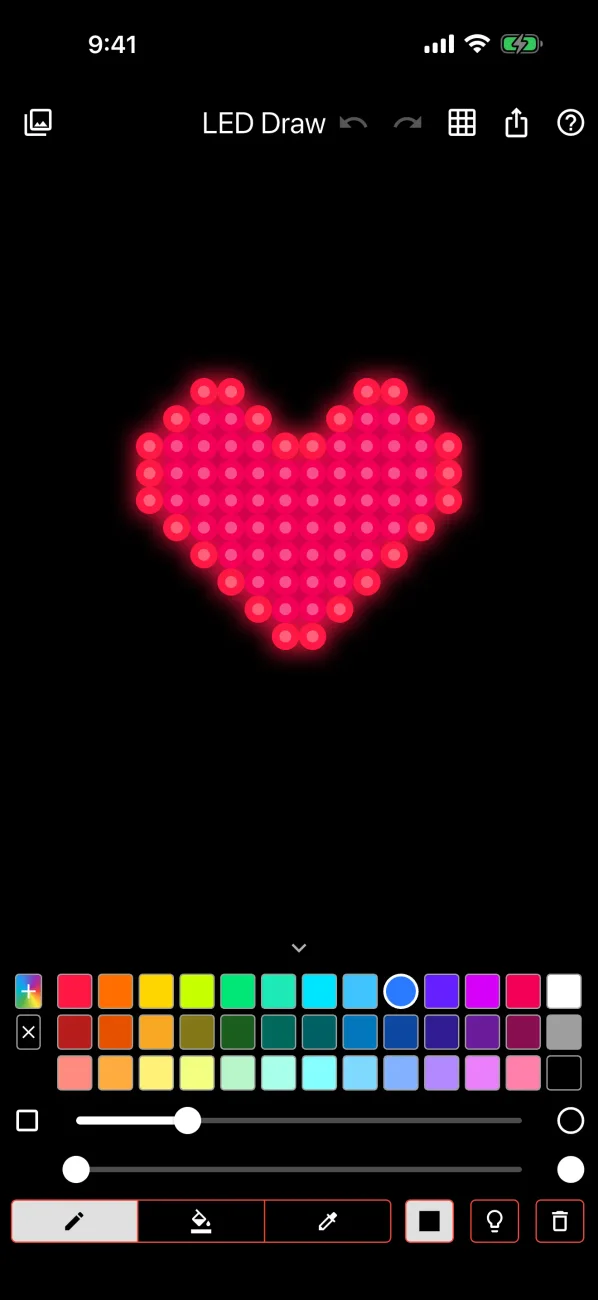
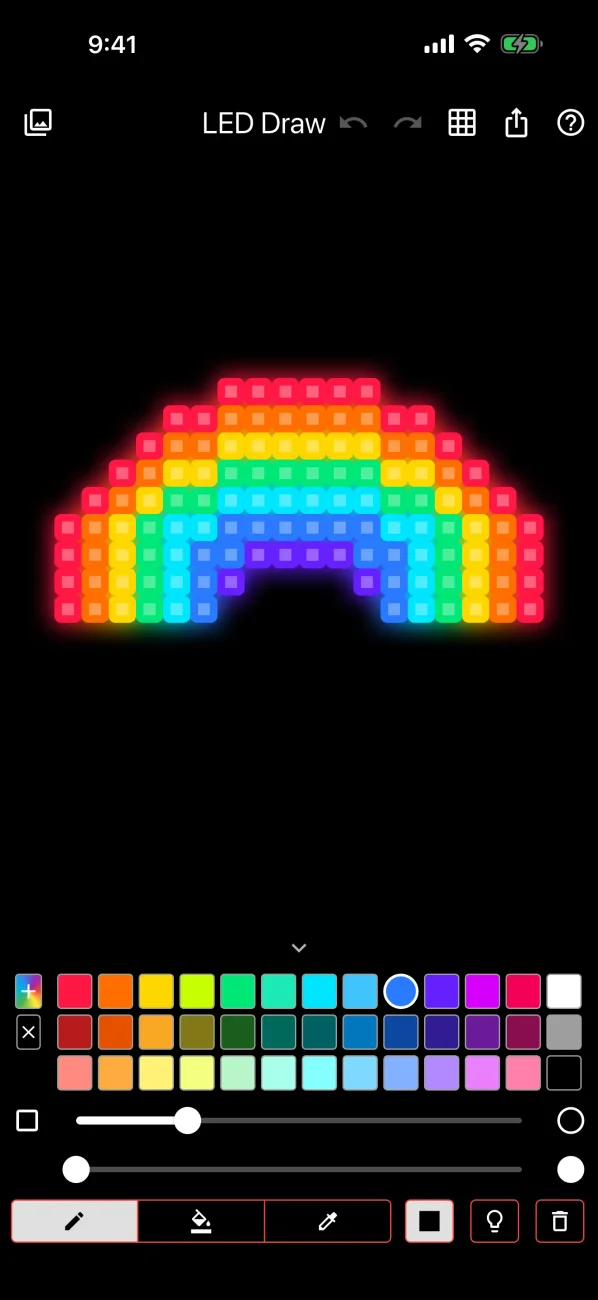
À propos
Le développeur n’a pas fourni ce texte dans votre langue.
LED Draw turns your screen into a board of little lights. Tap or drag to light them up, pick from a palette of glowing colours, and watch your pixel art come to life.
WHAT YOU CAN DO
• Draw with one finger on a grid of cells: squares, rounded squares or round LEDs
• Choose small, medium or large cells, and switch between them without losing your drawing
• Pick from 36 colours arranged as a spectrum, or make your own with the colour picker
• Turn on Neon and every new cell glows like a real light
• Fill any area with one tap using the bucket, or pick up a colour from the canvas with the eyedropper
• Pinch with two fingers to zoom in for detail, then tap the badge to zoom out
• Slide the background from black to white
• Undo and redo, stroke by stroke
• Save as many drawings as you like and open them from a gallery of thumbnails
• Share your drawing as a picture to any app
Hide the tools with one tap and the whole screen becomes your canvas.
Drawings saved in earlier versions of LED Draw are brought across automatically.
No account, no ads, no tracking. Your drawings stay on your device.
Nouveautés
Version 3.0.0 · 21/09/2026
LED Draw 3.0 is a complete rebuild.
• Neon glow: new cells light up with a soft halo
• Bucket fill and an eyedropper join the pen
• A colour picker for any colour, kept as swatches you can reuse
• Small, medium and large cells, with your drawing rescaled when you switch
• Pinch to zoom
• A new spectrum palette of 36 colours
• A Drawings screen with thumbnails for saving, opening and deleting
• Hide the tools to draw on the whole screen
• Undo now takes back a whole stroke at a time
• Your existing saved drawings are imported automatically
Confidentialité de l’application
Ce que Inno Wheel LLC déclare sur l’App Store au sujet du traitement des données par cette application.
-
Données non collectées
Le développeur ne collecte aucune donnée à partir de cette application.
Les pratiques en matière de confidentialité peuvent varier, notamment en fonction des fonctionnalités que vous utilisez ou de votre âge.
Informations
- Vendeur
- Inno Wheel LLC
- Catégorie
- Graphisme et design
- Version
- 3.0.0
- Mis à jour
- 21/09/2026
- Publié
- 04/03/2018
- Taille
- 19,2 Mo
- Nécessite
- iOS 15.0 ou version ultérieure
- Classification d’âge
- 4+
- Prix
- Gratuit
- Langues
- Anglais
- Copyright
- © Innowheel Inc
Vous aimerez peut-être aussi
-
 LED Board SimulatorGraphisme et design
-
 Bloom.Graphisme et design
-
 Animated Drawing by ArtModGraphisme et design
-
 Add text to Photos - Text ArtTypography - Text on Photos
-
 Colorific: Color PaletteCreate Beautiful Color Palette
-
 MoCápGraphisme et design
-
 Dessin et Croquis ARDessin & Projecteur de Traçage
-
 Unreal StageGraphisme et design
-
 GIFs for iMessage - GifSkipGraphisme et design
-
 HuePaintGraphisme et design