Moon Clock: Phases & Widgets
Real Moon, Your Style
Entwickelt für iPhone
In-App-Käufe
- Altersfreigabe4+
- KategorieDienstprogramme
- EntwicklerYI-WEN CHOU
- SprachenEnglisch+ 3 weitere
- Größe77,8 MB
Moon Clock: Phases & Widgets ist bei App Store derzeit möglicherweise nicht verfügbar
Bei unserer letzten Prüfung war der Store-Eintrag nicht erreichbar. Der Link führt weiterhin zur offiziellen App Store-Seite.
Screenshots
Info
Der Entwickler hat diesen Text nicht in Ihrer Sprache bereitgestellt.
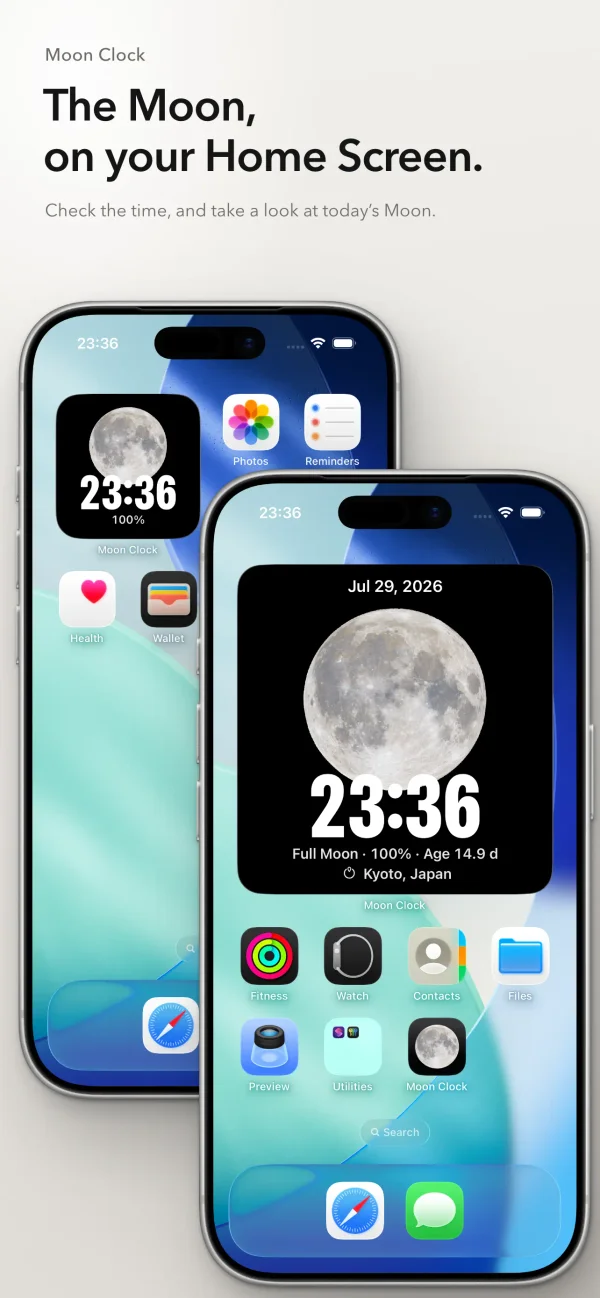
Moon Clock is a full-screen clock with Moon phase widgets. Check the time, and take a moment to look at today’s Moon.
A Moon for your Home Screen
Choose a small, medium, or large widget and put it where you’ll see it often. Check the time and lunar phase without opening the app.
See the Moon in full screen
Open Moon Clock to give the Moon and time room to fill your screen. The phase and lighting change with time, and you can choose an observing location to see the Moon from there.
Find a look you like
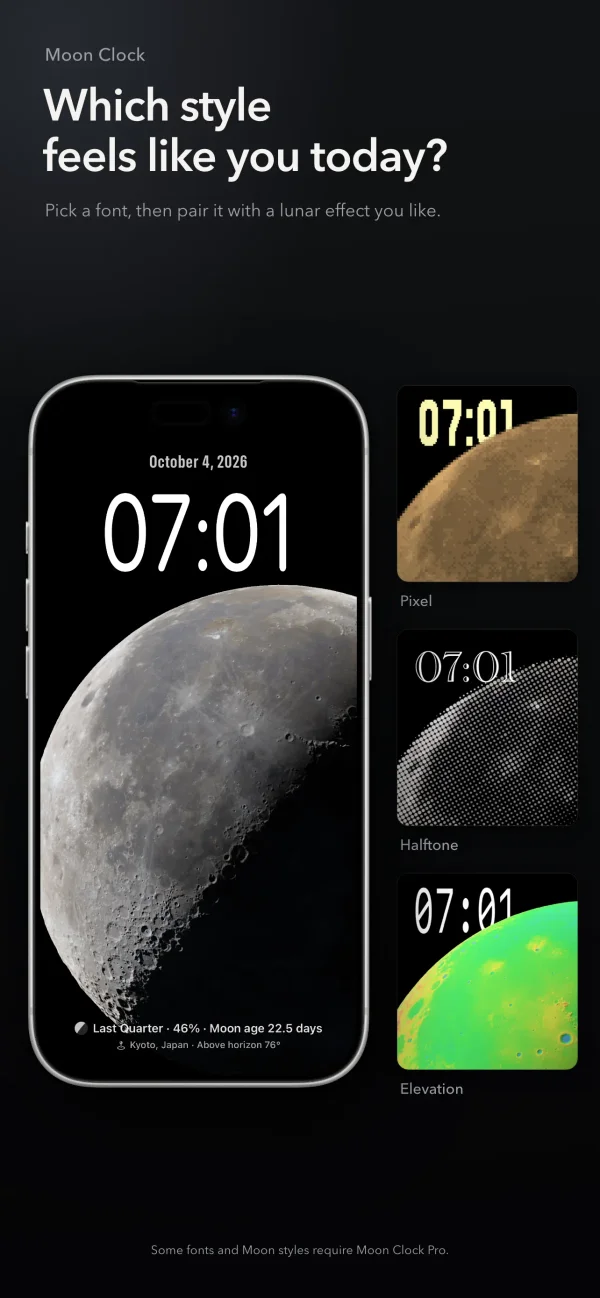
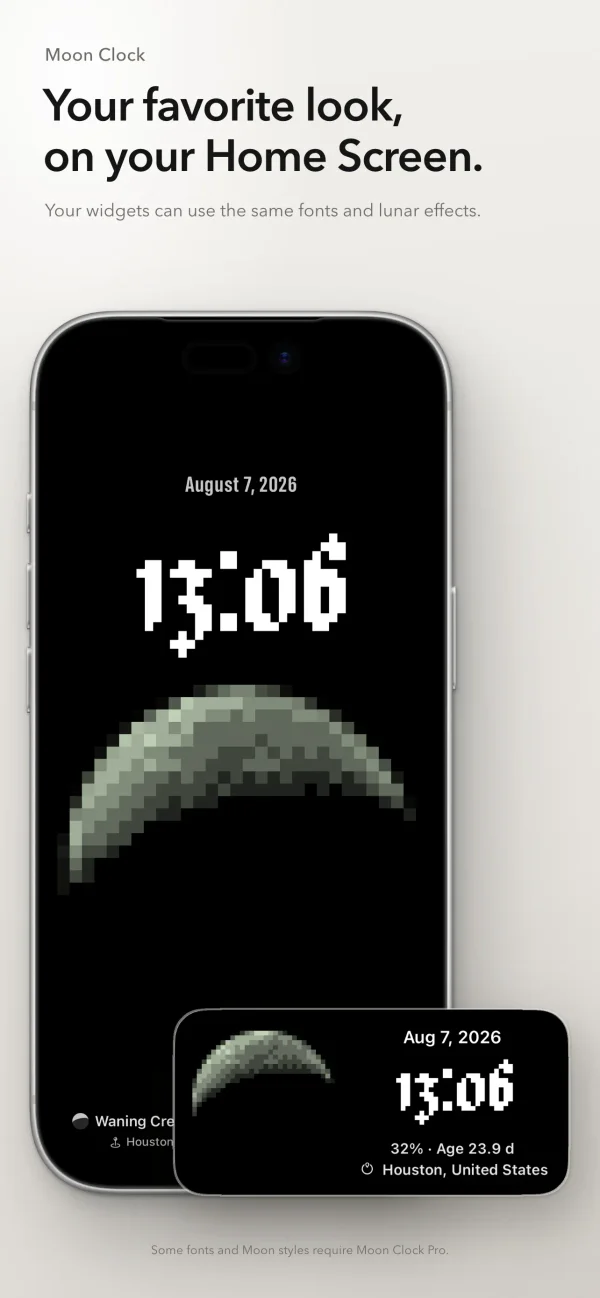
Keep the natural lunar surface, or try pixel, halftone, and CRT effects. Mix fonts, text effects, and Moon styles, then arrange your full-screen clock. Your widgets can follow your chosen fonts and Moon effects, so there’s no need to set them up again.
Take a closer look
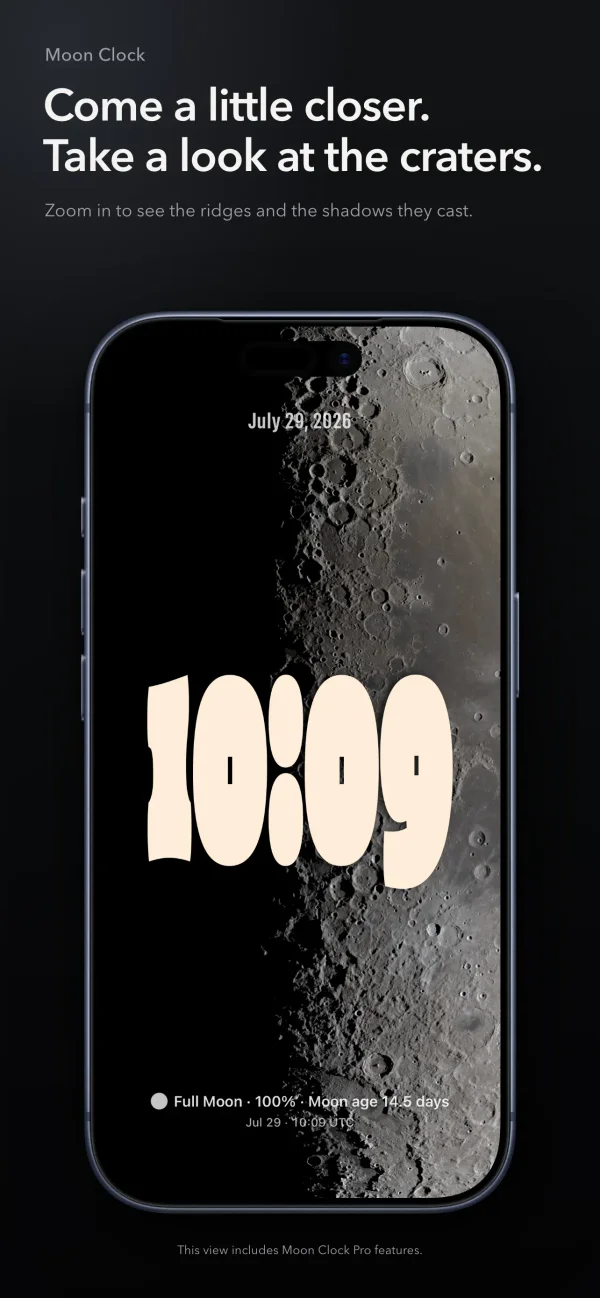
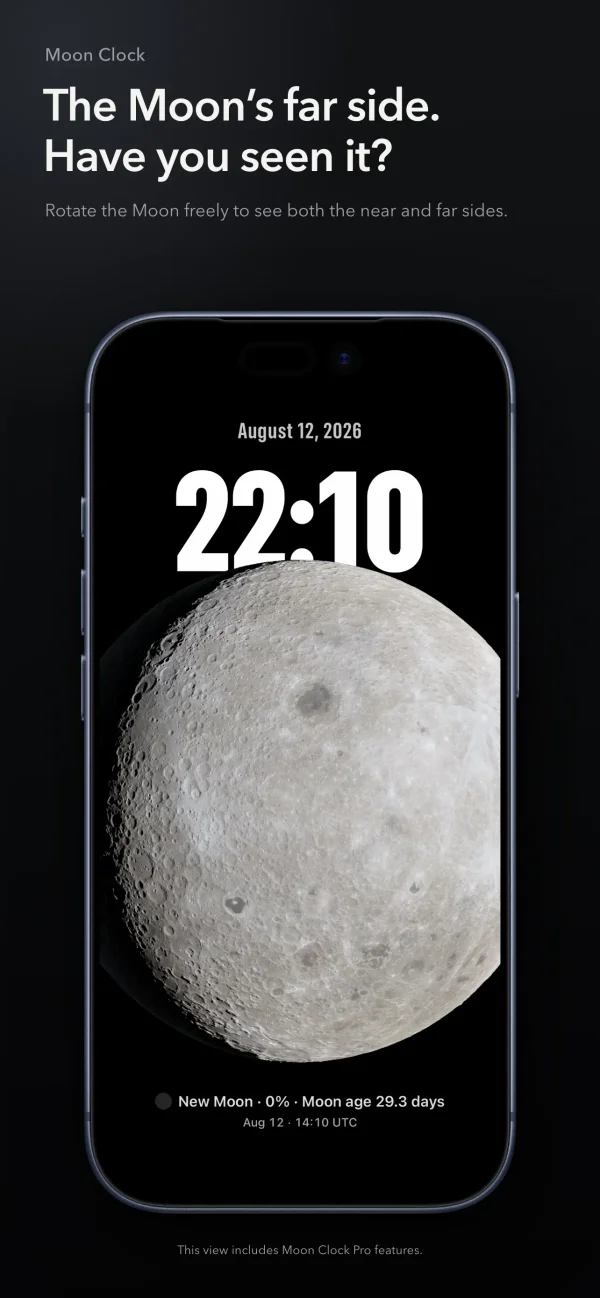
The 3D Moon is built from real lunar imagery and elevation data. Zoom in to explore craters, ridges, and the shadows they cast. Rotate the Moon freely to see the far side, hidden from view on Earth.
Free features and Moon Clock Pro
The basic clock and widgets with the default look are free.
Moon Clock Pro is a one-time purchase with a permanent unlock. No subscription. It includes:
• Every font, text effect, and Moon style
• Creating and saving your own text styles and freeform layouts
• Zooming in on the lunar surface and viewing the Moon from any angle
Unlocked fonts and Moon effects are also available in widgets, with no separate purchase.
No account or sign-in is required. Location access is optional; you can choose an observing location manually.
Neue Funktionen
Version 1.1 · 13.10.2026
Moon Clock now has Home Screen widgets. Keep today’s Moon where you’ll see it often.
• Choose small, medium, or large widgets to see the time and lunar phase.
• Use the fonts and Moon effects you’ve chosen in Clock.
• Adjust the Moon’s position, text size, and information shown, with options tailored to each widget size.
The default look is free. If you own Moon Clock Pro, your unlocked fonts and Moon effects are available in widgets at no extra cost.
App-Datenschutz
Was YI-WEN CHOU im App Store zum Umgang dieser App mit Daten angibt.
-
Keine Daten erfasst
Der Entwickler erfasst keine Daten von dieser App.
Die Datenschutzpraktiken können variieren, zum Beispiel je nach den von Ihnen verwendeten Funktionen oder Ihrem Alter.
Informationen
- Anbieter
- YI-WEN CHOU
- Kategorie
- Dienstprogramme
- Version
- 1.1
- Aktualisiert
- 13.10.2026
- Veröffentlicht
- 01.09.2026
- Größe
- 77,8 MB
- Erfordert
- iOS 18.0 oder neuer
- Altersfreigabe
- 4+
- In-App-Käufe
- Ja
- Sprachen
- Englisch, Japanisch, Vereinf. Chinesisch, Tradit. Chinesisch
- Copyright
- © 2026 KecoLab
Das könnte Ihnen auch gefallen
-
 趣玩桌面Dienstprogramme
-
 BatteryBeamDienstprogramme
-
 Mondphasen: Dein MondkalenderVollmond, Neumond & Widgets
-
 シンプル砂時計Dienstprogramme
-
 RetroDotTimerCountdown, Pomodoro, Stoppuhr
-
 横屏时钟-桌面时间软件Dienstprogramme
-
 Spacetime ClockRaumzeit-Uhr
-
 大字时钟 - 桌面床头钟Dienstprogramme
-
 CalcFlex: CalculatorDienstprogramme
-
 OffTime - World Clock & WidgetDienstprogramme