Moon Clock: Phases & Widgets
Real Moon, Your Style
Dirancang untuk iPhone
Gratis · Pembelian dalam aplikasi
- Batasan usia4+
- KategoriKegunaan
- PengembangYI-WEN CHOU
- BahasaInggris+ 3 lainnya
- Ukuran77,8 MB
Tertaut ke halaman resmi App Store
Download.org tidak menyimpan file Moon Clock: Phases & Widgets apa pun. Tombol ini membuka halaman aplikasi di App Store, tempat YI-WEN CHOU menerbitkannya. Halaman terakhir diperiksa pada 18/11/2026.
Tangkapan layar
Tentang
Pengembang belum menyediakan teks ini dalam bahasa Anda.
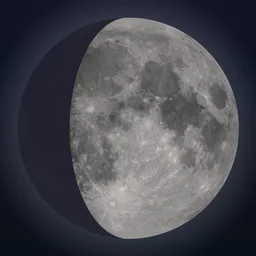
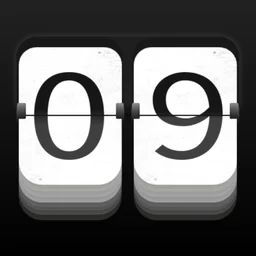
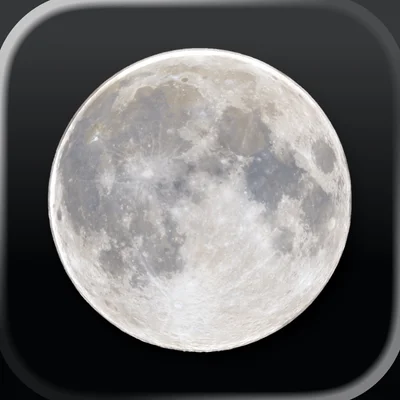
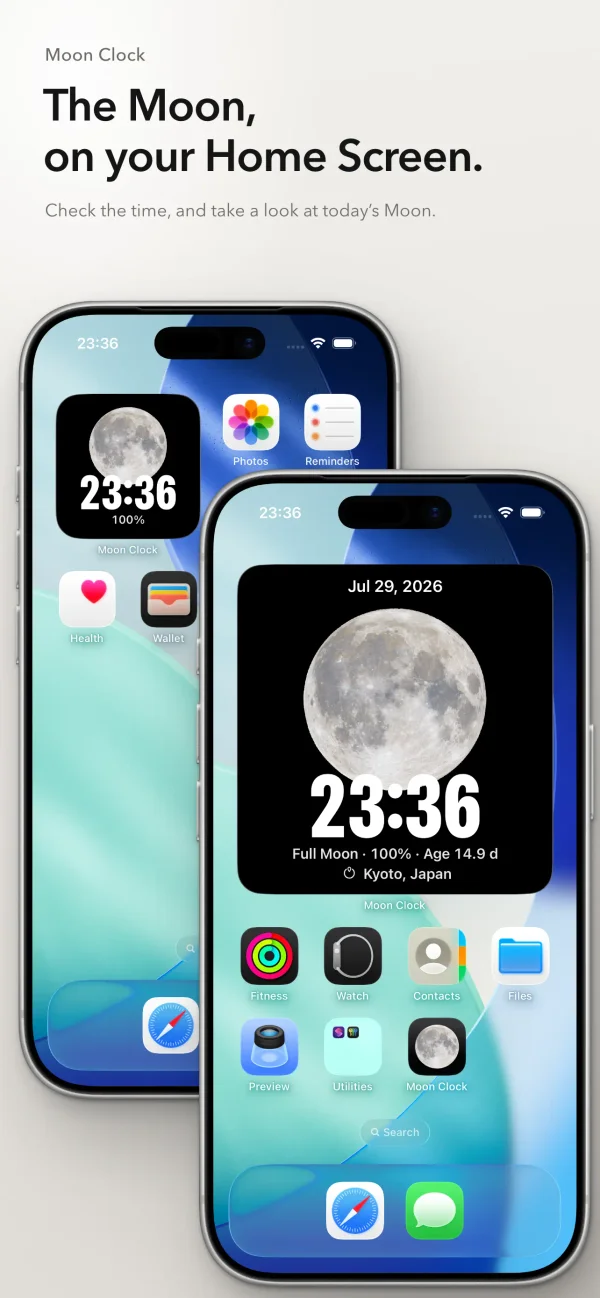
Moon Clock is a full-screen clock with Moon phase widgets. Check the time, and take a moment to look at today’s Moon.
A Moon for your Home Screen
Choose a small, medium, or large widget and put it where you’ll see it often. Check the time and lunar phase without opening the app.
See the Moon in full screen
Open Moon Clock to give the Moon and time room to fill your screen. The phase and lighting change with time, and you can choose an observing location to see the Moon from there.
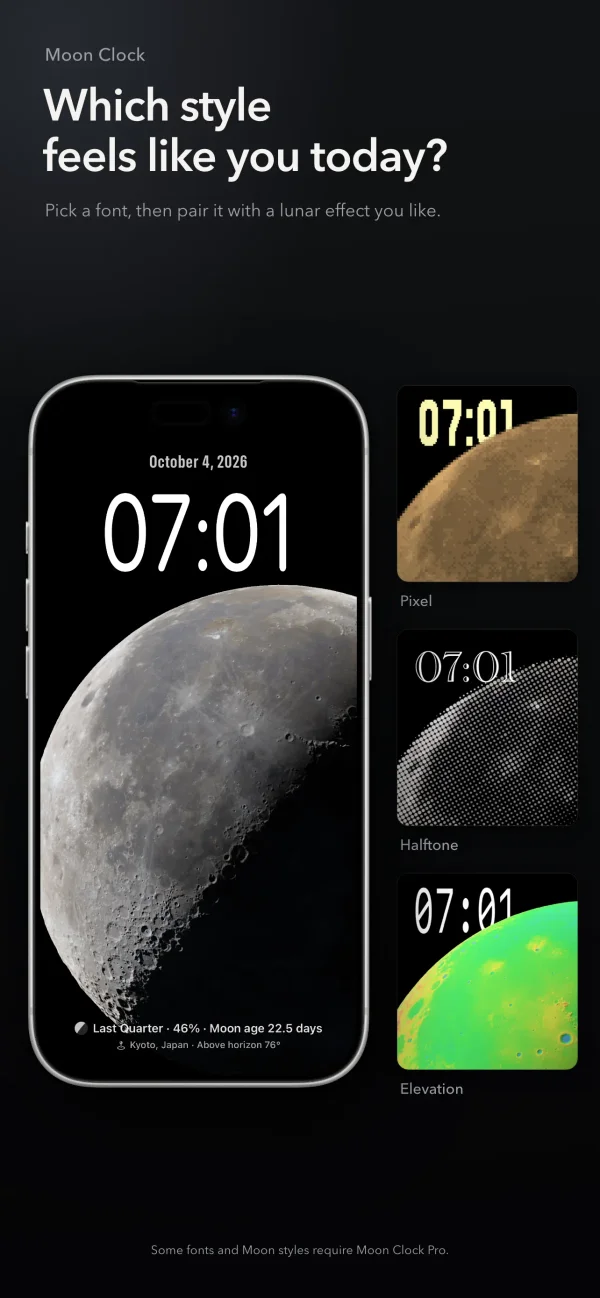
Find a look you like
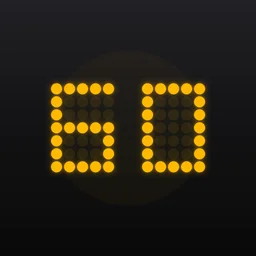
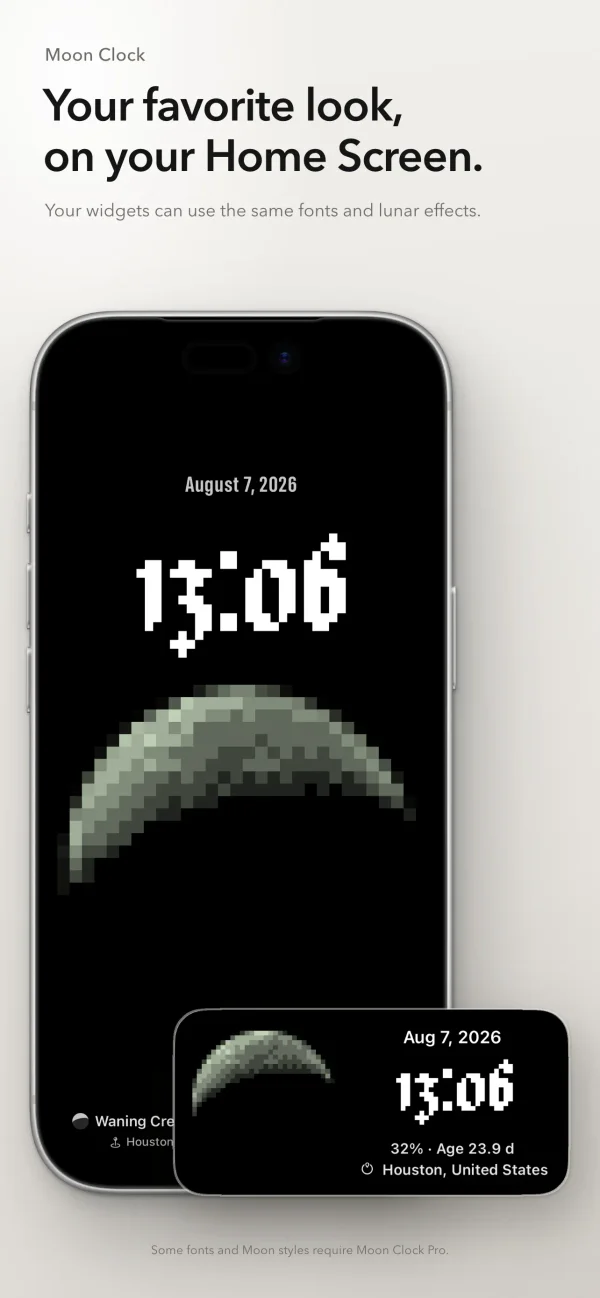
Keep the natural lunar surface, or try pixel, halftone, and CRT effects. Mix fonts, text effects, and Moon styles, then arrange your full-screen clock. Your widgets can follow your chosen fonts and Moon effects, so there’s no need to set them up again.
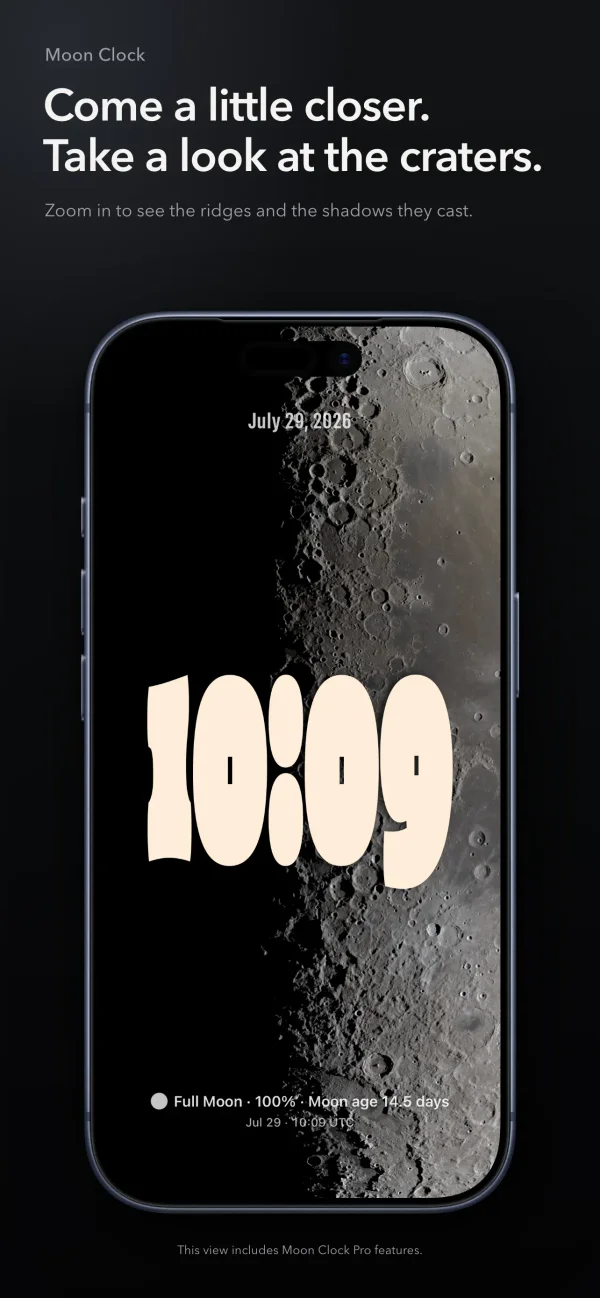
Take a closer look
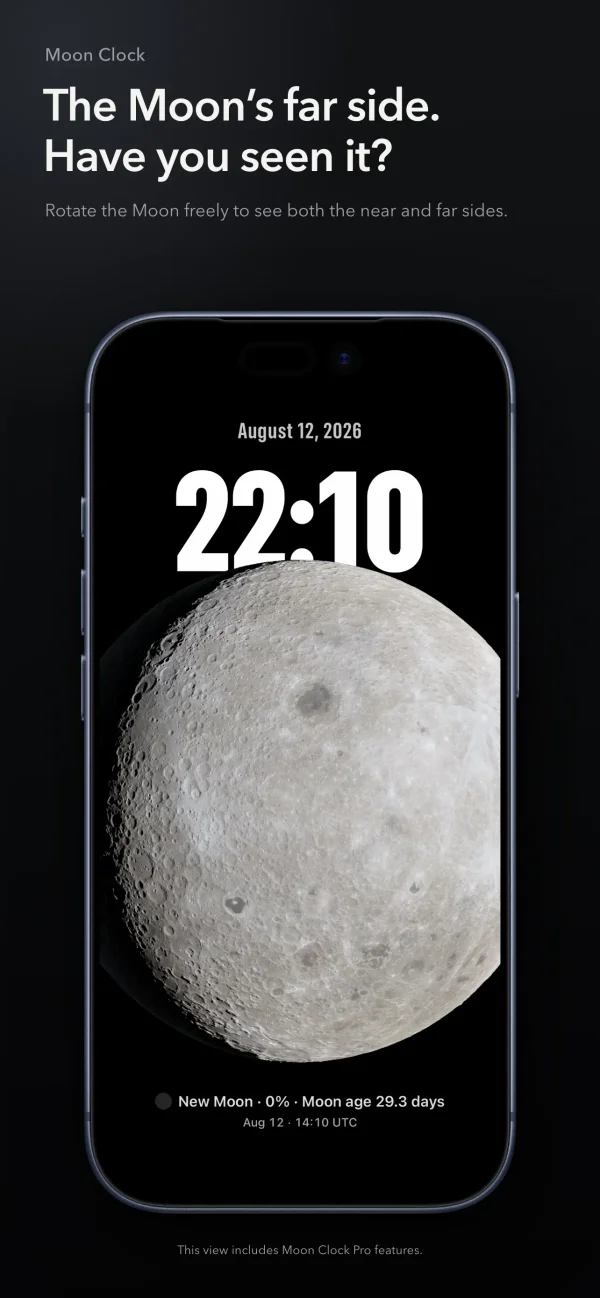
The 3D Moon is built from real lunar imagery and elevation data. Zoom in to explore craters, ridges, and the shadows they cast. Rotate the Moon freely to see the far side, hidden from view on Earth.
Free features and Moon Clock Pro
The basic clock and widgets with the default look are free.
Moon Clock Pro is a one-time purchase with a permanent unlock. No subscription. It includes:
• Every font, text effect, and Moon style
• Creating and saving your own text styles and freeform layouts
• Zooming in on the lunar surface and viewing the Moon from any angle
Unlocked fonts and Moon effects are also available in widgets, with no separate purchase.
No account or sign-in is required. Location access is optional; you can choose an observing location manually.
Yang baru
Versi 1.1 · 13/10/2026
Moon Clock now has Home Screen widgets. Keep today’s Moon where you’ll see it often.
• Choose small, medium, or large widgets to see the time and lunar phase.
• Use the fonts and Moon effects you’ve chosen in Clock.
• Adjust the Moon’s position, text size, and information shown, with options tailored to each widget size.
The default look is free. If you own Moon Clock Pro, your unlocked fonts and Moon effects are available in widgets at no extra cost.
Privasi aplikasi
Yang dinyatakan YI-WEN CHOU di App Store tentang cara aplikasi ini menangani data.
-
Data tidak dikumpulkan
Pengembang tidak mengumpulkan data apa pun dari aplikasi ini.
Praktik privasi dapat bervariasi, misalnya berdasarkan fitur yang Anda gunakan atau usia Anda.
Informasi
- Penjual
- YI-WEN CHOU
- Kategori
- Kegunaan
- Versi
- 1.1
- Diperbarui
- 13/10/2026
- Dirilis
- 1/9/2026
- Ukuran
- 77,8 MB
- Memerlukan
- iOS 18.0 atau yang lebih baru
- Batasan usia
- 4+
- Harga
- Gratis
- Pembelian dalam aplikasi
- Ya
- Bahasa
- Inggris, Jepang, Tionghoa Sederhana, Tionghoa Tradisional
- Hak cipta
- © 2026 KecoLab