Moon Clock: Phases & Widgets
Real Moon, Your Style
Designed for iPhone
Free · In-app purchases
- Age rating4+
- CategoryUtilities
- DeveloperYI-WEN CHOU
- LanguagesEnglish+ 3 more
- Size77.8 MB
Links to the official App Store page
Download.org hosts no file of Moon Clock: Phases & Widgets. The button opens its official App Store page, published by YI-WEN CHOU. Listing last checked on Nov 18, 2026.
Screenshots
About
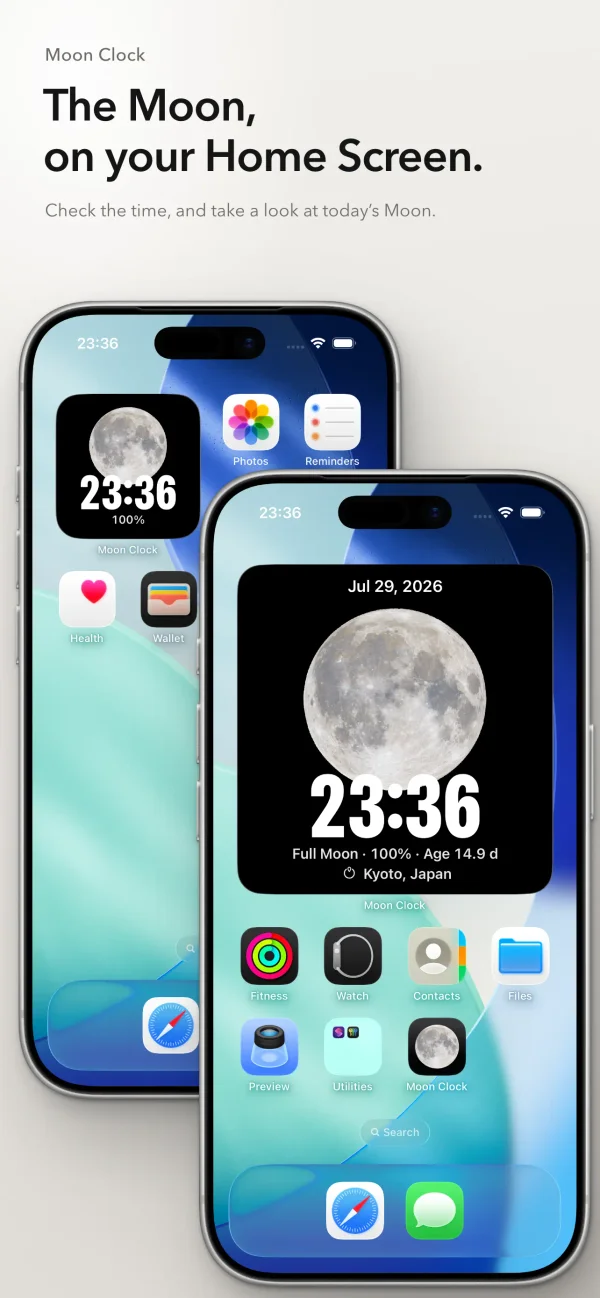
Moon Clock is a full-screen clock with Moon phase widgets. Check the time, and take a moment to look at today’s Moon.
A Moon for your Home Screen
Choose a small, medium, or large widget and put it where you’ll see it often. Check the time and lunar phase without opening the app.
See the Moon in full screen
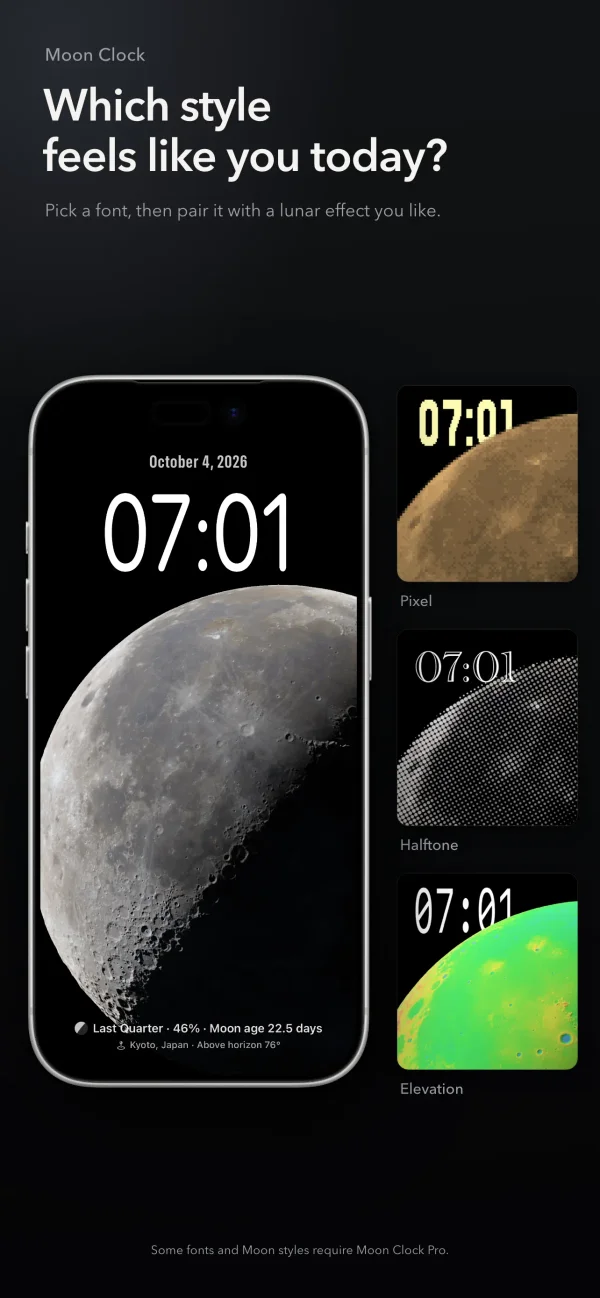
Open Moon Clock to give the Moon and time room to fill your screen. The phase and lighting change with time, and you can choose an observing location to see the Moon from there.
Find a look you like
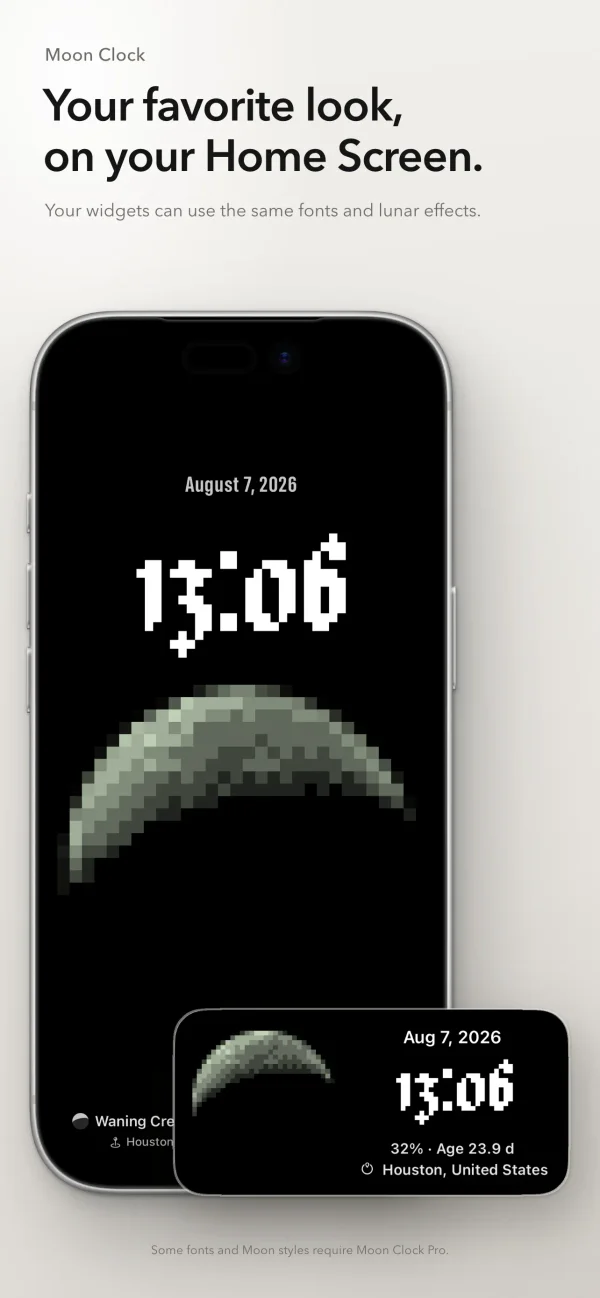
Keep the natural lunar surface, or try pixel, halftone, and CRT effects. Mix fonts, text effects, and Moon styles, then arrange your full-screen clock. Your widgets can follow your chosen fonts and Moon effects, so there’s no need to set them up again.
Take a closer look
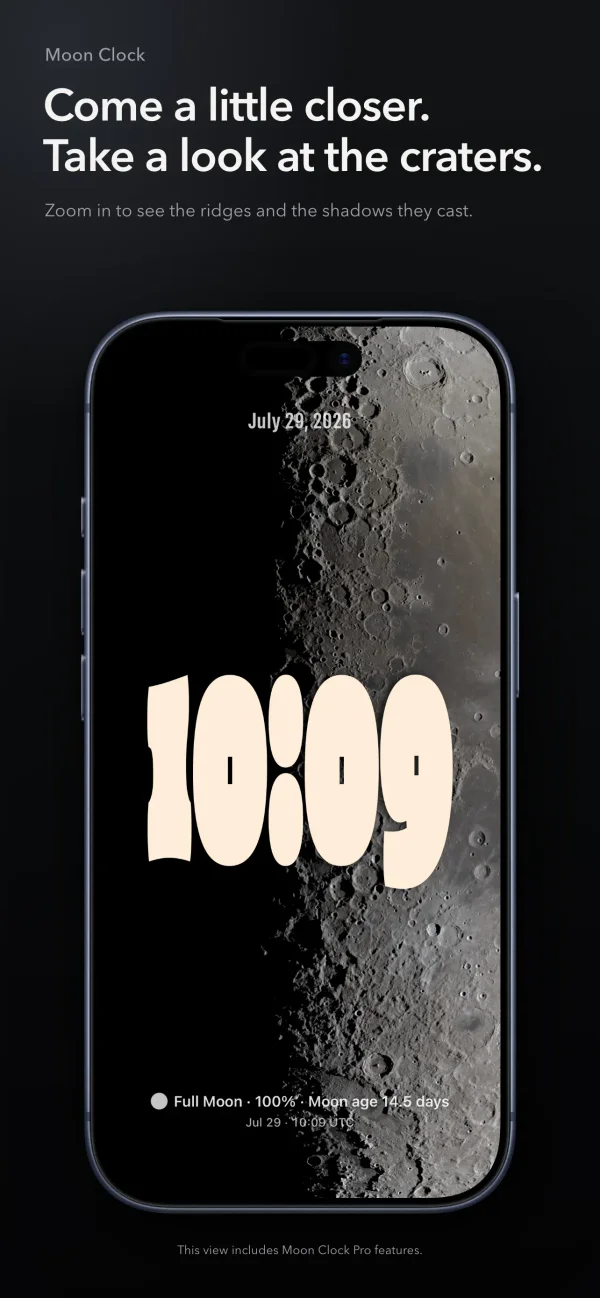
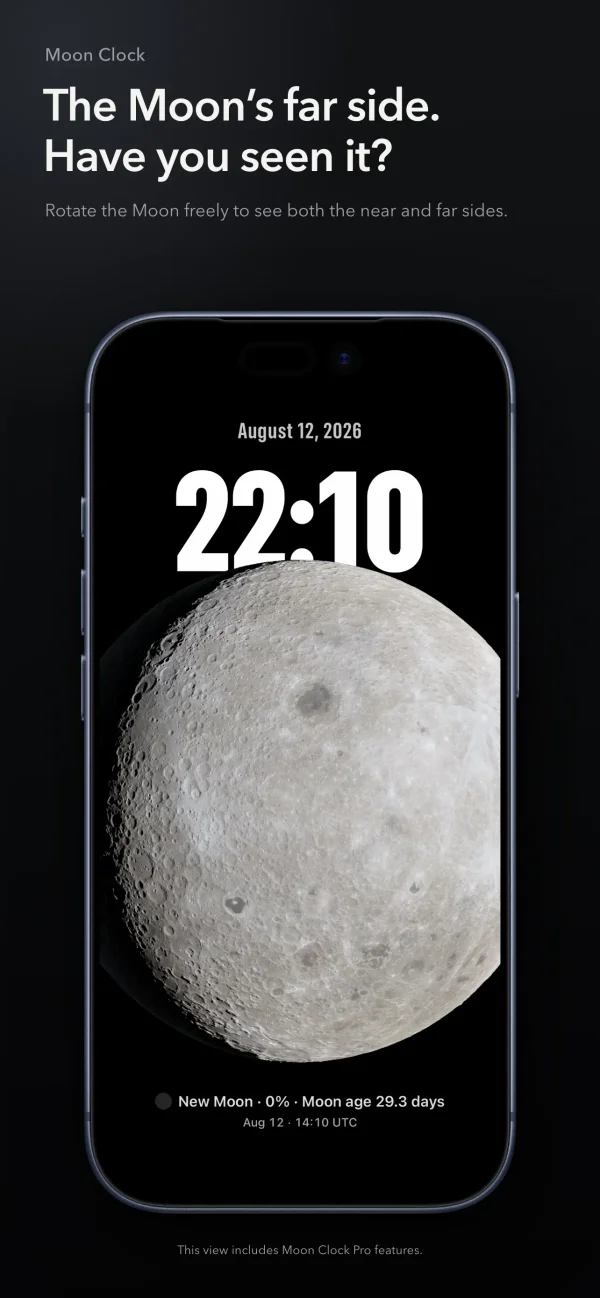
The 3D Moon is built from real lunar imagery and elevation data. Zoom in to explore craters, ridges, and the shadows they cast. Rotate the Moon freely to see the far side, hidden from view on Earth.
Free features and Moon Clock Pro
The basic clock and widgets with the default look are free.
Moon Clock Pro is a one-time purchase with a permanent unlock. No subscription. It includes:
• Every font, text effect, and Moon style
• Creating and saving your own text styles and freeform layouts
• Zooming in on the lunar surface and viewing the Moon from any angle
Unlocked fonts and Moon effects are also available in widgets, with no separate purchase.
No account or sign-in is required. Location access is optional; you can choose an observing location manually.
What’s new
Version 1.1 · Oct 13, 2026
Moon Clock now has Home Screen widgets. Keep today’s Moon where you’ll see it often.
• Choose small, medium, or large widgets to see the time and lunar phase.
• Use the fonts and Moon effects you’ve chosen in Clock.
• Adjust the Moon’s position, text size, and information shown, with options tailored to each widget size.
The default look is free. If you own Moon Clock Pro, your unlocked fonts and Moon effects are available in widgets at no extra cost.
App privacy
What YI-WEN CHOU declares on the App Store about how this app handles data.
-
Data not collected
The developer does not collect any data from this app.
Privacy practices may vary, for example with the features you use or your age.
Information
- Seller
- YI-WEN CHOU
- Category
- Utilities
- Version
- 1.1
- Updated
- Oct 13, 2026
- Released
- Sep 1, 2026
- Size
- 77.8 MB
- Requires
- iOS 18.0 or later
- Age rating
- 4+
- Price
- Free
- In-app purchases
- Yes
- Languages
- English, Japanese, Simplified Chinese, Traditional Chinese
- Copyright
- © 2026 KecoLab
You might also like
-
 趣玩桌面Utilities
-
 BatteryBeamCustomize Battery Widgets
-
 Moon Phases: Lunar TrackerCalendar, Moonrise & Widgets
-
 シンプル砂時計Utilities
-
 RetroDotTimerCountdown, Pomodoro, stopwatch
-
 横屏时钟-桌面时间软件Utilities
-
 Spacetime ClockSee Space and Time at a Glance
-
 大字时钟 - 桌面床头钟Utilities
-
 CalcFlex: CalculatorFlexible Calculator for All
-
 OffTime - World Clock & WidgetWorld Clock·Reminders·Widgets