Moon Clock: Phases & Widgets
Real Moon, Your Style
Được thiết kế cho iPhone
Miễn phí · Mua hàng trong ứng dụng
- Độ tuổi4+
- Danh mụcTiện Ích
- Nhà phát triểnYI-WEN CHOU
- Ngôn ngữTiếng Anh+ 3 ngôn ngữ khác
- Kích thước77,8 MB
Liên kết đến trang App Store chính thức
Download.org không lưu trữ tệp nào của Moon Clock: Phases & Widgets. Nút này mở trang ứng dụng trên App Store, nơi YI-WEN CHOU phát hành ứng dụng. Trang được kiểm tra lần cuối: 18/11/2026.
Ảnh chụp màn hình
Giới thiệu
Nhà phát triển chưa cung cấp nội dung này bằng ngôn ngữ của bạn.
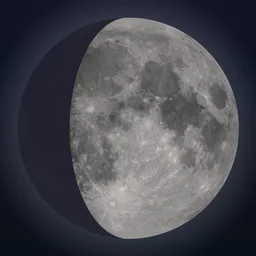
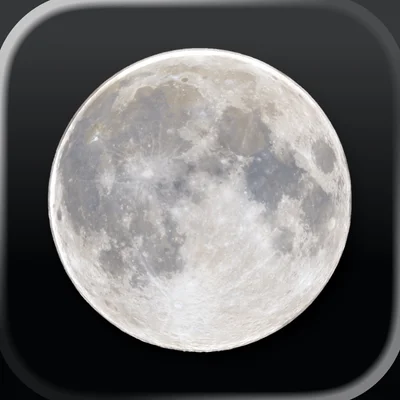
Moon Clock is a full-screen clock with Moon phase widgets. Check the time, and take a moment to look at today’s Moon.
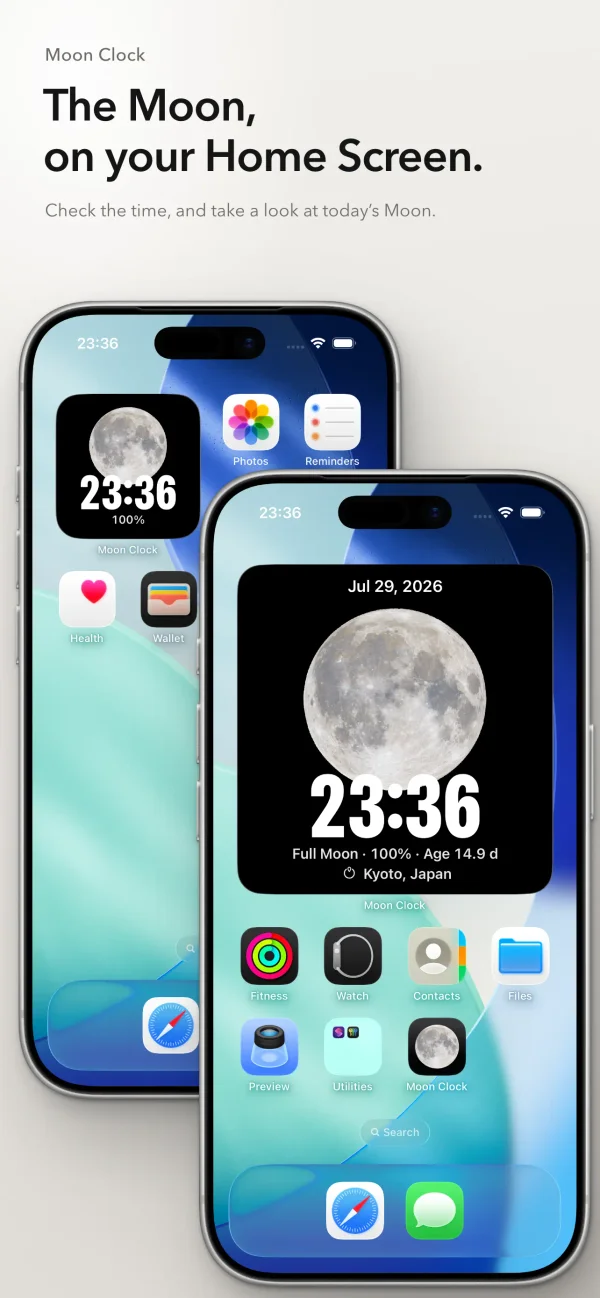
A Moon for your Home Screen
Choose a small, medium, or large widget and put it where you’ll see it often. Check the time and lunar phase without opening the app.
See the Moon in full screen
Open Moon Clock to give the Moon and time room to fill your screen. The phase and lighting change with time, and you can choose an observing location to see the Moon from there.
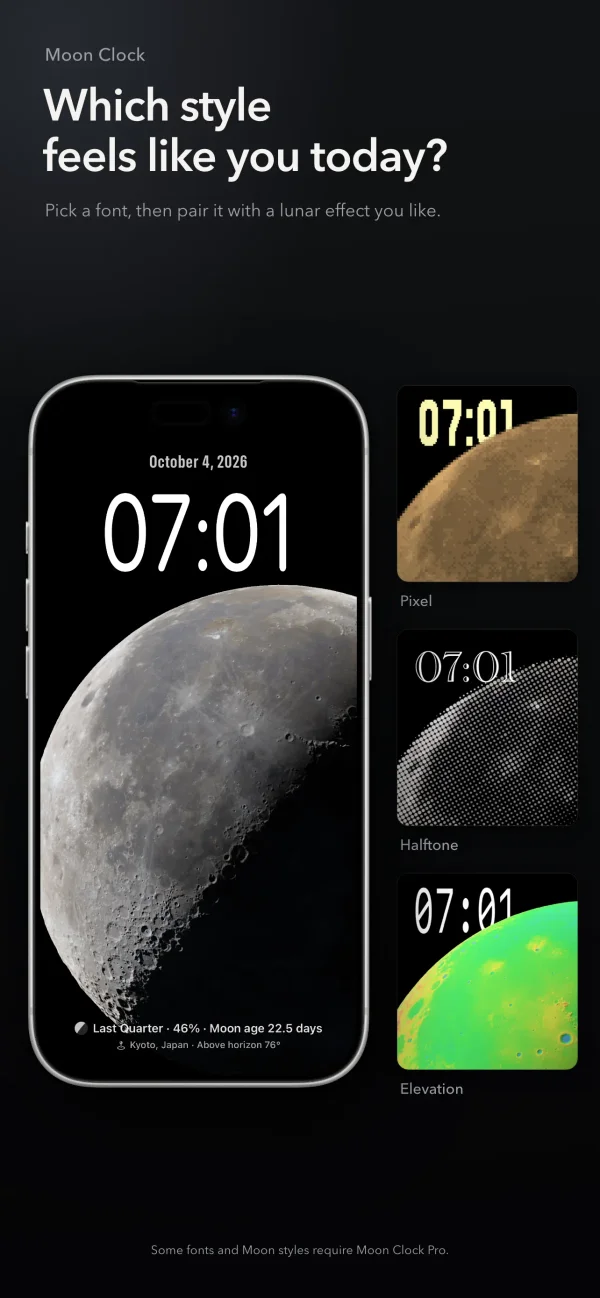
Find a look you like
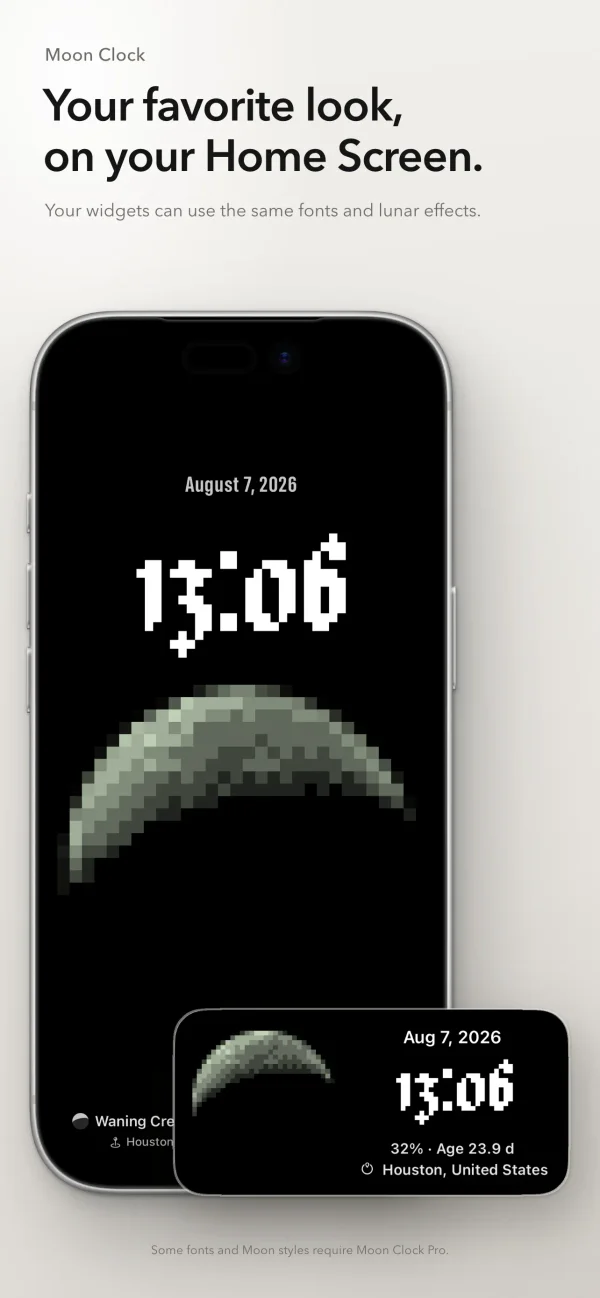
Keep the natural lunar surface, or try pixel, halftone, and CRT effects. Mix fonts, text effects, and Moon styles, then arrange your full-screen clock. Your widgets can follow your chosen fonts and Moon effects, so there’s no need to set them up again.
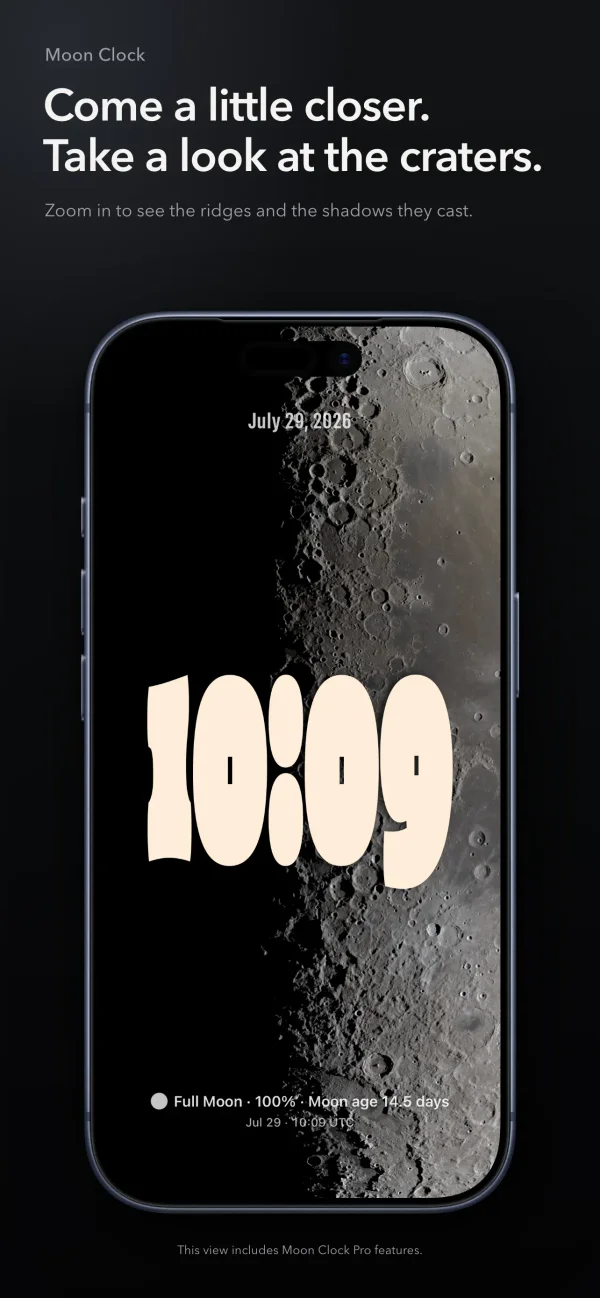
Take a closer look
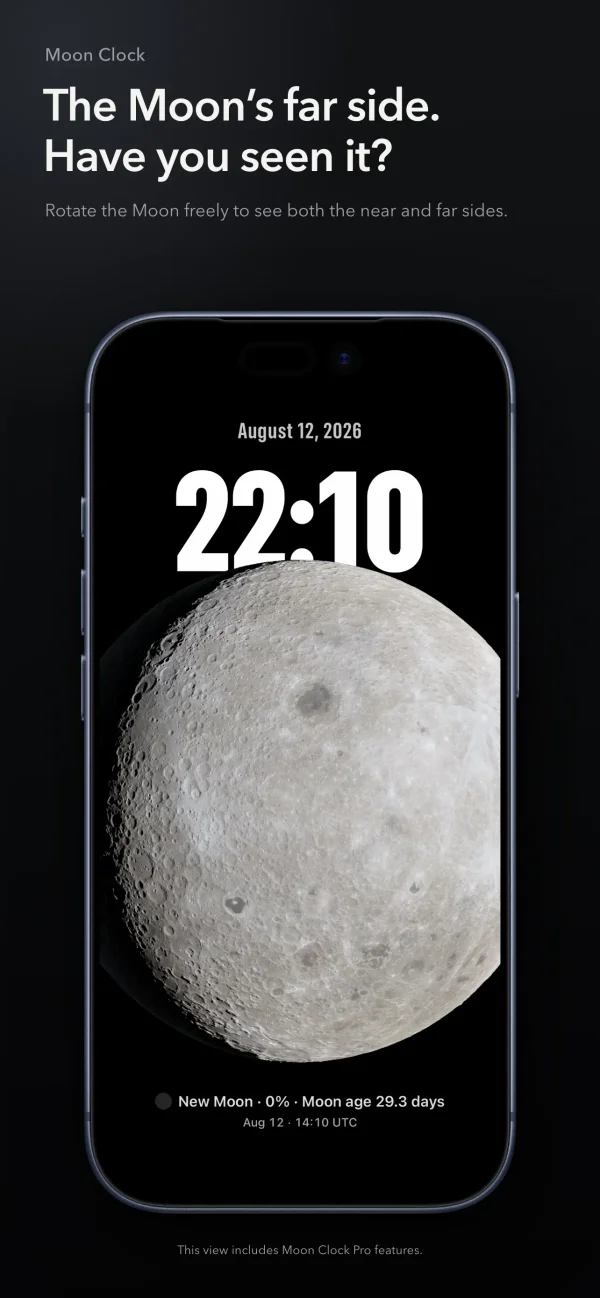
The 3D Moon is built from real lunar imagery and elevation data. Zoom in to explore craters, ridges, and the shadows they cast. Rotate the Moon freely to see the far side, hidden from view on Earth.
Free features and Moon Clock Pro
The basic clock and widgets with the default look are free.
Moon Clock Pro is a one-time purchase with a permanent unlock. No subscription. It includes:
• Every font, text effect, and Moon style
• Creating and saving your own text styles and freeform layouts
• Zooming in on the lunar surface and viewing the Moon from any angle
Unlocked fonts and Moon effects are also available in widgets, with no separate purchase.
No account or sign-in is required. Location access is optional; you can choose an observing location manually.
Có gì mới
Phiên bản 1.1 · 13/10/2026
Moon Clock now has Home Screen widgets. Keep today’s Moon where you’ll see it often.
• Choose small, medium, or large widgets to see the time and lunar phase.
• Use the fonts and Moon effects you’ve chosen in Clock.
• Adjust the Moon’s position, text size, and information shown, with options tailored to each widget size.
The default look is free. If you own Moon Clock Pro, your unlocked fonts and Moon effects are available in widgets at no extra cost.
Quyền riêng tư của ứng dụng
Những gì YI-WEN CHOU khai báo trên App Store về cách ứng dụng này xử lý dữ liệu.
-
Dữ liệu không được thu thập
Nhà phát triển không thu thập bất kỳ dữ liệu nào từ ứng dụng này.
Phương thức đảm bảo quyền riêng tư có thể khác nhau, chẳng hạn như tuỳ theo các tính năng bạn sử dụng hoặc độ tuổi của bạn.
Thông tin
- Người bán
- YI-WEN CHOU
- Danh mục
- Tiện Ích
- Phiên bản
- 1.1
- Cập nhật
- 13/10/2026
- Phát hành
- 01/09/2026
- Kích thước
- 77,8 MB
- Yêu cầu
- iOS 18.0 trở lên
- Độ tuổi
- 4+
- Giá
- Miễn phí
- Mua hàng trong ứng dụng
- Có
- Ngôn ngữ
- Tiếng Anh, Tiếng Nhật, Tiếng Trung Giản thể, Tiếng Trung Phồn thể
- Bản quyền
- © 2026 KecoLab