Moon Clock: Phases & Widgets
Real Moon, Your Style
iPhone için tasarlandı
Ücretsiz · Uygulama içi satın alma
- Yaş sınırı4+
- KategoriYardımcılar
- GeliştiriciYI-WEN CHOU
- Dillerİngilizce+ 3 dil daha
- Boyut77,8 MB
Resmi App Store sayfasına bağlanır
Download.org, Moon Clock: Phases & Widgets için hiçbir dosya barındırmaz. Düğme, uygulamanın App Store üzerindeki sayfasını açar; uygulamayı orada YI-WEN CHOU yayınlar. Sayfanın son kontrolü: 18.11.2026.
Ekran görüntüleri
Hakkında
Geliştirici bu metni dilinizde sunmamış.
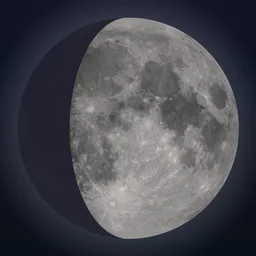
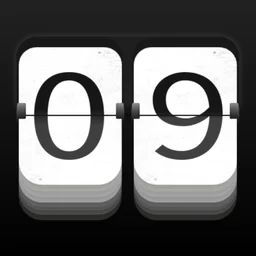
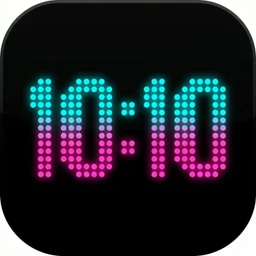
Moon Clock is a full-screen clock with Moon phase widgets. Check the time, and take a moment to look at today’s Moon.
A Moon for your Home Screen
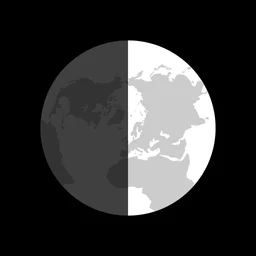
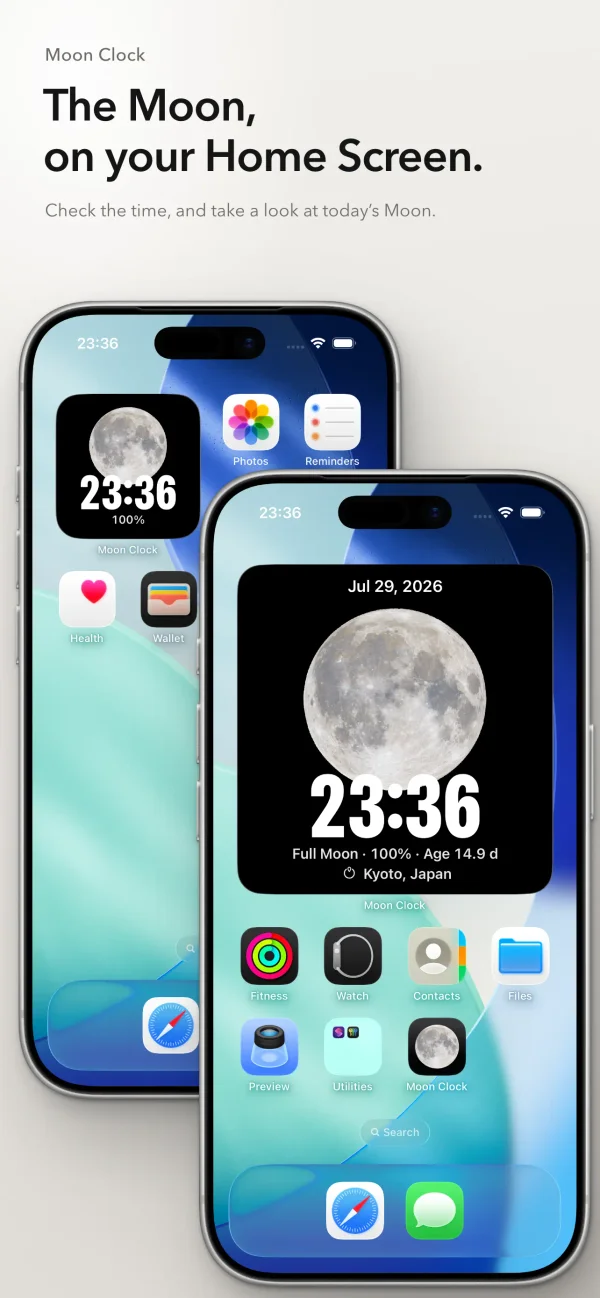
Choose a small, medium, or large widget and put it where you’ll see it often. Check the time and lunar phase without opening the app.
See the Moon in full screen
Open Moon Clock to give the Moon and time room to fill your screen. The phase and lighting change with time, and you can choose an observing location to see the Moon from there.
Find a look you like
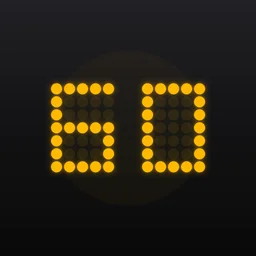
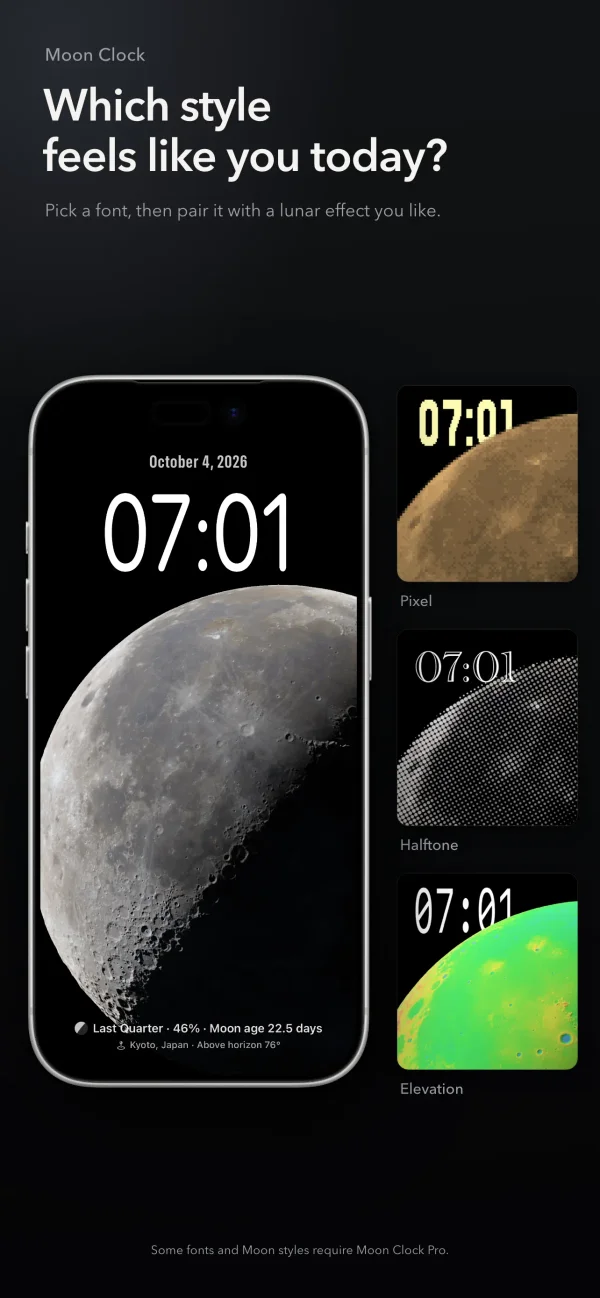
Keep the natural lunar surface, or try pixel, halftone, and CRT effects. Mix fonts, text effects, and Moon styles, then arrange your full-screen clock. Your widgets can follow your chosen fonts and Moon effects, so there’s no need to set them up again.
Take a closer look
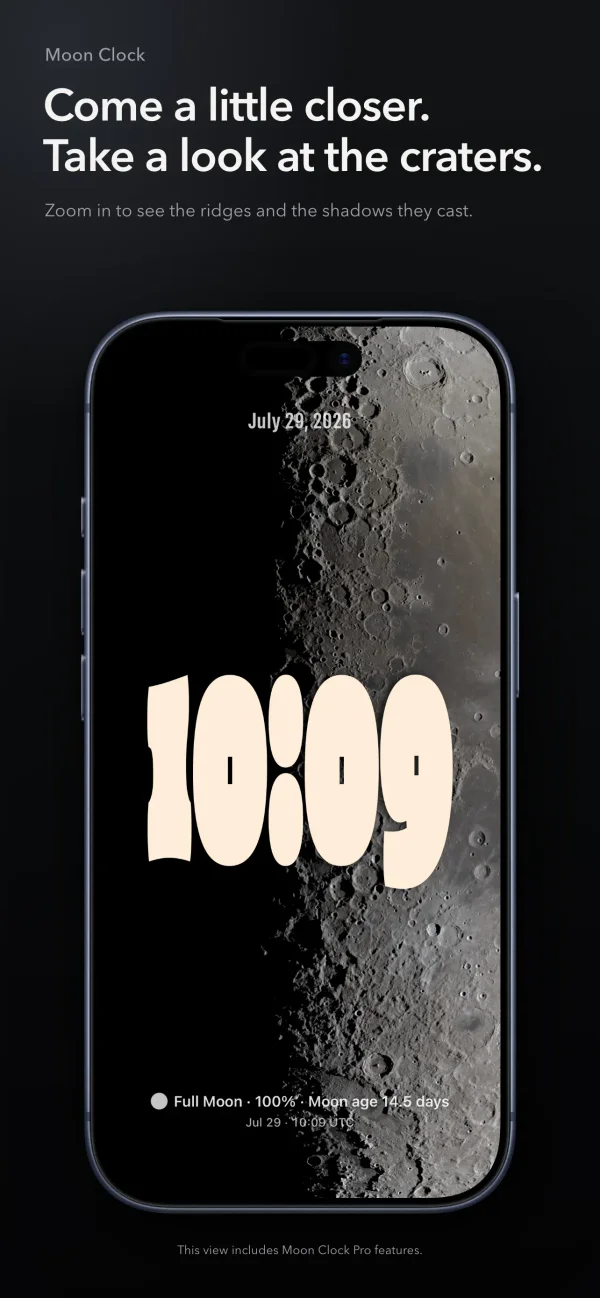
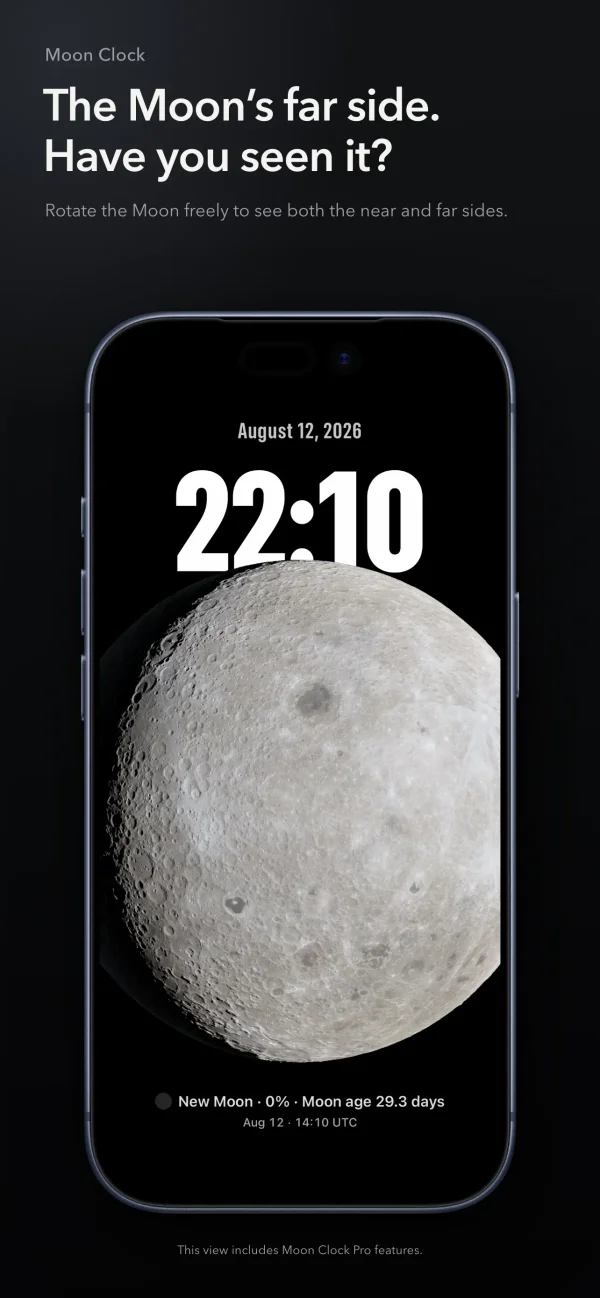
The 3D Moon is built from real lunar imagery and elevation data. Zoom in to explore craters, ridges, and the shadows they cast. Rotate the Moon freely to see the far side, hidden from view on Earth.
Free features and Moon Clock Pro
The basic clock and widgets with the default look are free.
Moon Clock Pro is a one-time purchase with a permanent unlock. No subscription. It includes:
• Every font, text effect, and Moon style
• Creating and saving your own text styles and freeform layouts
• Zooming in on the lunar surface and viewing the Moon from any angle
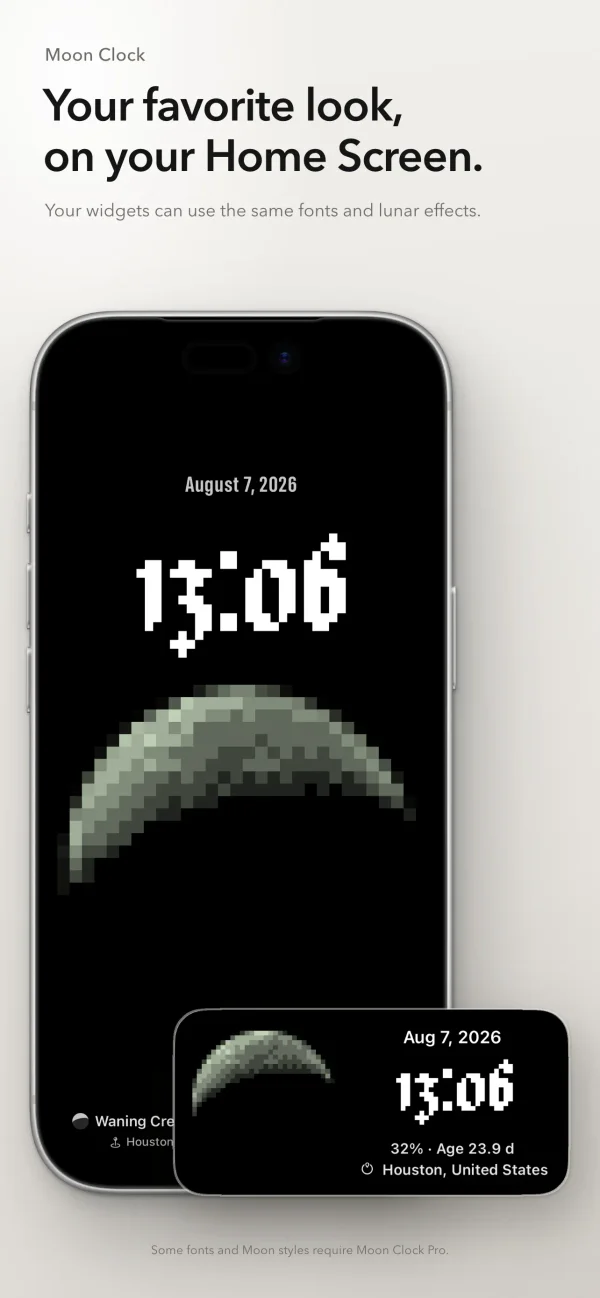
Unlocked fonts and Moon effects are also available in widgets, with no separate purchase.
No account or sign-in is required. Location access is optional; you can choose an observing location manually.
Yenilikler
Sürüm 1.1 · 13.10.2026
Moon Clock now has Home Screen widgets. Keep today’s Moon where you’ll see it often.
• Choose small, medium, or large widgets to see the time and lunar phase.
• Use the fonts and Moon effects you’ve chosen in Clock.
• Adjust the Moon’s position, text size, and information shown, with options tailored to each widget size.
The default look is free. If you own Moon Clock Pro, your unlocked fonts and Moon effects are available in widgets at no extra cost.
Uygulama gizliliği
Bu uygulamanın verileri nasıl işlediği hakkında YI-WEN CHOU tarafından App Store üzerinde yapılan beyan.
-
Veri toplanmıyor
Geliştirici bu uygulamadan hiçbir veri toplamıyor.
Gizlilik uygulamaları, örneğin kullandığınız özelliklere veya yaşınıza göre değişiklik gösterebilir.
Bilgiler
- Satıcı
- YI-WEN CHOU
- Kategori
- Yardımcılar
- Sürüm
- 1.1
- Güncellendi
- 13.10.2026
- Yayın tarihi
- 01.09.2026
- Boyut
- 77,8 MB
- Gereksinim
- iOS 18.0 veya sonrası
- Yaş sınırı
- 4+
- Fiyat
- Ücretsiz
- Uygulama içi satın alma
- Evet
- Diller
- İngilizce, Japonca, Basitleştirilmiş Çince, Geleneksel Çince
- Telif hakkı
- © 2026 KecoLab