
NextExplorer
Deine eigene Datei-Cloud
Entwickelt für iPhone, iPad, Mac
Kostenlos · In-App-Käufe
- Altersfreigabe4+
- KategorieDienstprogramme
- EntwicklerPhillip Maizza
- SprachenEnglisch+ 28 weitere
- Größe157,9 MB
Verlinkt auf die offizielle App Store-Seite
Download.org hostet keine Datei von NextExplorer. Die Schaltfläche öffnet die App-Seite bei App Store, wo Phillip Maizza die App veröffentlicht. Eintrag zuletzt geprüft am 24.11.2026.
Screenshots

Info
NextExplorer ist der schnelle, native Client für deinen selbst gehosteten NextExplorer-Server auf iPhone, iPad und Mac. Greife privat und in voller Geschwindigkeit auf deine Dateien, Fotos, Dokumente und deinen Code zu, alles auf deiner eigenen Infrastruktur.
Dein Server. Deine Daten. Natives Tempo.
HINWEIS: NextExplorer benötigt eine laufende NextExplorer-Serverinstanz. Die App hostet selbst keine Dateien.
NATIVES DATEI-BROWSING
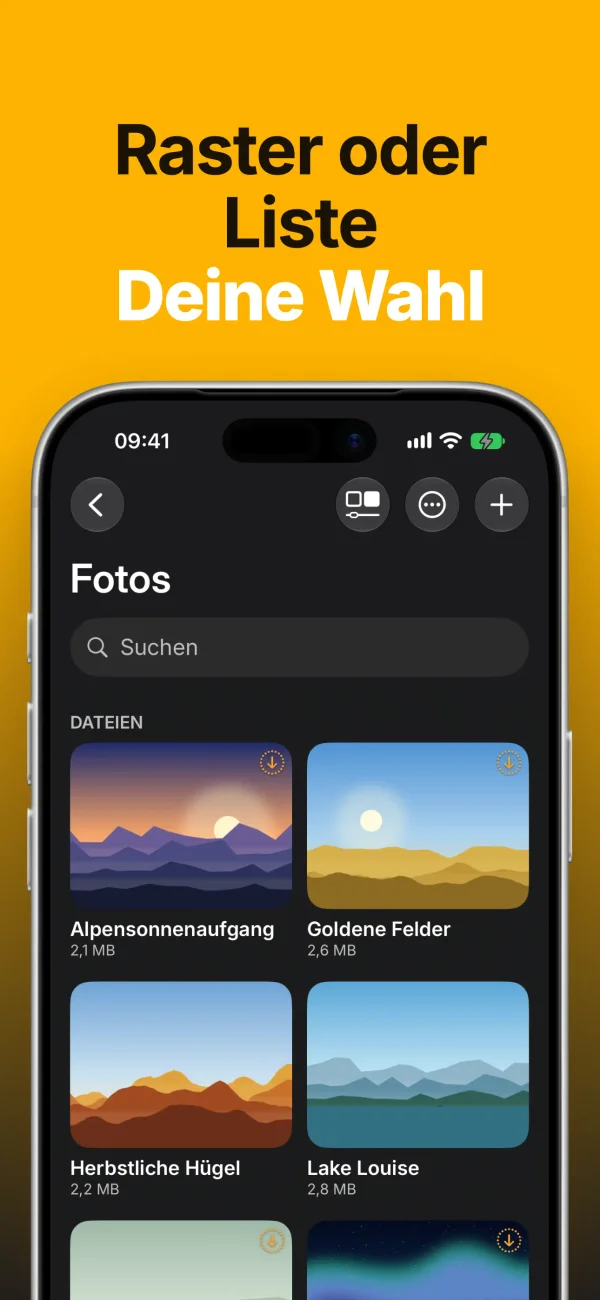
- Raster und Liste: Flüssige Navigation mit serverseitig erzeugten Vorschaubildern, Brotkrumenpfad und Ziehen zum Aktualisieren.
- Umfangreiche Vorschau: Eine Vollbildgalerie für Fotos, Videos, Audio, PDFs, Text und Code, mit Gesten und Zoom.
- Archivansicht: Blättere durch ZIP-Archive, ohne sie zu entpacken.
INTEGRIERTER CODE- UND TEXTEDITOR
- Syntaxhervorhebung: Bearbeite Swift, Python, JS/TS, Go, Rust, Java, HTML, CSS, JSON, YAML, Markdown und mehr.
- Schnelle Änderungen: Ändere Serverdateien direkt von deinem Gerät aus.
LEISTUNGSSTARKE SUCHE UND ORGANISATION
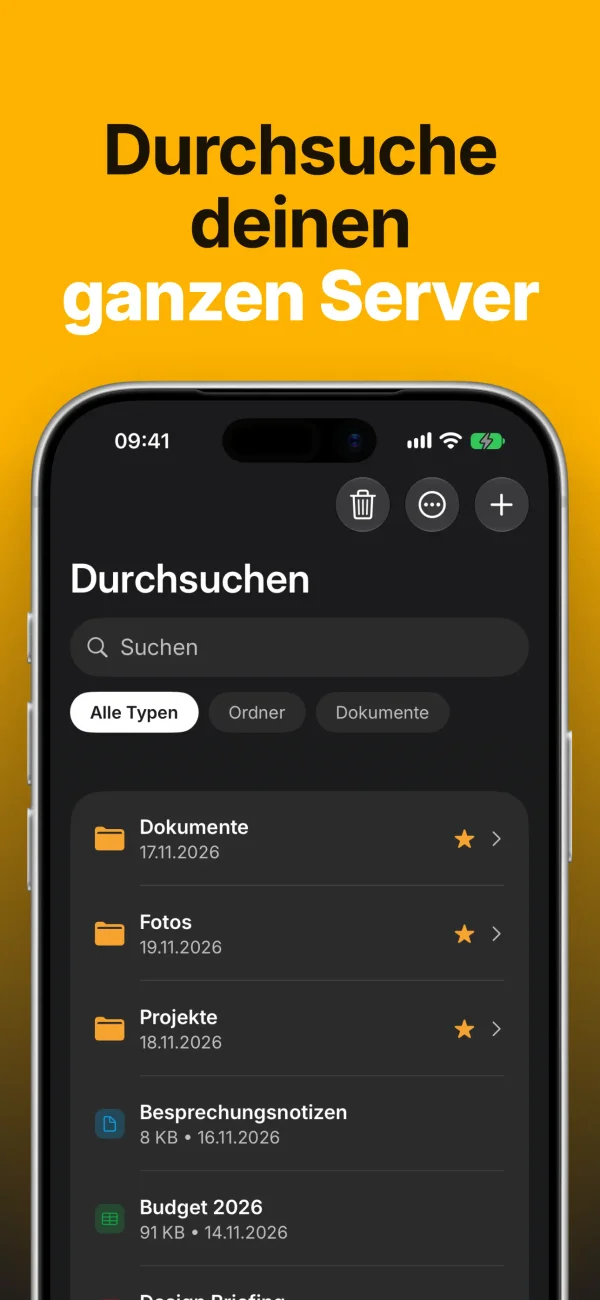
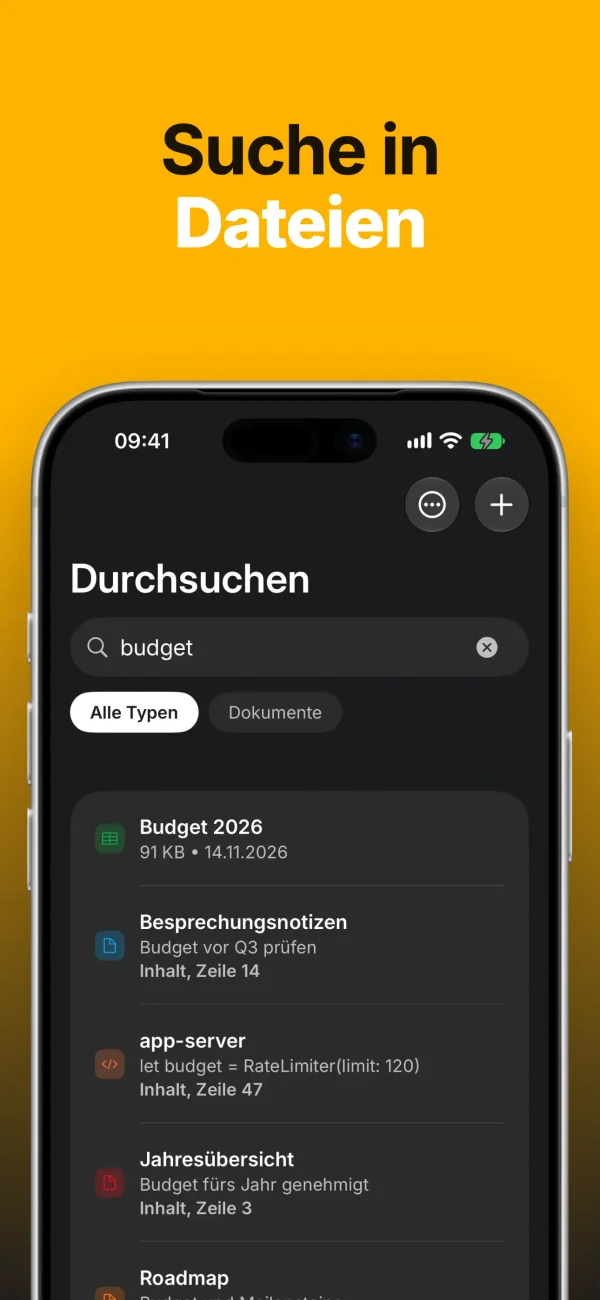
- Volltext- und Namenssuche: Durchsuche jeden Ordner, mit der genauen Zeile jedes Treffers im Inhalt.
- Sofort filtern: Grenze die Ergebnisse mit einem Tipp nach Dateityp ein.
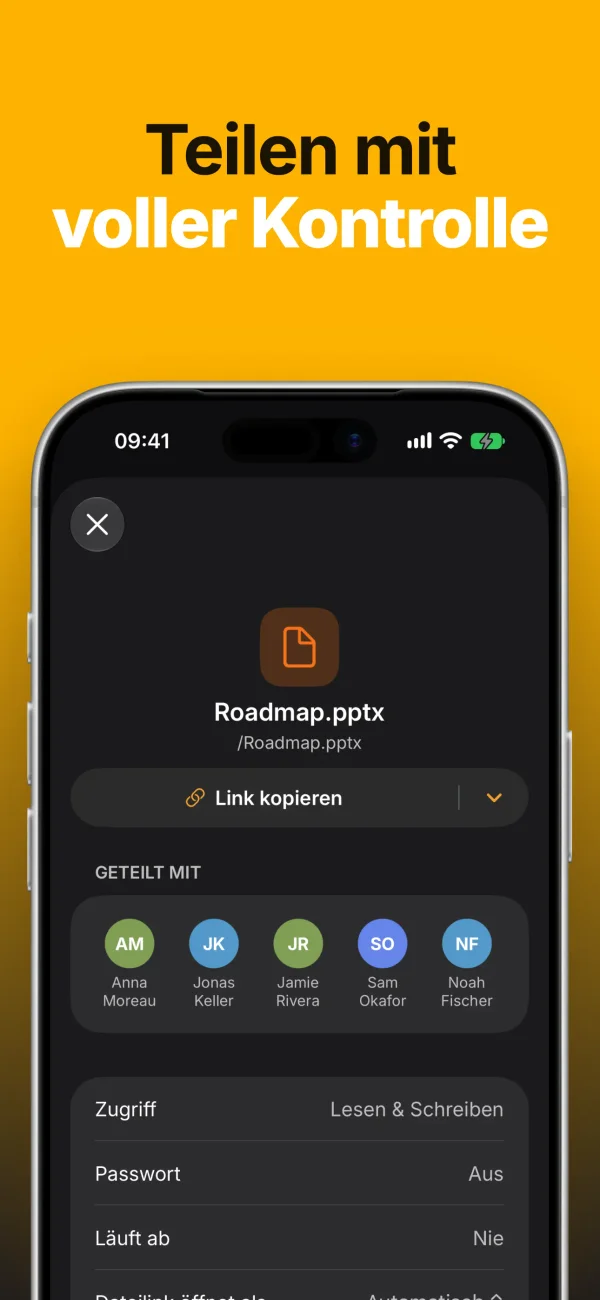
- Teilen und verwalten: Erstelle Links mit Passwort und Ablaufdatum, hefte Favoriten an, lade hoch, verschiebe, kopiere, benenne um und mache rückgängig, alles unterwegs.
OFFLINE UND DATENSCHUTZ ZUERST
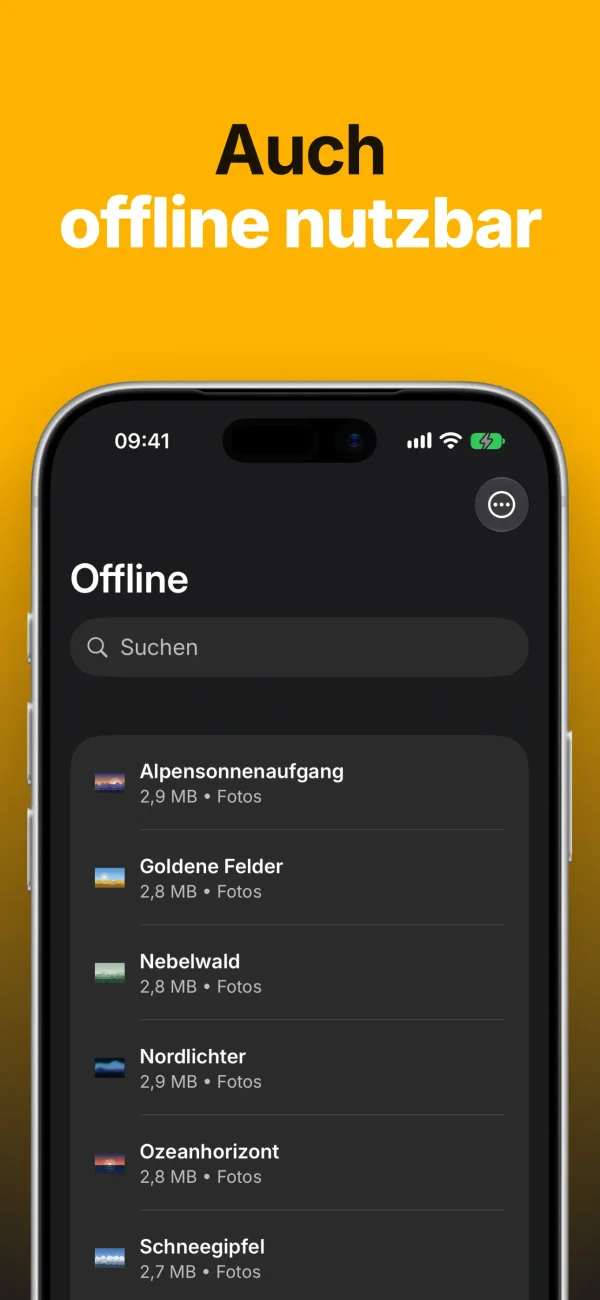
- Offline-Tab: Behalte jede Datei oder jeden Ordner auf deinem Gerät und öffne sie ohne Verbindung.
- Kein Tracking: Deine Dateien gehen direkt zwischen Gerät und Server. Kein Mittelsmann, keine Telemetrie.
BARRIEREFREI UND GLOBAL
- Lokalisiert: In 30 Sprachen übersetzt, mit voller Rechts-nach-links-Unterstützung für Arabisch und Hebräisch.
- Überall nativ: Dunkelmodus, Dynamic Type, VoiceOver, reduzierte Bewegung und höherer Kontrast, dazu eine Share-Erweiterung und eine native Seitenleiste mit Milchglaseffekt auf dem Mac.
Betreibe deine eigene Cloud. Behalte deine Daten.
Neue Funktionen
Version 1.4.0 · 23.11.2026
• Offline replaces Downloads: mark any file or folder Available Offline and open it without a connection
• Save to Device: photos and videos go to Photos, other files to the Files app
• The Offline tab shows the space it uses and when each item last updated
• Remove a single item from inside a folder you keep offline
• A dot on Offline tells you when new files were kept
• The app opens without a connection and shows your saved folders and files
• The gallery pages through every file in a folder: photos, videos, PDFs, text and more
• Video thumbnails, audio cover art and a preview of text and code files
• Pictures the server cannot read (ICO, BMP, TIFF, RAW) get thumbnails made on your device
• Every file opens with a zoom from its thumbnail
• Undo moves, copies and renames with a shake, a three finger swipe, Command Z or the toast's Undo
• Slide a finger sideways over rows or tiles to select them
• Select mode gathers its actions into one menu
• Name files shared from other apps before they upload
• Pictures and PDFs shared into the app show their thumbnail right away
• Search understands patterns like *.pdf and finds names with or without accents
• Search shows what is on this device first and works offline from your saved folders
• The top level searches everywhere, a folder searches itself, and Search Everywhere is one tap away
• Search results say where each file lives and what matched
• Long press a search result to show it in its folder or copy its path
• Settings is one menu with a page per section, and creating an API token is simpler
• A new font: Inter, the same as the NextExplorer website
• Stronger colors when Increase Contrast is on
• iPad: keyboard shortcuts, an account menu in the sidebar and a path bar over the folder
• iPad: a frosted sidebar and sign in card, solid when Reduce Transparency is on
• Mac: frosted windows and a native sidebar
• Mac: search in a Spotlight style panel from the magnifier, Command F or Command K, with your current folder's matches first and thumbnails
• Mac: a search result opens on top of where you were, so Back takes you there, and a file opens inside its folder
• Mac: undo and redo moves, renames and new folders and files with Command Z, Shift Command Z or the toast's Undo
• Mac: Upload, Refresh and Search sit together in the toolbar of every folder
• Mac: offline progress shows in a bar under the folder
• Mac: Help and Support writes to the support email, and the About window's coffee link opens the tip jar
• Moving or copying no longer reports a failure after it worked
• Sharing large files from other apps no longer fails
• Tapping an upload notification opens the folder the files went to instead of closing the app
• Offline size estimates no longer show folders in terabytes
• A video opened in the gallery starts playing and keeps its place
• Search keeps its results while you type, and a failed search says why with Try Again
• The gallery's page dots sit above the bottom bar
• Password and two factor settings no longer flash in and out
• Safer single sign on
• Smoother animations and haptics that follow Apple's guidance
App-Datenschutz
Was Phillip Maizza im App Store zum Umgang dieser App mit Daten angibt.
-
Keine Daten erfasst
Der Entwickler erfasst keine Daten von dieser App.
Die Datenschutzpraktiken können variieren, zum Beispiel je nach den von Ihnen verwendeten Funktionen oder Ihrem Alter.
Informationen
- Anbieter
- Phillip Maizza
- Kategorie
- Dienstprogramme
- Version
- 1.4.0
- Aktualisiert
- 23.11.2026
- Veröffentlicht
- 22.09.2026
- Größe
- 157,9 MB
- Erfordert
- iOS 18.0 oder neuer
- Altersfreigabe
- 4+
- Preis
- Kostenlos
- In-App-Käufe
- Ja
- Sprachen
- Englisch, Arabisch, Tschechisch, Dänisch, Niederländisch, Finnisch, Französisch, Deutsch, Griechisch, Hebräisch, Hindi, Ungarisch + 17 weitere
- Copyright
- © 2026 Phillip Maizza
Das könnte Ihnen auch gefallen
-
 Receira for PapraDienstprogramme
-
 OBD2 Ninja: Car Code ReaderDienstprogramme
-
 TFAuthDienstprogramme
-
 FileTab: File ManagerDienstprogramme
-
 Remind ThereDienstprogramme
-
 WebWhackerDienstprogramme
-
 CSA BuddyDienstprogramme
-
 RawMonDienstprogramme
-
 Authman 2FADienstprogramme
-
 HelioPeak — Solar Trackerfor PVOutput