- Altersfreigabe4+
- KategorieProduktivität
- EntwicklerHyunok Lee
- SprachenEnglisch
- Größe2,0 MB
Verlinkt auf die offizielle App Store-Seite
Download.org hostet keine Datei von Pause Calendar. Die Schaltfläche öffnet die App-Seite bei App Store, wo Hyunok Lee die App veröffentlicht. Eintrag zuletzt geprüft am 23.11.2026.
Screenshots

Info
Der Entwickler hat diesen Text nicht in Ihrer Sprache bereitgestellt.
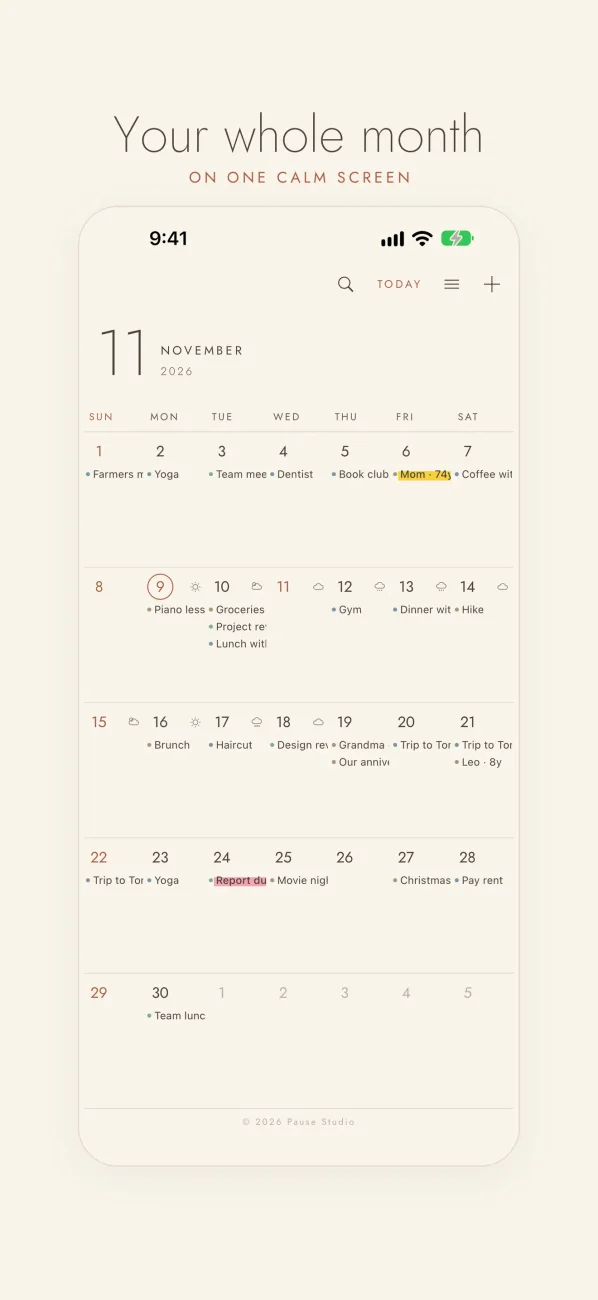
Pause Calendar shows your whole month on one calm screen. No clutter. Just the dates, your events, and room to breathe.
It reads the calendars already on your iPhone, like iCloud and Google, so there's nothing new to sign up for.
• The full month at a glance. Scroll up and down through the weeks, or swipe to the next month
• Event names written right in each day, with a small dot for each calendar's color
• Events that last several days show as one strip, in a color you choose
• Reminders with a date show on the calendar. Check them off or add new ones
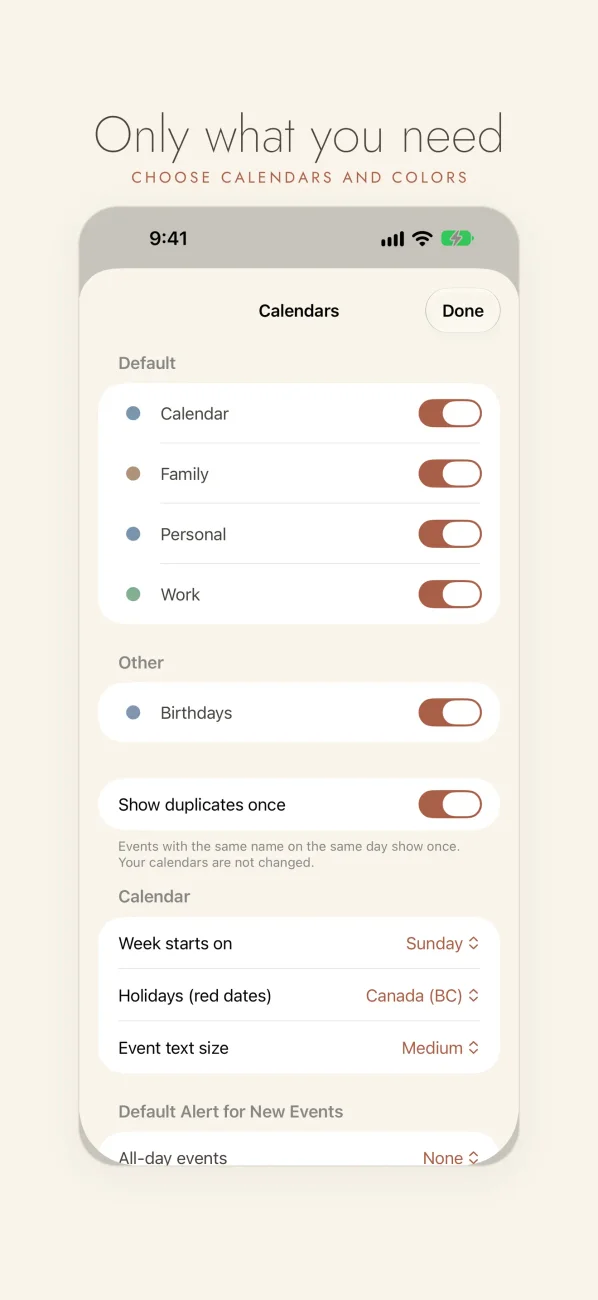
• Choose which calendars to show, and their colors
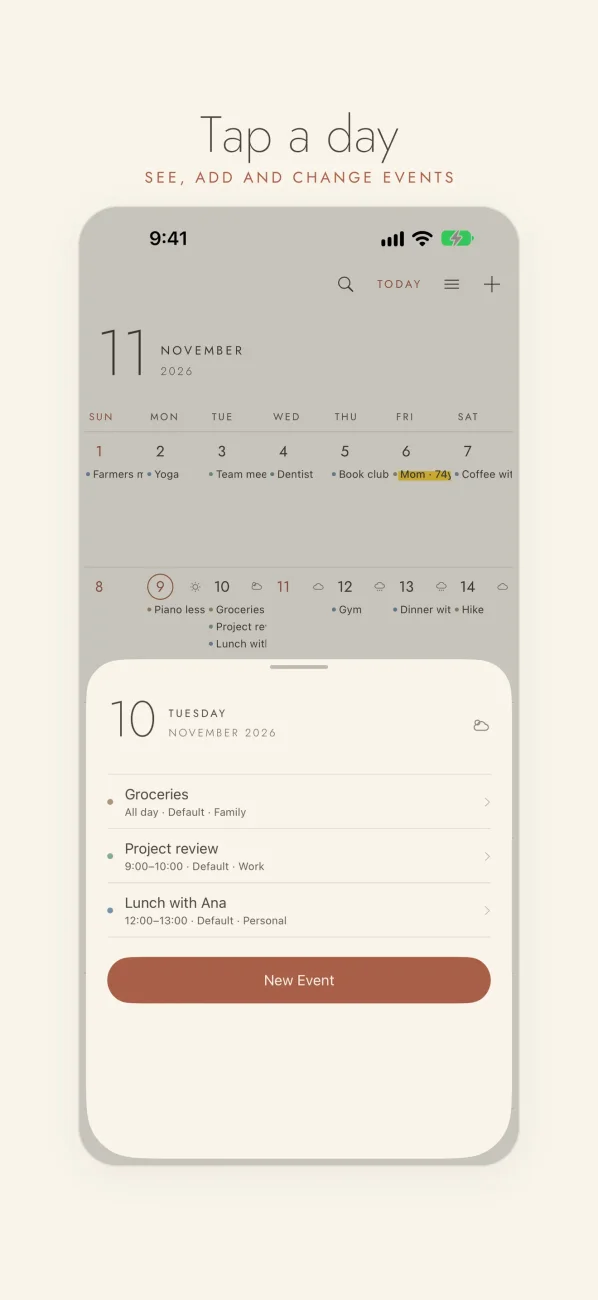
• Tap a day to see its events, add a new one, or change and delete them
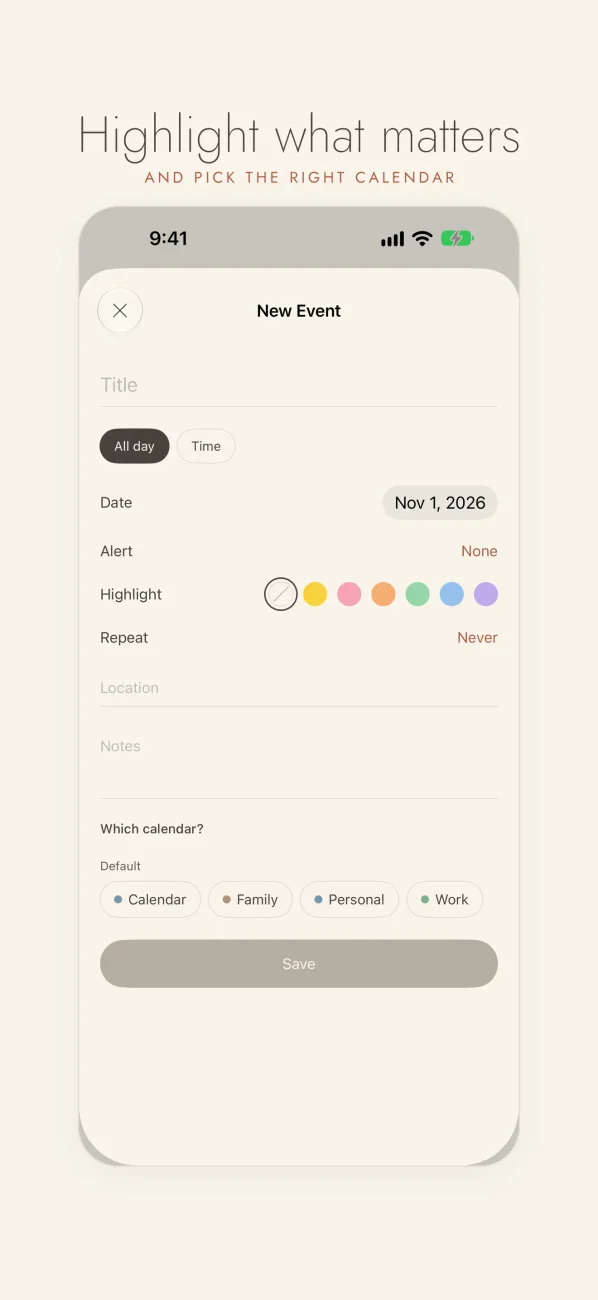
• See exactly which account and calendar a new event goes into
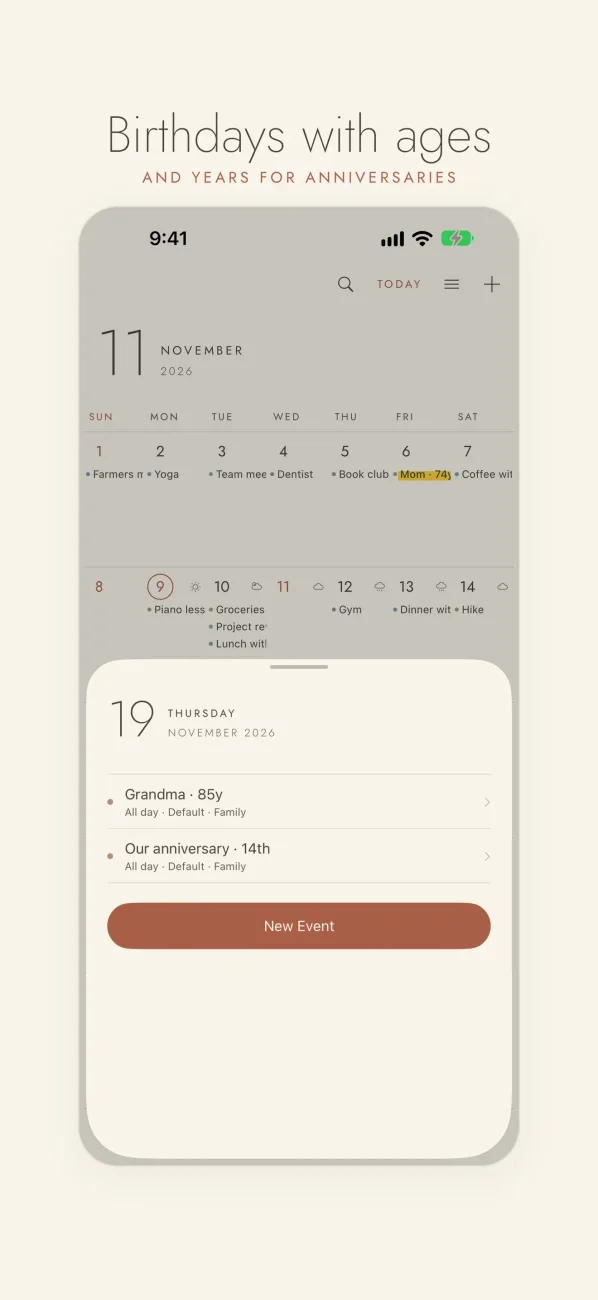
• The same birthday saved in several calendars shows only once
• Ages on birthdays (76y) and years on anniversaries (10th)
• Highlight important events in a color you choose
• Weather on the days ahead, with highs and lows (or turn it off)
• Widgets for the Home Screen (small, medium, large) and the Lock Screen
• Ready for British Columbia's new year-round time (UTC−7). Event times stay right even if your iPhone hasn't caught up yet. Outside BC, it simply follows your iPhone's time zone.
• All-day events stay on the right day
Your events stay on your iPhone and in your own calendar accounts. Your highlights, colors and settings are also kept in your iCloud. No account, no ads, no tracking.
Neue Funktionen
Version 1.0.2 · 19.11.2026
• Save button is now at the top of the event screen.
• Tapping outside while picking a time no longer closes the event without saving.
• Changing the start time moves the end time with it (new events last one hour by default).
• The day view always opens at half height.
• If an event can’t be deleted, you’re told instead of it quietly coming back.
App-Datenschutz
Was Hyunok Lee im App Store zum Umgang dieser App mit Daten angibt.
-
Keine Daten erfasst
Der Entwickler erfasst keine Daten von dieser App.
Die Datenschutzpraktiken können variieren, zum Beispiel je nach den von Ihnen verwendeten Funktionen oder Ihrem Alter.
Informationen
- Anbieter
- Hyunok Lee
- Kategorie
- Produktivität
- Version
- 1.0.2
- Aktualisiert
- 19.11.2026
- Veröffentlicht
- 10.11.2026
- Größe
- 2,0 MB
- Erfordert
- iOS 18.0 oder neuer
- Altersfreigabe
- 4+
- Preis
- Kostenlos
- Sprachen
- Englisch
- Copyright
- © 2026 Pause Studio
Das könnte Ihnen auch gefallen
-
 Post-Mission PlannerProduktivität
-
 Daypages: Ruhiger KalenderMinimalistischer Tagesplaner
-
 Grammar Air - Writing CheckerProduktivität
-
 Caly - Calendar & WidgetsProduktivität
-
 AccomplishProduktivität
-
 Opus One: Digital PlannerProduktivität
-
 Tagesplaner & Ziele: GriplyGewohnheiten & To-do-Liste
-
 Progress: Goal & Habit TrackerProduktivität
-
 Digitaler Studium StundenplanWochenplaner für Uni Noten
-
 StarNote: Notizen & PDFHandschrift & Audioaufnahmen