
Pixel Beader: Bead Patterns
Design, Edit & Convert Photos
Entwickelt für iPhone, iPad
Kostenlos · In-App-Käufe
- Altersfreigabe4+
- KategorieGrafik und Design
- EntwicklerYu Yan
- SprachenEnglisch+ 4 weitere
- Größe15,2 MB
Verlinkt auf die offizielle App Store-Seite
Download.org hostet keine Datei von Pixel Beader: Bead Patterns. Die Schaltfläche öffnet die App-Seite bei App Store, wo Yu Yan die App veröffentlicht. Eintrag zuletzt geprüft am 13.11.2026.
Screenshots
Info
Der Entwickler hat diesen Text nicht in Ihrer Sprache bereitgestellt.
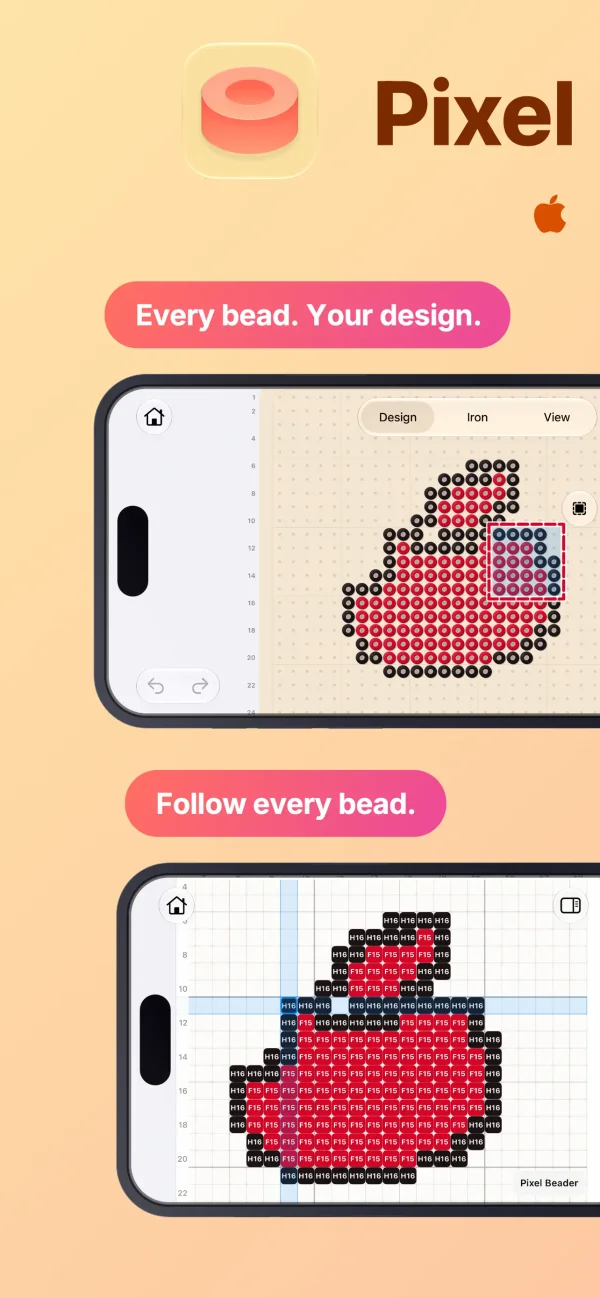
Design your own bead patterns. Follow them as you make.
Pixel Beader is a bead pattern design and editing tool. Start with a blank pegboard or convert a favorite photo, then refine the shapes and colors to create something of your own.
DESIGN AND EDIT
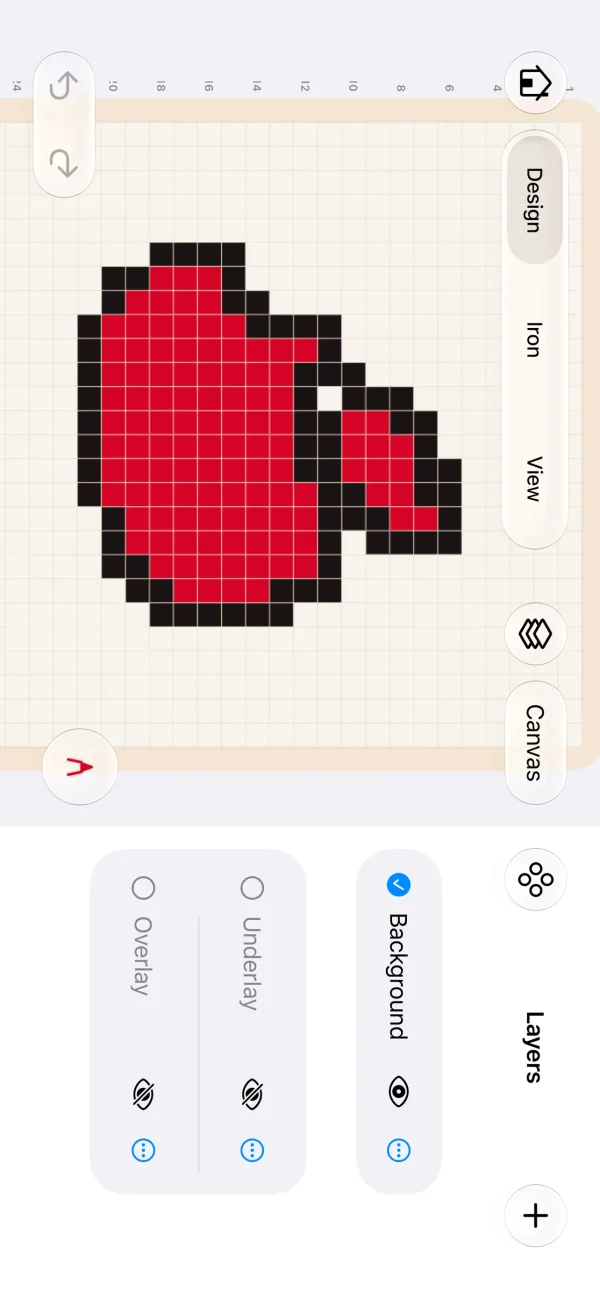
Draw bead by bead, replace colors, pick colors, and erase. Use rectangular selection, lasso, and undo to refine your pattern. Layers, underlays, and floating reference windows help you work with reference images. Draw with Apple Pencil on a compatible iPad.
TURN PHOTOS INTO PATTERNS
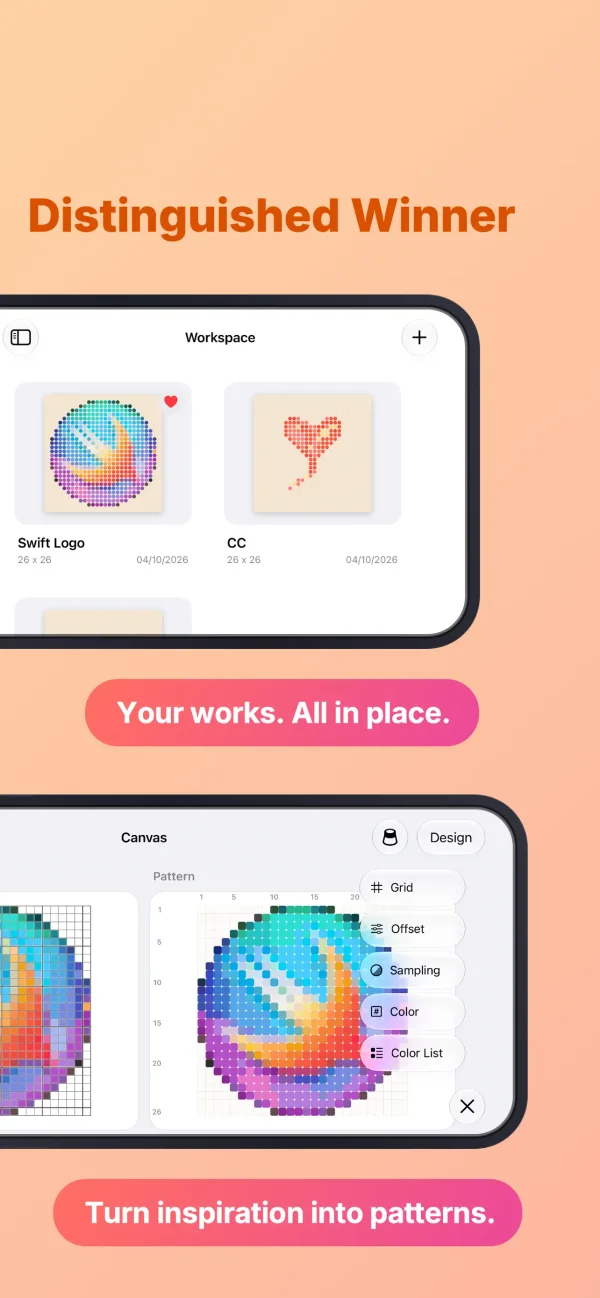
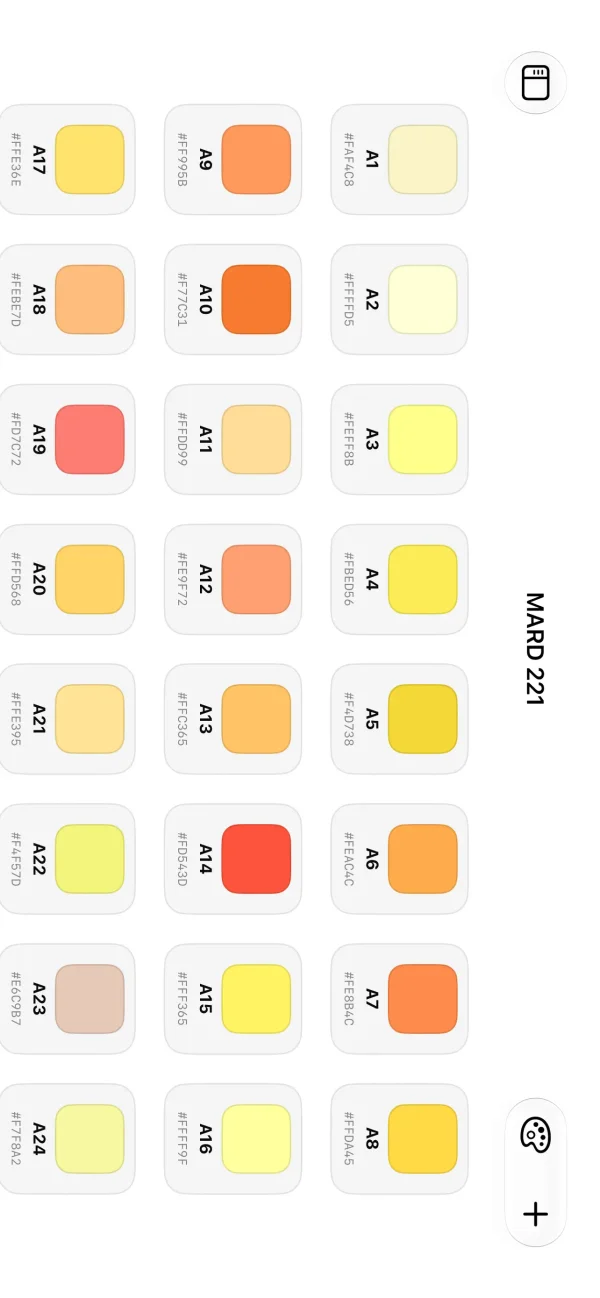
Import a photo and adjust the grid size, sampling method, and color count. Check color codes and bead quantities, then continue editing your pattern.
FOLLOW WHILE YOU MAKE
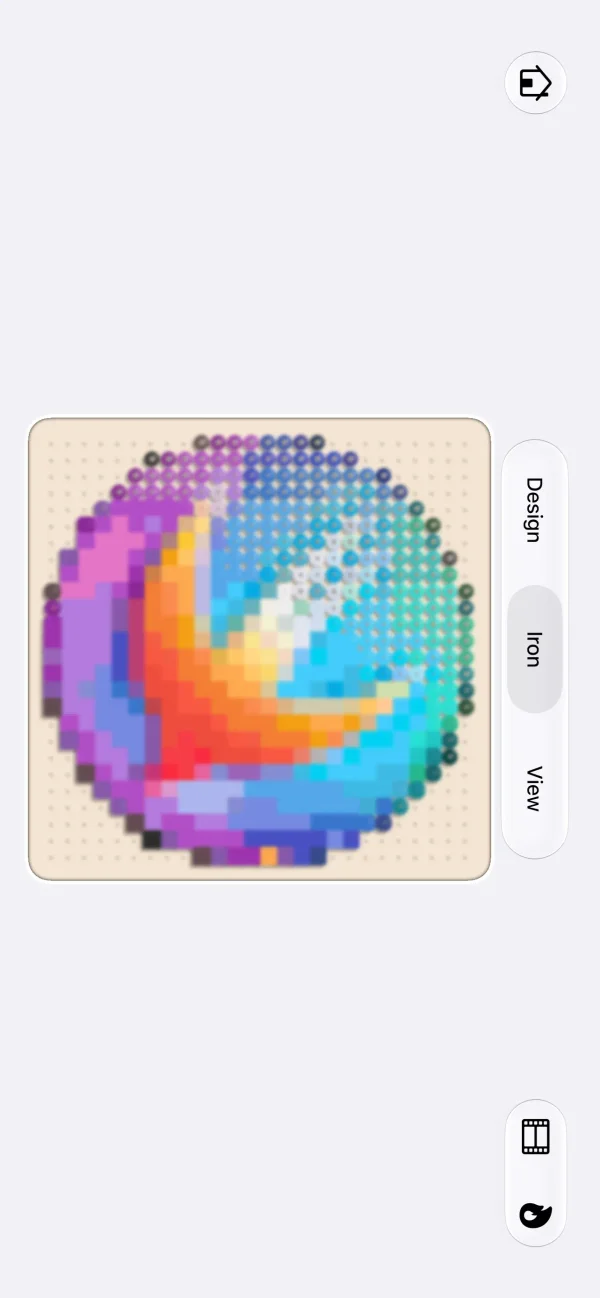
Use interactive patterns to check color codes and highlighted rows and columns while placing physical beads. Interactive patterns require membership.
PREVIEW IN 3D AND AR
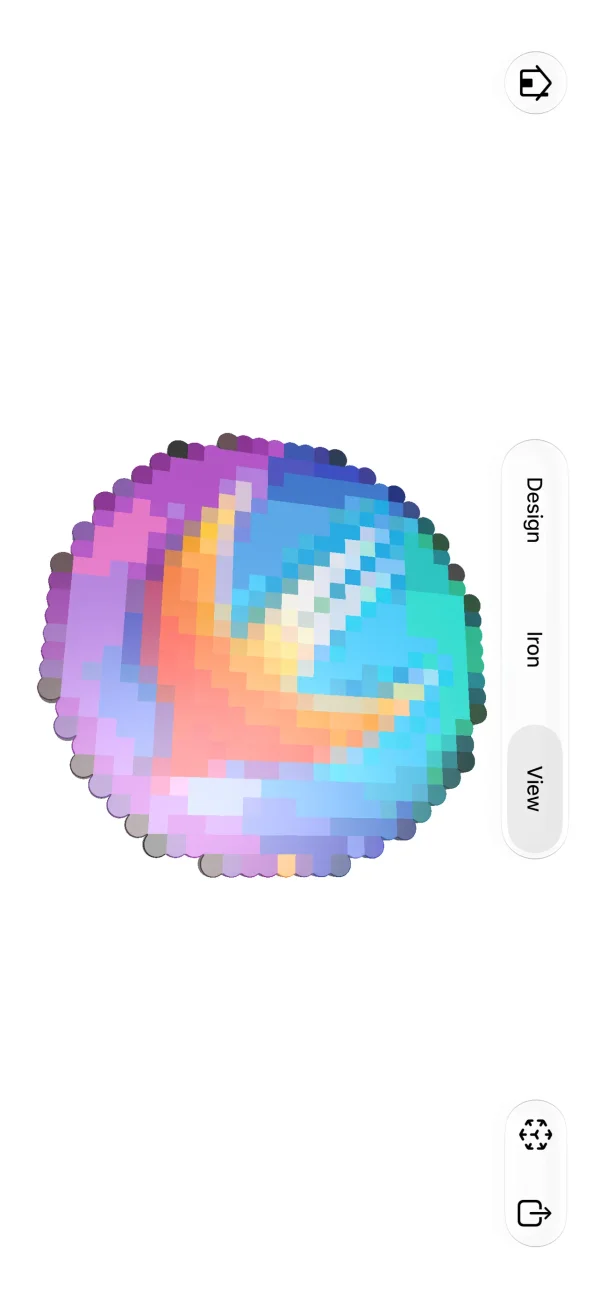
Simulate the fused finish and explore your creation from different angles in 3D. On supported devices, use AR to preview it in your surroundings.
ORGANIZE AND SHARE
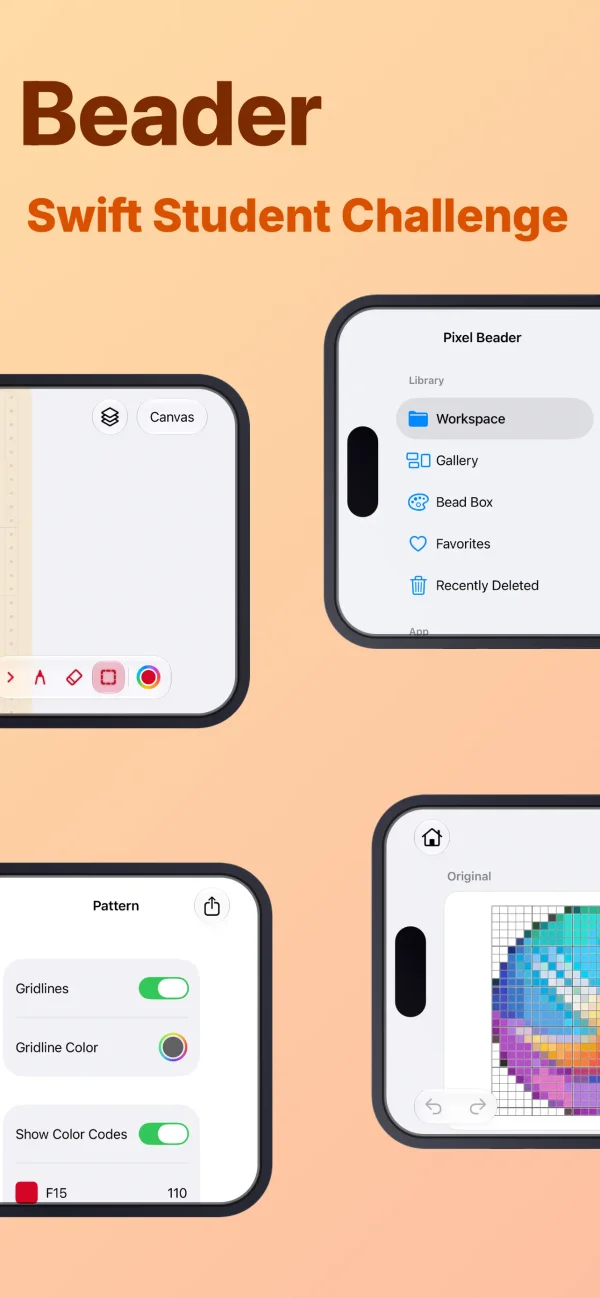
Organize patterns in folders, save favorites, and recover deleted work from Recently Deleted. Export pattern images and 3D snapshots, or share project files that can be imported and edited again.
FREE AND MEMBERSHIP
The free version supports boards and patterns up to 104×104. Optional monthly or lifetime membership unlocks projects up to 208×208 and interactive pattern previews.
PRIVACY AND DEVICE SUPPORT
Photo processing and project data stay on your device and are not uploaded to a server. Apple Pencil features require a compatible iPad and Apple Pencil. AR requires an ARKit-compatible device.
Support: missouryy@icloud.com
Terms of Use: https://www.apple.com/legal/internet-services/itunes/dev/stdeula/
© 2026 Yu Yan
Neue Funktionen
Version 1.5 · 12.10.2026
• Added support for iOS 27
• Added rectangular selection for easier pattern editing
• Added layers with underlays and floating reference windows
• Improved color merging
• Improved interactive pattern previews, with color codes and positioning guides while you make (membership feature)
• Improved Apple Pencil and touch editing
App-Datenschutz
Was Yu Yan im App Store zum Umgang dieser App mit Daten angibt.
-
Keine Daten erfasst
Der Entwickler erfasst keine Daten von dieser App.
Die Datenschutzpraktiken können variieren, zum Beispiel je nach den von Ihnen verwendeten Funktionen oder Ihrem Alter.
Informationen
- Anbieter
- Yu Yan
- Kategorie
- Grafik und Design
- Version
- 1.5
- Aktualisiert
- 12.10.2026
- Veröffentlicht
- 09.07.2026
- Größe
- 15,2 MB
- Erfordert
- iOS 26.0 oder neuer
- Altersfreigabe
- 4+
- Preis
- Kostenlos
- In-App-Käufe
- Ja
- Sprachen
- Englisch, Japanisch, Koreanisch, Vereinf. Chinesisch, Tradit. Chinesisch
- Copyright
- © 2026 Yu Yan