
Pixel Beader: Bead Patterns
Design, Edit & Convert Photos
Diseñada para iPhone, iPad
Gratis · Compras en la aplicación
- Clasificación por edad4+
- CategoríaDiseño gráfico
- DesarrolladorYu Yan
- IdiomasInglés+ 4 más
- Tamaño15,2 MB
Enlaza a la página oficial de App Store
Download.org no aloja ningún archivo de Pixel Beader: Bead Patterns. El botón abre la página de la aplicación en App Store, donde la publica Yu Yan. Ficha comprobada por última vez el 13/11/2026.
Capturas de pantalla
Acerca de
El desarrollador no ha proporcionado este texto en tu idioma.
Design your own bead patterns. Follow them as you make.
Pixel Beader is a bead pattern design and editing tool. Start with a blank pegboard or convert a favorite photo, then refine the shapes and colors to create something of your own.
DESIGN AND EDIT
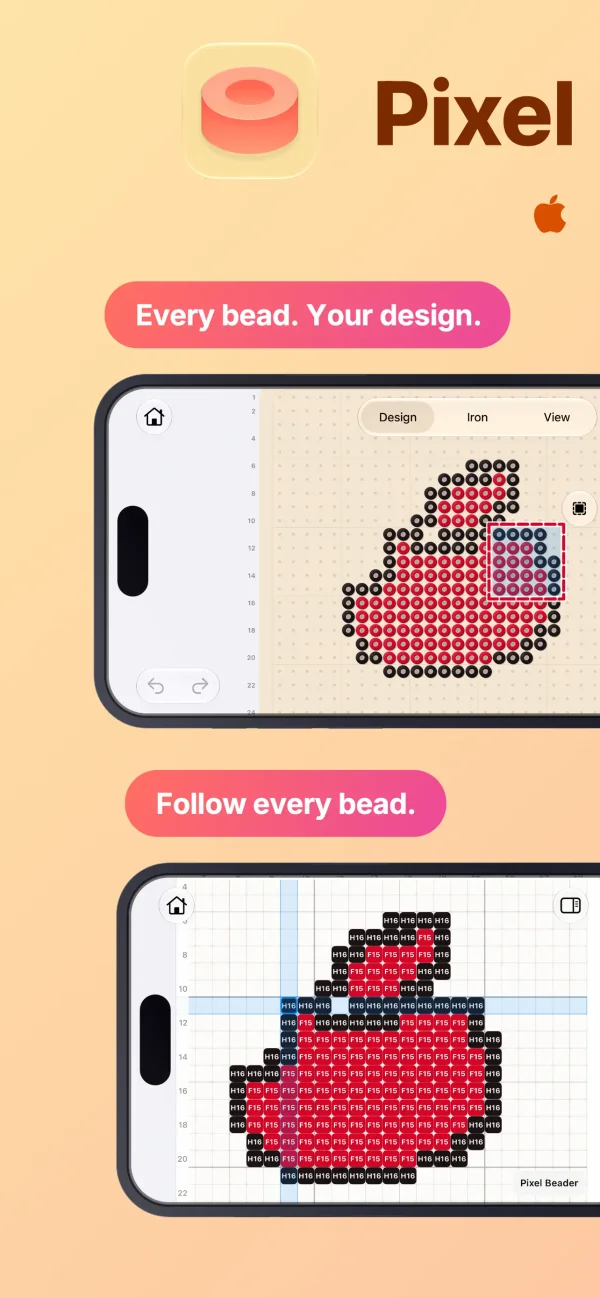
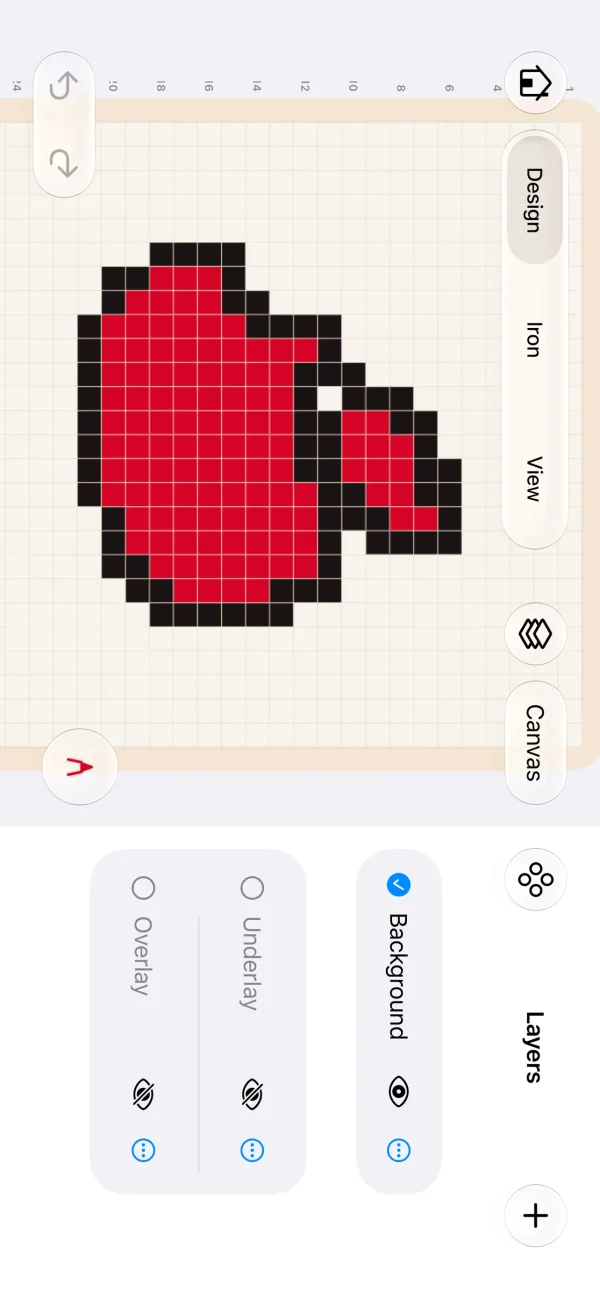
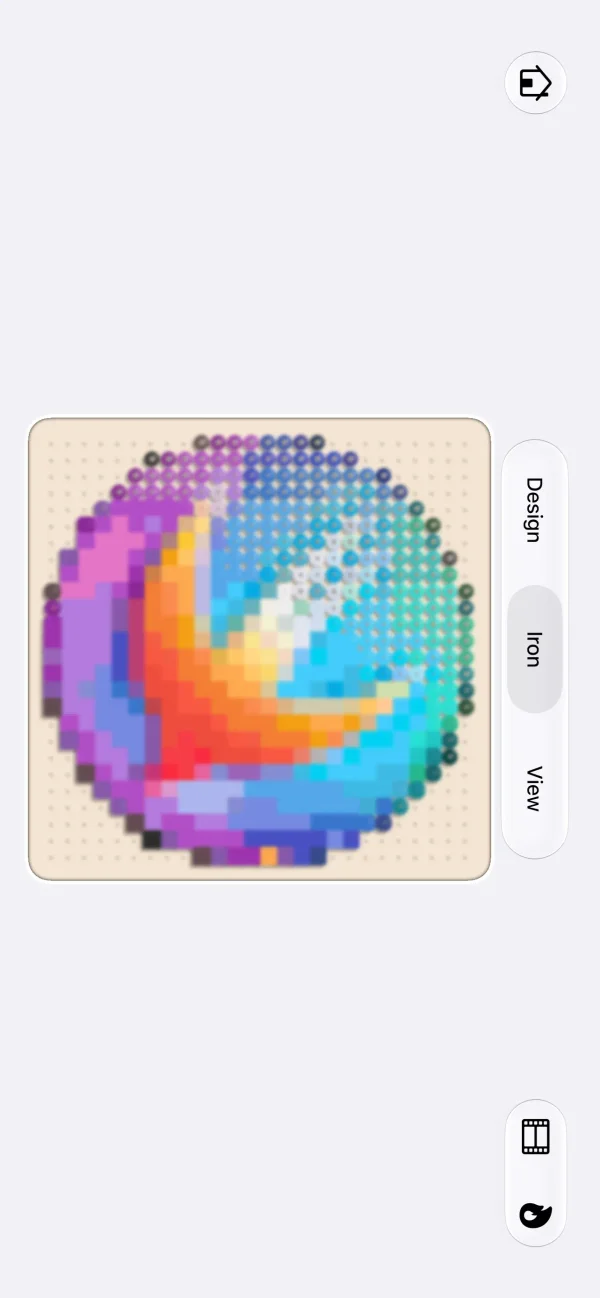
Draw bead by bead, replace colors, pick colors, and erase. Use rectangular selection, lasso, and undo to refine your pattern. Layers, underlays, and floating reference windows help you work with reference images. Draw with Apple Pencil on a compatible iPad.
TURN PHOTOS INTO PATTERNS
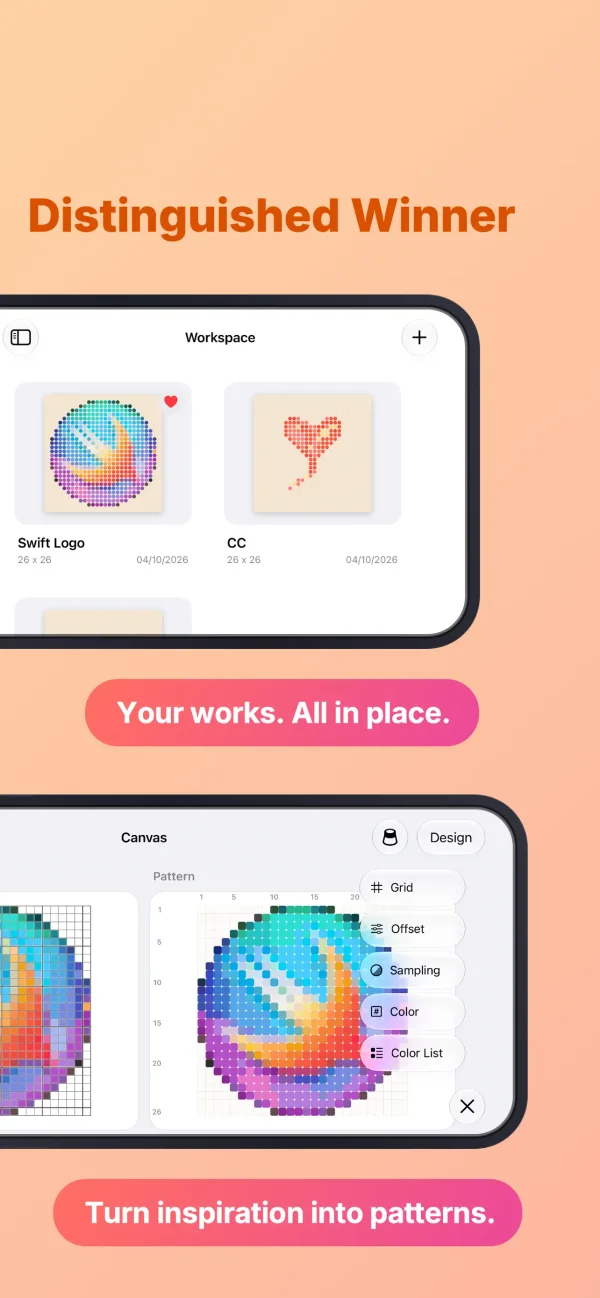
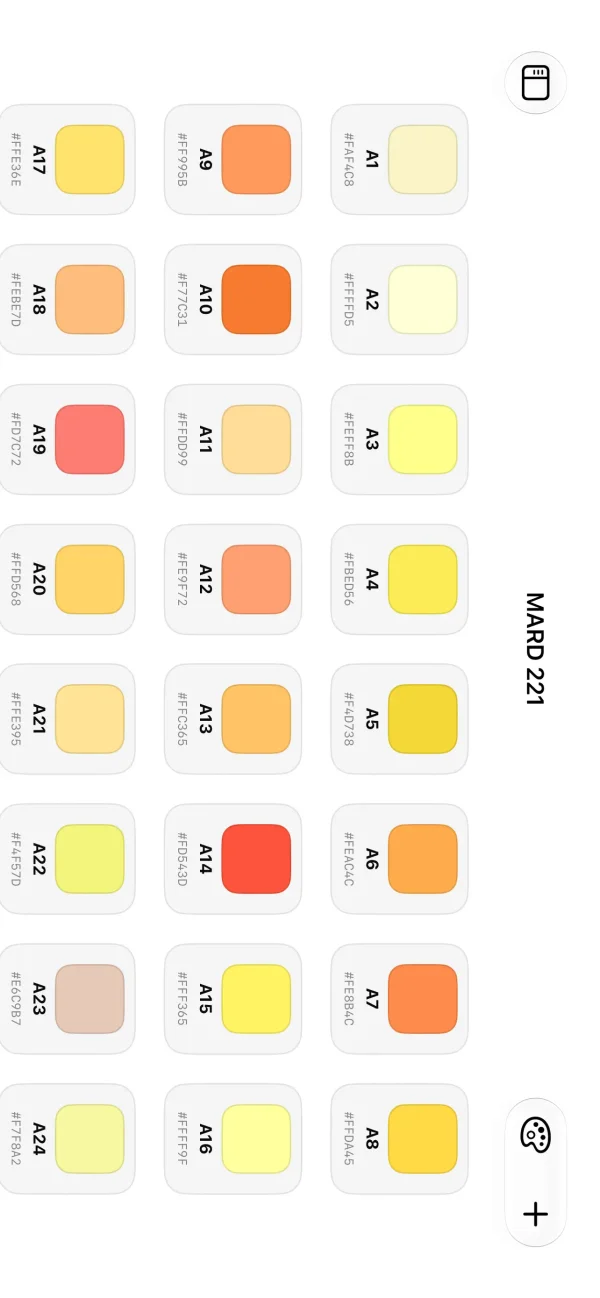
Import a photo and adjust the grid size, sampling method, and color count. Check color codes and bead quantities, then continue editing your pattern.
FOLLOW WHILE YOU MAKE
Use interactive patterns to check color codes and highlighted rows and columns while placing physical beads. Interactive patterns require membership.
PREVIEW IN 3D AND AR
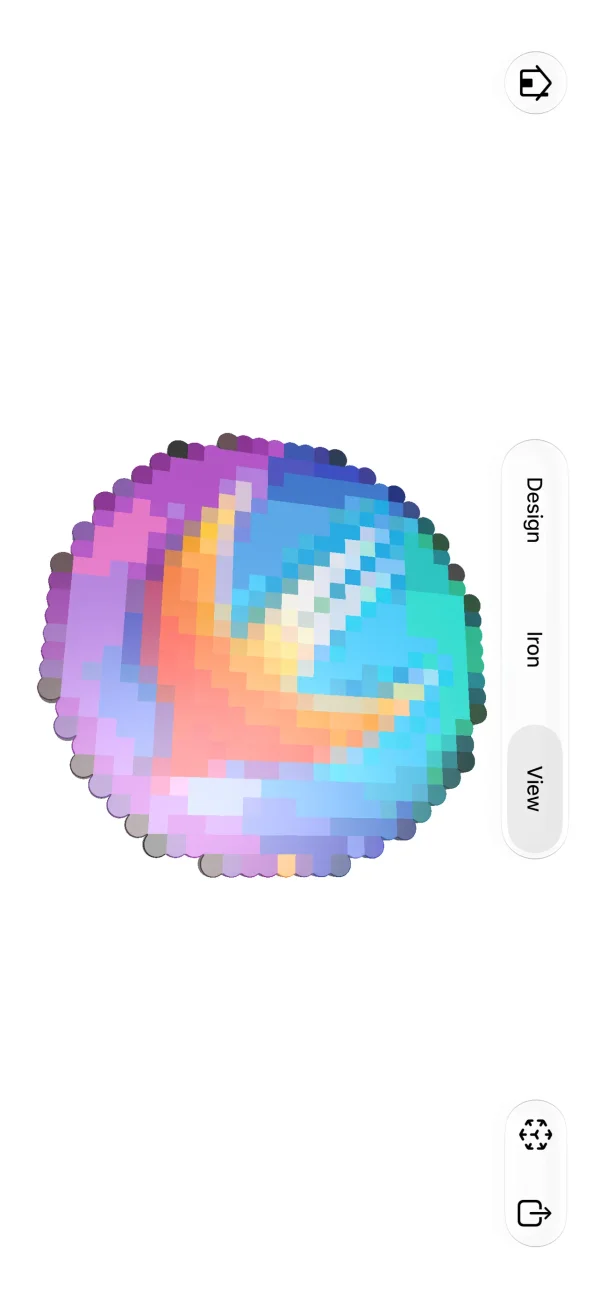
Simulate the fused finish and explore your creation from different angles in 3D. On supported devices, use AR to preview it in your surroundings.
ORGANIZE AND SHARE
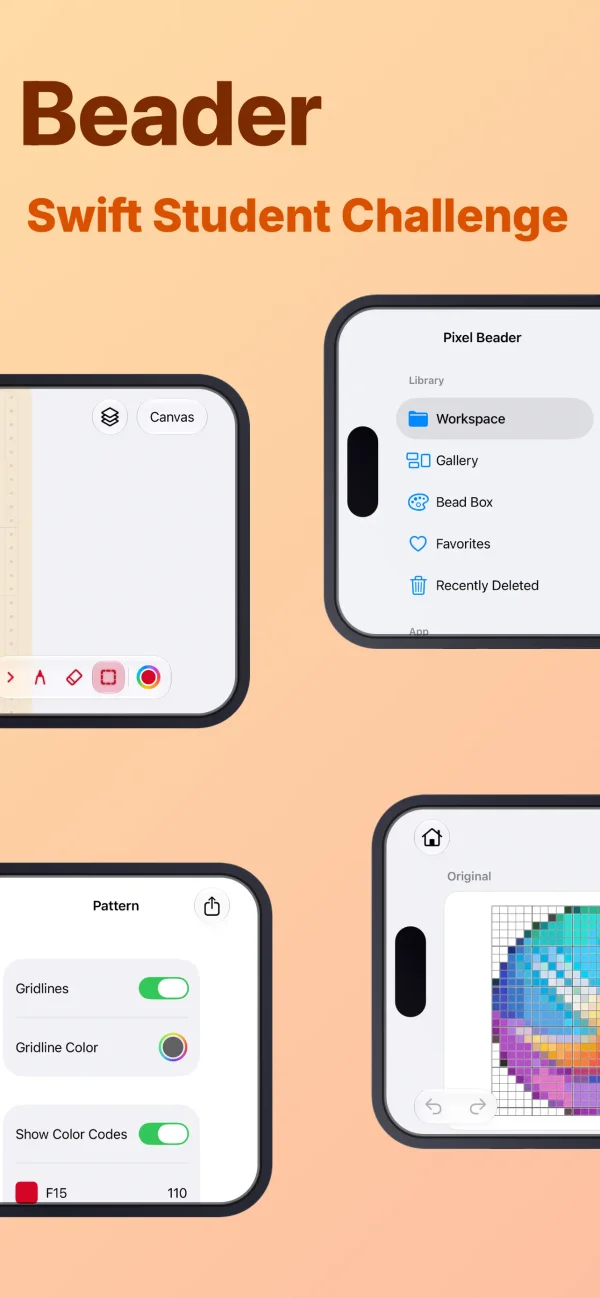
Organize patterns in folders, save favorites, and recover deleted work from Recently Deleted. Export pattern images and 3D snapshots, or share project files that can be imported and edited again.
FREE AND MEMBERSHIP
The free version supports boards and patterns up to 104×104. Optional monthly or lifetime membership unlocks projects up to 208×208 and interactive pattern previews.
PRIVACY AND DEVICE SUPPORT
Photo processing and project data stay on your device and are not uploaded to a server. Apple Pencil features require a compatible iPad and Apple Pencil. AR requires an ARKit-compatible device.
Support: missouryy@icloud.com
Terms of Use: https://www.apple.com/legal/internet-services/itunes/dev/stdeula/
© 2026 Yu Yan
Novedades
Versión 1.5 · 12/10/2026
• Added support for iOS 27
• Added rectangular selection for easier pattern editing
• Added layers with underlays and floating reference windows
• Improved color merging
• Improved interactive pattern previews, with color codes and positioning guides while you make (membership feature)
• Improved Apple Pencil and touch editing
Privacidad de la aplicación
Lo que Yu Yan declara en App Store sobre cómo esta aplicación gestiona los datos.
-
No se recopilan datos
El desarrollador no recopila ningún dato de esta aplicación.
Las prácticas de privacidad pueden variar, por ejemplo, según las funciones que uses o tu edad.
Información
- Vendedor
- Yu Yan
- Categoría
- Diseño gráfico
- Versión
- 1.5
- Actualizado
- 12/10/2026
- Publicado
- 9/7/2026
- Tamaño
- 15,2 MB
- Requiere
- iOS 26.0 o posterior
- Clasificación por edad
- 4+
- Precio
- Gratis
- Compras en la aplicación
- Sí
- Idiomas
- Inglés, Japonés, Coreano, Chino simplificado, Chino tradicional
- Copyright
- © 2026 Yu Yan