
Pixel Beader: Bead Patterns
Design, Edit & Convert Photos
iPhone, iPad için tasarlandı
Ücretsiz · Uygulama içi satın alma
- Yaş sınırı4+
- KategoriGrafik ve Tasarım
- GeliştiriciYu Yan
- Dillerİngilizce+ 4 dil daha
- Boyut15,2 MB
Resmi App Store sayfasına bağlanır
Download.org, Pixel Beader: Bead Patterns için hiçbir dosya barındırmaz. Düğme, uygulamanın App Store üzerindeki sayfasını açar; uygulamayı orada Yu Yan yayınlar. Sayfanın son kontrolü: 13.11.2026.
Ekran görüntüleri
Hakkında
Geliştirici bu metni dilinizde sunmamış.
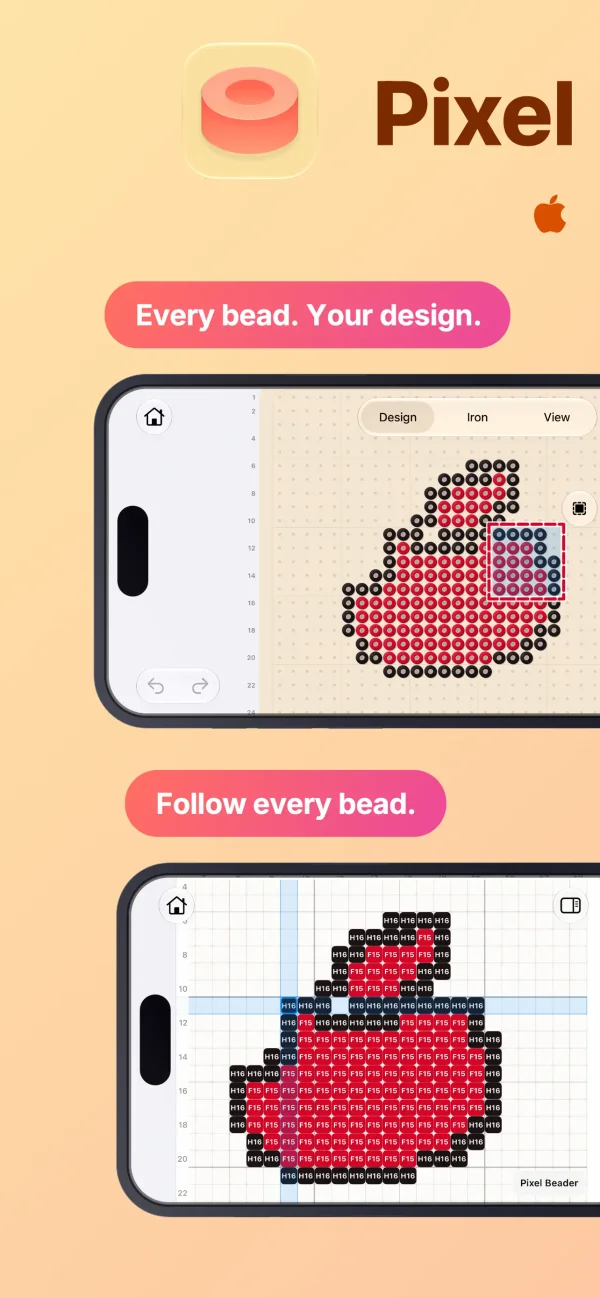
Design your own bead patterns. Follow them as you make.
Pixel Beader is a bead pattern design and editing tool. Start with a blank pegboard or convert a favorite photo, then refine the shapes and colors to create something of your own.
DESIGN AND EDIT
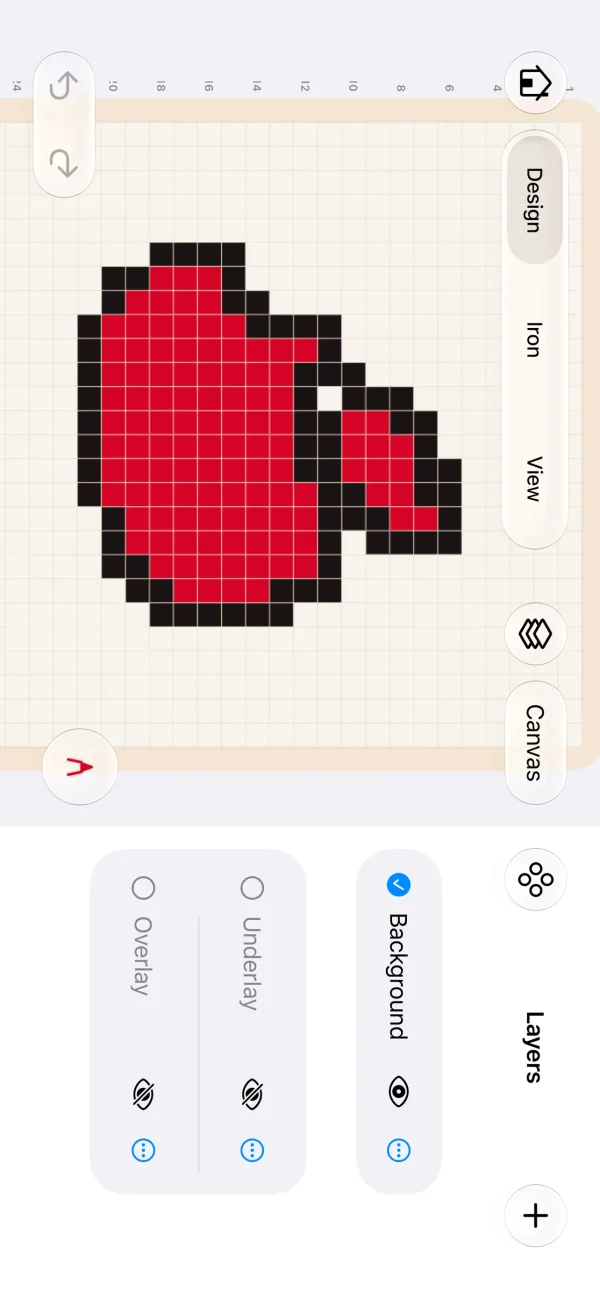
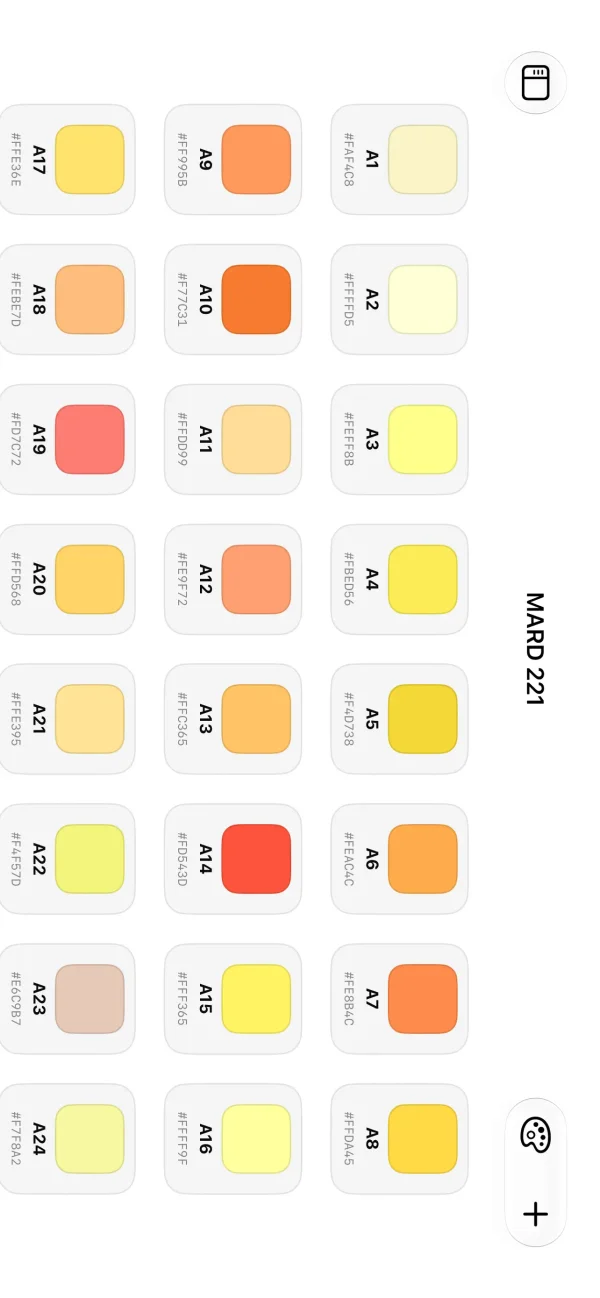
Draw bead by bead, replace colors, pick colors, and erase. Use rectangular selection, lasso, and undo to refine your pattern. Layers, underlays, and floating reference windows help you work with reference images. Draw with Apple Pencil on a compatible iPad.
TURN PHOTOS INTO PATTERNS
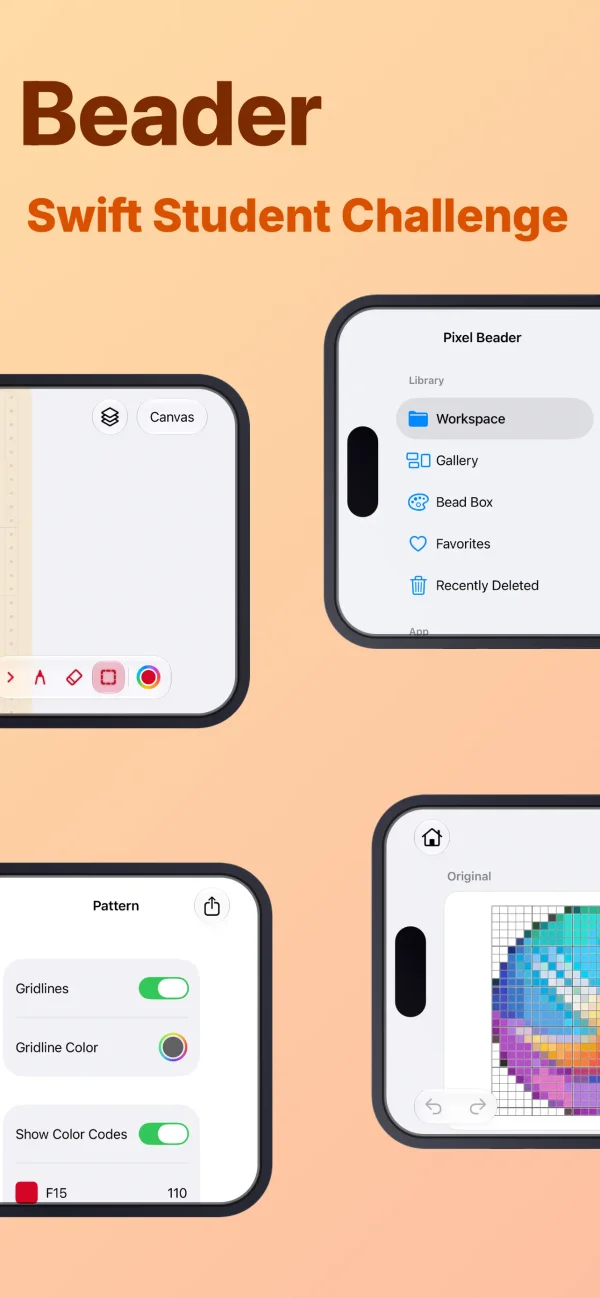
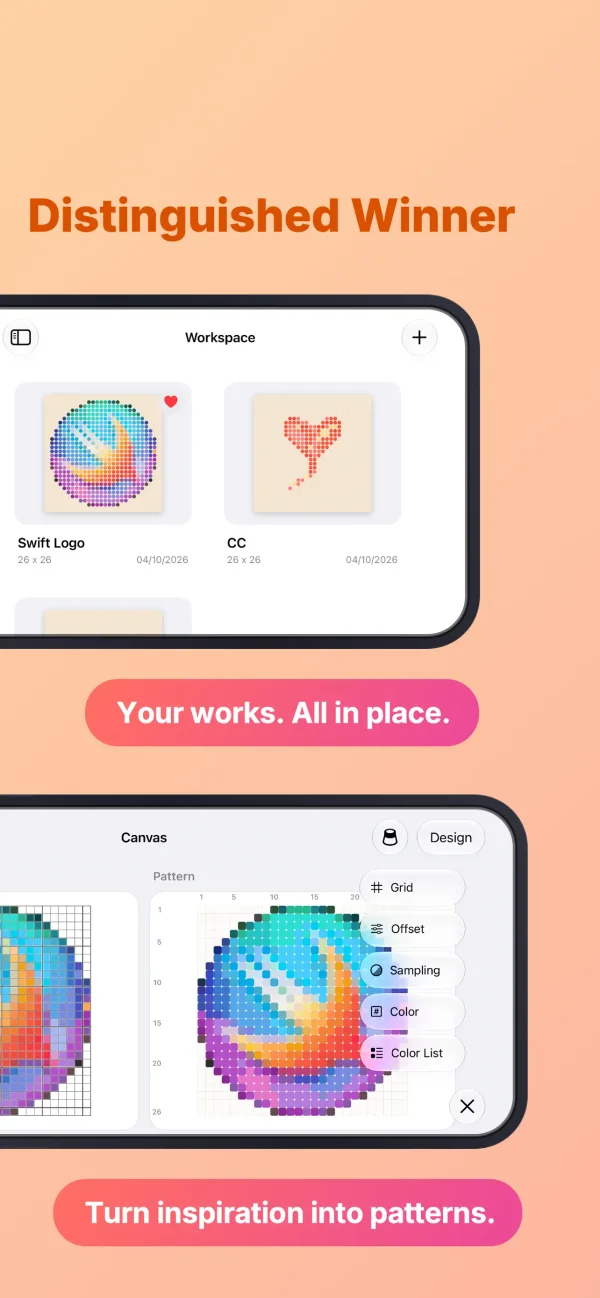
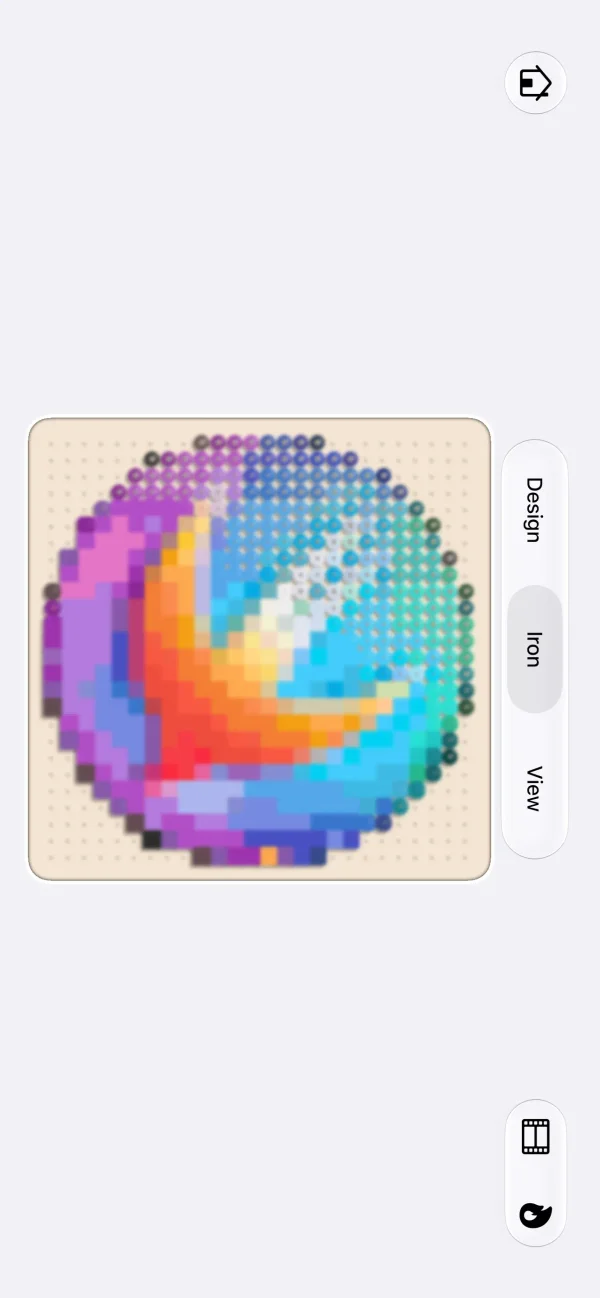
Import a photo and adjust the grid size, sampling method, and color count. Check color codes and bead quantities, then continue editing your pattern.
FOLLOW WHILE YOU MAKE
Use interactive patterns to check color codes and highlighted rows and columns while placing physical beads. Interactive patterns require membership.
PREVIEW IN 3D AND AR
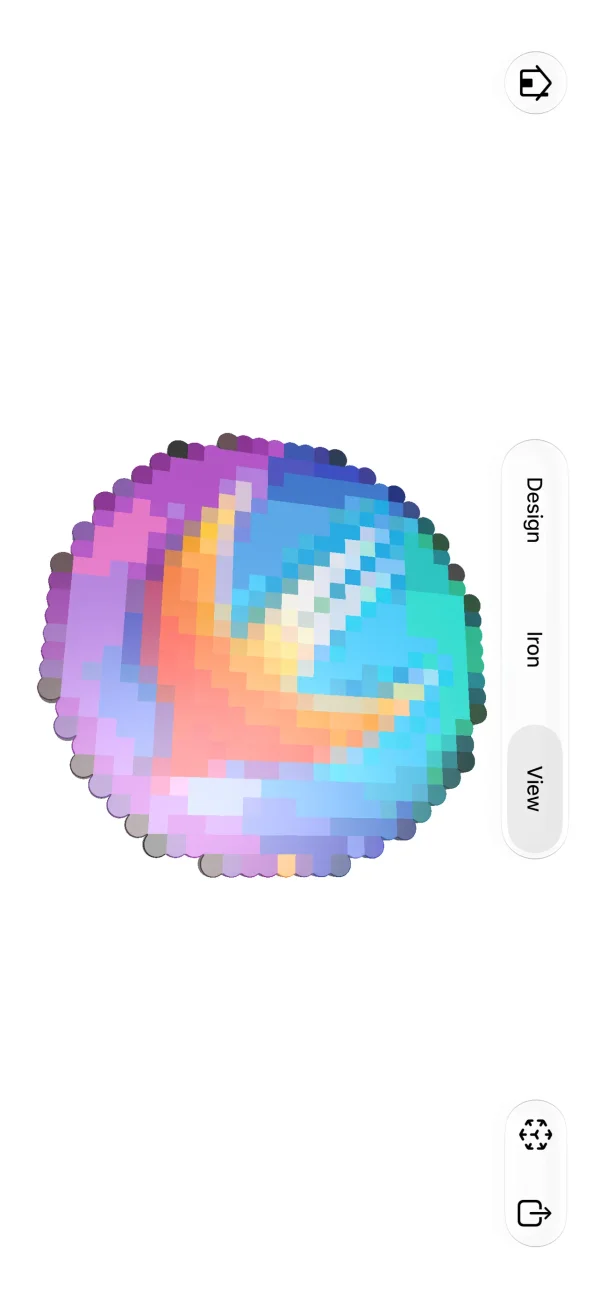
Simulate the fused finish and explore your creation from different angles in 3D. On supported devices, use AR to preview it in your surroundings.
ORGANIZE AND SHARE
Organize patterns in folders, save favorites, and recover deleted work from Recently Deleted. Export pattern images and 3D snapshots, or share project files that can be imported and edited again.
FREE AND MEMBERSHIP
The free version supports boards and patterns up to 104×104. Optional monthly or lifetime membership unlocks projects up to 208×208 and interactive pattern previews.
PRIVACY AND DEVICE SUPPORT
Photo processing and project data stay on your device and are not uploaded to a server. Apple Pencil features require a compatible iPad and Apple Pencil. AR requires an ARKit-compatible device.
Support: missouryy@icloud.com
Terms of Use: https://www.apple.com/legal/internet-services/itunes/dev/stdeula/
© 2026 Yu Yan
Yenilikler
Sürüm 1.5 · 12.10.2026
• Added support for iOS 27
• Added rectangular selection for easier pattern editing
• Added layers with underlays and floating reference windows
• Improved color merging
• Improved interactive pattern previews, with color codes and positioning guides while you make (membership feature)
• Improved Apple Pencil and touch editing
Uygulama gizliliği
Bu uygulamanın verileri nasıl işlediği hakkında Yu Yan tarafından App Store üzerinde yapılan beyan.
-
Veri toplanmıyor
Geliştirici bu uygulamadan hiçbir veri toplamıyor.
Gizlilik uygulamaları, örneğin kullandığınız özelliklere veya yaşınıza göre değişiklik gösterebilir.
Bilgiler
- Satıcı
- Yu Yan
- Kategori
- Grafik ve Tasarım
- Sürüm
- 1.5
- Güncellendi
- 12.10.2026
- Yayın tarihi
- 09.07.2026
- Boyut
- 15,2 MB
- Gereksinim
- iOS 26.0 veya sonrası
- Yaş sınırı
- 4+
- Fiyat
- Ücretsiz
- Uygulama içi satın alma
- Evet
- Diller
- İngilizce, Japonca, Korece, Basitleştirilmiş Çince, Geleneksel Çince
- Telif hakkı
- © 2026 Yu Yan