
Pixel Beader: Bead Patterns
Design, Edit & Convert Photos
Dirancang untuk iPhone, iPad
Gratis · Pembelian dalam aplikasi
- Batasan usia4+
- KategoriGrafik & Desain
- PengembangYu Yan
- BahasaInggris+ 4 lainnya
- Ukuran15,2 MB
Tertaut ke halaman resmi App Store
Download.org tidak menyimpan file Pixel Beader: Bead Patterns apa pun. Tombol ini membuka halaman aplikasi di App Store, tempat Yu Yan menerbitkannya. Halaman terakhir diperiksa pada 13/11/2026.
Tangkapan layar
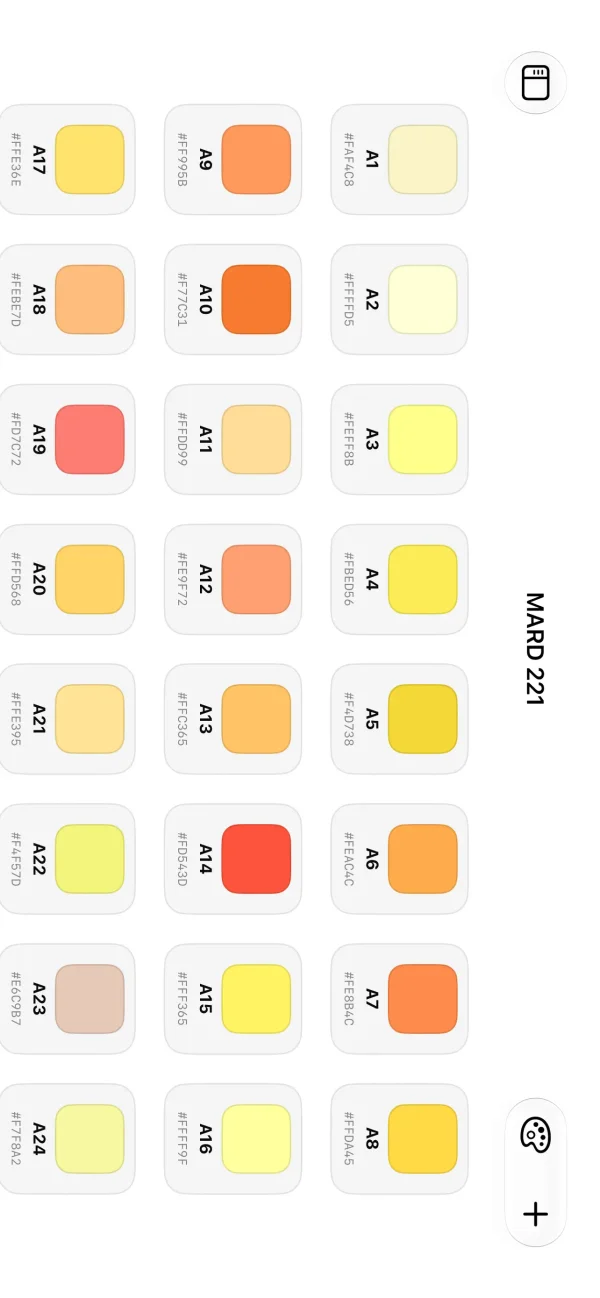
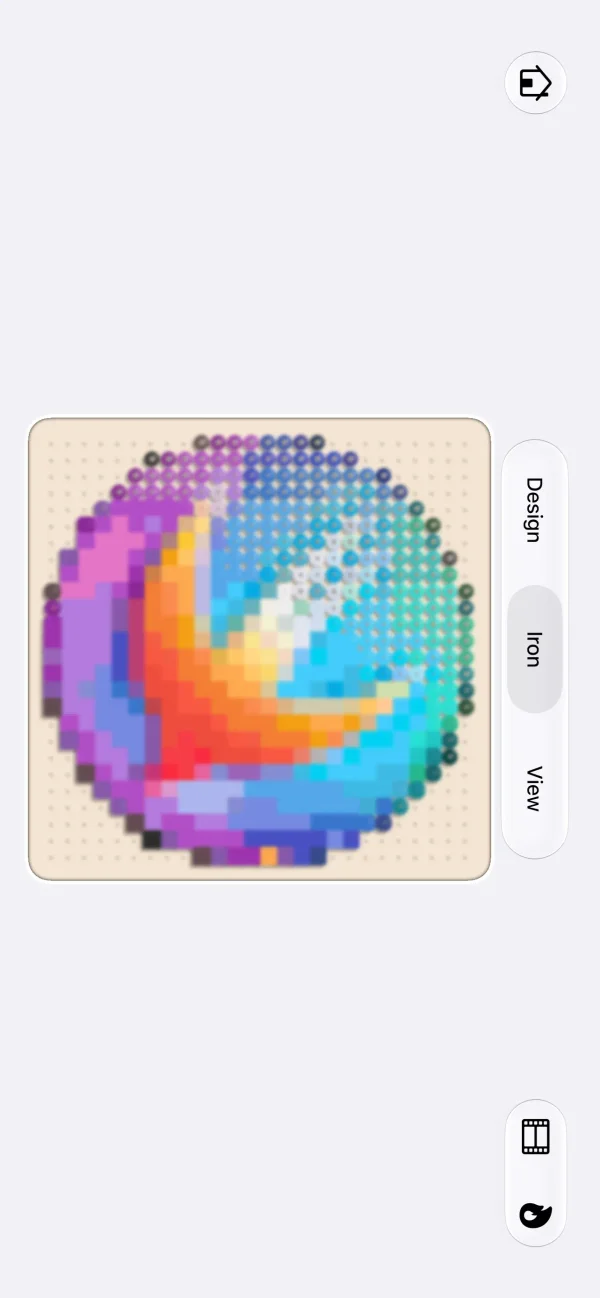
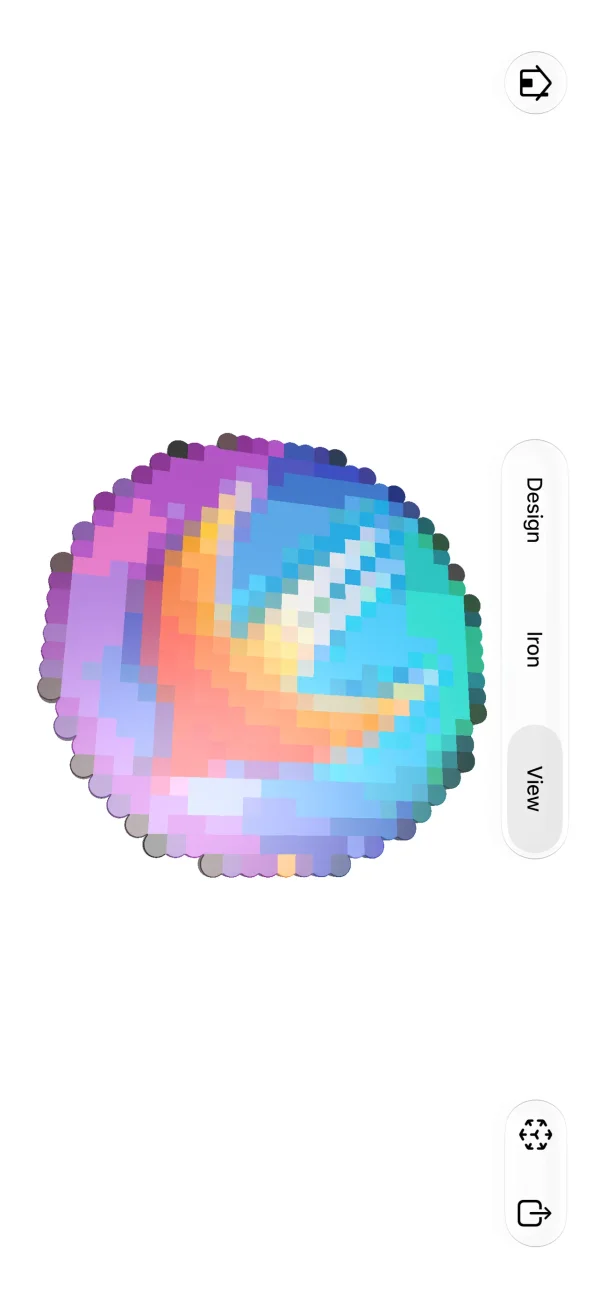
Tentang
Pengembang belum menyediakan teks ini dalam bahasa Anda.
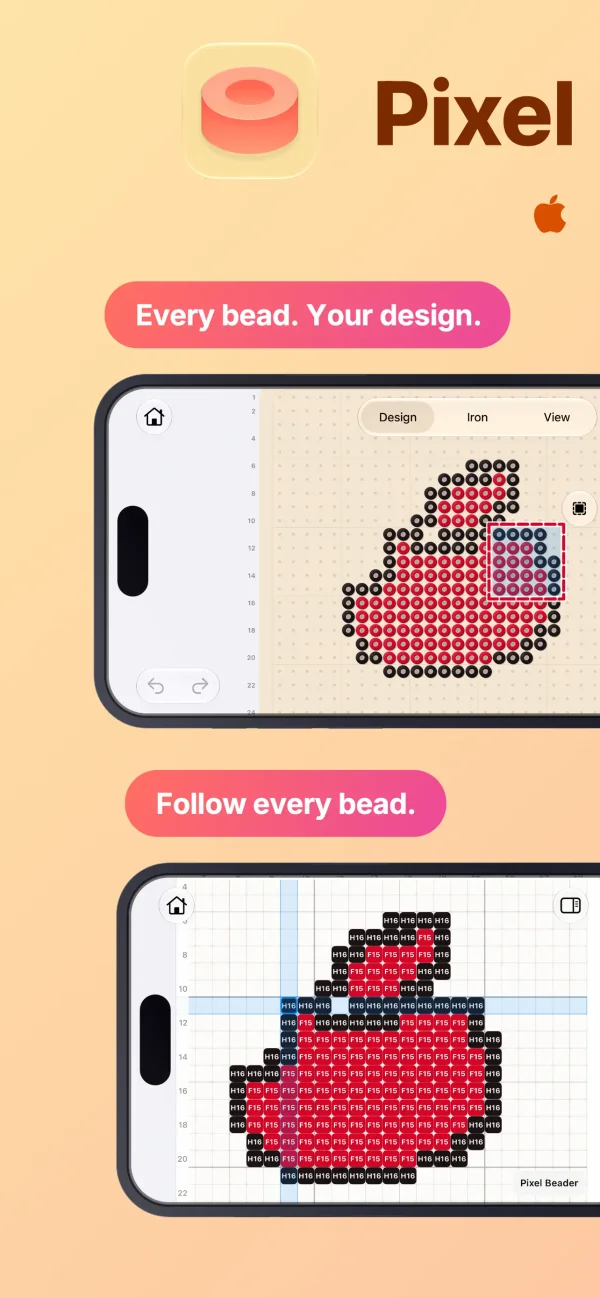
Design your own bead patterns. Follow them as you make.
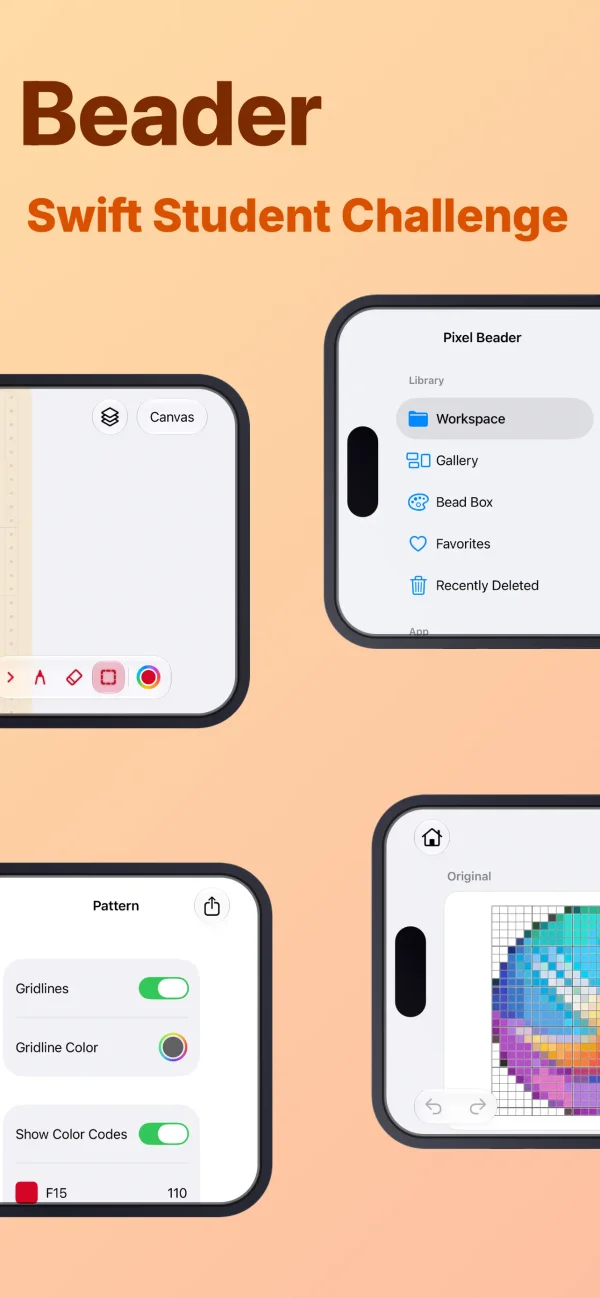
Pixel Beader is a bead pattern design and editing tool. Start with a blank pegboard or convert a favorite photo, then refine the shapes and colors to create something of your own.
DESIGN AND EDIT
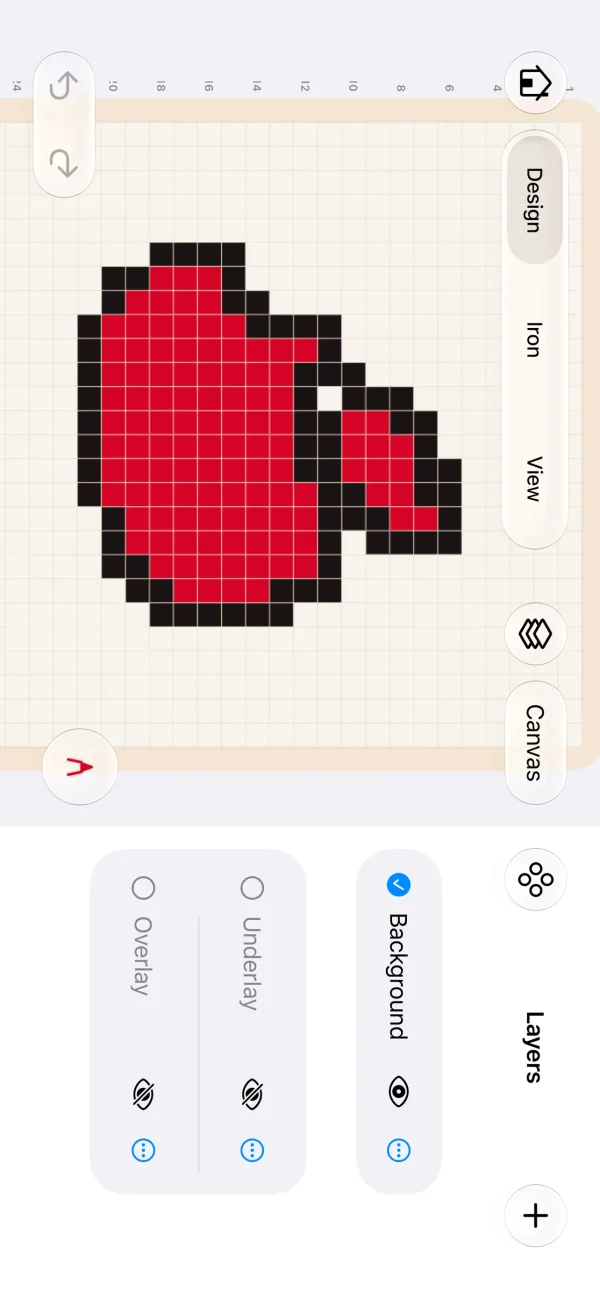
Draw bead by bead, replace colors, pick colors, and erase. Use rectangular selection, lasso, and undo to refine your pattern. Layers, underlays, and floating reference windows help you work with reference images. Draw with Apple Pencil on a compatible iPad.
TURN PHOTOS INTO PATTERNS
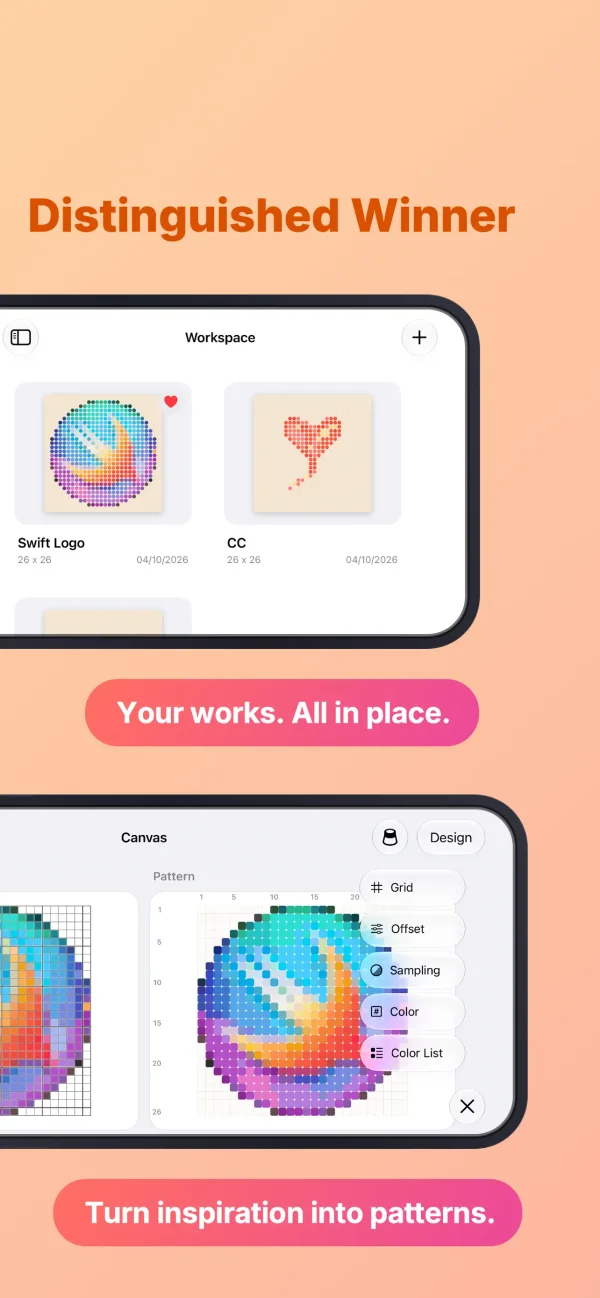
Import a photo and adjust the grid size, sampling method, and color count. Check color codes and bead quantities, then continue editing your pattern.
FOLLOW WHILE YOU MAKE
Use interactive patterns to check color codes and highlighted rows and columns while placing physical beads. Interactive patterns require membership.
PREVIEW IN 3D AND AR
Simulate the fused finish and explore your creation from different angles in 3D. On supported devices, use AR to preview it in your surroundings.
ORGANIZE AND SHARE
Organize patterns in folders, save favorites, and recover deleted work from Recently Deleted. Export pattern images and 3D snapshots, or share project files that can be imported and edited again.
FREE AND MEMBERSHIP
The free version supports boards and patterns up to 104×104. Optional monthly or lifetime membership unlocks projects up to 208×208 and interactive pattern previews.
PRIVACY AND DEVICE SUPPORT
Photo processing and project data stay on your device and are not uploaded to a server. Apple Pencil features require a compatible iPad and Apple Pencil. AR requires an ARKit-compatible device.
Support: missouryy@icloud.com
Terms of Use: https://www.apple.com/legal/internet-services/itunes/dev/stdeula/
© 2026 Yu Yan
Yang baru
Versi 1.5 · 12/10/2026
• Added support for iOS 27
• Added rectangular selection for easier pattern editing
• Added layers with underlays and floating reference windows
• Improved color merging
• Improved interactive pattern previews, with color codes and positioning guides while you make (membership feature)
• Improved Apple Pencil and touch editing
Privasi aplikasi
Yang dinyatakan Yu Yan di App Store tentang cara aplikasi ini menangani data.
-
Data tidak dikumpulkan
Pengembang tidak mengumpulkan data apa pun dari aplikasi ini.
Praktik privasi dapat bervariasi, misalnya berdasarkan fitur yang Anda gunakan atau usia Anda.
Informasi
- Penjual
- Yu Yan
- Kategori
- Grafik & Desain
- Versi
- 1.5
- Diperbarui
- 12/10/2026
- Dirilis
- 9/7/2026
- Ukuran
- 15,2 MB
- Memerlukan
- iOS 26.0 atau yang lebih baru
- Batasan usia
- 4+
- Harga
- Gratis
- Pembelian dalam aplikasi
- Ya
- Bahasa
- Inggris, Jepang, Korea, Tionghoa Sederhana, Tionghoa Tradisional
- Hak cipta
- © 2026 Yu Yan