
Pixel Beader: Bead Patterns
Design, Edit & Convert Photos
Được thiết kế cho iPhone, iPad
Miễn phí · Mua hàng trong ứng dụng
- Độ tuổi4+
- Danh mụcĐồ Họa & Thiết Kế
- Nhà phát triểnYu Yan
- Ngôn ngữTiếng Anh+ 4 ngôn ngữ khác
- Kích thước15,2 MB
Liên kết đến trang App Store chính thức
Download.org không lưu trữ tệp nào của Pixel Beader: Bead Patterns. Nút này mở trang ứng dụng trên App Store, nơi Yu Yan phát hành ứng dụng. Trang được kiểm tra lần cuối: 13/11/2026.
Ảnh chụp màn hình
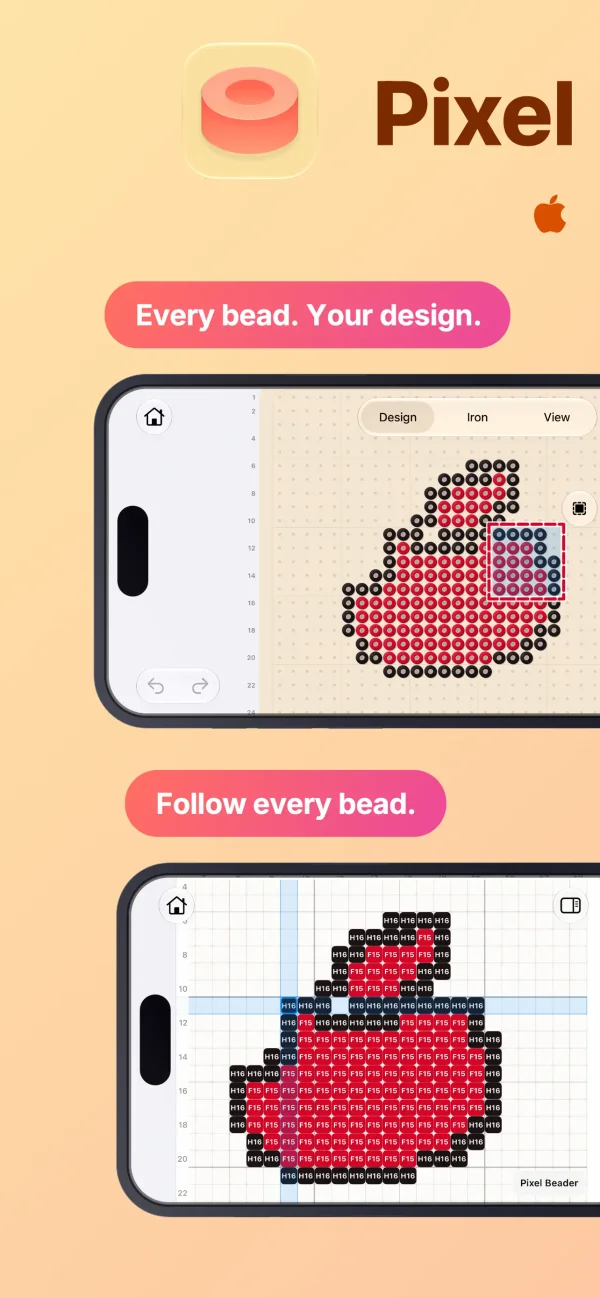
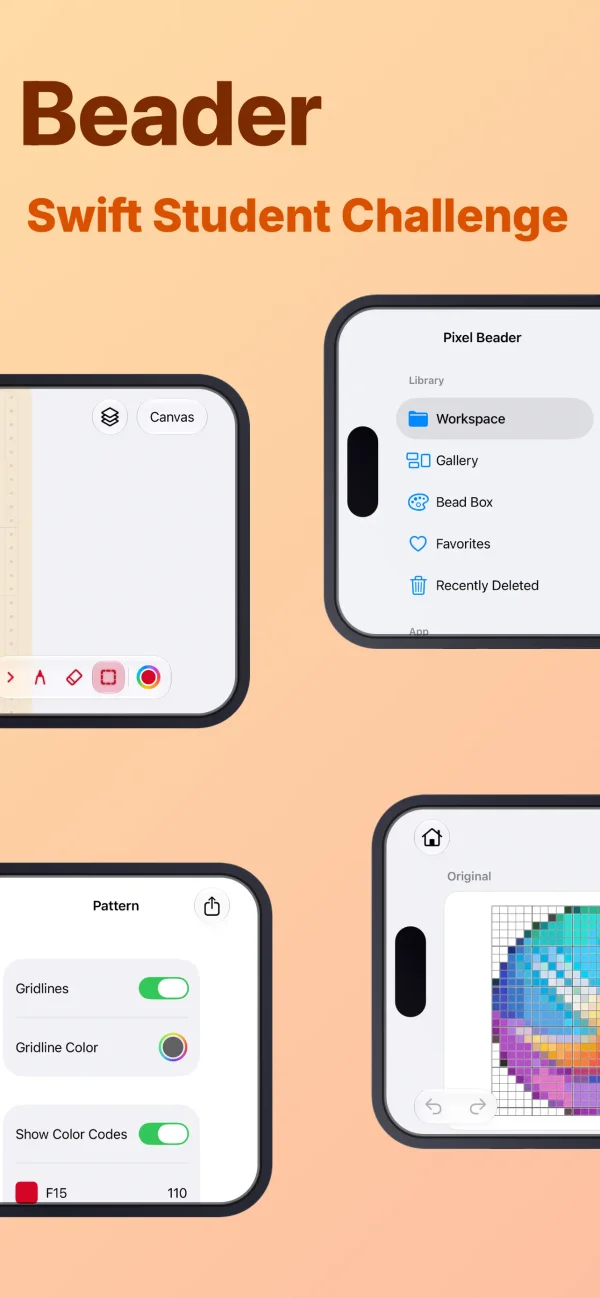
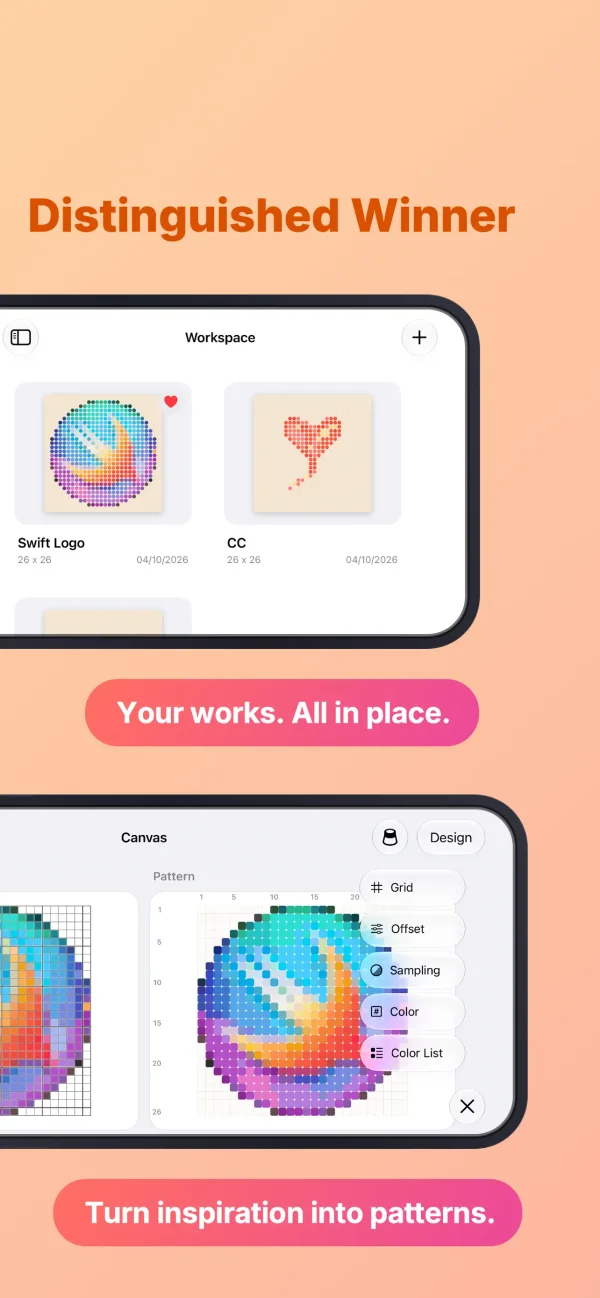
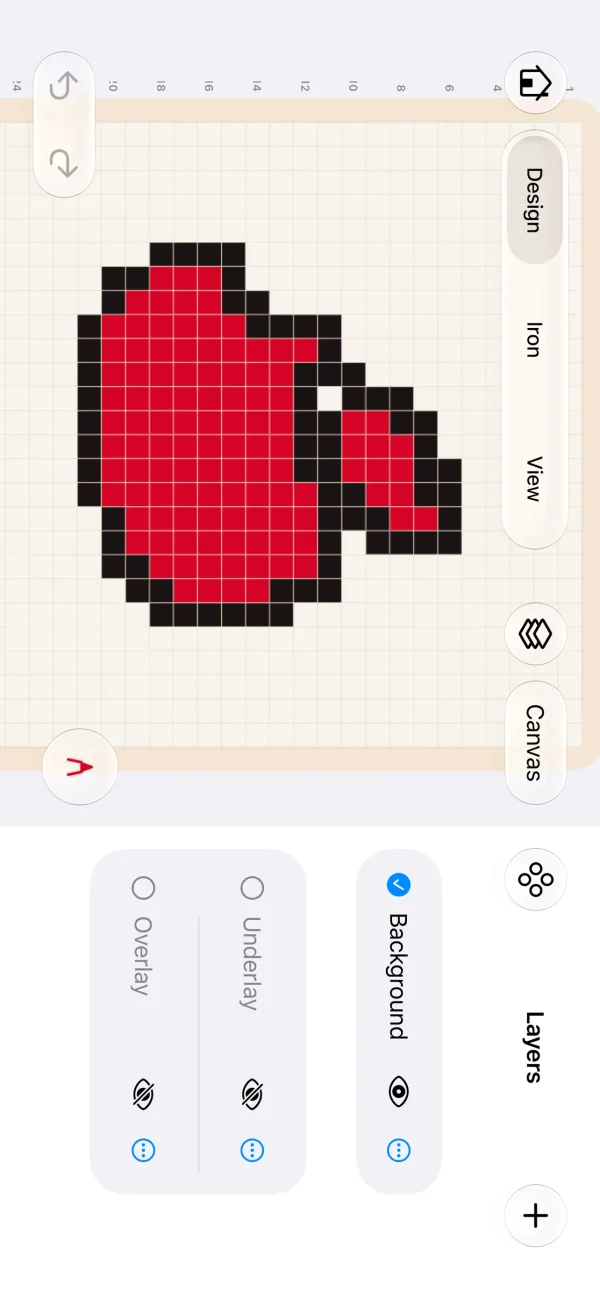
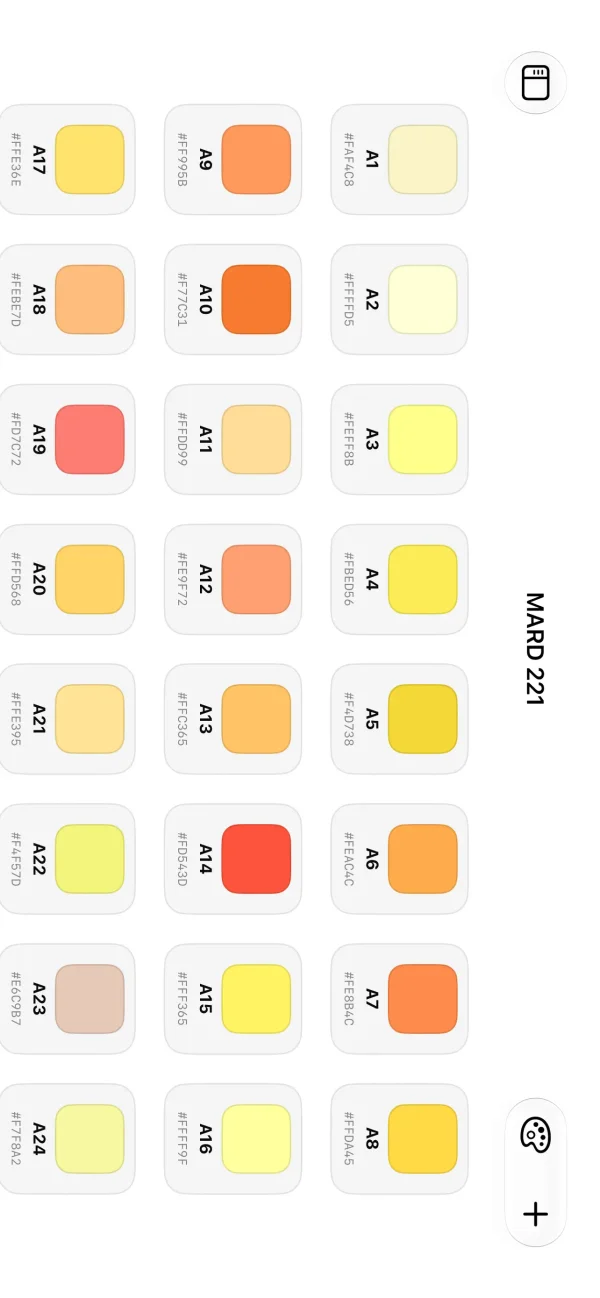
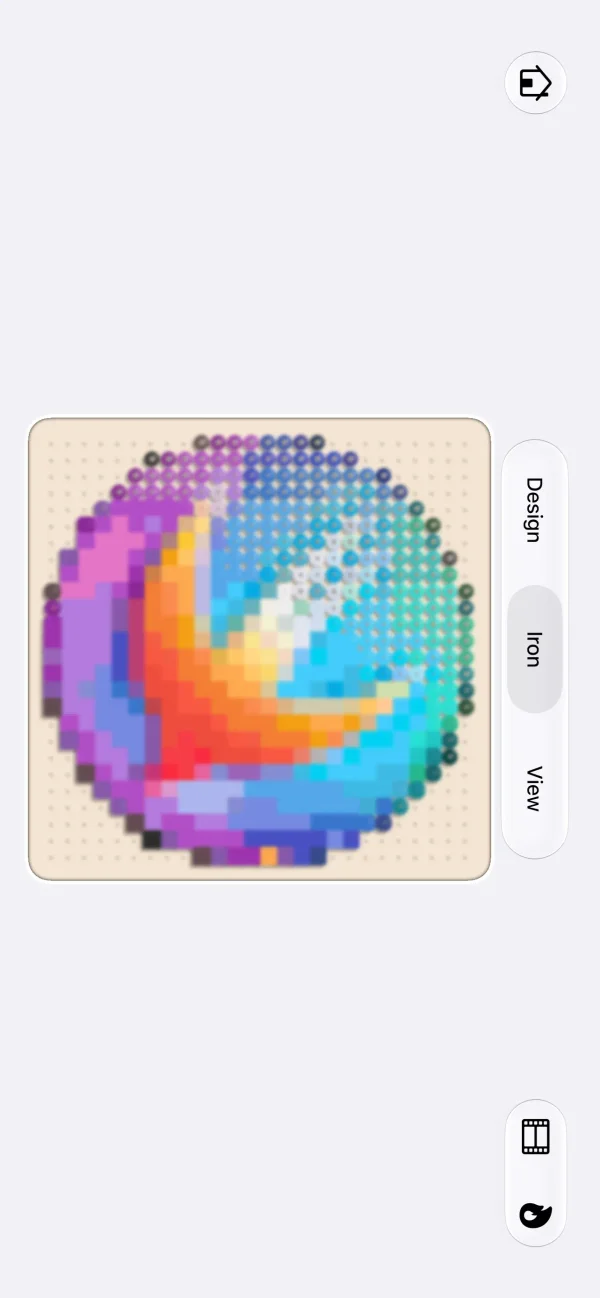
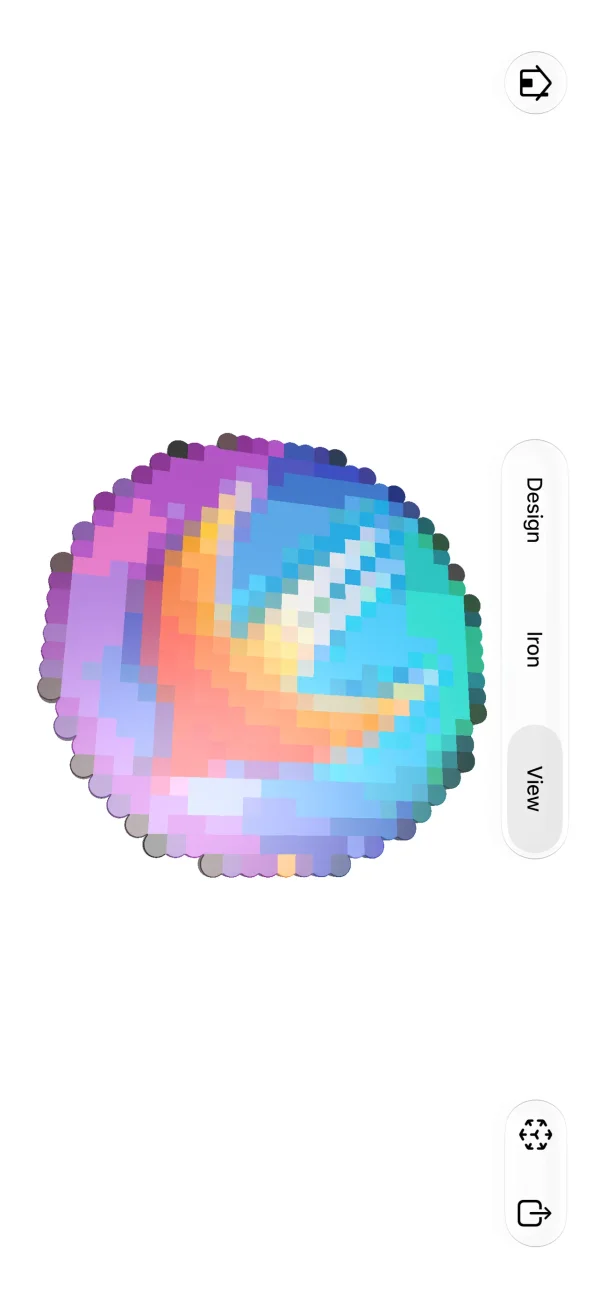
Giới thiệu
Nhà phát triển chưa cung cấp nội dung này bằng ngôn ngữ của bạn.
Design your own bead patterns. Follow them as you make.
Pixel Beader is a bead pattern design and editing tool. Start with a blank pegboard or convert a favorite photo, then refine the shapes and colors to create something of your own.
DESIGN AND EDIT
Draw bead by bead, replace colors, pick colors, and erase. Use rectangular selection, lasso, and undo to refine your pattern. Layers, underlays, and floating reference windows help you work with reference images. Draw with Apple Pencil on a compatible iPad.
TURN PHOTOS INTO PATTERNS
Import a photo and adjust the grid size, sampling method, and color count. Check color codes and bead quantities, then continue editing your pattern.
FOLLOW WHILE YOU MAKE
Use interactive patterns to check color codes and highlighted rows and columns while placing physical beads. Interactive patterns require membership.
PREVIEW IN 3D AND AR
Simulate the fused finish and explore your creation from different angles in 3D. On supported devices, use AR to preview it in your surroundings.
ORGANIZE AND SHARE
Organize patterns in folders, save favorites, and recover deleted work from Recently Deleted. Export pattern images and 3D snapshots, or share project files that can be imported and edited again.
FREE AND MEMBERSHIP
The free version supports boards and patterns up to 104×104. Optional monthly or lifetime membership unlocks projects up to 208×208 and interactive pattern previews.
PRIVACY AND DEVICE SUPPORT
Photo processing and project data stay on your device and are not uploaded to a server. Apple Pencil features require a compatible iPad and Apple Pencil. AR requires an ARKit-compatible device.
Support: missouryy@icloud.com
Terms of Use: https://www.apple.com/legal/internet-services/itunes/dev/stdeula/
© 2026 Yu Yan
Có gì mới
Phiên bản 1.5 · 12/10/2026
• Added support for iOS 27
• Added rectangular selection for easier pattern editing
• Added layers with underlays and floating reference windows
• Improved color merging
• Improved interactive pattern previews, with color codes and positioning guides while you make (membership feature)
• Improved Apple Pencil and touch editing
Quyền riêng tư của ứng dụng
Những gì Yu Yan khai báo trên App Store về cách ứng dụng này xử lý dữ liệu.
-
Dữ liệu không được thu thập
Nhà phát triển không thu thập bất kỳ dữ liệu nào từ ứng dụng này.
Phương thức đảm bảo quyền riêng tư có thể khác nhau, chẳng hạn như tuỳ theo các tính năng bạn sử dụng hoặc độ tuổi của bạn.
Thông tin
- Người bán
- Yu Yan
- Danh mục
- Đồ Họa & Thiết Kế
- Phiên bản
- 1.5
- Cập nhật
- 12/10/2026
- Phát hành
- 09/07/2026
- Kích thước
- 15,2 MB
- Yêu cầu
- iOS 26.0 trở lên
- Độ tuổi
- 4+
- Giá
- Miễn phí
- Mua hàng trong ứng dụng
- Có
- Ngôn ngữ
- Tiếng Anh, Tiếng Nhật, Tiếng Hàn, Tiếng Trung Giản thể, Tiếng Trung Phồn thể
- Bản quyền
- © 2026 Yu Yan