Pixel Forge: Pixel Art Maker
Draw sprites, share your art
Entwickelt für iPhone, iPad
Kostenlos
- Altersfreigabe4+
- KategorieGrafik und Design
- EntwicklerIllia Hroshev
- SprachenEnglisch
- Größe26,8 MB
Verlinkt auf die offizielle App Store-Seite
Download.org hostet keine Datei von Pixel Forge: Pixel Art Maker. Die Schaltfläche öffnet die App-Seite bei App Store, wo Illia Hroshev die App veröffentlicht. Eintrag zuletzt geprüft am 18.11.2026.
Screenshots

Info
Der Entwickler hat diesen Text nicht in Ihrer Sprache bereitgestellt.
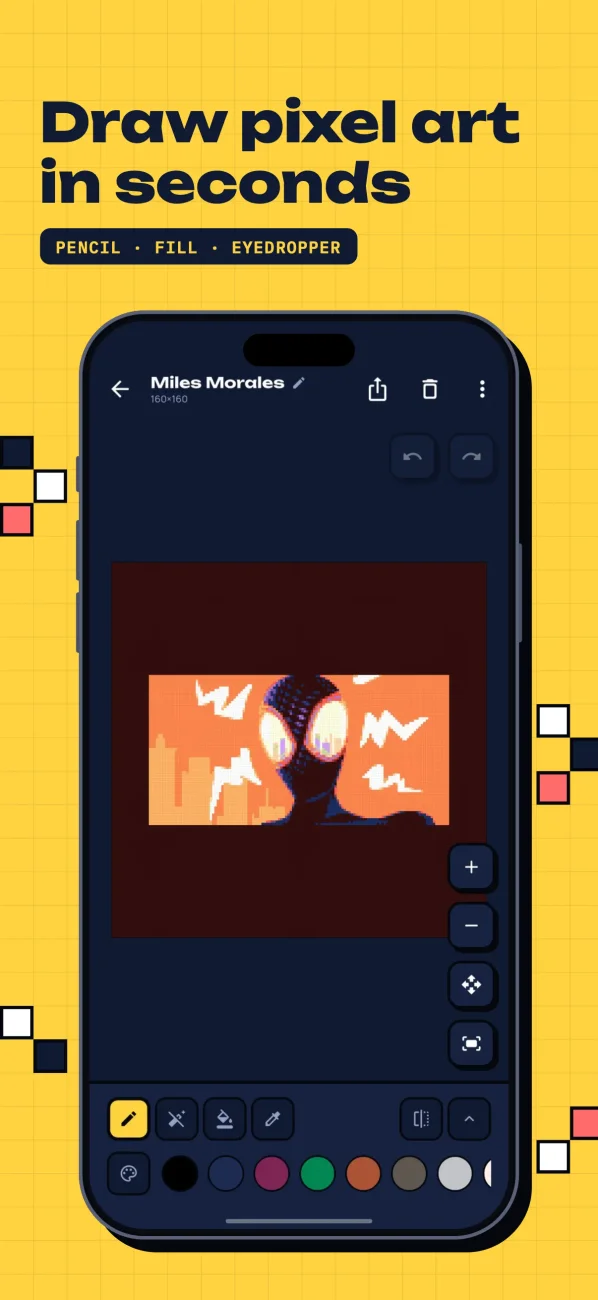
Pixel Forge is a fast, playful pixel art editor built for your iPhone. Pick a canvas, grab a color, and start drawing sprites, icons, avatars and retro game art in seconds.
START WITH THE RIGHT CANVAS
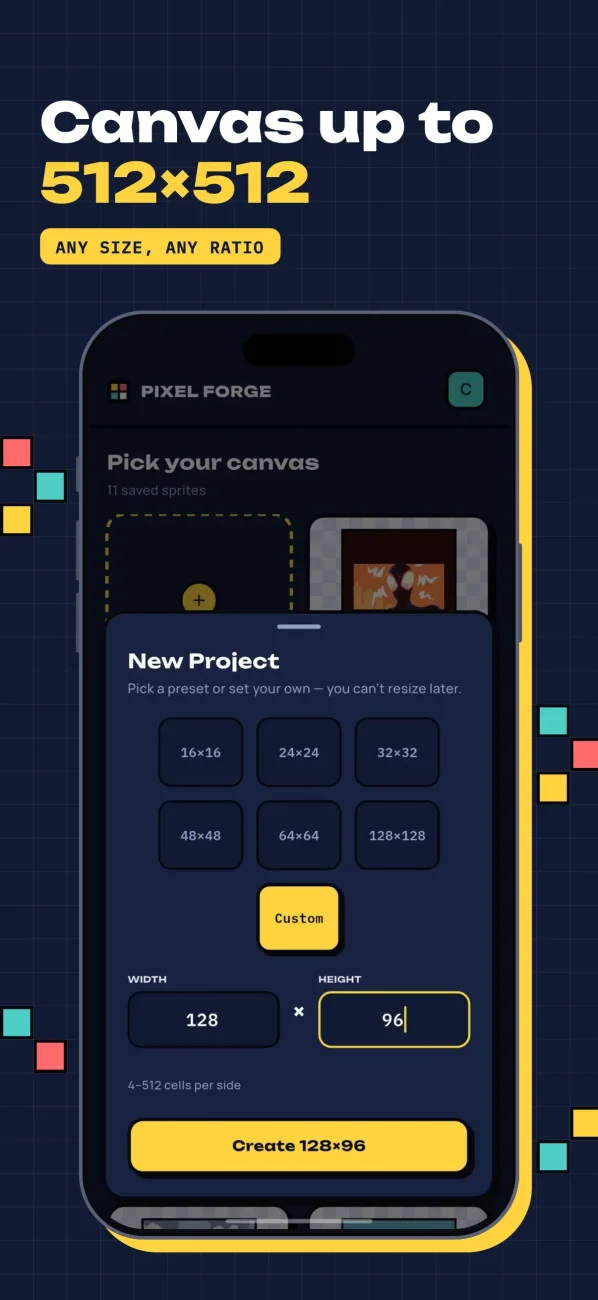
Choose a square grid from 16x16 up to 128x128 pixels. Small canvases for chunky retro sprites, big ones for detailed scenes.
DRAW YOUR WAY
• Pencil to paint pixel by pixel or drag to draw lines
• Eraser to clear pixels back to transparent
• Eyedropper to pick any color already on your canvas and keep drawing with it
• Undo and redo for every stroke, so you can experiment without fear
COLORS THAT FIT YOUR STYLE
• A ready-to-use palette right at your thumb
• A custom color picker with a color square, hue slider and HEX input for exactly the shade you want
WORK COMFORTABLY
• Zoom in for precise pixel work and zoom out to see the whole picture
• Pan mode to move around large canvases without accidentally drawing
• Fit to screen to jump back to a full view instantly
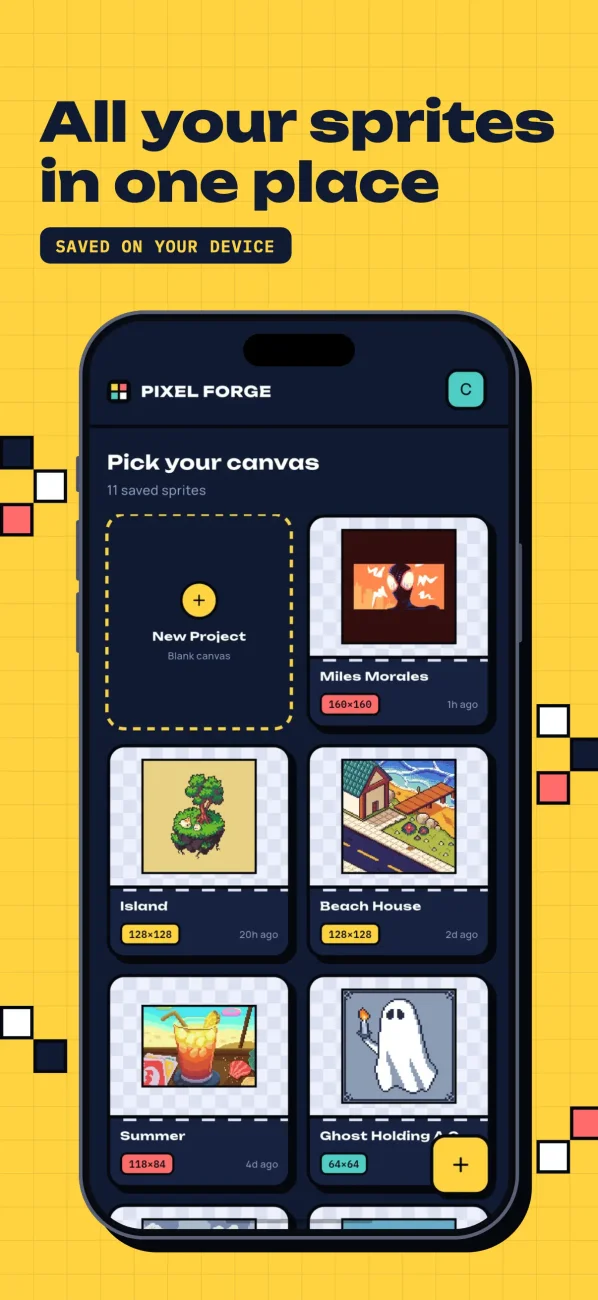
YOUR GALLERY OF SPRITES
• All your projects live in one colorful grid
• Rename projects, reopen them any time, and delete the ones you no longer need
• Your work is stored on your device, no account required
SHARE YOUR ART
• Card: a stylish, ready-to-post picture of your artwork with the Pixel Forge look
• Image: a clean PNG of just your pixels, with real transparency for the empty areas, ready to use as an asset in games and other projects
• Share to any app, or save straight to your Photos library
Whether you are making your first sprite or your hundredth, Pixel Forge keeps the tools simple and the fun high.
Download Pixel Forge and start forging pixels today.
Neue Funktionen
Version 1.1.1 · 17.11.2026
Big drawing update!
• Fill bucket, line, rectangle and ellipse tools
• Mirror symmetry drawing
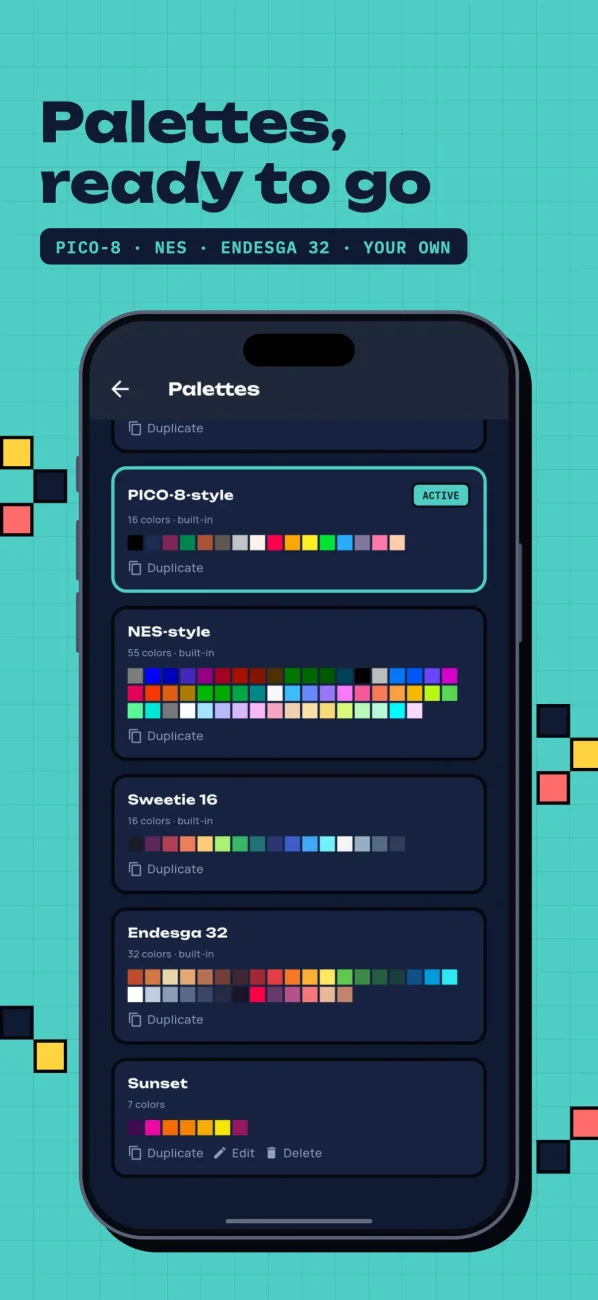
• Ready-made palettes (PICO-8, NES, Endesga 32…) and your own custom palettes
• Brush sizes 1×1–3×3 and dither patterns
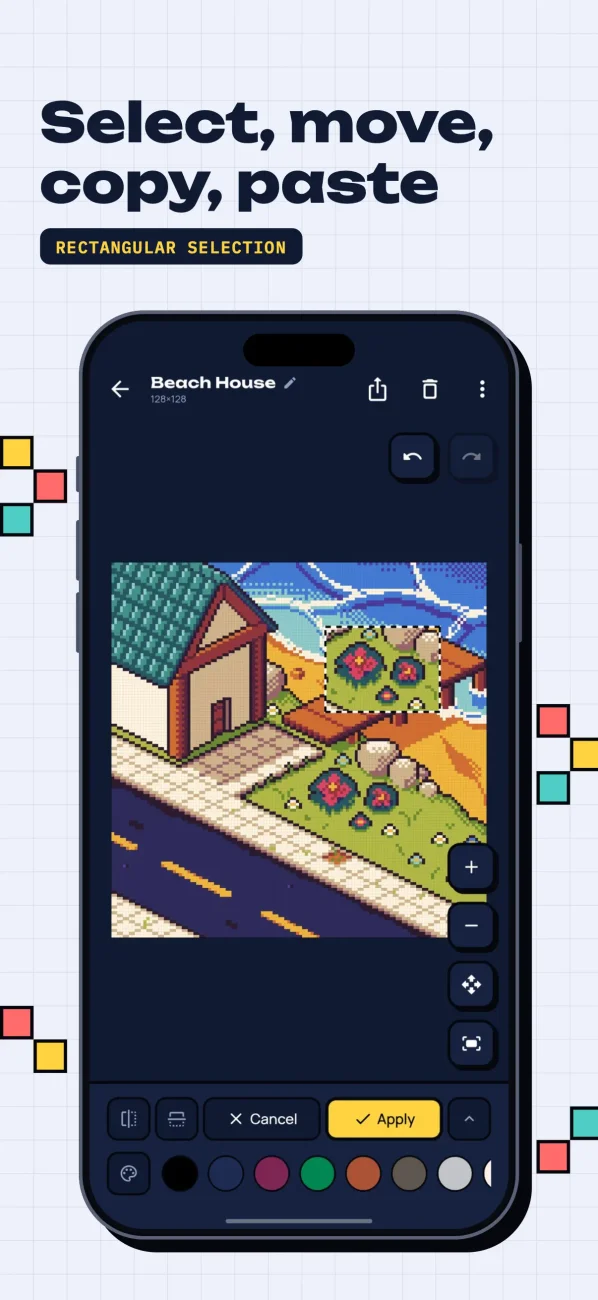
• Select, move, copy, cut, paste and flip any area
• Rotate and flip the whole canvas, replace a color everywhere
• Canvas sizes up to 512×512 with any aspect ratio
App-Datenschutz
Was Illia Hroshev im App Store zum Umgang dieser App mit Daten angibt.
-
Daten, die zum Tracking Ihrer Person verwendet werden
Können verwendet werden, um Sie über Apps und Websites anderer Unternehmen hinweg zu verfolgen.
- Standort
- Kennungen
- Nutzungsdaten
- Diagnose
-
Nicht mit Ihnen verknüpfte Daten
Können erfasst werden, sind aber nicht mit Ihrer Identität verknüpft.
- Standort
- Kennungen
- Nutzungsdaten
- Diagnose
Die Datenschutzpraktiken können variieren, zum Beispiel je nach den von Ihnen verwendeten Funktionen oder Ihrem Alter.
Informationen
- Anbieter
- Illia Hroshev
- Kategorie
- Grafik und Design
- Version
- 1.1.1
- Aktualisiert
- 17.11.2026
- Veröffentlicht
- 29.09.2026
- Größe
- 26,8 MB
- Erfordert
- iOS 17.6 oder neuer
- Altersfreigabe
- 4+
- Preis
- Kostenlos
- Sprachen
- Englisch
- Copyright
- © 2026 Illia Hroshev
Das könnte Ihnen auch gefallen
-
 dotStudioGrafik und Design
-
 Pixel Painter PlusGrafik und Design
-
 Pixel Art Maker - AnywhereGrafik und Design
-
 PixelCreaterGrafik und Design
-
 Simple Pixel Art MakerGrafik und Design
-
 Draw Pixel: Pixel Art CanvasGrafik und Design
-
 NPS Image EditorGrafik und Design
-
 PIXIO Pixel StudioGrafik und Design
-
 PixSprite: Pixel Art StudioGrafik und Design
-
 Chroma8: Pixel Art StudioGrafik und Design