- 対象年齢4+
- カテゴリグラフィック/デザイン
- 開発元Illia Hroshev
- 言語英語
- サイズ26.8 MB
App Storeの公式ページにリンクしています
Download.orgはPixel Forge: Pixel Art Makerのファイルを一切ホストしていません。ボタンを押すと、Illia Hroshevが公開しているApp Storeのアプリページが開きます。ページの最終確認:2026/11/18。
スクリーンショット

概要
開発元はこのテキストをお使いの言語で提供していません。
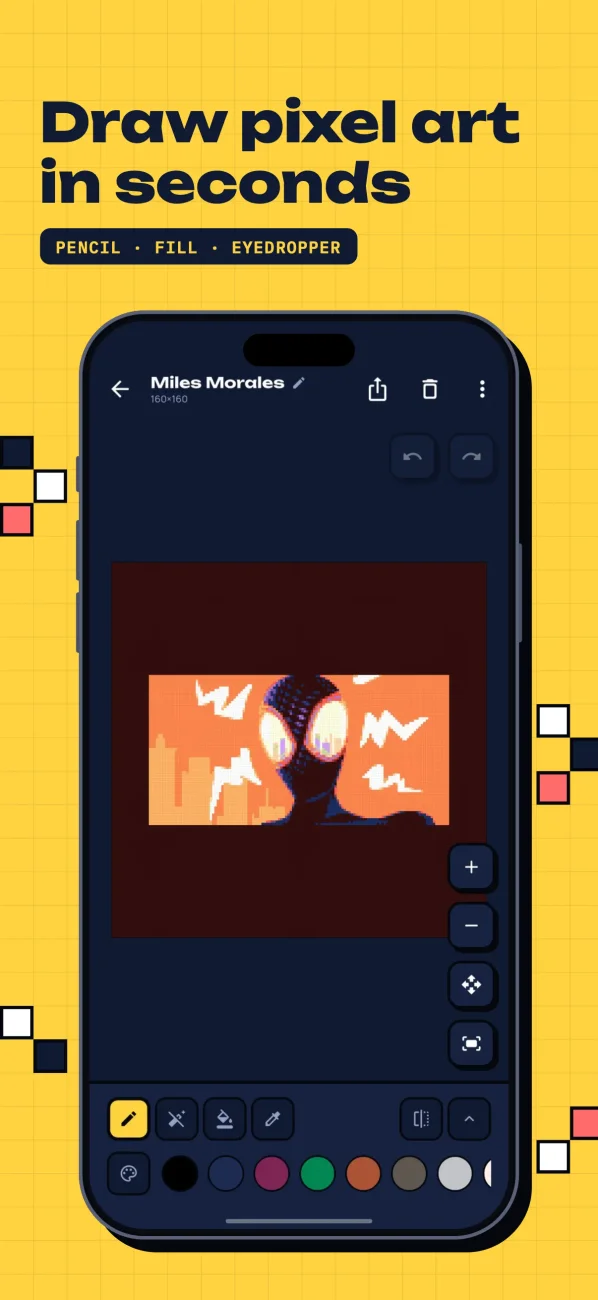
Pixel Forge is a fast, playful pixel art editor built for your iPhone. Pick a canvas, grab a color, and start drawing sprites, icons, avatars and retro game art in seconds.
START WITH THE RIGHT CANVAS
Choose a square grid from 16x16 up to 128x128 pixels. Small canvases for chunky retro sprites, big ones for detailed scenes.
DRAW YOUR WAY
• Pencil to paint pixel by pixel or drag to draw lines
• Eraser to clear pixels back to transparent
• Eyedropper to pick any color already on your canvas and keep drawing with it
• Undo and redo for every stroke, so you can experiment without fear
COLORS THAT FIT YOUR STYLE
• A ready-to-use palette right at your thumb
• A custom color picker with a color square, hue slider and HEX input for exactly the shade you want
WORK COMFORTABLY
• Zoom in for precise pixel work and zoom out to see the whole picture
• Pan mode to move around large canvases without accidentally drawing
• Fit to screen to jump back to a full view instantly
YOUR GALLERY OF SPRITES
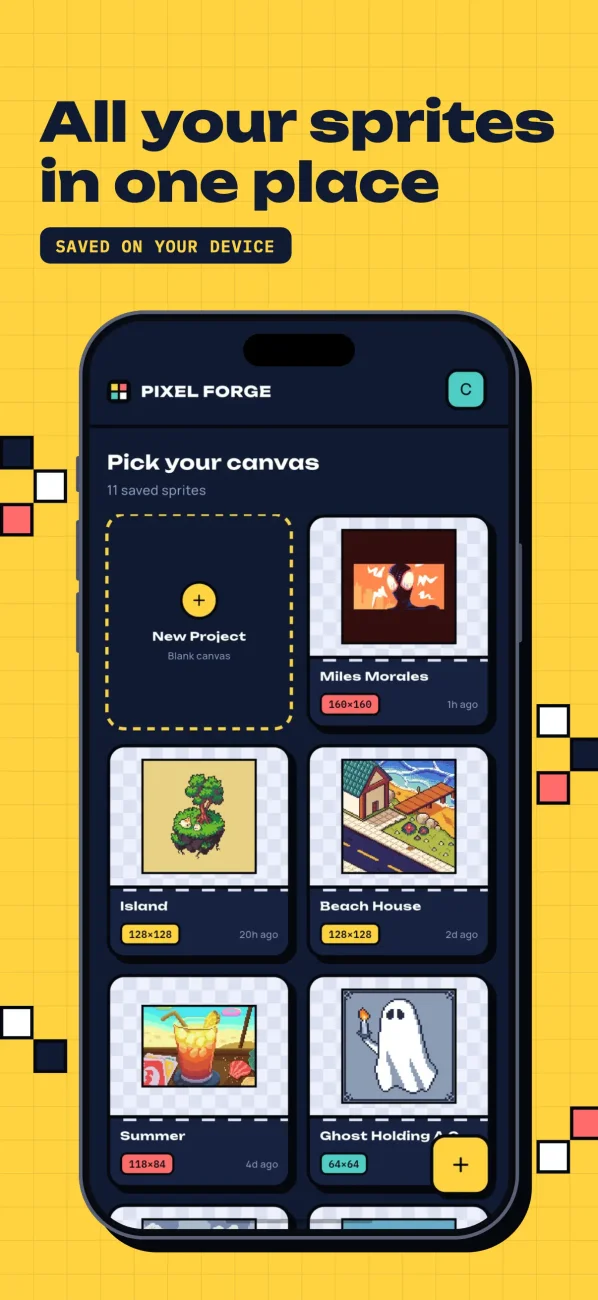
• All your projects live in one colorful grid
• Rename projects, reopen them any time, and delete the ones you no longer need
• Your work is stored on your device, no account required
SHARE YOUR ART
• Card: a stylish, ready-to-post picture of your artwork with the Pixel Forge look
• Image: a clean PNG of just your pixels, with real transparency for the empty areas, ready to use as an asset in games and other projects
• Share to any app, or save straight to your Photos library
Whether you are making your first sprite or your hundredth, Pixel Forge keeps the tools simple and the fun high.
Download Pixel Forge and start forging pixels today.
新機能
バージョン 1.1.1 · 2026/11/17
Big drawing update!
• Fill bucket, line, rectangle and ellipse tools
• Mirror symmetry drawing
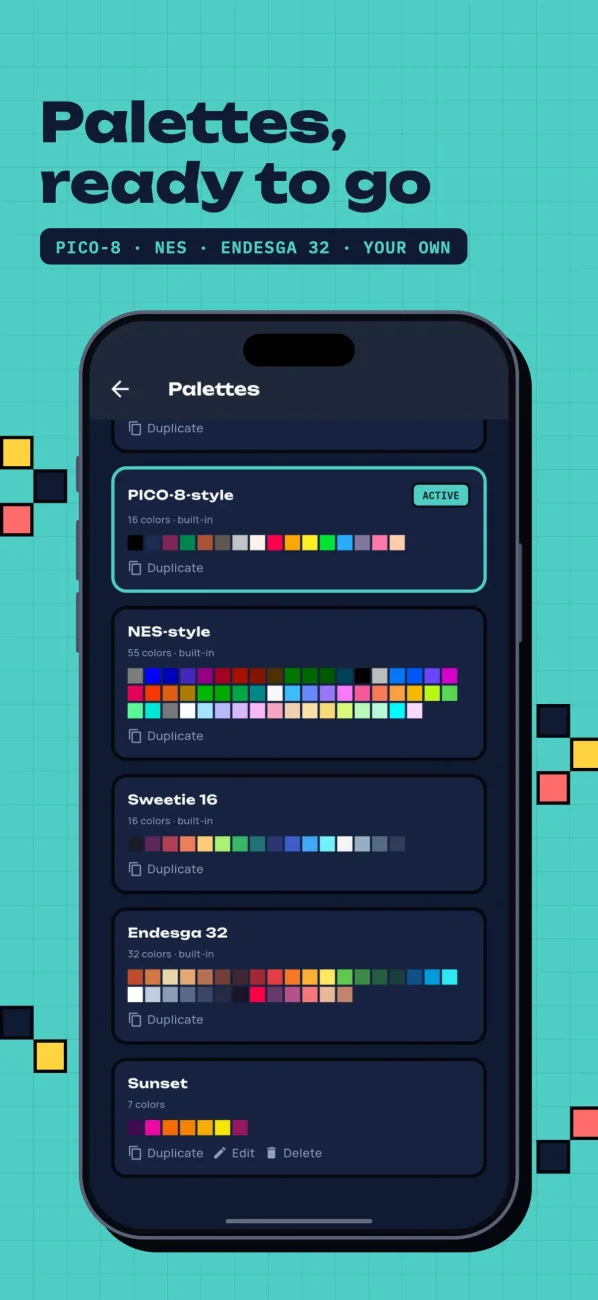
• Ready-made palettes (PICO-8, NES, Endesga 32…) and your own custom palettes
• Brush sizes 1×1–3×3 and dither patterns
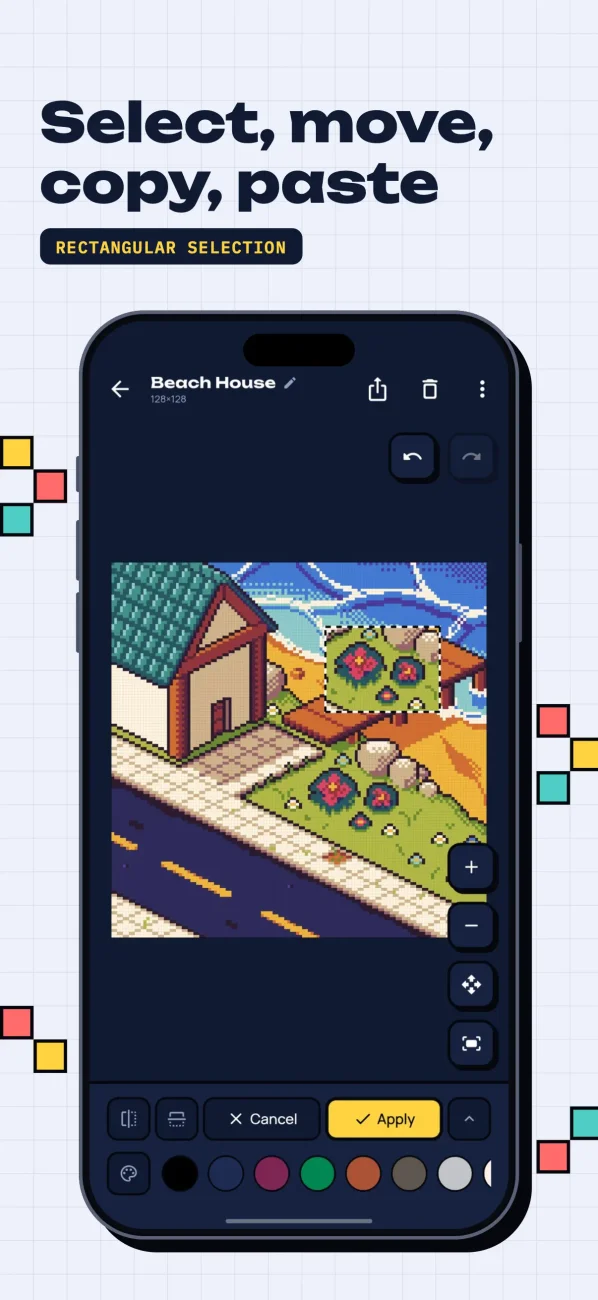
• Select, move, copy, cut, paste and flip any area
• Rotate and flip the whole canvas, replace a color everywhere
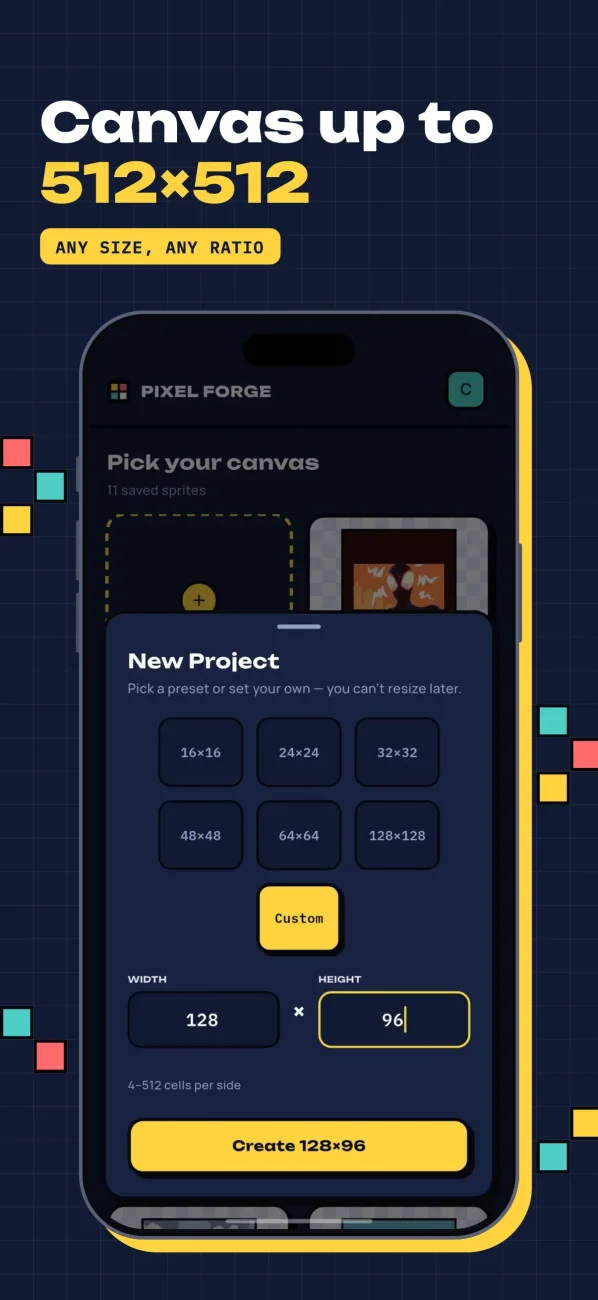
• Canvas sizes up to 512×512 with any aspect ratio
アプリのプライバシー
このアプリのデータの取り扱いについて、Illia HroshevがApp Storeで申告している内容です。
-
ユーザーのトラッキングに使用されるデータ
他社のアプリやウェブサイトを横断してユーザーをトラッキングする目的で使用される場合があります。
- 位置情報
- ID
- 使用状況データ
- 診断
-
ユーザーに関連付けられないデータ
収集される場合がありますが、ユーザーの識別情報には関連付けられません。
- 位置情報
- ID
- 使用状況データ
- 診断
プライバシーの取り扱いは、ご利用の機能やお客様の年齢などに応じて異なる場合があります。
情報
- 販売元
- Illia Hroshev
- カテゴリ
- グラフィック/デザイン
- バージョン
- 1.1.1
- 更新日
- 2026/11/17
- リリース
- 2026/9/29
- サイズ
- 26.8 MB
- 必要条件
- iOS 17.6以降
- 対象年齢
- 4+
- 価格
- 無料
- 言語
- 英語
- 著作権
- © 2026 Illia Hroshev
こちらもおすすめ
-
 dotStudioグラフィック/デザイン
-
 Pixel Painter Plusグラフィック/デザイン
-
 Pixel Art Maker - Anywhereグラフィック/デザイン
-
 PixelCreaterドット絵&写真をピクセル化
-
 Simple Pixel Art Makerグラフィック/デザイン
-
 Draw Pixel:ピクセルアートキャンバス今すぐドット絵を描いてみよう!
-
 NPS Image Editorグラフィック/デザイン
-
 PIXIO Pixel Studioグラフィック/デザイン
-
 PixSprite - ドット絵作成写真をドット絵に・アニメも作成
-
 Chroma8: ドット絵&アニメ制作描く・動かす・AIでスプライト