
PIYOPIYO Timer
Silent Alarm & Focus Timer
Entwickelt für iPhone, iPad
Kostenlos · In-App-Käufe
- Altersfreigabe4+
- KategorieLifestyle
- EntwicklerKazuyuki Ishida
- SprachenJapanisch+ 1 weitere
- Größe14,7 MB
Verlinkt auf die offizielle App Store-Seite
Download.org hostet keine Datei von PIYOPIYO Timer. Die Schaltfläche öffnet die App-Seite bei App Store, wo Kazuyuki Ishida die App veröffentlicht. Eintrag zuletzt geprüft am 16.11.2026.
Screenshots
Info
Der Entwickler hat diesen Text nicht in Ihrer Sprache bereitgestellt.
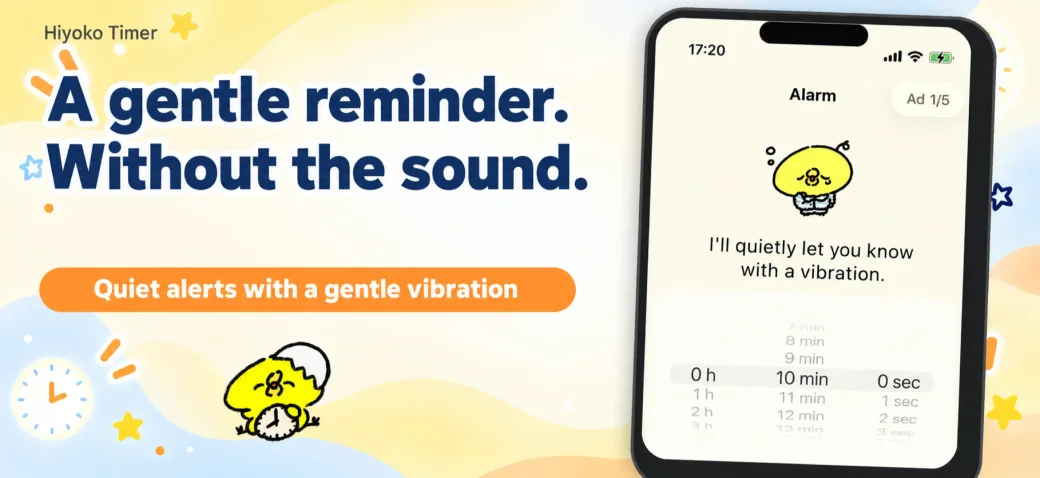
A gentle reminder. Without the sound.
Hiyoko Timer is a simple silent alarm and focus timer with a cute little chick by your side.
Set an alarm, focus on a task, or track your time at your own pace. Your chick will be there to cheer you on!
●FEATURES
• Silent vibration alarms
Set an alarm in a few simple steps. Get gentle vibration alerts without an alarm sound—handy on trains, in libraries, or at work.
• Repeated reminders
Choose how many notifications you receive when your alarm ends.
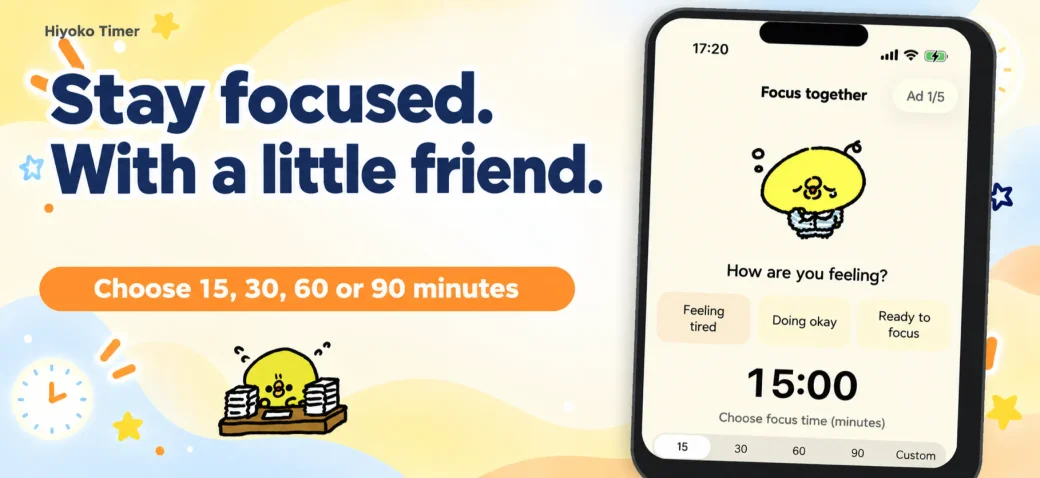
• Focus timer
Choose 15, 30, 60, or 90 minutes, or enter your own duration. Pause, resume, take a break, or keep going for another 5 minutes.
• Stopwatch
Start without deciding when to stop. Save the time you spend studying, working, reading, and more.
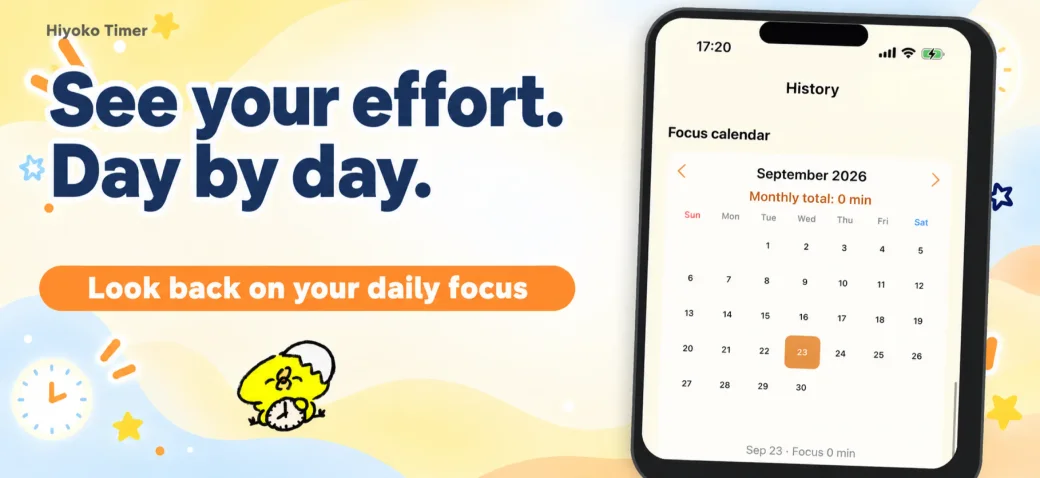
• Activity calendar
Look back on your daily activity and see how your time adds up.
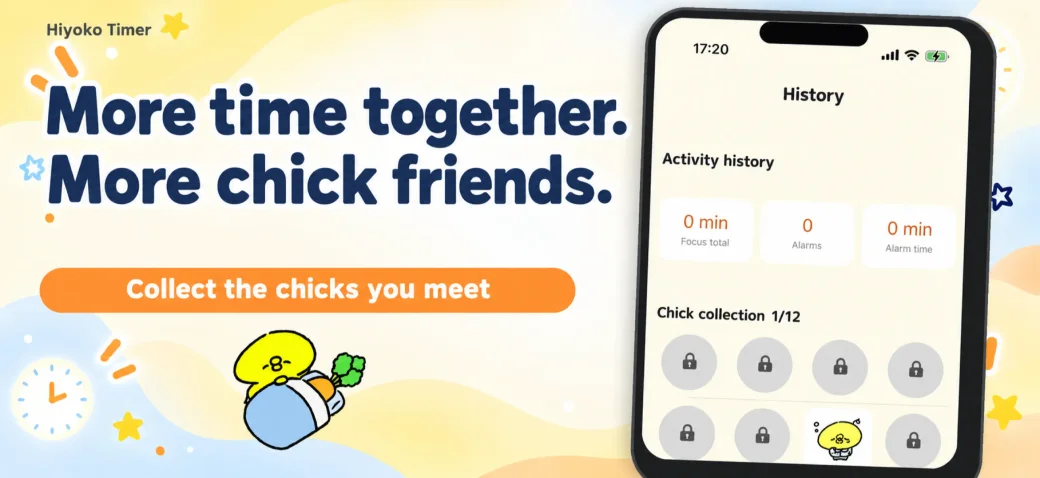
• Collect cute chicks
Meet different chicks as you use the app and build your own little collection.
• Live Activities
Check and control your active timer from the Lock Screen on supported devices.
• English and Japanese
Follow your device language or choose your preferred language in the app’s settings.
●NOTIFICATION & VIBRATION NOTES
Alarms use local notifications, so reminders can arrive while the app is in the background.
Vibration depends on your device and notification settings. iPad does not support vibration; it uses on-screen notifications instead.
●TROUBLESHOOTING
Not feeling a vibration?
1. Open the Settings app on your iPhone.
2. Go to Notifications → Hiyoko Timer.
3. Turn on Allow Notifications and Sounds.
4. Go to Sounds & Haptics → Haptics and choose Always Play or Play in Silent Mode.
5. Go to Accessibility → Touch and make sure Vibration is turned on.
If Focus or Do Not Disturb is enabled, allow notifications from Hiyoko Timer.
If you are wearing an Apple Watch, notifications and vibrations may be delivered to your watch instead of your iPhone.
Take a little time for yourself—with a little chick beside you.
Neue Funktionen
Version 3.1.3 · 12.11.2026
Hiyoko Timer now follows your device’s appearance in Dark Mode. You can also remove banner and full-screen ads with a one-time purchase in Settings.
App-Datenschutz
Was Kazuyuki Ishida im App Store zum Umgang dieser App mit Daten angibt.
-
Daten, die zum Tracking Ihrer Person verwendet werden
Können verwendet werden, um Sie über Apps und Websites anderer Unternehmen hinweg zu verfolgen.
- Kennungen
-
Mit Ihnen verknüpfte Daten
Können erfasst und mit Ihrer Identität verknüpft werden.
- Standort
- Kennungen
- Nutzungsdaten
-
Nicht mit Ihnen verknüpfte Daten
Können erfasst werden, sind aber nicht mit Ihrer Identität verknüpft.
- Diagnose
Die Datenschutzpraktiken können variieren, zum Beispiel je nach den von Ihnen verwendeten Funktionen oder Ihrem Alter.
Informationen
- Anbieter
- Kazuyuki Ishida
- Kategorie
- Lifestyle
- Version
- 3.1.3
- Aktualisiert
- 12.11.2026
- Veröffentlicht
- 19.03.2018
- Größe
- 14,7 MB
- Erfordert
- iOS 17.0 oder neuer
- Altersfreigabe
- 4+
- Preis
- Kostenlos
- In-App-Käufe
- Ja
- Sprachen
- Japanisch, Englisch
- Copyright
- © 2026 Kazuyuki Ishida
Das könnte Ihnen auch gefallen
-
 Vibe Alarm - Silent TimerLifestyle
-
 VMClockLifestyle
-
 Sleepyhead AlarmEinfach und leicht Wecker
-
 Vibration Alarm Clock & TimerLifestyle
-
 Vibration Alarm: Silent WakeLifestyle
-
 Petla: Dog & Cat Health LogLifestyle
-
 【家族用】Hachi ーみまもりアプリーLifestyle
-
 Kiriko AtelierLifestyle
-
 Vibrierender Timer und WeckerLeichte und einfache Bedienung
-
 EarphoneNap - Silent Nap TimerLifestyle