
PIYOPIYO Timer
Silent Alarm & Focus Timer
Dirancang untuk iPhone, iPad
Gratis · Pembelian dalam aplikasi
- Batasan usia4+
- KategoriGaya Hidup
- PengembangKazuyuki Ishida
- BahasaJepang+ 1 lainnya
- Ukuran14,7 MB
Tertaut ke halaman resmi App Store
Download.org tidak menyimpan file PIYOPIYO Timer apa pun. Tombol ini membuka halaman aplikasi di App Store, tempat Kazuyuki Ishida menerbitkannya. Halaman terakhir diperiksa pada 16/11/2026.
Tangkapan layar
Tentang
Pengembang belum menyediakan teks ini dalam bahasa Anda.
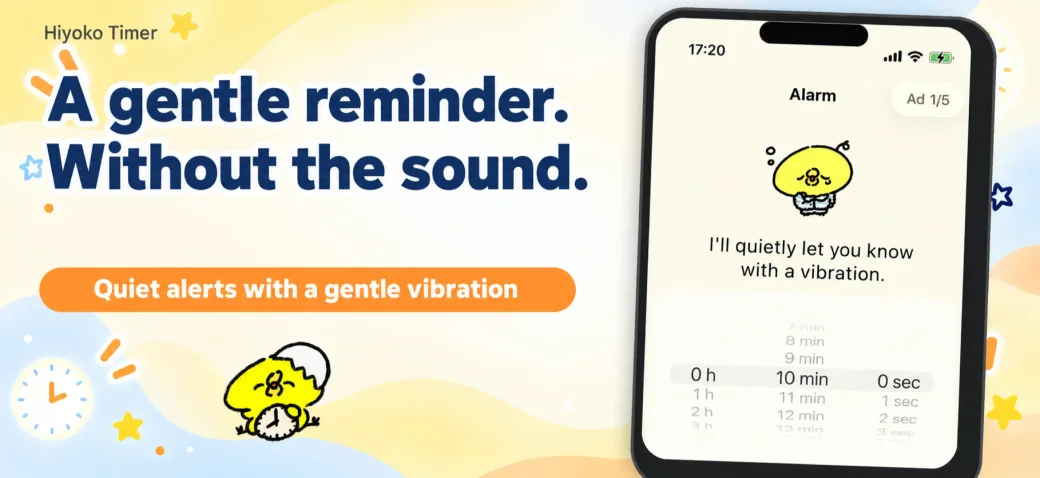
A gentle reminder. Without the sound.
Hiyoko Timer is a simple silent alarm and focus timer with a cute little chick by your side.
Set an alarm, focus on a task, or track your time at your own pace. Your chick will be there to cheer you on!
●FEATURES
• Silent vibration alarms
Set an alarm in a few simple steps. Get gentle vibration alerts without an alarm sound—handy on trains, in libraries, or at work.
• Repeated reminders
Choose how many notifications you receive when your alarm ends.
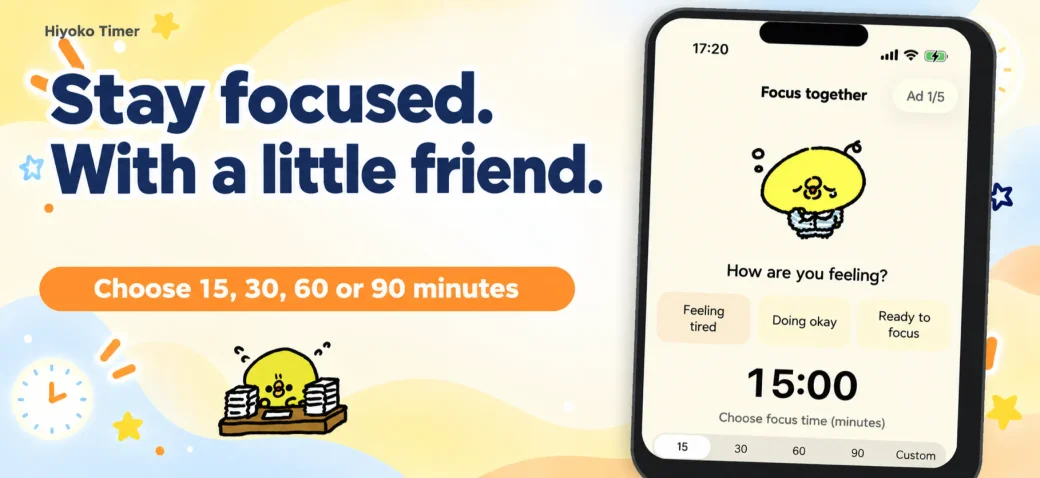
• Focus timer
Choose 15, 30, 60, or 90 minutes, or enter your own duration. Pause, resume, take a break, or keep going for another 5 minutes.
• Stopwatch
Start without deciding when to stop. Save the time you spend studying, working, reading, and more.
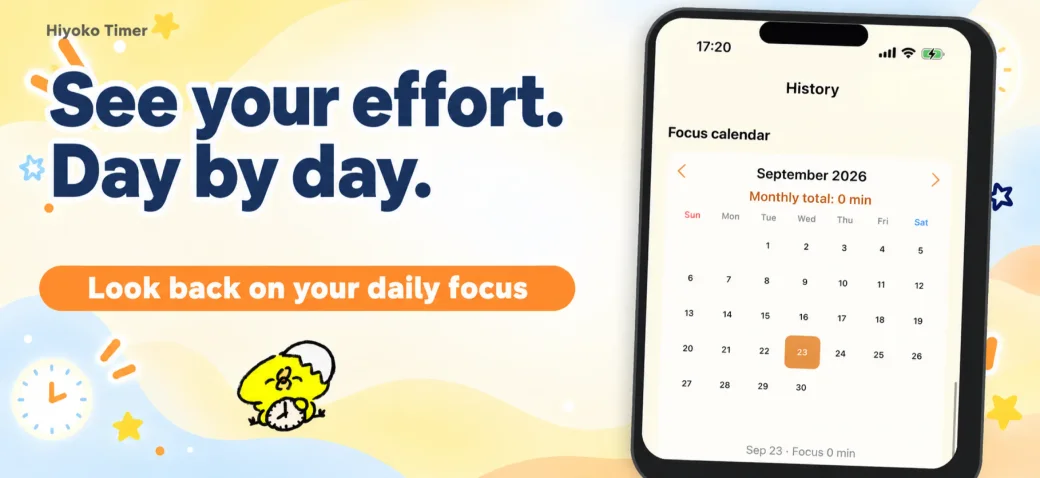
• Activity calendar
Look back on your daily activity and see how your time adds up.
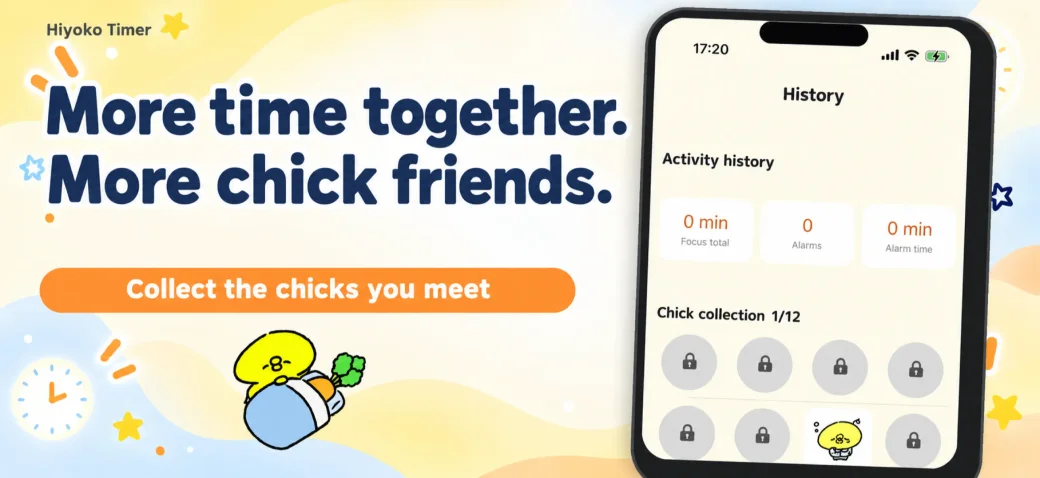
• Collect cute chicks
Meet different chicks as you use the app and build your own little collection.
• Live Activities
Check and control your active timer from the Lock Screen on supported devices.
• English and Japanese
Follow your device language or choose your preferred language in the app’s settings.
●NOTIFICATION & VIBRATION NOTES
Alarms use local notifications, so reminders can arrive while the app is in the background.
Vibration depends on your device and notification settings. iPad does not support vibration; it uses on-screen notifications instead.
●TROUBLESHOOTING
Not feeling a vibration?
1. Open the Settings app on your iPhone.
2. Go to Notifications → Hiyoko Timer.
3. Turn on Allow Notifications and Sounds.
4. Go to Sounds & Haptics → Haptics and choose Always Play or Play in Silent Mode.
5. Go to Accessibility → Touch and make sure Vibration is turned on.
If Focus or Do Not Disturb is enabled, allow notifications from Hiyoko Timer.
If you are wearing an Apple Watch, notifications and vibrations may be delivered to your watch instead of your iPhone.
Take a little time for yourself—with a little chick beside you.
Yang baru
Versi 3.1.3 · 12/11/2026
Hiyoko Timer now follows your device’s appearance in Dark Mode. You can also remove banner and full-screen ads with a one-time purchase in Settings.
Privasi aplikasi
Yang dinyatakan Kazuyuki Ishida di App Store tentang cara aplikasi ini menangani data.
-
Data yang digunakan untuk melacak Anda
Dapat digunakan untuk melacak Anda di aplikasi dan situs web milik perusahaan lain.
- Pengenal
-
Data yang ditautkan dengan Anda
Dapat dikumpulkan dan ditautkan dengan identitas Anda.
- Lokasi
- Pengenal
- Data penggunaan
-
Data yang tidak ditautkan dengan Anda
Dapat dikumpulkan, tetapi tidak ditautkan dengan identitas Anda.
- Diagnostik
Praktik privasi dapat bervariasi, misalnya berdasarkan fitur yang Anda gunakan atau usia Anda.
Informasi
- Penjual
- Kazuyuki Ishida
- Kategori
- Gaya Hidup
- Versi
- 3.1.3
- Diperbarui
- 12/11/2026
- Dirilis
- 19/3/2018
- Ukuran
- 14,7 MB
- Memerlukan
- iOS 17.0 atau yang lebih baru
- Batasan usia
- 4+
- Harga
- Gratis
- Pembelian dalam aplikasi
- Ya
- Bahasa
- Jepang, Inggris
- Hak cipta
- © 2026 Kazuyuki Ishida
Mungkin Anda juga suka
-
 Vibe Alarm - Silent TimerGaya Hidup
-
 VMClockGaya Hidup
-
 Sleepyhead AlarmGaya Hidup
-
 Vibration Alarm Clock & TimerGaya Hidup
-
 Vibration Alarm: Silent WakeGaya Hidup
-
 Petla: Dog & Cat Health LogGaya Hidup
-
 【家族用】Hachi ーみまもりアプリーGaya Hidup
-
 Kiriko AtelierGaya Hidup
-
 Vibrating Alarm Clock & TimerGaya Hidup
-
 EarphoneNap - Silent Nap TimerGaya Hidup