
PIYOPIYO Timer
Silent Alarm & Focus Timer
Diseñada para iPhone, iPad
Gratis · Compras en la aplicación
- Clasificación por edad4+
- CategoríaEstilo de vida
- DesarrolladorKazuyuki Ishida
- IdiomasJaponés+ 1 más
- Tamaño14,7 MB
Enlaza a la página oficial de App Store
Download.org no aloja ningún archivo de PIYOPIYO Timer. El botón abre la página de la aplicación en App Store, donde la publica Kazuyuki Ishida. Ficha comprobada por última vez el 16/11/2026.
Capturas de pantalla
Acerca de
El desarrollador no ha proporcionado este texto en tu idioma.
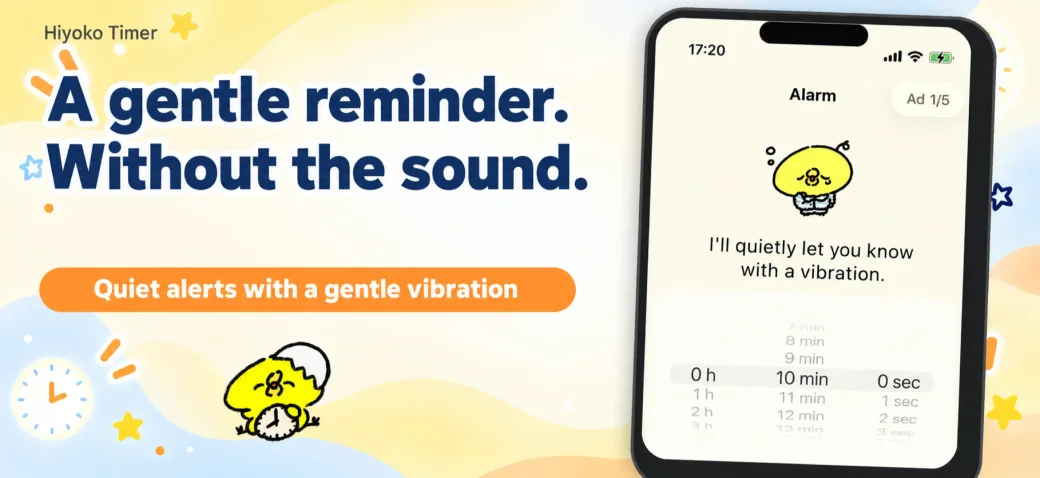
A gentle reminder. Without the sound.
Hiyoko Timer is a simple silent alarm and focus timer with a cute little chick by your side.
Set an alarm, focus on a task, or track your time at your own pace. Your chick will be there to cheer you on!
●FEATURES
• Silent vibration alarms
Set an alarm in a few simple steps. Get gentle vibration alerts without an alarm sound—handy on trains, in libraries, or at work.
• Repeated reminders
Choose how many notifications you receive when your alarm ends.
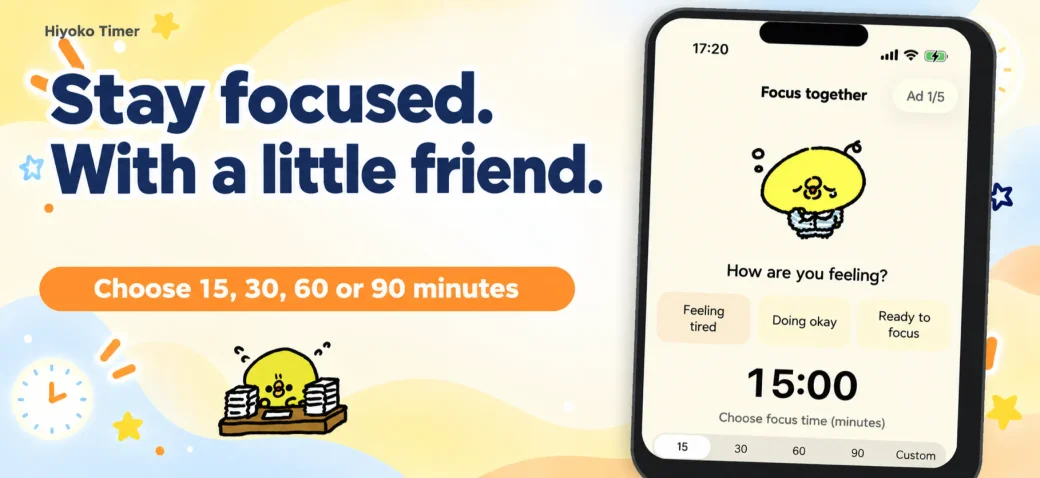
• Focus timer
Choose 15, 30, 60, or 90 minutes, or enter your own duration. Pause, resume, take a break, or keep going for another 5 minutes.
• Stopwatch
Start without deciding when to stop. Save the time you spend studying, working, reading, and more.
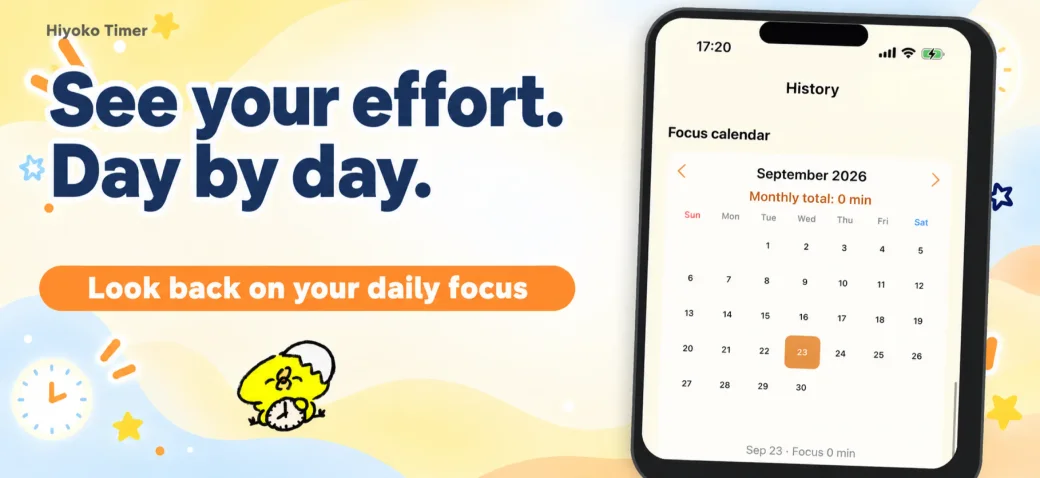
• Activity calendar
Look back on your daily activity and see how your time adds up.
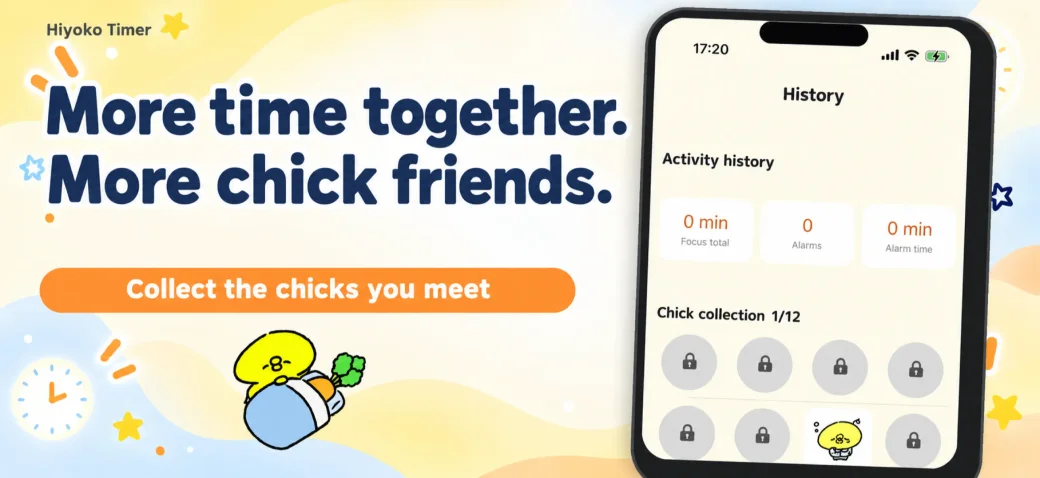
• Collect cute chicks
Meet different chicks as you use the app and build your own little collection.
• Live Activities
Check and control your active timer from the Lock Screen on supported devices.
• English and Japanese
Follow your device language or choose your preferred language in the app’s settings.
●NOTIFICATION & VIBRATION NOTES
Alarms use local notifications, so reminders can arrive while the app is in the background.
Vibration depends on your device and notification settings. iPad does not support vibration; it uses on-screen notifications instead.
●TROUBLESHOOTING
Not feeling a vibration?
1. Open the Settings app on your iPhone.
2. Go to Notifications → Hiyoko Timer.
3. Turn on Allow Notifications and Sounds.
4. Go to Sounds & Haptics → Haptics and choose Always Play or Play in Silent Mode.
5. Go to Accessibility → Touch and make sure Vibration is turned on.
If Focus or Do Not Disturb is enabled, allow notifications from Hiyoko Timer.
If you are wearing an Apple Watch, notifications and vibrations may be delivered to your watch instead of your iPhone.
Take a little time for yourself—with a little chick beside you.
Novedades
Versión 3.1.3 · 12/11/2026
Hiyoko Timer now follows your device’s appearance in Dark Mode. You can also remove banner and full-screen ads with a one-time purchase in Settings.
Privacidad de la aplicación
Lo que Kazuyuki Ishida declara en App Store sobre cómo esta aplicación gestiona los datos.
-
Datos usados para rastrearte
Pueden usarse para rastrearte en aplicaciones y sitios web propiedad de otras empresas.
- Identificadores
-
Datos vinculados a ti
Pueden recopilarse y vincularse a tu identidad.
- Ubicación
- Identificadores
- Datos de uso
-
Datos no vinculados a ti
Pueden recopilarse, pero no se vinculan a tu identidad.
- Diagnóstico
Las prácticas de privacidad pueden variar, por ejemplo, según las funciones que uses o tu edad.
Información
- Vendedor
- Kazuyuki Ishida
- Categoría
- Estilo de vida
- Versión
- 3.1.3
- Actualizado
- 12/11/2026
- Publicado
- 19/3/2018
- Tamaño
- 14,7 MB
- Requiere
- iOS 17.0 o posterior
- Clasificación por edad
- 4+
- Precio
- Gratis
- Compras en la aplicación
- Sí
- Idiomas
- Japonés, Inglés
- Copyright
- © 2026 Kazuyuki Ishida
Quizá también te guste
-
 Vibe Alarm - Silent TimerEstilo de vida
-
 VMClockEstilo de vida
-
 Sleepyhead AlarmSimple y fácil, muchas alarmas
-
 Vibration Alarm Clock & TimerEstilo de vida
-
 Vibration Alarm: Silent WakeEstilo de vida
-
 Petla: Dog & Cat Health LogEstilo de vida
-
 【家族用】Hachi ーみまもりアプリーEstilo de vida
-
 Kiriko AtelierEstilo de vida
-
 Soundless Alarm clock & TimerHeadspace,Schedule,Wake up
-
 EarphoneNap - Silent Nap TimerEstilo de vida