
PIYOPIYO Timer
Silent Alarm & Focus Timer
Designed for iPhone, iPad
In-app purchases
- Age rating4+
- CategoryLifestyle
- DeveloperKazuyuki Ishida
- LanguagesJapanese+ 1 more
- Size14.7 MB
Links to the official App Store page
Download.org hosts no file of PIYOPIYO Timer. The button opens its official App Store page, published by Kazuyuki Ishida. Listing last checked on Nov 16, 2026.
Screenshots

About
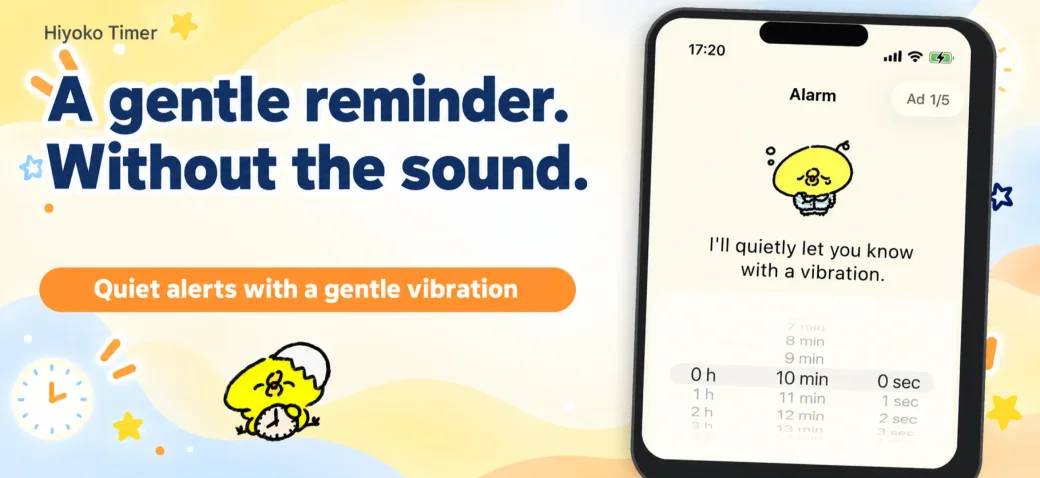
A gentle reminder. Without the sound.
Hiyoko Timer is a simple silent alarm and focus timer with a cute little chick by your side.
Set an alarm, focus on a task, or track your time at your own pace. Your chick will be there to cheer you on!
●FEATURES
• Silent vibration alarms
Set an alarm in a few simple steps. Get gentle vibration alerts without an alarm sound—handy on trains, in libraries, or at work.
• Repeated reminders
Choose how many notifications you receive when your alarm ends.
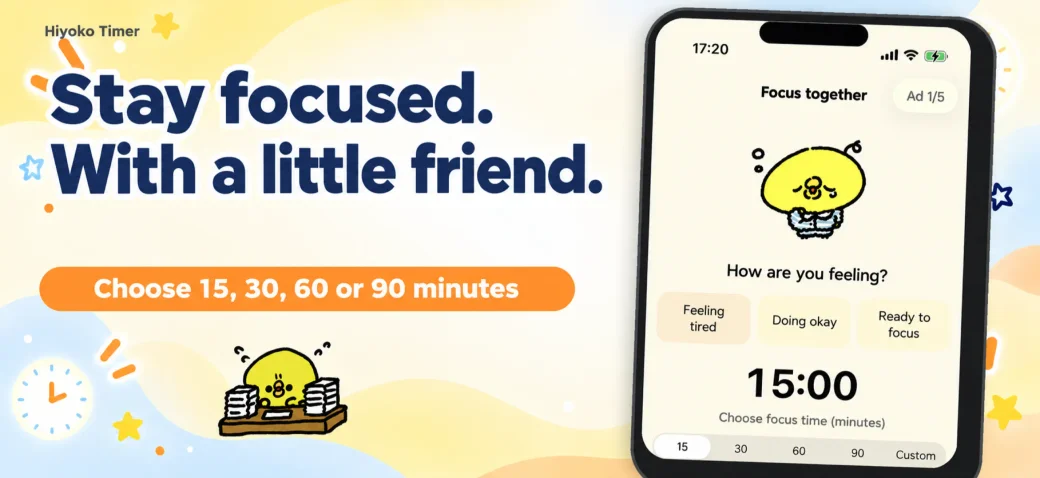
• Focus timer
Choose 15, 30, 60, or 90 minutes, or enter your own duration. Pause, resume, take a break, or keep going for another 5 minutes.
• Stopwatch
Start without deciding when to stop. Save the time you spend studying, working, reading, and more.
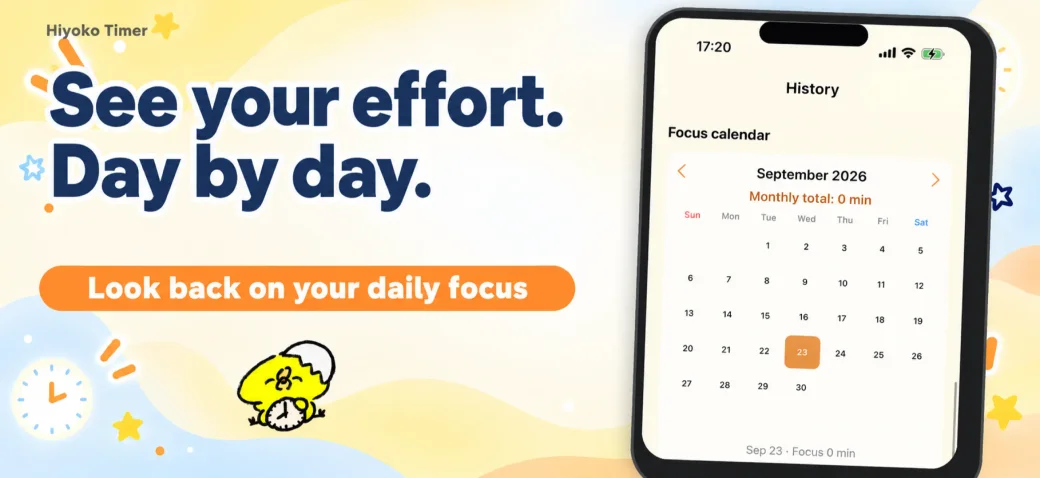
• Activity calendar
Look back on your daily activity and see how your time adds up.
• Collect cute chicks
Meet different chicks as you use the app and build your own little collection.
• Live Activities
Check and control your active timer from the Lock Screen on supported devices.
• English and Japanese
Follow your device language or choose your preferred language in the app’s settings.
●NOTIFICATION & VIBRATION NOTES
Alarms use local notifications, so reminders can arrive while the app is in the background.
Vibration depends on your device and notification settings. iPad does not support vibration; it uses on-screen notifications instead.
●TROUBLESHOOTING
Not feeling a vibration?
1. Open the Settings app on your iPhone.
2. Go to Notifications → Hiyoko Timer.
3. Turn on Allow Notifications and Sounds.
4. Go to Sounds & Haptics → Haptics and choose Always Play or Play in Silent Mode.
5. Go to Accessibility → Touch and make sure Vibration is turned on.
If Focus or Do Not Disturb is enabled, allow notifications from Hiyoko Timer.
If you are wearing an Apple Watch, notifications and vibrations may be delivered to your watch instead of your iPhone.
Take a little time for yourself—with a little chick beside you.
What’s new
Version 3.1.3 · Nov 12, 2026
Hiyoko Timer now follows your device’s appearance in Dark Mode. You can also remove banner and full-screen ads with a one-time purchase in Settings.
App privacy
What Kazuyuki Ishida declares on the App Store about how this app handles data.
-
Data used to track you
May be used to track you across apps and websites owned by other companies.
- Identifiers
-
Data linked to you
May be collected and linked to your identity.
- Location
- Identifiers
- Usage data
-
Data not linked to you
May be collected but is not linked to your identity.
- Diagnostics
Privacy practices may vary, for example with the features you use or your age.
Information
- Seller
- Kazuyuki Ishida
- Category
- Lifestyle
- Version
- 3.1.3
- Updated
- Nov 12, 2026
- Released
- Mar 19, 2018
- Size
- 14.7 MB
- Requires
- iOS 17.0 or later
- Age rating
- 4+
- In-app purchases
- Yes
- Languages
- Japanese, English
- Copyright
- © 2026 Kazuyuki Ishida
You might also like
-
 Vibe Alarm - Silent TimerSoundless vibration
-
 VMClockLifestyle
-
 Sleepyhead AlarmSimple and easy, many alarms
-
 Vibration Alarm Clock & TimerVibration-only Alarm & Timer
-
 Vibration Alarm: Silent WakeVibrating Alarm Clock & Timer
-
 Petla: Dog & Cat Health LogVaccine, Meds & Weight Tracker
-
 【家族用】Hachi ーみまもりアプリーLifestyle
-
 Kiriko AtelierLifestyle
-
 Vibrating Alarm Clock & TimerQuiet Alerts with Vibration
-
 EarphoneNap - Silent Nap TimerEarphone-based nap alarm timer