
PIYOPIYO Timer
Silent Alarm & Focus Timer
Conçue pour iPhone, iPad
Gratuit · Achats intégrés
- Classification d’âge4+
- CatégorieStyle de vie
- DéveloppeurKazuyuki Ishida
- LanguesJaponais+ 1 de plus
- Taille14,7 Mo
Renvoie vers la page App Store officielle
Download.org n’héberge aucun fichier de PIYOPIYO Timer. Le bouton ouvre la page de l’application sur App Store, où Kazuyuki Ishida la publie. Fiche vérifiée pour la dernière fois le 16/11/2026.
Captures d’écran
À propos
Le développeur n’a pas fourni ce texte dans votre langue.
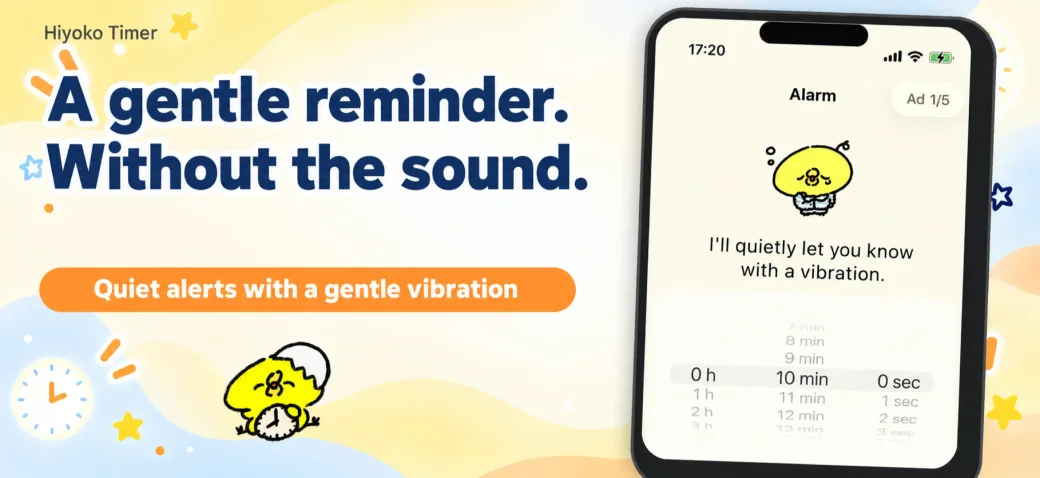
A gentle reminder. Without the sound.
Hiyoko Timer is a simple silent alarm and focus timer with a cute little chick by your side.
Set an alarm, focus on a task, or track your time at your own pace. Your chick will be there to cheer you on!
●FEATURES
• Silent vibration alarms
Set an alarm in a few simple steps. Get gentle vibration alerts without an alarm sound—handy on trains, in libraries, or at work.
• Repeated reminders
Choose how many notifications you receive when your alarm ends.
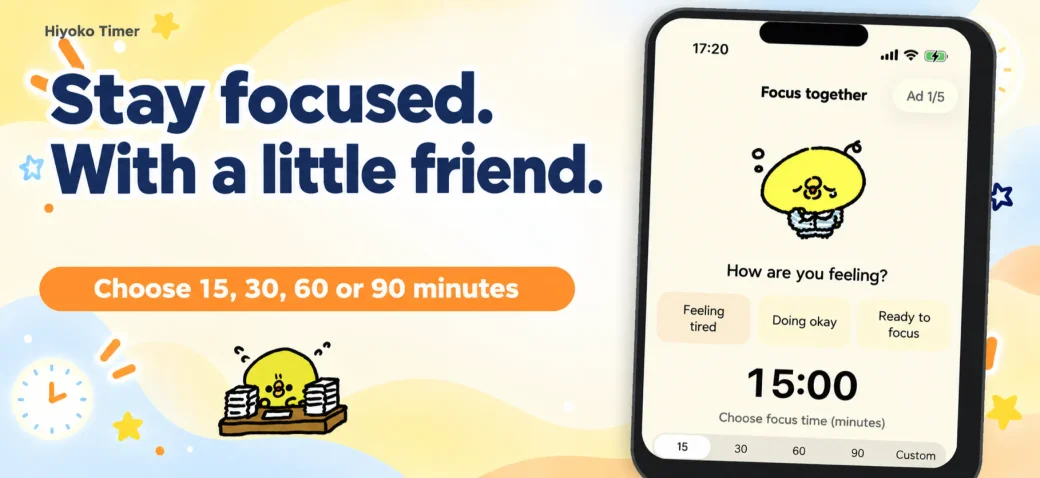
• Focus timer
Choose 15, 30, 60, or 90 minutes, or enter your own duration. Pause, resume, take a break, or keep going for another 5 minutes.
• Stopwatch
Start without deciding when to stop. Save the time you spend studying, working, reading, and more.
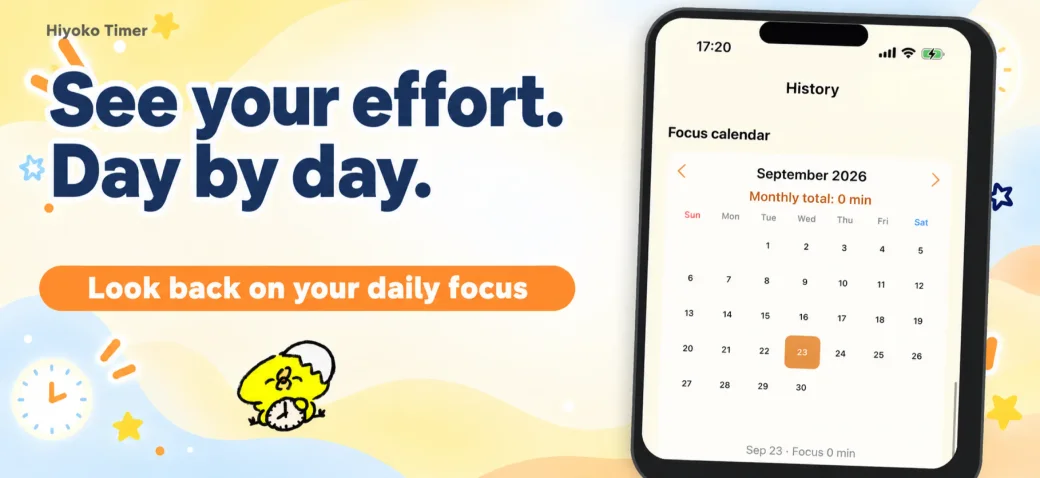
• Activity calendar
Look back on your daily activity and see how your time adds up.
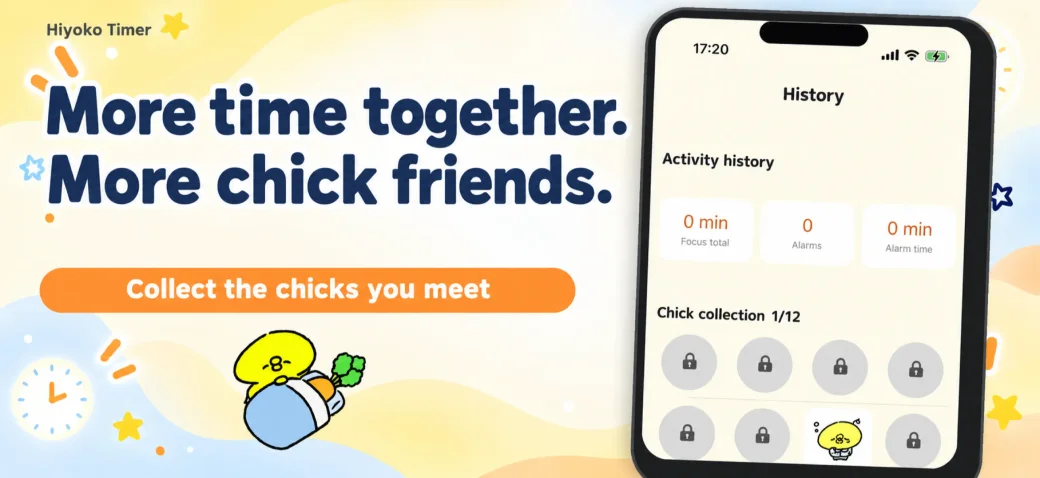
• Collect cute chicks
Meet different chicks as you use the app and build your own little collection.
• Live Activities
Check and control your active timer from the Lock Screen on supported devices.
• English and Japanese
Follow your device language or choose your preferred language in the app’s settings.
●NOTIFICATION & VIBRATION NOTES
Alarms use local notifications, so reminders can arrive while the app is in the background.
Vibration depends on your device and notification settings. iPad does not support vibration; it uses on-screen notifications instead.
●TROUBLESHOOTING
Not feeling a vibration?
1. Open the Settings app on your iPhone.
2. Go to Notifications → Hiyoko Timer.
3. Turn on Allow Notifications and Sounds.
4. Go to Sounds & Haptics → Haptics and choose Always Play or Play in Silent Mode.
5. Go to Accessibility → Touch and make sure Vibration is turned on.
If Focus or Do Not Disturb is enabled, allow notifications from Hiyoko Timer.
If you are wearing an Apple Watch, notifications and vibrations may be delivered to your watch instead of your iPhone.
Take a little time for yourself—with a little chick beside you.
Nouveautés
Version 3.1.3 · 12/11/2026
Hiyoko Timer now follows your device’s appearance in Dark Mode. You can also remove banner and full-screen ads with a one-time purchase in Settings.
Confidentialité de l’application
Ce que Kazuyuki Ishida déclare sur l’App Store au sujet du traitement des données par cette application.
-
Données utilisées pour vous suivre
Peuvent être utilisées pour vous suivre sur des applications et des sites web appartenant à d’autres sociétés.
- Identifiants
-
Données établissant un lien avec vous
Peuvent être collectées et liées à votre identité.
- Emplacement
- Identifiants
- Données d’utilisation
-
Données n’établissant aucun lien avec vous
Peuvent être collectées, mais ne sont pas liées à votre identité.
- Diagnostic
Les pratiques en matière de confidentialité peuvent varier, notamment en fonction des fonctionnalités que vous utilisez ou de votre âge.
Informations
- Vendeur
- Kazuyuki Ishida
- Catégorie
- Style de vie
- Version
- 3.1.3
- Mis à jour
- 12/11/2026
- Publié
- 19/03/2018
- Taille
- 14,7 Mo
- Nécessite
- iOS 17.0 ou version ultérieure
- Classification d’âge
- 4+
- Prix
- Gratuit
- Achats intégrés
- Oui
- Langues
- Japonais, Anglais
- Copyright
- © 2026 Kazuyuki Ishida
Vous aimerez peut-être aussi
-
 Vibe Alarm - Silent TimerStyle de vie
-
 VMClockStyle de vie
-
 Sleepyhead AlarmSimple et facile alarmes
-
 Vibration Alarm Clock & TimerStyle de vie
-
 Vibration Alarm: Silent WakeStyle de vie
-
 Petla: Dog & Cat Health LogStyle de vie
-
 【家族用】Hachi ーみまもりアプリーStyle de vie
-
 Kiriko AtelierStyle de vie
-
 Minuterie vibrante |sans bruitFonctionnement simple
-
 EarphoneNap - Silent Nap TimerStyle de vie