- Altersfreigabe4+
- KategorieProduktivität
- EntwicklerShinichi Nanbu
- SprachenJapanisch+ 1 weitere
- Größe5,1 MB
Verlinkt auf die offizielle App Store-Seite
Download.org hostet keine Datei von PrintAdjust. Die Schaltfläche öffnet die App-Seite bei App Store, wo Shinichi Nanbu die App veröffentlicht. Eintrag zuletzt geprüft am 12.11.2026.
Screenshots
Info
Der Entwickler hat diesen Text nicht in Ihrer Sprache bereitgestellt.
PrintAdjust turns images into a PDF and lets you make the print margins wider or narrower, on iPhone and iPad.
■ Images to PDF
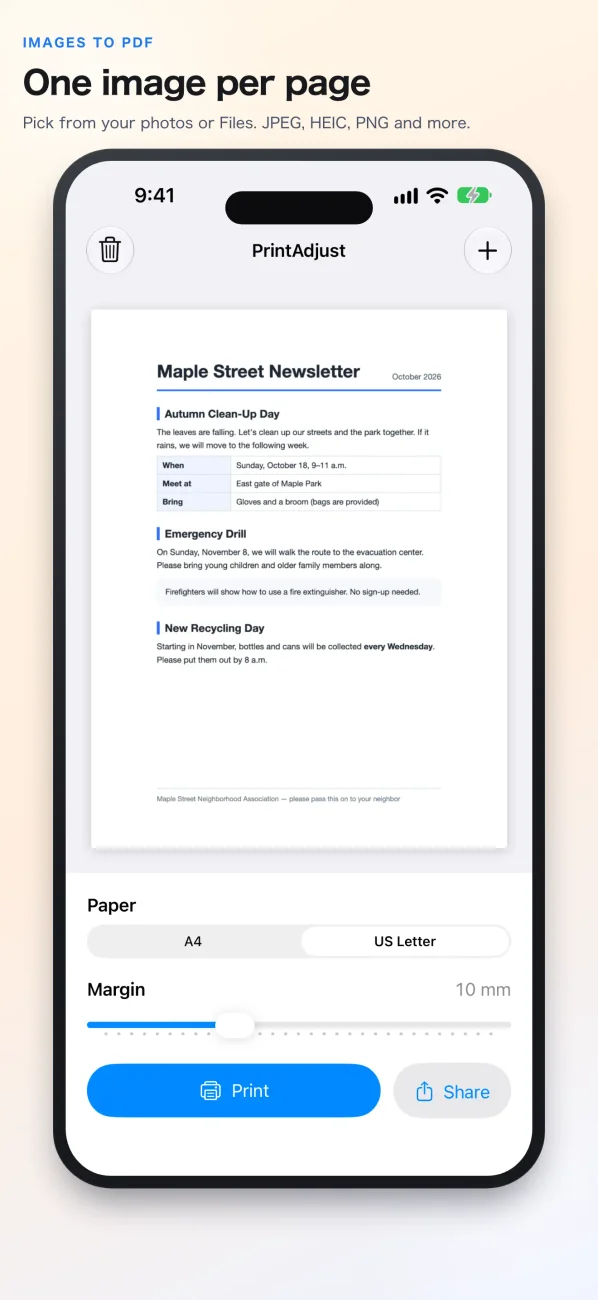
- Pick images from your photo library or Files. Each image becomes one page of the PDF.
- Pages follow the order in which you picked the images.
- Works with JPEG, HEIC, PNG and more. Photo orientation is corrected automatically.
■ Arrange images freely
- Tap a page to drag images and resize them with a pinch or the corner handle.
- Add multiple images to the same page.
- Repeat an image in a grid, such as 3 columns by 4 rows, with adjustable spacing.
- Group images into a canvas to move, resize, duplicate, or repeat them together.
- Undo and redo your edits.
■ Adjust the margins
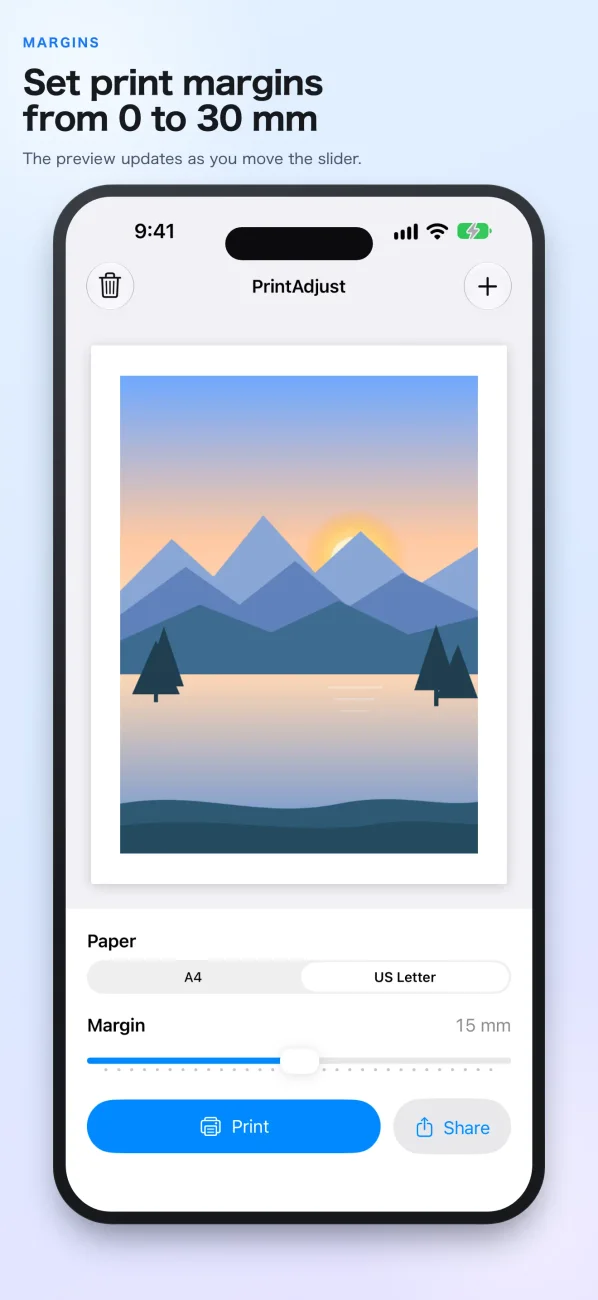
- Set the margin on all four sides from 0 to 30 mm, in 1 mm steps.
- Images start inside the margins with their aspect ratio preserved. Choose from nine positions, including the center and corners.
- The preview updates as you move the slider.
■ Paper
- A4, US Letter, B5 (JIS), and A3. The default follows your region.
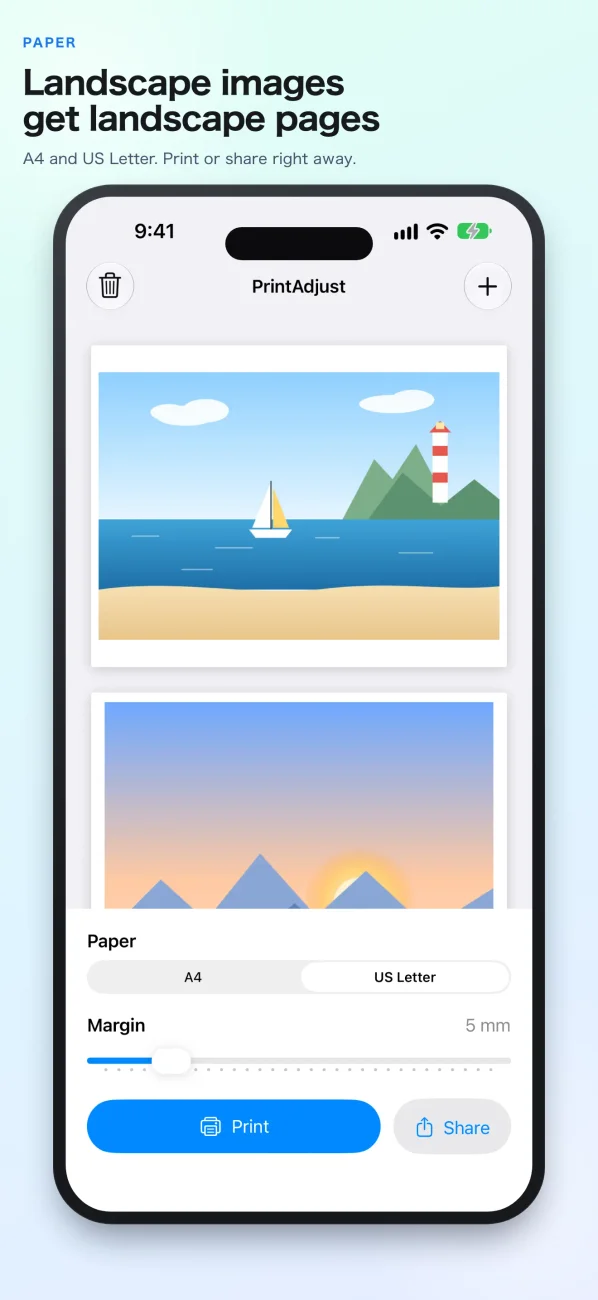
- Landscape images get landscape pages automatically. Switch between portrait and landscape in the page editor.
■ Print and share
- Print to any AirPrint printer.
- Share the PDF to Files, Mail, AirDrop and more.
■ iPhone, iPad, and iPhone Duo
- On wide screens the preview and settings sit side by side; on narrow screens they stack.
- The layout adapts as you open or close iPhone Duo or resize an iPad window.
■ Your data
- The images you pick are used only to make the PDF and are not stored in the app.
- No account needed. The app does not use the network and does not collect data.
Neue Funktionen
Version 1.2 · 12.10.2026
■ iPhone Duo support
The preview and settings adapt to the open and closed displays.
■ Resize and place images freely
Tap a page to edit with a drag, pinch, or corner handle. Add multiple images to one page.
■ Repeat images and group them into a canvas
Arrange copies in a grid, such as 3 columns by 4 rows. Group images into a canvas to move, resize, or duplicate them together. Undo and redo edits.
■ Paper and printing
Added B5 (JIS), A3, and nine image positions. Improved repeated printing and added an error message when printing fails.
App-Datenschutz
Was Shinichi Nanbu im App Store zum Umgang dieser App mit Daten angibt.
-
Keine Daten erfasst
Der Entwickler erfasst keine Daten von dieser App.
Die Datenschutzpraktiken können variieren, zum Beispiel je nach den von Ihnen verwendeten Funktionen oder Ihrem Alter.
Informationen
- Anbieter
- Shinichi Nanbu
- Kategorie
- Produktivität
- Version
- 1.2
- Aktualisiert
- 12.10.2026
- Veröffentlicht
- 30.09.2026
- Größe
- 5,1 MB
- Erfordert
- iOS 27.0 oder neuer
- Altersfreigabe
- 4+
- Preis
- Kostenlos
- Sprachen
- Japanisch, Englisch
- Copyright
- © 2026 Shinichi Nambu
Das könnte Ihnen auch gefallen
-
 PDF-Ränder zuschneiden in mmScans trimmen – Text intakt
-
 Pico Focus: Screen TimeProduktivität
-
 EasyTranslate AI: PDF & DocsProduktivität
-
 PDFTranslator: Layout BleibtPDF-Layout erhalten · 49 Spr.
-
 SVG-BetrachterSVG-Dateien anzeigen
-
 Clipboard AI - TastaturKopieren, Verlauf & Snippet
-
 価格比較/値段比較アプリ - KurabelleProduktivität
-
 Vertical Planner:Calendar,TodoProduktivität
-
 A4Pad – Annotate, Merge PDFProduktivität
-
 Pomomento: Fokus-TimerKonzentration ohne Druck