- Age rating4+
- CategoryProductivity
- DeveloperShinichi Nanbu
- LanguagesJapanese+ 1 more
- Size5.1 MB
Links to the official App Store page
Download.org hosts no file of PrintAdjust. The button opens its official App Store page, published by Shinichi Nanbu. Listing last checked on Nov 12, 2026.
Screenshots
About
PrintAdjust turns images into a PDF and lets you make the print margins wider or narrower, on iPhone and iPad.
■ Images to PDF
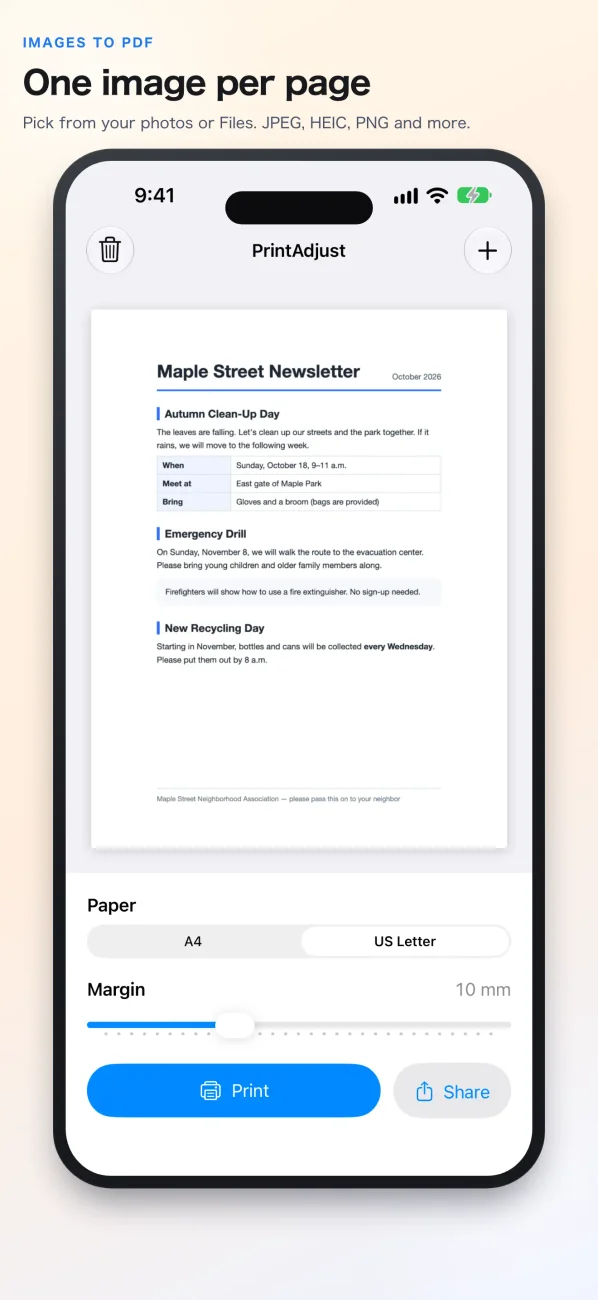
- Pick images from your photo library or Files. Each image becomes one page of the PDF.
- Pages follow the order in which you picked the images.
- Works with JPEG, HEIC, PNG and more. Photo orientation is corrected automatically.
■ Arrange images freely
- Tap a page to drag images and resize them with a pinch or the corner handle.
- Add multiple images to the same page.
- Repeat an image in a grid, such as 3 columns by 4 rows, with adjustable spacing.
- Group images into a canvas to move, resize, duplicate, or repeat them together.
- Undo and redo your edits.
■ Adjust the margins
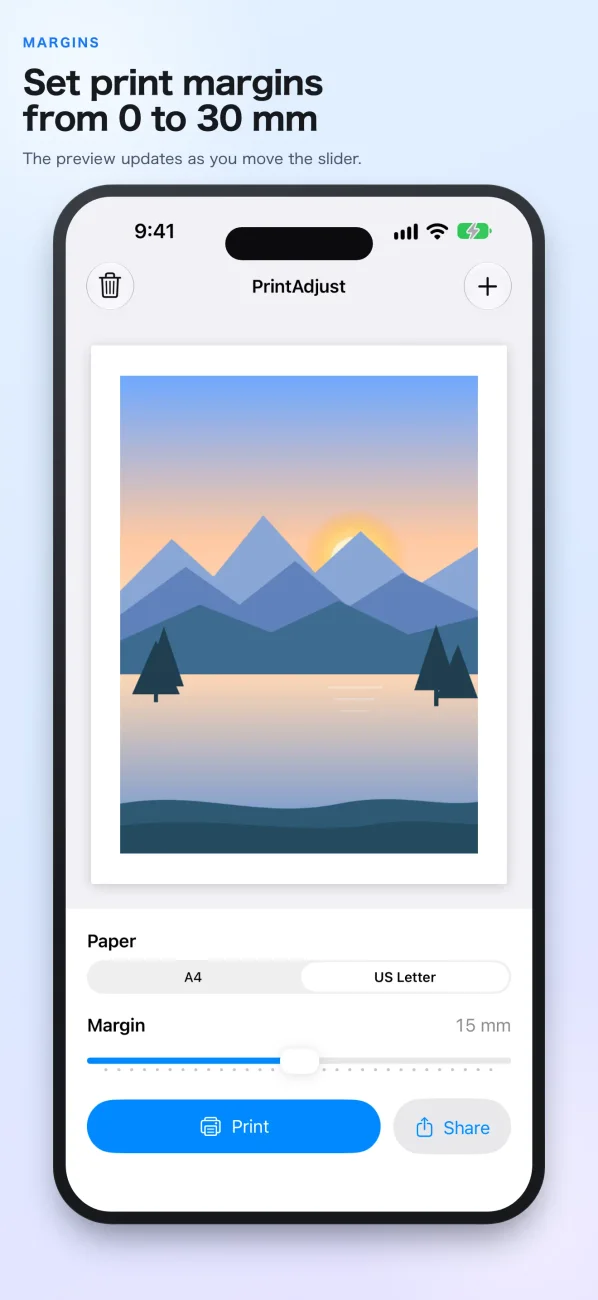
- Set the margin on all four sides from 0 to 30 mm, in 1 mm steps.
- Images start inside the margins with their aspect ratio preserved. Choose from nine positions, including the center and corners.
- The preview updates as you move the slider.
■ Paper
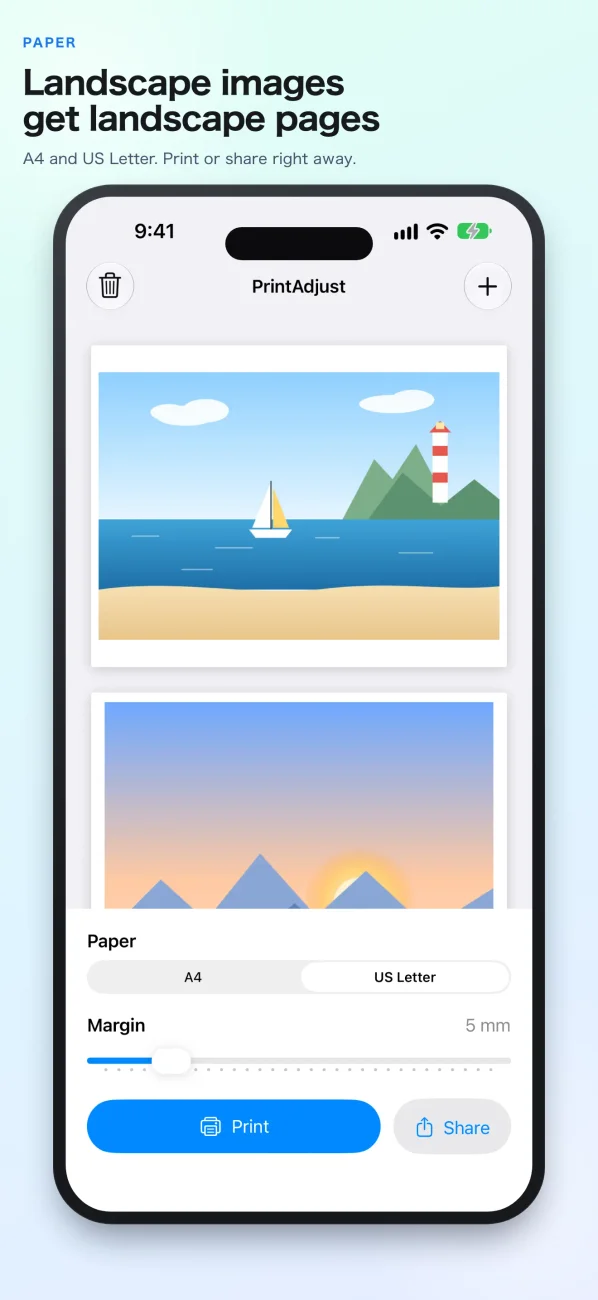
- A4, US Letter, B5 (JIS), and A3. The default follows your region.
- Landscape images get landscape pages automatically. Switch between portrait and landscape in the page editor.
■ Print and share
- Print to any AirPrint printer.
- Share the PDF to Files, Mail, AirDrop and more.
■ iPhone, iPad, and iPhone Duo
- On wide screens the preview and settings sit side by side; on narrow screens they stack.
- The layout adapts as you open or close iPhone Duo or resize an iPad window.
■ Your data
- The images you pick are used only to make the PDF and are not stored in the app.
- No account needed. The app does not use the network and does not collect data.
What’s new
Version 1.2 · Oct 12, 2026
■ iPhone Duo support
The preview and settings adapt to the open and closed displays.
■ Resize and place images freely
Tap a page to edit with a drag, pinch, or corner handle. Add multiple images to one page.
■ Repeat images and group them into a canvas
Arrange copies in a grid, such as 3 columns by 4 rows. Group images into a canvas to move, resize, or duplicate them together. Undo and redo edits.
■ Paper and printing
Added B5 (JIS), A3, and nine image positions. Improved repeated printing and added an error message when printing fails.
App privacy
What Shinichi Nanbu declares on the App Store about how this app handles data.
-
Data not collected
The developer does not collect any data from this app.
Privacy practices may vary, for example with the features you use or your age.
Information
- Seller
- Shinichi Nanbu
- Category
- Productivity
- Version
- 1.2
- Updated
- Oct 12, 2026
- Released
- Sep 30, 2026
- Size
- 5.1 MB
- Requires
- iOS 27.0 or later
- Age rating
- 4+
- Languages
- Japanese, English
- Copyright
- © 2026 Shinichi Nambu
You might also like
-
 Crop & Trim PDF MarginsCrop margins on any PDF page
-
 Pico Focus: Screen TimeStay locked in. Block apps.
-
 EasyTranslate AI: PDF & DocsDocument & Photo Translator
-
 PDFTranslator: Keep LayoutTranslate PDF · 59 Languages
-
 SVG ViewSVG file viewer and light edit
-
 Clipboard AI - Paste KeyboardSave & Tag Copy Text History
-
 価格比較/値段比較アプリ - KurabelleProductivity
-
 Vertical Planner:Calendar,TodoProductivity
-
 A4Pad – Annotate, Merge PDFCreate from documents & photos
-
 Pomomento: Pomodoro TimerFocus for Study, Work & ADHD