- Classificação etária4+
- CategoriaProdutividade
- DesenvolvedorShinichi Nanbu
- IdiomasJaponêse mais 1
- Tamanho5,1 MB
Leva à página oficial na App Store
O Download.org não hospeda nenhum arquivo de PrintAdjust. O botão abre a página do app na App Store, onde Shinichi Nanbu o publica. Página verificada pela última vez em 12/11/2026.
Capturas de tela
Sobre
O desenvolvedor não forneceu este texto no seu idioma.
PrintAdjust turns images into a PDF and lets you make the print margins wider or narrower, on iPhone and iPad.
■ Images to PDF
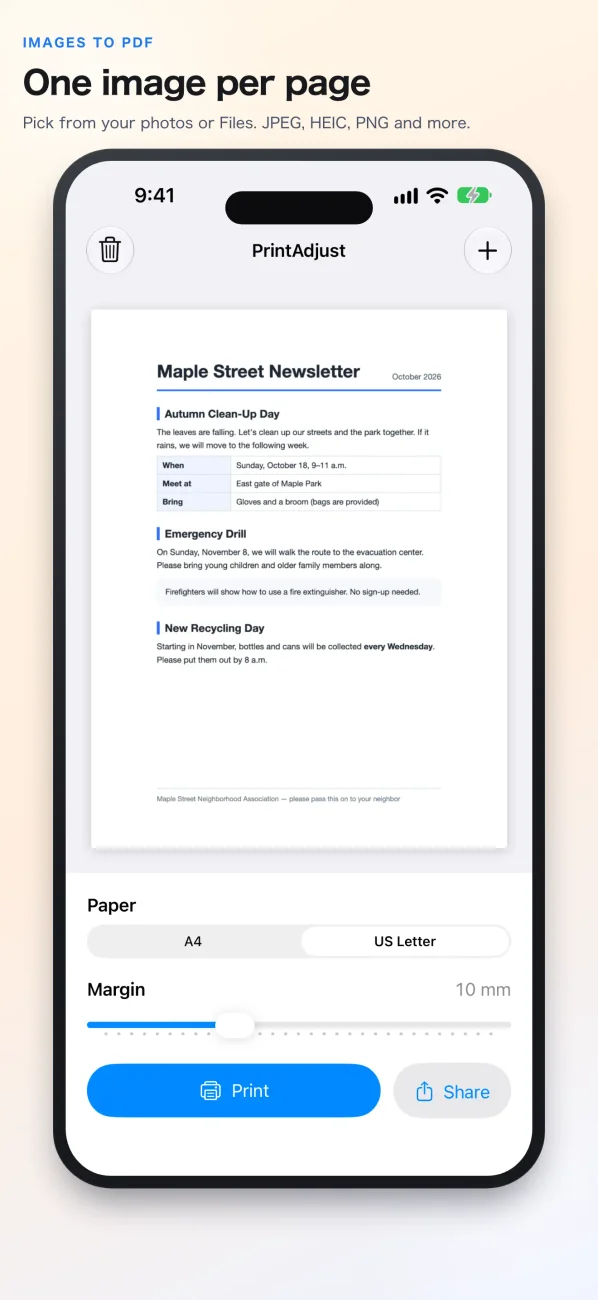
- Pick images from your photo library or Files. Each image becomes one page of the PDF.
- Pages follow the order in which you picked the images.
- Works with JPEG, HEIC, PNG and more. Photo orientation is corrected automatically.
■ Arrange images freely
- Tap a page to drag images and resize them with a pinch or the corner handle.
- Add multiple images to the same page.
- Repeat an image in a grid, such as 3 columns by 4 rows, with adjustable spacing.
- Group images into a canvas to move, resize, duplicate, or repeat them together.
- Undo and redo your edits.
■ Adjust the margins
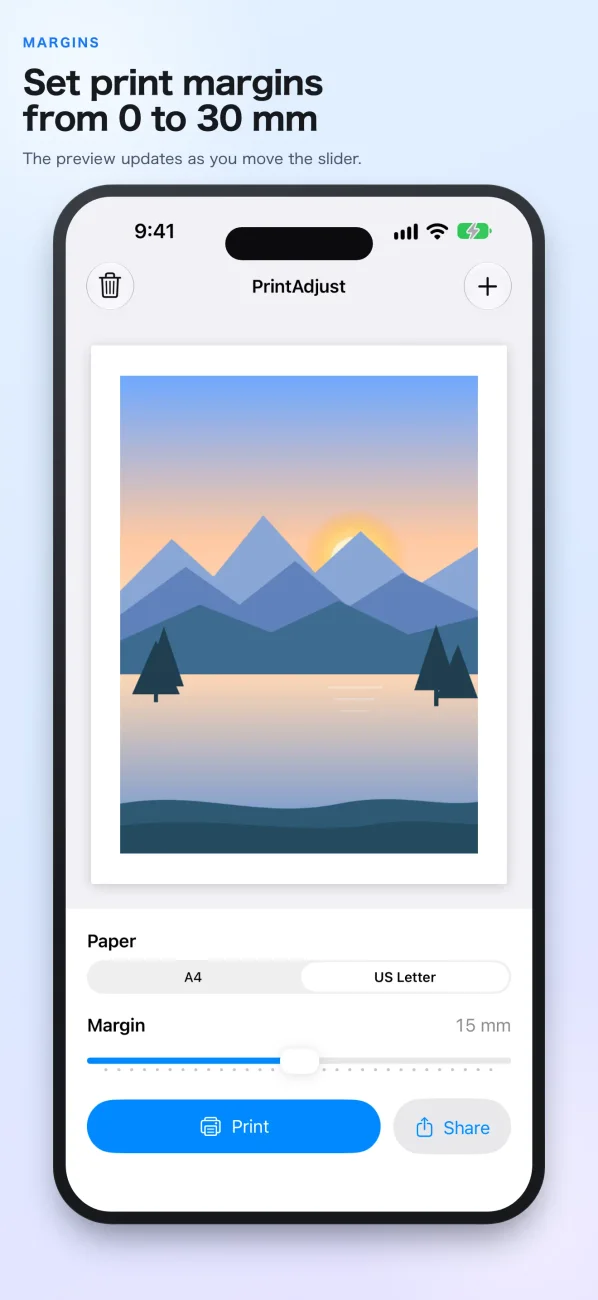
- Set the margin on all four sides from 0 to 30 mm, in 1 mm steps.
- Images start inside the margins with their aspect ratio preserved. Choose from nine positions, including the center and corners.
- The preview updates as you move the slider.
■ Paper
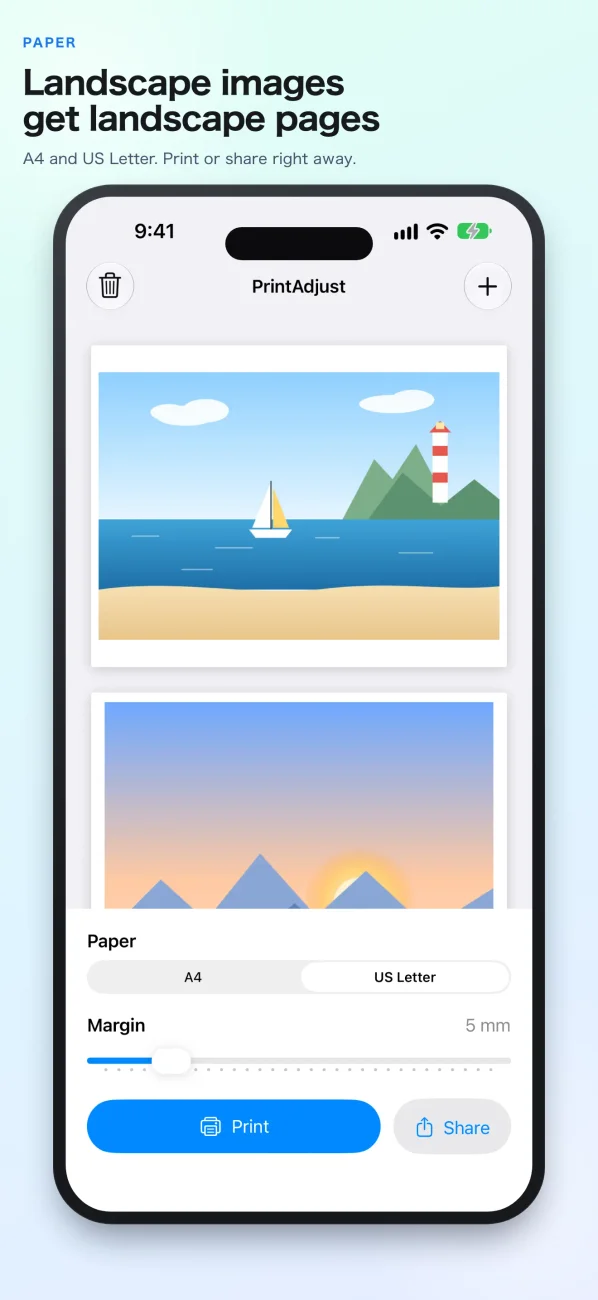
- A4, US Letter, B5 (JIS), and A3. The default follows your region.
- Landscape images get landscape pages automatically. Switch between portrait and landscape in the page editor.
■ Print and share
- Print to any AirPrint printer.
- Share the PDF to Files, Mail, AirDrop and more.
■ iPhone, iPad, and iPhone Duo
- On wide screens the preview and settings sit side by side; on narrow screens they stack.
- The layout adapts as you open or close iPhone Duo or resize an iPad window.
■ Your data
- The images you pick are used only to make the PDF and are not stored in the app.
- No account needed. The app does not use the network and does not collect data.
Novidades
Versão 1.2 · 12/10/2026
■ iPhone Duo support
The preview and settings adapt to the open and closed displays.
■ Resize and place images freely
Tap a page to edit with a drag, pinch, or corner handle. Add multiple images to one page.
■ Repeat images and group them into a canvas
Arrange copies in a grid, such as 3 columns by 4 rows. Group images into a canvas to move, resize, or duplicate them together. Undo and redo edits.
■ Paper and printing
Added B5 (JIS), A3, and nine image positions. Improved repeated printing and added an error message when printing fails.
Privacidade do app
O que Shinichi Nanbu declara na App Store sobre como este app lida com os dados.
-
Dados não coletados
O desenvolvedor não coleta nenhum dado deste app.
As práticas de privacidade podem variar, por exemplo, com base nos recursos que você usa ou na sua idade.
Informações
- Vendedor
- Shinichi Nanbu
- Categoria
- Produtividade
- Versão
- 1.2
- Atualizado
- 12/10/2026
- Lançamento
- 30/09/2026
- Tamanho
- 5,1 MB
- Requer
- iOS 27.0 ou posterior
- Classificação etária
- 4+
- Preço
- Grátis
- Idiomas
- Japonês, Inglês
- Copyright
- © 2026 Shinichi Nambu
Você também pode gostar
-
 Crop & Trim PDF MarginsProdutividade
-
 Pico Focus: Screen TimeProdutividade
-
 EasyTranslate AI: PDF & DocsProdutividade
-
 PDFTranslator: Layout FielLayout PDF Fiel · 49 idiomas
-
 Visualizador SVGVer ficheiros SVG
-
 Clipboard AI - Teclado ColarCopiar Historico & Atalho
-
 価格比較/値段比較アプリ - KurabelleProdutividade
-
 Vertical Planner:Calendar,TodoProdutividade
-
 A4Pad – Annotate, Merge PDFProdutividade
-
 Pomomento: Pomodoro TimerProdutividade