PrintAdjust
Image to PDF with Margins
iPhone, iPad için tasarlandı
Ücretsiz
- Yaş sınırı4+
- KategoriÜretkenlik
- GeliştiriciShinichi Nanbu
- DillerJaponca+ 1 dil daha
- Boyut5,1 MB
Resmi App Store sayfasına bağlanır
Download.org, PrintAdjust için hiçbir dosya barındırmaz. Düğme, uygulamanın App Store üzerindeki sayfasını açar; uygulamayı orada Shinichi Nanbu yayınlar. Sayfanın son kontrolü: 12.11.2026.
Ekran görüntüleri
Hakkında
Geliştirici bu metni dilinizde sunmamış.
PrintAdjust turns images into a PDF and lets you make the print margins wider or narrower, on iPhone and iPad.
■ Images to PDF
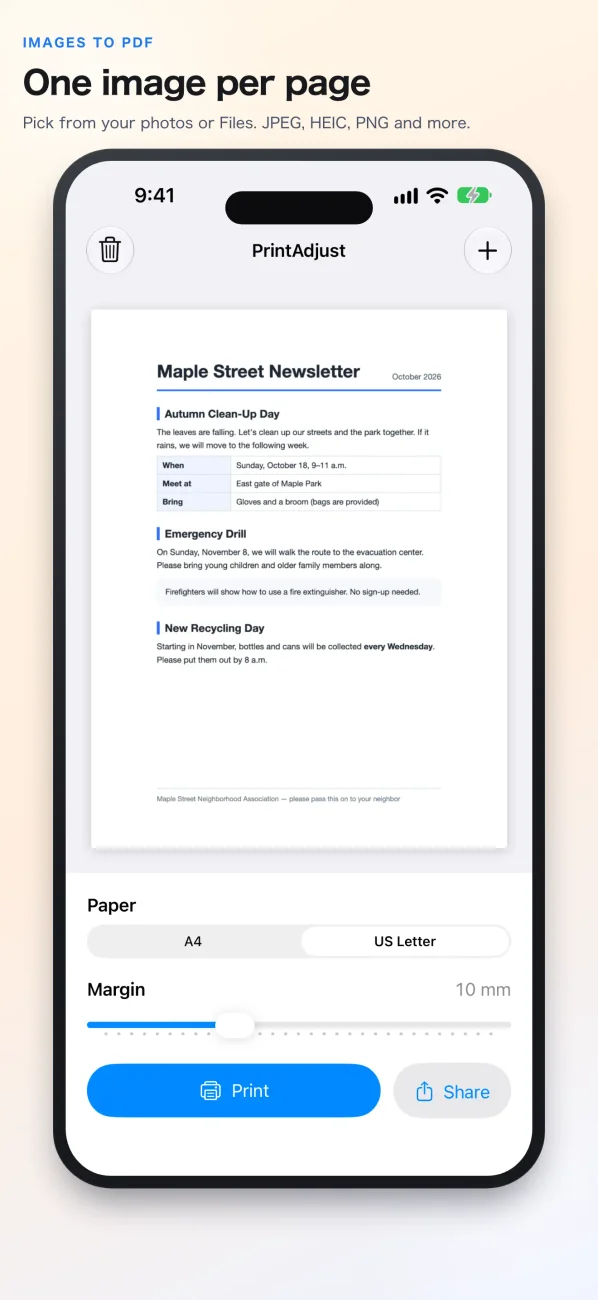
- Pick images from your photo library or Files. Each image becomes one page of the PDF.
- Pages follow the order in which you picked the images.
- Works with JPEG, HEIC, PNG and more. Photo orientation is corrected automatically.
■ Arrange images freely
- Tap a page to drag images and resize them with a pinch or the corner handle.
- Add multiple images to the same page.
- Repeat an image in a grid, such as 3 columns by 4 rows, with adjustable spacing.
- Group images into a canvas to move, resize, duplicate, or repeat them together.
- Undo and redo your edits.
■ Adjust the margins
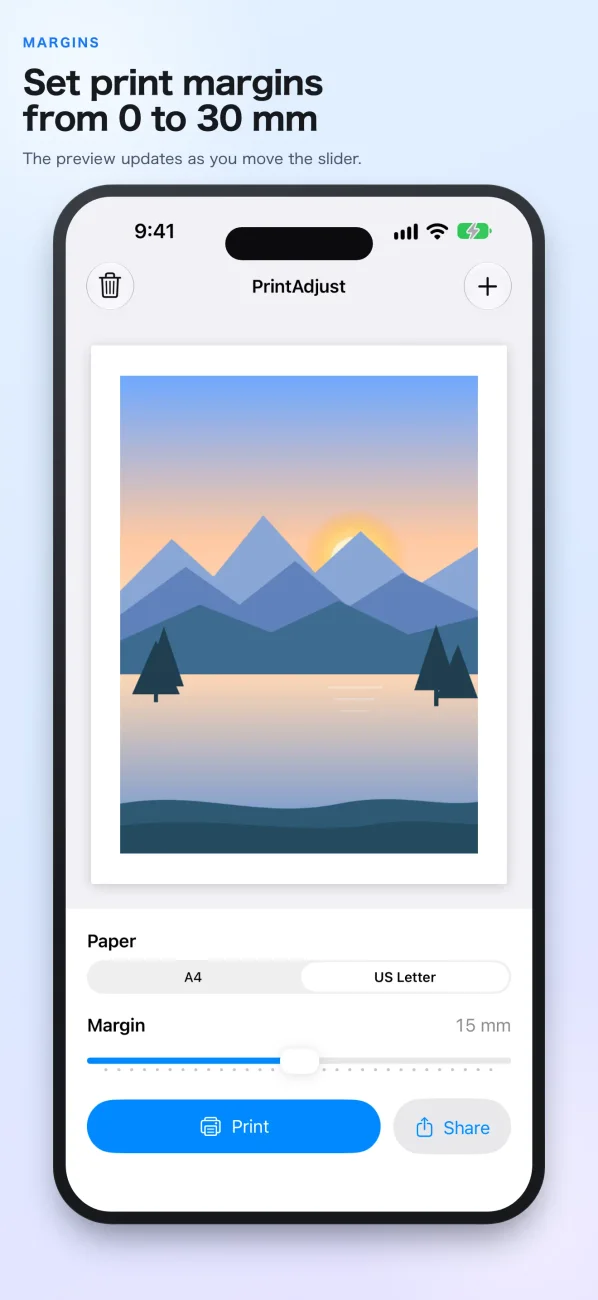
- Set the margin on all four sides from 0 to 30 mm, in 1 mm steps.
- Images start inside the margins with their aspect ratio preserved. Choose from nine positions, including the center and corners.
- The preview updates as you move the slider.
■ Paper
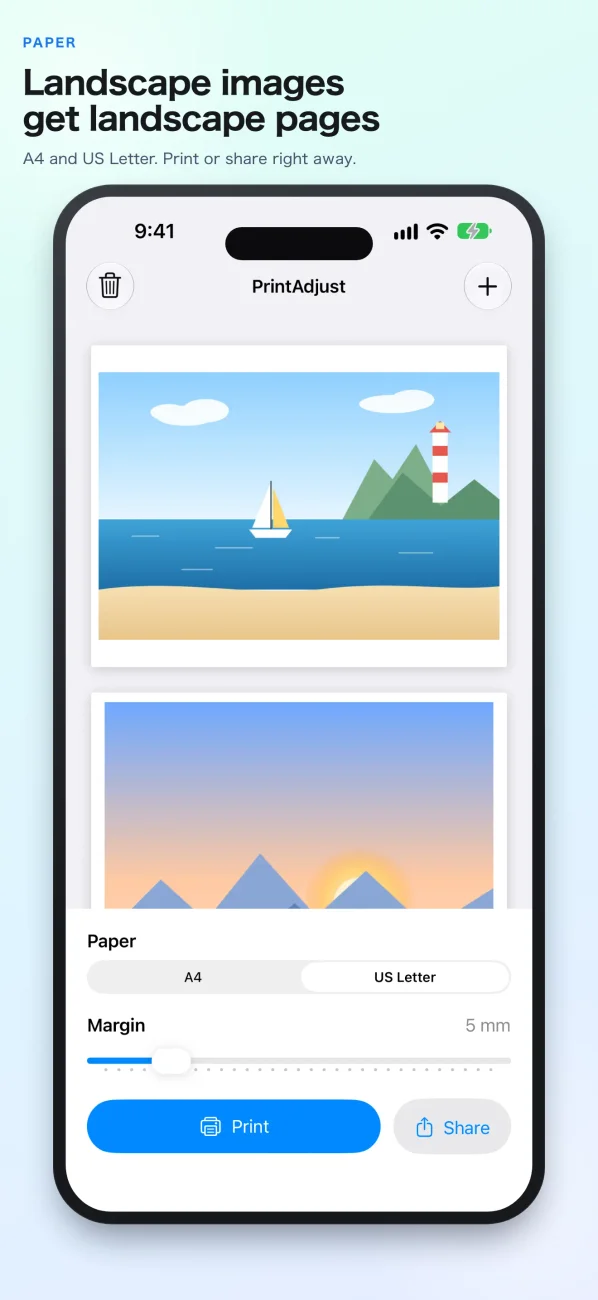
- A4, US Letter, B5 (JIS), and A3. The default follows your region.
- Landscape images get landscape pages automatically. Switch between portrait and landscape in the page editor.
■ Print and share
- Print to any AirPrint printer.
- Share the PDF to Files, Mail, AirDrop and more.
■ iPhone, iPad, and iPhone Duo
- On wide screens the preview and settings sit side by side; on narrow screens they stack.
- The layout adapts as you open or close iPhone Duo or resize an iPad window.
■ Your data
- The images you pick are used only to make the PDF and are not stored in the app.
- No account needed. The app does not use the network and does not collect data.
Yenilikler
Sürüm 1.2 · 12.10.2026
■ iPhone Duo support
The preview and settings adapt to the open and closed displays.
■ Resize and place images freely
Tap a page to edit with a drag, pinch, or corner handle. Add multiple images to one page.
■ Repeat images and group them into a canvas
Arrange copies in a grid, such as 3 columns by 4 rows. Group images into a canvas to move, resize, or duplicate them together. Undo and redo edits.
■ Paper and printing
Added B5 (JIS), A3, and nine image positions. Improved repeated printing and added an error message when printing fails.
Uygulama gizliliği
Bu uygulamanın verileri nasıl işlediği hakkında Shinichi Nanbu tarafından App Store üzerinde yapılan beyan.
-
Veri toplanmıyor
Geliştirici bu uygulamadan hiçbir veri toplamıyor.
Gizlilik uygulamaları, örneğin kullandığınız özelliklere veya yaşınıza göre değişiklik gösterebilir.
Bilgiler
- Satıcı
- Shinichi Nanbu
- Kategori
- Üretkenlik
- Sürüm
- 1.2
- Güncellendi
- 12.10.2026
- Yayın tarihi
- 30.09.2026
- Boyut
- 5,1 MB
- Gereksinim
- iOS 27.0 veya sonrası
- Yaş sınırı
- 4+
- Fiyat
- Ücretsiz
- Diller
- Japonca, İngilizce
- Telif hakkı
- © 2026 Shinichi Nambu
Bunları da beğenebilirsiniz
-
 Crop & Trim PDF MarginsÜretkenlik
-
 Pico Focus: Screen TimeÜretkenlik
-
 EasyTranslate AI: PDF & DocsÜretkenlik
-
 PDFTranslator: Düzen KorurPDF düzeni korunur · 49 dil
-
 SVG GörüntüleyiciSVG dosyalarını görüntüle
-
 Clipboard AI - Yapıştır KlavyeKopyala Geçmiş & Metin
-
 価格比較/値段比較アプリ - KurabelleÜretkenlik
-
 Vertical Planner:Calendar,TodoÜretkenlik
-
 A4Pad – Annotate, Merge PDFÜretkenlik
-
 Pomomento: Pomodoro TimerÜretkenlik