RevPDF: PDF Editor & Reader
OCR, Sign, Redact & Convert
Entwickelt für iPhone, iPad
Kostenlos · In-App-Käufe
- Altersfreigabe4+
- KategorieProduktivität
- EntwicklerPawandeep Singh
- SprachenEnglisch
- Größe57,5 MB
Verlinkt auf die offizielle App Store-Seite
Download.org hostet keine Datei von RevPDF: PDF Editor & Reader. Die Schaltfläche öffnet die App-Seite bei App Store, wo Pawandeep Singh die App veröffentlicht. Eintrag zuletzt geprüft am 15.11.2026.
Screenshots
Info
Der Entwickler hat diesen Text nicht in Ihrer Sprache bereitgestellt.
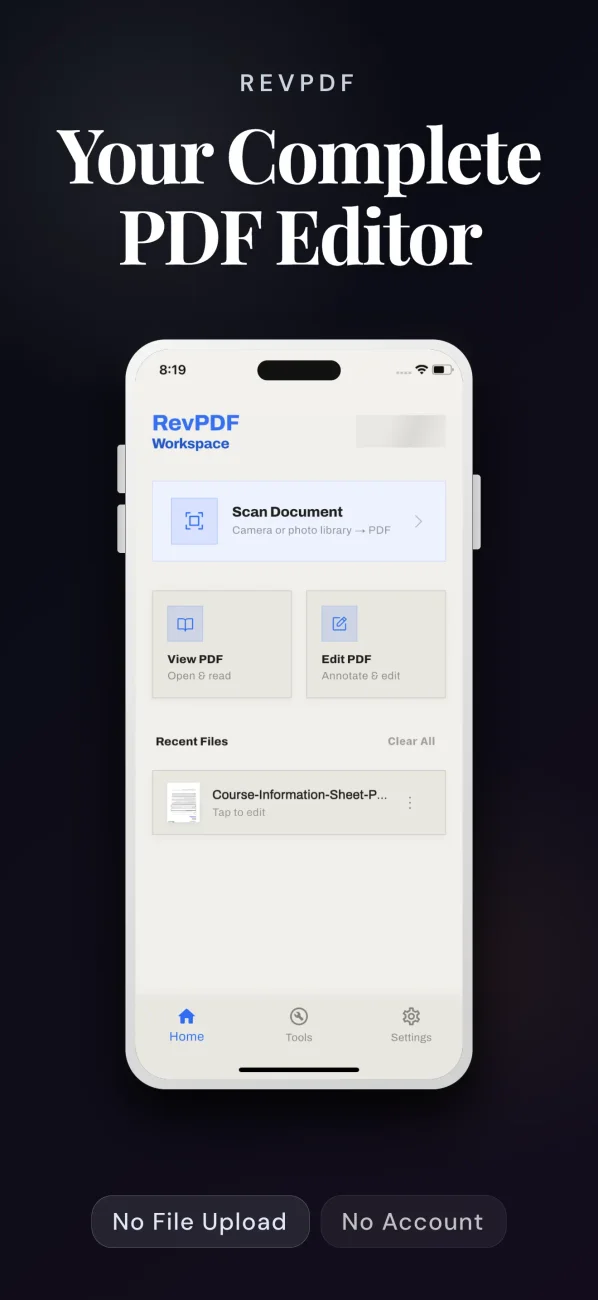
RevPDF is a powerful offline PDF editor that lets you edit existing PDF text, sign documents, run OCR, redact sensitive information, convert files, and manage pages without uploading your PDFs for processing.
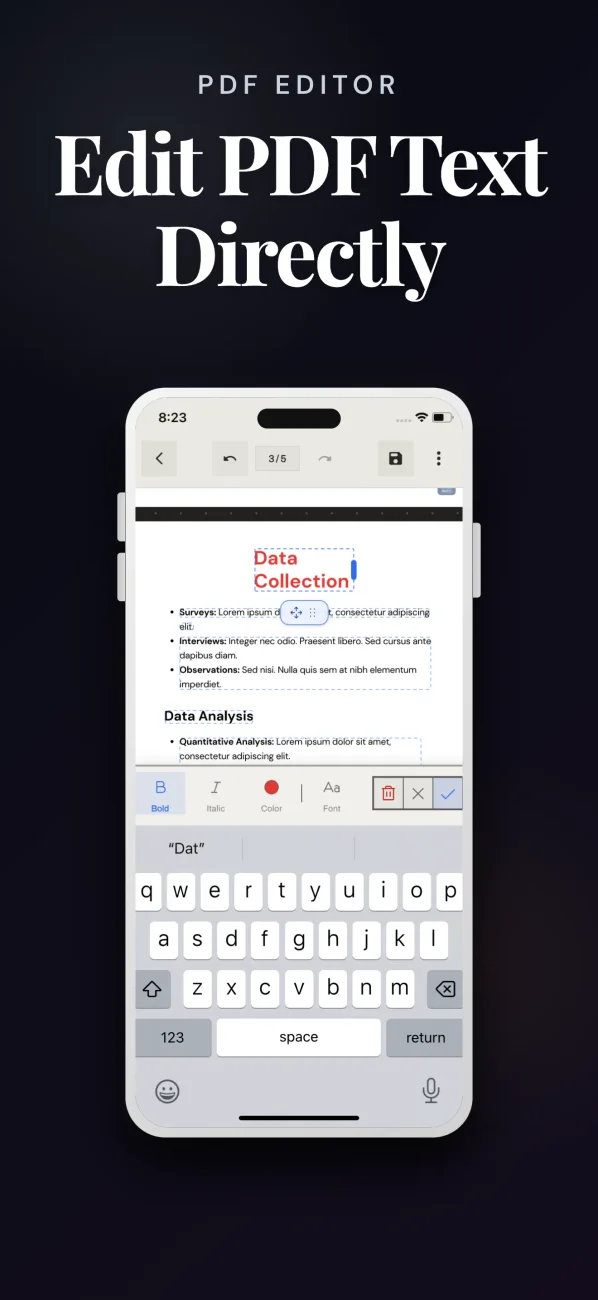
EDIT PDF TEXT DIRECTLY
Edit existing text inside the PDF with a true WYSIWYG editing experience. RevPDF supports paragraph reflow, text spilling onto following pages, font handling, find and replace, and precise content editing without rebuilding the document from scratch.
OCR & SEARCH SCANNED PDFS
Recognize text in scanned documents, select and search OCR text, and create searchable PDFs using an invisible text layer.
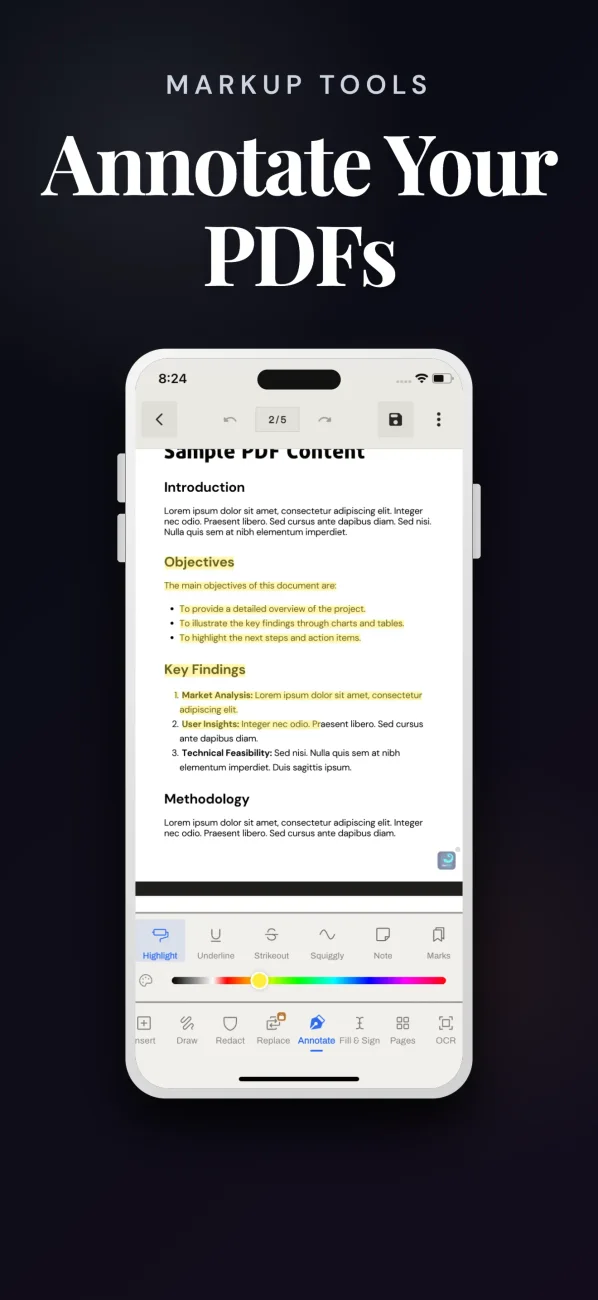
SIGN, DRAW & ANNOTATE
Draw your signature directly onto a PDF. Add freehand pen marks, highlights, comments, bookmarks, strikethroughs, and other annotations for review and markup.
REDACT SENSITIVE INFORMATION
Redact text and content with customizable redaction tools, or use Auto Redaction to find and remove matching sensitive information faster.
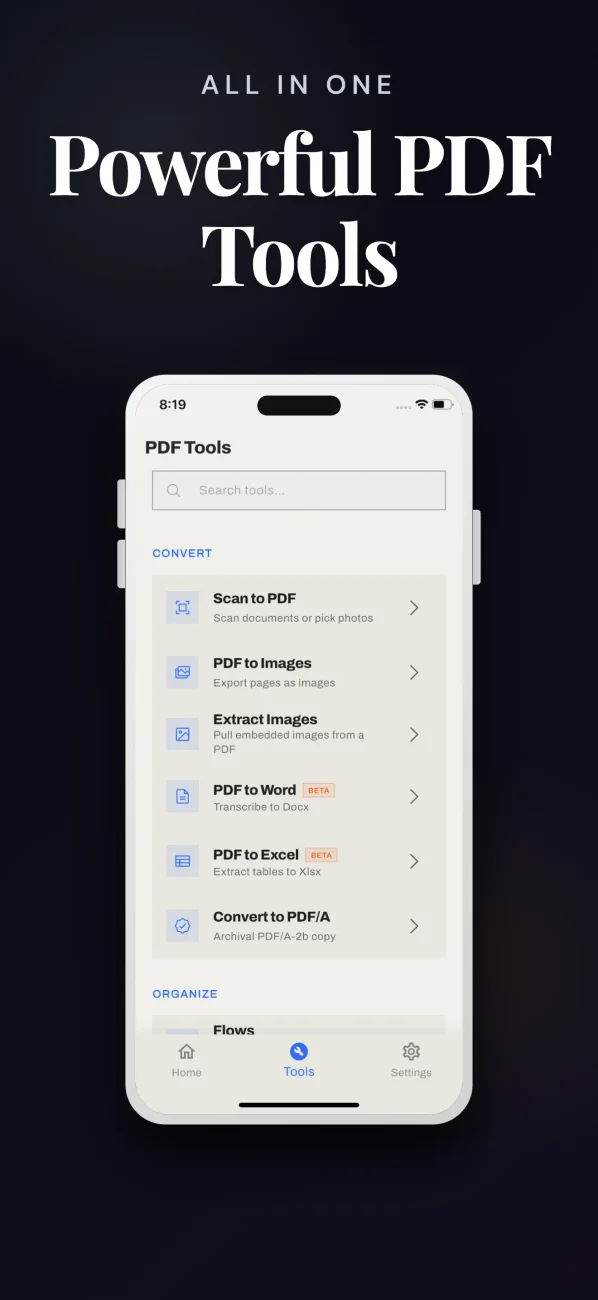
CONVERT & PROCESS PDFS
• PDF to Word
• PDF to Excel
• PDF/A conversion
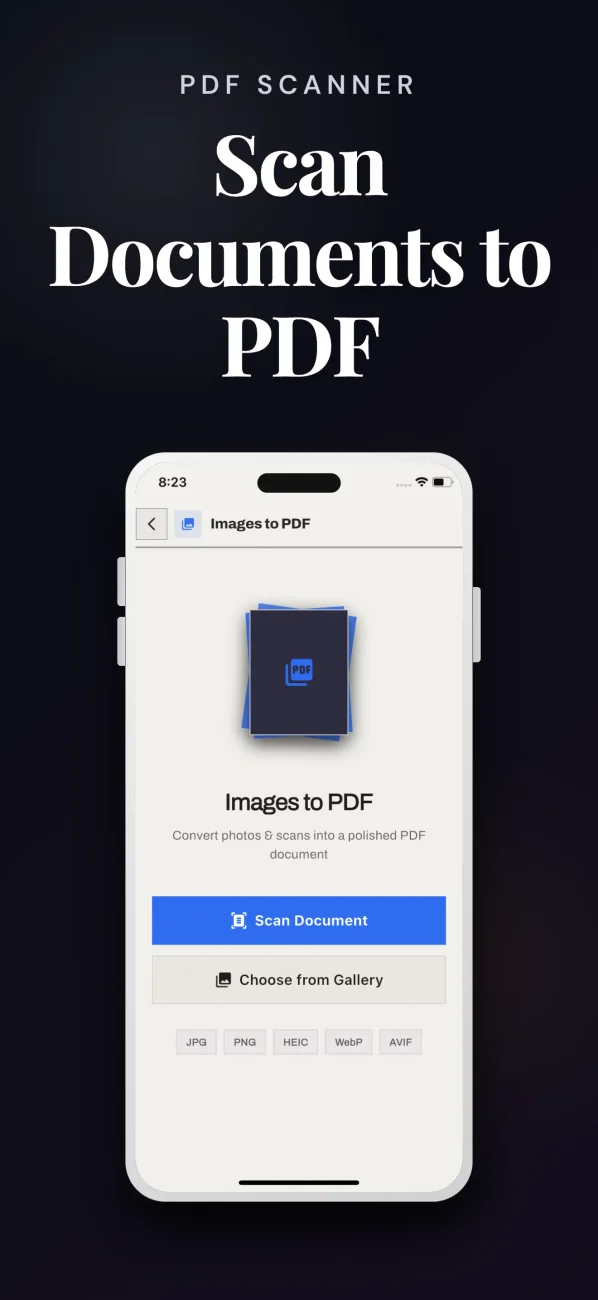
• Scan documents to PDF
• Extract images from PDFs
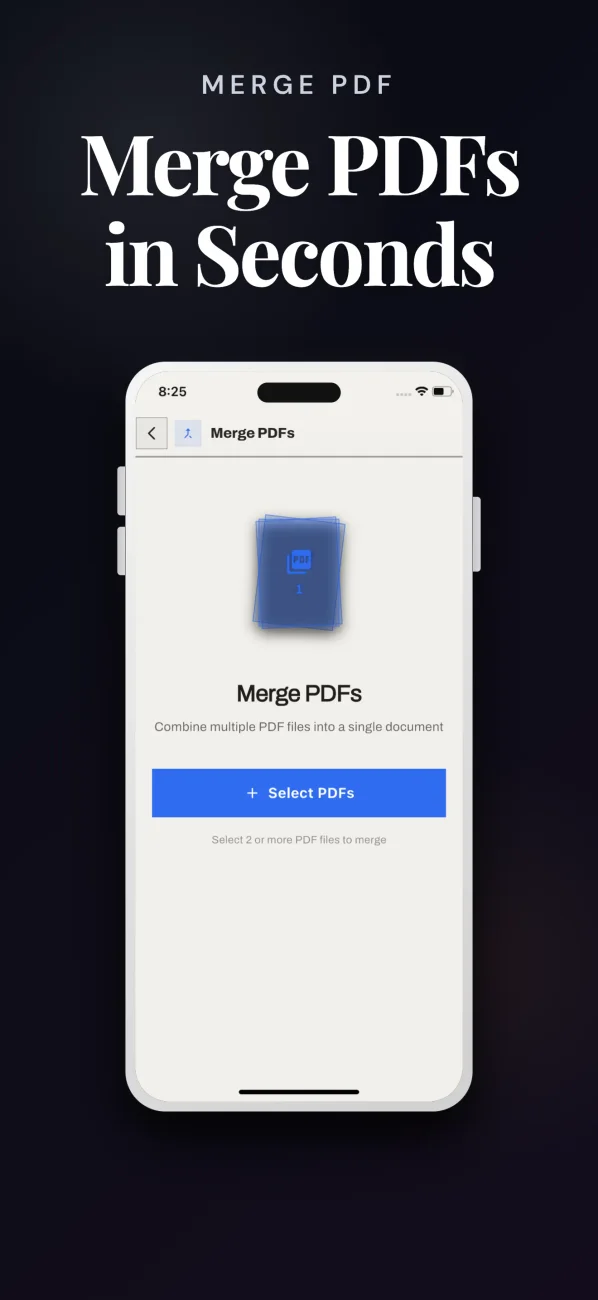
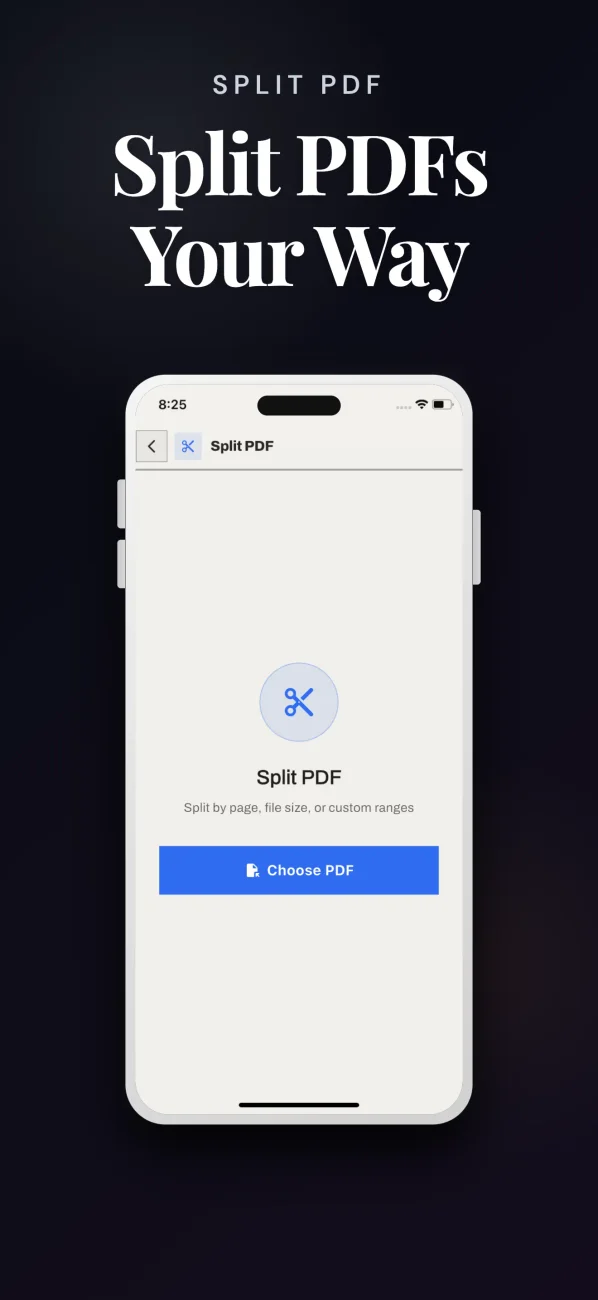
• Merge, split, and compress PDFs
• Split a PDF page vertically or horizontally at the position you choose
• Organize, reorder, and manage pages
POWER TOOLS
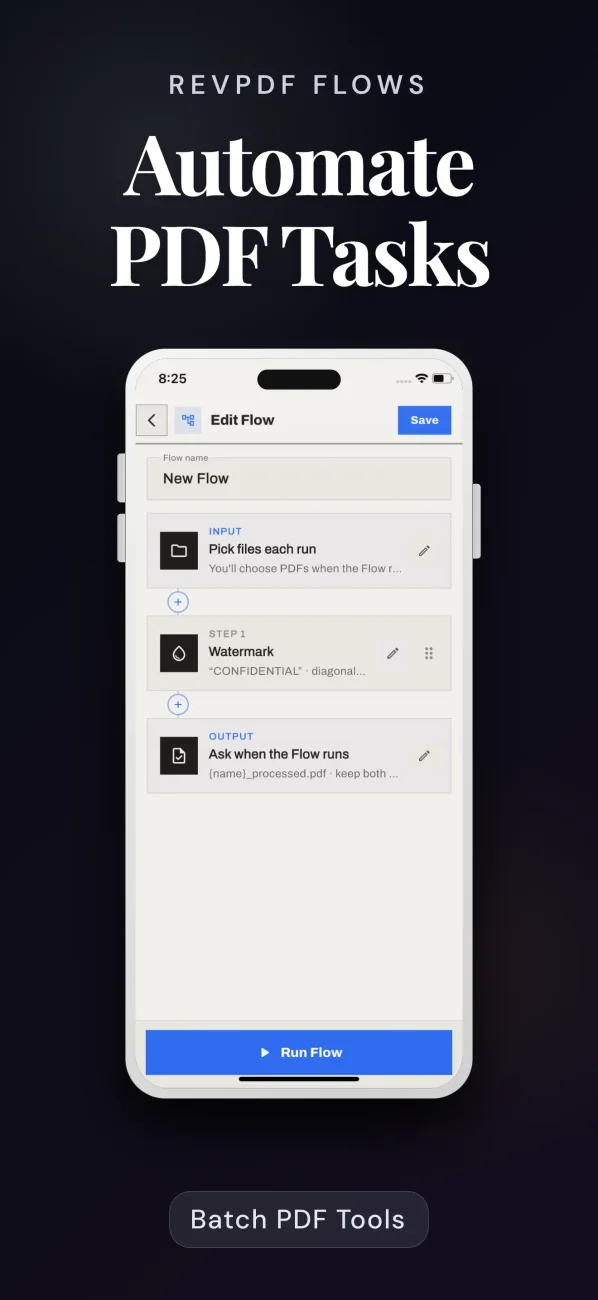
Compare PDF documents, edit PDF metadata, add headers and footers, add watermarks, flatten PDFs, remove passwords from documents you can access, and use Flows to batch-process multiple files with repeatable operations.
PRIVATE BY DESIGN
Your PDF files are processed on your device and are not uploaded for editing or processing. RevPDF can work offline for document operations. The app may occasionally access the internet for supporting resources such as downloading a required font, but your PDF documents stay on your device.
COMPACT, SERIOUS PDF SOFTWARE
RevPDF brings advanced editing, OCR, redaction, conversion, annotation, signing, and batch tools into a compact app designed for everyday documents and professional workflows.
Open a PDF and get the work done with RevPDF.
Neue Funktionen
Version 5.0.0 · 19.08.2026
**What’s New in RevPDF 5.0**
• New WYSIWYG editor for smoother, faster PDF editing
• Flows for batch PDF automation
• PDF Compare
• PDF to Excel and improved PDF to Word
• Smarter redaction tools
• New Organize PDF, Header & Footer, and PDF/A tools
• Improved Split and form filling
• New themes and expanded language support
App-Datenschutz
Was Pawandeep Singh im App Store zum Umgang dieser App mit Daten angibt.
-
Keine Daten erfasst
Der Entwickler erfasst keine Daten von dieser App.
Die Datenschutzpraktiken können variieren, zum Beispiel je nach den von Ihnen verwendeten Funktionen oder Ihrem Alter.
Informationen
- Anbieter
- Pawandeep Singh
- Kategorie
- Produktivität
- Version
- 5.0.0
- Aktualisiert
- 19.08.2026
- Veröffentlicht
- 03.02.2026
- Größe
- 57,5 MB
- Erfordert
- iOS 16.0 oder neuer
- Altersfreigabe
- 4+
- Preis
- Kostenlos
- In-App-Käufe
- Ja
- Sprachen
- Englisch
- Copyright
- © 2026 Pawandeep Singh
Das könnte Ihnen auch gefallen
-
 STELCOProduktivität
-
 Dhivehi CalendarProduktivität
-
 PoliceMVProduktivität
-
 KeyolhuProduktivität
-
 CleverType - AI KeyboardProduktivität
-
 PDF Editor & Converter - PDNobProduktivität
-
 SparkPDF: Scanner & SignaturPDF ausfüllen, zusammenfügen
-
 PDF bearbeiten & scannen proDokumente & foto scanner app
-
 MihraabProduktivität
-
 Dokument & PDF Scanner - FyleScan App, Belege & Rechnungen