RevPDF: PDF Editor & Reader
OCR, Sign, Redact & Convert
Dirancang untuk iPhone, iPad
Gratis · Pembelian dalam aplikasi
- Batasan usia4+
- KategoriProduktivitas
- PengembangPawandeep Singh
- BahasaInggris
- Ukuran57,5 MB
Tertaut ke halaman resmi App Store
Download.org tidak menyimpan file RevPDF: PDF Editor & Reader apa pun. Tombol ini membuka halaman aplikasi di App Store, tempat Pawandeep Singh menerbitkannya. Halaman terakhir diperiksa pada 15/11/2026.
Tangkapan layar
Tentang
Pengembang belum menyediakan teks ini dalam bahasa Anda.
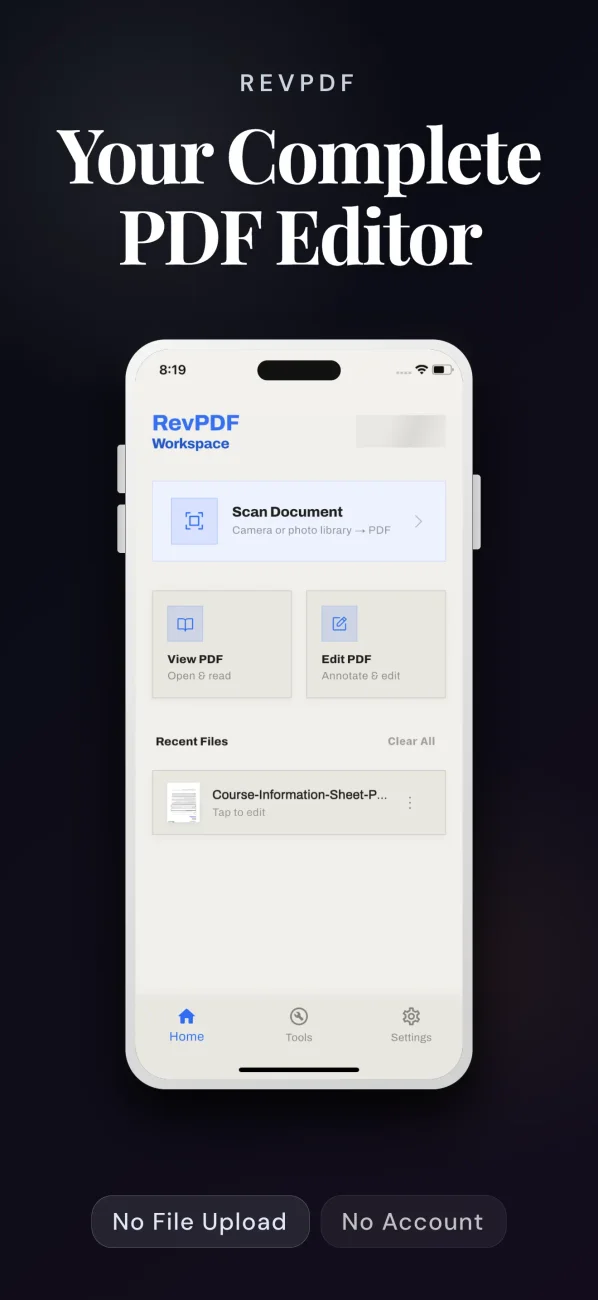
RevPDF is a powerful offline PDF editor that lets you edit existing PDF text, sign documents, run OCR, redact sensitive information, convert files, and manage pages without uploading your PDFs for processing.
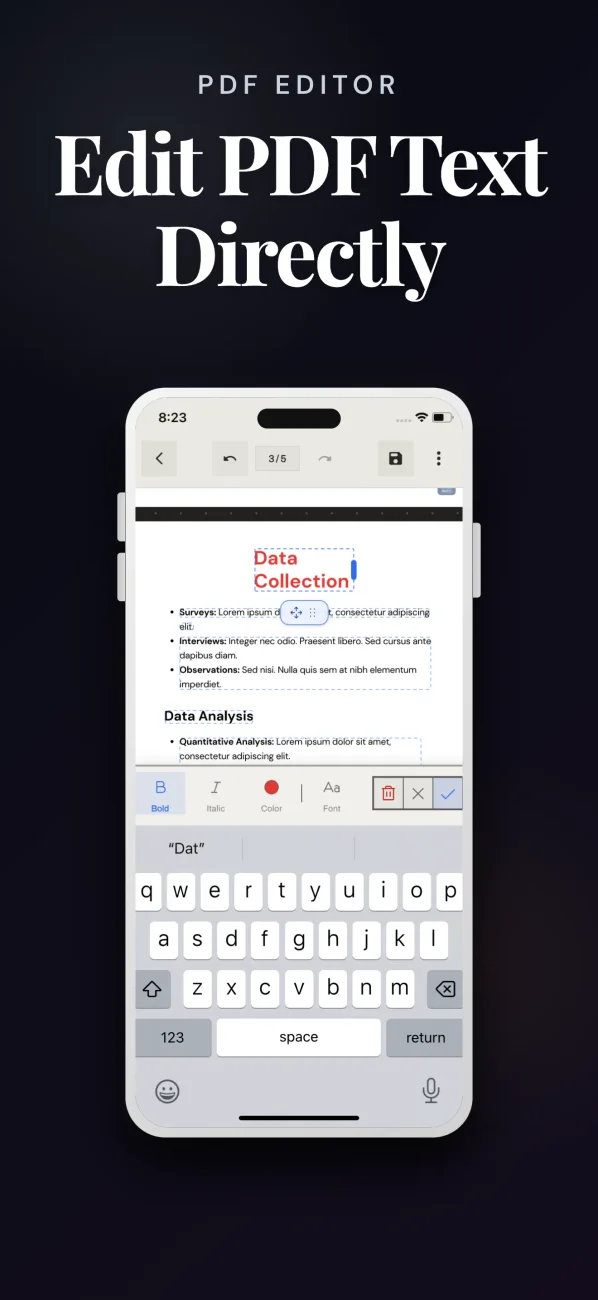
EDIT PDF TEXT DIRECTLY
Edit existing text inside the PDF with a true WYSIWYG editing experience. RevPDF supports paragraph reflow, text spilling onto following pages, font handling, find and replace, and precise content editing without rebuilding the document from scratch.
OCR & SEARCH SCANNED PDFS
Recognize text in scanned documents, select and search OCR text, and create searchable PDFs using an invisible text layer.
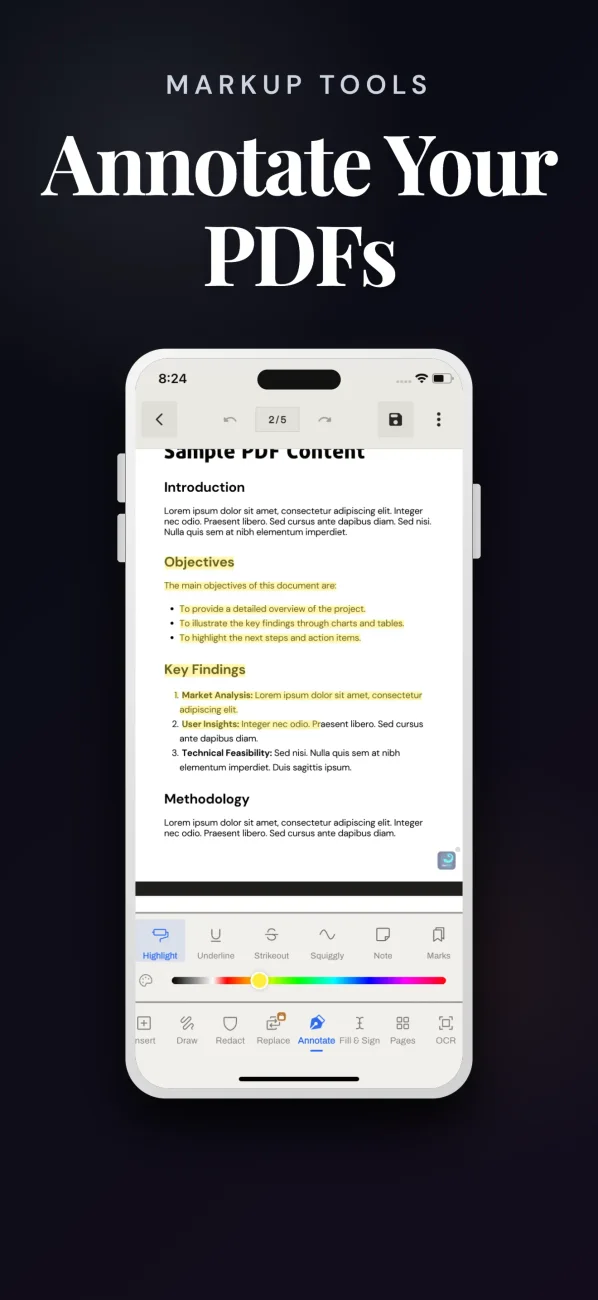
SIGN, DRAW & ANNOTATE
Draw your signature directly onto a PDF. Add freehand pen marks, highlights, comments, bookmarks, strikethroughs, and other annotations for review and markup.
REDACT SENSITIVE INFORMATION
Redact text and content with customizable redaction tools, or use Auto Redaction to find and remove matching sensitive information faster.
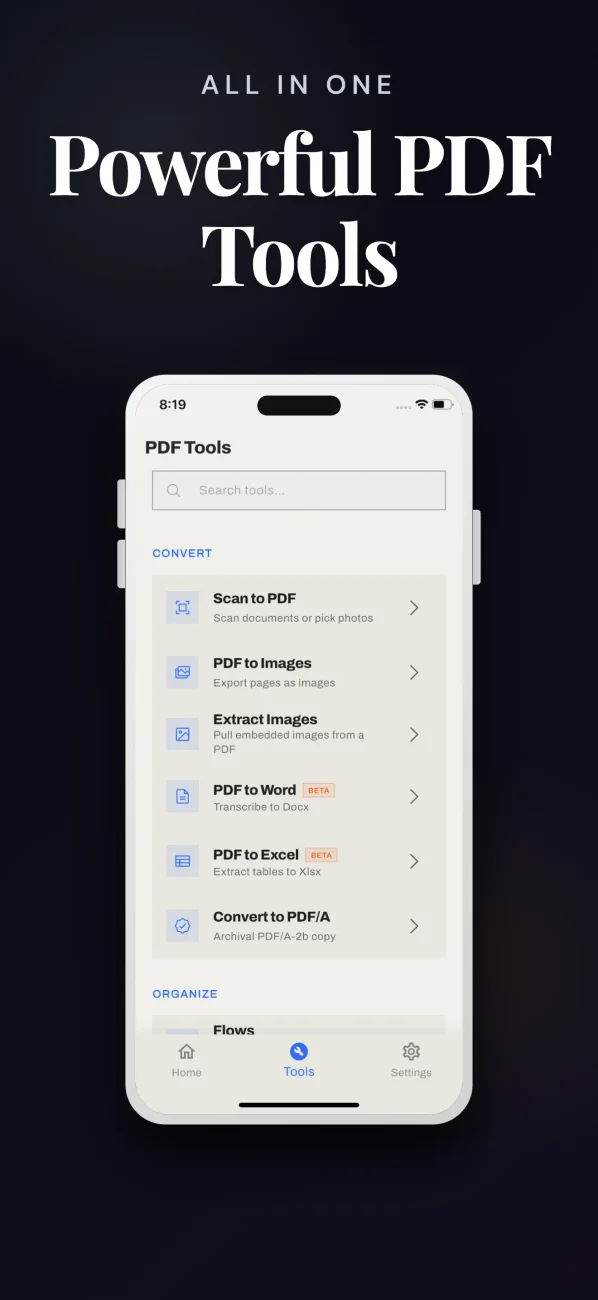
CONVERT & PROCESS PDFS
• PDF to Word
• PDF to Excel
• PDF/A conversion
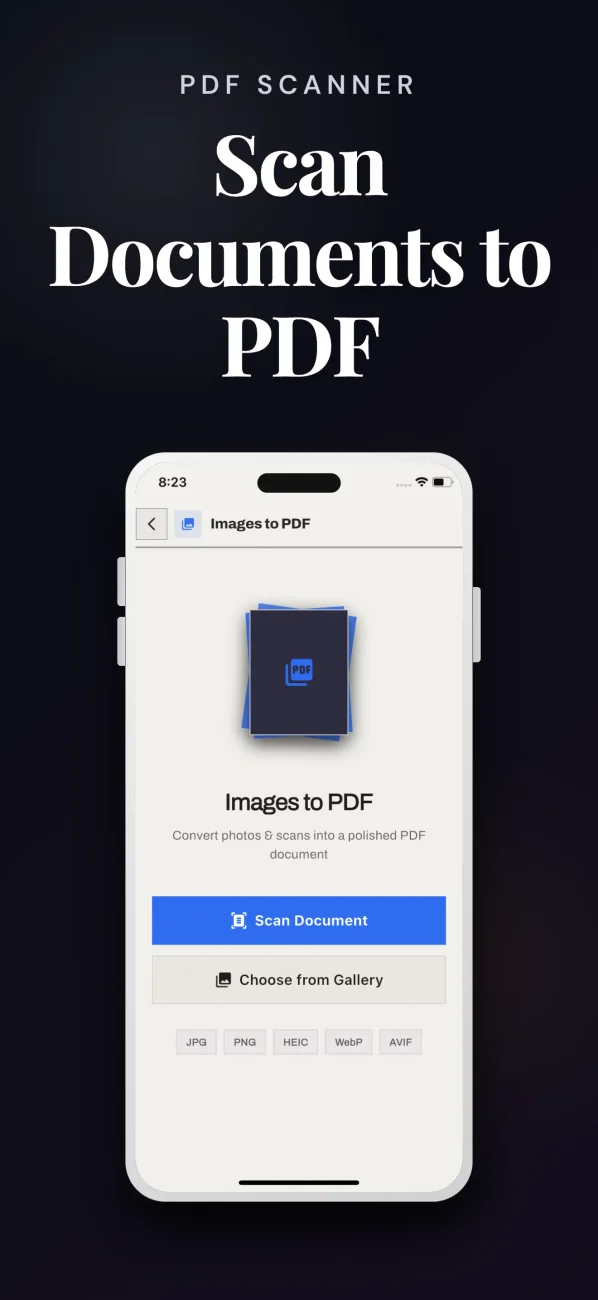
• Scan documents to PDF
• Extract images from PDFs
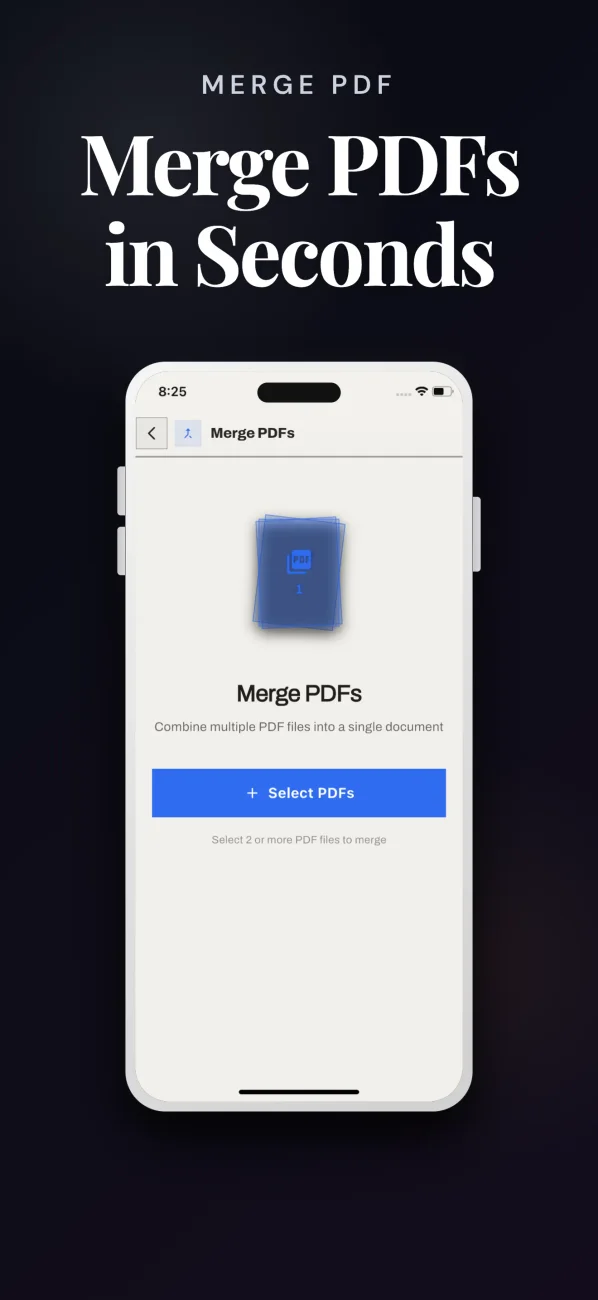
• Merge, split, and compress PDFs
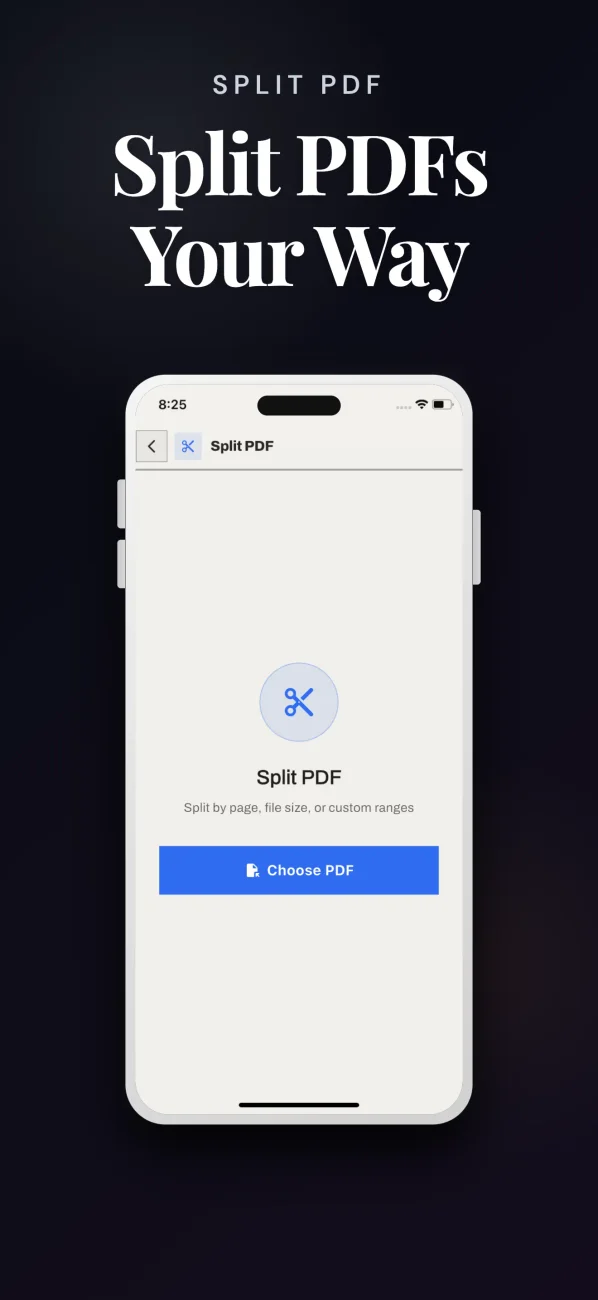
• Split a PDF page vertically or horizontally at the position you choose
• Organize, reorder, and manage pages
POWER TOOLS
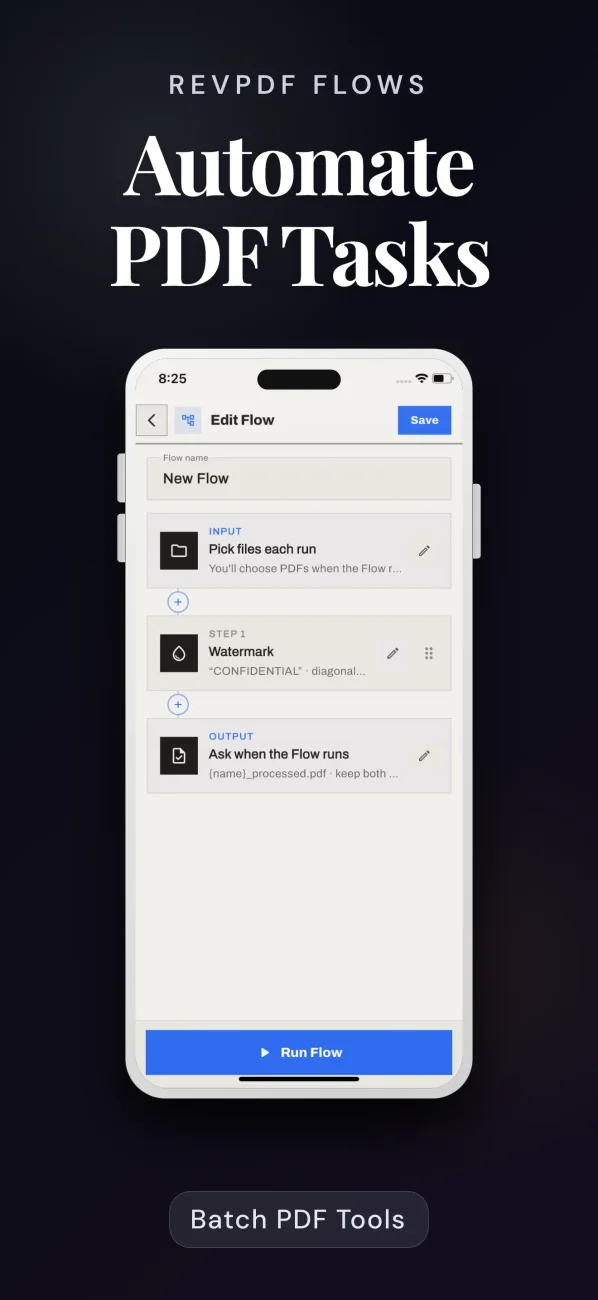
Compare PDF documents, edit PDF metadata, add headers and footers, add watermarks, flatten PDFs, remove passwords from documents you can access, and use Flows to batch-process multiple files with repeatable operations.
PRIVATE BY DESIGN
Your PDF files are processed on your device and are not uploaded for editing or processing. RevPDF can work offline for document operations. The app may occasionally access the internet for supporting resources such as downloading a required font, but your PDF documents stay on your device.
COMPACT, SERIOUS PDF SOFTWARE
RevPDF brings advanced editing, OCR, redaction, conversion, annotation, signing, and batch tools into a compact app designed for everyday documents and professional workflows.
Open a PDF and get the work done with RevPDF.
Yang baru
Versi 5.0.0 · 19/8/2026
**What’s New in RevPDF 5.0**
• New WYSIWYG editor for smoother, faster PDF editing
• Flows for batch PDF automation
• PDF Compare
• PDF to Excel and improved PDF to Word
• Smarter redaction tools
• New Organize PDF, Header & Footer, and PDF/A tools
• Improved Split and form filling
• New themes and expanded language support
Privasi aplikasi
Yang dinyatakan Pawandeep Singh di App Store tentang cara aplikasi ini menangani data.
-
Data tidak dikumpulkan
Pengembang tidak mengumpulkan data apa pun dari aplikasi ini.
Praktik privasi dapat bervariasi, misalnya berdasarkan fitur yang Anda gunakan atau usia Anda.
Informasi
- Penjual
- Pawandeep Singh
- Kategori
- Produktivitas
- Versi
- 5.0.0
- Diperbarui
- 19/8/2026
- Dirilis
- 3/2/2026
- Ukuran
- 57,5 MB
- Memerlukan
- iOS 16.0 atau yang lebih baru
- Batasan usia
- 4+
- Harga
- Gratis
- Pembelian dalam aplikasi
- Ya
- Bahasa
- Inggris
- Hak cipta
- © 2026 Pawandeep Singh
Mungkin Anda juga suka
-
 STELCOProduktivitas
-
 Dhivehi CalendarProduktivitas
-
 PoliceMVProduktivitas
-
 KeyolhuProduktivitas
-
 CleverType - AI KeyboardProduktivitas
-
 PDF Editor & Converter - PDNobProduktivitas
-
 SparkPDF: Pindai & Isi PDFScan, Tanda Tangan & Isi PDF
-
 PDF Scanner Document Convert +Produktivitas
-
 MihraabProduktivitas
-
 Documents & PDF Scanner - FyleProduktivitas