- 対象年齢4+
- カテゴリ仕事効率化
- 開発元Pawandeep Singh
- 言語英語
- サイズ57.5 MB
App Storeの公式ページにリンクしています
Download.orgはRevPDF: PDF Editor & Readerのファイルを一切ホストしていません。ボタンを押すと、Pawandeep Singhが公開しているApp Storeのアプリページが開きます。ページの最終確認:2026/11/15。
スクリーンショット
概要
開発元はこのテキストをお使いの言語で提供していません。
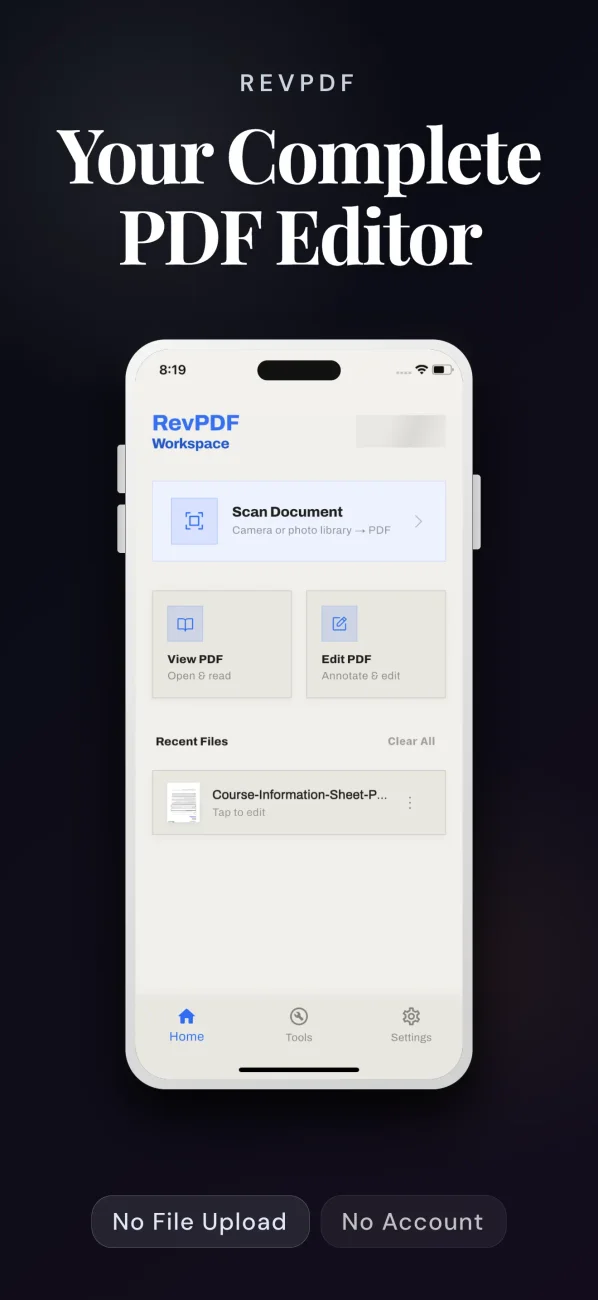
RevPDF is a powerful offline PDF editor that lets you edit existing PDF text, sign documents, run OCR, redact sensitive information, convert files, and manage pages without uploading your PDFs for processing.
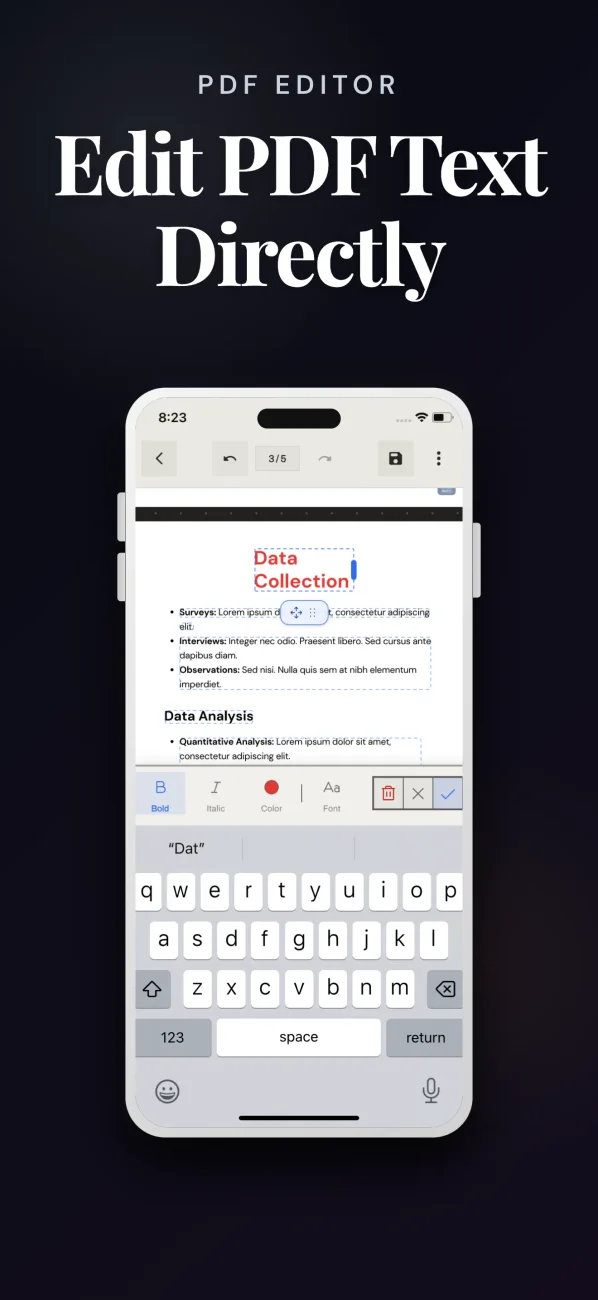
EDIT PDF TEXT DIRECTLY
Edit existing text inside the PDF with a true WYSIWYG editing experience. RevPDF supports paragraph reflow, text spilling onto following pages, font handling, find and replace, and precise content editing without rebuilding the document from scratch.
OCR & SEARCH SCANNED PDFS
Recognize text in scanned documents, select and search OCR text, and create searchable PDFs using an invisible text layer.
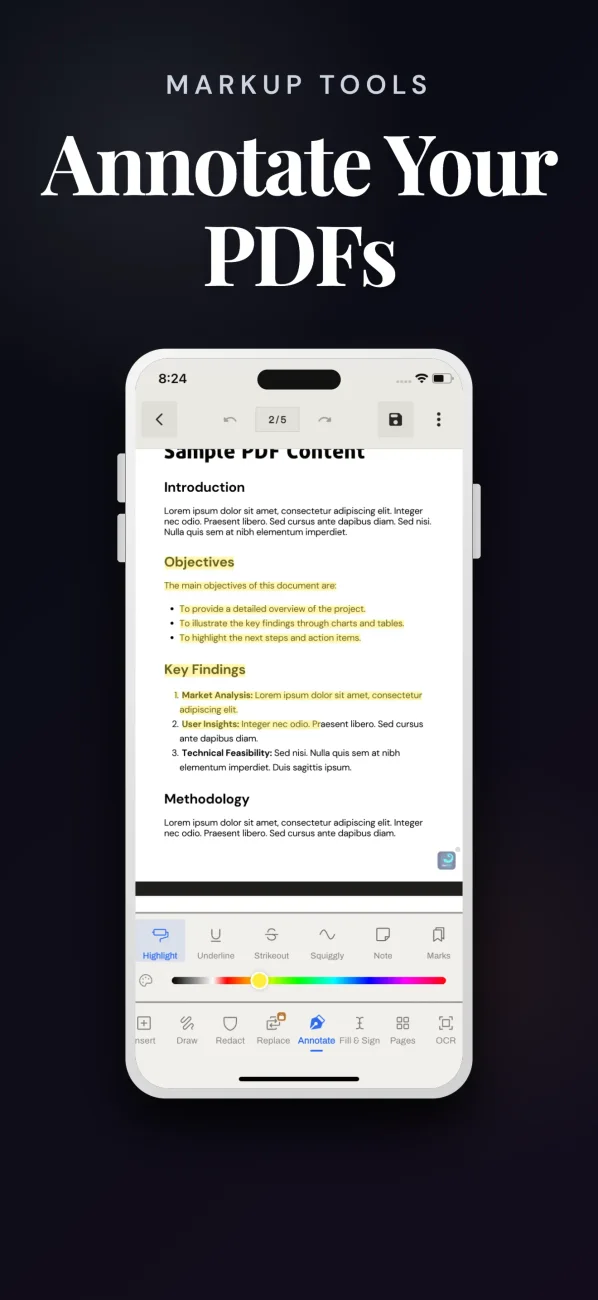
SIGN, DRAW & ANNOTATE
Draw your signature directly onto a PDF. Add freehand pen marks, highlights, comments, bookmarks, strikethroughs, and other annotations for review and markup.
REDACT SENSITIVE INFORMATION
Redact text and content with customizable redaction tools, or use Auto Redaction to find and remove matching sensitive information faster.
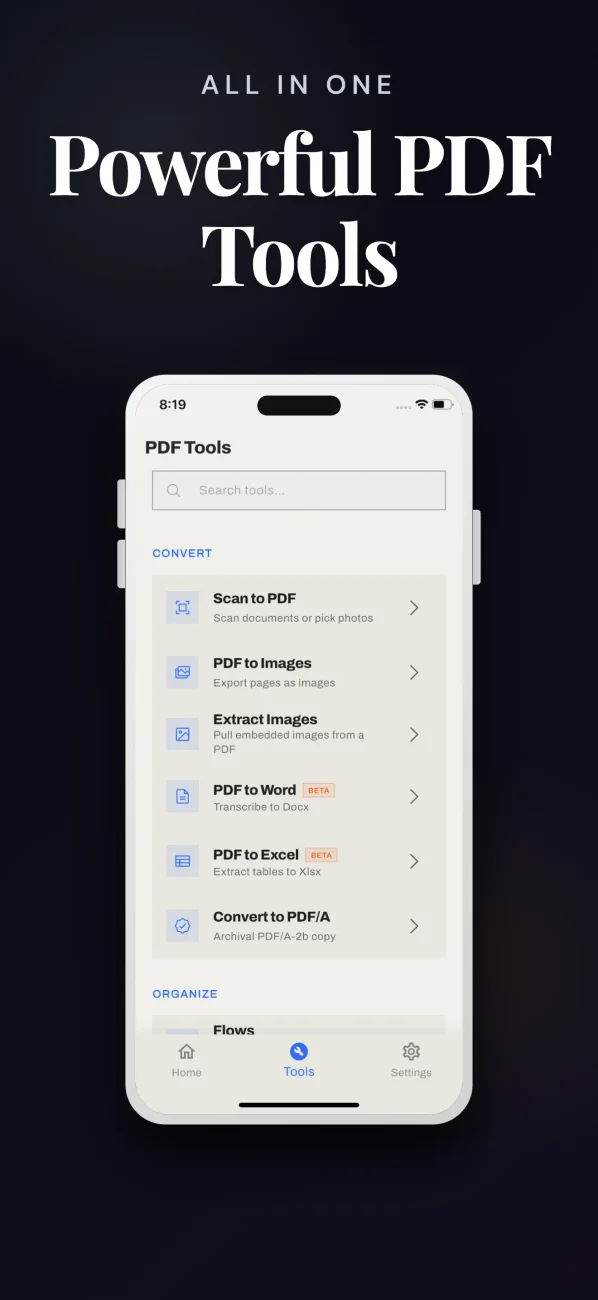
CONVERT & PROCESS PDFS
• PDF to Word
• PDF to Excel
• PDF/A conversion
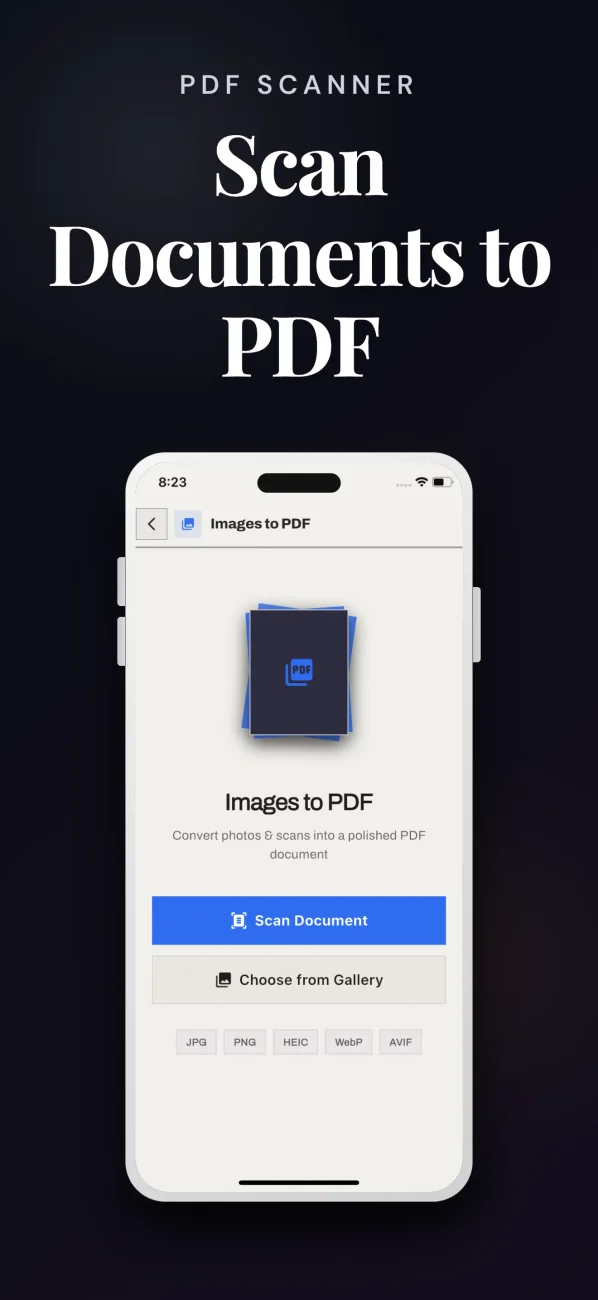
• Scan documents to PDF
• Extract images from PDFs
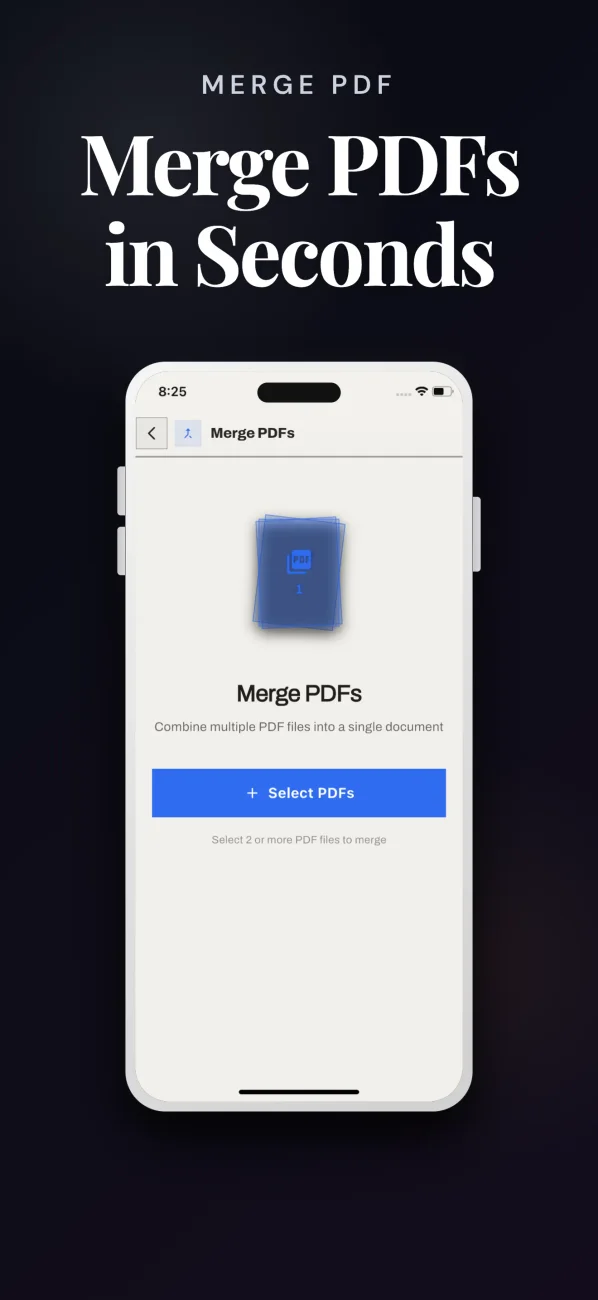
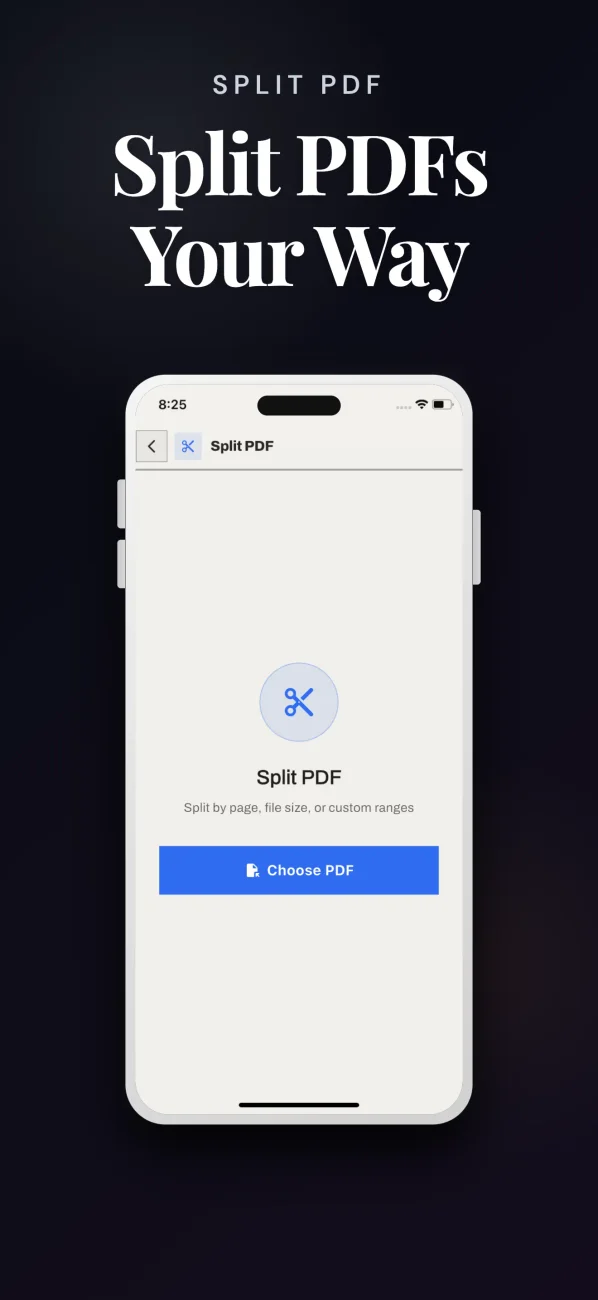
• Merge, split, and compress PDFs
• Split a PDF page vertically or horizontally at the position you choose
• Organize, reorder, and manage pages
POWER TOOLS
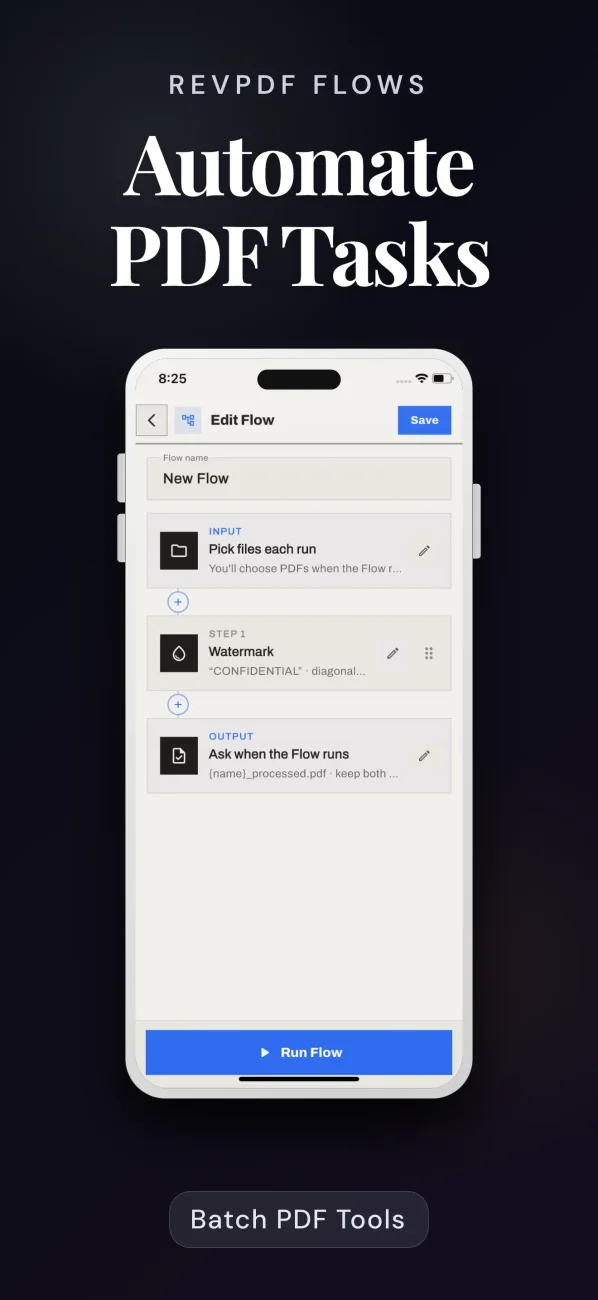
Compare PDF documents, edit PDF metadata, add headers and footers, add watermarks, flatten PDFs, remove passwords from documents you can access, and use Flows to batch-process multiple files with repeatable operations.
PRIVATE BY DESIGN
Your PDF files are processed on your device and are not uploaded for editing or processing. RevPDF can work offline for document operations. The app may occasionally access the internet for supporting resources such as downloading a required font, but your PDF documents stay on your device.
COMPACT, SERIOUS PDF SOFTWARE
RevPDF brings advanced editing, OCR, redaction, conversion, annotation, signing, and batch tools into a compact app designed for everyday documents and professional workflows.
Open a PDF and get the work done with RevPDF.
新機能
バージョン 5.0.0 · 2026/8/19
**What’s New in RevPDF 5.0**
• New WYSIWYG editor for smoother, faster PDF editing
• Flows for batch PDF automation
• PDF Compare
• PDF to Excel and improved PDF to Word
• Smarter redaction tools
• New Organize PDF, Header & Footer, and PDF/A tools
• Improved Split and form filling
• New themes and expanded language support
アプリのプライバシー
このアプリのデータの取り扱いについて、Pawandeep SinghがApp Storeで申告している内容です。
-
データの収集なし
開発元はこのアプリからデータを収集しません。
プライバシーの取り扱いは、ご利用の機能やお客様の年齢などに応じて異なる場合があります。
情報
- 販売元
- Pawandeep Singh
- カテゴリ
- 仕事効率化
- バージョン
- 5.0.0
- 更新日
- 2026/8/19
- リリース
- 2026/2/3
- サイズ
- 57.5 MB
- 必要条件
- iOS 16.0以降
- 対象年齢
- 4+
- 価格
- 無料
- アプリ内課金
- あり
- 言語
- 英語
- 著作権
- © 2026 Pawandeep Singh