
Same Page
Live Document Presenter
Entwickelt für iPhone, iPad, Mac
Kostenlos · In-App-Käufe
- Altersfreigabe4+
- KategorieProduktivität
- SprachenEnglisch
- Größe54,7 MB
Verlinkt auf die offizielle App Store-Seite
Download.org hostet keine Datei von Same Page. Die Schaltfläche öffnet die App-Seite bei App Store, wo die App veröffentlicht. Eintrag zuletzt geprüft am 12.11.2026.
Screenshots
Info
Der Entwickler hat diesen Text nicht in Ihrer Sprache bereitgestellt.
Get everyone on the same page -- literally.
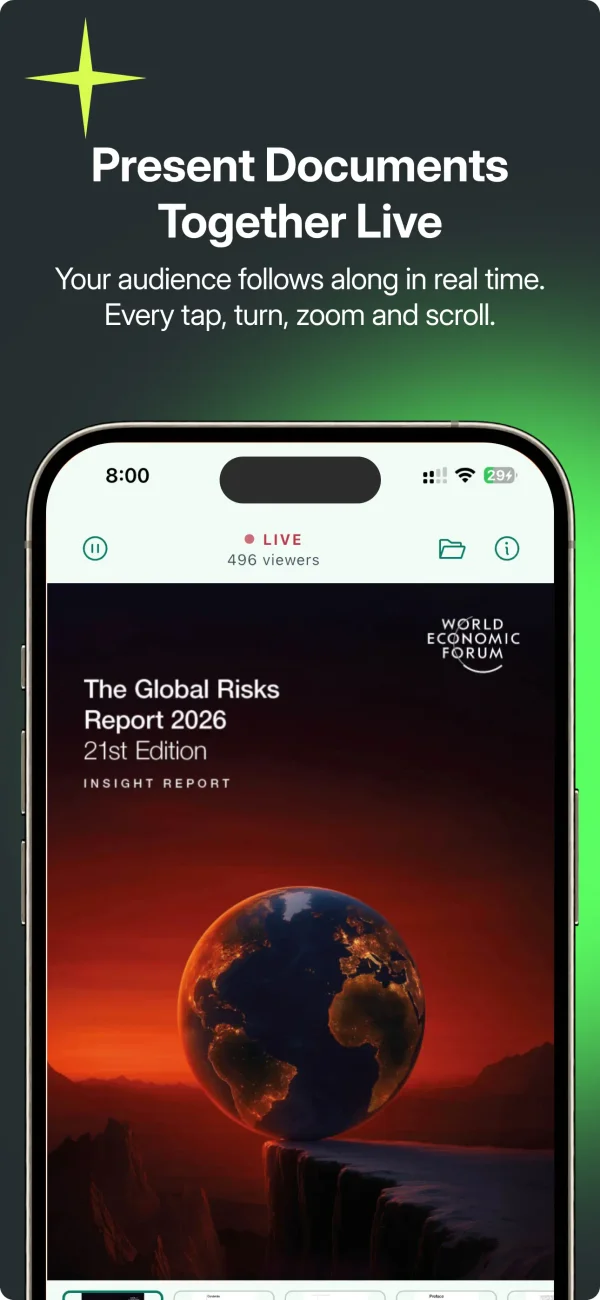
Same Page lets you present PDF, PPTX, and DOCX files live to your audience. Upload a document -- viewers follow along on their own devices, seeing exactly what you see: your page, your zoom, your scroll position -- all in real time.
No screen sharing. No "can everyone see my screen?" moments. Just upload your document, start a session, and share the join link or QR code. Your audience follows along instantly.
HOW IT WORKS
For Presenters:
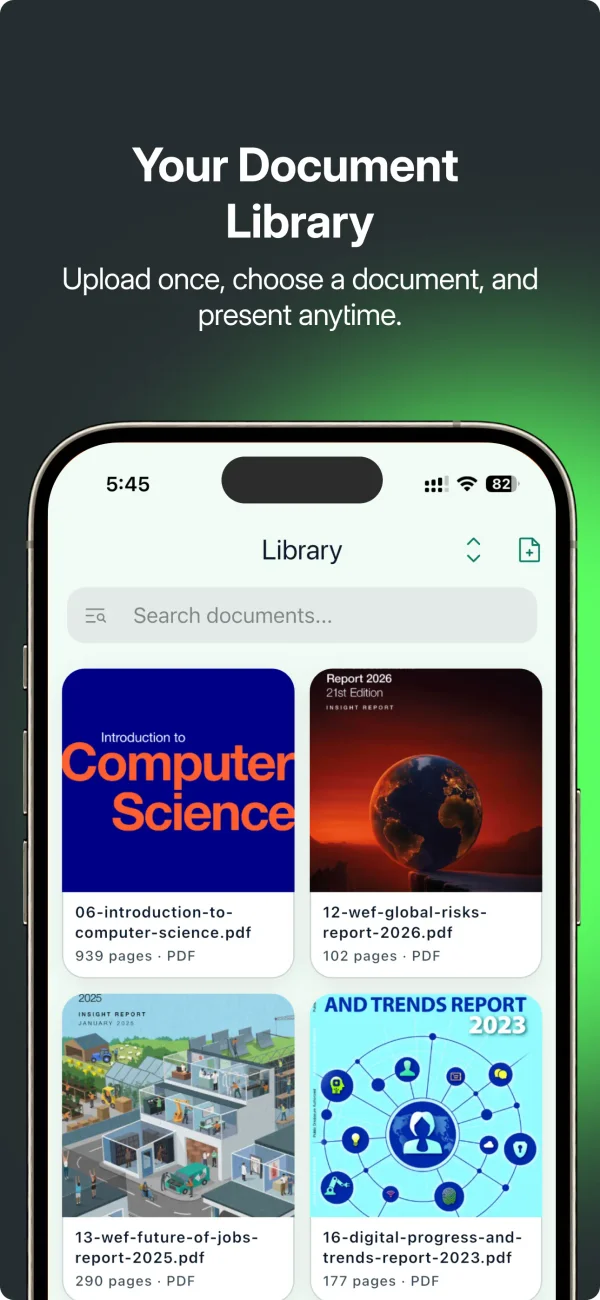
- Upload a PDF, PPTX, or DOCX file to your document library
- Tap "Go Live" to start a session
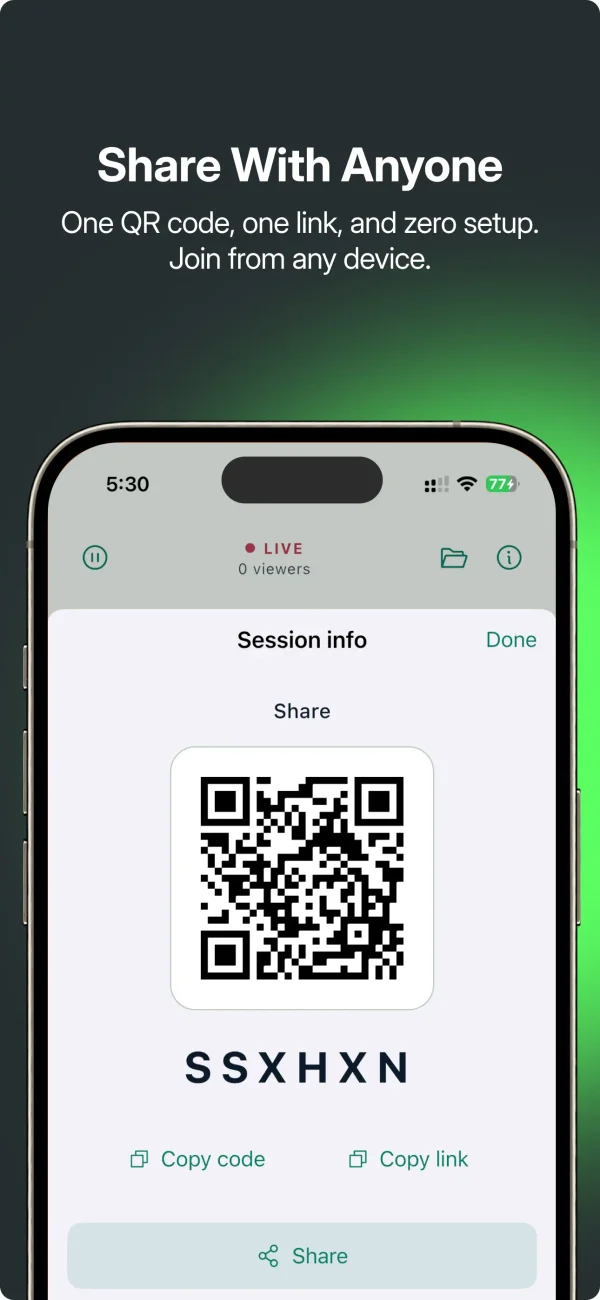
- Share the session link or QR code with your audience
- Navigate your document -- viewers follow automatically
- See how many viewers are connected in real time
For Viewers:
- Join with a session code, link, or QR scan
- No account required to join
- See the presenter's exact view on your own device
- Pinch to zoom independently when you need a closer look
- Works on iPhone, iPad, and Mac
BUILT FOR
- Teachers & Professors: Walk students through textbooks, worksheets, and reading materials without projectors
- Team Reviews: Review contracts, reports, and proposals with remote colleagues
- Study Groups: Read and discuss papers together, everyone following the same passage
- Book Clubs: Follow along in the same chapter, same paragraph, same line
- Religious Communities: Synchronized scripture reading across the congregation
- Training Sessions: Guide trainees through manuals and procedures step by step
WHY SAME PAGE?
- Real-time sync: Page turns, zoom, and scroll position sync instantly
- Works with PDF, PPTX, and DOCX files: Upload once, present again from your library
- No app required for viewers: Join from any browser, or install the app for the full experience
- QR code joining: One scan to connect
- Auto-reconnect: Viewers reconnect automatically if connection drops
- Privacy-first: No ads, no cross-app tracking, your documents stay yours
Start your first session in under 60 seconds.
Terms of Use (EULA):
https://www.apple.com/legal/internet-services/itunes/dev/stdeula/
Read more about our terms and conditions here:
https://same-page.app/terms
https://same-page.app/privacy
Neue Funktionen
Version 1.0.5 · 06.10.2026
Bug fixes and performance improvements.
App-Datenschutz
Was im App Store zum Umgang dieser App mit Daten angibt.
-
Mit Ihnen verknüpfte Daten
Können erfasst und mit Ihrer Identität verknüpft werden.
- Käufe
- Standort
- Kontaktinformationen
- Benutzerinhalte
- Kennungen
- Nutzungsdaten
- Diagnose
- Sonstige Daten
Die Datenschutzpraktiken können variieren, zum Beispiel je nach den von Ihnen verwendeten Funktionen oder Ihrem Alter.
Informationen
- Anbieter
- i4innovation LLC
- Kategorie
- Produktivität
- Version
- 1.0.5
- Aktualisiert
- 06.10.2026
- Veröffentlicht
- 10.05.2026
- Größe
- 54,7 MB
- Erfordert
- iOS 16.0 oder neuer
- Altersfreigabe
- 4+
- Preis
- Kostenlos
- In-App-Käufe
- Ja
- Sprachen
- Englisch
- Copyright
- © 2026 i4innovation LLC
Das könnte Ihnen auch gefallen
-
 PlotPal: PDF Reader mit KIKI Chat, Audio, Text lesen
-
 Transkription- Sprache zu TextKI Sprachnotizen, Diktiergerät
-
 Orbital Focus: Fokus-TimerLernen, Pomodoro, Fokus
-
 Soulver 4Notizblock trifft Rechner
-
 Notion Notizen - SchnellnotizNotizbuch, Widget, Lockscreen
-
 Minimal | Schreiben + NotizenEin Fokussierter Schreibraum
-
 FoxNote: Sprache zu TextTranskription, Sprachmemos
-
 PDF Übersetzer: Dokument & OCRWord, Excel & Scans übersetzen
-
 Sprache zu Text, TranskriptionSpracherkennung, Diktiergerät
-
 Voice Recorder - Memo + EditorProduktivität