
- Age rating4+
- CategoryProductivity
- LanguagesEnglish
- Size54.7 MB
Links to the official App Store page
Download.org hosts no file of Same Page. The button opens its official App Store page, published by . Listing last checked on Nov 12, 2026.
Screenshots
About
Get everyone on the same page -- literally.
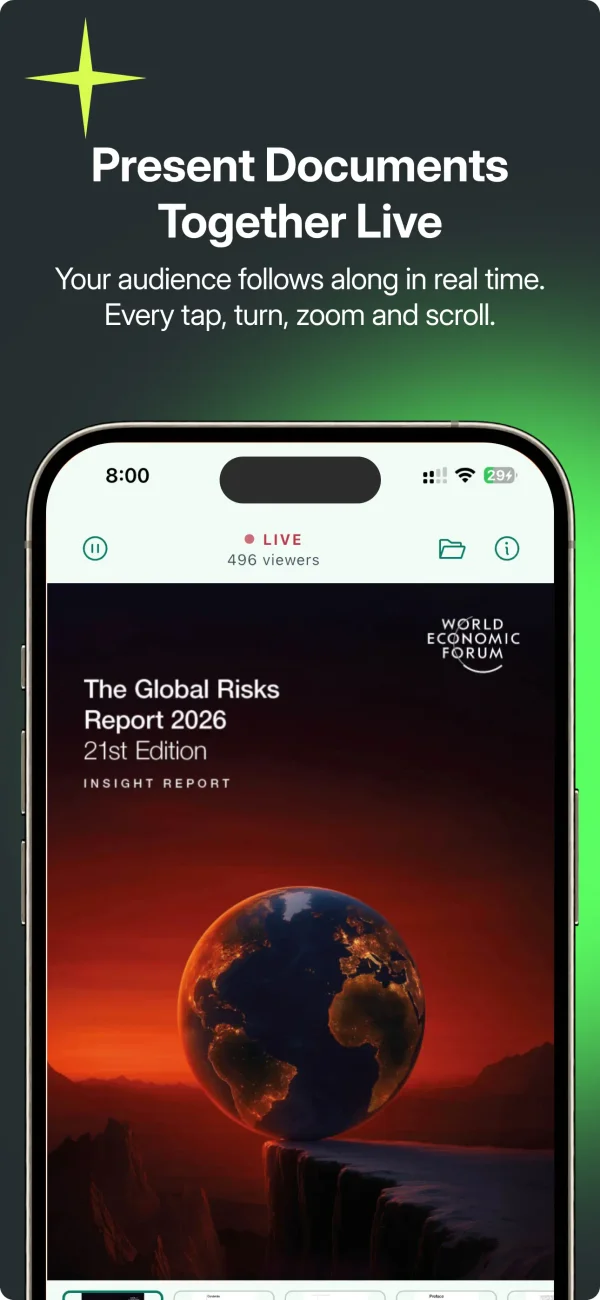
Same Page lets you present PDF, PPTX, and DOCX files live to your audience. Upload a document -- viewers follow along on their own devices, seeing exactly what you see: your page, your zoom, your scroll position -- all in real time.
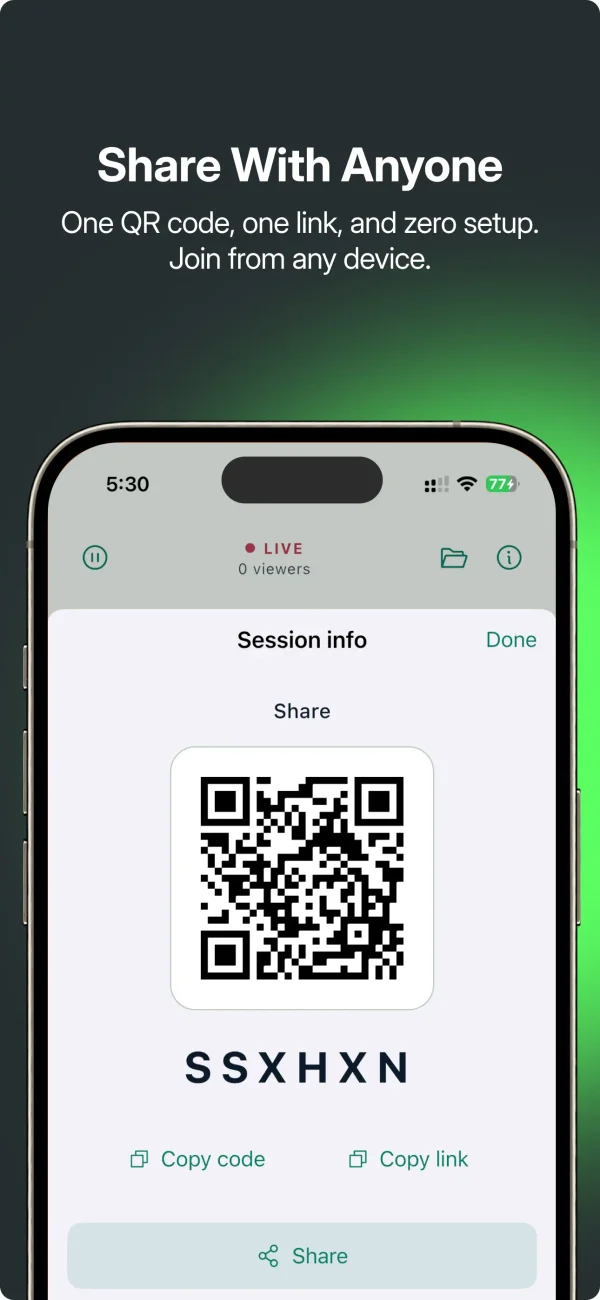
No screen sharing. No "can everyone see my screen?" moments. Just upload your document, start a session, and share the join link or QR code. Your audience follows along instantly.
HOW IT WORKS
For Presenters:
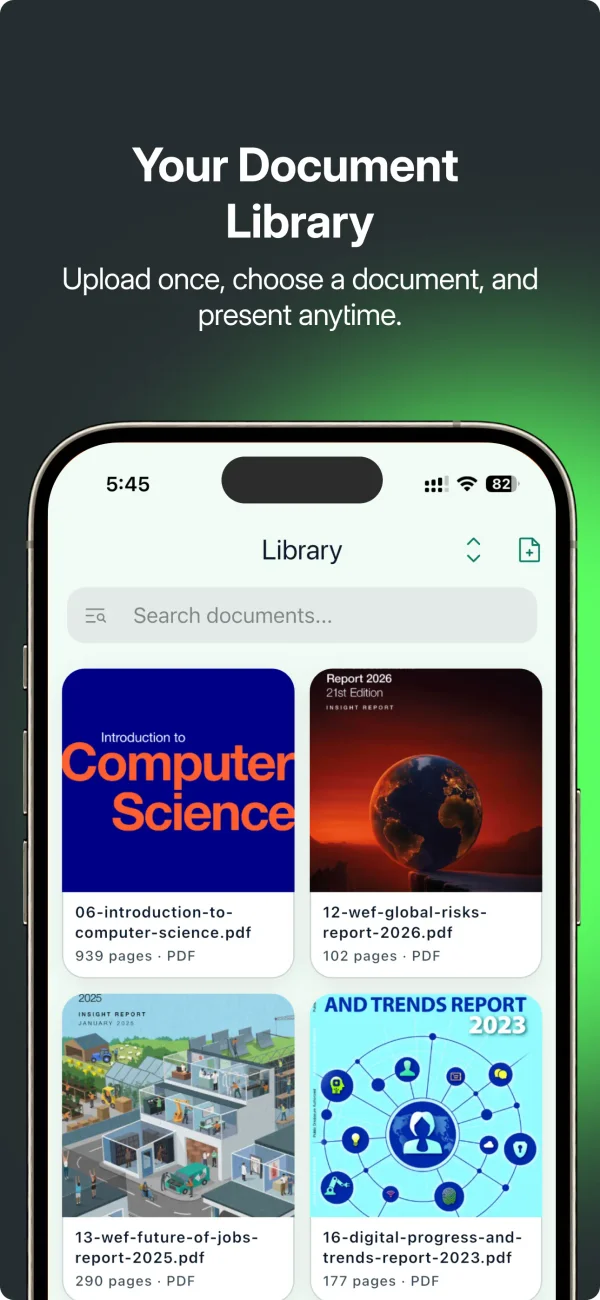
- Upload a PDF, PPTX, or DOCX file to your document library
- Tap "Go Live" to start a session
- Share the session link or QR code with your audience
- Navigate your document -- viewers follow automatically
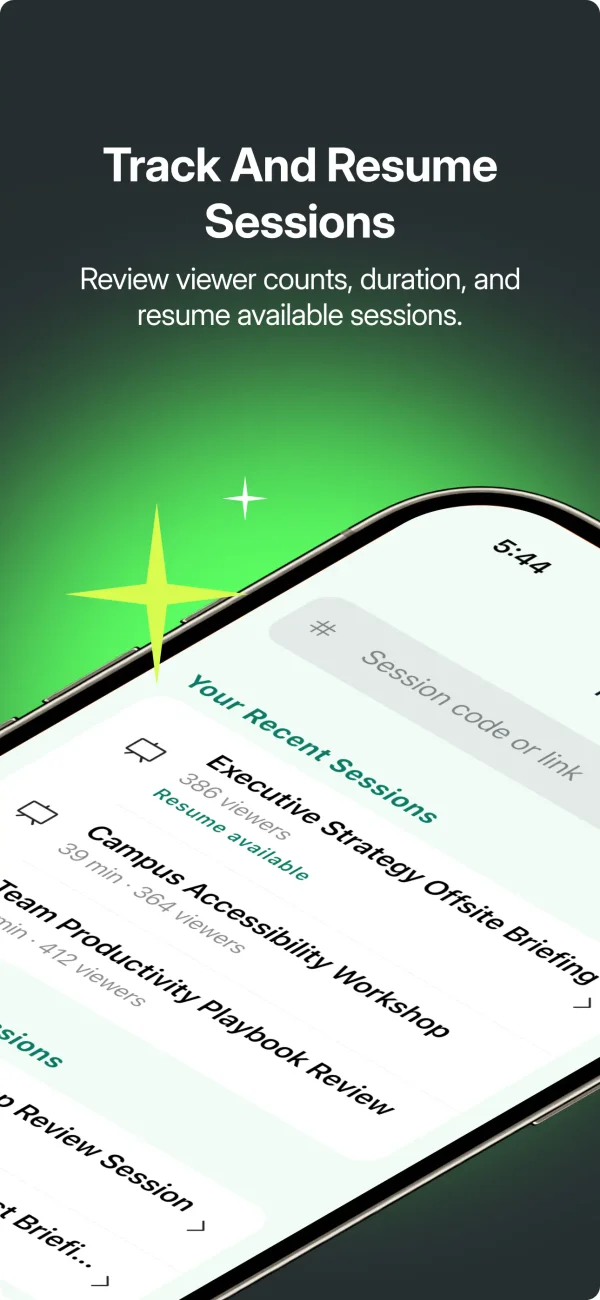
- See how many viewers are connected in real time
For Viewers:
- Join with a session code, link, or QR scan
- No account required to join
- See the presenter's exact view on your own device
- Pinch to zoom independently when you need a closer look
- Works on iPhone, iPad, and Mac
BUILT FOR
- Teachers & Professors: Walk students through textbooks, worksheets, and reading materials without projectors
- Team Reviews: Review contracts, reports, and proposals with remote colleagues
- Study Groups: Read and discuss papers together, everyone following the same passage
- Book Clubs: Follow along in the same chapter, same paragraph, same line
- Religious Communities: Synchronized scripture reading across the congregation
- Training Sessions: Guide trainees through manuals and procedures step by step
WHY SAME PAGE?
- Real-time sync: Page turns, zoom, and scroll position sync instantly
- Works with PDF, PPTX, and DOCX files: Upload once, present again from your library
- No app required for viewers: Join from any browser, or install the app for the full experience
- QR code joining: One scan to connect
- Auto-reconnect: Viewers reconnect automatically if connection drops
- Privacy-first: No ads, no cross-app tracking, your documents stay yours
Start your first session in under 60 seconds.
Terms of Use (EULA):
https://www.apple.com/legal/internet-services/itunes/dev/stdeula/
Read more about our terms and conditions here:
https://same-page.app/terms
https://same-page.app/privacy
What’s new
Version 1.0.5 · Oct 6, 2026
Bug fixes and performance improvements.
App privacy
What declares on the App Store about how this app handles data.
-
Data linked to you
May be collected and linked to your identity.
- Purchases
- Location
- Contact info
- User content
- Identifiers
- Usage data
- Diagnostics
- Other data
Privacy practices may vary, for example with the features you use or your age.
Information
- Seller
- i4innovation LLC
- Category
- Productivity
- Version
- 1.0.5
- Updated
- Oct 6, 2026
- Released
- May 10, 2026
- Size
- 54.7 MB
- Requires
- iOS 16.0 or later
- Age rating
- 4+
- In-app purchases
- Yes
- Languages
- English
- Copyright
- © 2026 i4innovation LLC
You might also like
-
 PlotPal: PDF Reader with AIAI Reading Companion for Books
-
 AI Note Taker・Speech to TextRecord & Summarize a Meeting
-
 Orbital Focus: Deep Work TimerPomodoro study & concentration
-
 Soulver 4Notepad, meet calculator.
-
 Instant Note for NotionMemo Widget, Tags & Offline
-
 Minimal | NotesWrite with focus.
-
 FoxNote - AI Note TakerVoice to Text Transcriber
-
 PDF Translator: Document & OCRTranslate Word, Excel & Scans
-
 Transcribe Voice to Text NokerAI Voice Memos Notes Recorder
-
 Voice Recorder - Memo + EditorRecord. Transcription. Sync.