
Same Page
Live Document Presenter
Được thiết kế cho iPhone, iPad, Mac
Miễn phí · Mua hàng trong ứng dụng
- Độ tuổi4+
- Danh mụcHiệu Suất
- Ngôn ngữTiếng Anh
- Kích thước54,7 MB
Liên kết đến trang App Store chính thức
Download.org không lưu trữ tệp nào của Same Page. Nút này mở trang ứng dụng trên App Store, nơi phát hành ứng dụng. Trang được kiểm tra lần cuối: 12/11/2026.
Ảnh chụp màn hình
Giới thiệu
Nhà phát triển chưa cung cấp nội dung này bằng ngôn ngữ của bạn.
Get everyone on the same page -- literally.
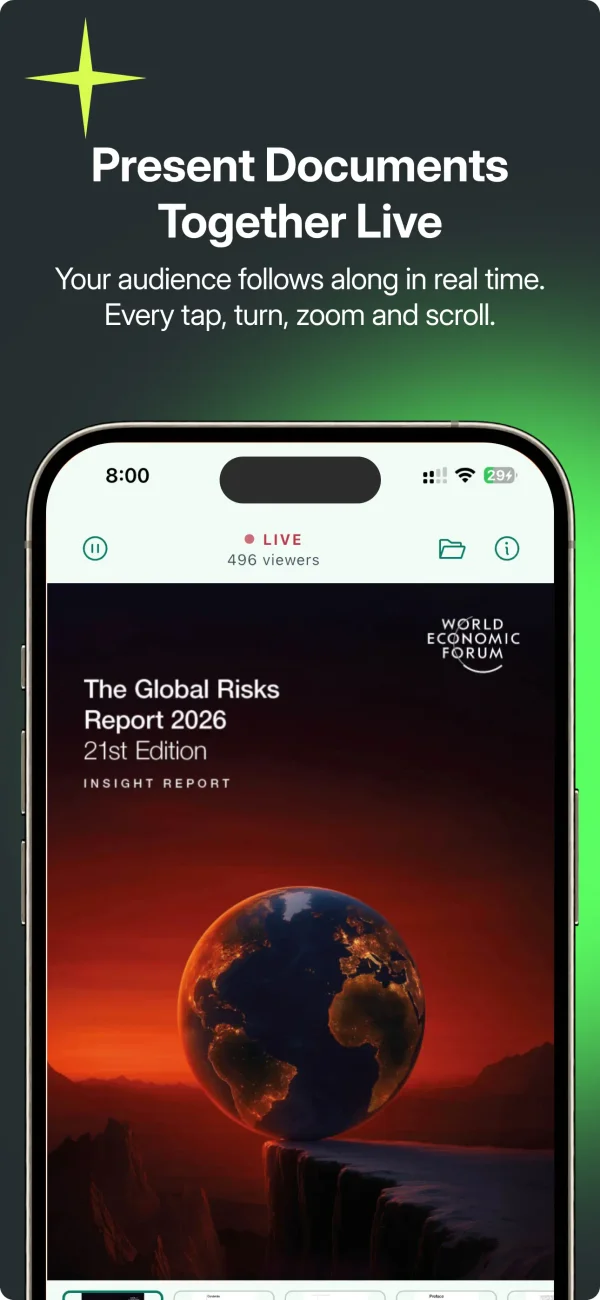
Same Page lets you present PDF, PPTX, and DOCX files live to your audience. Upload a document -- viewers follow along on their own devices, seeing exactly what you see: your page, your zoom, your scroll position -- all in real time.
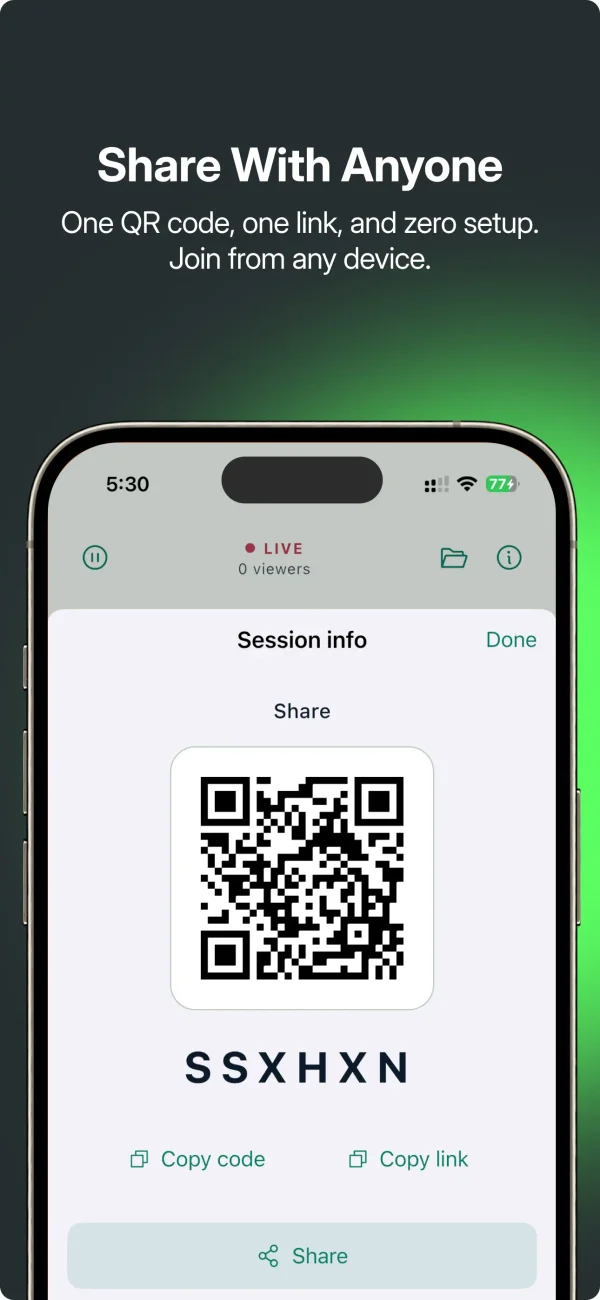
No screen sharing. No "can everyone see my screen?" moments. Just upload your document, start a session, and share the join link or QR code. Your audience follows along instantly.
HOW IT WORKS
For Presenters:
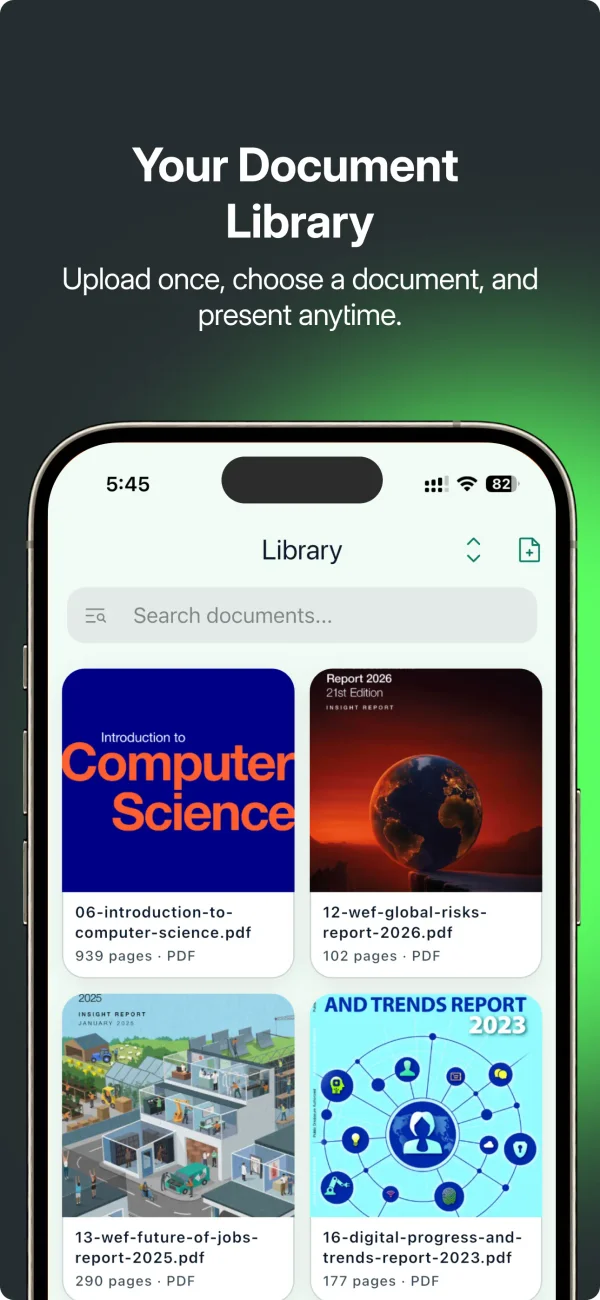
- Upload a PDF, PPTX, or DOCX file to your document library
- Tap "Go Live" to start a session
- Share the session link or QR code with your audience
- Navigate your document -- viewers follow automatically
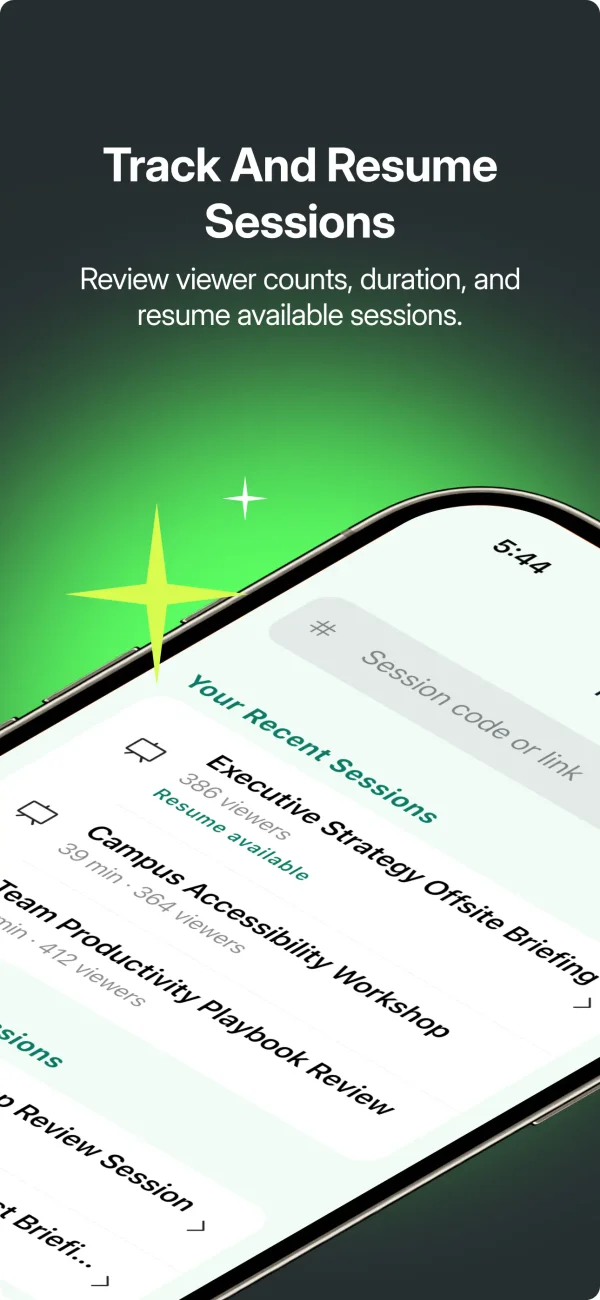
- See how many viewers are connected in real time
For Viewers:
- Join with a session code, link, or QR scan
- No account required to join
- See the presenter's exact view on your own device
- Pinch to zoom independently when you need a closer look
- Works on iPhone, iPad, and Mac
BUILT FOR
- Teachers & Professors: Walk students through textbooks, worksheets, and reading materials without projectors
- Team Reviews: Review contracts, reports, and proposals with remote colleagues
- Study Groups: Read and discuss papers together, everyone following the same passage
- Book Clubs: Follow along in the same chapter, same paragraph, same line
- Religious Communities: Synchronized scripture reading across the congregation
- Training Sessions: Guide trainees through manuals and procedures step by step
WHY SAME PAGE?
- Real-time sync: Page turns, zoom, and scroll position sync instantly
- Works with PDF, PPTX, and DOCX files: Upload once, present again from your library
- No app required for viewers: Join from any browser, or install the app for the full experience
- QR code joining: One scan to connect
- Auto-reconnect: Viewers reconnect automatically if connection drops
- Privacy-first: No ads, no cross-app tracking, your documents stay yours
Start your first session in under 60 seconds.
Terms of Use (EULA):
https://www.apple.com/legal/internet-services/itunes/dev/stdeula/
Read more about our terms and conditions here:
https://same-page.app/terms
https://same-page.app/privacy
Có gì mới
Phiên bản 1.0.5 · 06/10/2026
Bug fixes and performance improvements.
Quyền riêng tư của ứng dụng
Những gì khai báo trên App Store về cách ứng dụng này xử lý dữ liệu.
-
Dữ liệu liên kết với bạn
Có thể được thu thập và liên kết với danh tính của bạn.
- Mục mua
- Vị trí
- Thông tin liên hệ
- Nội dung của người dùng
- Mã định danh
- Dữ liệu sử dụng
- Chẩn đoán
- Dữ liệu khác
Phương thức đảm bảo quyền riêng tư có thể khác nhau, chẳng hạn như tuỳ theo các tính năng bạn sử dụng hoặc độ tuổi của bạn.
Thông tin
- Người bán
- i4innovation LLC
- Danh mục
- Hiệu Suất
- Phiên bản
- 1.0.5
- Cập nhật
- 06/10/2026
- Phát hành
- 10/05/2026
- Kích thước
- 54,7 MB
- Yêu cầu
- iOS 16.0 trở lên
- Độ tuổi
- 4+
- Giá
- Miễn phí
- Mua hàng trong ứng dụng
- Có
- Ngôn ngữ
- Tiếng Anh
- Bản quyền
- © 2026 i4innovation LLC
Có thể bạn cũng thích
-
 PlotPal: PDF Reader with AIHiệu Suất
-
 AI Note: Transcribe Audio・Textchuyển văn bản thành giọng
-
 Orbital Focus: Deep Work TimerHiệu Suất
-
 Soulver 4Hiệu Suất
-
 Ghi Chú Nhanh cho NotionWidget, thẻ, ngoại tuyến
-
 Minimal | Ghi ChépApp viết + ghi chú đẹp mắt
-
 FoxNote - AI Note TakerHiệu Suất
-
 Dịch PDF: Tài liệu & WordFile scan, Excel, OCR, bố cục
-
 Giọng Nói Thành Văn Bản: NokerNhận Diện Giọng Nói Máy Ghi Âm
-
 Voice Recorder - Memo + EditorHiệu Suất