
- 対象年齢4+
- カテゴリ仕事効率化
- 言語英語
- サイズ54.7 MB
App Storeの公式ページにリンクしています
Download.orgはSame Pageのファイルを一切ホストしていません。ボタンを押すと、が公開しているApp Storeのアプリページが開きます。ページの最終確認:2026/11/12。
スクリーンショット
概要
開発元はこのテキストをお使いの言語で提供していません。
Get everyone on the same page -- literally.
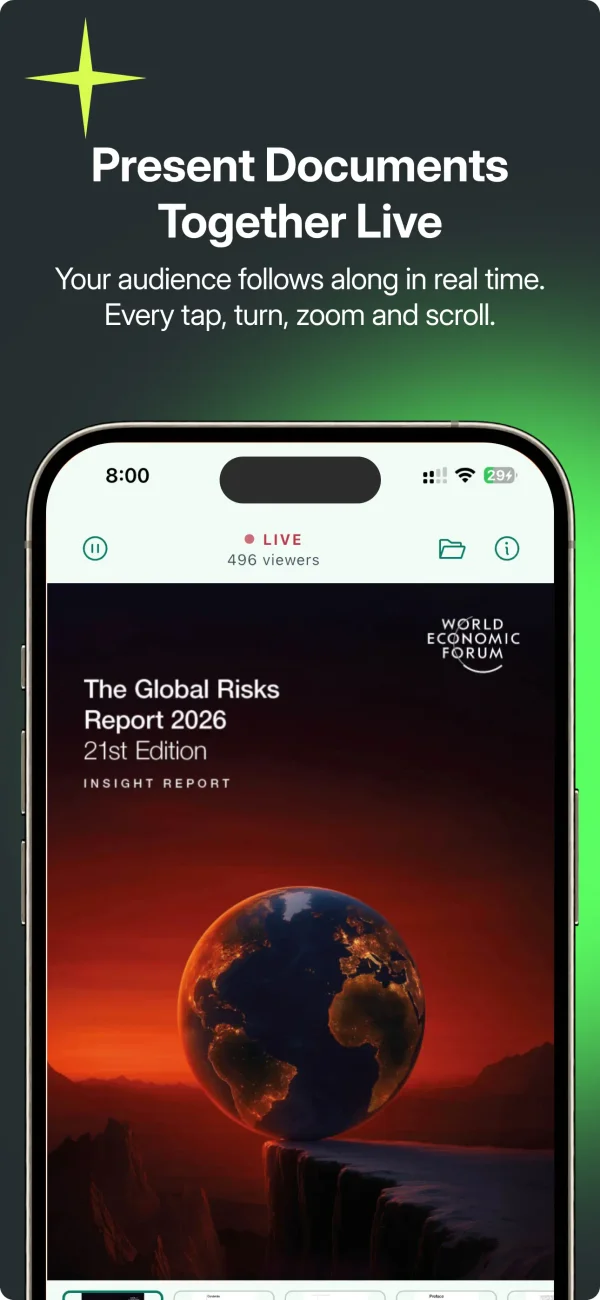
Same Page lets you present PDF, PPTX, and DOCX files live to your audience. Upload a document -- viewers follow along on their own devices, seeing exactly what you see: your page, your zoom, your scroll position -- all in real time.
No screen sharing. No "can everyone see my screen?" moments. Just upload your document, start a session, and share the join link or QR code. Your audience follows along instantly.
HOW IT WORKS
For Presenters:
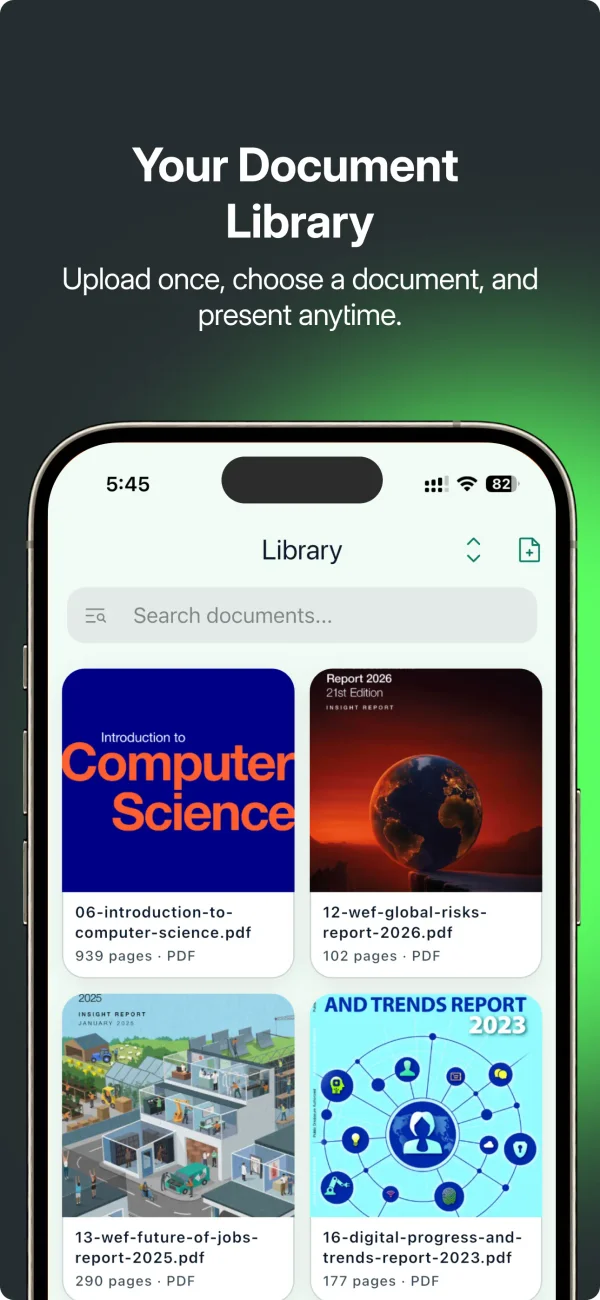
- Upload a PDF, PPTX, or DOCX file to your document library
- Tap "Go Live" to start a session
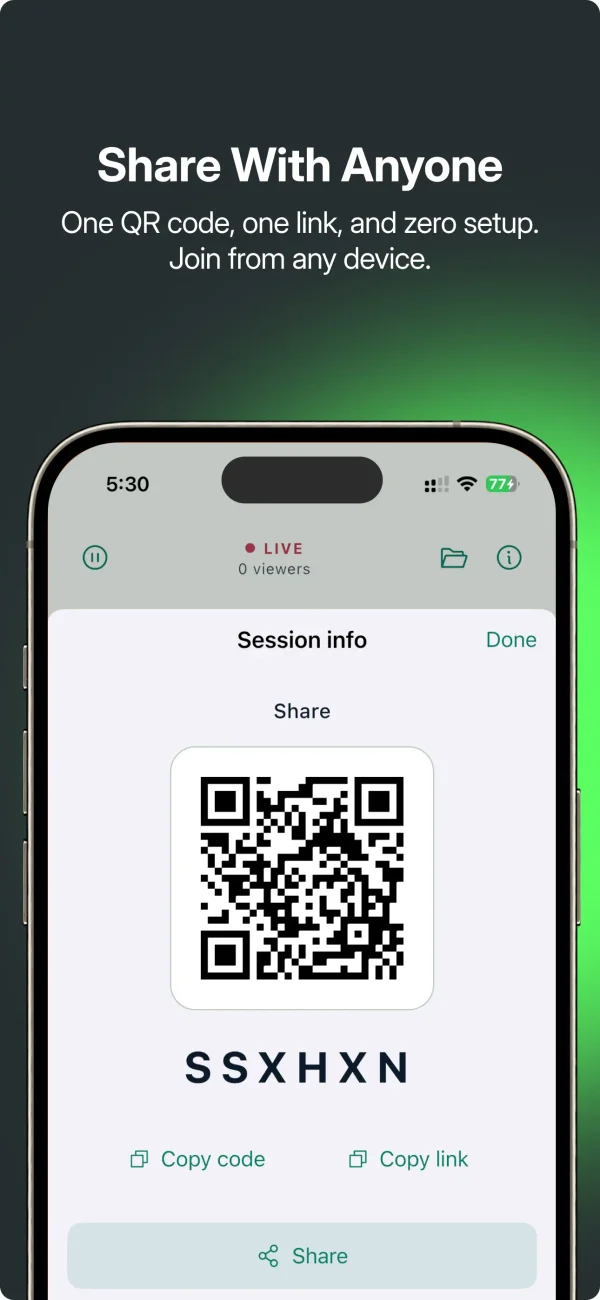
- Share the session link or QR code with your audience
- Navigate your document -- viewers follow automatically
- See how many viewers are connected in real time
For Viewers:
- Join with a session code, link, or QR scan
- No account required to join
- See the presenter's exact view on your own device
- Pinch to zoom independently when you need a closer look
- Works on iPhone, iPad, and Mac
BUILT FOR
- Teachers & Professors: Walk students through textbooks, worksheets, and reading materials without projectors
- Team Reviews: Review contracts, reports, and proposals with remote colleagues
- Study Groups: Read and discuss papers together, everyone following the same passage
- Book Clubs: Follow along in the same chapter, same paragraph, same line
- Religious Communities: Synchronized scripture reading across the congregation
- Training Sessions: Guide trainees through manuals and procedures step by step
WHY SAME PAGE?
- Real-time sync: Page turns, zoom, and scroll position sync instantly
- Works with PDF, PPTX, and DOCX files: Upload once, present again from your library
- No app required for viewers: Join from any browser, or install the app for the full experience
- QR code joining: One scan to connect
- Auto-reconnect: Viewers reconnect automatically if connection drops
- Privacy-first: No ads, no cross-app tracking, your documents stay yours
Start your first session in under 60 seconds.
Terms of Use (EULA):
https://www.apple.com/legal/internet-services/itunes/dev/stdeula/
Read more about our terms and conditions here:
https://same-page.app/terms
https://same-page.app/privacy
新機能
バージョン 1.0.5 · 2026/10/6
Bug fixes and performance improvements.
アプリのプライバシー
このアプリのデータの取り扱いについて、がApp Storeで申告している内容です。
-
ユーザーに関連付けられたデータ
収集され、ユーザーの識別情報に関連付けられる場合があります。
- 購入
- 位置情報
- 連絡先情報
- ユーザーコンテンツ
- ID
- 使用状況データ
- 診断
- その他のデータ
プライバシーの取り扱いは、ご利用の機能やお客様の年齢などに応じて異なる場合があります。
情報
- 販売元
- i4innovation LLC
- カテゴリ
- 仕事効率化
- バージョン
- 1.0.5
- 更新日
- 2026/10/6
- リリース
- 2026/5/10
- サイズ
- 54.7 MB
- 必要条件
- iOS 16.0以降
- 対象年齢
- 4+
- 価格
- 無料
- アプリ内課金
- あり
- 言語
- 英語
- 著作権
- © 2026 i4innovation LLC
こちらもおすすめ
-
 PlotPal: AI搭載PDFリーダーAIチャット、音声読み上げ
-
 AIボイスメモ:文字起こし・音声 録音・要約音声文字変換・会話をテキスト化
-
 Orbital Focus 集中ロケットポモドーロ×勉強×集中タイマー
-
 Soulver 4メモ帳に、計算機を。
-
 Fast Notion メモ - Instant Noteノーション メモ・ウィジェット・オフライン
-
 Minimal - 究極のノート・メモ管理アプリ書く、共有する、集中する
-
 FoxNote - 音声文字起こし・AIノートアプリ音声入力でテキスト変換・会議や議事録に対応
-
 PDF翻訳: 文書・書類を翻訳 OCR対応Word・Excel・スキャンも翻訳、レイアウト保持
-
 AI文字起こし音声認識、会議録音データ文字変換:Nokerボイスメモ音声のテキスト化、ボイスレコーダー議事録自動作成
-
 ボイスレコーダー - ボイスメモ&高音質録音高音質ボイスレコーダー