
Same Page
Live Document Presenter
Diseñada para iPhone, iPad, Mac
Gratis · Compras en la aplicación
- Clasificación por edad4+
- CategoríaProductividad
- IdiomasInglés
- Tamaño54,7 MB
Enlaza a la página oficial de App Store
Download.org no aloja ningún archivo de Same Page. El botón abre la página de la aplicación en App Store, donde la publica . Ficha comprobada por última vez el 12/11/2026.
Capturas de pantalla
Acerca de
El desarrollador no ha proporcionado este texto en tu idioma.
Get everyone on the same page -- literally.
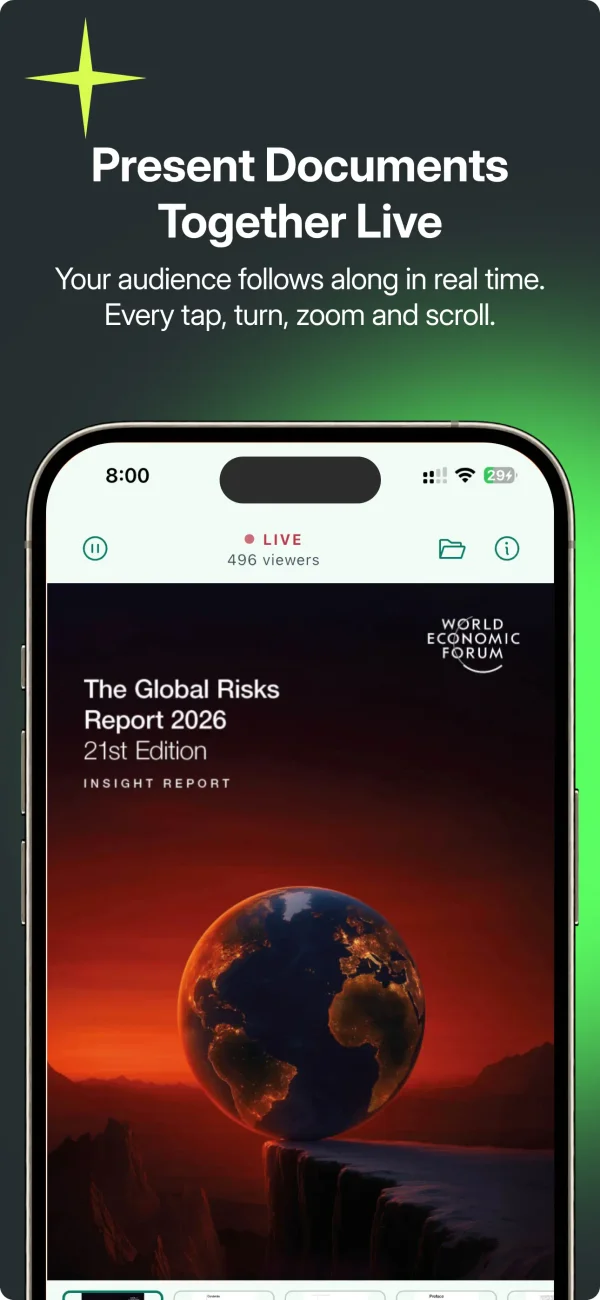
Same Page lets you present PDF, PPTX, and DOCX files live to your audience. Upload a document -- viewers follow along on their own devices, seeing exactly what you see: your page, your zoom, your scroll position -- all in real time.
No screen sharing. No "can everyone see my screen?" moments. Just upload your document, start a session, and share the join link or QR code. Your audience follows along instantly.
HOW IT WORKS
For Presenters:
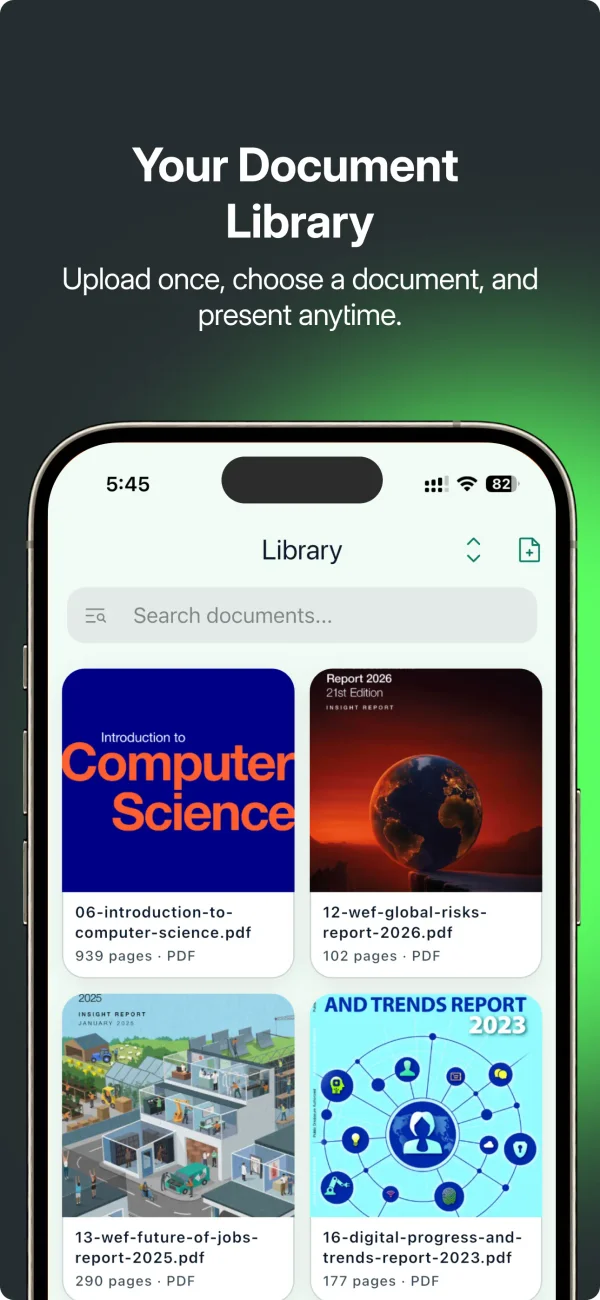
- Upload a PDF, PPTX, or DOCX file to your document library
- Tap "Go Live" to start a session
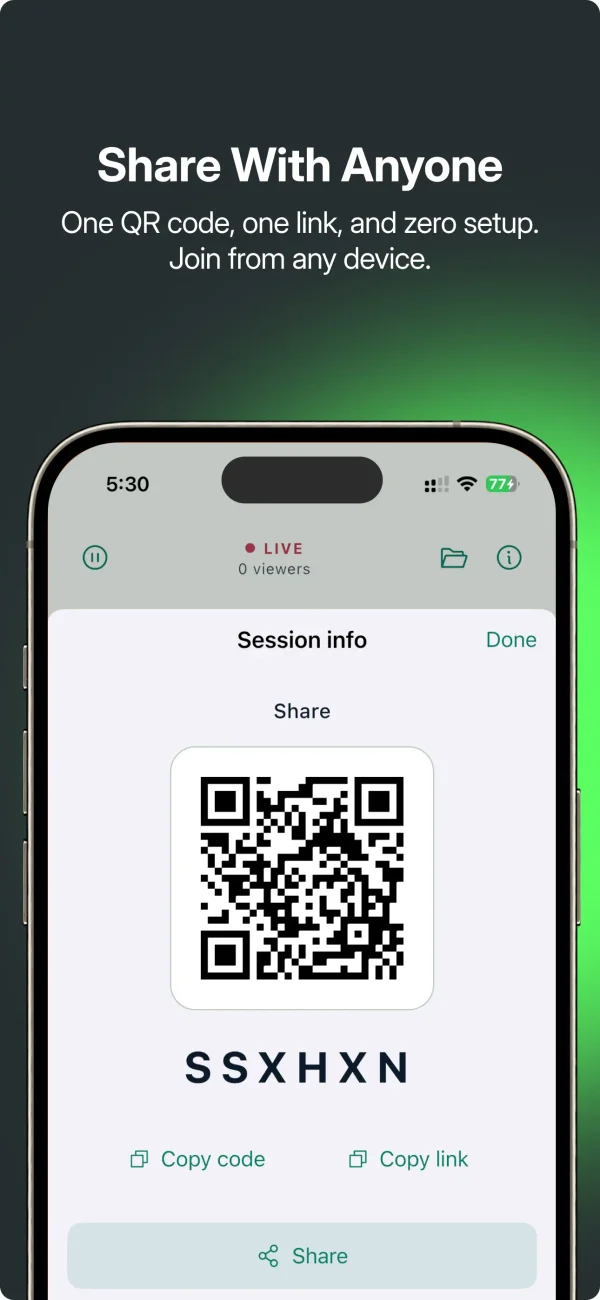
- Share the session link or QR code with your audience
- Navigate your document -- viewers follow automatically
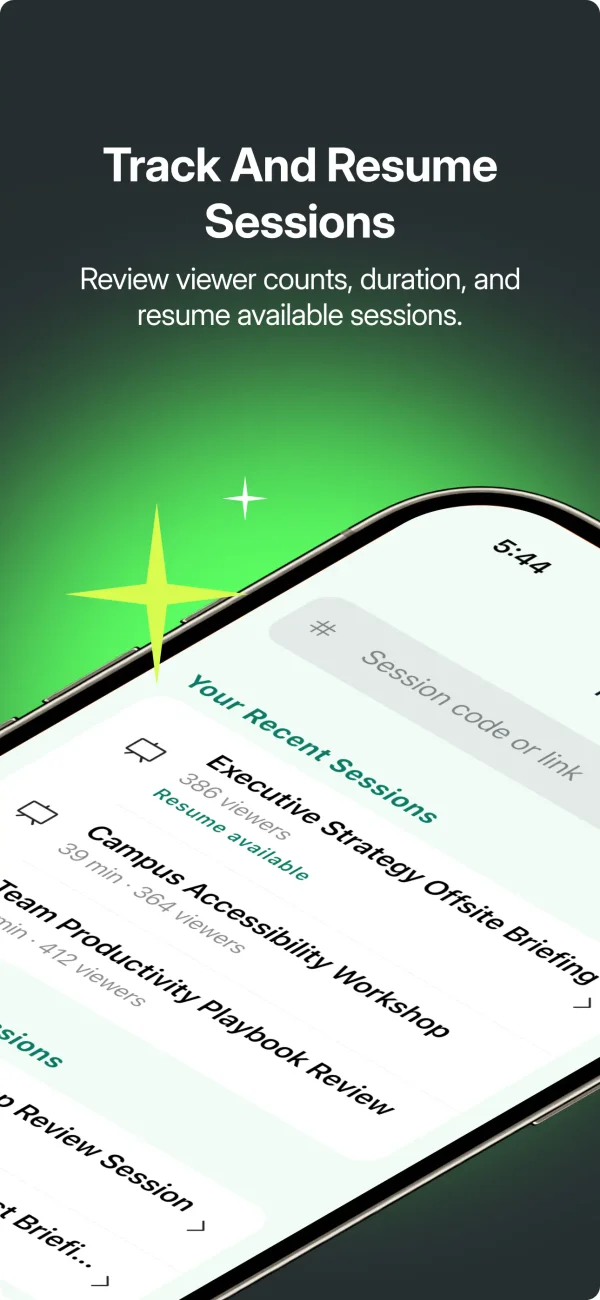
- See how many viewers are connected in real time
For Viewers:
- Join with a session code, link, or QR scan
- No account required to join
- See the presenter's exact view on your own device
- Pinch to zoom independently when you need a closer look
- Works on iPhone, iPad, and Mac
BUILT FOR
- Teachers & Professors: Walk students through textbooks, worksheets, and reading materials without projectors
- Team Reviews: Review contracts, reports, and proposals with remote colleagues
- Study Groups: Read and discuss papers together, everyone following the same passage
- Book Clubs: Follow along in the same chapter, same paragraph, same line
- Religious Communities: Synchronized scripture reading across the congregation
- Training Sessions: Guide trainees through manuals and procedures step by step
WHY SAME PAGE?
- Real-time sync: Page turns, zoom, and scroll position sync instantly
- Works with PDF, PPTX, and DOCX files: Upload once, present again from your library
- No app required for viewers: Join from any browser, or install the app for the full experience
- QR code joining: One scan to connect
- Auto-reconnect: Viewers reconnect automatically if connection drops
- Privacy-first: No ads, no cross-app tracking, your documents stay yours
Start your first session in under 60 seconds.
Terms of Use (EULA):
https://www.apple.com/legal/internet-services/itunes/dev/stdeula/
Read more about our terms and conditions here:
https://same-page.app/terms
https://same-page.app/privacy
Novedades
Versión 1.0.5 · 6/10/2026
Bug fixes and performance improvements.
Privacidad de la aplicación
Lo que declara en App Store sobre cómo esta aplicación gestiona los datos.
-
Datos vinculados a ti
Pueden recopilarse y vincularse a tu identidad.
- Compras
- Ubicación
- Información de contacto
- Contenido del usuario
- Identificadores
- Datos de uso
- Diagnóstico
- Otros datos
Las prácticas de privacidad pueden variar, por ejemplo, según las funciones que uses o tu edad.
Información
- Vendedor
- i4innovation LLC
- Categoría
- Productividad
- Versión
- 1.0.5
- Actualizado
- 6/10/2026
- Publicado
- 10/5/2026
- Tamaño
- 54,7 MB
- Requiere
- iOS 16.0 o posterior
- Clasificación por edad
- 4+
- Precio
- Gratis
- Compras en la aplicación
- Sí
- Idiomas
- Inglés
- Copyright
- © 2026 i4innovation LLC
Quizá también te guste
-
 PlotPal: Lector PDF con IAChat IA, audio, leer texto
-
 Transcribir audio a texto & IACrear notas de voz y resumen
-
 Orbital Focus: ConcentraciónPomodoro para estudiar y TDAH
-
 Soulver 4Bloc de notas + Calculadora
-
 Notas Express para NotionApuntes, widget y sin conexión
-
 Minimal | Escritura y notasEscribe, colabora, enfócate
-
 FoxNote・Voz a notas de textoTranscribir audio a texto
-
 Traductor PDF: Documentos, OCRTraducir Word, Excel, escaneos
-
 Transcribir Audio a Text NokerGrabadora de Voz Vídeo a Texto
-
 Voice Recorder - Memo + EditorProductividad