
- Altersfreigabe4+
- KategorieDienstprogramme
- EntwicklerStimare Ltd
- SprachenEnglisch
- Größe68,2 MB
Verlinkt auf die offizielle App Store-Seite
Download.org hostet keine Datei von Saveo Support. Die Schaltfläche öffnet die App-Seite bei App Store, wo Stimare Ltd die App veröffentlicht. Eintrag zuletzt geprüft am 23.11.2026.
Screenshots

Info
Der Entwickler hat diesen Text nicht in Ihrer Sprache bereitgestellt.
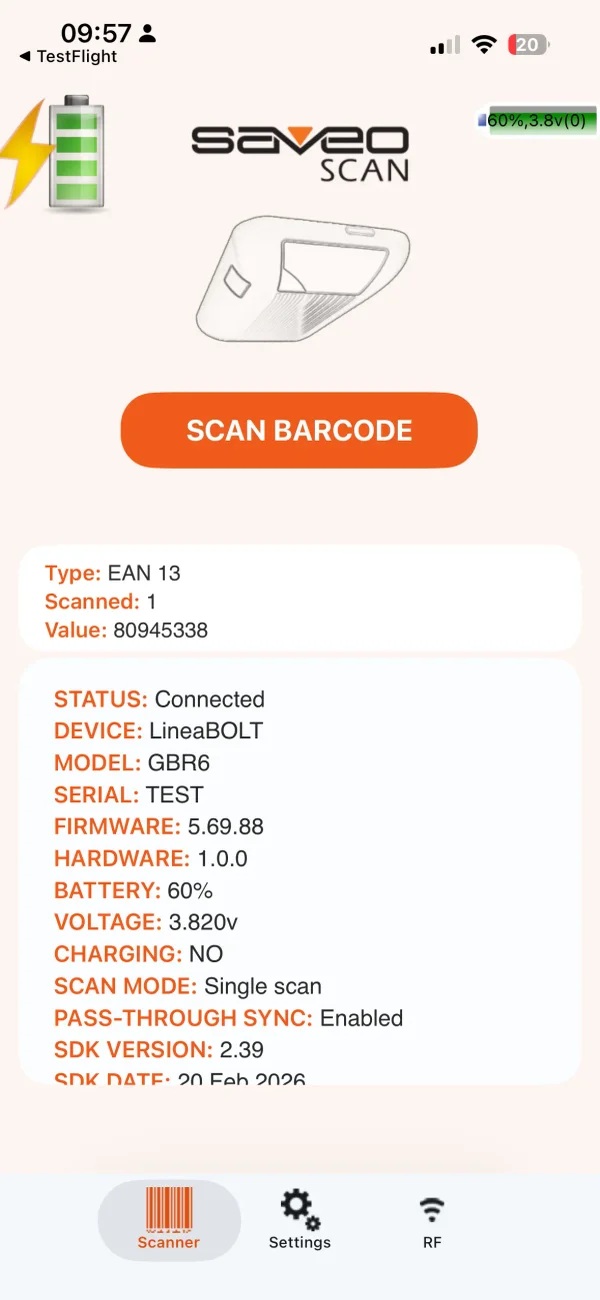
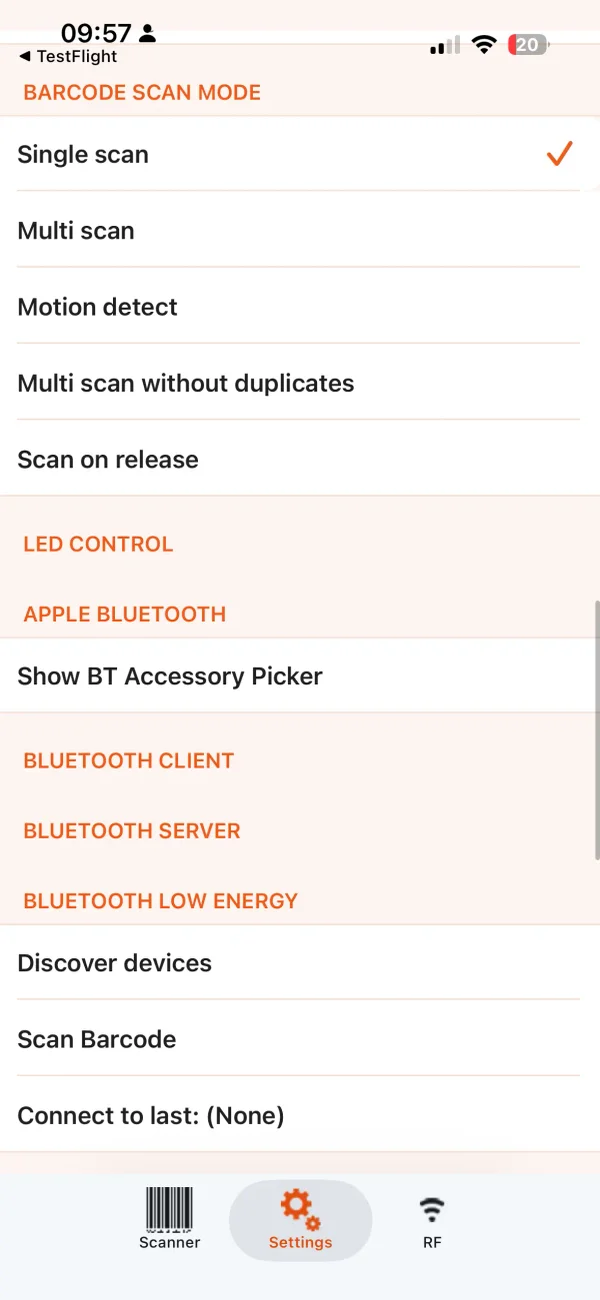
Saveo Support works with supported Saveo scanner hardware to provide barcode scanning, device status, and configuration tools in a simple mobile workflow.
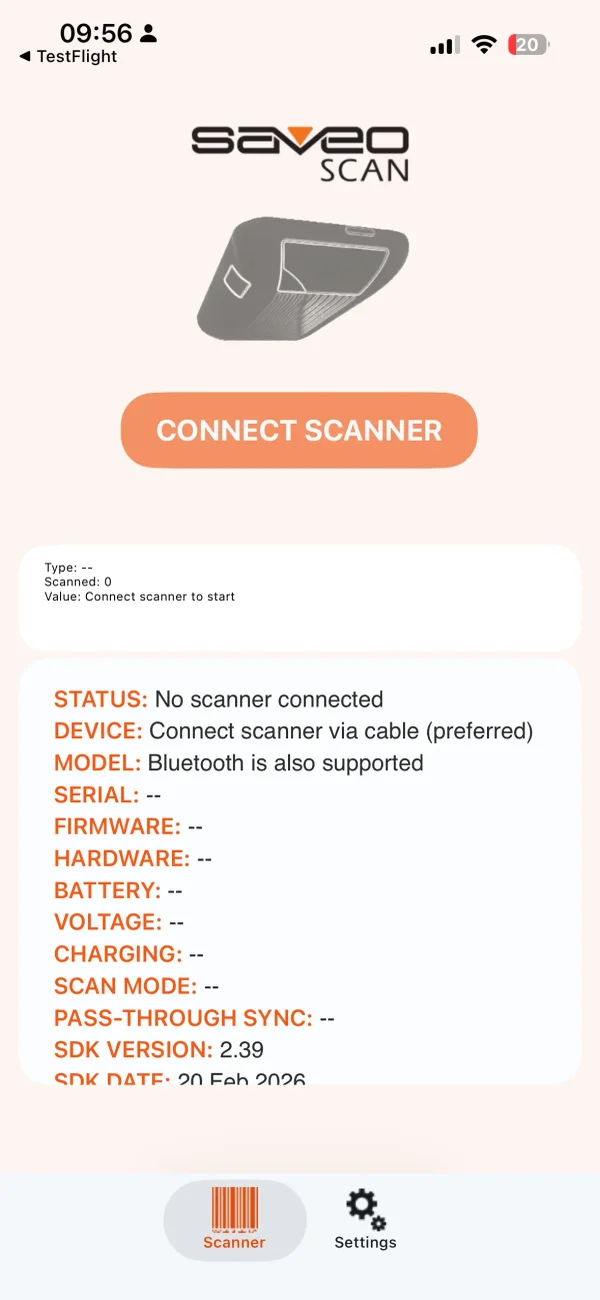
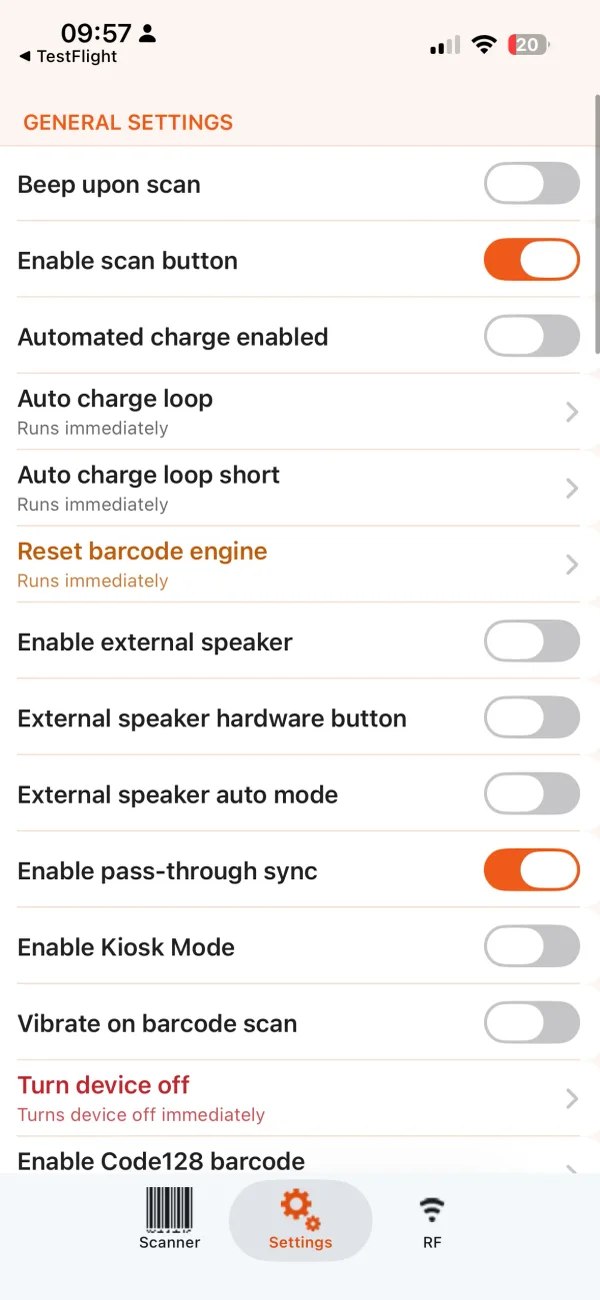
Use the app to connect supported hardware, scan barcodes, view device information, monitor firmware and battery details, and access device settings from a single interface.
Features include:
• Barcode scanning with supported Saveo hardware
• Live device information and connection status
• Battery, firmware, and SDK information
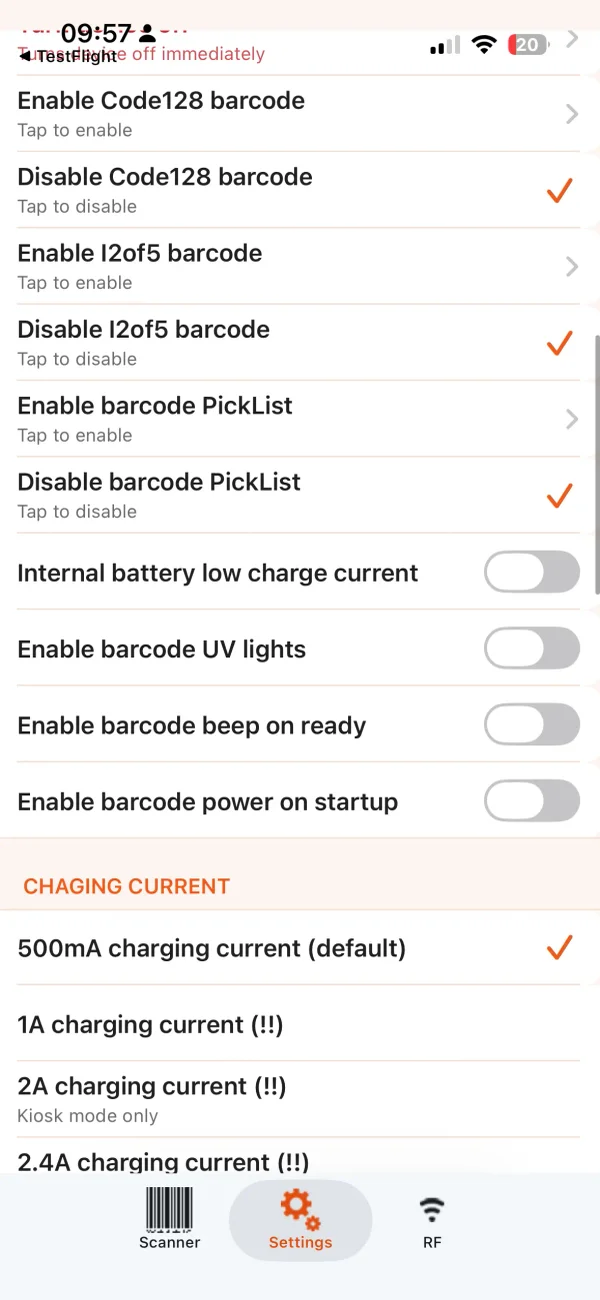
• Device settings and scanner configuration
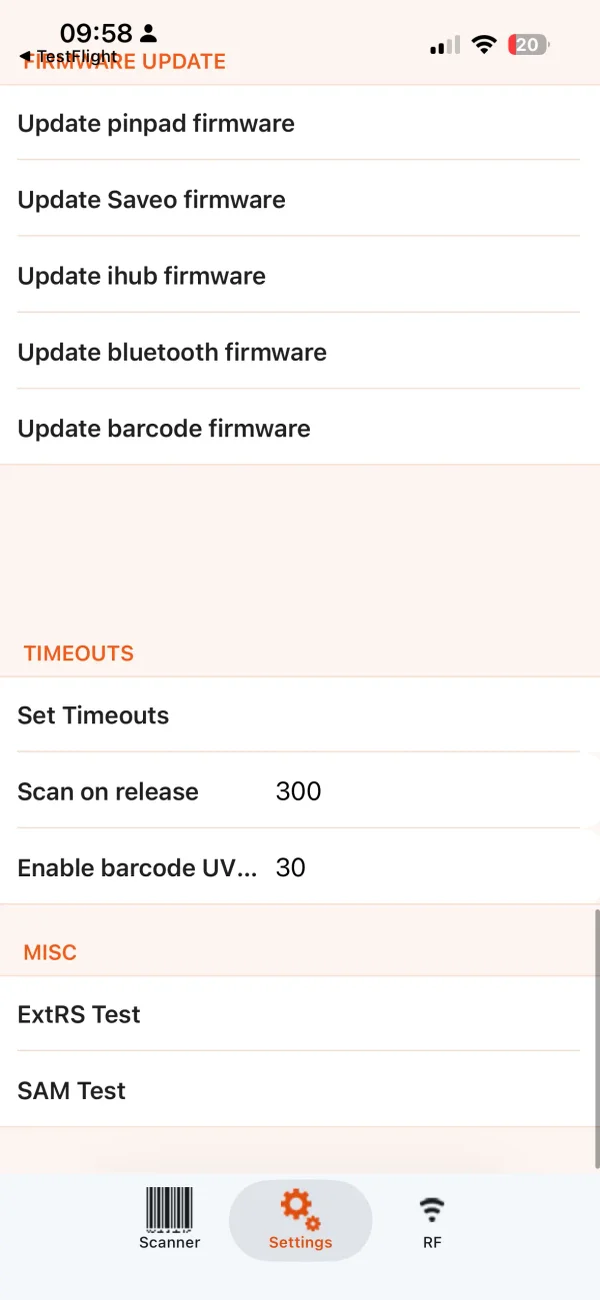
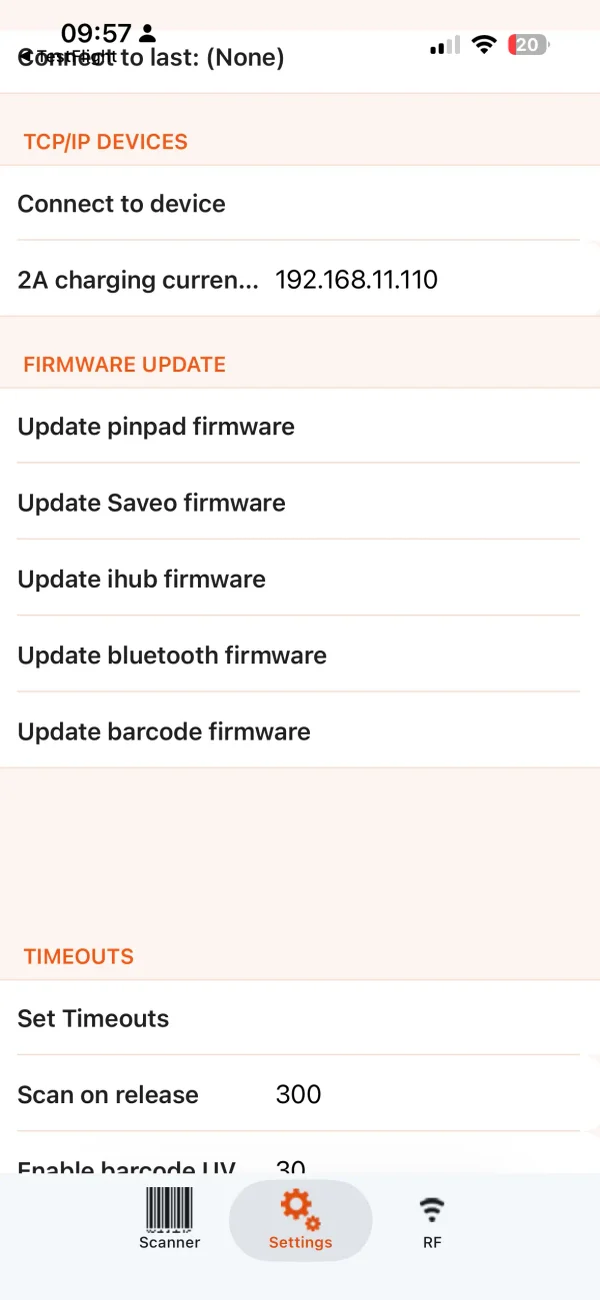
• Firmware update support for compatible devices
• Bluetooth support on compatible hardware
• iHUB connectivity support for compatible workflows
Saveo Support is intended for use with supported external accessories. Some features require compatible hardware to function.
Neue Funktionen
Version 1.22.3 · 21.11.2026
iPad: Saveo Support now works in landscape, for example in a POS stand, and fills the whole screen.
Saveo Sled 15/16/16E: new keyboard (HID) firmware 01.05.70.29, adding the on-screen keyboard show/hide toggle (bottom-left key), as on the Saveo Bolt X2.
How to update (scanner connected):
1. Settings › Update Saveo firmware › tap the keyboard firmware offered and wait for the update to finish.
2. Settings › Reset barcode engine › OK (one-time step after updating).
3. Optional: Settings › HID Barcode Suffix › Enter.
4. Scan into any app. Press the bottom-left key to show or hide the on-screen keyboard.
Also includes minor fixes and improvements.
Video guide: saveoscan.com/support-2/#hid-firmware
App-Datenschutz
Was Stimare Ltd im App Store zum Umgang dieser App mit Daten angibt.
-
Keine Daten erfasst
Der Entwickler erfasst keine Daten von dieser App.
Die Datenschutzpraktiken können variieren, zum Beispiel je nach den von Ihnen verwendeten Funktionen oder Ihrem Alter.
Informationen
- Anbieter
- Stimare Ltd
- Kategorie
- Dienstprogramme
- Version
- 1.22.3
- Aktualisiert
- 21.11.2026
- Veröffentlicht
- 12.05.2026
- Größe
- 68,2 MB
- Erfordert
- iOS 15.0 oder neuer
- Altersfreigabe
- 4+
- Preis
- Kostenlos
- Sprachen
- Englisch
- Copyright
- © Stimare Ltd
Das könnte Ihnen auch gefallen
-
 QWedgeDienstprogramme
-
 IPCSupportDienstprogramme
-
 ScanBridgeDienstprogramme
-
 Airstream DMX LinkDienstprogramme
-
 My WinslowDienstprogramme
-
 Caffi – Koffein-TrackerKoffein tracken. Besser Schlaf
-
 IP Cam Viewer ProDienstprogramme
-
 SMART_AROMA PRODienstprogramme
-
 UnifyDriveDienstprogramme
-
 SMART_AROMADienstprogramme