- Yaş sınırı4+
- KategoriYardımcılar
- GeliştiriciStimare Ltd
- Dillerİngilizce
- Boyut68,2 MB
Resmi App Store sayfasına bağlanır
Download.org, Saveo Support için hiçbir dosya barındırmaz. Düğme, uygulamanın App Store üzerindeki sayfasını açar; uygulamayı orada Stimare Ltd yayınlar. Sayfanın son kontrolü: 23.11.2026.
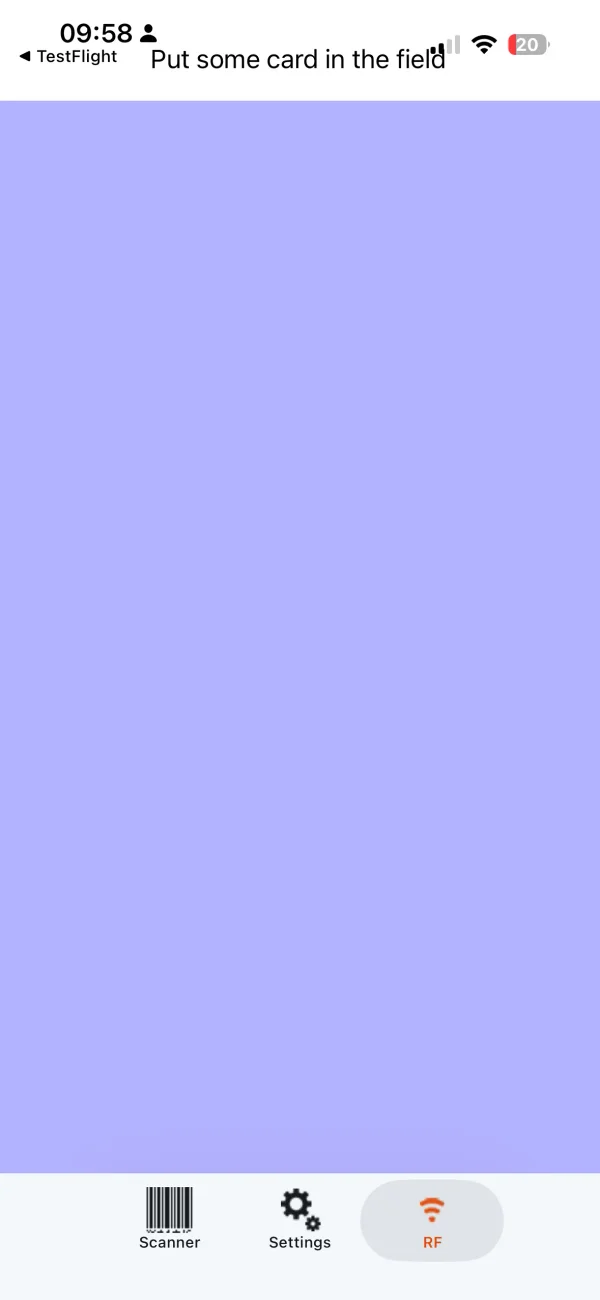
Ekran görüntüleri
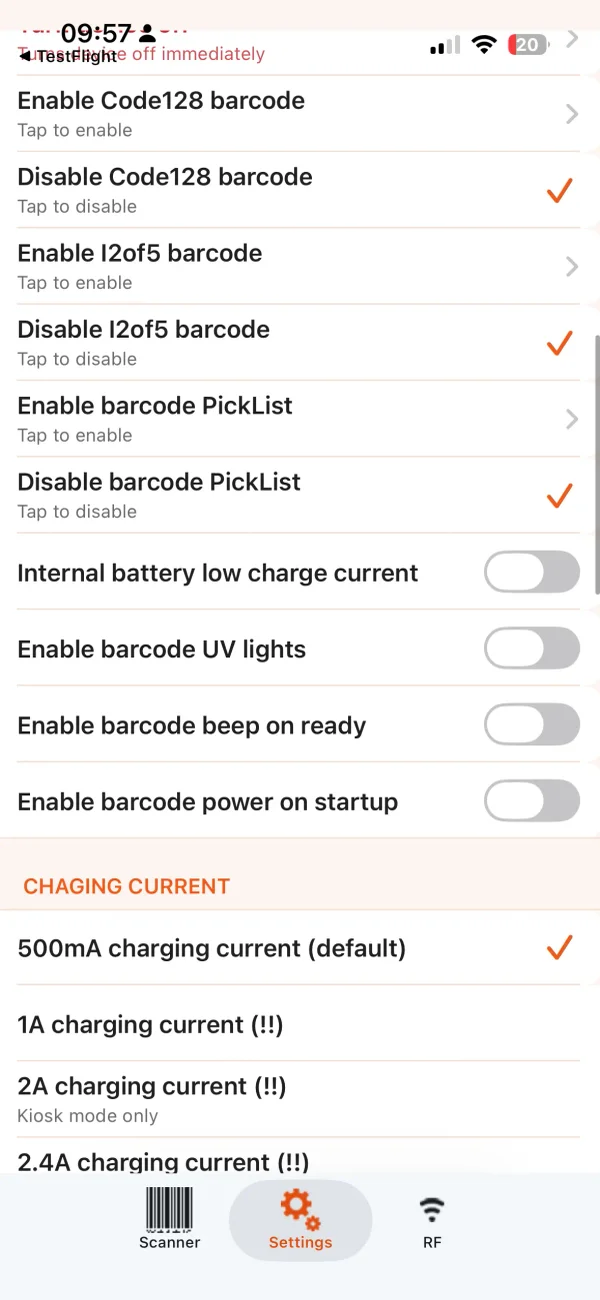
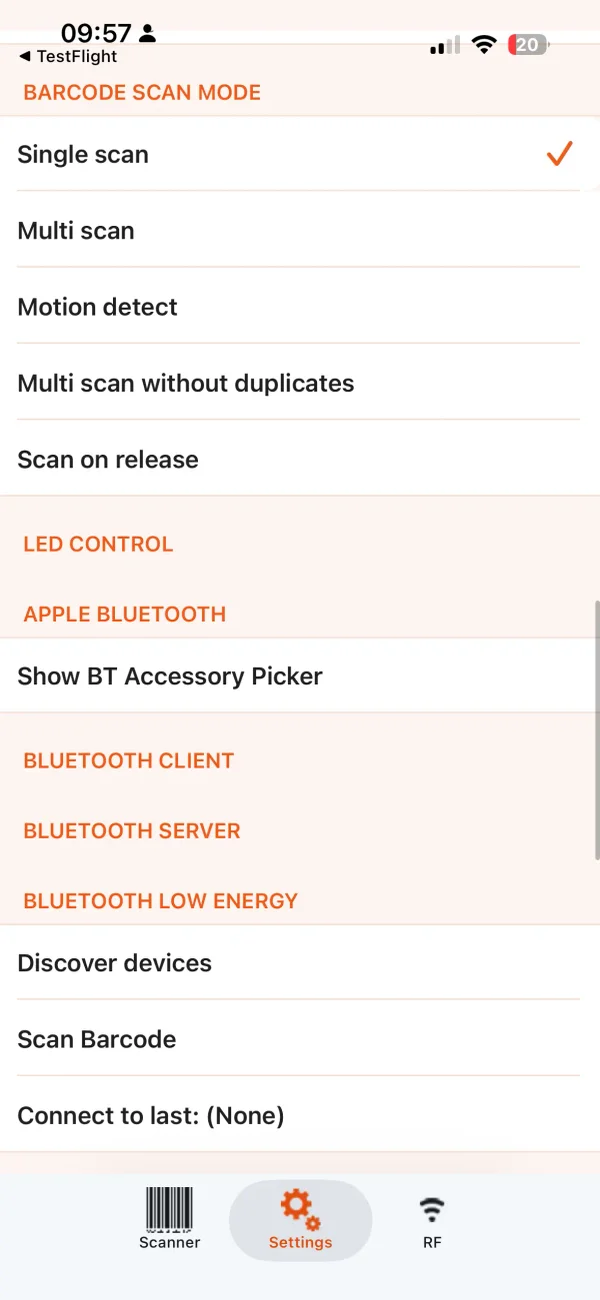
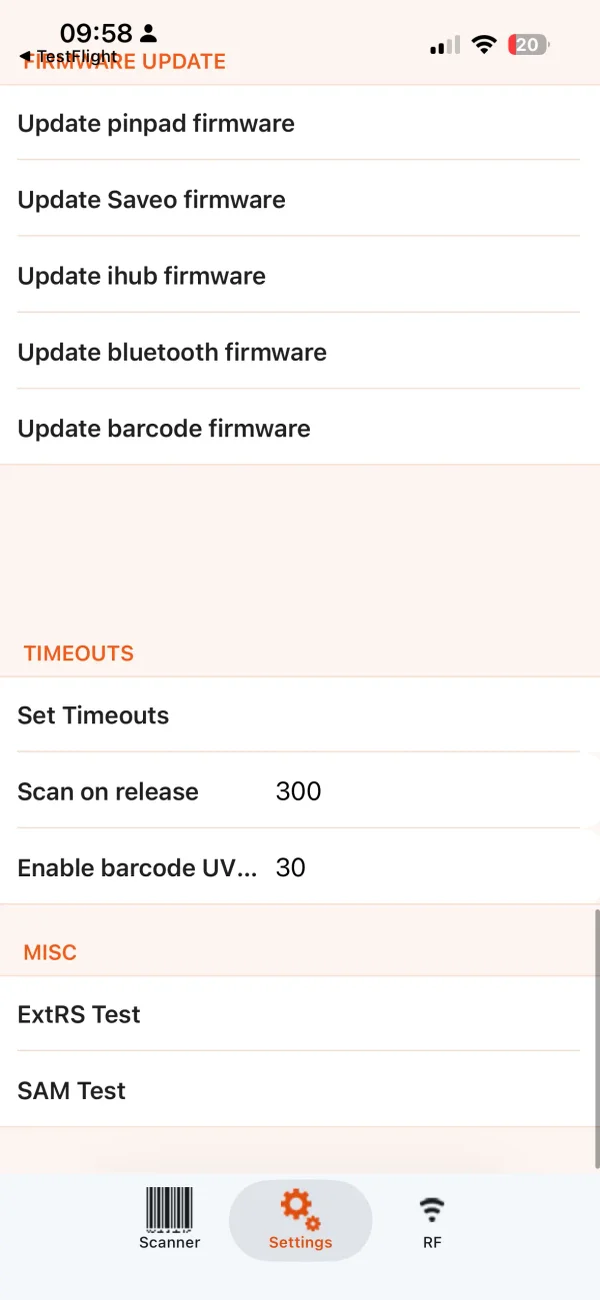
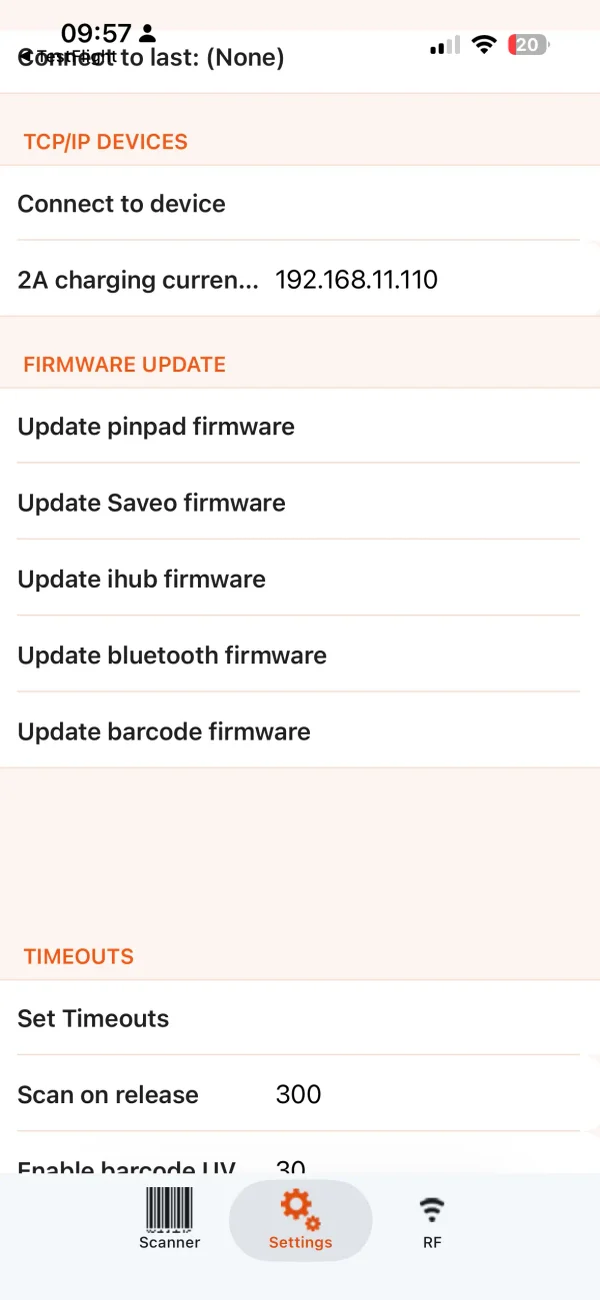

Hakkında
Geliştirici bu metni dilinizde sunmamış.
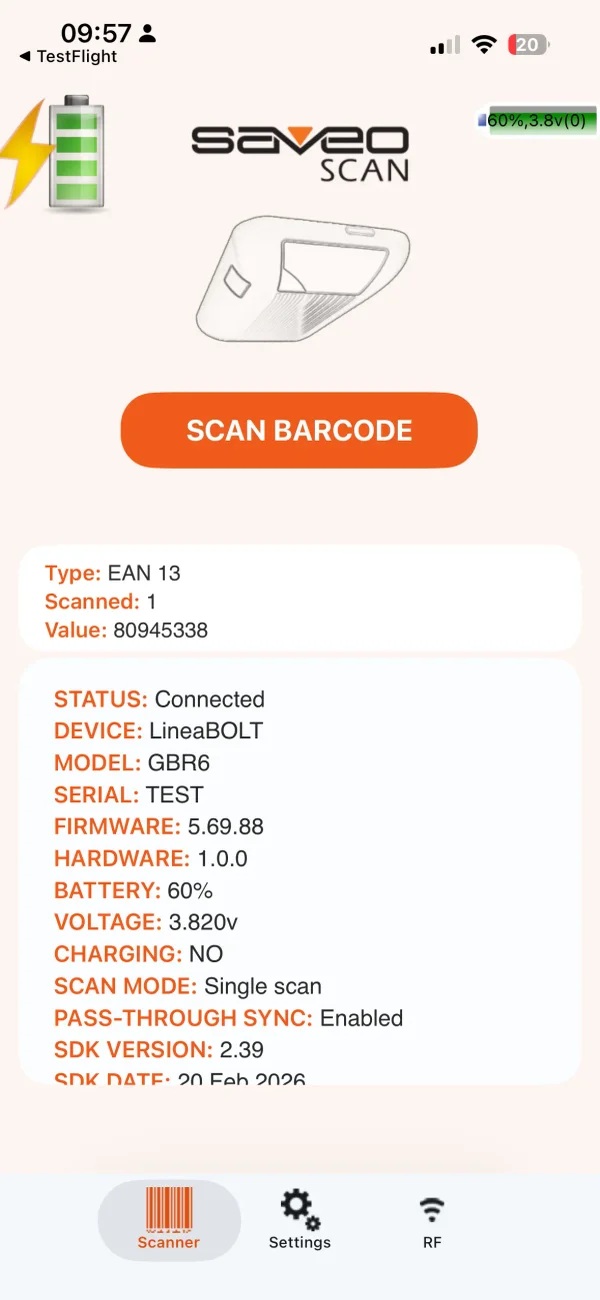
Saveo Support works with supported Saveo scanner hardware to provide barcode scanning, device status, and configuration tools in a simple mobile workflow.
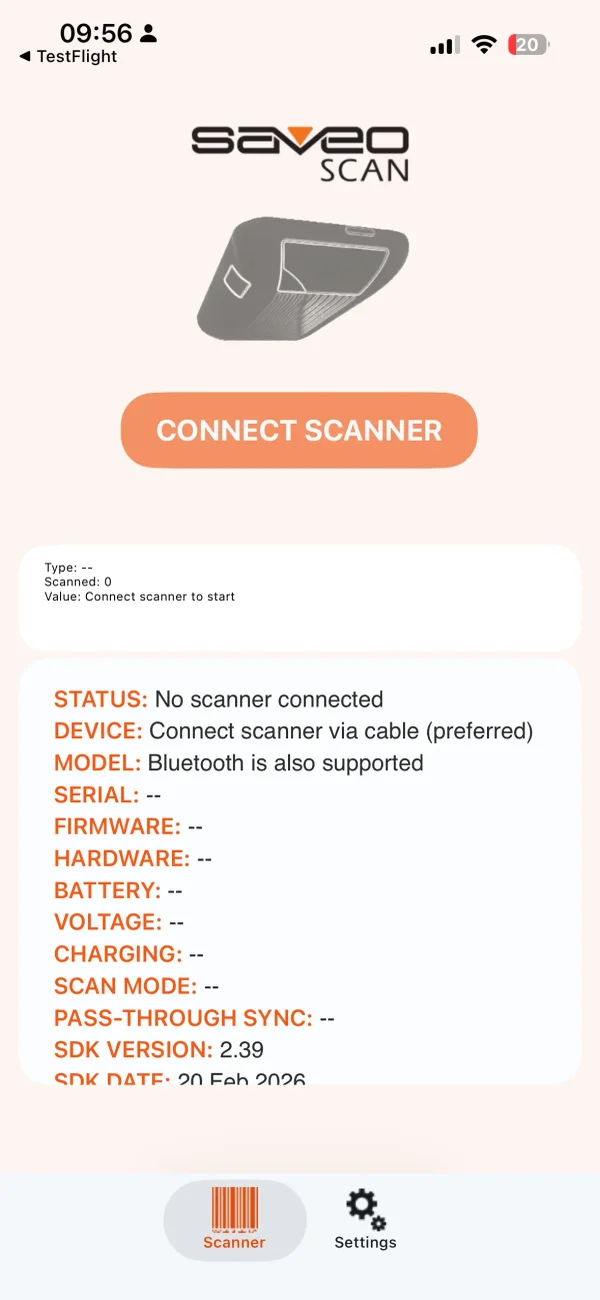
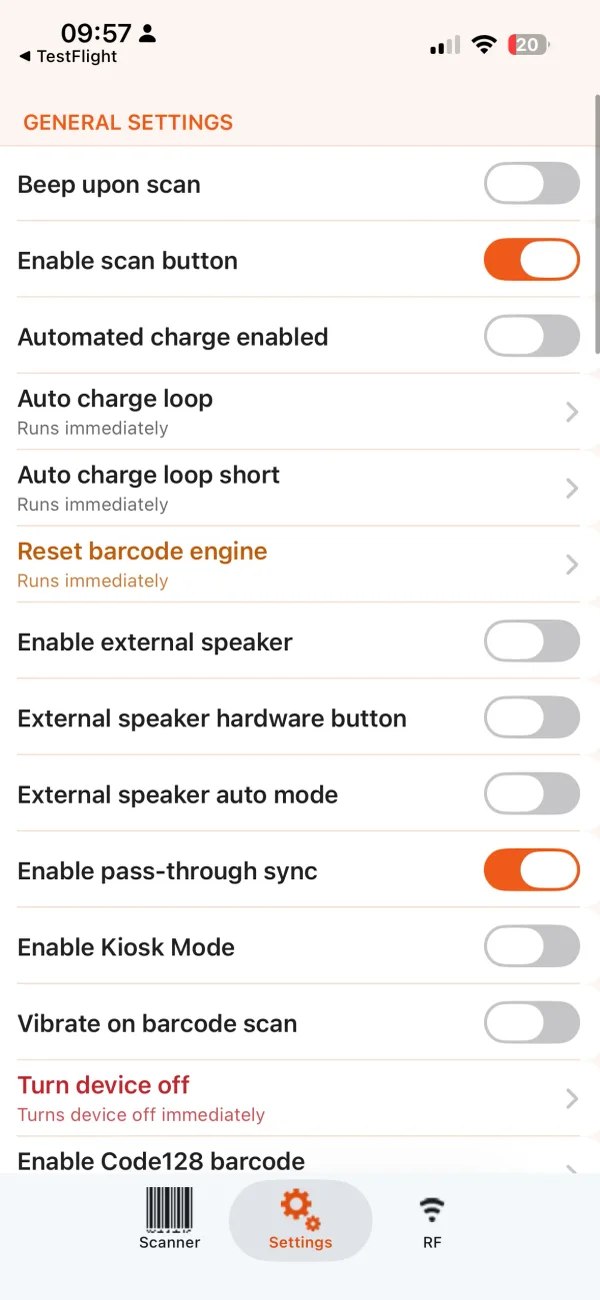
Use the app to connect supported hardware, scan barcodes, view device information, monitor firmware and battery details, and access device settings from a single interface.
Features include:
• Barcode scanning with supported Saveo hardware
• Live device information and connection status
• Battery, firmware, and SDK information
• Device settings and scanner configuration
• Firmware update support for compatible devices
• Bluetooth support on compatible hardware
• iHUB connectivity support for compatible workflows
Saveo Support is intended for use with supported external accessories. Some features require compatible hardware to function.
Yenilikler
Sürüm 1.22.3 · 21.11.2026
iPad: Saveo Support now works in landscape, for example in a POS stand, and fills the whole screen.
Saveo Sled 15/16/16E: new keyboard (HID) firmware 01.05.70.29, adding the on-screen keyboard show/hide toggle (bottom-left key), as on the Saveo Bolt X2.
How to update (scanner connected):
1. Settings › Update Saveo firmware › tap the keyboard firmware offered and wait for the update to finish.
2. Settings › Reset barcode engine › OK (one-time step after updating).
3. Optional: Settings › HID Barcode Suffix › Enter.
4. Scan into any app. Press the bottom-left key to show or hide the on-screen keyboard.
Also includes minor fixes and improvements.
Video guide: saveoscan.com/support-2/#hid-firmware
Uygulama gizliliği
Bu uygulamanın verileri nasıl işlediği hakkında Stimare Ltd tarafından App Store üzerinde yapılan beyan.
-
Veri toplanmıyor
Geliştirici bu uygulamadan hiçbir veri toplamıyor.
Gizlilik uygulamaları, örneğin kullandığınız özelliklere veya yaşınıza göre değişiklik gösterebilir.
Bilgiler
- Satıcı
- Stimare Ltd
- Kategori
- Yardımcılar
- Sürüm
- 1.22.3
- Güncellendi
- 21.11.2026
- Yayın tarihi
- 12.05.2026
- Boyut
- 68,2 MB
- Gereksinim
- iOS 15.0 veya sonrası
- Yaş sınırı
- 4+
- Fiyat
- Ücretsiz
- Diller
- İngilizce
- Telif hakkı
- © Stimare Ltd