- Độ tuổi4+
- Danh mụcTiện Ích
- Nhà phát triểnStimare Ltd
- Ngôn ngữTiếng Anh
- Kích thước68,2 MB
Liên kết đến trang App Store chính thức
Download.org không lưu trữ tệp nào của Saveo Support. Nút này mở trang ứng dụng trên App Store, nơi Stimare Ltd phát hành ứng dụng. Trang được kiểm tra lần cuối: 23/11/2026.
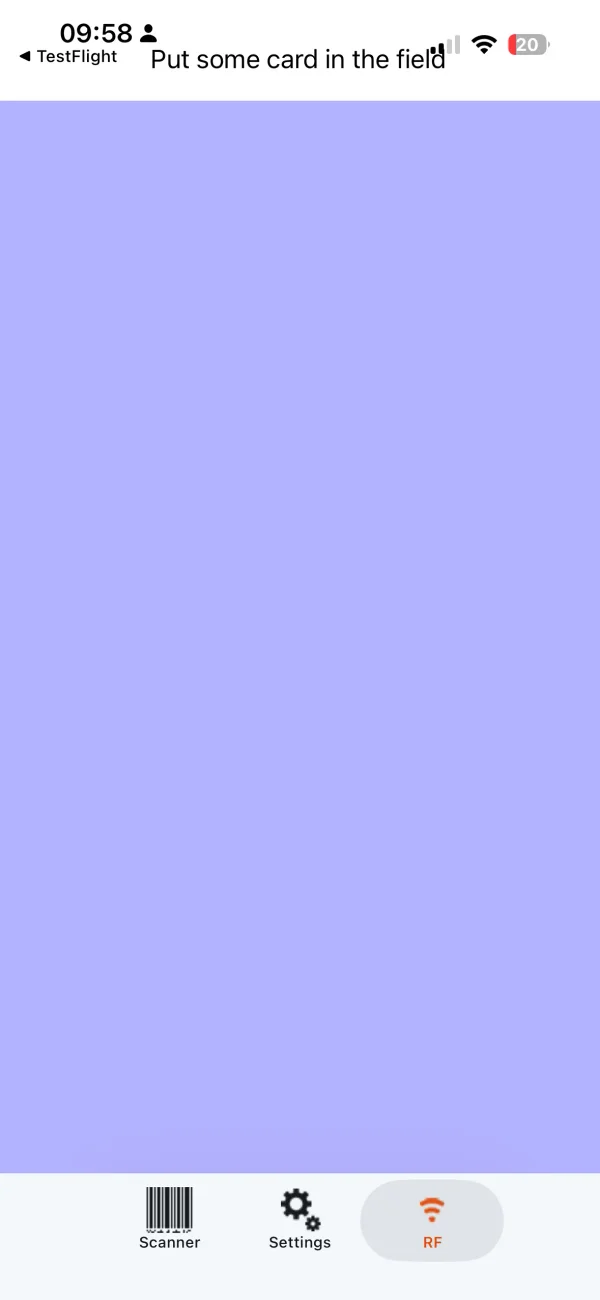
Ảnh chụp màn hình
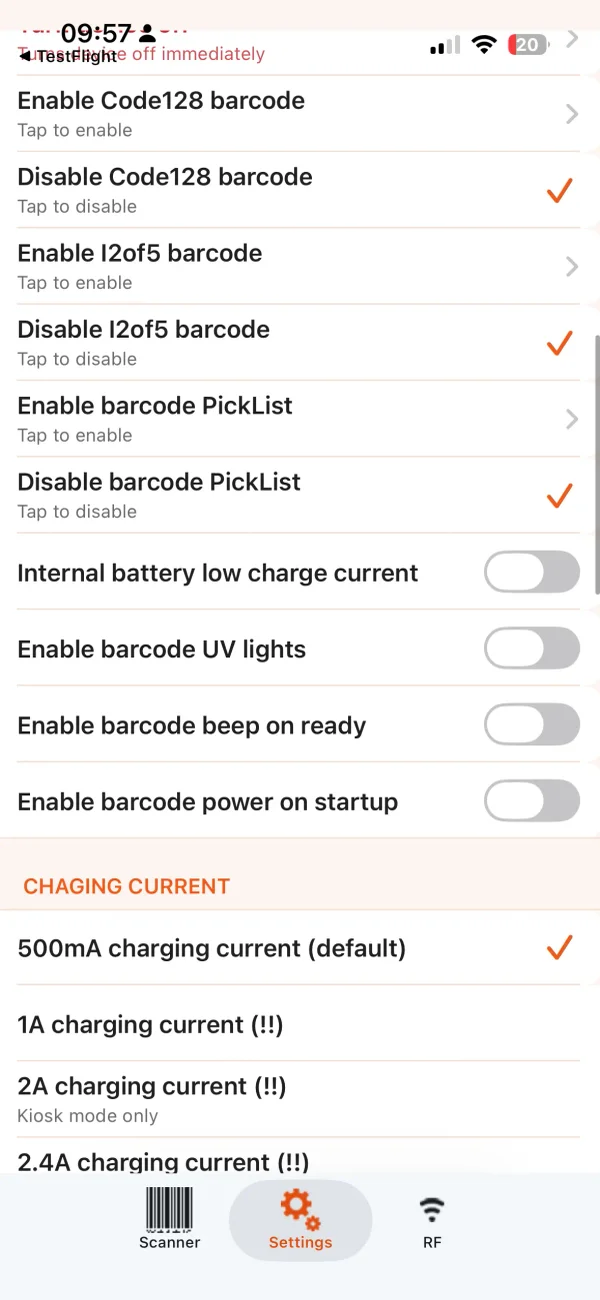
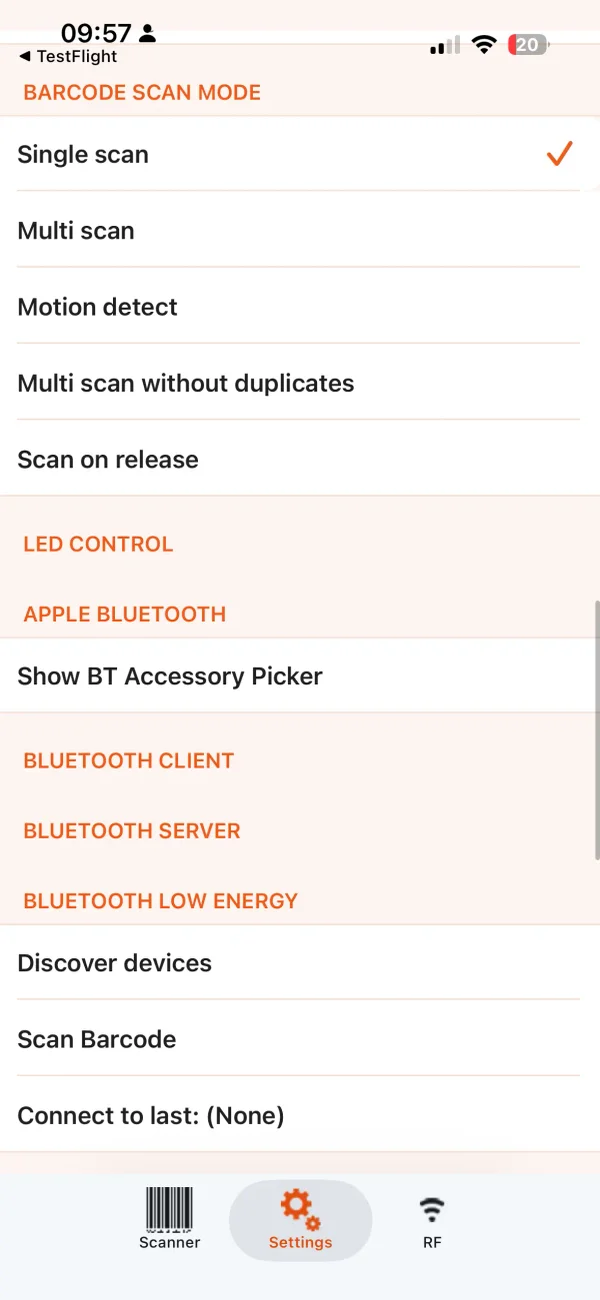
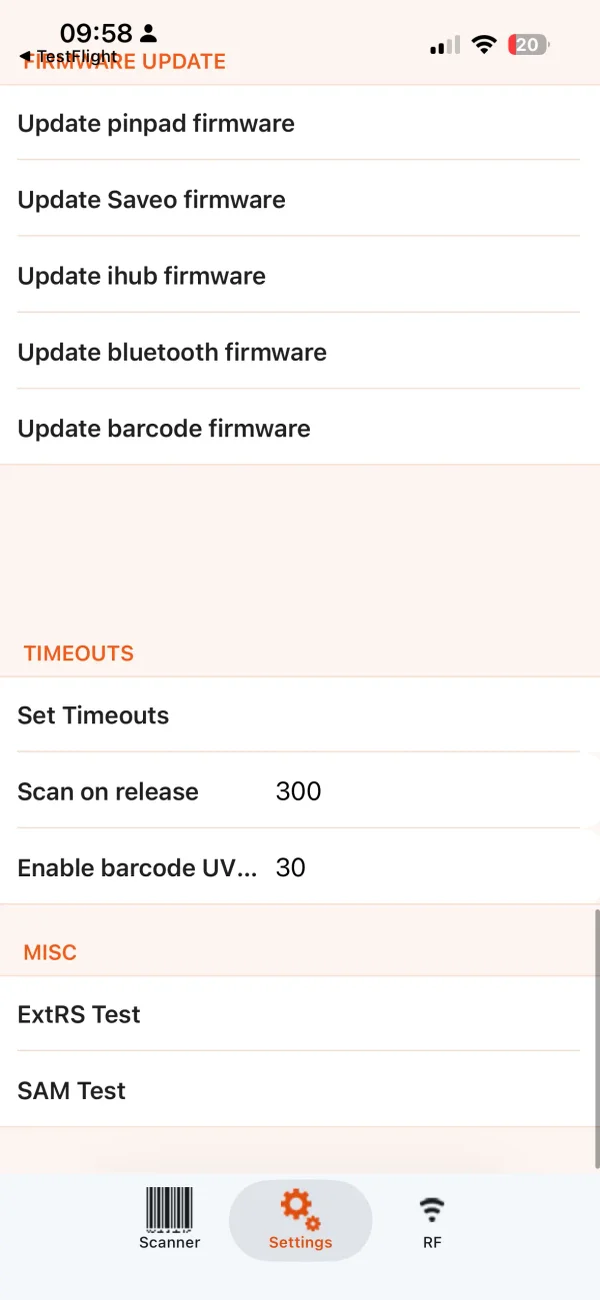
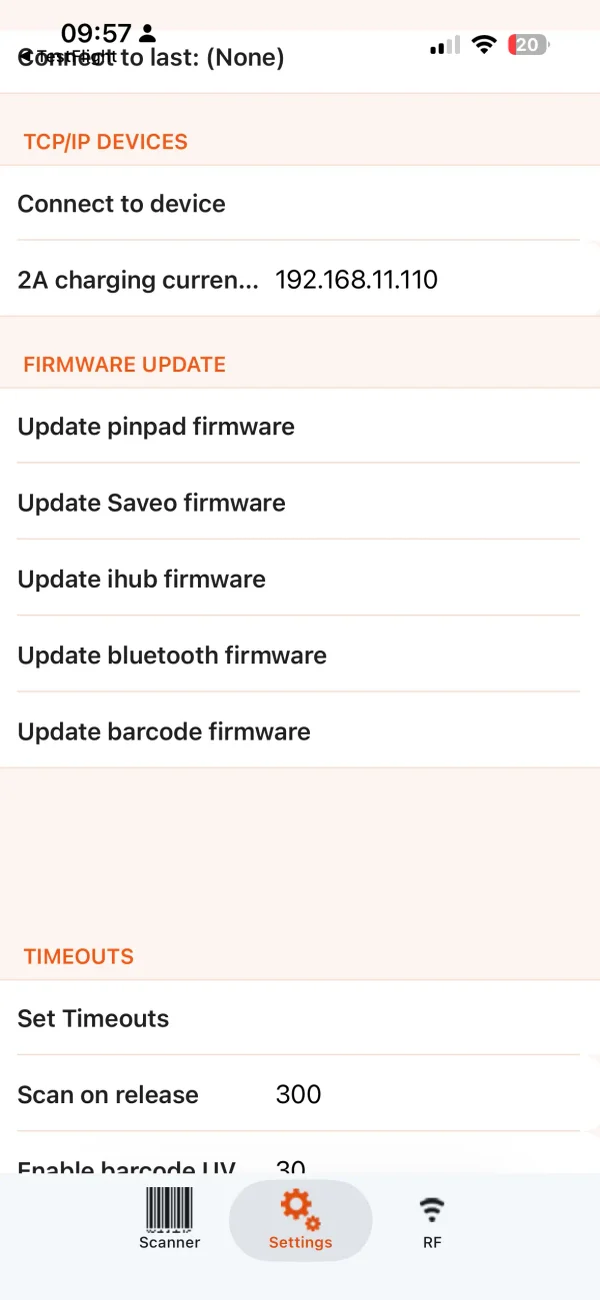

Giới thiệu
Nhà phát triển chưa cung cấp nội dung này bằng ngôn ngữ của bạn.
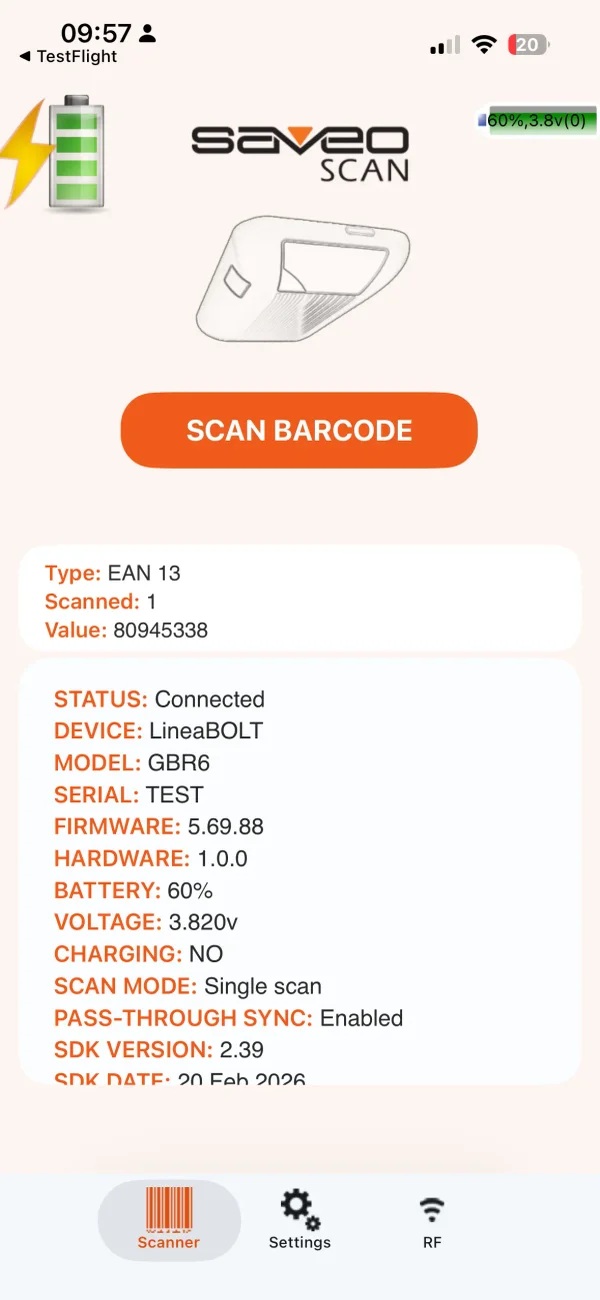
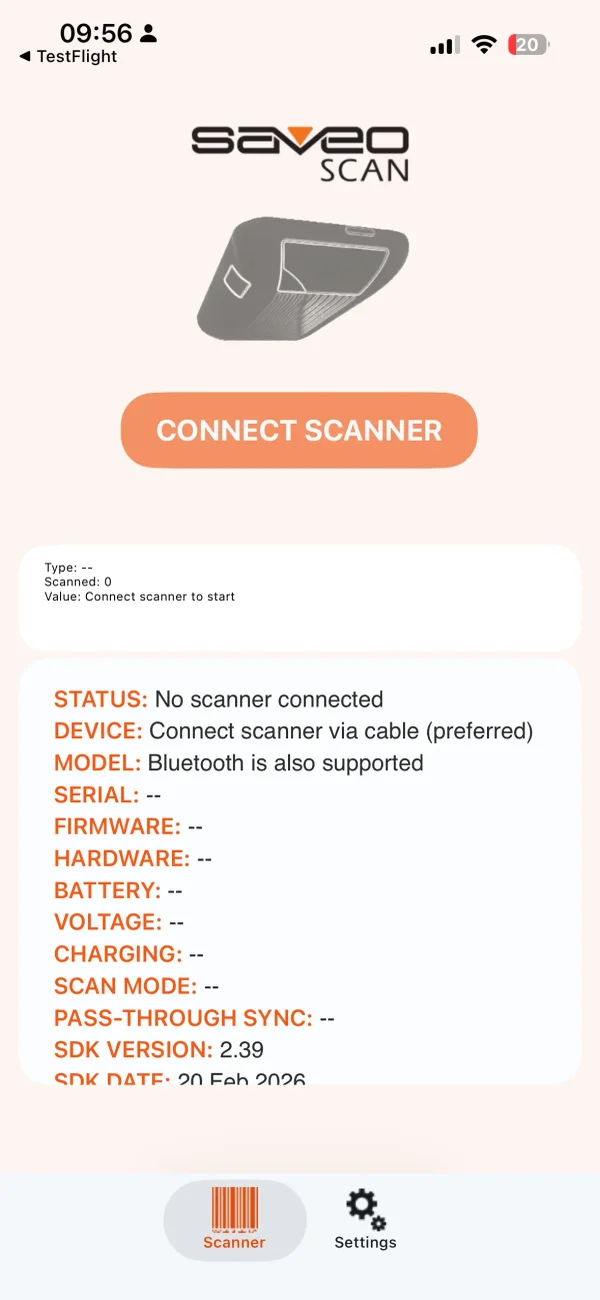
Saveo Support works with supported Saveo scanner hardware to provide barcode scanning, device status, and configuration tools in a simple mobile workflow.
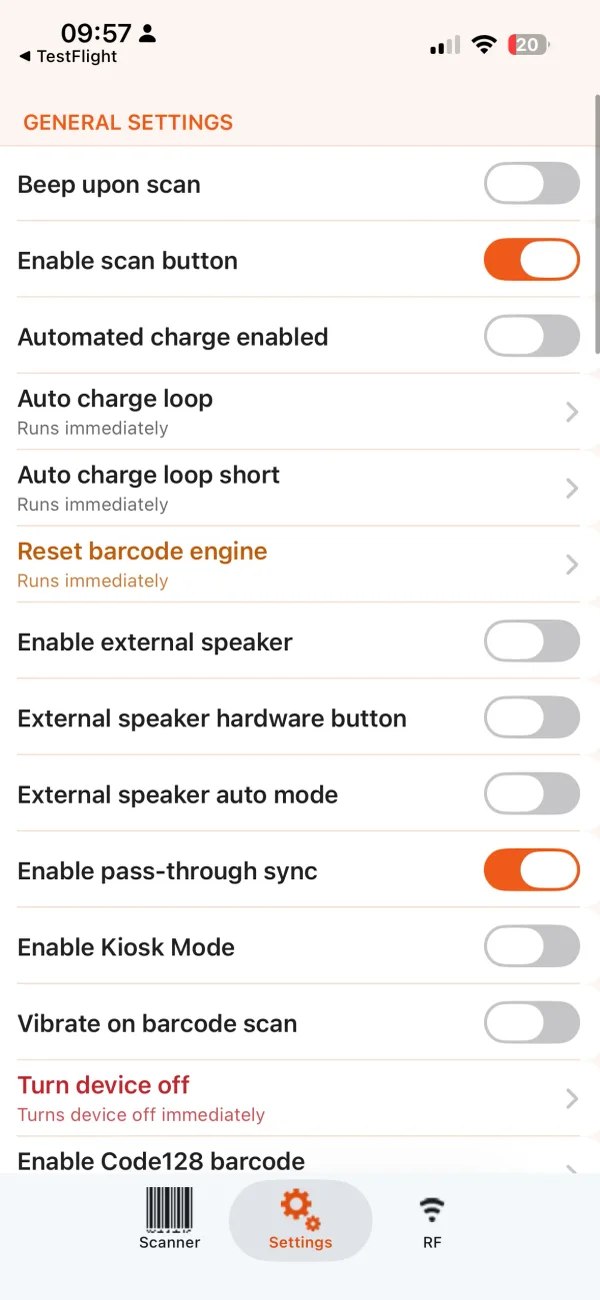
Use the app to connect supported hardware, scan barcodes, view device information, monitor firmware and battery details, and access device settings from a single interface.
Features include:
• Barcode scanning with supported Saveo hardware
• Live device information and connection status
• Battery, firmware, and SDK information
• Device settings and scanner configuration
• Firmware update support for compatible devices
• Bluetooth support on compatible hardware
• iHUB connectivity support for compatible workflows
Saveo Support is intended for use with supported external accessories. Some features require compatible hardware to function.
Có gì mới
Phiên bản 1.22.3 · 21/11/2026
iPad: Saveo Support now works in landscape, for example in a POS stand, and fills the whole screen.
Saveo Sled 15/16/16E: new keyboard (HID) firmware 01.05.70.29, adding the on-screen keyboard show/hide toggle (bottom-left key), as on the Saveo Bolt X2.
How to update (scanner connected):
1. Settings › Update Saveo firmware › tap the keyboard firmware offered and wait for the update to finish.
2. Settings › Reset barcode engine › OK (one-time step after updating).
3. Optional: Settings › HID Barcode Suffix › Enter.
4. Scan into any app. Press the bottom-left key to show or hide the on-screen keyboard.
Also includes minor fixes and improvements.
Video guide: saveoscan.com/support-2/#hid-firmware
Quyền riêng tư của ứng dụng
Những gì Stimare Ltd khai báo trên App Store về cách ứng dụng này xử lý dữ liệu.
-
Dữ liệu không được thu thập
Nhà phát triển không thu thập bất kỳ dữ liệu nào từ ứng dụng này.
Phương thức đảm bảo quyền riêng tư có thể khác nhau, chẳng hạn như tuỳ theo các tính năng bạn sử dụng hoặc độ tuổi của bạn.
Thông tin
- Người bán
- Stimare Ltd
- Danh mục
- Tiện Ích
- Phiên bản
- 1.22.3
- Cập nhật
- 21/11/2026
- Phát hành
- 12/05/2026
- Kích thước
- 68,2 MB
- Yêu cầu
- iOS 15.0 trở lên
- Độ tuổi
- 4+
- Giá
- Miễn phí
- Ngôn ngữ
- Tiếng Anh
- Bản quyền
- © Stimare Ltd